
Cloudprintapp
Print from anywhere!
Designed for iPhone, iPod touch
Free · In-app purchases
- Age rating4+
- CategoryProductivity
- DeveloperJoao Paulo Brugnara da Silveira
- LanguagesEnglish
- Size43.3 MB
Links to the official App Store page
Download.org hosts no file of Cloudprintapp. The button opens its official App Store page, published by Joao Paulo Brugnara da Silveira. Listing last checked on Nov 21, 2026.
Screenshots

About
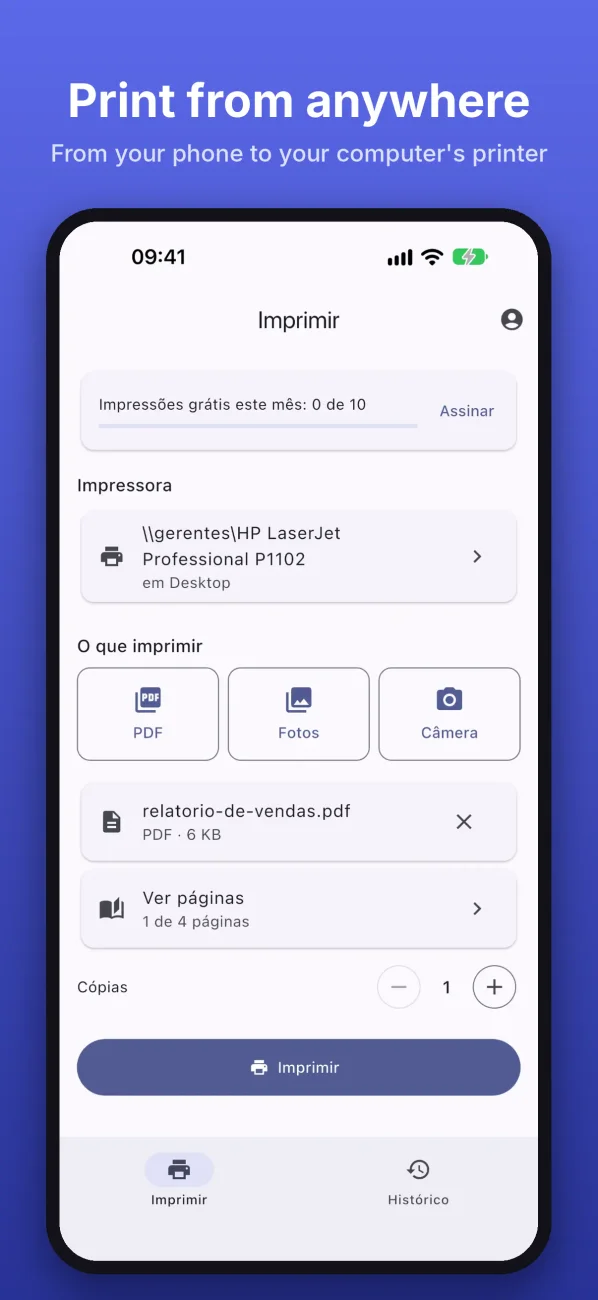
Print from your iPhone to any printer installed on your computer — from home, from work or wherever you are.
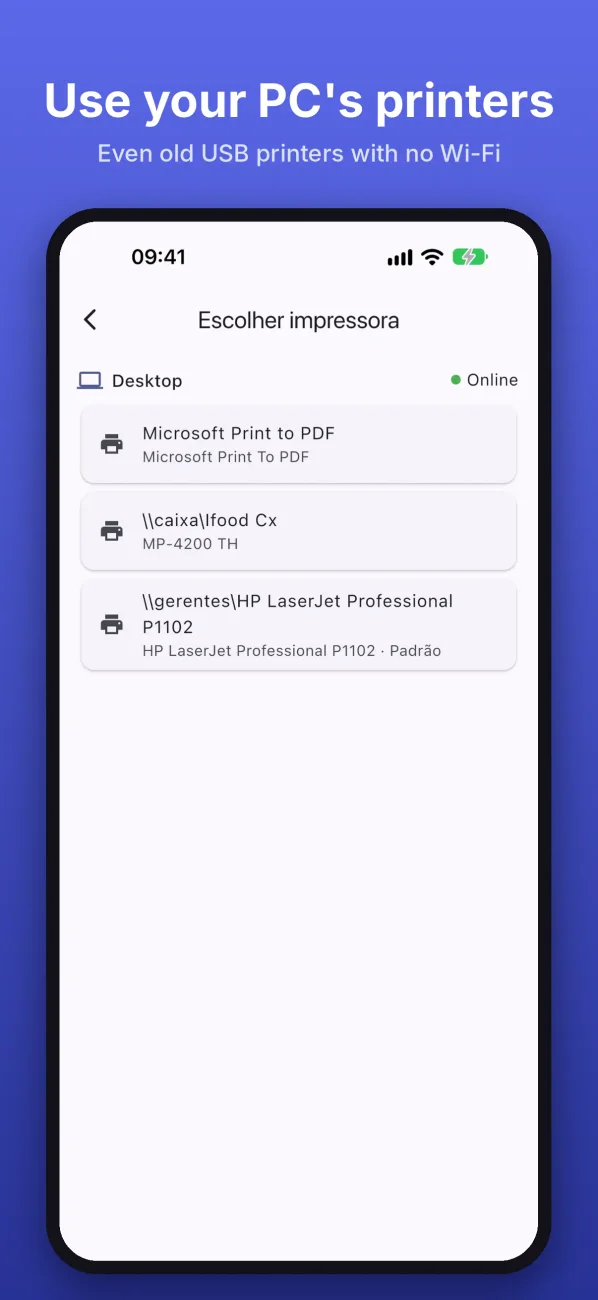
Cloudprintapp connects your phone to the printer on your Mac or Windows PC over the internet. It even works with old printers that only have a USB cable and no Wi-Fi.
HOW IT WORKS
1. Install the free agent on the computer where the printer is installed (cloudprintapp.com.br).
2. Sign in with the same account on the app and on the computer.
3. Choose your document and print. Done!
WHAT YOU CAN PRINT
• PDFs from the Files app, iCloud Drive, email or WhatsApp
• Photos from your library or straight from the camera
• Any PDF or photo from other apps with the Share button
FEATURES
• Print from anywhere, not just on the same Wi-Fi network
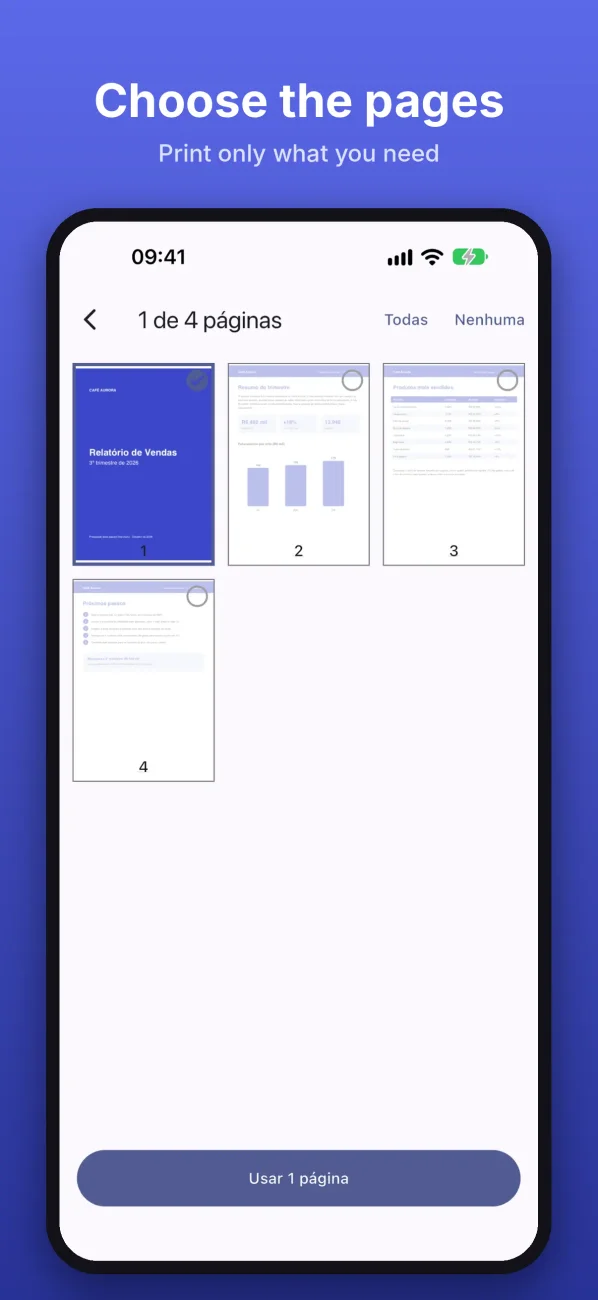
• Choose pages and number of copies
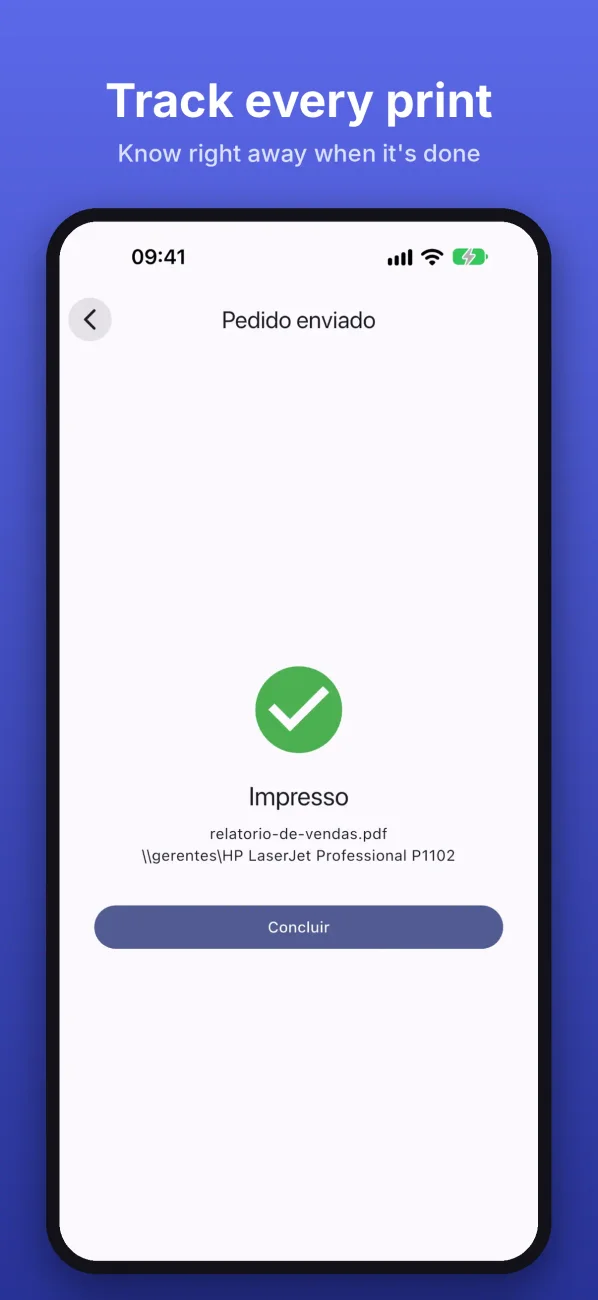
• Track the status: waiting, printing, printed
• Several computers and printers on one account
• Print history
• Your documents are deleted from the cloud right after printing
PLANS
• Free: 10 prints per month
• Premium: unlimited prints, monthly or yearly
Payment is charged to your Apple Account. The subscription renews automatically unless cancelled at least 24 hours before the end of the current period. Manage or cancel it in your Apple Account settings.
Terms of use: https://cloudprintapp.com.br/en/terms
Privacy: https://cloudprintapp.com.br/en/privacy
What’s new
Version 1.0.5 · Nov 18, 2026
Password confirmation when creating an account and an option to show the password.
App privacy
What Joao Paulo Brugnara da Silveira declares on the App Store about how this app handles data.
-
Data linked to you
May be collected and linked to your identity.
- Purchases
- Contact info
- User content
- Identifiers
Privacy practices may vary, for example with the features you use or your age.
Information
- Seller
- Joao Paulo Brugnara da Silveira
- Category
- Productivity
- Version
- 1.0.5
- Updated
- Nov 18, 2026
- Released
- Nov 2, 2026
- Size
- 43.3 MB
- Requires
- iOS 15.0 or later
- Age rating
- 4+
- Price
- Free
- In-app purchases
- Yes
- Languages
- English
- Copyright
- © 2026 Cloudprintapp
You might also like
-
 Fácil Contagem de EstoqueProductivity
-
 Eonix ControlProductivity
-
 RR Meu EstoqueProductivity
-
 Home Chores AIShared Calendar & Tasks
-
 IS CollectorProductivity
-
 Minha Contagem de EstoqueProductivity
-
 Book Writer OneNotes & PDF
-
 TCU MobileProductivity
-
 Vistoria de ImóveisProductivity
-
 Pleno Vistoria de ImóveisProductivity