CMD: SSH, Terminal, DOS, Ping
SSH client & network tools
Designed for iPhone, iPad, iPod touch
Free
- Age rating4+
- CategoryDeveloper Tools
- DeveloperSunandan Sekhar Das
- LanguagesEnglish
- Size17.2 MB
Links to the official App Store page
Download.org hosts no file of CMD: SSH, Terminal, DOS, Ping. The button opens its official App Store page, published by Sunandan Sekhar Das. Listing last checked on Nov 25, 2026.
Screenshots
About
Turn your iPhone or iPad into a professional network diagnostic terminal.
CMD: Command Prompt brings the power of the desktop command line to your mobile device, designed specifically for system administrators, network engineers, developers, and tech enthusiasts who need reliable toolsets on the go.
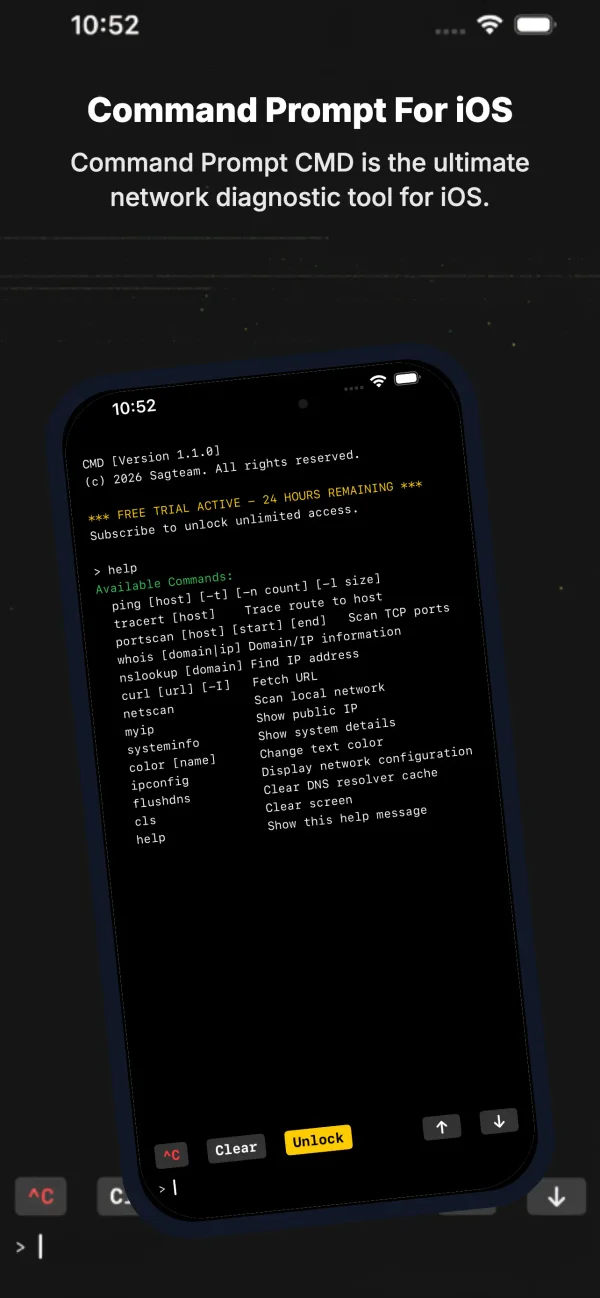
PROFESSIONAL NETWORK TOOLS Forgot your laptop? No problem. Diagnosing network issues has never been easier with our suite of essential commands:
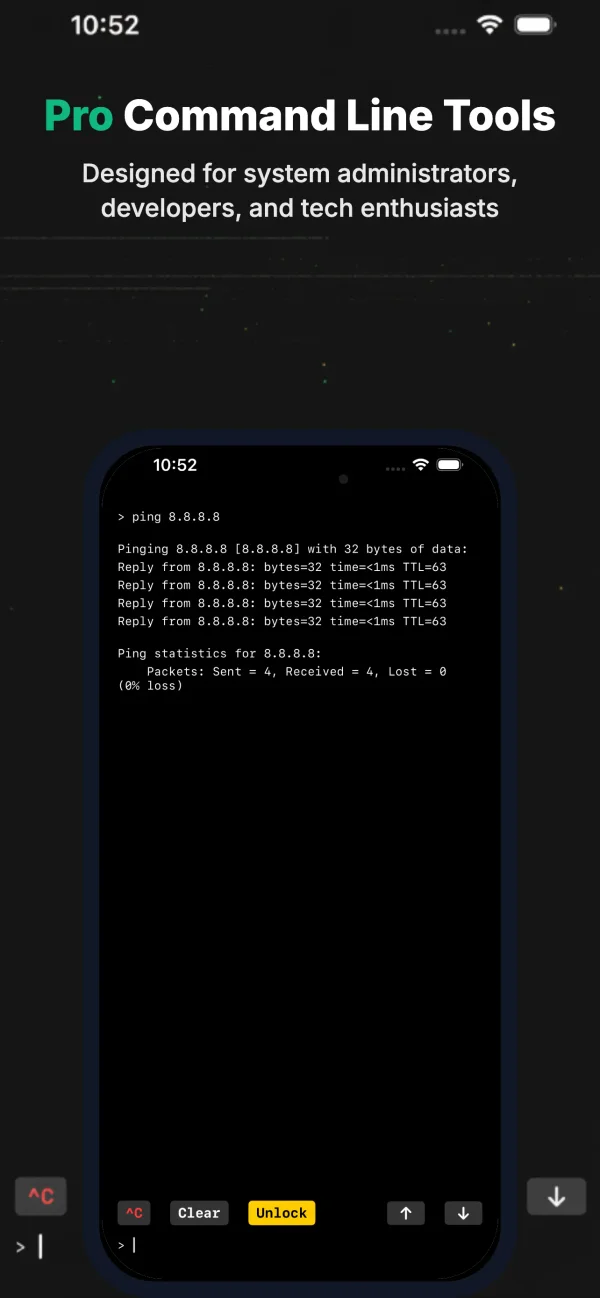
PING: Check host reachability and latency in real-time. Supports continuous ping (-t) and custom payload sizes logic.
TRACEROUTE (TRACERT): Visualize the path your packets take across the internet. Identify bottlenecks and routing loops instantly.
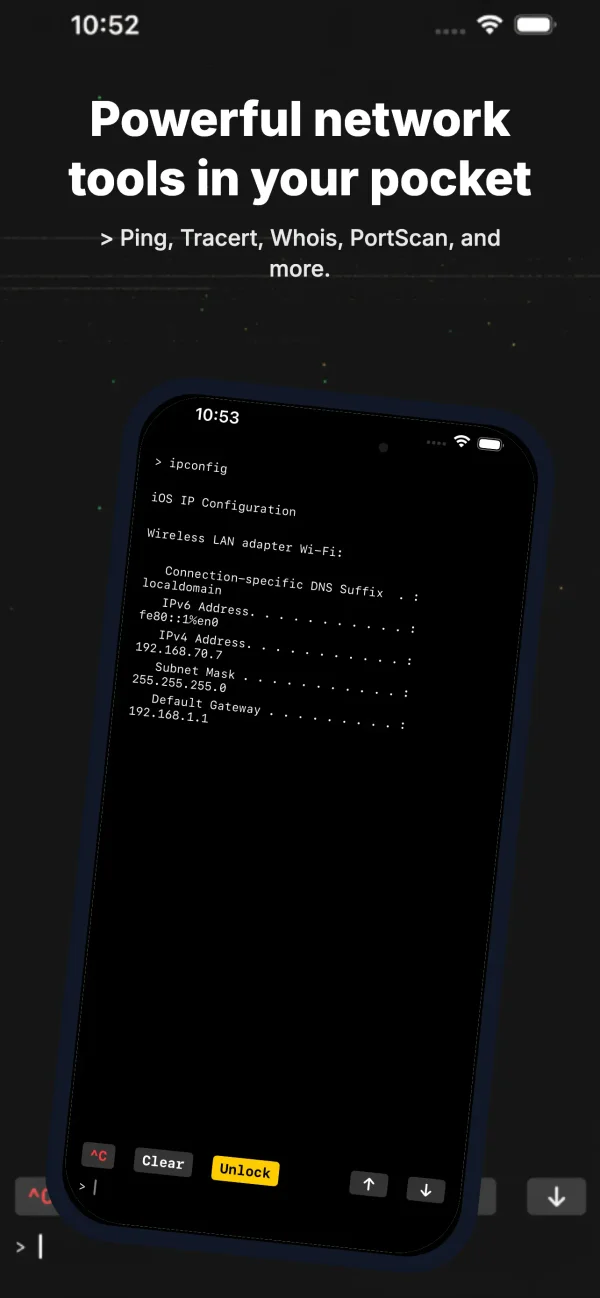
IPCONFIG / MYIP: View detailed local network configuration (LAN IP, Subnet) and your public WAN IP address with one tap.
PORT SCAN: Audit server security by scanning open TCP ports (80, 443, 22, etc.) on any target.
WHOIS: Perform deep lookups on domain names and IP addresses to find registration and ownership data.
DNS LOOKUP (NSLOOKUP): Resolve domain names to IP addresses quickly to verify DNS propagation.
LAN SCAN: Discover all active devices on your local Wi-Fi network.
TERMINAL EXPERIENCE
Authentic UI: Retro-style green-on-black terminal interface for that true hacker feel.
Smart Input: Accessory bar with Arrow Keys, CTRL+C interrupt, and Tab completion helpers.
History: Scroll back through output just like a real console.
SSH Explorer
Transform your Linux server management with our powerful SSH tool. With full support for secure protocols, the ability to save multiple connection profiles, and direct access to server command history, you can connect to and manage your systems anytime, anywhere. Our intelligent terminal features interactive command support, providing a smooth and fast experience for executing both automated and manual commands, ensuring real-time monitoring of your infrastructure
PRIVACY FOCUSED CMD runs all diagnostics locally on your device or via standard internet protocols. We do not track your commands, log your targets, or store your history. Your data is yours.
DESIGNED FOR iOS
Fast: Built with native Swift for maximum performance.
Offline First: Many tools work simply with your local connection.
Modern: Supports Light/Dark mode (though Dark Mode is recommended for the true terminal vibe!).
Whether you are fixing the office Wi-Fi, debugging a server, or just curious about your network connection, CMD is the only tool you need.
Download CMD: Command Prompt today and take control of your network.
What’s new
Version 2.0.5 · Jul 10, 2026
Minor bug fixes and performance improvements.
App privacy
What Sunandan Sekhar Das declares on the App Store about how this app handles data.
-
Data used to track you
May be used to track you across apps and websites owned by other companies.
- Usage data
- Diagnostics
-
Data not linked to you
May be collected but is not linked to your identity.
- Usage data
- Diagnostics
Privacy practices may vary, for example with the features you use or your age.
Information
- Seller
- Sunandan Sekhar Das
- Category
- Developer Tools
- Version
- 2.0.5
- Updated
- Jul 10, 2026
- Released
- Feb 3, 2026
- Size
- 17.2 MB
- Requires
- iOS 15.0 or later
- Age rating
- 4+
- Price
- Free
- Languages
- English
- Copyright
- © 2026 SAG Team
You might also like
-
 Advanced IP ScannerScan LAN, WiFi & ping hosts
-
 Nano AI - for OllamaModern AI Chat Client
-
 OpenCode Mobile AppDeveloper Tools
-
 ProxyTapOne-Tap LAN Proxy Switch
-
 Mobile SSH TerminalSSH client for your servers
-
 Ocean for DODeveloper Tools
-
 Vip Proxy Serverwelcome to FF Proxy Server
-
 Easy SSHPure SSH Terminal Experience
-
 onlinegdbCode. Compile. Run. Anywhere.