Coach Clock: Class Timer
HIIT, Tabata, EMOM, Boxing
Designed for iPhone, iPad
In-app purchases
- Age rating4+
- CategoryHealth & Fitness
- DeveloperQuoc Nguyen
- LanguagesEnglish
- Size15.2 MB
Links to the official App Store page
Download.org hosts no file of Coach Clock: Class Timer. The button opens its official App Store page, published by Quoc Nguyen. Listing last checked on Nov 12, 2026.
Screenshots

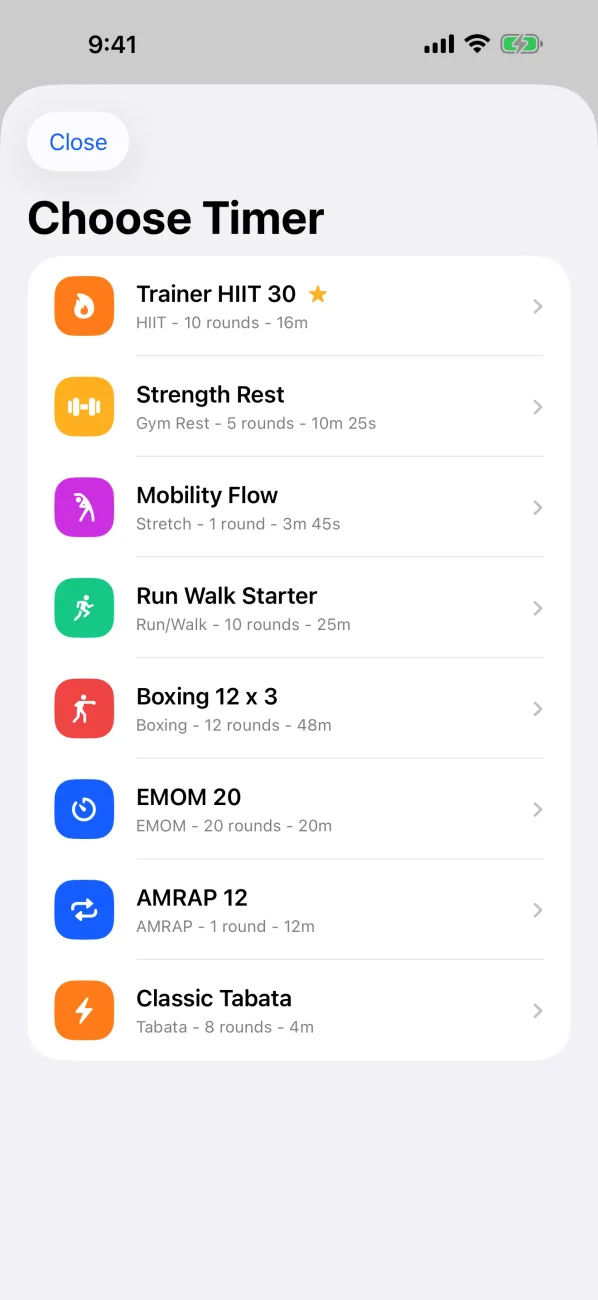
About
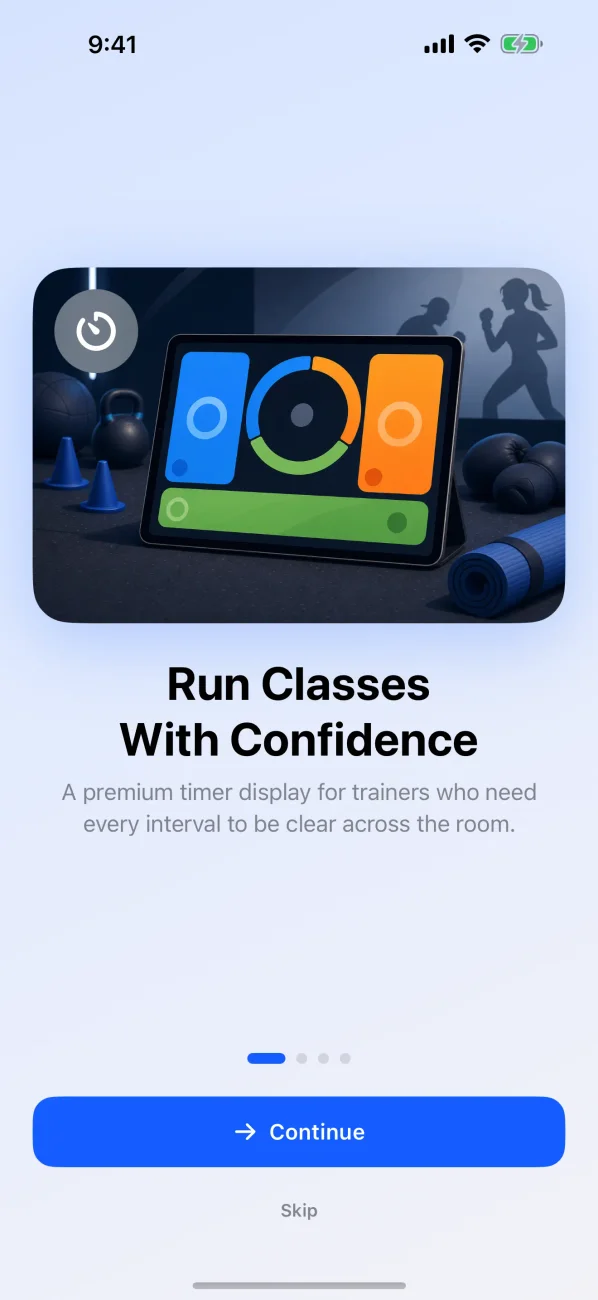
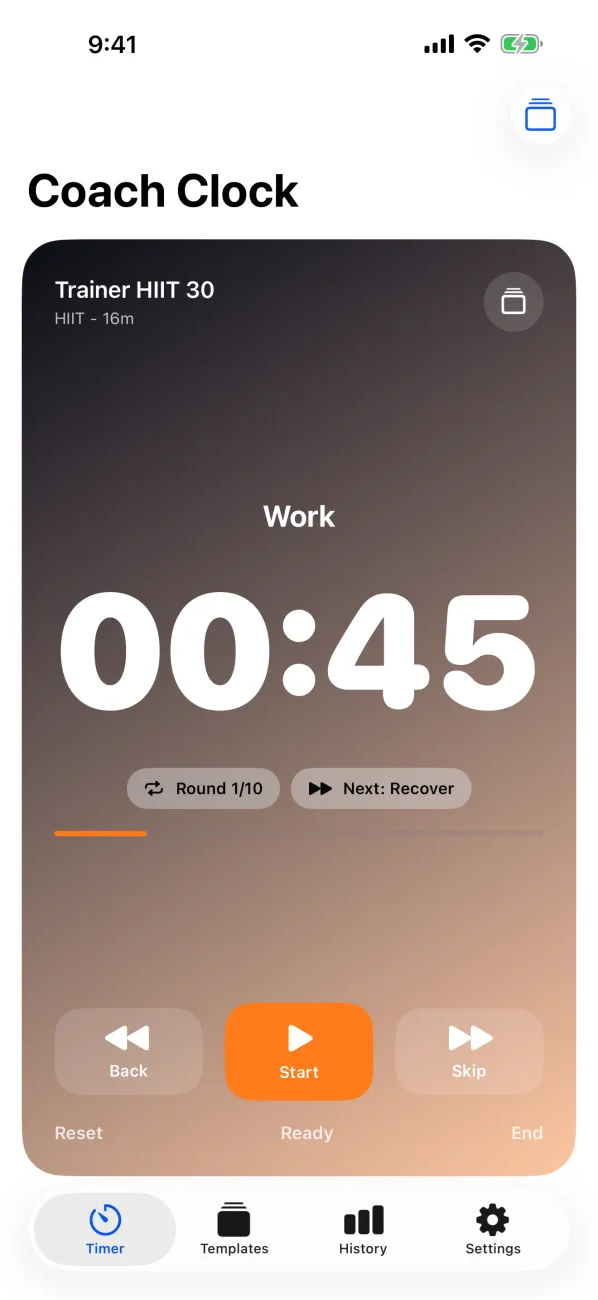
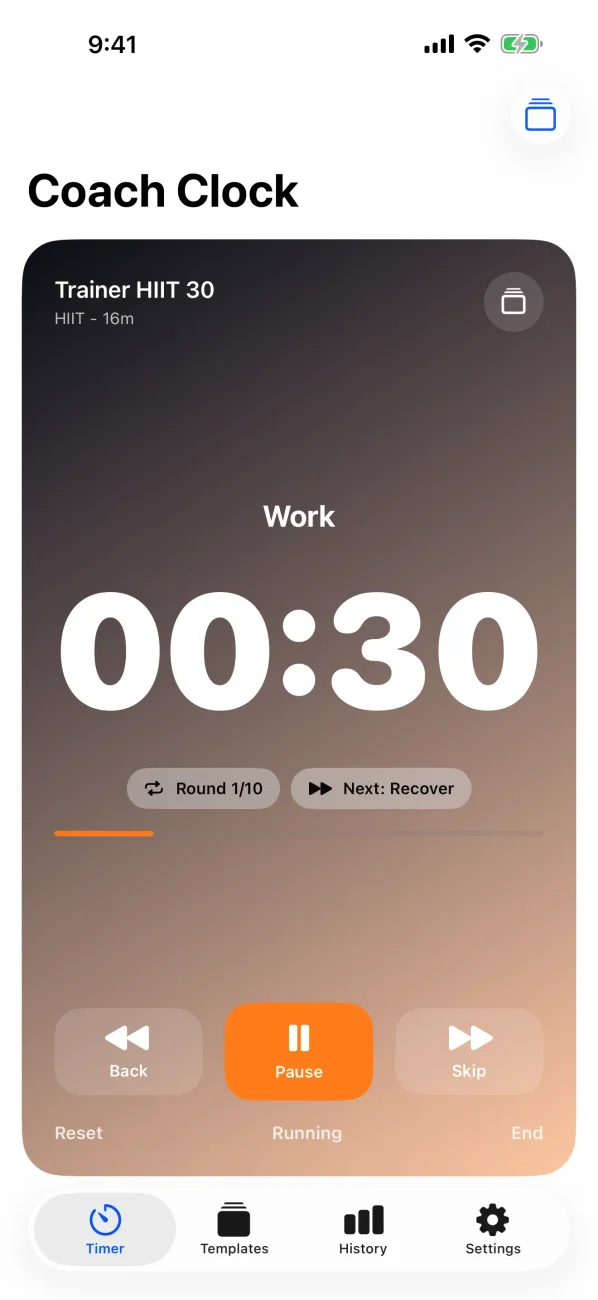
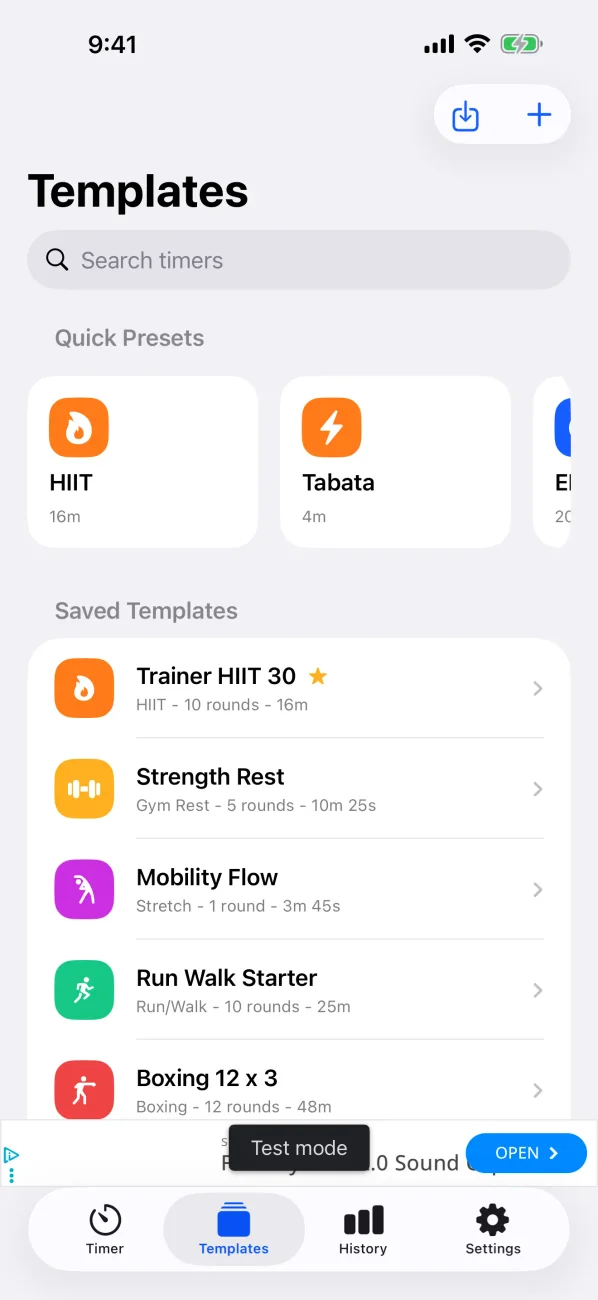
Coach Clock is an interval timer for trainers, coaches, and athletes who need reusable class templates, a big readable display, and reliable workout cues. Start free with everything you need to run a session, then unlock Coach Clock Pro once to remove ads and go unlimited.
KEY FEATURES
- Class-ready timer display: huge countdown, current interval, next interval, round count, elapsed time, and remaining time.
- Professional presets: HIIT, Tabata, EMOM, AMRAP, boxing rounds, run/walk intervals, mobility flows, and gym rest timers.
- Custom template builder: warmups, work blocks, rests, rounds, cooldowns, names, colors, and cue settings.
- Trainer workflow: duplicate templates, favorite your go-to sessions, and (with Pro) share timer files with clients or other coaches.
- iPad stage mode: high-contrast timer layouts designed to be seen across a room.
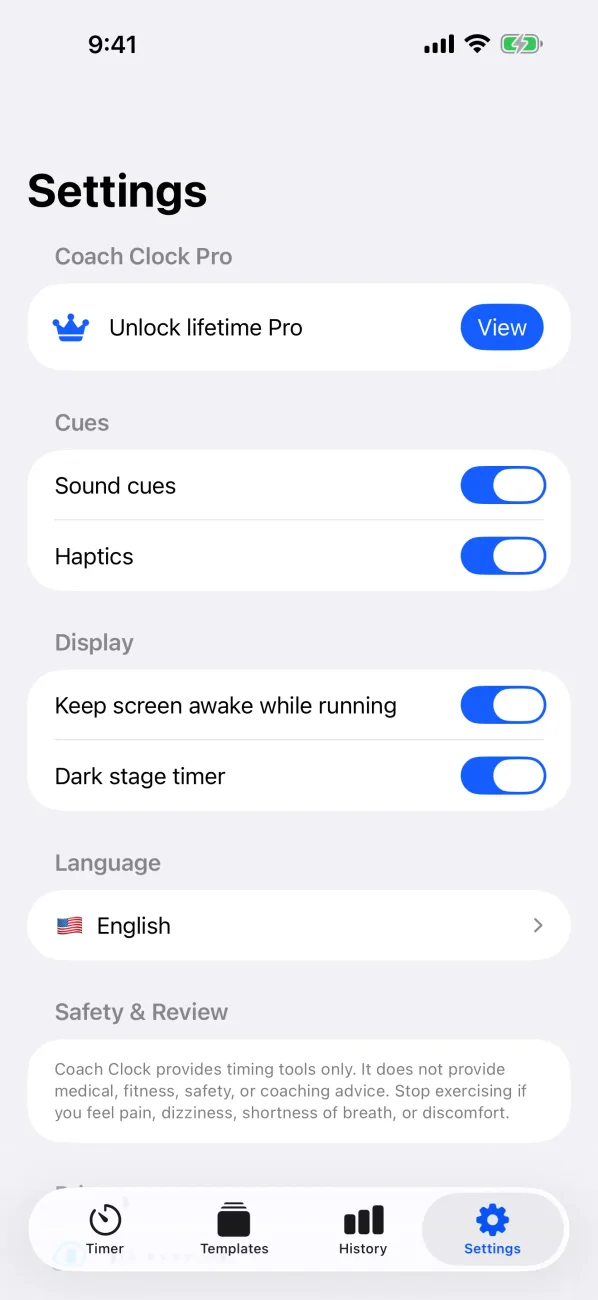
- Audio and haptic cues: countdowns, bells, phase changes, and quiet mode options.
- Local-first: no account required, and your templates stay on device unless you choose to share them.
FREE VS PRO
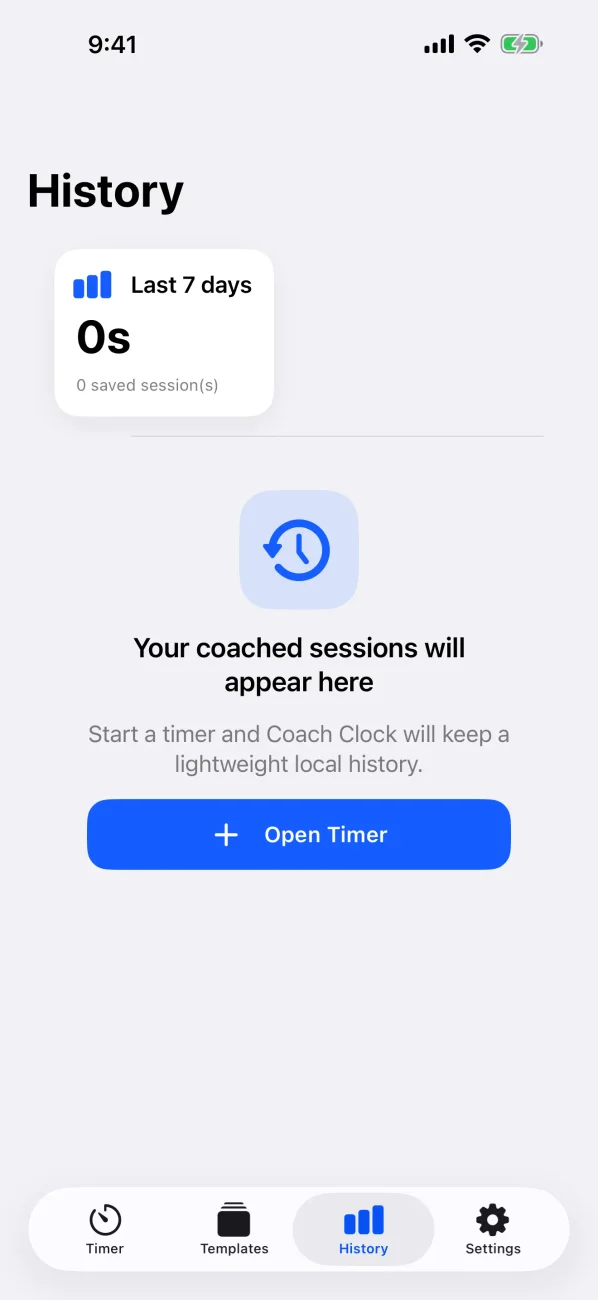
Free: every timer format, all presets, the big display, local class history, and up to 3 custom templates. The free version is supported by ads.
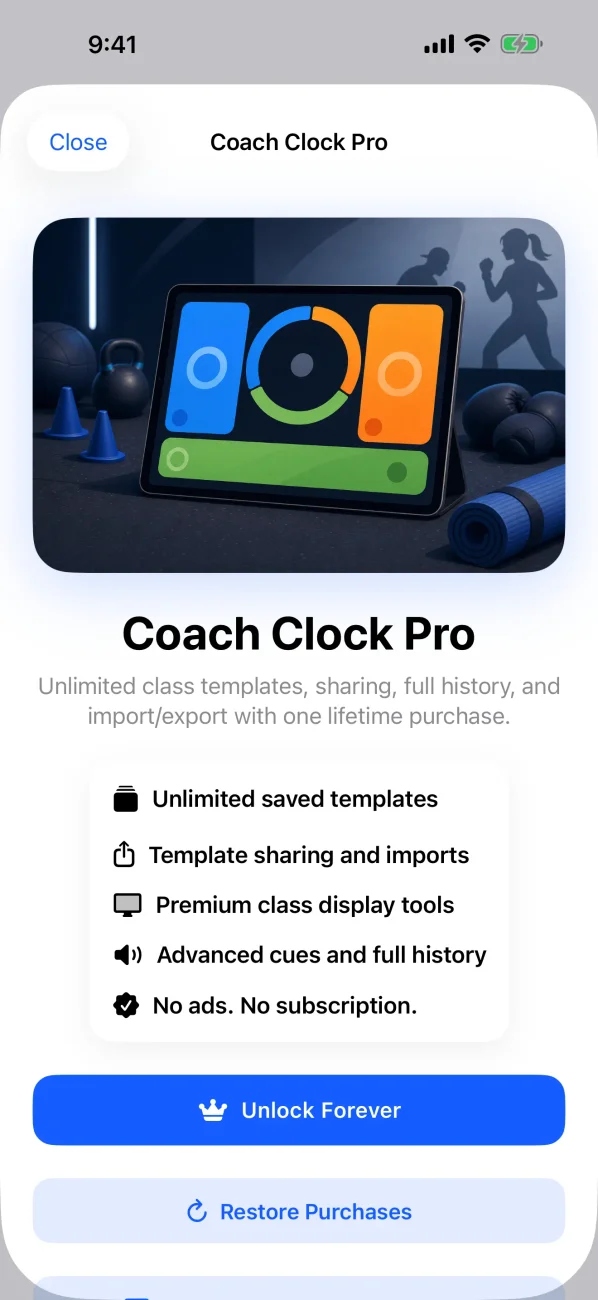
Coach Clock Pro (one-time purchase, no subscription): removes ads and unlocks unlimited saved templates, template sharing with import/export, premium display tools, advanced cues, and full class history.
WHY COACH CLOCK
Generic interval timers can be powerful but slow to set up. Coach Clock is built around the live coaching moment: choose a template, start the class, glance at what is next, and keep the session moving.
SAFE FITNESS NOTE
Coach Clock provides timing tools only. It does not provide medical, fitness, safety, or coaching advice. You choose the exercises, intensity, and suitability of every session. Consult a qualified professional before starting or changing an exercise routine, especially if you have a medical condition, injury, are pregnant, or are new to exercise.
Support, Privacy Policy, and Terms of Use:
https://nemostation90.github.io/app-support/apps/coach-clock/
What’s new
Version 1.1 · Jul 7, 2026
A fresh visual refresh:
• Vibrant new studio backgrounds on the timer, paywall, and empty screens
• Fixed the large timer display so it fits perfectly on iPad and all screen sizes
• Cleaner, more polished visuals throughout the app
• Performance and stability improvements
Thanks for coaching with Coach Clock!
App privacy
What Quoc Nguyen declares on the App Store about how this app handles data.
-
Data used to track you
May be used to track you across apps and websites owned by other companies.
- Identifiers
- Usage data
-
Data not linked to you
May be collected but is not linked to your identity.
- Identifiers
- Usage data
Privacy practices may vary, for example with the features you use or your age.
Information
- Seller
- Quoc Nguyen
- Category
- Health & Fitness
- Version
- 1.1
- Updated
- Jul 7, 2026
- Released
- Jun 24, 2026
- Size
- 15.2 MB
- Requires
- iOS 17.0 or later
- Age rating
- 4+
- In-app purchases
- Yes
- Languages
- English
- Copyright
- © 2026 CoachClock
You might also like
-
 Workout Timer: PT EditionInterval Training Timer
-
 Hyrox Timer & Splits: SledoRace Tracker, Pace & Roxzone
-
 iTimer - HIIT & Interval TimerHyrox, Workouts & Voice Coach
-
 Taba: Workout TimerHIIT, Tabata, EMOM & AMRAP
-
 RestBeat: Gym Rest TimerWorkout interval set timer
-
 Workout for Women: HomeFitProWeight Loss & Home Fitness
-
 Ánima StudioHealth & Fitness
-
 Exercise Timer ReseroEMOM & Custom Interval Workout
-
 JabBell: Boxing Round TimerFight, Spar & Interval Clock
-
 Timer for WorkoutsTabata, HIIT Interval Training