Coach Video Analysis
Golf Swing Analyzer & Slow Mo
Designed for iPhone, iPad, Mac
Free · In-app purchases
- Age rating4+
- CategorySports
- Developermichal bojanowicz
- LanguagesEnglish
- Size33.0 MB
Links to the official App Store page
Download.org hosts no file of Coach Video Analysis. The button opens its official App Store page, published by michal bojanowicz. Listing last checked on Nov 24, 2026.
Screenshots

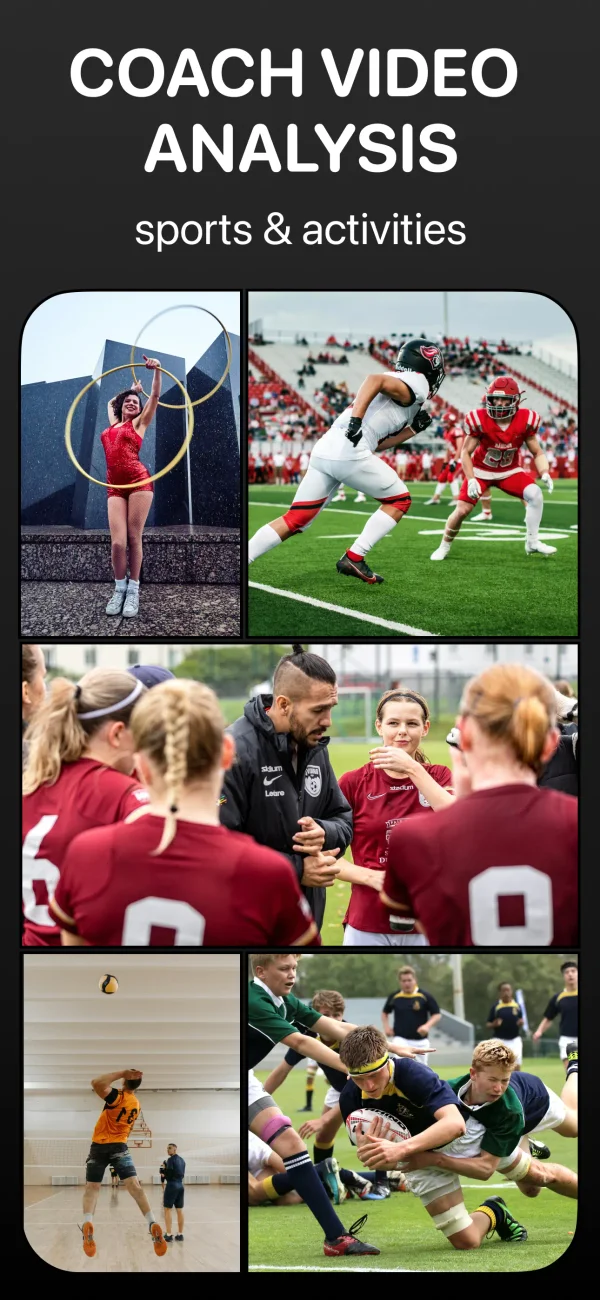
About
Elevate Your Sports Analysis and Feedback!
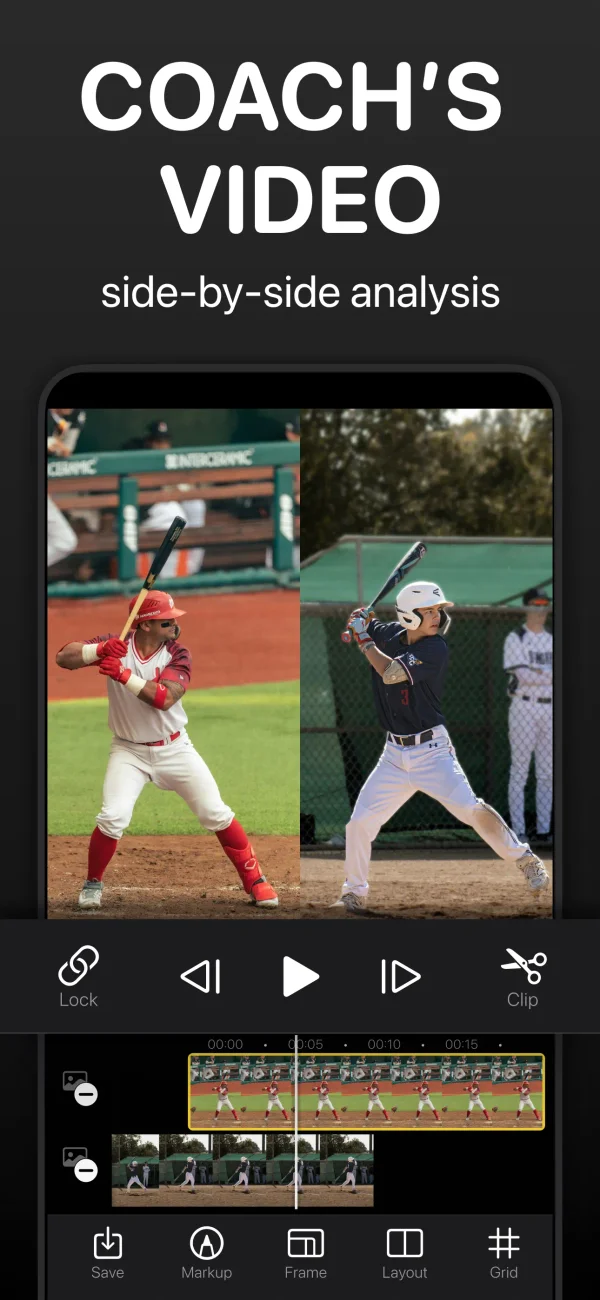
Designed with professional sports in mind, Coach's Video empowers you to refine technique like never before. Synchronize and compare two videos to analyze motion and mechanics. Whether you're a coach, physiotherapist, athlete, or someone striving for peak performance, Coach's Video has your back (and swings)!
Try before you subscribe:
No account. No payment details. No auto-renewing trial to cancel. A subscription unlocks everything.
BENEFITS:
>>Compare side-by-side or overlay
Track Skill Development: Review videos from various training sessions and track athletes' progress. Identify improvements and areas that still need work.
Visual Benchmarking: Compare your videos with videos of top players in your sport. See the differences in techniques, movements, and strategies, and specify topics requiring polishing.
>>Clip a Moment
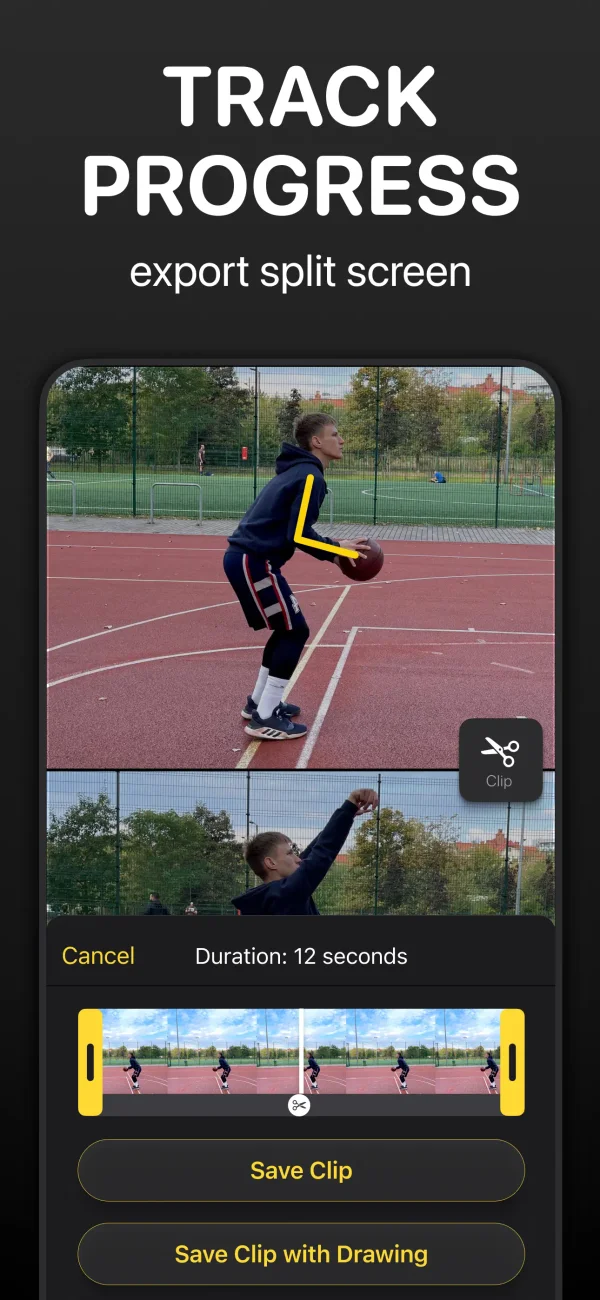
Export a short highlight with or without the markups.
>>Export Kinogram
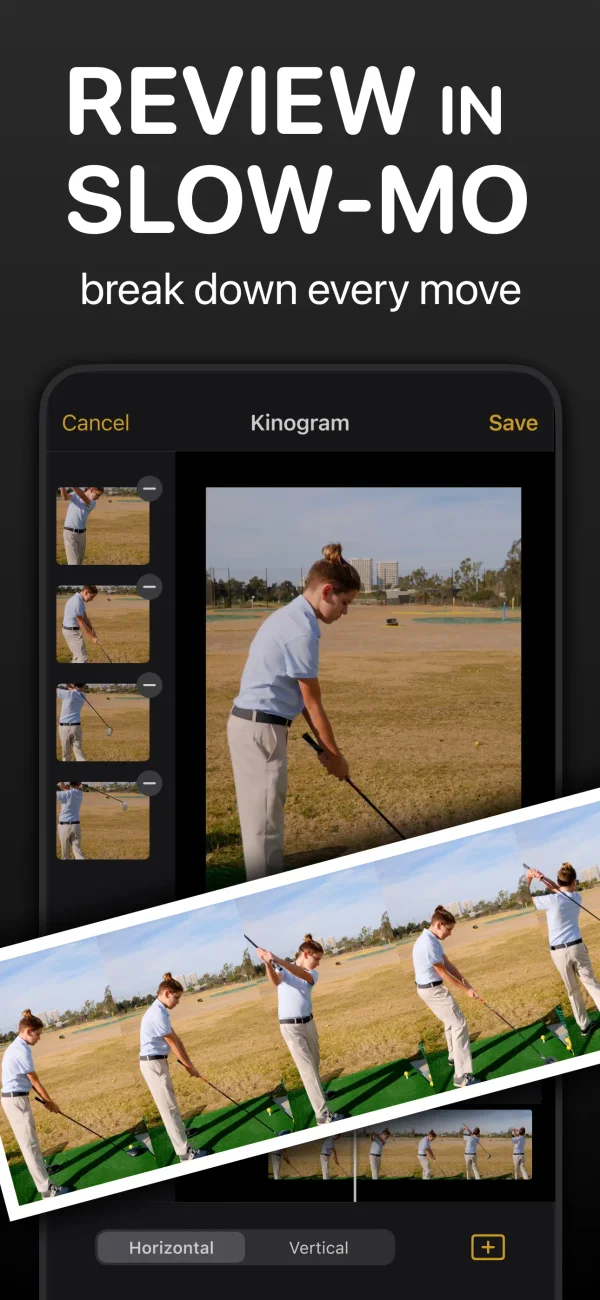
Our unique export method lets you curate a set of static shots from the video. Select frames showing the different stages of movement, arrange them horizontally or vertically, and save them as one picture. Track athletes' improvement in mechanics over time and provide visual feedback. Compare and discuss kinematic positions with other trainers. Create highlights of the game's best moments for parents.
>>Mark It Up
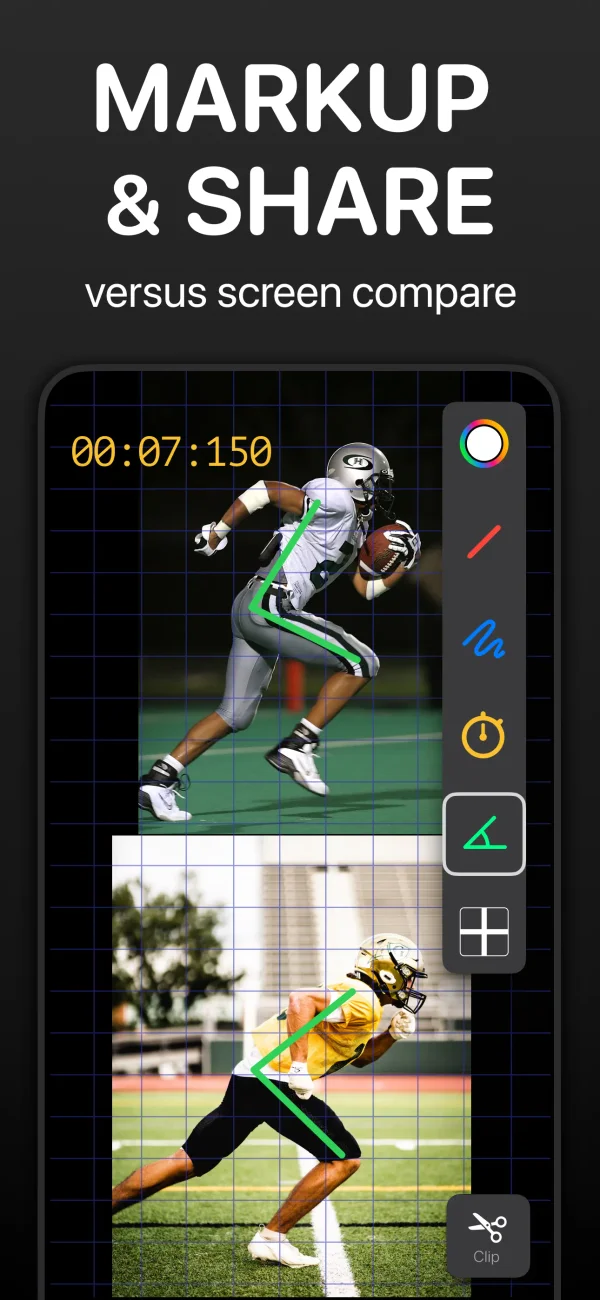
Add drawings to pinpoint the details. Provide colorful guidance, whether correcting a baseball hit, refining a golf swing, or perfecting a dance move.
>>Slow It Down
Slow-motion analysis helps understand the mechanics of movements and identify subtle changes in technique or form, which might not be apparent at a regular rate.
>>Analyze Frame by Frame
Scrub through videos to break down complex movements or analyze difficult positions. Use frame-by-frame navigation to synchronize videos down to the second.
* Provide Personalized Feedback
Provide more effective and targeted feedback, leading to faster progress and success on the field or in any discipline.
* Track Physiotherapy Progress
Sports therapists can track an athlete's progression over time to gradually increase exercise intensity and ensure a safe return to training. Whether striving to reach the level of top players or working towards recovery and getting back to peak performance, VideoCoach can be a valuable companion in an athlete's journey.
* Revolutionize your analysis and empower your performance.
Coach's Video Features:
Link: Synchronize and link two media files. / The app automatically trims the beginnings and endings when merging videos to match the shorter file. Reverse the process by unlinking /
Markup: Add drawings, measure angles or time. Mirror sketches from one video to another as you draw.
Clip: Quick save button for short highlights.
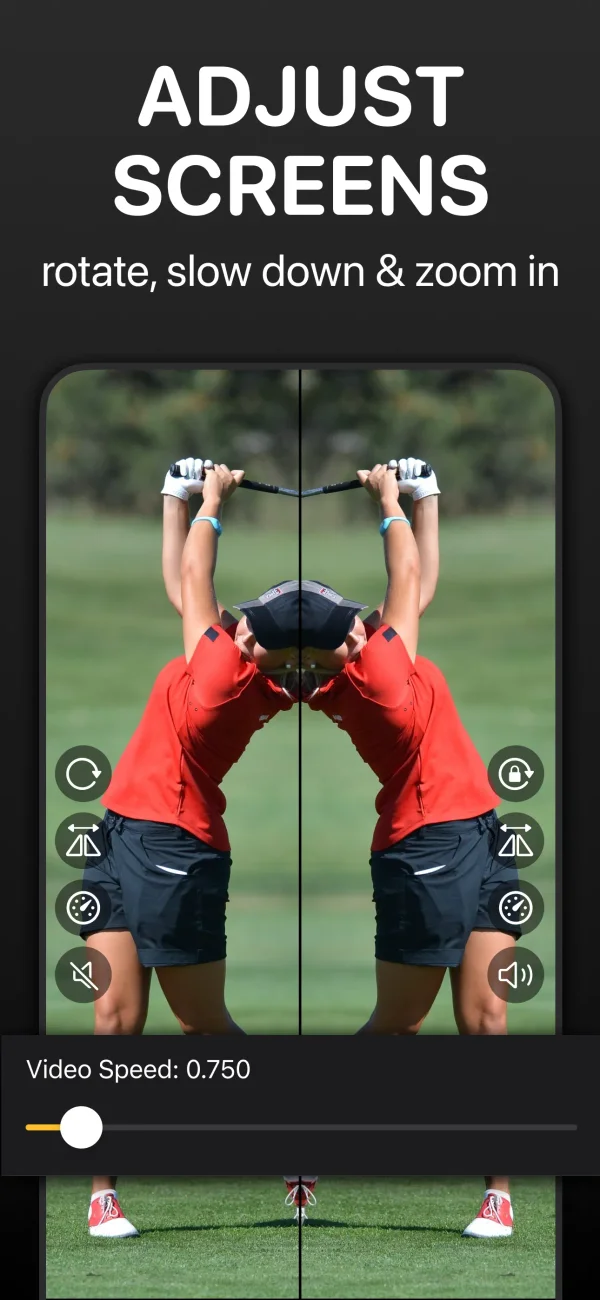
Slo-mo: Adjust the playback speed of individual videos.
Rotate or Flip videos horizontally for better alignment.
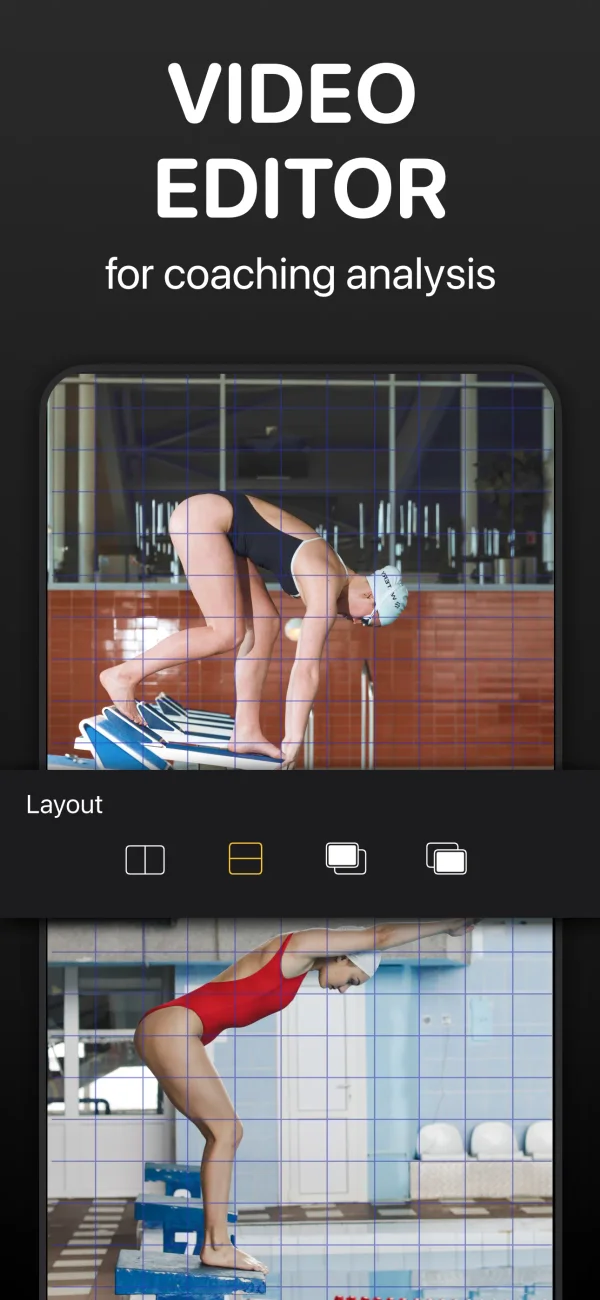
Layout: Upload two videos and review them side by side (vertically or horizontally) or overlaid.
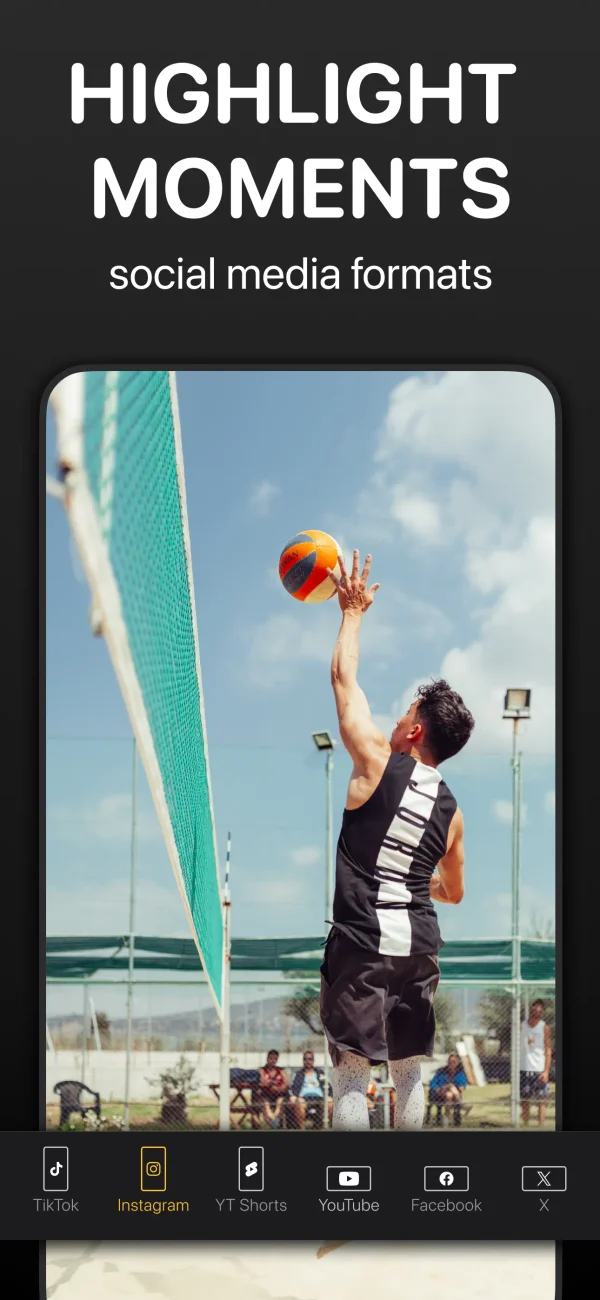
Aspect ratio: Choose from various formats.
Export: Save files to the Photos folder in 4 formats /If you want to export the side-by-side videos, link them first/
* Kinogram & chronogram methods let you save a set of video frames as one photo.
Frame-by-Frame: Scrub through videos step by step
Zoom: Zoom in and out with your fingers. Double click doesn't reset the zoom.
Grid View: Align videos for precise side-by-side comparison.
Video Timelines:
* Grab timeline borders to trim the video.
* Zoom in on the timeline for precise analyses and linking.
* Slide timelines separately or simultaneously. To slide two videos at once, grab between timelines. /Timelines must be unselected if you want to play videos simultaneously/
Terms of services: https://www.apple.com/legal/internet-services/itunes/dev/stdeula/
What’s new
Version 1.8.3 · Nov 23, 2026
* Tap a clip to play or pause it.
* Overlay: a new slider mixes the two clips.
* Enjoying the app? Leave us a 5-star review, it means a lot to us!
App privacy
What michal bojanowicz declares on the App Store about how this app handles data.
-
Data not linked to you
May be collected but is not linked to your identity.
- Location
- Identifiers
- Usage data
- Diagnostics
- Other data
Privacy practices may vary, for example with the features you use or your age.
Information
- Seller
- michal bojanowicz
- Category
- Sports
- Version
- 1.8.3
- Updated
- Nov 23, 2026
- Released
- Sep 27, 2023
- Size
- 33.0 MB
- Requires
- iOS 16.0 or later
- Age rating
- 4+
- Price
- Free
- In-app purchases
- Yes
- Languages
- English
- Copyright
- © Michal Bojanowicz
You might also like
-
 CoachLens: Video Coaching AppAnalyze Athlete Performance
-
 MultiVideo -SideBySide OverlapEdit two videos at the same
-
 WithCoach: Video Coach ReviewCompare, Annotate, Improve
-
 VisualEyes: Video Coaching AppSports Analysis & Techniques
-
 CoachView Slowmo Video PlayerYour new Coaches Eye tool
-
 Coachly: 1-on-1 Sport CoachingPrivate Lessons/Video Analysis
-
 V1 Baseball: Swing AnalyzerVideo analysis Drill Technique
-
 Coachable AnalysisSports
-
 KineVision - Video AnalysisSports Technique Coaching
-
 V1 Coach: Video Analysis AppGolf & Baseball swing lessons