- Age rating4+
- CategorySports
- DeveloperHarald Niklaus
- LanguagesEnglish
- Size108.5 MB
Links to the official App Store page
Download.org hosts no file of Coach Video Analyzer. The button opens its official App Store page, published by Harald Niklaus. Listing last checked on Nov 22, 2026.
Screenshots
About
Perfect Your Movement – Frame by Frame
See what the naked eye misses. Record or import a video, slow it down, and analyze every detail of your technique. With private AI coaching on your device, you get feedback that helps you improve faster. Made for athletes, coaches, and physiotherapists.
SEE EVERY DETAIL
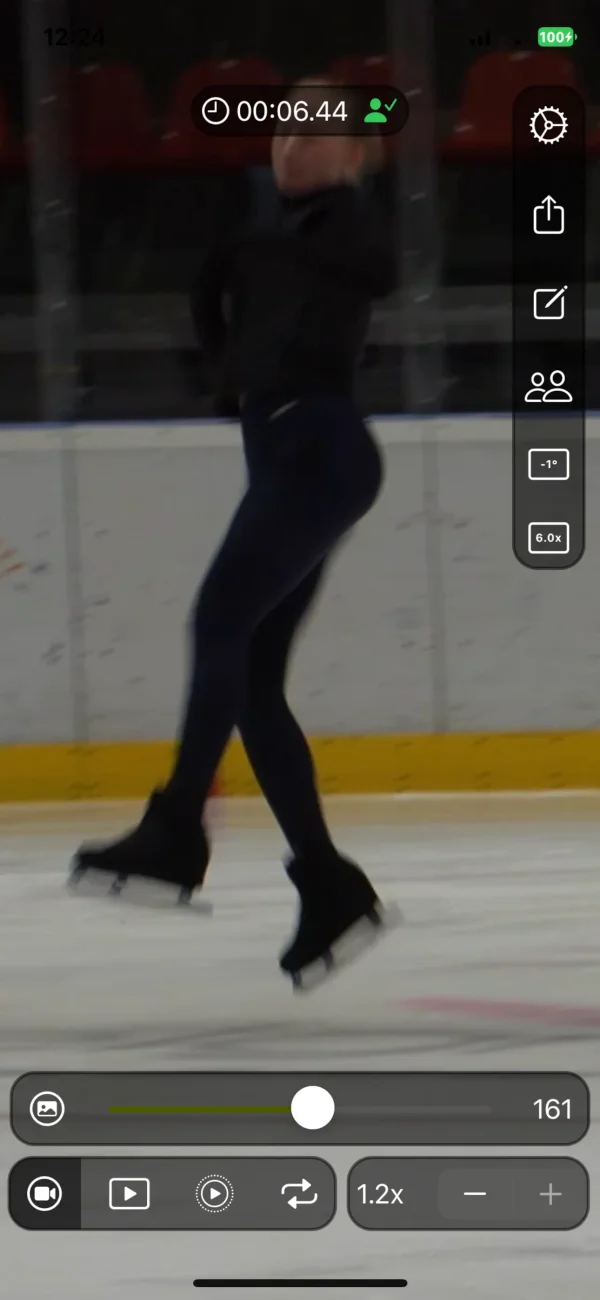
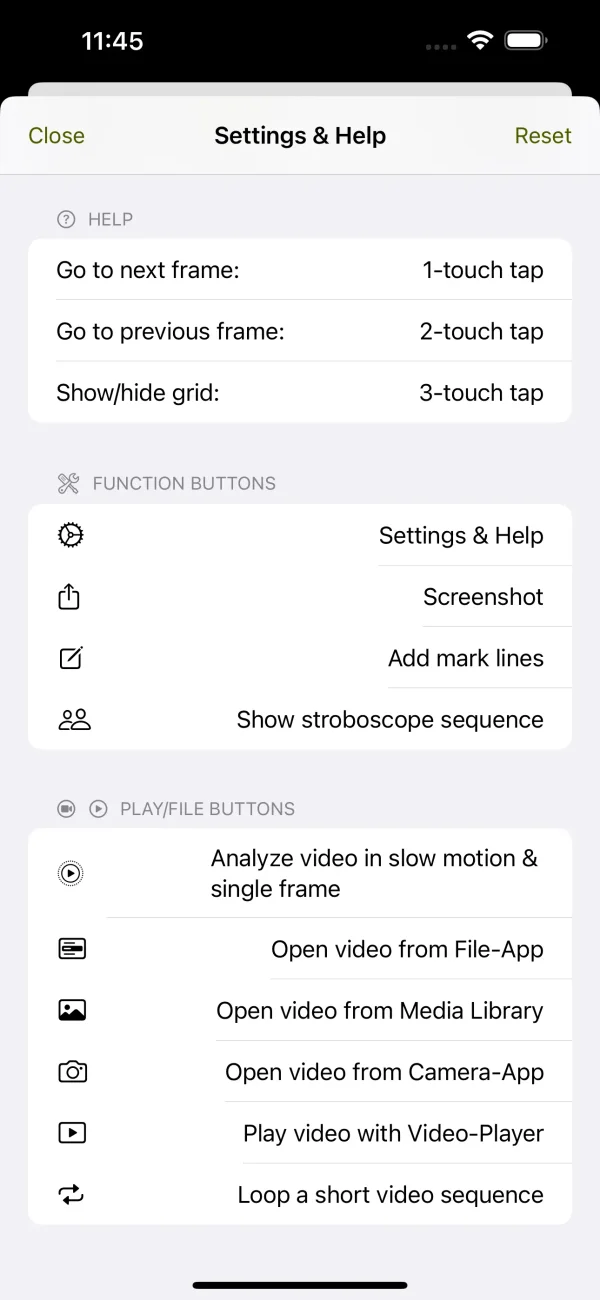
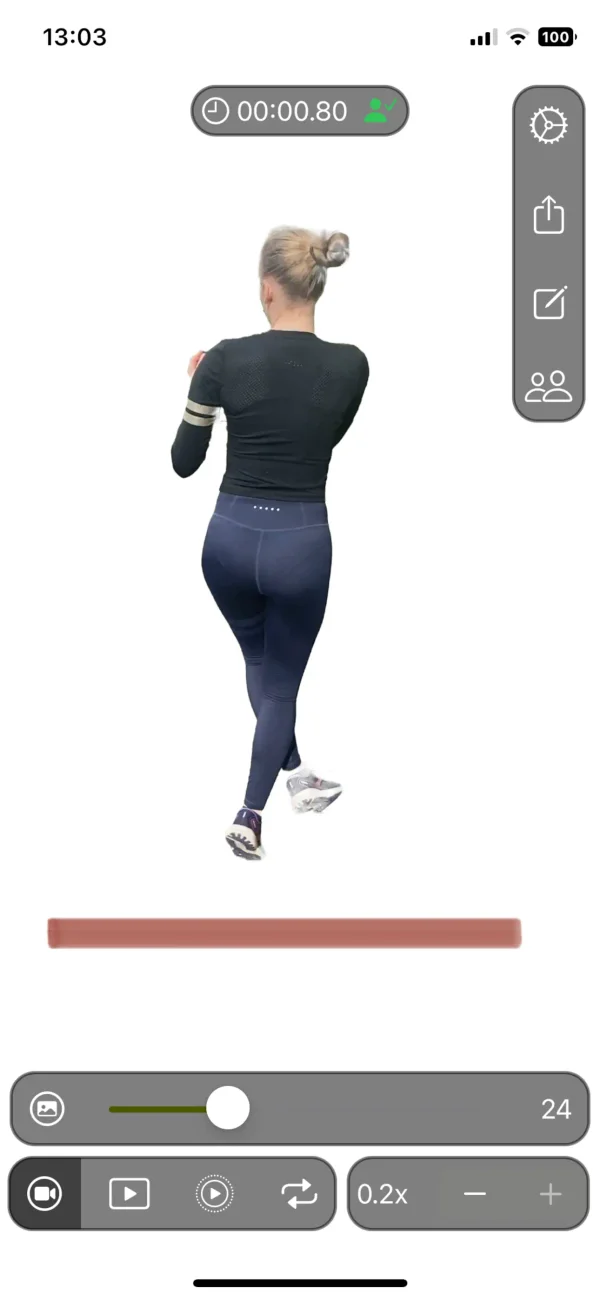
Play videos in slow motion or step through them frame by frame with a simple tap. Pinch to zoom and rotate to inspect any movement from any angle. The app can automatically zoom in on the detected person.
DRAW ON YOUR VIDEO
Mark posture, lines, and angles with the freehand tool – your drawings stay in place while the video plays. Use the grid overlay to check alignment, and loop any section to study it again and again.
BODY POSE DETECTION
Apple's Vision technology detects body poses and overlays them on your video, so you can check posture, angles, and alignment at a glance. Person segmentation separates the athlete from the background.
AI COACHING FEEDBACK
Ask a question about your technique by typing or by voice, and get personalized feedback powered by Apple Intelligence – with direct links to the exact frames. Processing happens on your device, so your videos stay private. Bookmark useful answers and return to your chat history anytime.
(Requires a device with Apple Intelligence. Not available in all languages or regions.)
COMPARE YOUR MOVEMENT
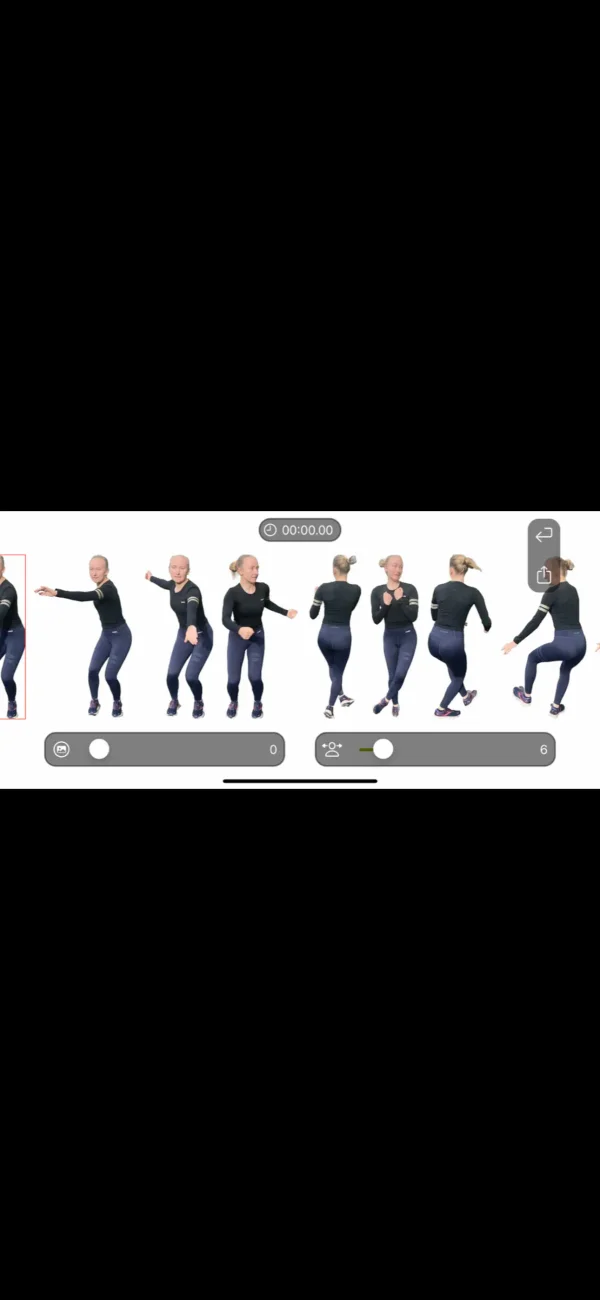
Use the Stroboscopic View to see your whole movement overlaid in a single image. Use the Motion Sequence View to compare frames side by side and spot subtle changes over time.
MAKE IT YOURS
Customize colors for pose lines and points, background transparency, button layout, playback performance, and more.
KEY FEATURES
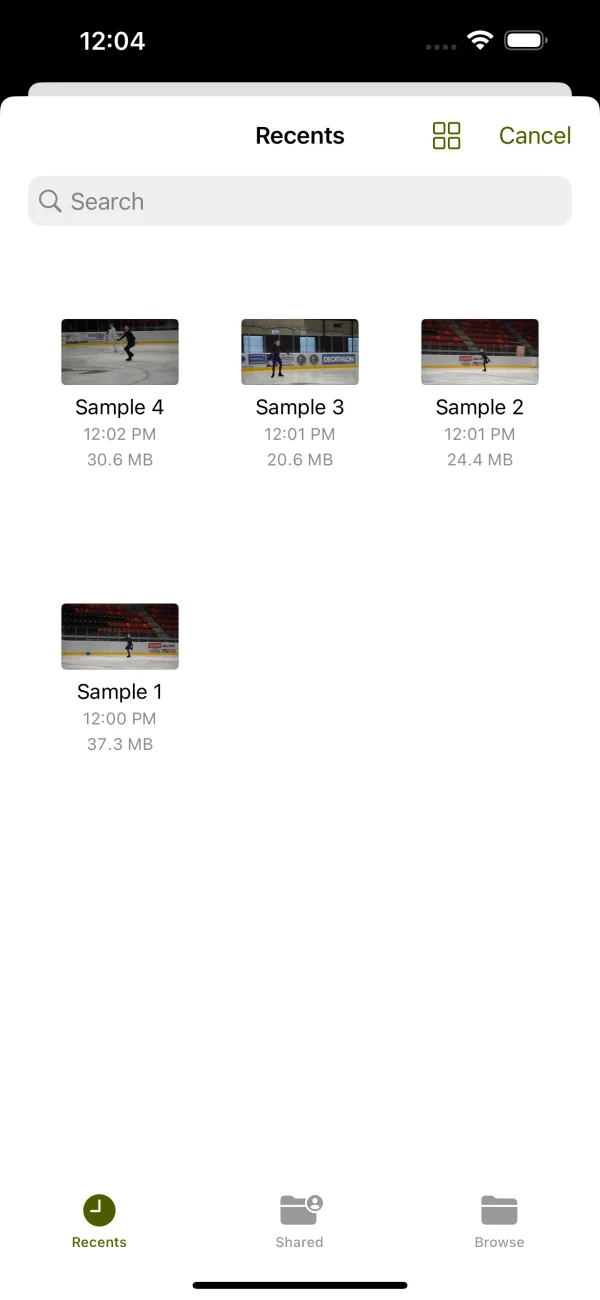
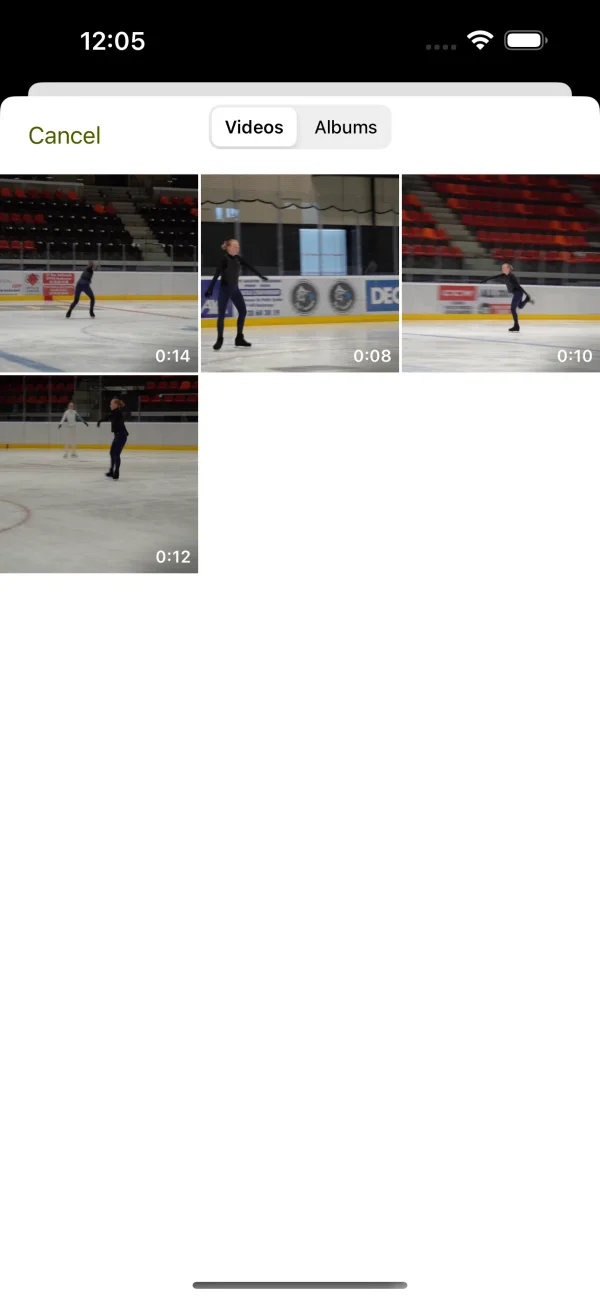
• Record in the app or import from Photos and Files
• Adjustable playback speed, including slow motion
• Frame-by-frame analysis with a tap
• Zoom and rotation, with automatic zoom to the detected person
• Freehand drawing that plays along with the video
• Grid overlay and endless loop
• Body pose detection and person segmentation
• Stroboscopic View
• Motion Sequence View for side-by-side comparison
• AI Coaching Feedback with voice input, frame links, bookmarks, and chat history (requires Apple Intelligence; not available in all languages or regions)
• Customizable colors and controls
• Drag & drop and multi-window support (iPad)
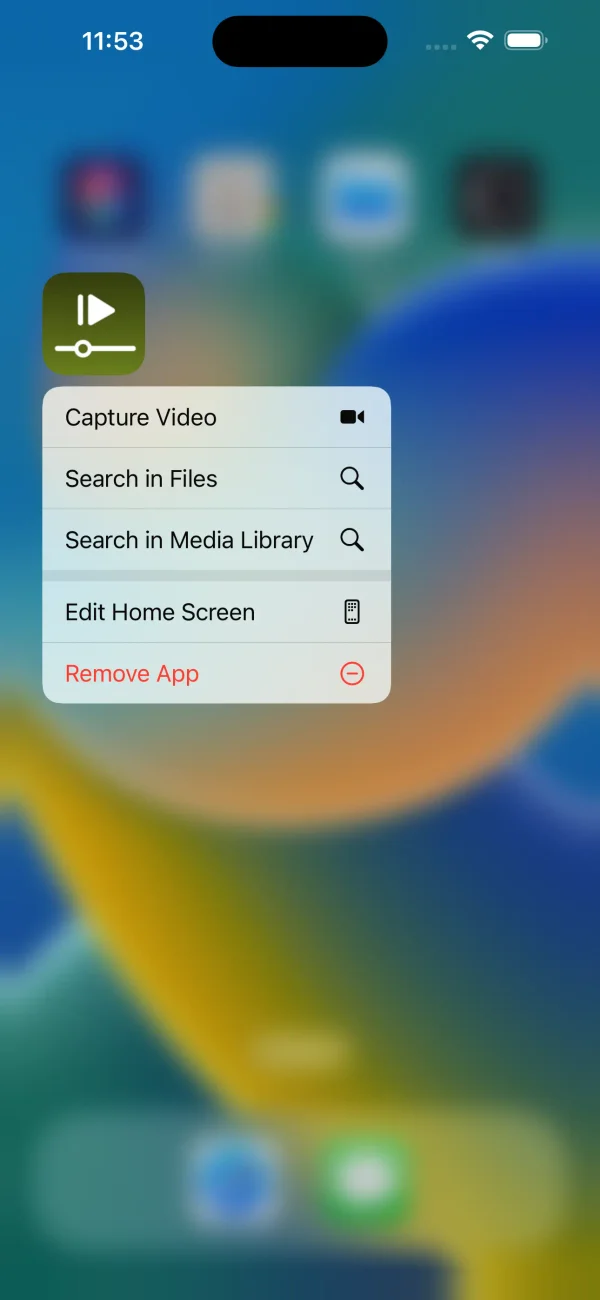
• Siri & Shortcuts for hands-free recording and playback
• Easy sharing
IDEAL FOR
Figure skating, golf, tennis, gymnastics, dance, martial arts, track and field, fitness, and any sport where technique matters.
What’s new
Version 2.6 · Nov 19, 2026
Meet your new AI coach – and a fresh look.
NEW: AI COACHING FEEDBACK
Ask questions about your technique and get personalized feedback powered by Apple Intelligence – with direct links to the exact frames. Processing happens on your device, so your videos stay private. Ask by voice, bookmark useful answers, and revisit your chat history anytime.
Requires a device with Apple Intelligence; not available in all languages or regions.
NEW: SIRI & SHORTCUTS
Start recording, open a video from Photos or Files, or continue with your last video – hands-free with Siri or from the Shortcuts app.
IMPROVED BODY POSE DETECTION
More reliable pose and person detection. Choose which person to analyze when several are in the video, and let the app zoom in on them automatically.
SMARTER ONBOARDING
A redesigned welcome screen and helpful tips guide you step by step through frame navigation, zoom, drawing, and AI feedback.
REFINEMENTS
• Redesigned interface with improved dark mode
• Improved Motion Sequence View and sliders
• Smoother video playback and drawing tools
• Many small fixes and performance improvements
App privacy
What Harald Niklaus declares on the App Store about how this app handles data.
-
Data not collected
The developer does not collect any data from this app.
Privacy practices may vary, for example with the features you use or your age.
Information
- Seller
- Harald Niklaus
- Category
- Sports
- Version
- 2.6
- Updated
- Nov 19, 2026
- Released
- Oct 11, 2016
- Size
- 108.5 MB
- Requires
- iOS 27.0 or later
- Age rating
- 4+
- Languages
- English
- Copyright
- © Harald Niklaus
You might also like
-
 Coachable AnalysisSports
-
 ViDelay: Video Delay & ReplayHD Video Delay & Replay Camera
-
 KeikooSports
-
 Taggy.camSports
-
 Pinpoint - Video AnalysisSports
-
 JRTimingEnhance JRTiming Experience
-
 AthlytsCoachHelps you achieve more
-
 ReplayologySports
-
 StopWatch For SwimmingLap timer for swim coaches
-
 ChalkTimerUSAG Rules Based Warm-Up Timer