
Coax - Surf your Plex Server
Relax with Coax
Designed for iPhone, iPad, Mac
Free · In-app purchases
- Age rating17+
- CategoryEntertainment
- DeveloperOut to Lunch Productions, LLC
- LanguagesEnglish+ 7 more
- Size62.8 MB
Links to the official App Store page
Download.org hosts no file of Coax - Surf your Plex Server. The button opens its official App Store page, published by Out to Lunch Productions, LLC. Listing last checked on Nov 23, 2026.
Screenshots

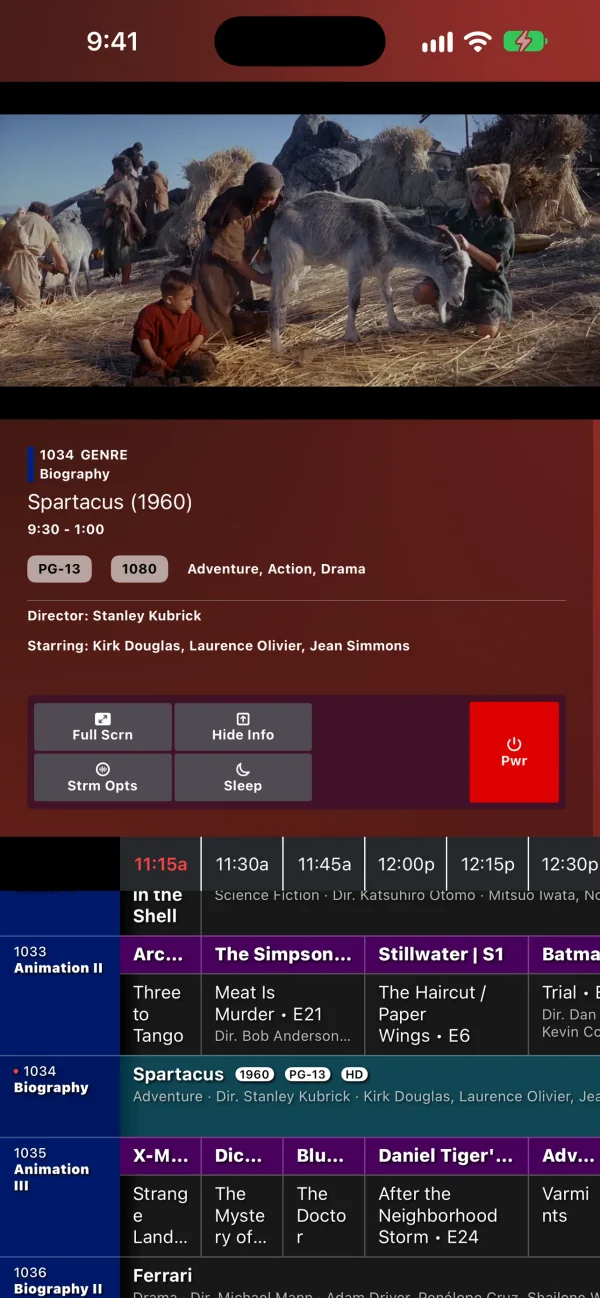
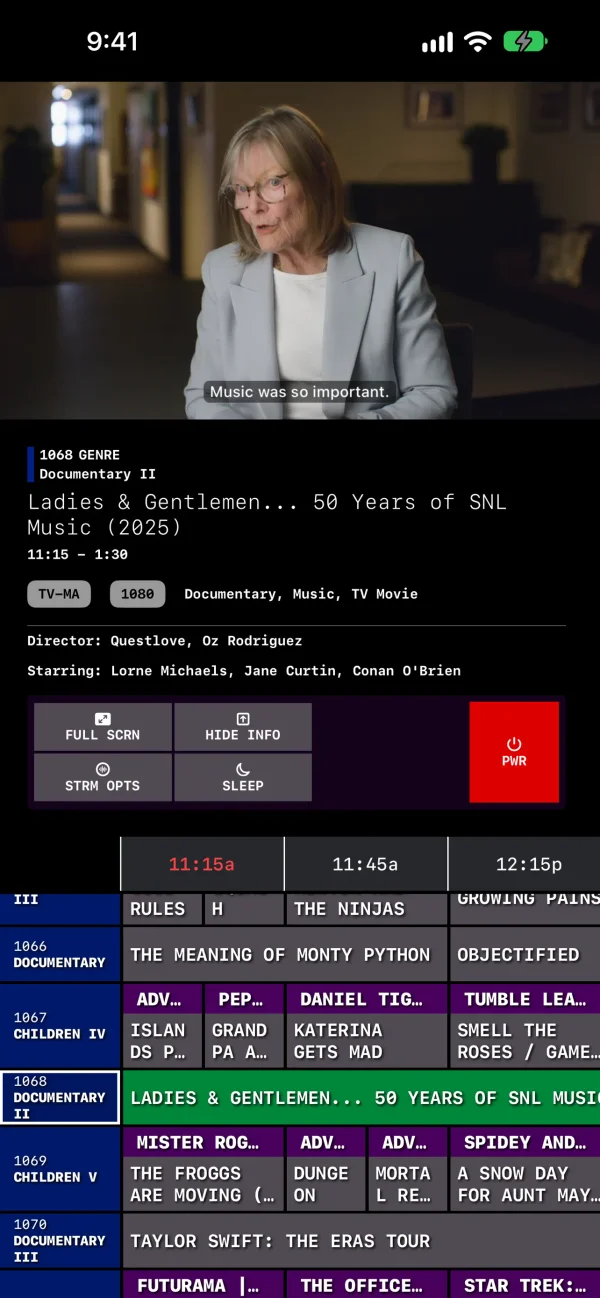
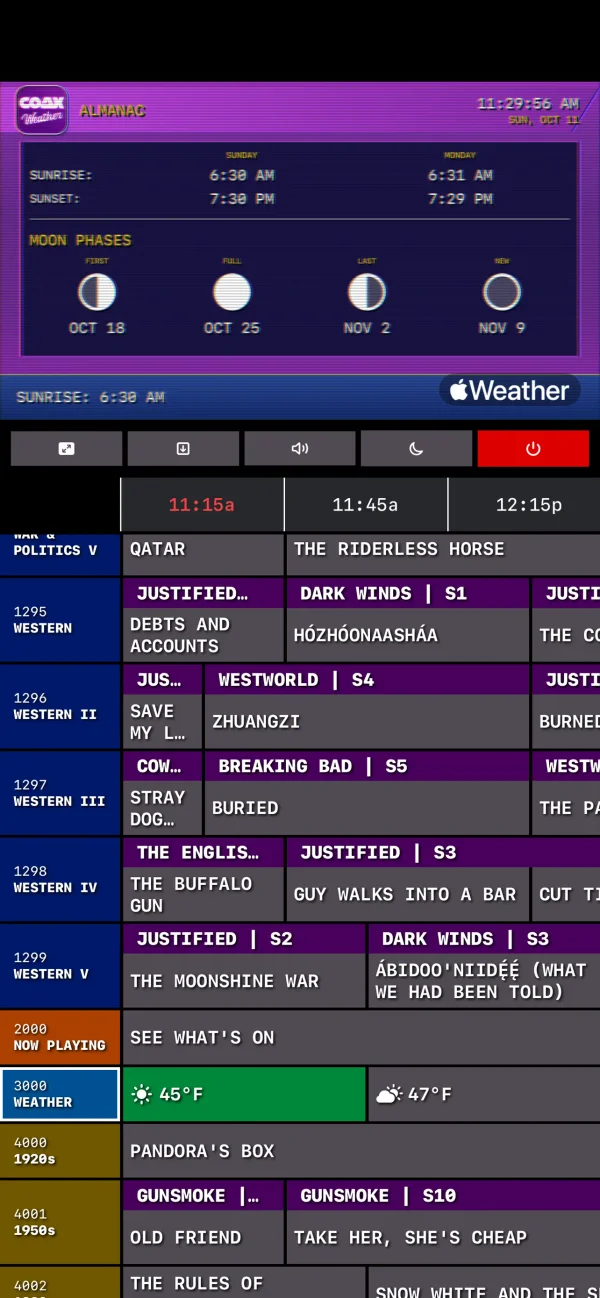

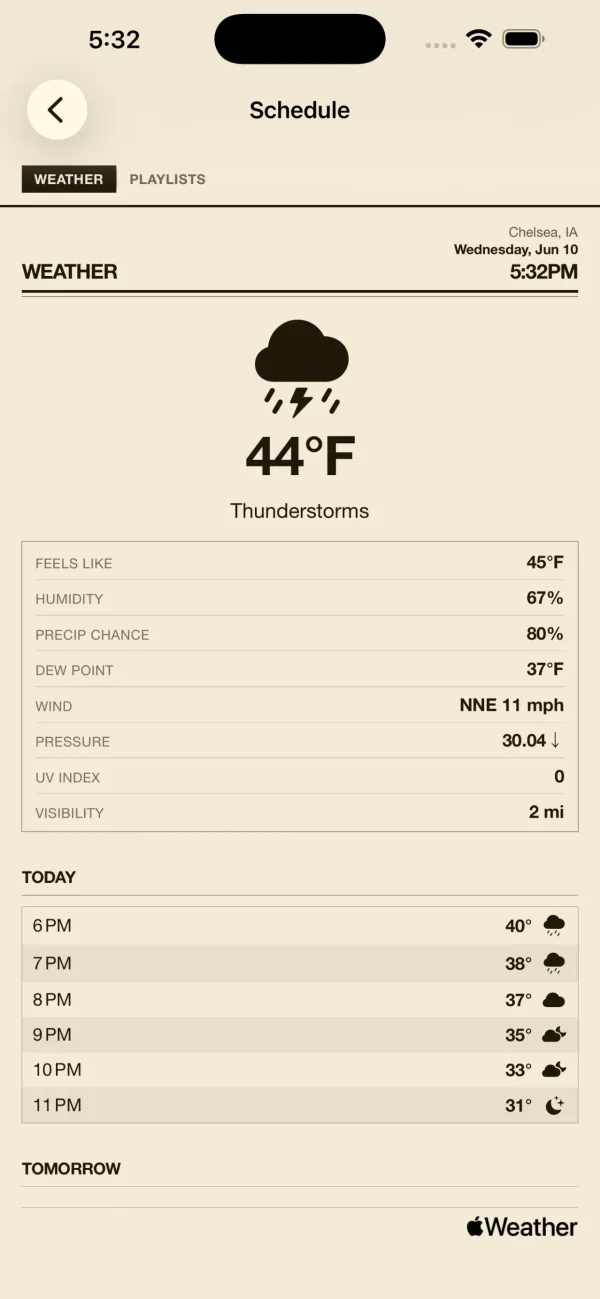
About
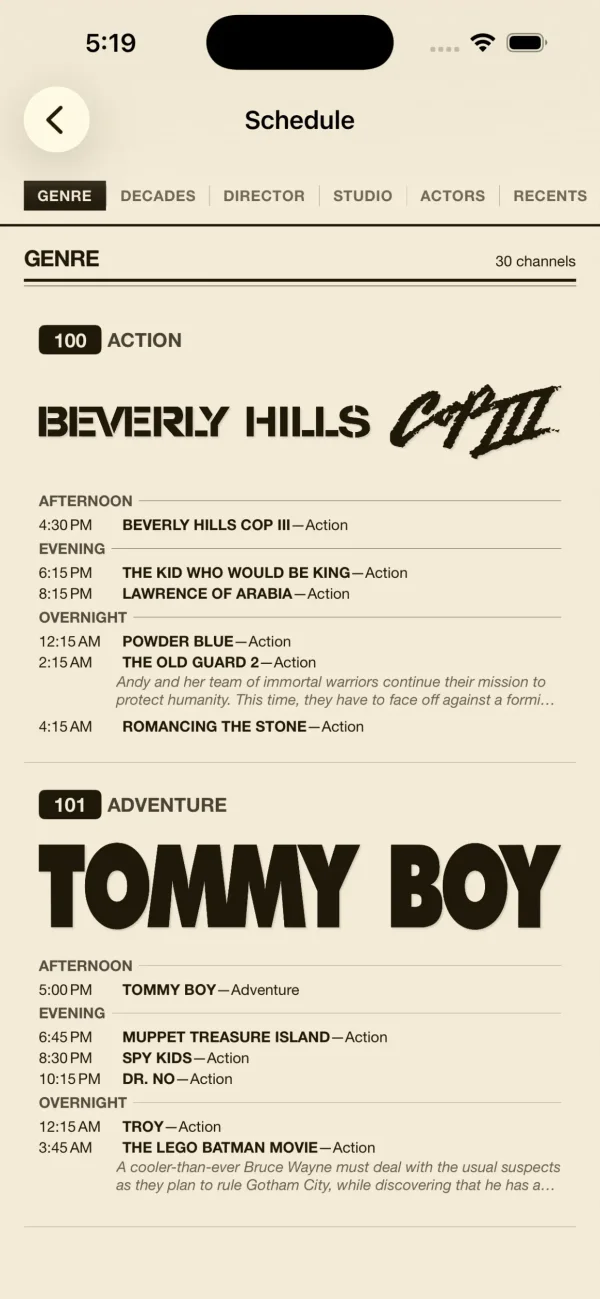
Demolish the tyranny of too much choice, say "NO" to BigAlgo, and just Relax with Coax.
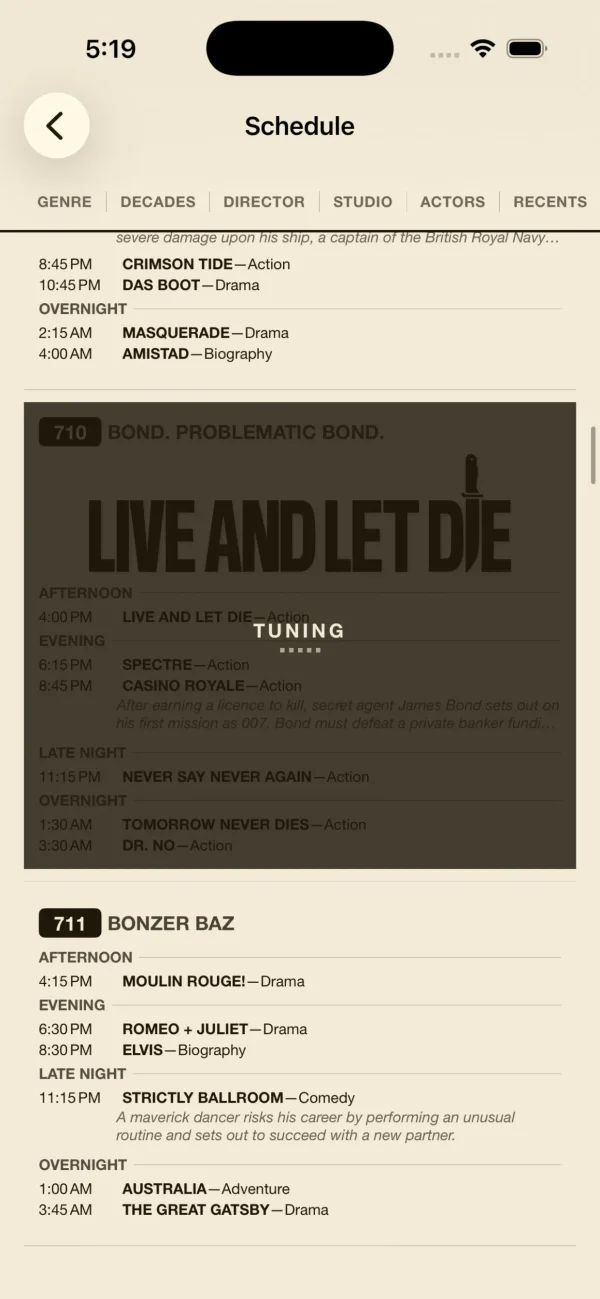
Within seconds, you'll be flipping through a schedule made entirely of your own home media server content. Jump right in with the on-screen cable guide and watch whatever's on, just like the old days.
You can't pause, you can't skip forward, you can't rewind - all you can do is change the channel. Experience the joy of randomly happening upon a great scene in a movie you forgot you had, or a TV show marathon for an old favorite.
Coax requires no setup at all - it uses the metadata your media library already has. If you want, you can create your own custom Lineups, with all sorts of simple yet powerful scheduling rules - create a Saturday Morning Cartoons Lineup for your inner (or actual) child, or a Late Night Thrillers Lineup for date night.
Important: This app requires a Plex account and access to a Plex Media Server (or Jellyfin, or Emby). Coax does not provide or distribute any media; it only connects to content you already own.
How to configure your Lineups:
• Coax scans your home media libraries and generates a channel guide based on your content’s metadata.
• Select which channel categories you want: Genre, Decade, Recent Additions, Actor, Studio, Director, and Collections.
• Create 100% custom channels using Collections.
• Unify your libraries to mix TV and movie channels.
• Adjust the number of channels you want to generate.
• Customize the time between your programs with Gap Content - play Trailers, or content from another Library if you want!
Coax is your personal “cable box” for your own content — no extra accounts, no third-party streaming, just your Plex library organized in a fun, nostalgic way.
https://www.apple.com/legal/internet-services/itunes/dev/stdeula/
What’s new
Version 1.5.3 · Nov 19, 2026
WHAT'S NEW?
• AppleTV
◦ Added a Screen setting - manually adjust Coax's display to match whatever your TV's safe area actually is
◦ Removed some padding around the video player that was just darn weird (thanks to u/RedCxal for pointing this out. It's amazing the types of blind spots you can develop on an app that's this deceptively complex).
◦ The control buttons are now in a drawer that slide closed when you're not using them - fancy!
• Your Mac is now your broadcast center that never sleeps
◦ It can stay open in the background (that's a 7/11 joke in the title, btw)
◦ Keeps your schedules topped up 24/7, which then sync via iCloud to all your devices
◦ Improvements to the CLI, plus the always on feature, means you can use the...
• New channel type - Appointment Viewing
◦ They can (currently) only be created via the CLI - you provide the media items, the channel names, and the air times, and that's the schedule
◦ When nothing is scheduled currently on one of these channels but something will be in the future, there's an OFF AIR block
◦ Use your tool of choice to create these, it's just JSON
• This pairs nicely with the new coax mcp
◦ If you've got some robot friends, they can read your media library (via the CLI, too!) and create Appointment Viewing channels for you
◦ Totally optional, ignore it if you don't want to use it
• Fixes
◦ Scheduling should be even faster now, if that's even possible (found some unnecessary work I could leave out, which makes most things faster)
◦ Chaos channels honor the Lineup gap content rules
◦ Printed guides use the proper data source so they'll respond live to new schedules coming in (like, say, if your Mac is busy updating one while you're looking at it)
◦ CarPlay and AirPlay should work properly now
◦ Volume slider is back in the control cluster on the Mac
◦ JF/MB mixed libraries schedule properly now
◦ I dropped an automated volume adjuster that never really worked and was actually causing things to be way too quiet in certain circumstances
◦ Stream Options on tvOS were opening really slowly, now that's fixed
App privacy
What Out to Lunch Productions, LLC declares on the App Store about how this app handles data.
-
Data not linked to you
May be collected but is not linked to your identity.
- Diagnostics
Privacy practices may vary, for example with the features you use or your age.
Information
- Seller
- Out to Lunch Productions, LLC
- Category
- Entertainment
- Version
- 1.5.3
- Updated
- Nov 19, 2026
- Released
- Feb 11, 2026
- Size
- 62.8 MB
- Requires
- iOS 18.6 or later
- Age rating
- 17+
- Price
- Free
- In-app purchases
- Yes
- Languages
- English, French, German, Hungarian, Portuguese, Simplified Chinese, Slovak, Spanish
- Copyright
- © Out to Lunch Productions, LLC
You might also like
-
 Dusk for PlexThe Plex App we Deserve
-
 Plezy: Media Server ClientStream Plex, Jellyfin & Emby
-
 StrimrNative Player for Your Server
-
 Zuno: Media PlayerFor Plex, Jellyfin & Emby
-
 AirTV: Plex + Jellyfin + IPTVPlex, Jellyfin & IPTV Streams
-
 Tripod — Podcast PlayerInbox, Triage, Transcripts
-
 Trovu: Jellyfin & Plex PlayerMedia Server Client, Live TV
-
 Television WastelandEntertainment
-
 Multiview AppMultiple Channels at Once
-
 Theatrium: Home, Lights, MusicFor Home Assistant and more