
- Age rating4+
- CategoryFinance
- DeveloperSinan Aydoan
- LanguagesEnglish
- Size62.4 MB
Links to the official App Store page
Download.org hosts no file of Cockpit Pro. The button opens its official App Store page, published by Sinan Aydoan. Listing last checked on Nov 15, 2026.
Screenshots


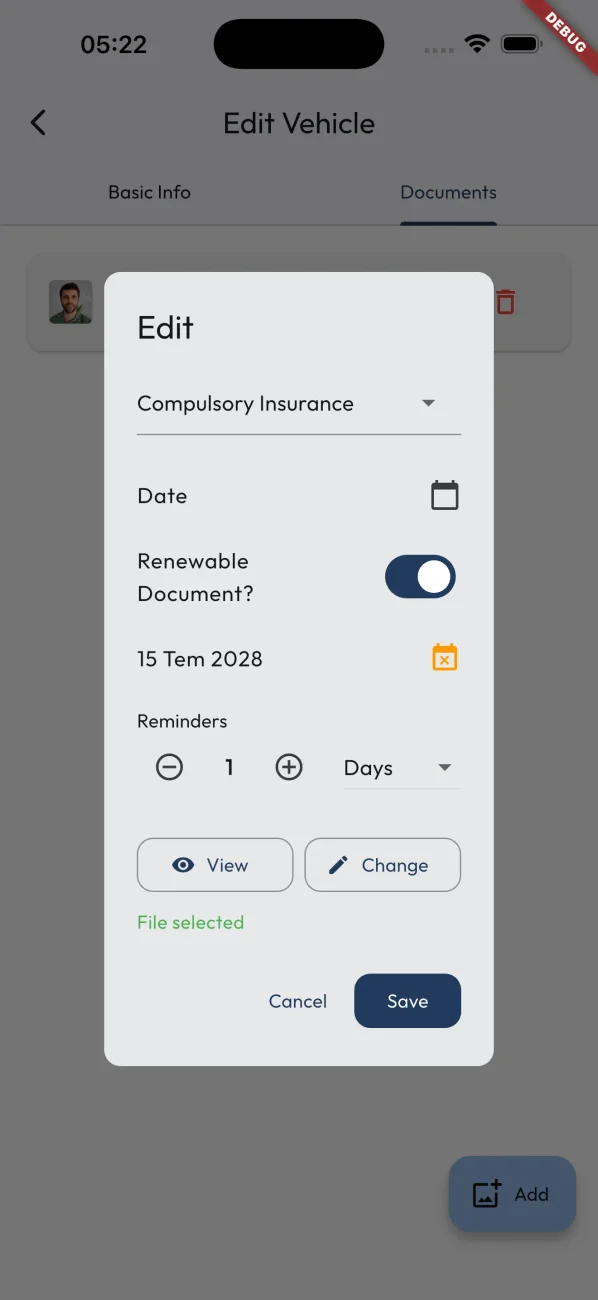
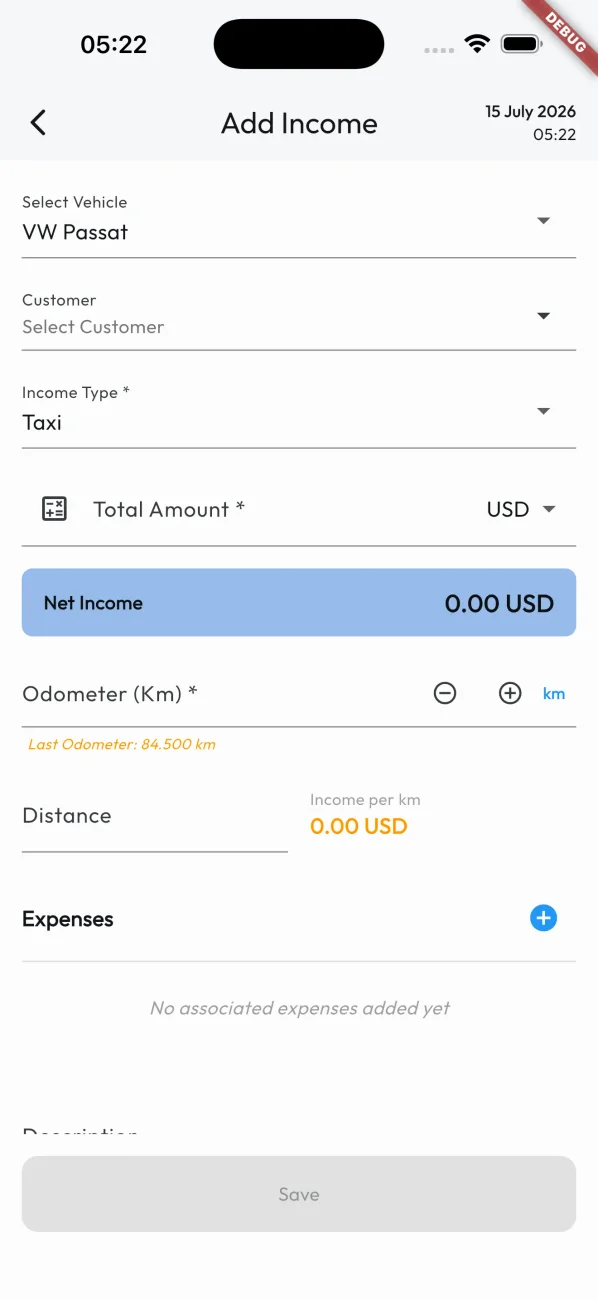
About
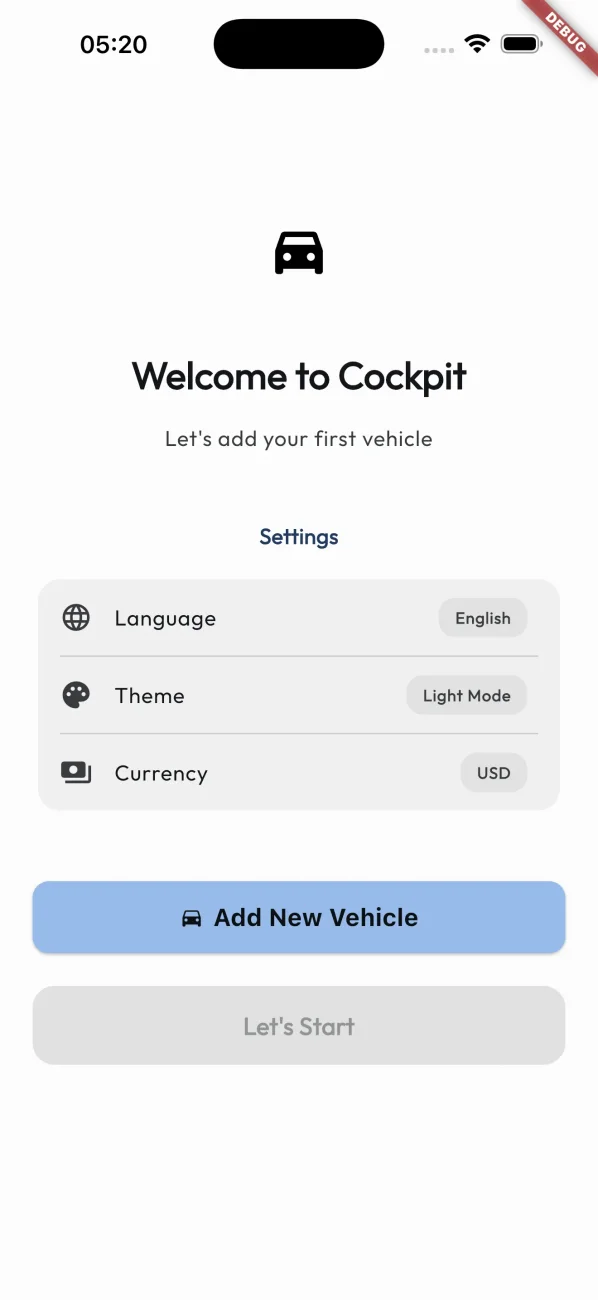
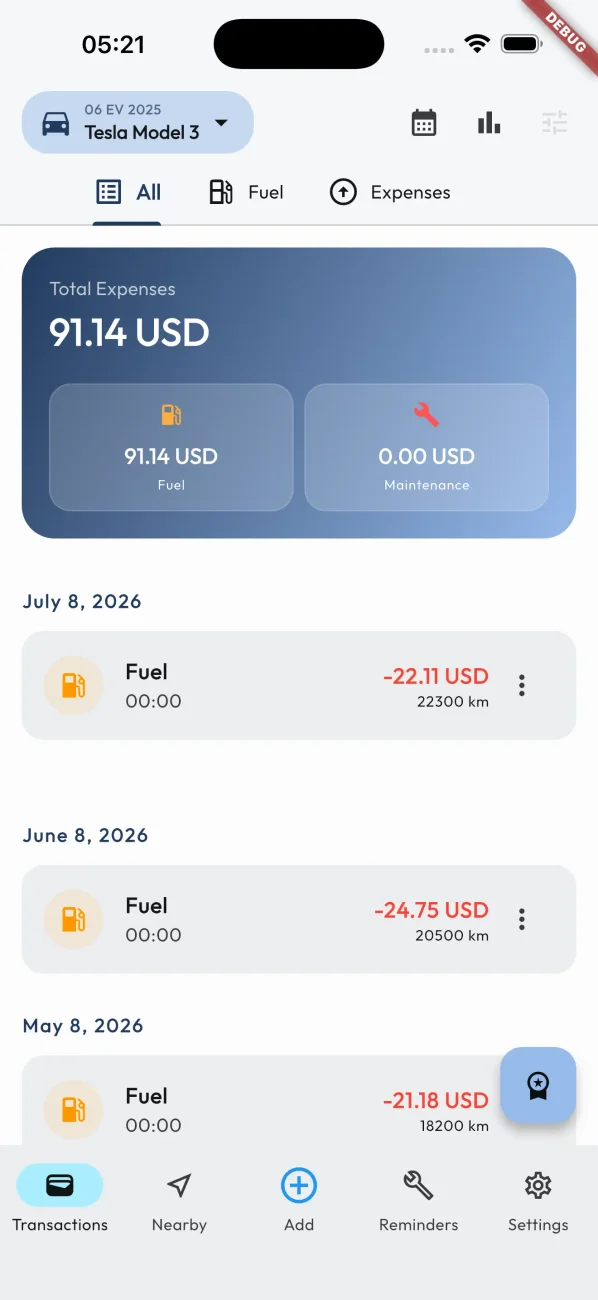
What does your car really cost you? Petrol, diesel, hybrid or fully electric (EV) — Cockpit tracks your fuel and charging spending, maintenance expenses, and if you earn money with your vehicle, your income too. Plus, it finds the nearest charging station, repair shop, tire service and roadside assistance in seconds. Perfect for drivers who want clarity, better budgeting, and clean reporting.
Nearby Services
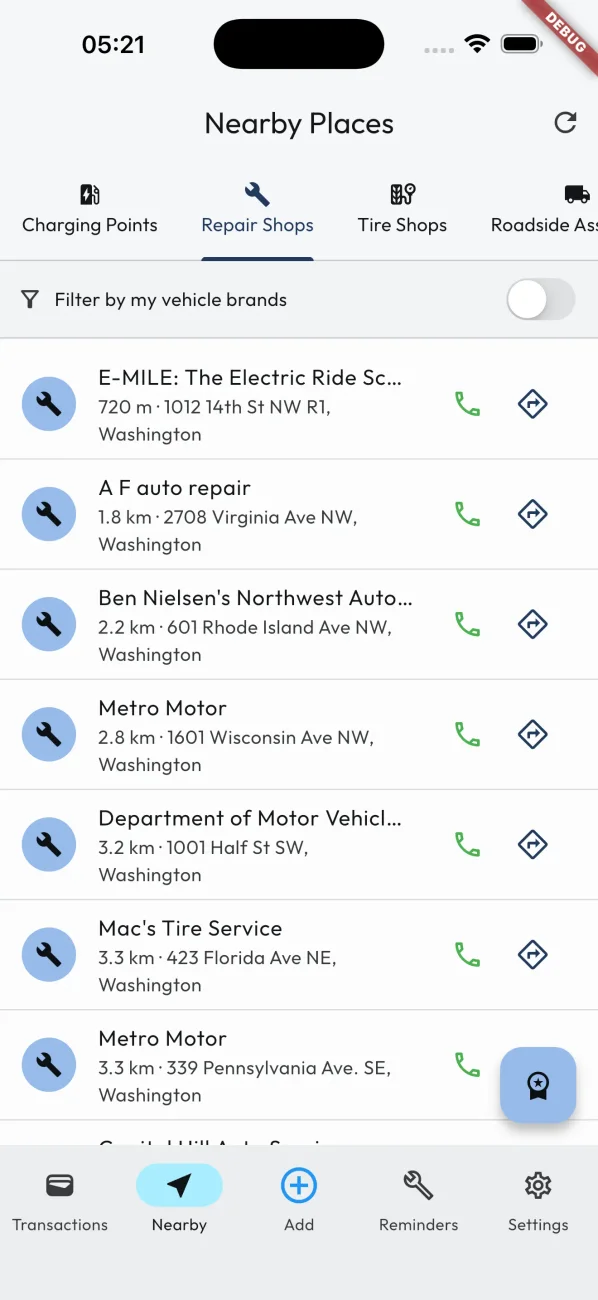
Charging stations, repair shops, tire services and roadside assistance in one tab
Quick access to car washes, dealerships and gas stations
Results sorted by distance; get directions with one tap
Filter repair shops by your car's brand
Fuel Tracking
Log every refuel: liters, unit price, total cost, date
Monitor cost per 100 km and consumption insights
View full fuel purchase history anytime
Daily / weekly / monthly / yearly summaries
Electric & Hybrid Vehicles
Log charging sessions in kWh and see your charging costs
kWh per 100 km consumption and cost statistics
Set your car's connector type: Type 2 (AC), CCS2 (DC), CHAdeMO
Track fuel and charging separately on hybrid vehicles
Maintenance and Service Records
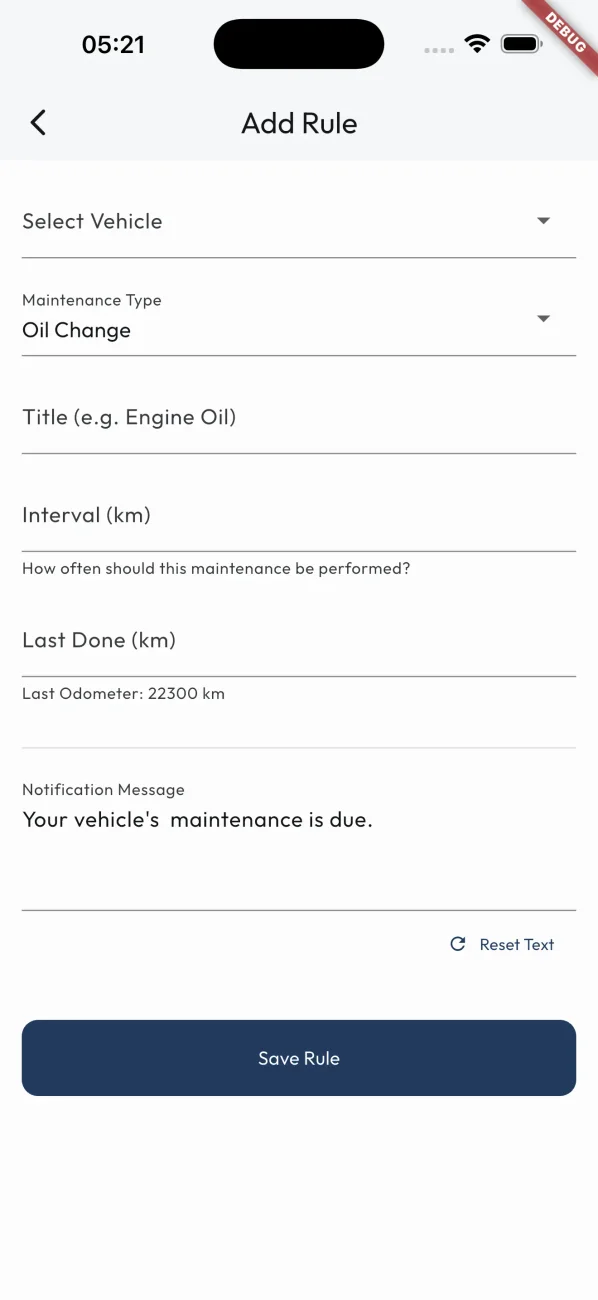
Save maintenance operations and costs
Add and track service shops (garage/mechanic)
Create custom maintenance categories (oil change, tires, brakes, etc.)
Know exactly when, where, and how much you spent
Income Tracking (for transport/delivery work)
Record income earned from transporting passengers or cargo
Create your own income types (e.g., local trips, long-distance, cargo, courier, etc.)
Add customers to track income in a more organized way
Note: To use Income Tracking, you must enable "Is this a revenue-generating vehicle?" at the bottom of the Add Vehicle form. The Income Tracking screen is shown only when you select a vehicle with this option enabled. If the selected vehicle is not marked as revenue-generating, this screen will remain disabled/hidden. You can also enable this option later from the Edit Vehicle screen.
Reports and Balance
See income vs. expenses at a glance
Understand spending trends over time
Plan your budget with confidence
Multi-language support Available in 8 languages: English, Turkish, German, French, Italian, Portuguese, Spanish, and Chinese.
Start tracking today and discover the real cost and profitability of your vehicle.
What’s new
Version 1.9.1 · Oct 31, 2026
Swipe left/right between every page — in the same order as your bottom nav bar (including your drag-to-reorder customization)
Refreshed glassmorphism look: dialogs, the floating menu, and a new glass-effects toggle
Attach files to expense/income entries; included in backup and restore
Note/attachment badges and customer/company shown on transaction cards
Past-dated odometer entries no longer push the vehicle's odometer backward; rewarded ads no longer grant credits if they fail to show
App privacy
What Sinan Aydoan declares on the App Store about how this app handles data.
-
Data used to track you
May be used to track you across apps and websites owned by other companies.
- Identifiers
-
Data not linked to you
May be collected but is not linked to your identity.
- Location
- Identifiers
- Usage data
Privacy practices may vary, for example with the features you use or your age.
Information
- Seller
- Sinan Aydoan
- Category
- Finance
- Version
- 1.9.1
- Updated
- Oct 31, 2026
- Released
- Mar 13, 2026
- Size
- 62.4 MB
- Requires
- iOS 15.0 or later
- Age rating
- 4+
- Languages
- English
- Copyright
- © 2026 Sinan AYDOĞAN
You might also like
-
 AracPro - Vehicle LogbookManage Vehicle Professionally
-
 Nakit TakipFinance
-
 HasılatımFinance
-
 Ticari-1eFatura eIrsaliye On Muhasebe
-
 CarGain: Gig Driver Income LogExpense & Finance Tracker
-
 Gastos CombustibleFinance
-
 Esnaf Gelir GiderFinance
-
 Sarraf: Altın & Döviz TakibiFinance
-
 Yol Defteri: Kazanç TakibiFinance
-
 PortTrack: Portföy & Fon TakipFinance