Code Cards: Barcode Wallet
Your cards, one tap away
Designed for iPhone
In-app purchases
- Age rating4+
- CategoryProductivity
- DeveloperSheng Ping Li
- LanguagesTraditional Chinese+ 3 more
- Size6.3 MB
Links to the official App Store page
Download.org hosts no file of Code Cards: Barcode Wallet. The button opens its official App Store page, published by Sheng Ping Li. Listing last checked on Nov 13, 2026.
Screenshots


About
The line is moving. Your card should be ready before it is your turn.
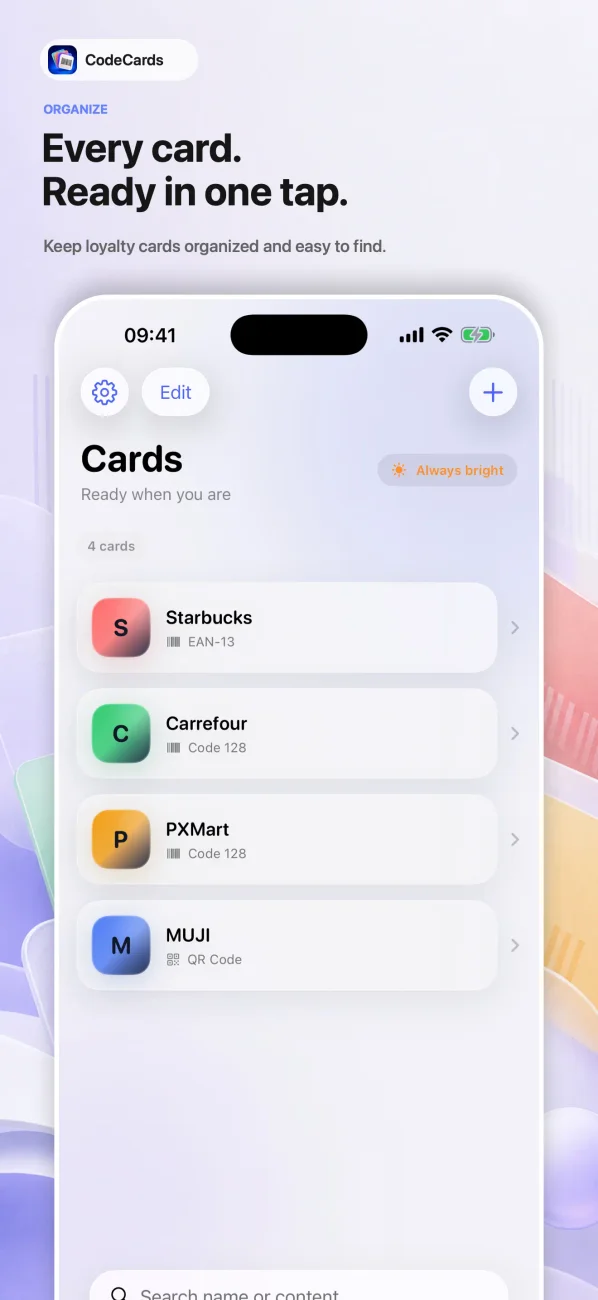
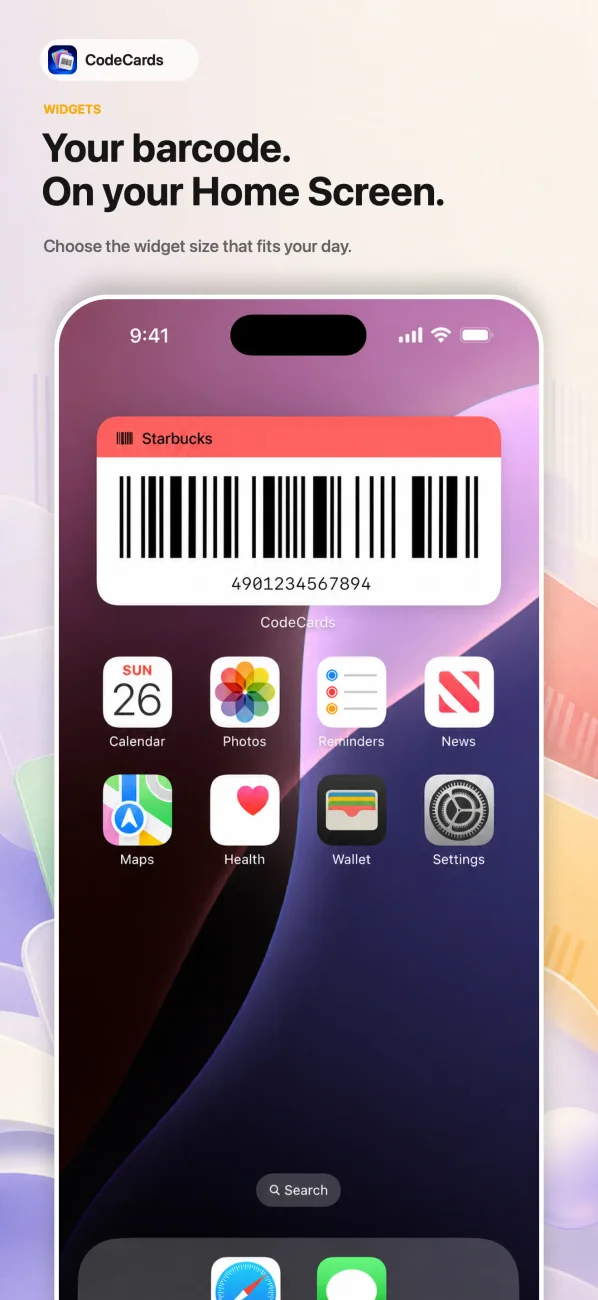
Code Cards keeps membership cards, loyalty cards, and the barcodes you use every day together on your iPhone. Add a card once, make it easy to recognize, then open the right barcode in a tap—from the app, the Home Screen, or Today View.
ADD A CARD IN SECONDS
• Scan a barcode with the camera
• Read a barcode from a photo or screenshot
• Enter the code manually when that is easier
• Supports QR Code, Code 128, Aztec, PDF417, EAN-13, UPC-A, and Code 39
FIND THE RIGHT CARD
• Search by card name or barcode content
• Choose a color that makes the card easy to spot
• Add a photo for instant recognition
• Leave a note for the details you want to remember
READY TO SCAN
• Open a large, clear barcode with one tap
• Screen brightness rises automatically while you view a card, then returns to your previous setting
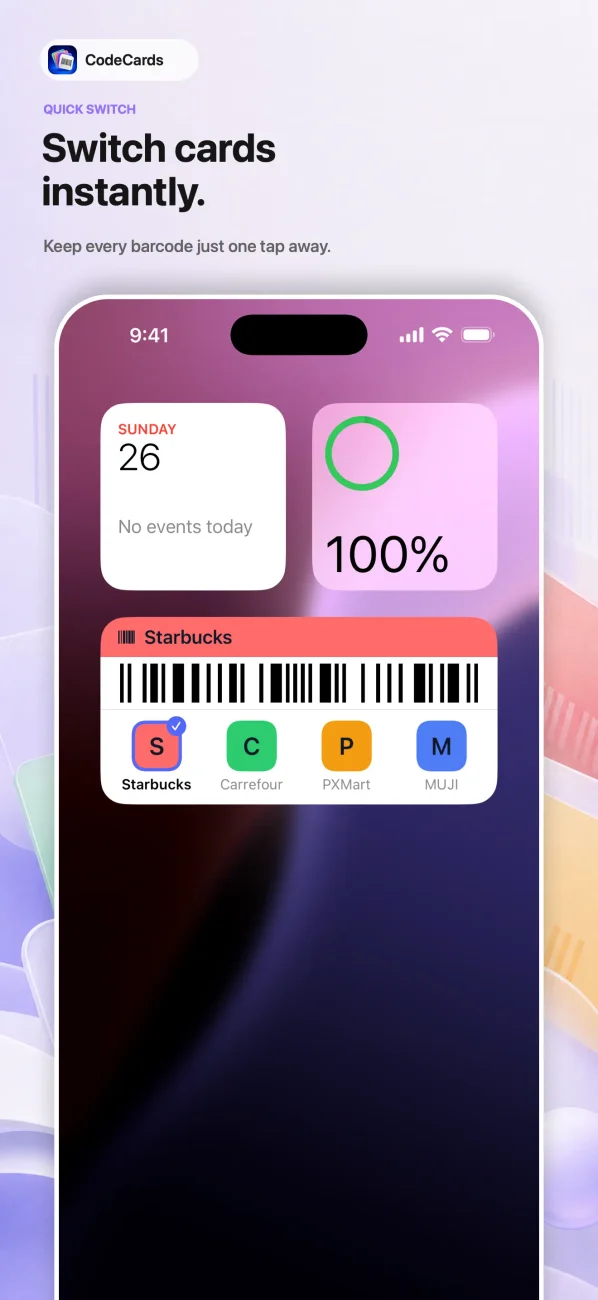
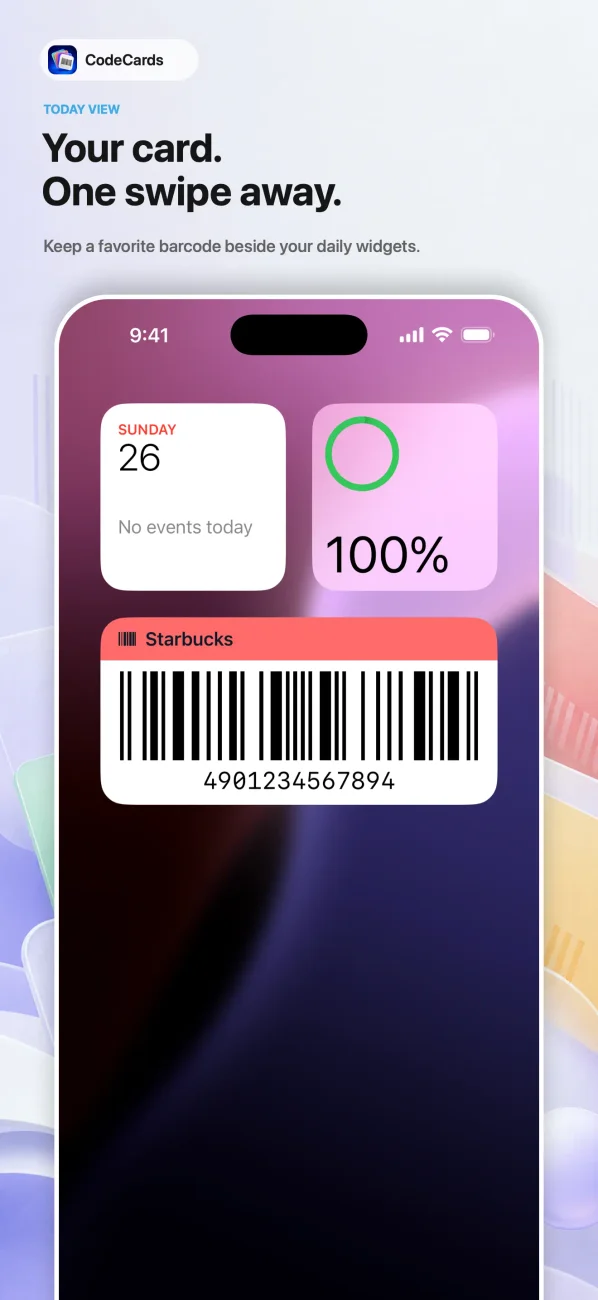
• Put a favorite card on the Home Screen or in Today View
• Choose from multiple widget sizes
• Switch between cards directly in the Quick Switch widget
YOUR CARDS STAY YOURS
Card data is stored on your device. No account is required.
The free version includes up to three cards, with scanning, photos, colors, notes, search, and widgets included. A one-time Code Cards Pro purchase unlocks unlimited cards.
App privacy
What Sheng Ping Li declares on the App Store about how this app handles data.
-
Data not collected
The developer does not collect any data from this app.
Privacy practices may vary, for example with the features you use or your age.
Information
- Seller
- Sheng Ping Li
- Category
- Productivity
- Version
- 1.0
- Updated
- Sep 21, 2026
- Released
- Sep 21, 2026
- Size
- 6.3 MB
- Requires
- iOS 17.0 or later
- Age rating
- 4+
- In-app purchases
- Yes
- Languages
- Traditional Chinese, Japanese, English, Korean
- Copyright
- Copyright © Ace Lee
You might also like
-
 LOOP – Visual TimerTime management, made simple
-
 Hourly Chime: Remind MeSet Daily Activity Reminders
-
 PDF to JPEG ™Productivity
-
 AI Voice Notes : NotePilotQuick Feynman Audio Note Maker
-
 Shiftify - Shift Work CalendarSimple & Smart Shift Scheduler
-
 NoteOS: Voice Notes & TasksAI To-Do & Habit Tracker
-
 Atten - App BlockerScreen Time Control & Limits
-
 SleepScout® : Sleep RecoderSleep Music & Snoring Tracker
-
 Penned: Private NotesAI Text Search, Local & Secure
-
 NoteSpeak AI Note TakerAI Meeting Notes & Recorder