Code Cards: Loyalty Wallet
Offline code cards, no account
Designed for iPhone, iPod touch
Free
- Age rating4+
- CategoryShopping
- DeveloperTomasz Kromrych
- LanguagesEnglish
- Size25.0 MB
Links to the official App Store page
Download.org hosts no file of Code Cards: Loyalty Wallet. The button opens its official App Store page, published by Tomasz Kromrych. Listing last checked on Nov 15, 2026.
Screenshots
About
Keep your loyalty cards, membership cards, library cards and other barcode or QR-code cards together in one simple wallet.
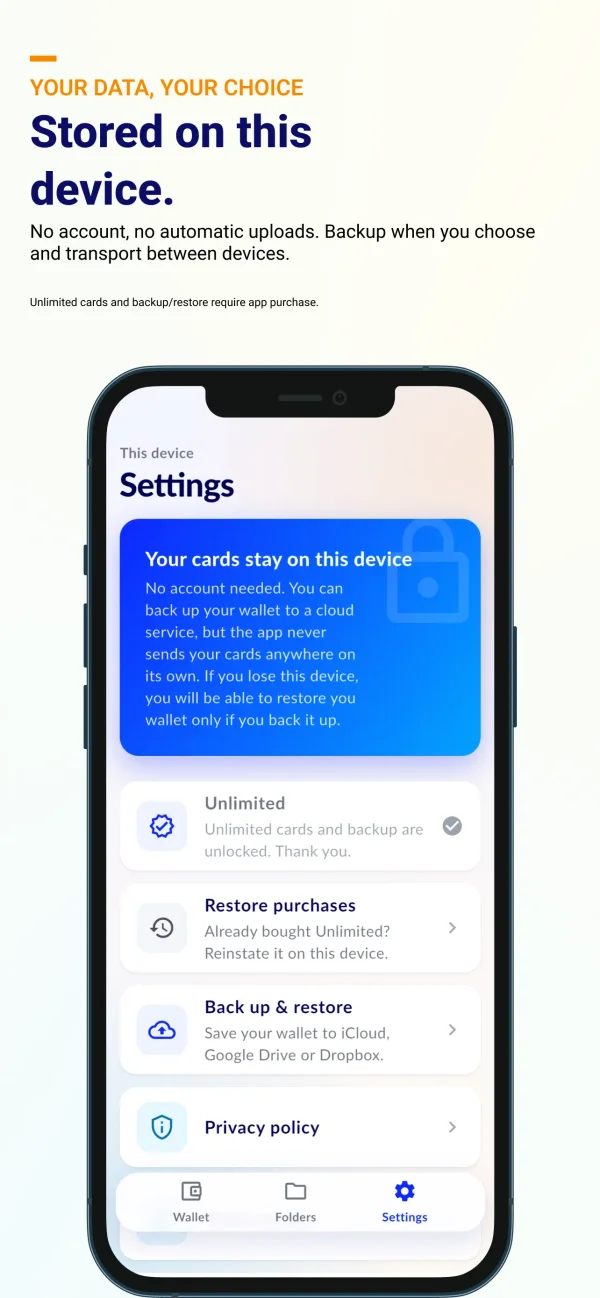
Code Cards app is designed to be fast, private and easy to use. Your cards are stored on your device, no account is required, and the app does not automatically upload your wallet anywhere.
**Add cards your way**
Create a card using whichever method is most convenient:
• Scan a barcode or QR code with the camera
• Import a code from a photo or screenshot
• Enter the card number manually
• Choose the correct barcode format when needed
The app preserves the original card value so leading zeroes and other important characters are not lost.
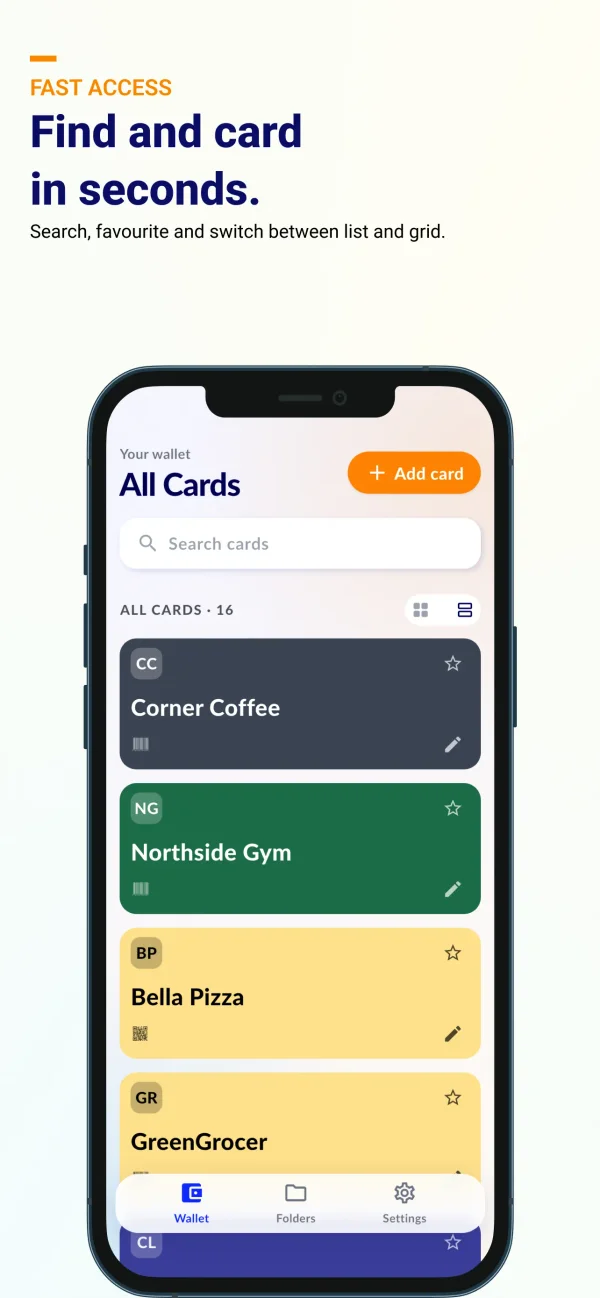
**Find the right card quickly**
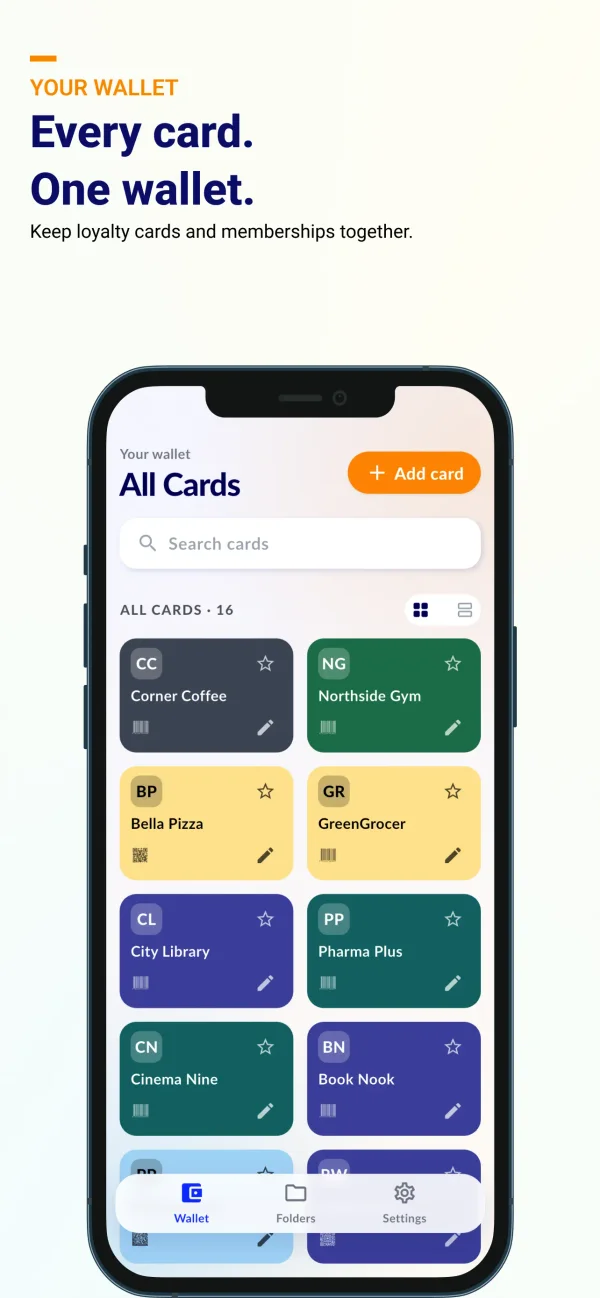
Search your entire wallet by card name, mark frequently used cards as favourites, and switch between compact grid and detailed list views.
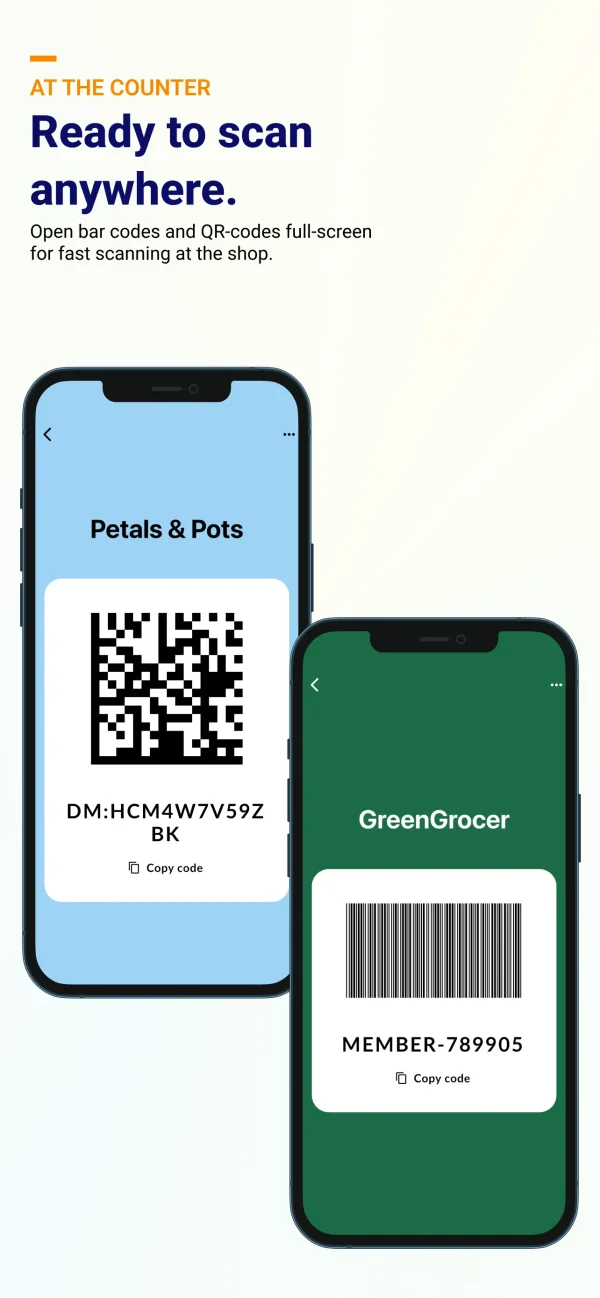
When it is time to use a card, open it in a clear full-screen view designed to make the barcode easy to present at the checkout.
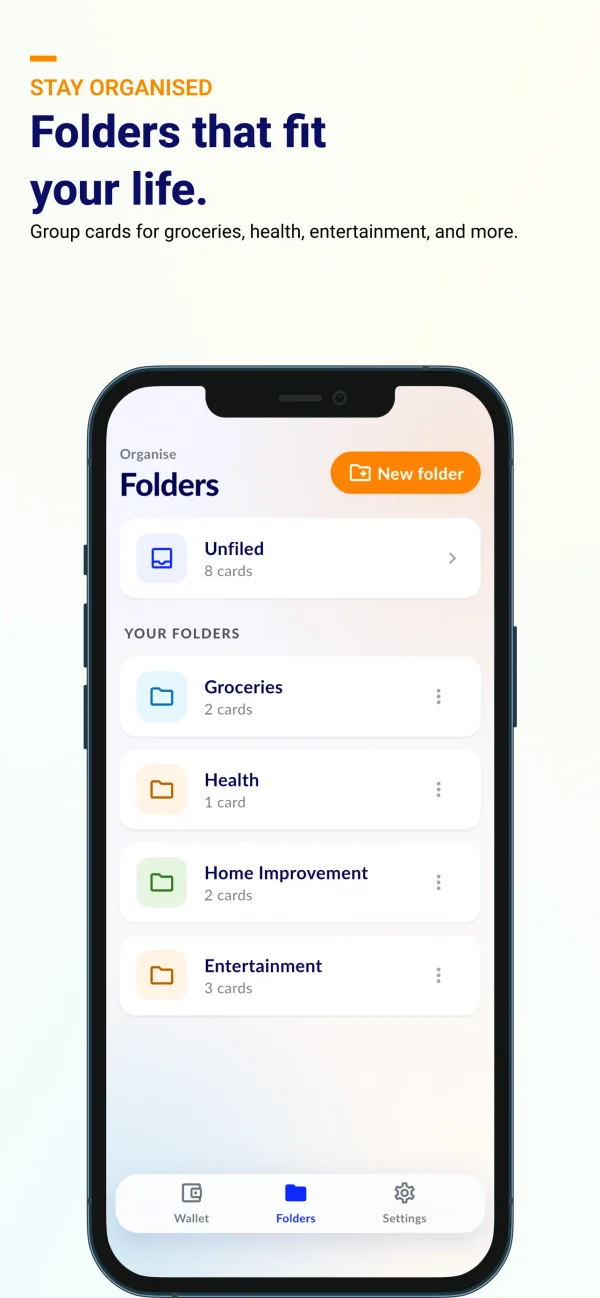
**Organise cards into folders**
Create folders that match the way you use your cards, such as:
• Groceries
• Health
• Entertainment
• Home improvement
• Memberships
Cards that are not assigned to a folder remain available under Unfiled, so nothing disappears or becomes difficult to find.
**Make every card recognisable**
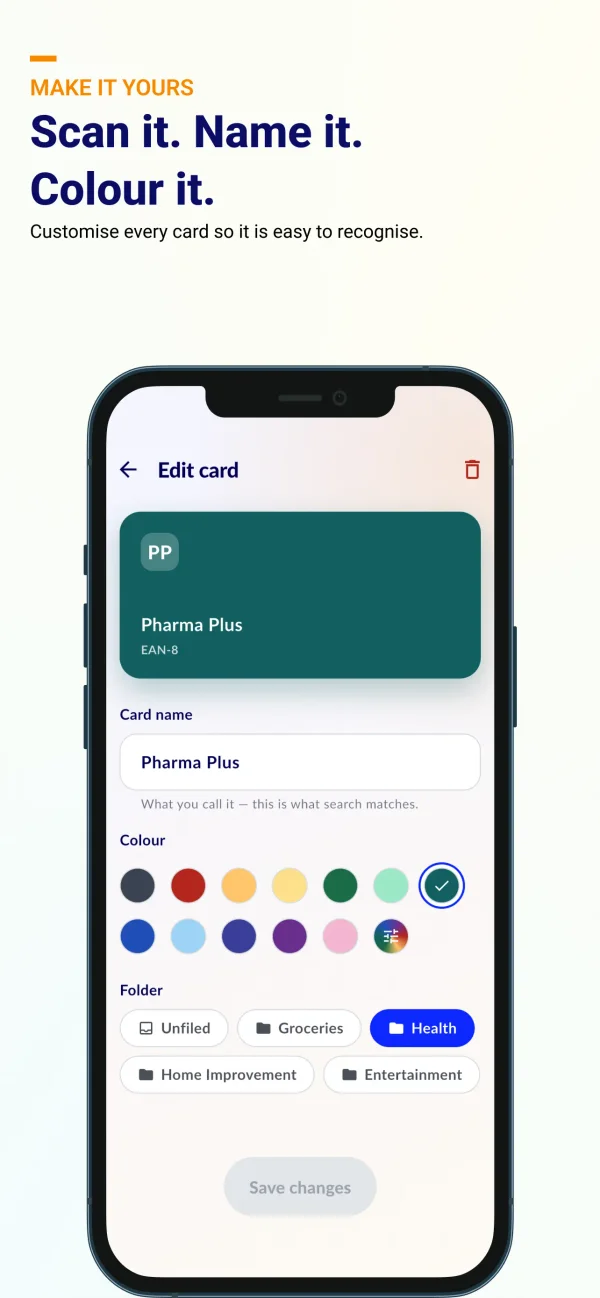
Give each card a meaningful name, select a background colour and move it between folders whenever you like. The wallet uses clear, high-contrast text so cards remain easy to identify.
**Private by default**
Your wallet stays on your device unless you choose to create a backup. There is no mandatory registration, no account to maintain and no automatic cloud synchronisation.
This app is intended for loyalty, membership and similar machine-readable cards. It is not designed for payment card details, passwords, identity documents or other confidential information.
**Back up when you choose**
With Unlimited, you can manually create a backup and save it using iCloud Drive or another file provider available on your device. Restore your wallet later without replacing unrelated cards already stored on the device.
Backup files may contain readable card information, so they should be stored somewhere private and handled with care.
**Upgrade once**
Use the app for free and add up to 3 cards to the wallet, then unlock Unlimited with a one-time purchase when you need more capacity and backup features.
No subscription.
**Key features**
• Barcode and QR-code scanning
• Import from photos and screenshots
• Manual card entry
• Full-screen barcode display
• Search and favourites
• Grid and list layouts
• Custom card names and colours
• Folder organisation
• Optional manual backup and restore
• No account required
• Offline-first operation
• One-time Unlimited upgrade
Carry fewer physical cards and keep the codes you use close at hand.
Terms of Use: https://www.apple.com/legal/internet-services/itunes/dev/stdeula/
What’s new
Version 1.0.1 · Oct 28, 2026
Making this app free.
App privacy
What Tomasz Kromrych declares on the App Store about how this app handles data.
-
Data not linked to you
May be collected but is not linked to your identity.
- Diagnostics
Privacy practices may vary, for example with the features you use or your age.
Information
- Seller
- Tomasz Kromrych
- Category
- Shopping
- Version
- 1.0.1
- Updated
- Oct 28, 2026
- Released
- Aug 5, 2026
- Size
- 25.0 MB
- Requires
- iOS 15.0 or later
- Age rating
- 4+
- Price
- Free
- Languages
- English
- Copyright
- © Funkrom 2026
You might also like
-
 VekunelOne more item. What changes?
-
 Discount StackTax + Real Checkout Price
-
 Repeat Grocery ListReuse the Same List Every Trip
-
 Unit ChoiceUnit prices made clear
-
 StoreCard!Organize store your card here
-
 Barcodes: Loyalty Card WalletMembership, reward, store pass
-
 Costway - Shop At Home StoreFurniture Sale & Free Shipping
-
 GrocerCompare grocery price in NZ
-
 AEON MobileSnappy & fun shopping at AEON
-
 Stocard Wallet: SuperCardsThe Fast Loyalty Wallet