
Code Reader - QR Scanner
Read, Generate & Save barcodes
Designed for iPhone, iPad, Mac, iPod touch
Free · In-app purchases
- Age rating17+
- CategoryUtilities
- DeveloperDaniel ILLESCAS ROMERO
- LanguagesEnglish+ 2 more
- Size3.1 MB
Links to the official App Store page
Download.org hosts no file of Code Reader - QR Scanner. The button opens its official App Store page, published by Daniel ILLESCAS ROMERO. Listing last checked on Nov 18, 2026.
Screenshots

About
A feature-rich QR and barcode scanner: scan, generate, and share codes — fast and privately.
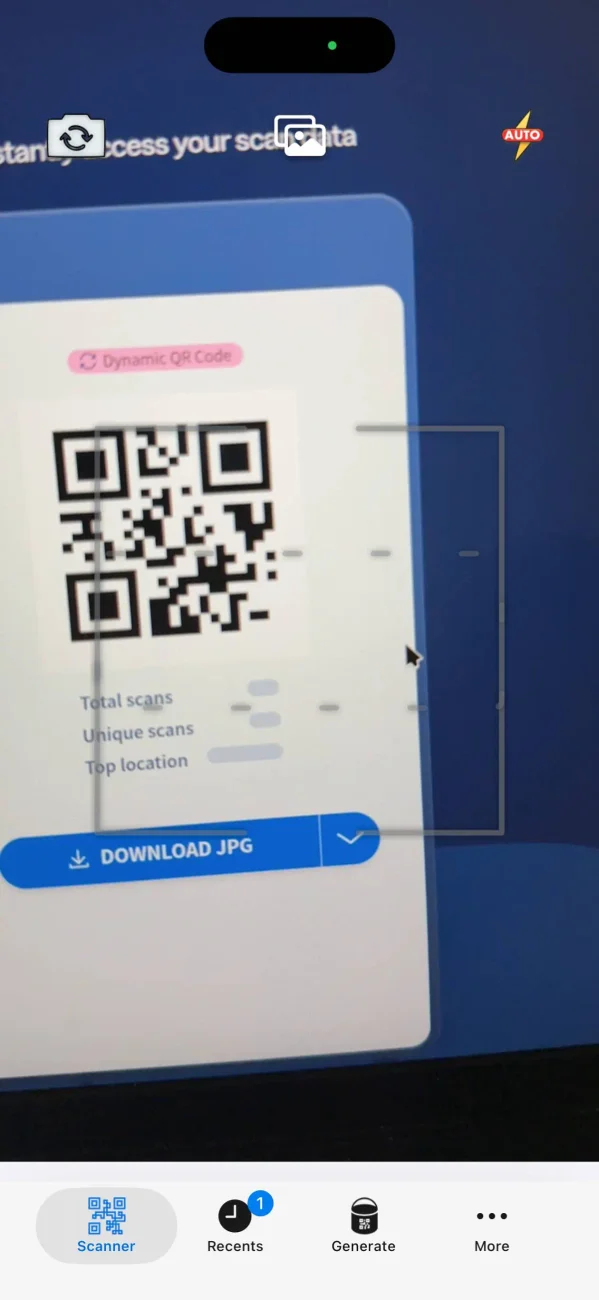
Scan codes with text, links, contacts, emails, locations, Wi‑Fi networks, product barcodes, and more.
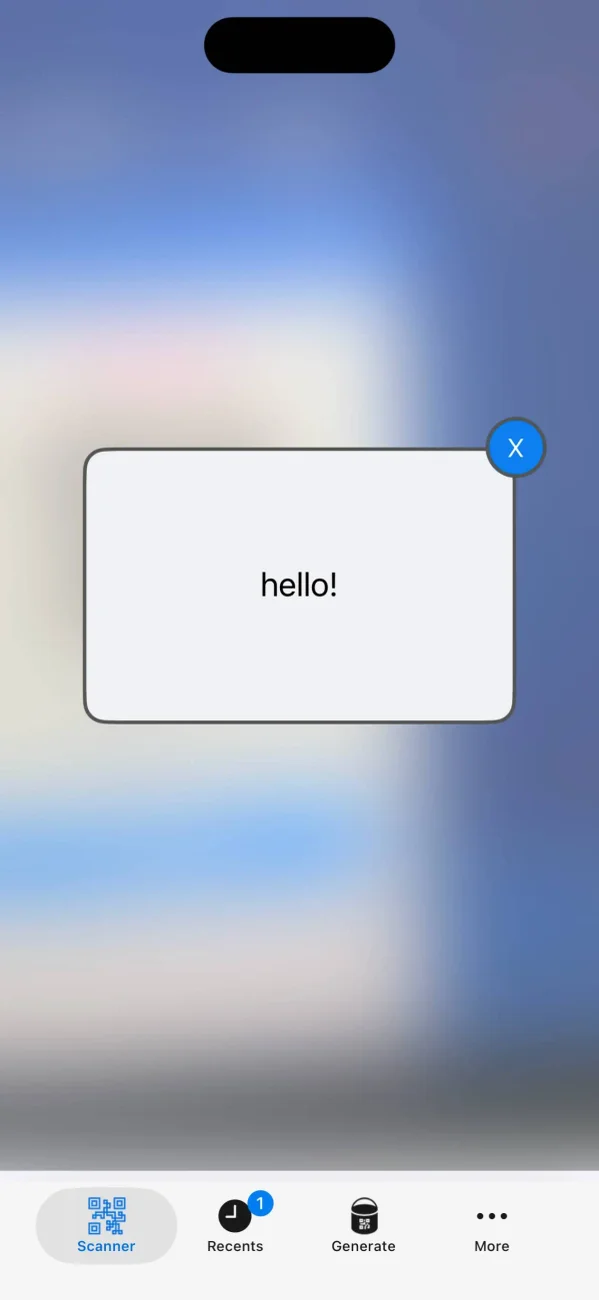
When you scan a code, the app acts on it intelligently: links open in the browser, email addresses let you compose a message quickly, and vCards can be viewed or added to Contacts.
You can read codes with the camera or generate them in the app — plus use action extensions to scan or create codes from other apps.¹
Spotted a QR code in a photo or on a website? Use the Read Code extension to scan it instantly.¹
Main features
• Scan with the camera — text, links, contacts, emails, product barcodes, Wi‑Fi, and more
• Read QR codes and 1‑D barcodes from images with the Read Code extension¹
• Product barcodes can open relevant web pages or Amazon (configurable in Settings)
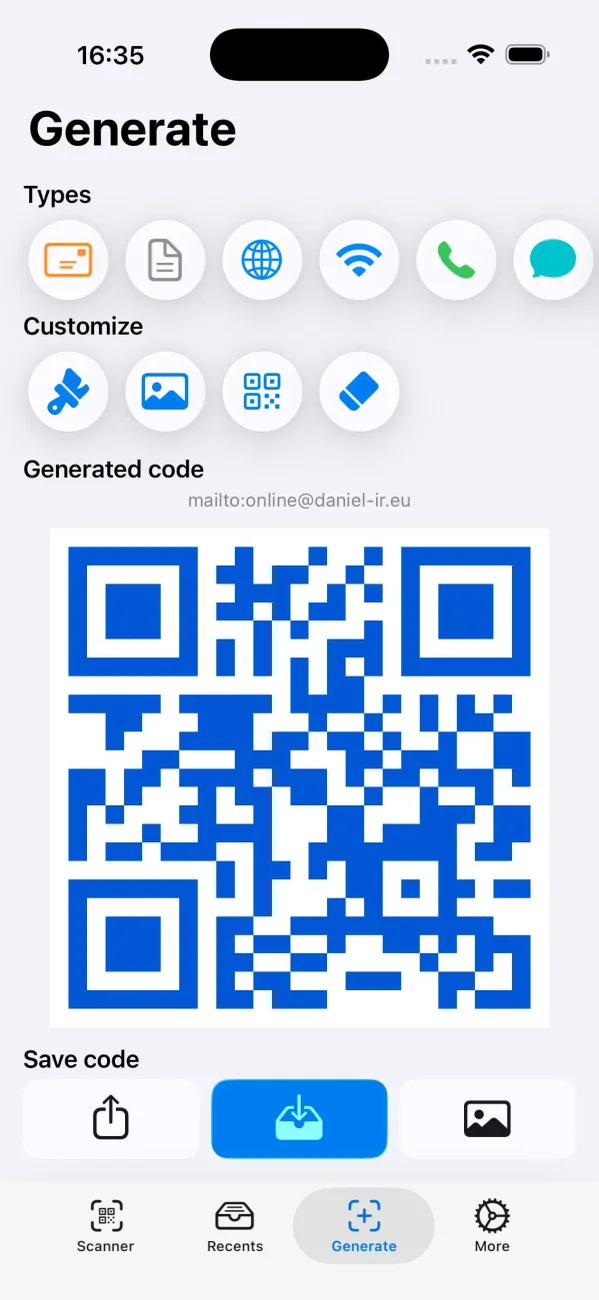
• Generate QR codes and 1‑D barcodes
• Create codes from text, links, contacts, email, SMS, phone numbers, and Wi‑Fi
• Join Wi‑Fi networks automatically from a scanned code
• Scan and save multiple codes in one session
• Generate a code from text, a link, or a contact with the Generate QR extension¹
• Smooth up to 60fps scanner preview with optical image stabilization and zoom (including optical 2× zoom on iPhones with dual cameras)
• Optionally copy scanned content to the clipboard automatically
• Option to prefer HTTPS and avoid insecure websites
• Recents for scanned and generated codes, with search and filters
• Custom QR colors — two‑finger tap on the image or use the menu when viewing a code
• Share any barcode
• Custom URL scheme to generate QR codes from a URL or text²
• Widgets for recent codes and quick access to the scanner
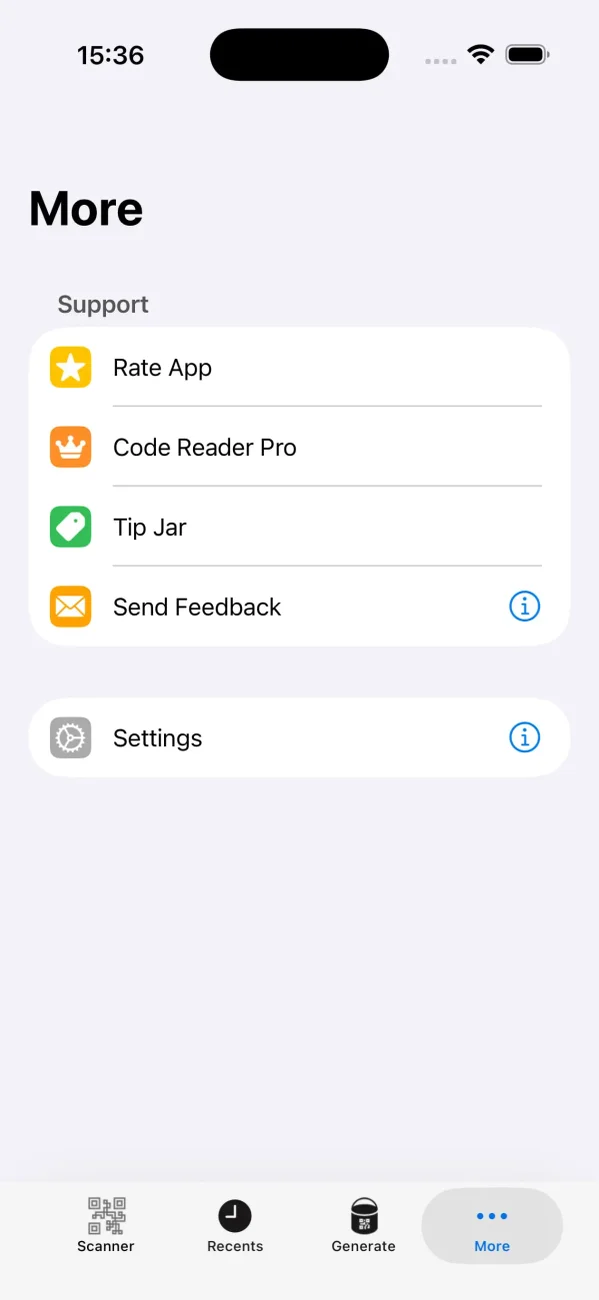
Code Reader Pro
Upgrade to Code Reader Pro for advanced tools — no ads, and your data stays on your device. Choose monthly, yearly, or a one‑time lifetime unlock.
Pro includes:
• Batch scan — read many codes from photos or PDFs at once
• Export & import history — back up or move your scan library (CSV/JSON)
• Custom names — label scans so you can find them quickly
• Starred scans — pin important codes and filter your history
• Notes — add context to any saved scan
• QR codes with logo — embed your brand in generated codes
• High‑res & PDF export — share sharp QR images and PDFs
• Link safety warnings — alerts for suspicious links (IP addresses, punycode, mixed scripts, and more) before you open them
Restore purchases anytime from the Pro screen.
¹ The extension might need to be enabled manually: open the share menu, tap More at the bottom, and turn on the app extensions (Activities).
² Try it in a browser or messaging app: add generateqr:// before a URL or text to open the app and generate a QR code image.
- Terms of Use (EULA): https://www.apple.com/legal/internet-services/itunes/dev/stdeula/
- Privacy Policy:
https://illescasdaniel.github.io/qr-code-reader-app-info/
What’s new
Version 6.1 · Jul 1, 2026
A fresh look for version 6.1
This update brings a redesigned interface, a rebuilt Generate screen, and a long list of polish and fixes. Including Code Reader PRO for extra features.
New & improved
- Code Reader PRO: unlock batch scan from photos and PDFs, export and import your scan history, custom names, starred scans, notes, QR codes with logo, high‑res and PDF export, and link safety warnings before you open suspicious URLs.
- Completely redesigned Generate tab with a cleaner layout, SF Symbol icons, and glass-style controls
- Refreshed app-wide design with updated tab bar icons and a more consistent look in light and dark mode
- Batch Scan from the home-screen quick action — scan multiple codes from photos with a progress indicator
- Stronger link safety checks using an updated online threat database
- Phone number codes now support an optional country prefix, with country flags shown in Recents
- Wi‑Fi codes can be previewed temporarily without showing the network password in plain text
- Preview pop-ups when holding a recent item now respect your barcode colors
Fixes
- Scanner overlay no longer disappears after opening app links (e.g. TikTok)
- Barcode colors update correctly when switching to the Generate tab
- Dark mode tinting is consistent across the app
- Generate tab buttons show proper backgrounds in dark mode
- Detail screen text alignment is now consistently left-aligned
- Action buttons are disabled when there’s nothing useful to do
App privacy
What Daniel ILLESCAS ROMERO declares on the App Store about how this app handles data.
-
Data not collected
The developer does not collect any data from this app.
Privacy practices may vary, for example with the features you use or your age.
Information
- Seller
- Daniel ILLESCAS ROMERO
- Category
- Utilities
- Version
- 6.1
- Updated
- Jul 1, 2026
- Released
- Apr 17, 2017
- Size
- 3.1 MB
- Requires
- iOS 15.0 or later
- Age rating
- 17+
- Price
- Free
- In-app purchases
- Yes
- Languages
- English, Italian, Spanish
- Copyright
- © Daniel Illescas Romero
You might also like
-
 AI QR Code Reader & GeneratorBarcode scanner & create code
-
 QR Code: Reader & ScannerBarcode Scanner & QR Generator
-
 QR Scanner'Powerful QR Code Reader
-
 QR Scanner — Barcode ReaderScan QR, Wi-Fi & products
-
 QRFi - WiFi QR Code generatorStylish QR Codes for WiFi
-
 QR Code Reader & QR Scanner ·Barcode Scanner, QR Reader
-
 QR & Barcode Scanner ExpertQR Code Scanner & Generator
-
 Code Scanner QR Barcode ReaderData Matrix, GS1 & CSV Export
-
 QR Code Scanner: Quick ScanQR Code Reader for iPhone
-
 Barcode & QR Code Reader ScanCreate, Generate & Share Codes