Code Viewer & Text Editor
HTML Viewer, JSON & Markdown
Designed for iPhone, iPad
Free · In-app purchases
- Age rating4+
- CategoryDeveloper Tools
- Developerskoroapps s.r.o.
- LanguagesEnglish
- Size58.7 MB
Links to the official App Store page
Download.org hosts no file of Code Viewer & Text Editor. The button opens its official App Store page, published by skoroapps s.r.o. Listing last checked on Nov 22, 2026.
Screenshots
About
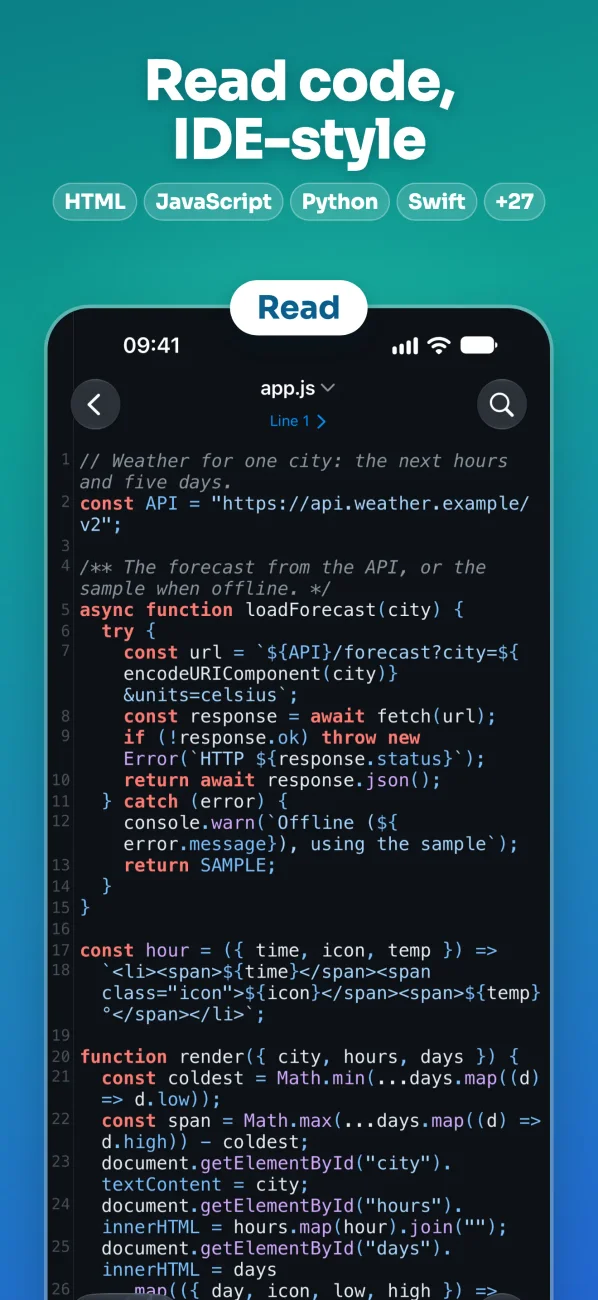
Read any code on your iPhone and iPad like in your IDE — and open the files developers get sent every day: Markdown, JSON, CSV, HTML, YAML, logs and notebooks.
READ CODE
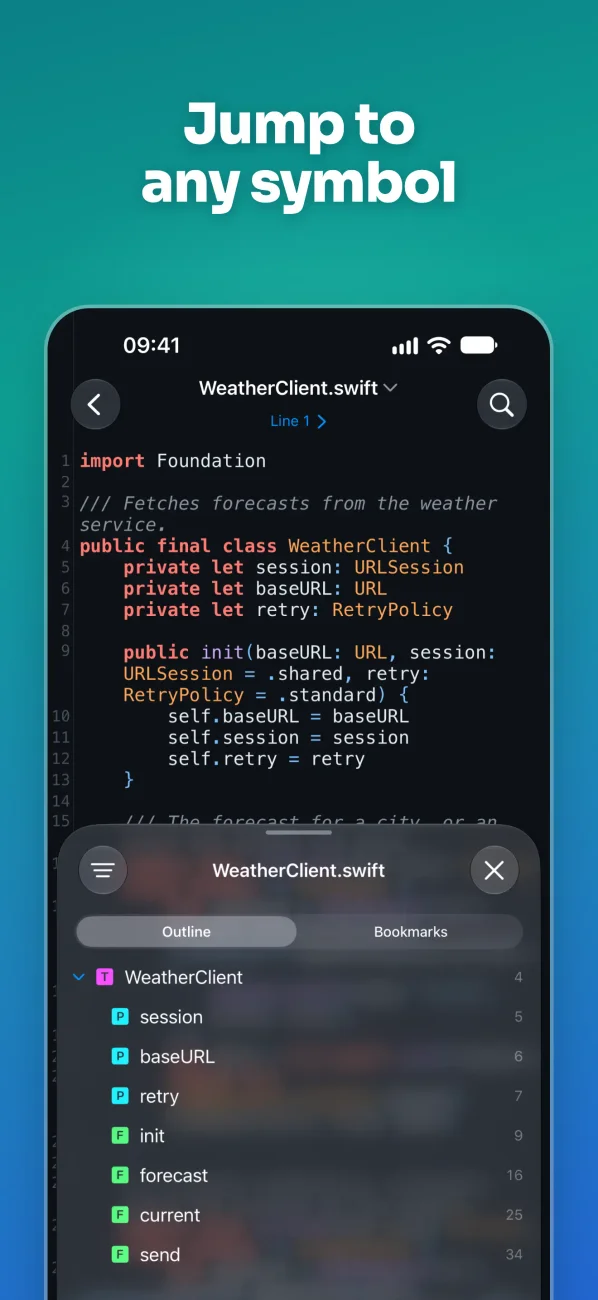
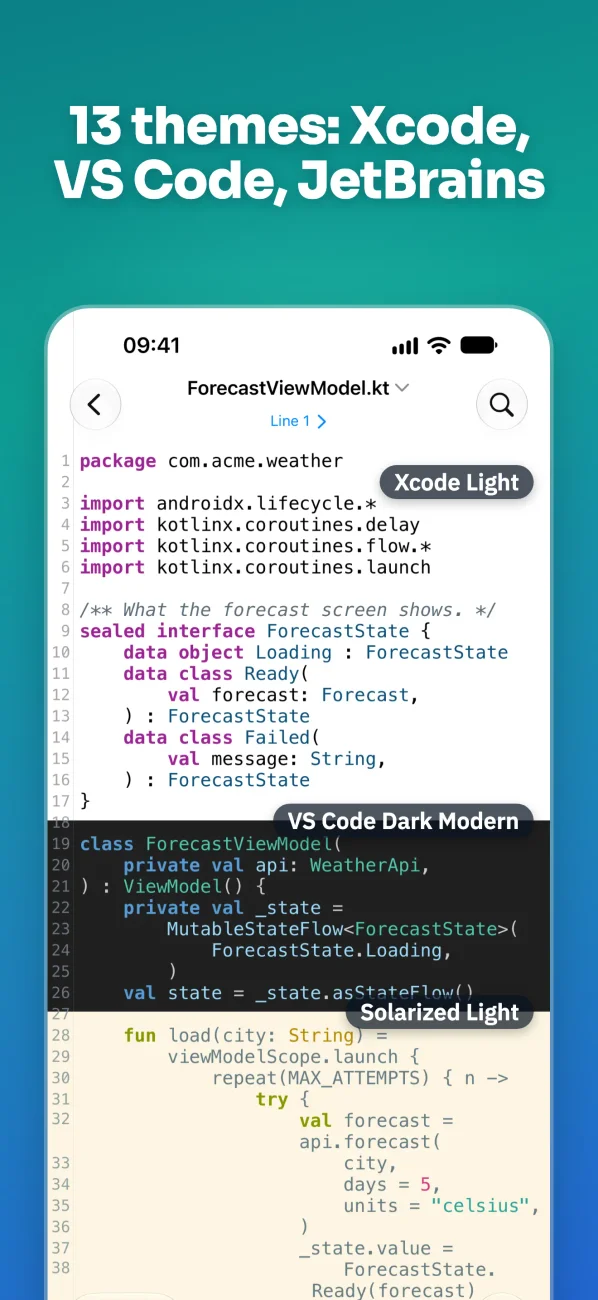
• 25+ languages with Tree-sitter highlighting
• Symbols, Go to Definition and Uses — tap a name to jump
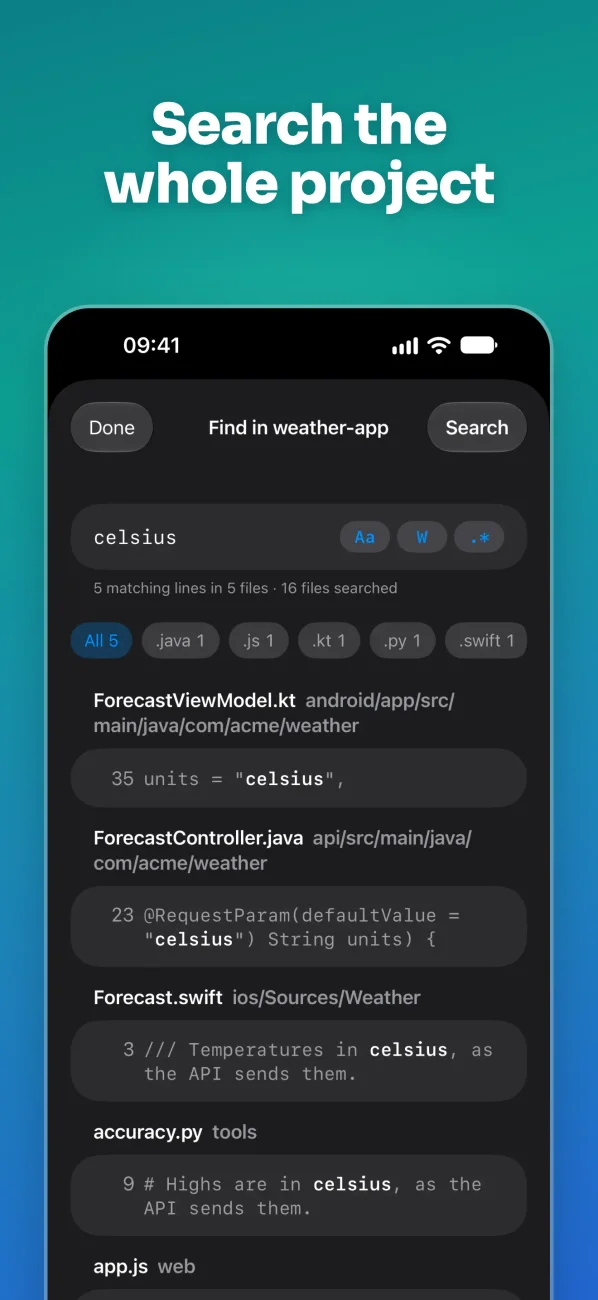
• Project search, Quick Open, Find in file
• Import from GitHub, GitLab, Bitbucket, ZIP or Files; open files in place from iCloud Drive
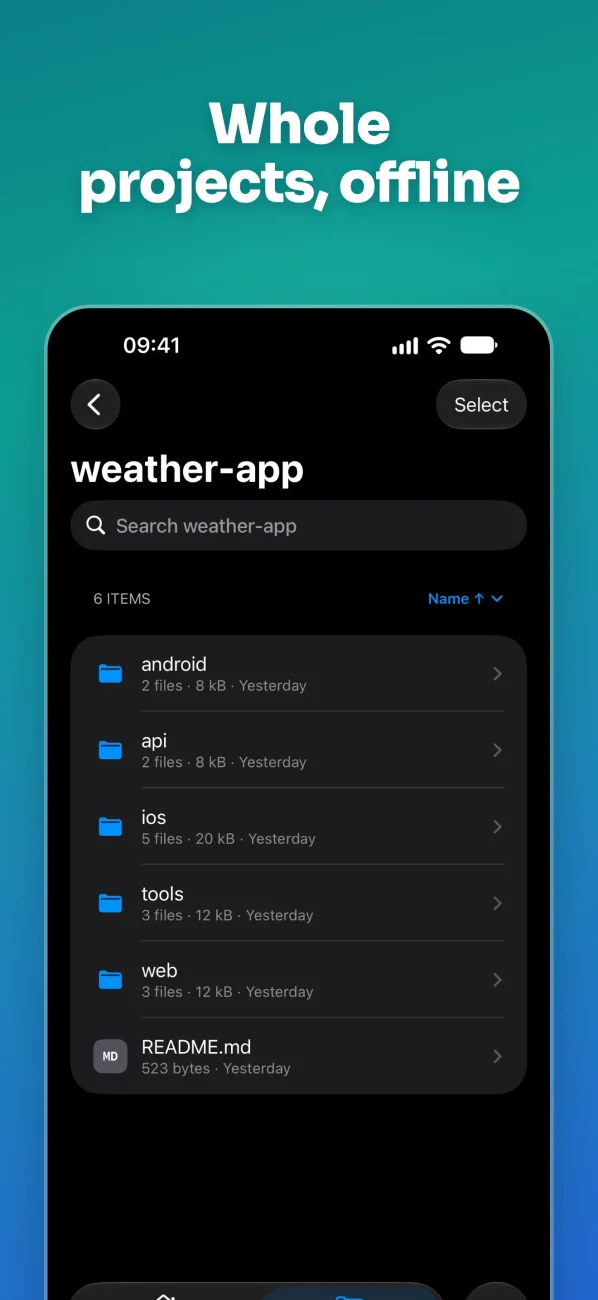
• Everything in your library works offline
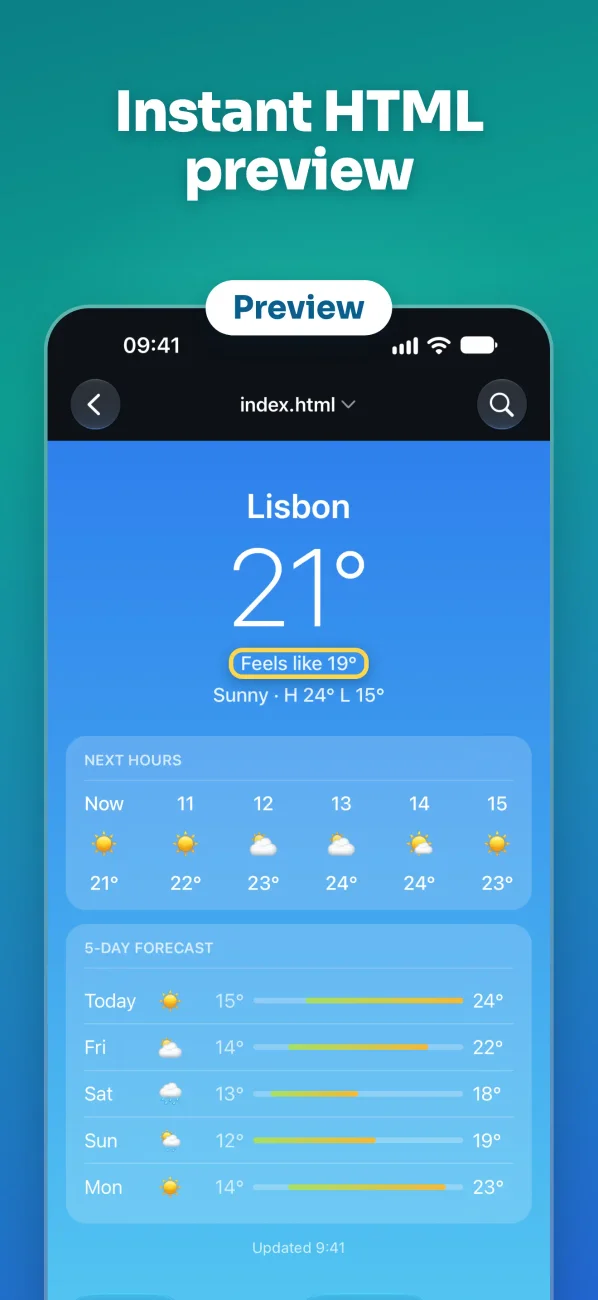
PREVIEW
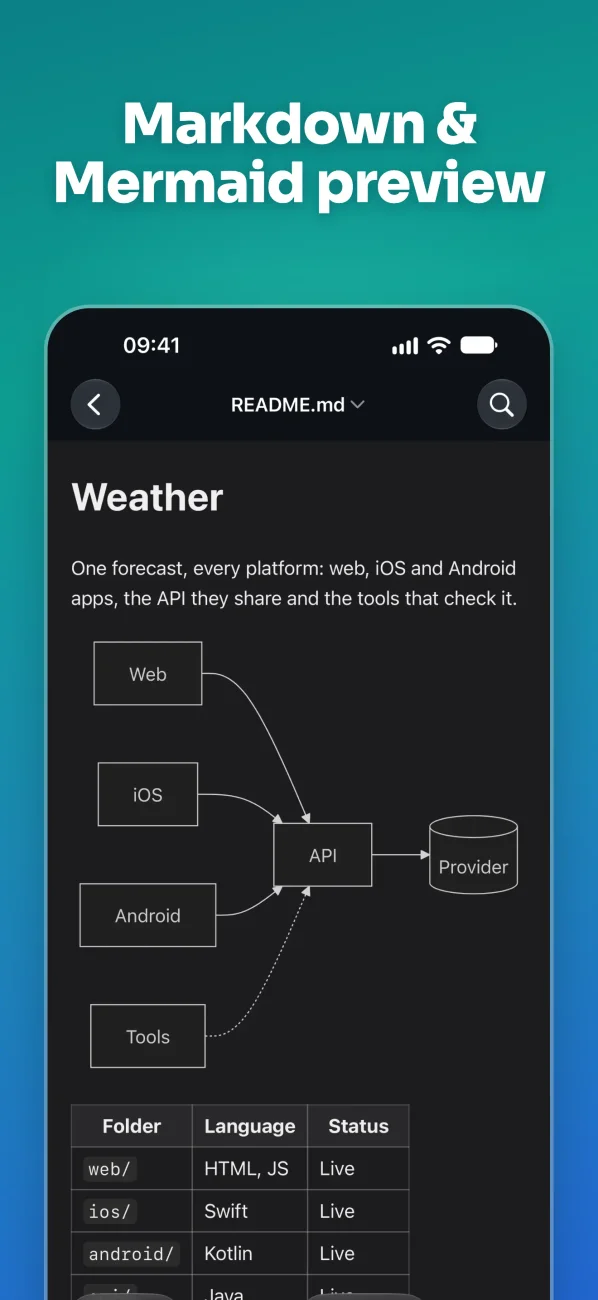
• Markdown with tables, task lists and Mermaid diagrams
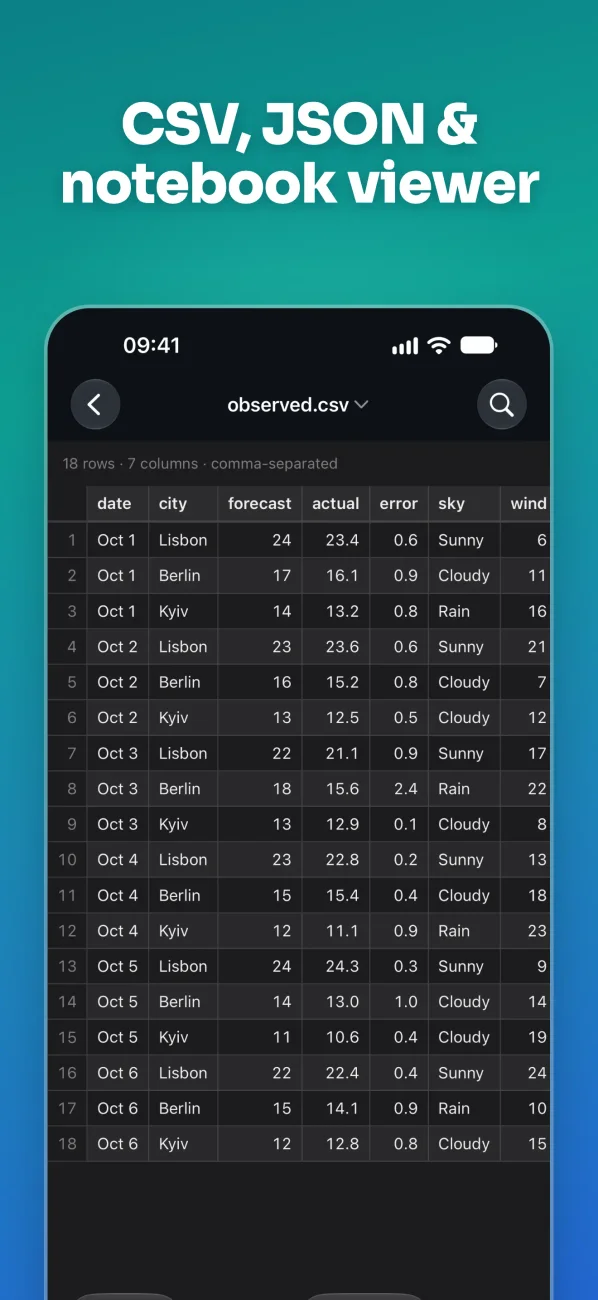
• JSON and YAML as a tree, CSV as a table
• HTML, SVG, images, Jupyter notebooks and diffs
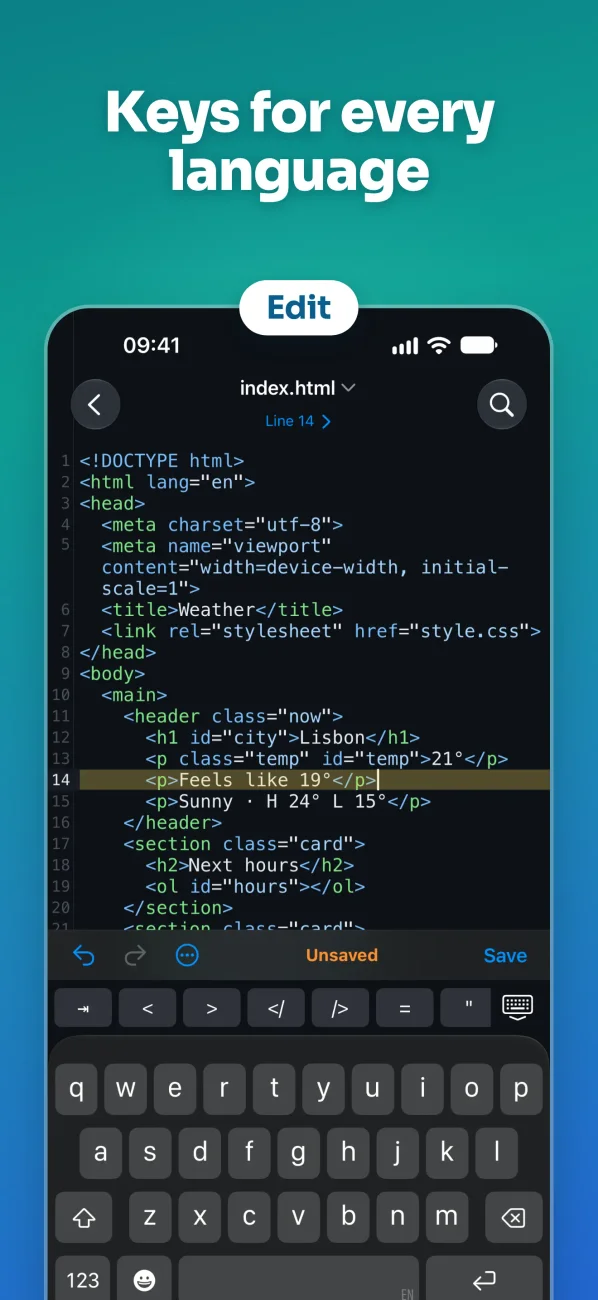
EDIT
• Fix a typo or a config value right in the file, with a diff before saving
• Find & Replace (regex), auto-pairs, comment lines
• Unsaved changes are kept as drafts
AI — WITH YOUR OWN KEY
• Explain a file or a selection: what it does, how it works and what to watch for, with lines that take you there
• Edit with AI: describe a change, check the diff, then Apply — one Undo takes it back
• Write a new file from a description
• Anthropic or OpenAI, with the model you pick; nothing is sent until you tap. Three uses are free
PULL REQUESTS — GitHub, GitLab and Bitbucket
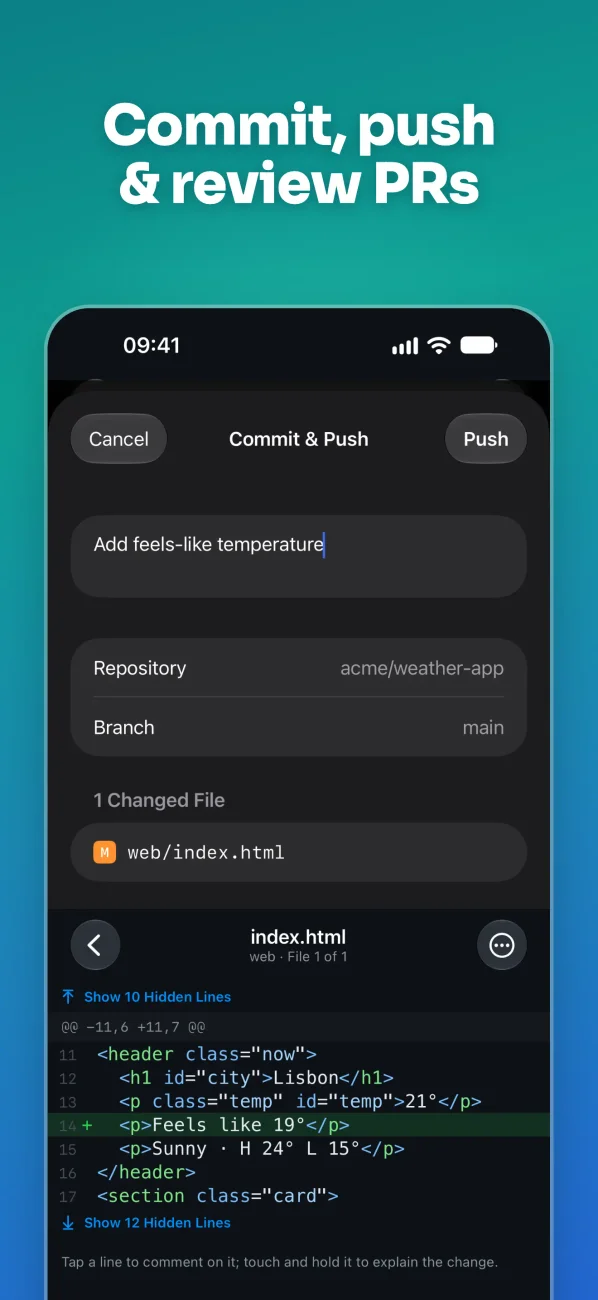
• Syntax-highlighted diffs, line comments and suggested changes
• Approve, request changes, merge, re-run CI
• Commit and push, or open a pull request — no laptop needed
• Explain Changes: a clear breakdown of big PRs with your own AI key
Not an IDE: no build or run — made for reading, reviewing and quick fixes.
FREE & PRO
Reading, previews and editing are free, with no ads, and so are two repositories in your library. Code Viewer Pro adds unlimited and private repositories, your own themes and fonts, and the pull request workflow: line comments, approve and merge, push, GitLab and Bitbucket, unlimited AI explain and edit, and notifications. Yearly with a free week, or once for life.
Terms of Use: https://www.apple.com/legal/internet-services/itunes/dev/stdeula/
GitHub, GitLab, Bitbucket, Anthropic and OpenAI are trademarks of their respective owners. Code Viewer is not affiliated with or endorsed by them.
What’s new
Version 3.2 · Nov 20, 2026
New in 3.2
• Explain with AI: select code and tap AI › Explain, or choose Explain File… in the file menu. See what it does, how it works and what to watch for, with lines that take you there
• Edit with AI: describe a change, check it as a diff, then tap Apply. One Undo takes it back. In an empty file, Write File with AI… writes it from your description
• Both use your own Anthropic or OpenAI API key, and you pick the model right where you ask. Three uses are free
• Display in the reader now has Font, Custom Theme and a profile for each language: try them on the file you're reading
• Jupyter notebooks open highlighted
• Fixed a crash when opening Settings from the Mac menu bar
• Bug fixes and improvements
App privacy
What skoroapps s.r.o. declares on the App Store about how this app handles data.
-
Data linked to you
May be collected and linked to your identity.
- Identifiers
-
Data not linked to you
May be collected but is not linked to your identity.
- Location
- Usage data
Privacy practices may vary, for example with the features you use or your age.
Information
- Seller
- skoroapps s.r.o.
- Category
- Developer Tools
- Version
- 3.2
- Updated
- Nov 20, 2026
- Released
- Dec 4, 2013
- Size
- 58.7 MB
- Requires
- iOS 18.0 or later
- Age rating
- 4+
- Price
- Free
- In-app purchases
- Yes
- Languages
- English
- Copyright
- © skoroapps s.r.o.
You might also like
-
 Code-ViewerSource code viewer
-
 Codereader.devCode & notes
-
 CodeViewer - Code ReaderCode view, Syntax highlighting
-
 Releases for XcodeXcode update notifications
-
 CodeMaster - Mobile Coding IDECode Editor & Compile SFTP SSH
-
 HTML Viewer: View SourceDev Tools to Inspect Element
-
 Xliff Tool For XcodeAI Translation
-
 pythoni2.7-run python codeGood helper for python Learn
-
 Code AnalyzerBinary File Analyzer
-
 View Source PremierWeb Inspector & API Tool