
- Age rating4+
- CategoryProductivity
- DeveloperTwo Lives Left
- LanguagesEnglish+ 10 more
- Size235.3 MB
Links to the official App Store page
Download.org hosts no file of Codea. The button opens its official App Store page, published by Two Lives Left. Listing last checked on Nov 18, 2026.
Screenshots
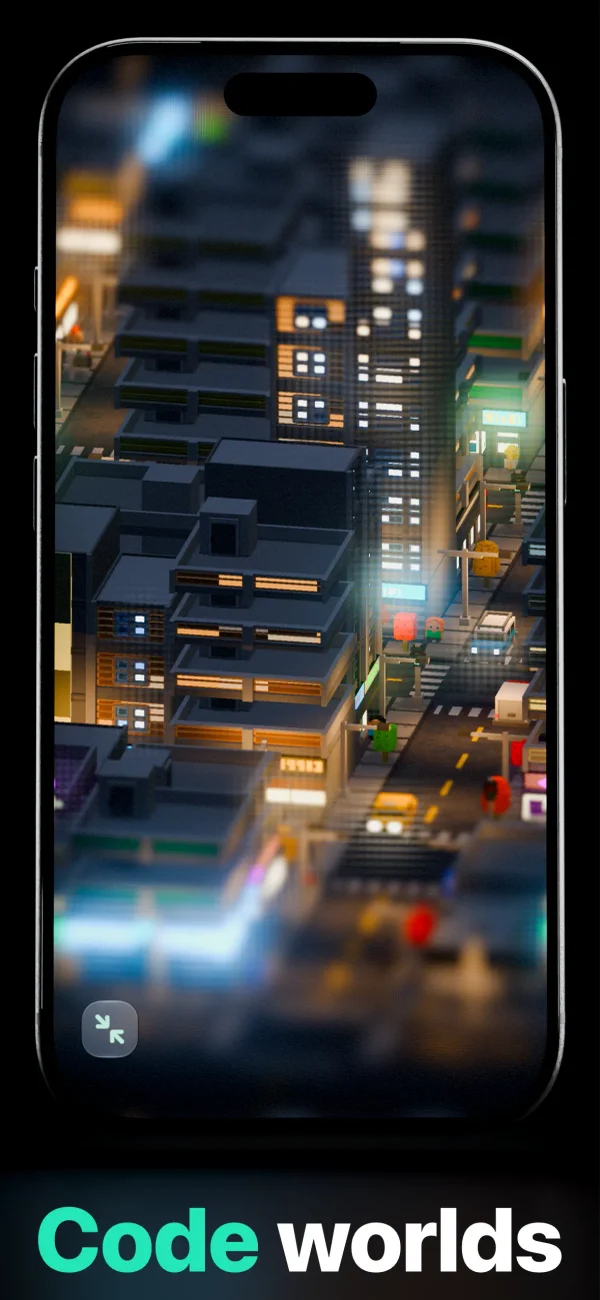
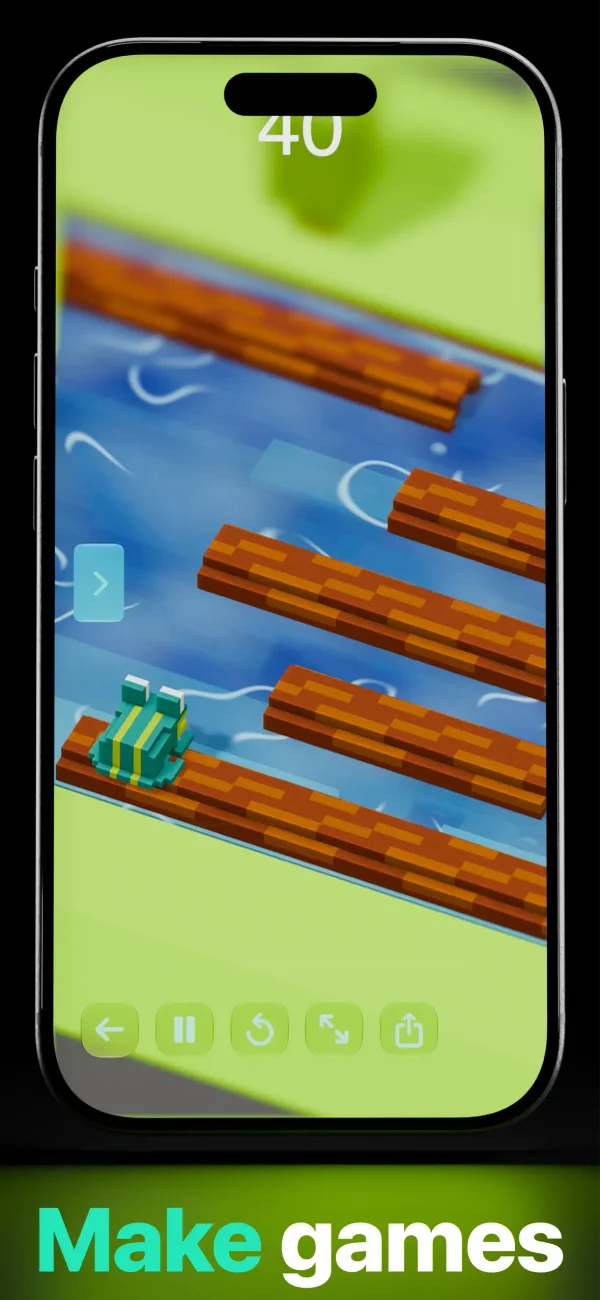
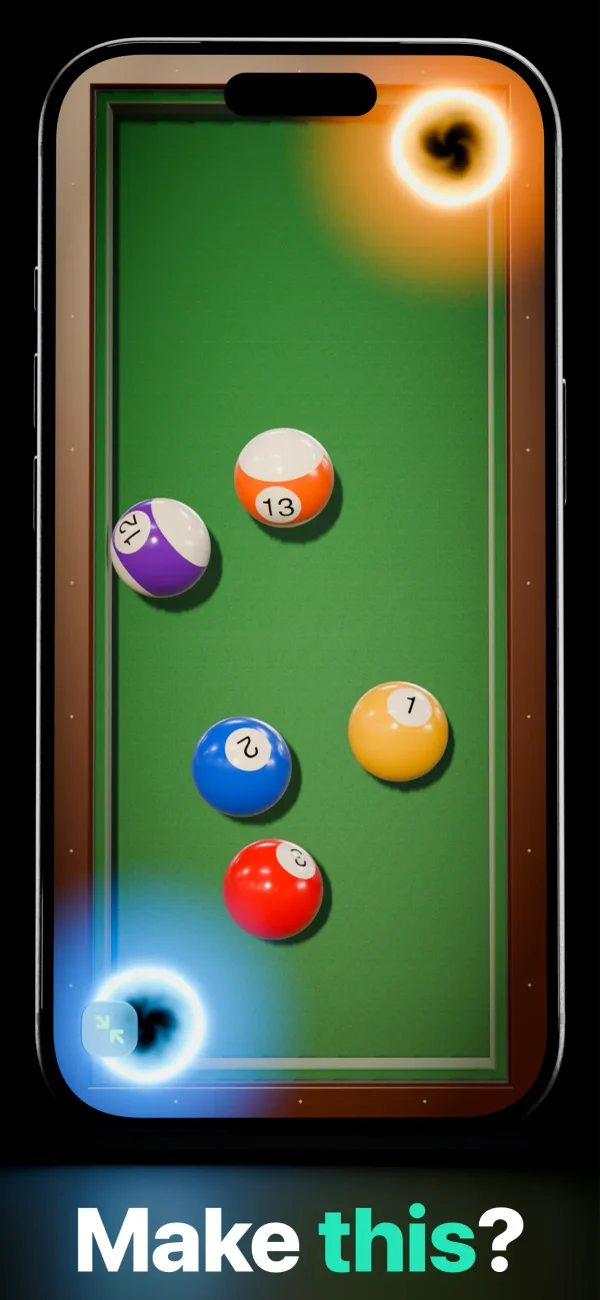
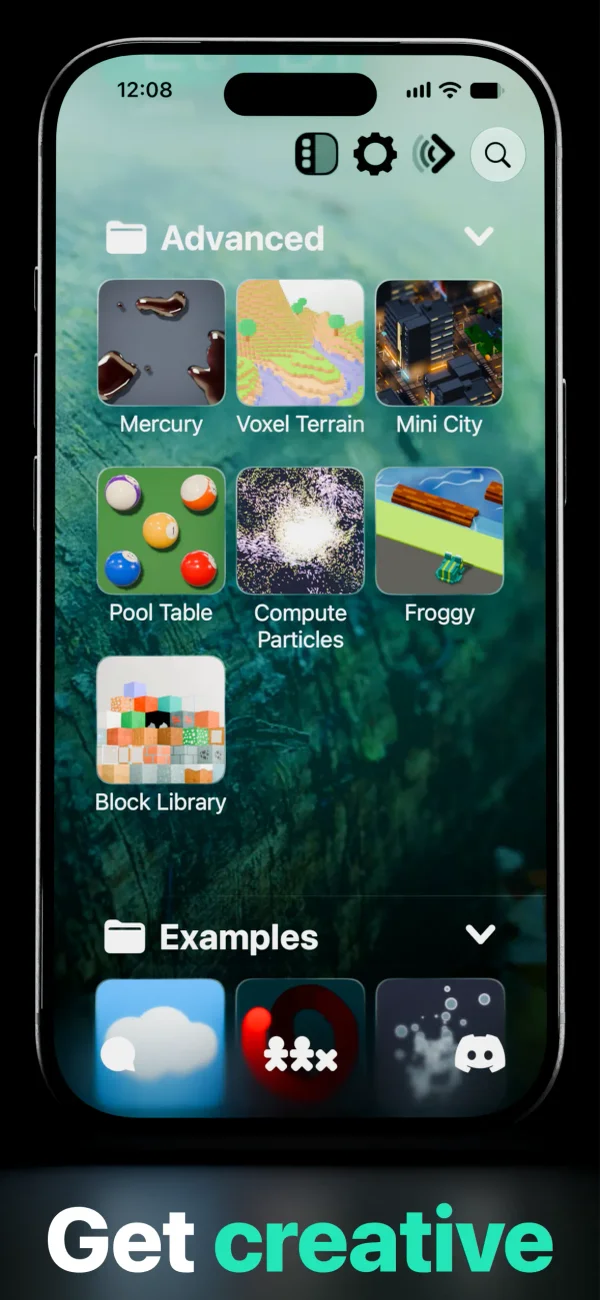
About
"It’s kind of like the Garage Band of coding." – Wired
"Codea for iPad is a super slick way to write and run programs on your iPad." – Gizmodo
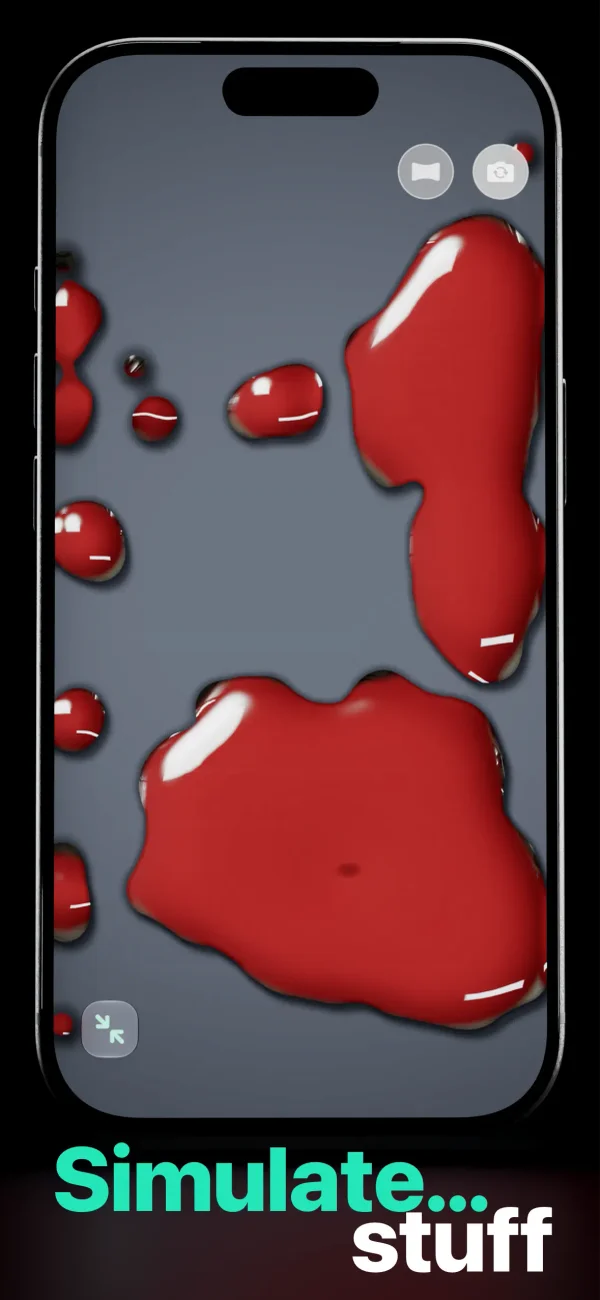
Codea lets you create games and simulations — or just about any visual idea you have. Turn your thoughts into interactive creations that make use of iPad features like Multi-Touch and the accelerometer.
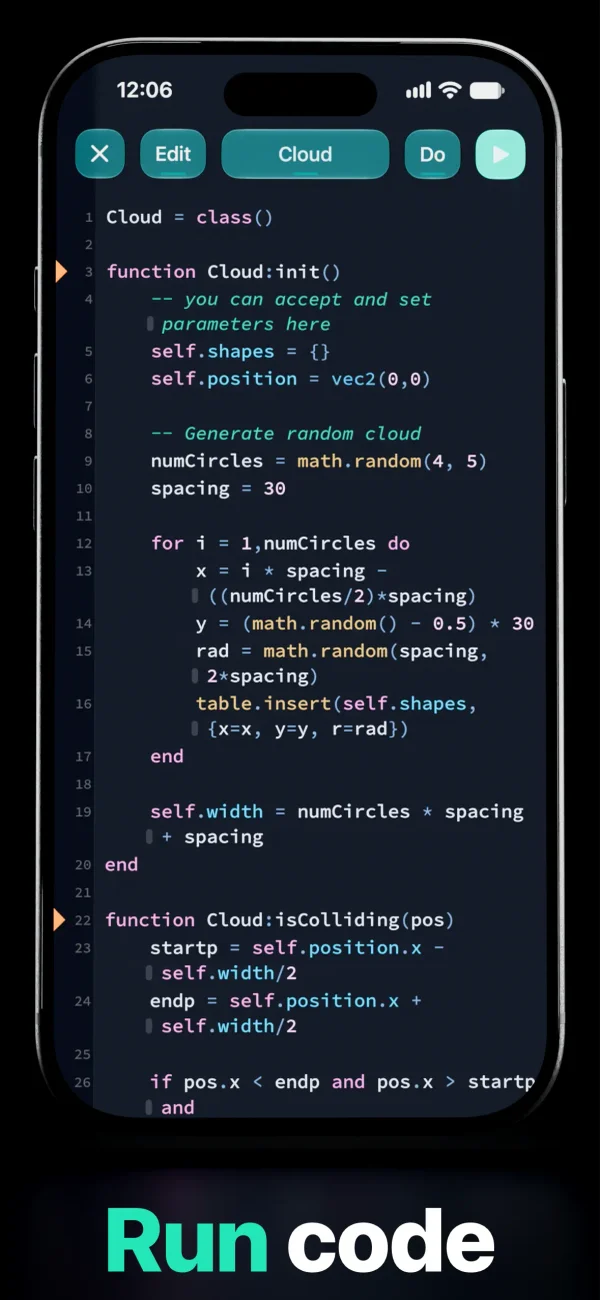
We think Codea is the most beautiful code editor you'll use, and it's easy. Codea is designed to let you touch your code. Want to change a color, or an image? Tapping will bring up visual editors that let you choose exactly what you want.
Codea is built on the Lua programming language. A simple, elegant language that doesn't rely too much on symbols — a perfect match for iPad.
Here's how you use it: type your code. Press play to watch it run. Interact with it. Get creative.
FEATURES
• A fully featured 2D and 3D renderer
• Lots of great example projects to learn from, including games
• Touch your code: tap colors, images and sounds to adjust them
• Export your finished projects to Xcode to produce real apps
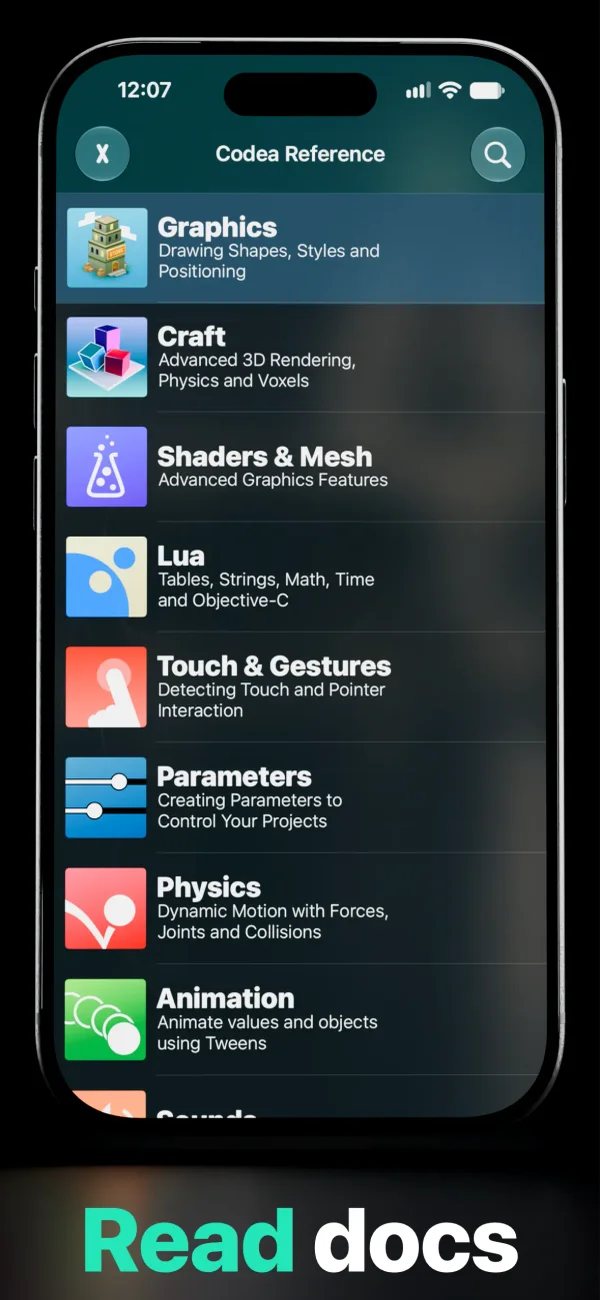
• Complete in-line reference documentation accessible from keyboard
• Intelligent syntax highlighting and auto-completing code editor
• Import your own assets from Dropbox
• Full 2D and 3D physics engines for complex motion
• Add parameters so you can tweak variables at runtime
• Interact with accelerometer and multi-touch on your device
• Generate retro-game sound effects
• GLSL Shader Language support with live shader editor
• Bluetooth keyboard support and keyboard shortcuts
• Air Code: code live from your PC using WiFi
• Much, much more
IMPORTANT INFORMATION
• Join the forums at https://talk.codea.io to ask questions, share ideas and get help when you need it
• If you need help or wish to get in contact with us, please use the support link on this page
• Privacy policy https://codea.io/privacy
• Terms https://www.apple.com/legal/internet-services/itunes/dev/stdeula/
SUBSCRIPTION
• Codea is free to use for projects up to 500 lines, after which you can subscribe to Codea Pro for access to advanced features and unlimited project size
• Monthly and yearly plans available
• Lifetime one-time purchase also available
• Pricing may vary by region. Your subscription will automatically renew unless auto-renew is turned off at least 24 hours before the end of the current period. You can manage or cancel your subscription in your App Store account settings.
What’s new
Version 3.20 · Nov 11, 2026
- You can now export Modern projects to more platforms
- Fixes and improvements to objc APIs
- Air Code can preview your device canvas right inside VS Code
App privacy
What Two Lives Left declares on the App Store about how this app handles data.
-
Data not linked to you
May be collected but is not linked to your identity.
- Purchases
Privacy practices may vary, for example with the features you use or your age.
Information
- Seller
- Two Lives Left
- Category
- Productivity
- Version
- 3.20
- Updated
- Nov 11, 2026
- Released
- Oct 26, 2011
- Size
- 235.3 MB
- Requires
- iOS 18.5 or later
- Age rating
- 4+
- Price
- Free
- In-app purchases
- Yes
- Languages
- English, Catalan, Dutch, French, German, Italian, Japanese, Korean, Russian, Simplified Chinese, Spanish
- Copyright
- © 2026 Two Lives Left
You might also like
-
 UE RemoteProductivity
-
 Scrap PaperProductivity
-
 CodeBrew - IDE for JavaCode like a Pro
-
 Tot PocketYour tiny text companion.
-
 Pagi - Morning Pages & DiaryFocus Journal & Text Editor
-
 Blanks - AI App BuilderVibe code apps in minutes
-
 Atten - App BlockerScreen Time Control & Limits
-
 Paraphrase ToolSentence Corrector
-
 iEditor – Text Code EditorBest source code editor
-
 Enclave - Local AI AssistantAnonymous, Offline, Private AI