
- Age rating4+
- CategoryUtilities
- DeveloperDriftwood Studio Software LLC
- LanguagesEnglish
- Size11.1 MB
Links to the official App Store page
Download.org hosts no file of Codex Calc. The button opens its official App Store page, published by Driftwood Studio Software LLC. Listing last checked on Nov 20, 2026.
Screenshots
About
Codex Calc is the calculator for the rest of us: easy and intuitive, without sacrificing power and capabilities.
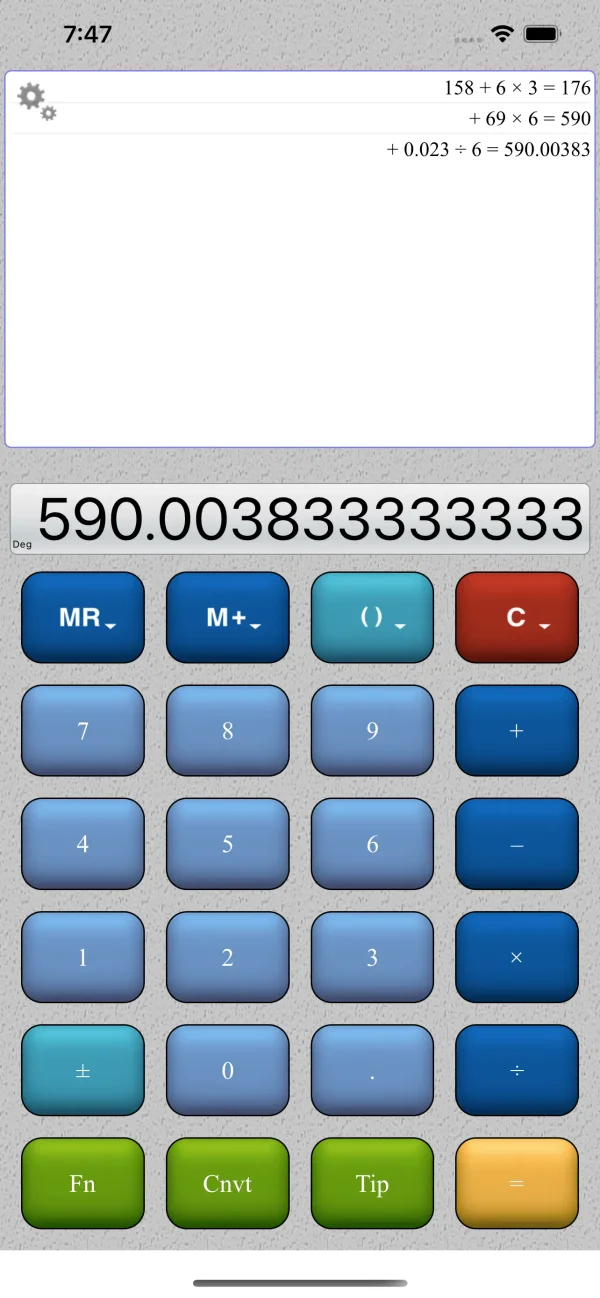
Calculator • Unit Converter • Tip Calculator • RPN Mode • Full Scientific • History Tape
All the power you need, wrapped in a beautifully designed interface that's simple without being simplistic.
ADAPTS TO YOU
Do you like big buttons, or small? Like minimalist interfaces, or are you a fan of bright and flashy? Prefer small fonts to see more detail, or big text and easy to read buttons? Codex Calc adapts itself to the way *you* like to work.
FEATURES
Everything you'd expect, plus:
• History tape records all entries and calculations
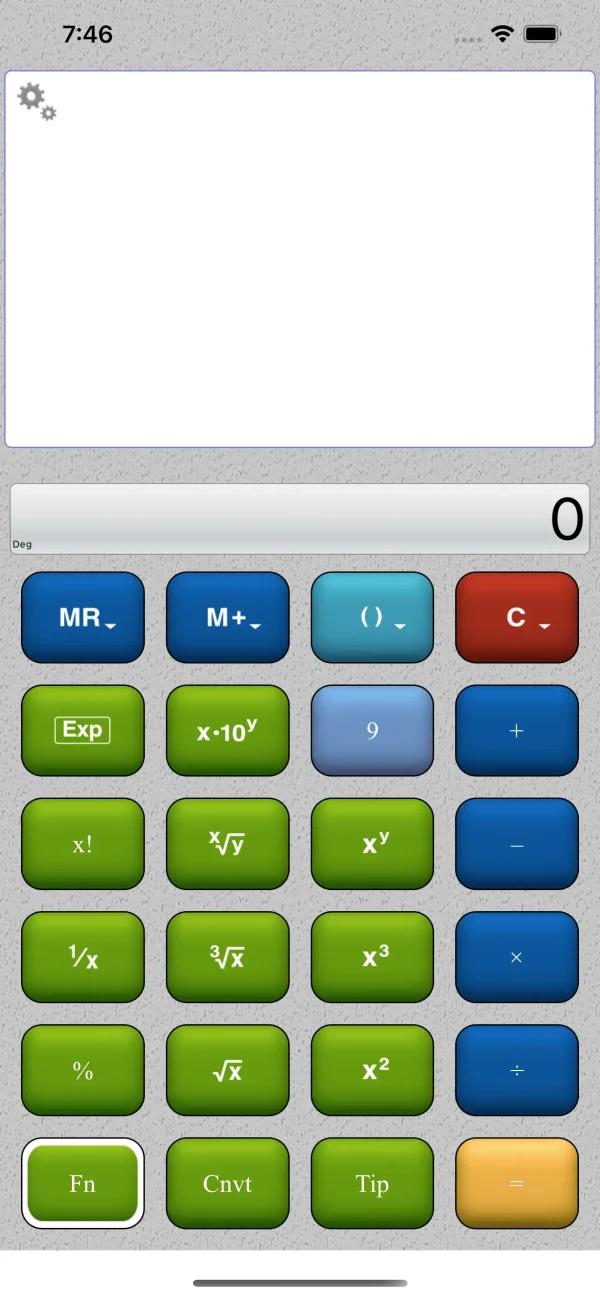
• Full suite of standard and scientific calculator functions
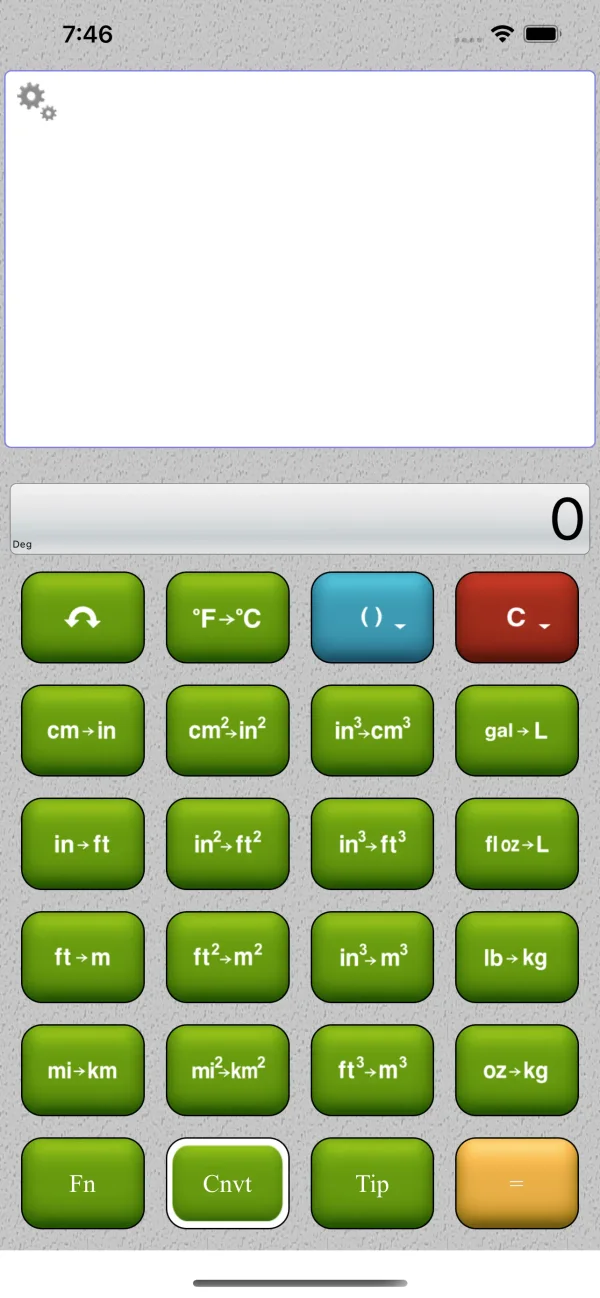
• Unit conversion mode for forward and reverse conversions
• Full tip calculator mode - taxes, tip, per-person amounts
• RPN mode fully integrated
• Rotation lock and sound on/off toggles
• Seven different professionally designed visual themes
• Multi-number memory and full set of memory-store operators
• Full control over history tape font size
• Single and multiple-line history tape formats
• Large and small button sizes
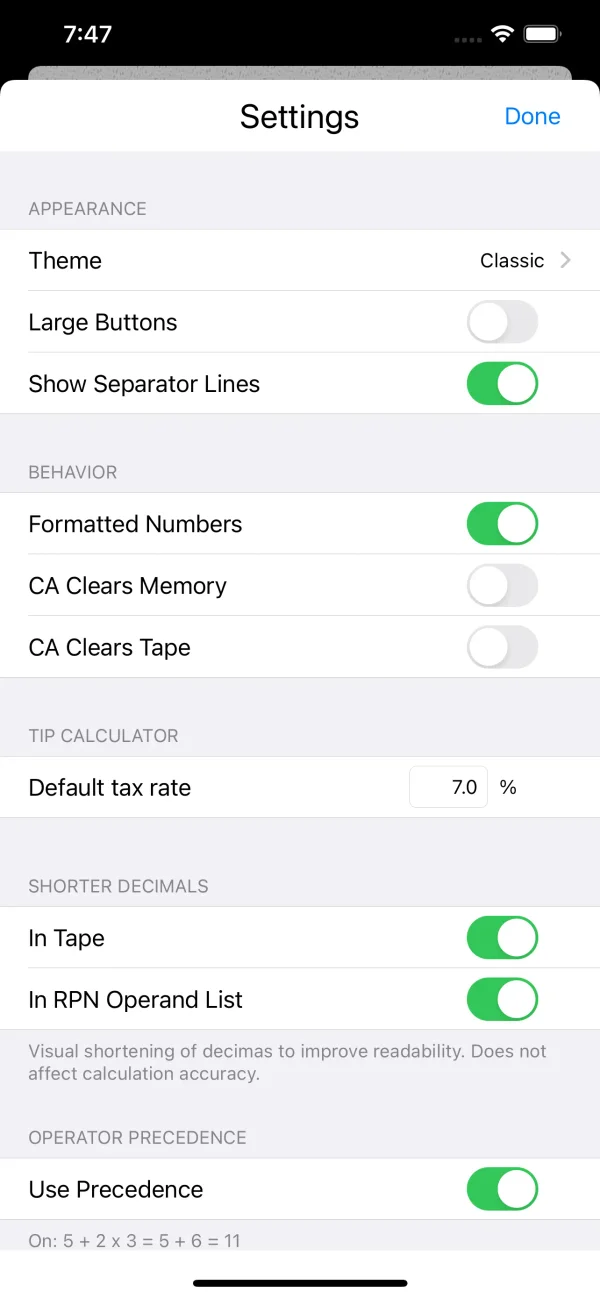
• Settings for customization (number formatting, behavior of clear key, display of calculation details, much more)
Calculations:
• Trig functions in degrees and radians
• Log and power/exponentials
• Scientific notation / exponent mode
• Rounding and truncating
• Random number generation
• Parenthesis and sub-expressions
...and more!
INTUITIVE TOUCH INTERFACE
Take full advantage of your device's capabilities:
• Overlays - rather than making buttons smaller to fit more, Codex Calc uses intuitive overlays on the existing buttons.
• Popup Menus - hidden until you need them, pop-up context menus give you more power when the default action isn't quite what you need.
• Zoomable History Tape - Tap the history tape to expand for more detail, change the font size, copy contents to clipboard, or forward as an email. View as single-lines to save space, or use multi-line view for more detail.
• Multiple Flexible Layouts - Portrait and landscape, large and small buttons, and seven different graphical themes.
• Easy-Touch Everything - Codex Calc's entire design approach revolves around "touch to activate." Tap the tape to see it bigger, swipe to scroll, long-press a button for more options, tap the display to copy or paste, etc.
What’s new
Version 1.5.1 · Dec 9, 2024
Compatibility updates for recent iOS releases
App privacy
What Driftwood Studio Software LLC declares on the App Store about how this app handles data.
-
Data not collected
The developer does not collect any data from this app.
Privacy practices may vary, for example with the features you use or your age.
Information
- Seller
- Driftwood Studio Software LLC
- Category
- Utilities
- Version
- 1.5.1
- Updated
- Dec 9, 2024
- Released
- Mar 1, 2012
- Size
- 11.1 MB
- Requires
- iOS 12.0 or later
- Age rating
- 4+
- Price
- $0.99
- Languages
- English
- Copyright
- © 2016 Driftwood Studio
You might also like
-
 BVCalcScientific & RPN Calculator
-
 |RPN| Scientific CalculatorUtilities
-
 Flick+Calc AD(Free version)World’s simplest and most unique Flick calculatorUtilities
-
 CalcLink - Calculator for PCSend results to Windows
-
 Calculator+ - Math SolverScientific Calculator
-
 CalccisA RPN calculator
-
 SwiftRPNRPN At The Speed Of Light
-
 Calculator + Formula & HistoryHistory and scientific keys
-
 Calculator SC-323PUScientific Calculator
-
 Calculator: Brill CalcBasic & Scientific Calculator