
- Age rating4+
- CategoryProductivity
- DeveloperEmil Lykke Grann
- LanguagesEnglish
- Size153.5 MB
Links to the official App Store page
Download.org hosts no file of Codictate: AI Dictation. The button opens its official App Store page, published by Emil Lykke Grann. Listing last checked on Nov 26, 2026.
Screenshots
About
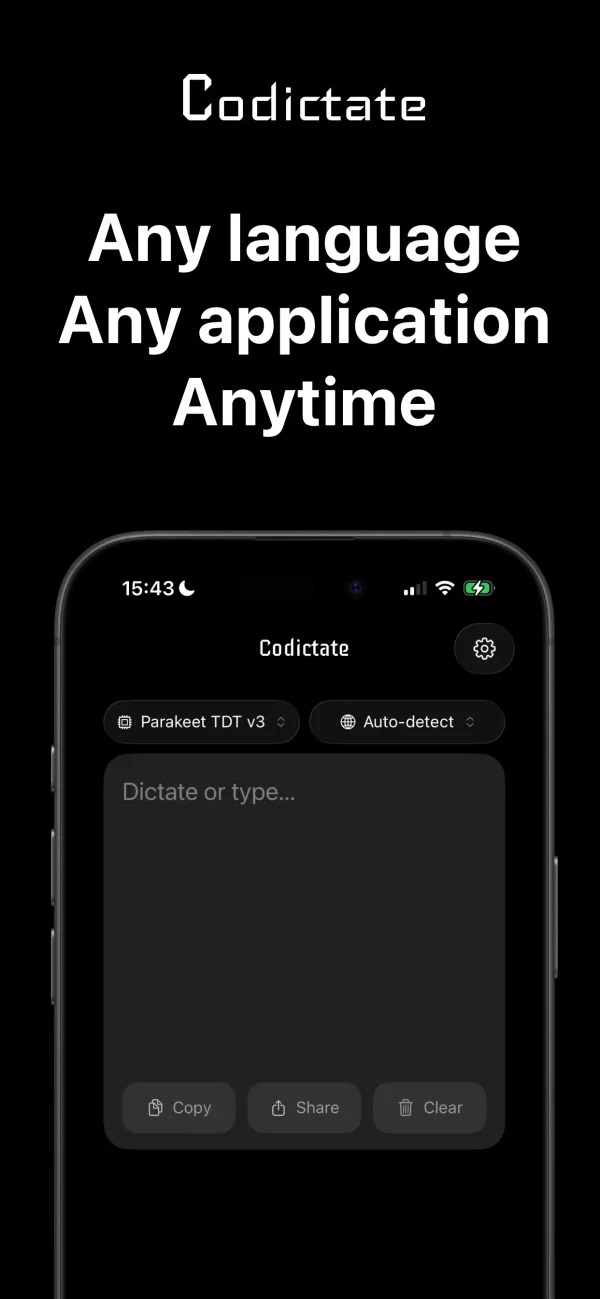
Press a button, speak, and your words are transcribed and pasted into whatever app you're using. No internet required. No account. No data leaves your phone. Codictate is AI dictation that runs entirely on your device.
The AI models run locally on your iPhone's Neural Engine and CPU, so your voice is never used to train AI models.
HOW IT WORKS
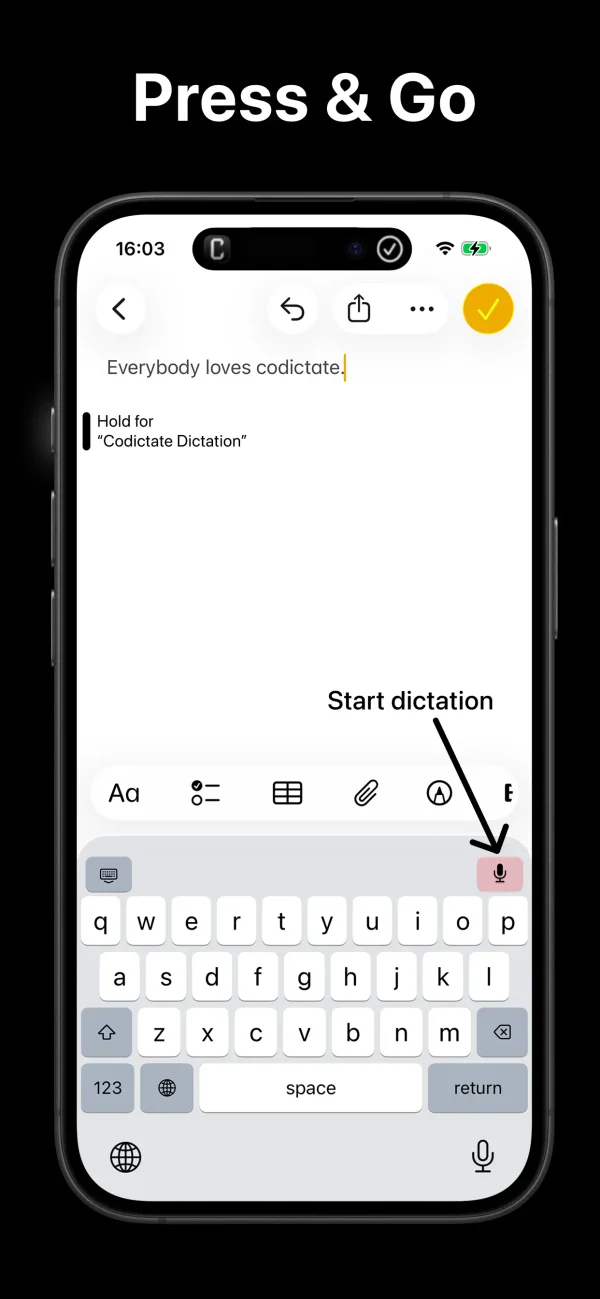
Codictate installs a system keyboard with a Dictate button. Tap it, speak, and on-device AI transcribes your speech in real time. The transcript is then inserted into your current text field.
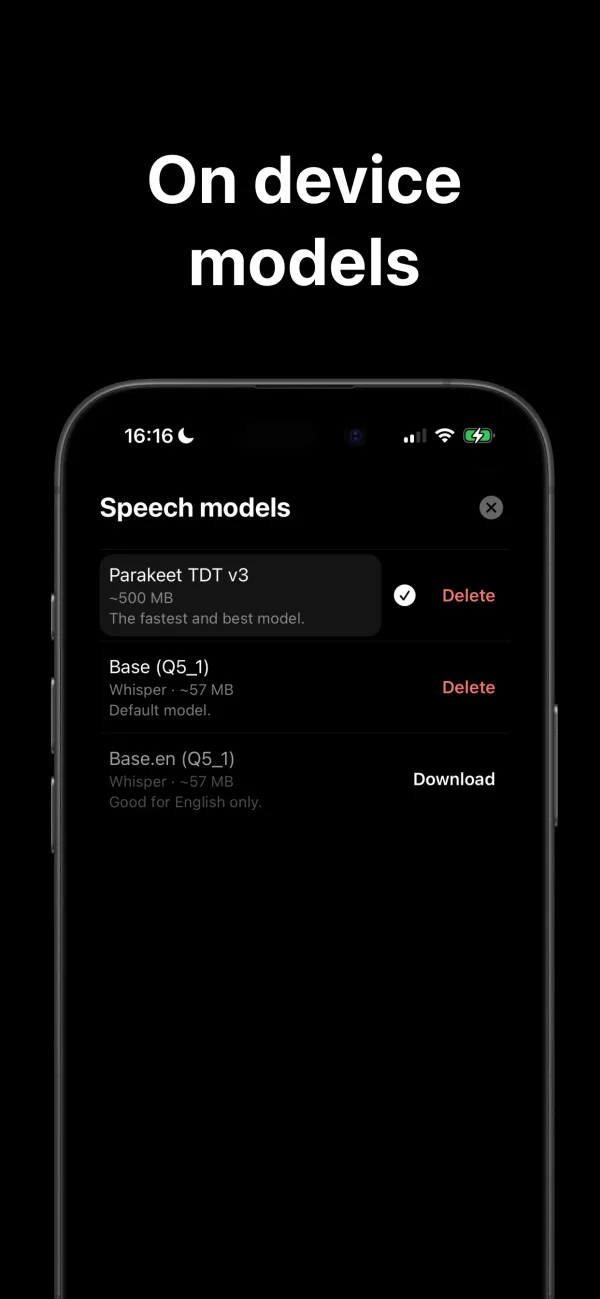
Two AI speech engines are included:
- Parakeet TDT v3: Runs on the Neural Engine. Fast, lightweight, 95.7% accuracy on clean English audio.
- Whisper base (quantized): Runs on CPU as a fallback. Multilingual support with a 57 MB model.
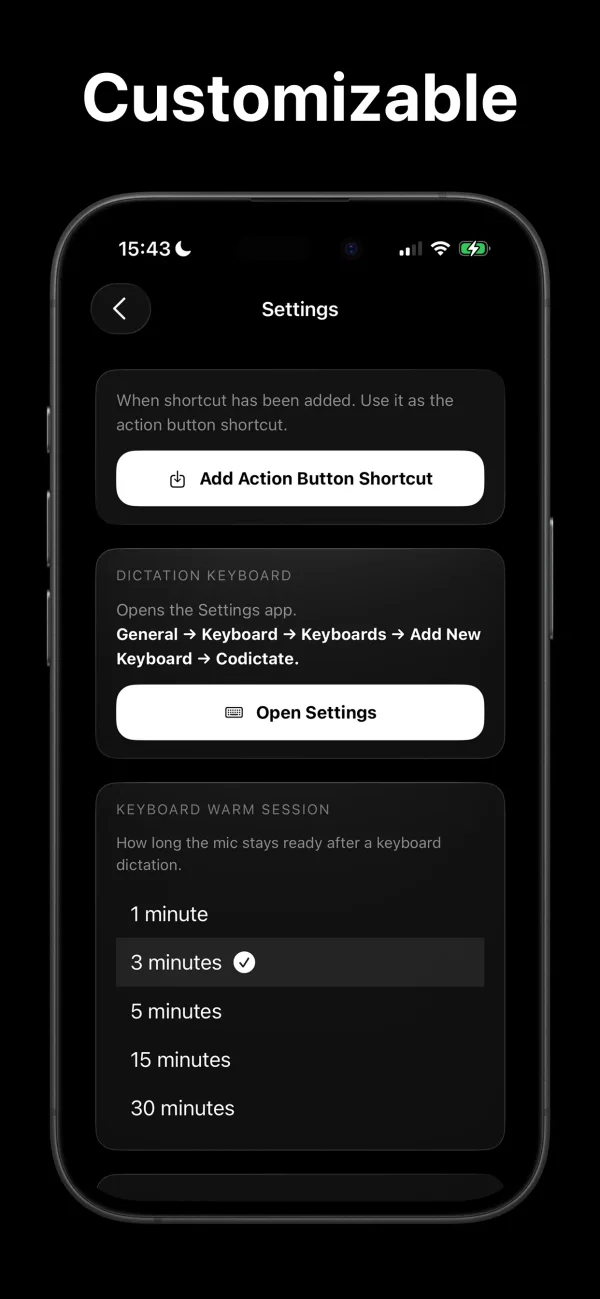
You pick which AI model fits your needs. Switch anytime in settings.
PRIVACY
Everything runs on-device. Audio is never uploaded. There is no server, no analytics, no telemetry. Your recordings stay on your phone and are discarded after transcription. AI dictation without the cloud.
FEATURES
- On-device AI transcription (no internet needed)
- System keyboard with one-tap dictation
- Parakeet TDT v3 (Neural Engine, fast)
- Whisper base-q5_1 (CPU, multilingual)
- Works in any app that accepts keyboard input
- Live Activity indicator while recording
- Action Button and Shortcuts support
REQUIREMENTS
- iPhone with iOS 17.0 or later
- Apple Silicon (Neural Engine required for Parakeet)
- Approximately 57 MB for Whisper model or 500 MB for Parakeet model
What’s new
Version 1.0.4 · Nov 25, 2026
New in 1.0.4
- Dictate right from the keyboard. The Codictate keyboard now records and transcribes on its own with every speech model, so you stay in the app you're typing in. No more jumping to Codictate and back, even when it's closed.
- S1-mini cleanup works from the keyboard too.
- Switch speech model and turn S1-mini on or off right from the keyboard. Tap the model name at the top.
- A cleaner keyboard. A small Dictate button with live sound bars shows when it's listening, and typing works like you'd expect: numbers and symbols, hold to delete, key clicks, automatic capitals and a double space for a period.
- Dictations no longer stick to the text before them.
- The first keyboard dictation after installing or updating can take a moment while the model gets ready. After that it's fast.
- Updated for iOS 27.
App privacy
What Emil Lykke Grann declares on the App Store about how this app handles data.
-
Data not collected
The developer does not collect any data from this app.
Privacy practices may vary, for example with the features you use or your age.
Information
- Seller
- Emil Lykke Grann
- Category
- Productivity
- Version
- 1.0.4
- Updated
- Nov 25, 2026
- Released
- Jun 8, 2026
- Size
- 153.5 MB
- Requires
- iOS 17.0 or later
- Age rating
- 4+
- Price
- Free
- Languages
- English
- Copyright
- © 2026 Emil Lykke Grann
You might also like
-
 MeetMind AIAI Meeting Notes & Summaries
-
 Chatwise: Chat & LearnBoost your learning
-
 Teika: Voice to Text NotesPrivate offline dictation
-
 WhisperkitOn-Device AI Transcription
-
 Notenda – Notebook & DiaryPrivate notes, photos & PDF
-
 SpeakUp DictationVoice typing, 100% on-device
-
 ServeLog: Service Loan ArchivePayment, ECF & servicer log
-
 ConduckYour AI, your keys, your voice
-
 Altboard: AI Voice KeyboardPrivate offline dictation
-
 Reopen in PrivateReopens tab it in private