
- Age rating4+
- CategoryUtilities
- DeveloperPatterson Marcus
- LanguagesEnglish
- Size11.1 MB
Links to the official App Store page
Download.org hosts no file of Cogbench. The button opens its official App Store page, published by Patterson Marcus. Listing last checked on Nov 6, 2026.
Screenshots



About
A pocket workbench for gears. Set a module and two tooth counts, and a real involute gear pair meshes live on screen.
Ratio, centre distance and pitch diameters update as you drag. Undercut warnings appear the moment a pinion gets too small.
Built for mechanical engineers, engineering students and makers who print, build and prototype.
HOW IT WORKS
Drag the Module, Pinion teeth and Gear teeth sliders and pick a pressure angle of 14.5, 20 or 25 degrees. The pair is drawn with true involute tooth profiles, not polygons, and keeps turning as you adjust it. Save a build to the logbook, share it as a parameter card, or open Flank View to study a single tooth.
TOOLS ON THE BENCH
- Mesh Lab: live animated spur pair with ratio, centre distance and pinion diameter
- Undercut check: minimum tooth count for each pressure angle (32 / 17 / 12)
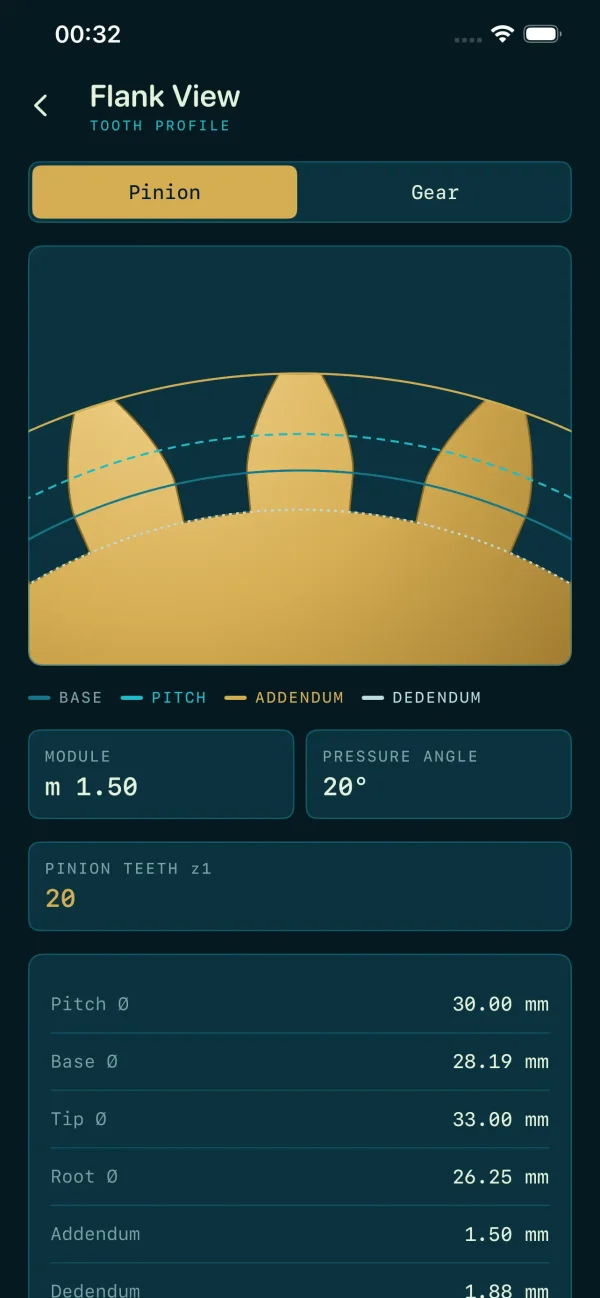
- Flank View: base, pitch, addendum and dedendum circles plus tip, root, circular pitch and tooth thickness values
- Gear Chain: 2 to 8 gears with input rpm, a speed bar and direction arrow for every gear, total ratio and output rpm
- Ratio Finder: enter a target ratio and get up to 20 tooth pairs ranked by percentage error, within your own tooth range
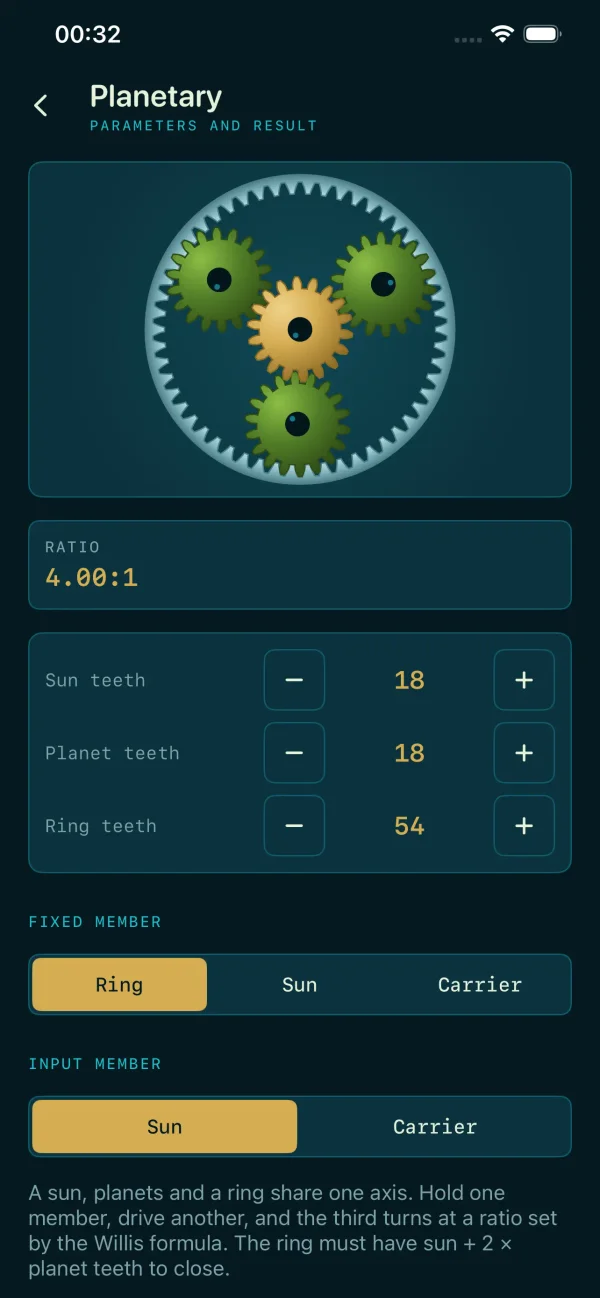
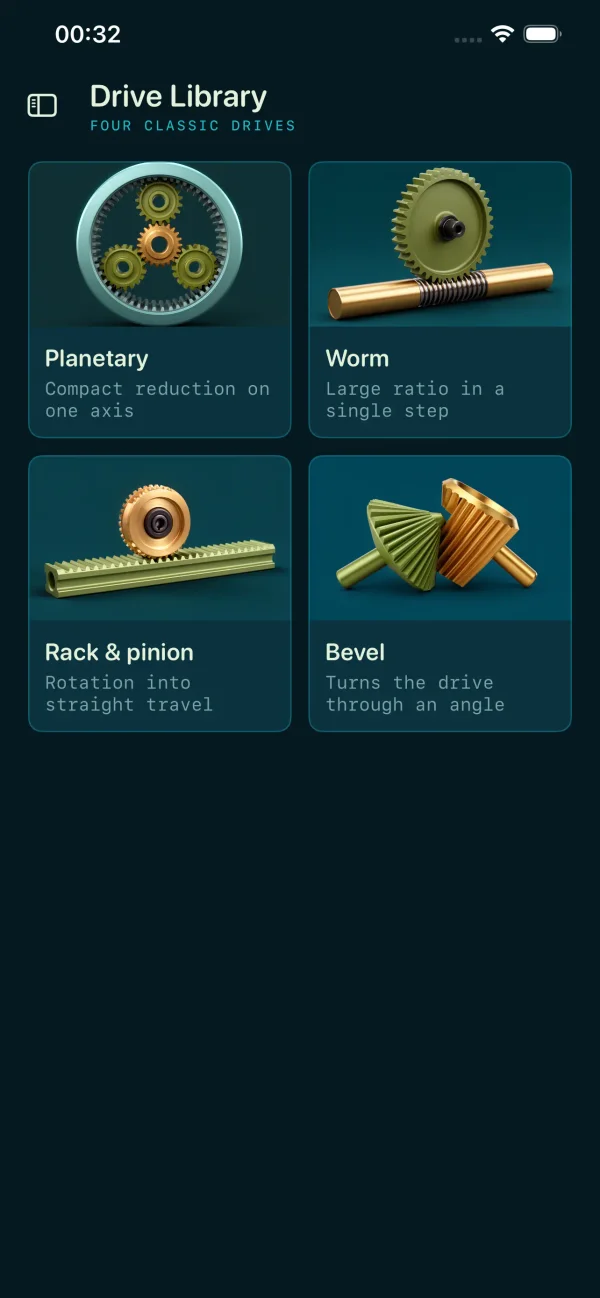
- Drive Library: planetary (fixed and driving member selectable), worm (starts, lead angle, self-locking hint), rack and pinion (travel per turn), bevel (ratio and cone angles)
- Load Curve: input torque vs. speed along the chain, output torque, peak tangential force and a simplified Lewis tooth-load check
- Logbook: keep your builds and load any of them back with one tap
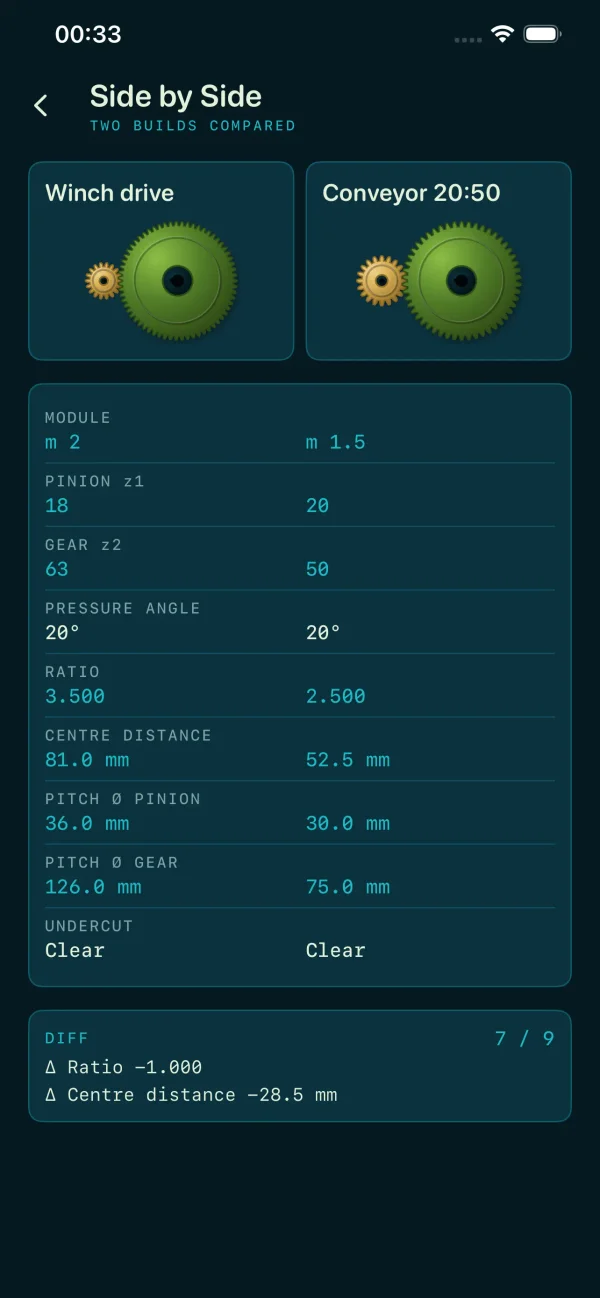
- Side by Side: compare two builds line by line with every difference highlighted
DETAILS THAT MATTER
- Millimetres or inches - module is shown as diametral pitch in inch mode
- Default pressure angle of your choice
- Reset data by parts: logbook, gear chain or mesh defaults separately
- Ideal textbook formulas; friction and efficiency losses are not included, and the app says so
PRIVATE BY DESIGN
Works fully offline. No account, no sign-in, no ads, no tracking, no permissions. Your builds stay on your device.
Open the bench and mesh your first pair.
App privacy
What Patterson Marcus declares on the App Store about how this app handles data.
-
Data not collected
The developer does not collect any data from this app.
Privacy practices may vary, for example with the features you use or your age.
Information
- Seller
- Patterson Marcus
- Category
- Utilities
- Version
- 1.0.0
- Updated
- Oct 8, 2026
- Released
- Oct 8, 2026
- Size
- 11.1 MB
- Requires
- iOS 15.0 or later
- Age rating
- 4+
- Price
- Free
- Languages
- English
- Copyright
- © 2026 Patterson Marcus
You might also like
-
 Machine UtilityMachine Utility
-
 Gear Design MasterSolve, Check & Export DXF
-
 Gear Calc by FrencoUtilities
-
 Taper Calculator EasyUtilities
-
 Gear Calculator ProGear Calculation Tool Helical
-
 Car Cinema: TV, IPTV & CastVideo for Car Play & Mirror
-
 Abstract Wallpaper - HD - 4KAbstract Wallpapers HD
-
 Mechanical Engineering ToolkitEngineering Equations,Formulas
-
 Car TV - IPTV M3U Video PlayerCast & Mirror to Car Display
-
 Flat Pattern Bend CalculatorDuct, HVAC, Pipe & Sheet Metal