
Collage Maker - Picture Editor
"Design Edit Share Instantly!"
Designed for iPhone, iPad, iPod touch
Free
- Age rating4+
- CategoryReference
- DeveloperSkyraan Technologies
- LanguagesEnglish
- Size40.9 MB
Links to the official App Store page
Download.org hosts no file of Collage Maker - Picture Editor. The button opens its official App Store page, published by Skyraan Technologies. Listing last checked on Nov 16, 2026.
Screenshots


About
Collage Maker - Create Stunning Collages with Ease
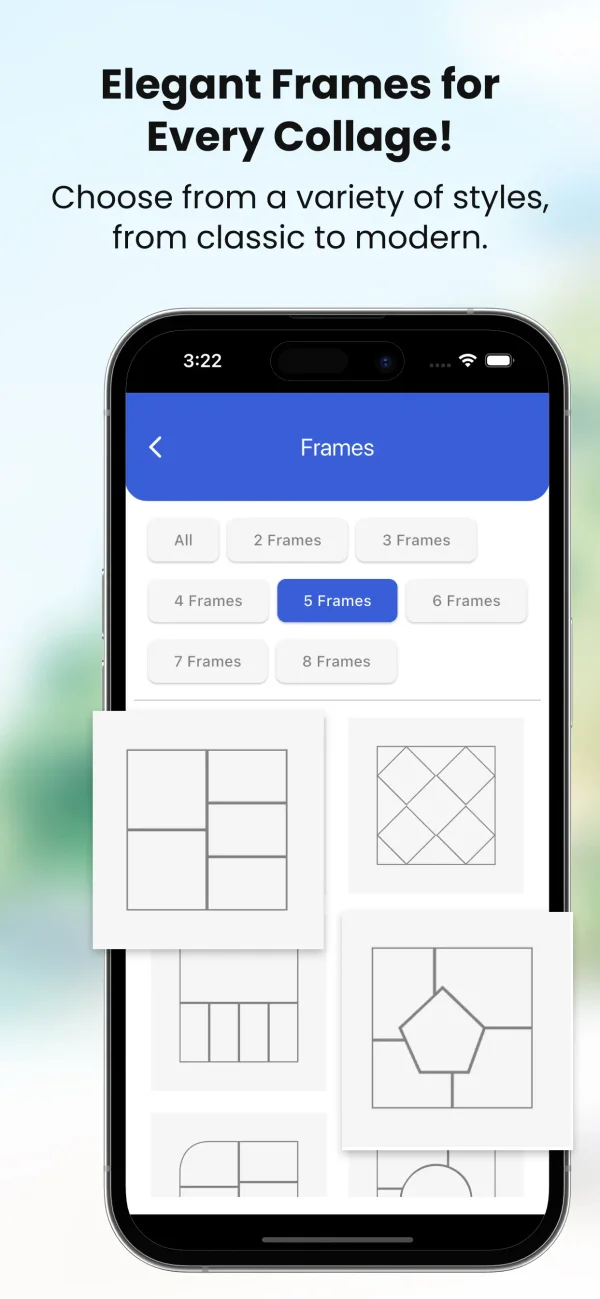
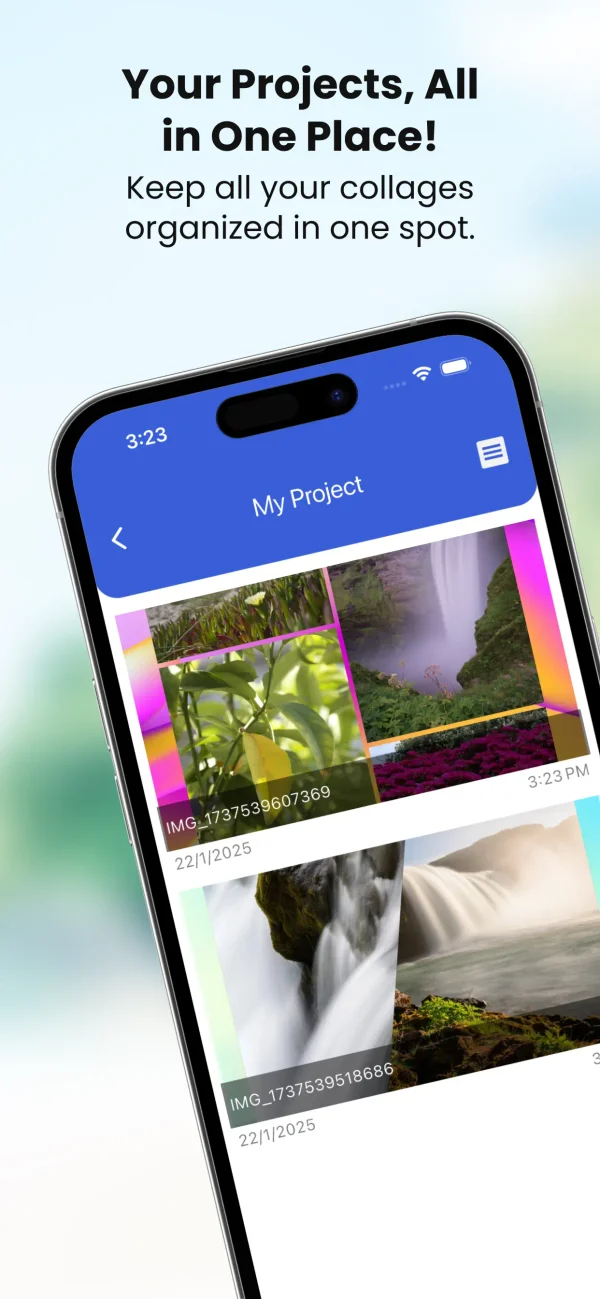
In Collage Maker, the Collage option automatically arranges selected photos into a layout. With Frames, you can choose frames for 2-8 photos and add pictures accordingly. All your downloaded collages are saved in My Projects, keeping them organized in one place.
Key Features:
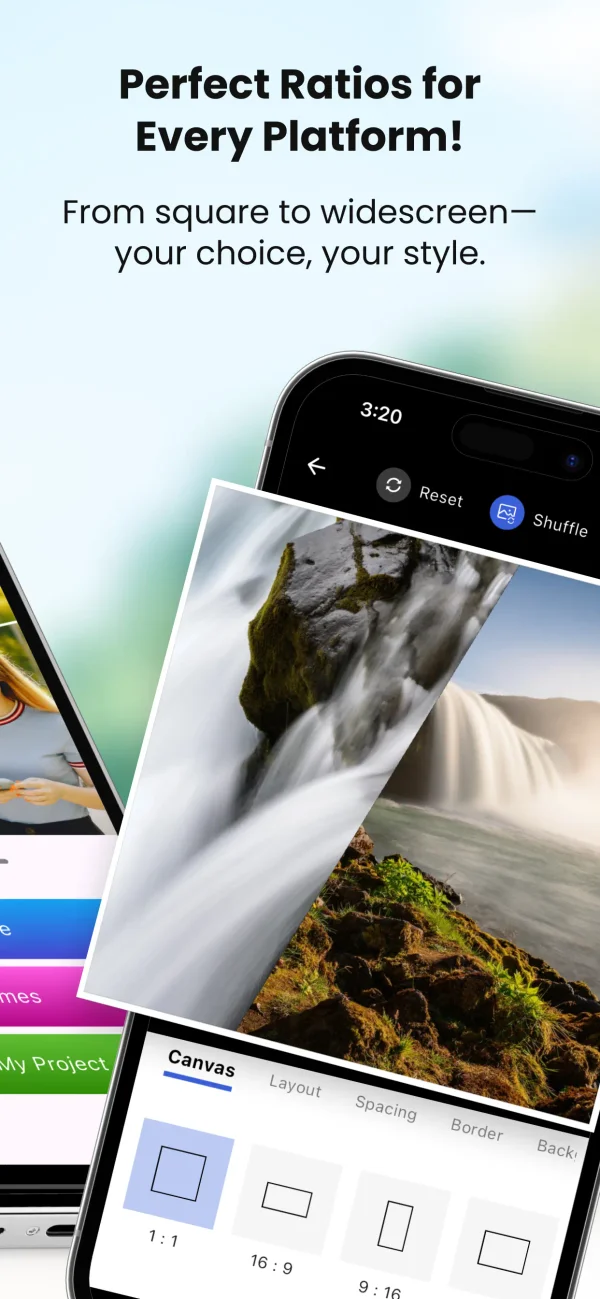
Canvas: The Canvas option allows you to select from various ratios like 1:1, 16:9, 9:16, 4:3, 3:4, 3:2, and 2:3, giving you the flexibility to create collages in different aspect ratios for any purpose or platform.
Layouts: In Collage Maker, the Layouts option provides a variety of pre-designed templates, allowing you to easily arrange your photos in different styles. Choose from grid, freeform, or artistic layouts to create a unique and personalized collage.
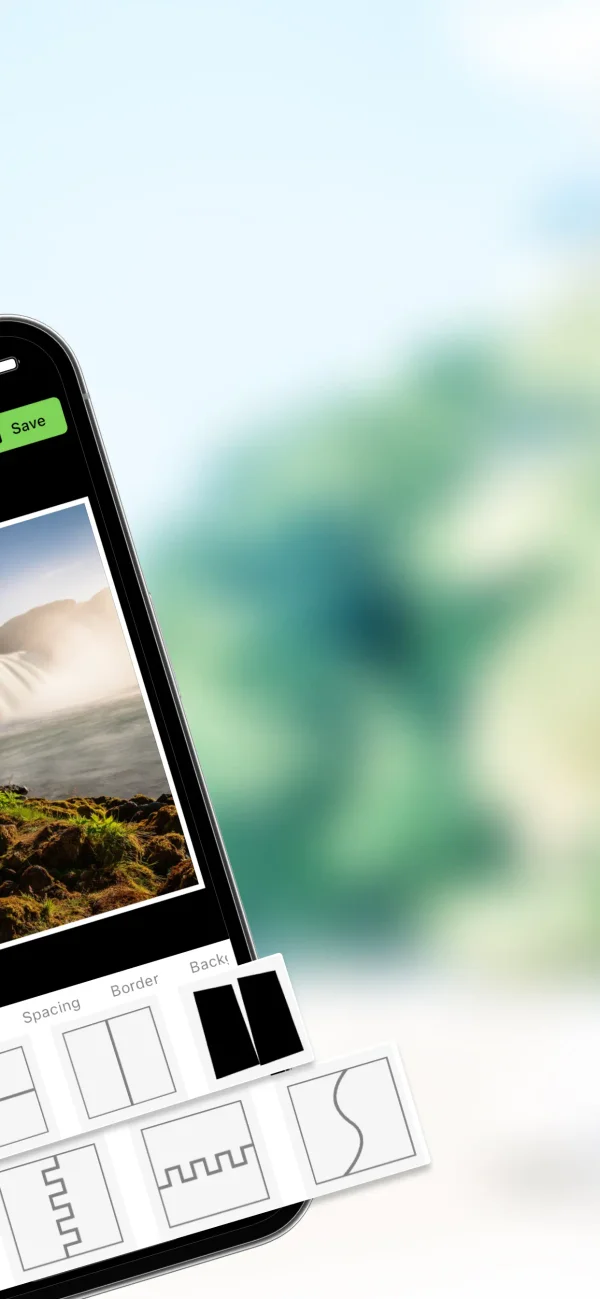
Spacing: In Collage Maker, the Spacing option lets you adjust the Margin and Padding after selecting a layout. Customize the space between your photos and the edges of the collage to achieve the perfect balance and design.
Border: In Collage Maker, the Borders option allows you to customize the border by selecting its color, adjusting the width, changing the opacity, and modifying the radius to create the perfect frame for your collage.
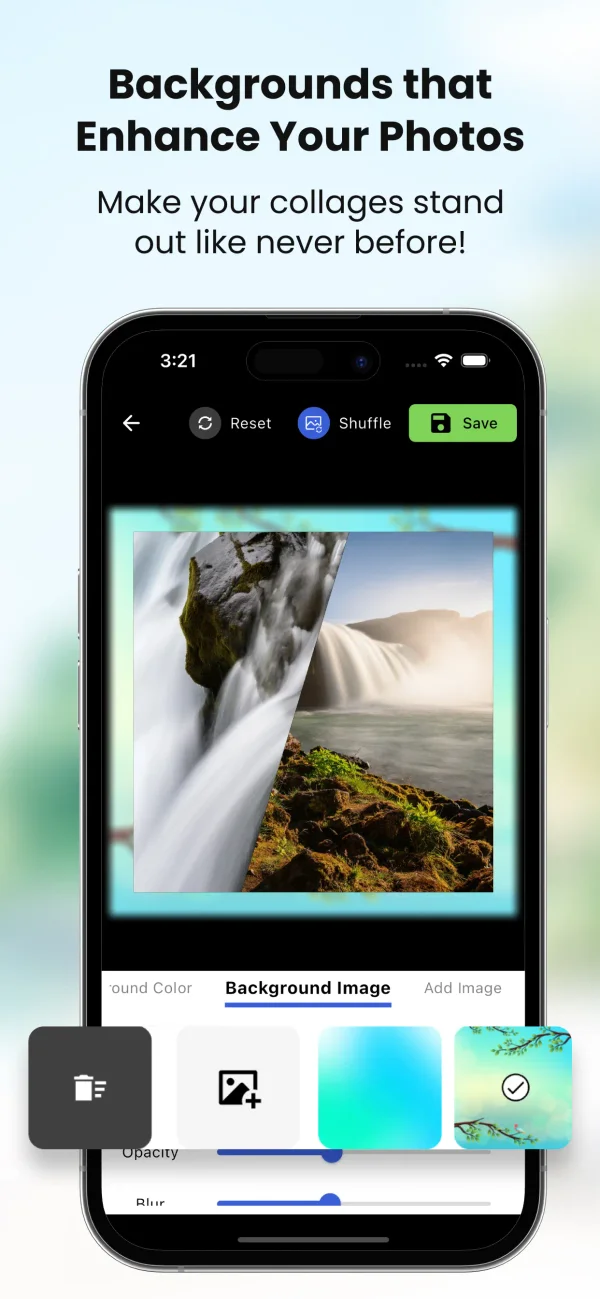
Background Color:In Collage Maker, the Background Color option lets you add a solid color background to your collage and adjust its opacity to create the desired effect and blend with your design.
Background Image:In Collage Maker, the Background Image option allows you to choose an image from the app’s collection or your device’s gallery. You can also adjust the Opacity and apply a Blur effect to the background image for a more customized and artistic look.
Add Image: In Collage Maker, you can add images from your gallery, and by swiping up, you can delete them. The layout will automatically adjust based on the remaining photos, ensuring your collage stays organized and visually appealing.
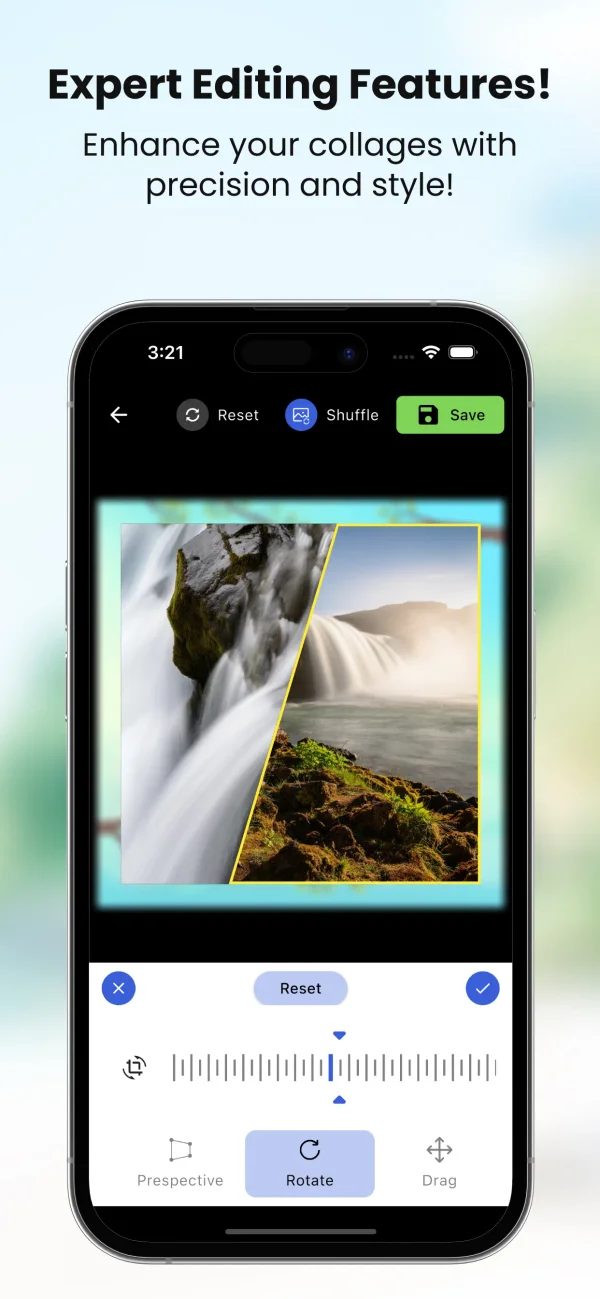
In Collage Maker, you can click on a single image to zoom, Replace, adjust the perspective, rotate, drag it to align with other elements, and use the reset option to return the image to its original state. This allows you to fine-tune your collage for a seamless look.
In Collage Maker, you can Shuffle the collage to rearrange the layout and Reset your changes to return to the original design, giving you flexibility and control over your creation.
Create, edit, and share beautiful photo collages instantly with Collage Maker! Perfect for photo enthusiasts, content creators, and anyone looking to make their memories even more special.
What’s new
Version 1.0.3 · Mar 13, 2026
-Bug fixes and performance improvements
App privacy
What Skyraan Technologies declares on the App Store about how this app handles data.
-
Data used to track you
May be used to track you across apps and websites owned by other companies.
- Identifiers
- Usage data
- Diagnostics
-
Data linked to you
May be collected and linked to your identity.
- Identifiers
- Usage data
- Diagnostics
Privacy practices may vary, for example with the features you use or your age.
Information
- Seller
- SKYRAAN TECHNOLOGIES OPC PRIVATE LIMITED
- Category
- Reference
- Version
- 1.0.3
- Updated
- Mar 13, 2026
- Released
- Jan 24, 2025
- Size
- 40.9 MB
- Requires
- iOS 15.6 or later
- Age rating
- 4+
- Price
- Free
- Languages
- English
- Copyright
- © Skyraan Technologies
You might also like
-
 Kids Math Game: Add, Subtract1st 5th Grade Games,123, Count
-
 Dictionary-English to EnglishEnglish to English dictionary
-
 Faithline: Bible ChatBible Study, Daily Devotional
-
 ABC Kids: Letter Tracing GamesTracing Letters And Numbers
-
 Relax & Draw: Coloring BookFun Drawing-Painting for Kids
-
 Focus Habit TrackerDaily Journal / Stride Keeper
-
 BiliTube: Duo Subs for YouTubeVideos with Bilingual Captions
-
 SayItRight - Your Speak BuddyBetter Speech Articulation
-
 Flexi: Vocabulary FlashcardsLanguage learning with AI
-
 History Master: Study & QuizTimeline,mind maps,flashcards