
Collect This Inventory
Inventory, Labels & QR Codes
Designed for iPhone, iPad
Free · In-app purchases
- Age rating4+
- CategoryUtilities
- DeveloperPaul Matthew
- LanguagesEnglish
- Size12.7 MB
Links to the official App Store page
Download.org hosts no file of Collect This Inventory. The button opens its official App Store page, published by Paul Matthew. Listing last checked on Nov 18, 2026.
Screenshots




About
Collect This Inventory helps you organize, document, and label the things you care about, from watches and collectibles to tools, books, coins, gear, work parts, 3D printed parts, and more.
Create custom collections, add detailed item records, attach photos, scan barcodes, generate QR labels, track values, and export your collection data when you need it. Whether you are cataloging a hobby, keeping records for insurance, organizing work inventory, or identifying 3D printed parts, Collect This! keeps everything organized in one simple place.
Features include:
Create multiple collections
Add item photos from your camera or photo library
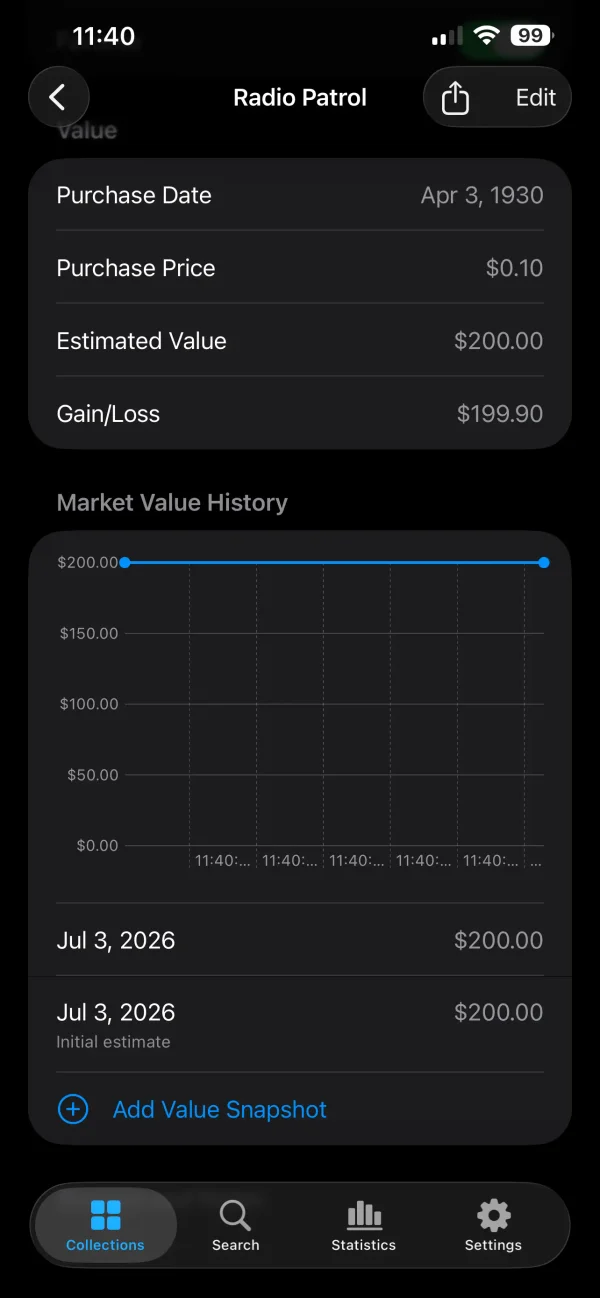
Track item details, notes, values, serial numbers, and custom fields
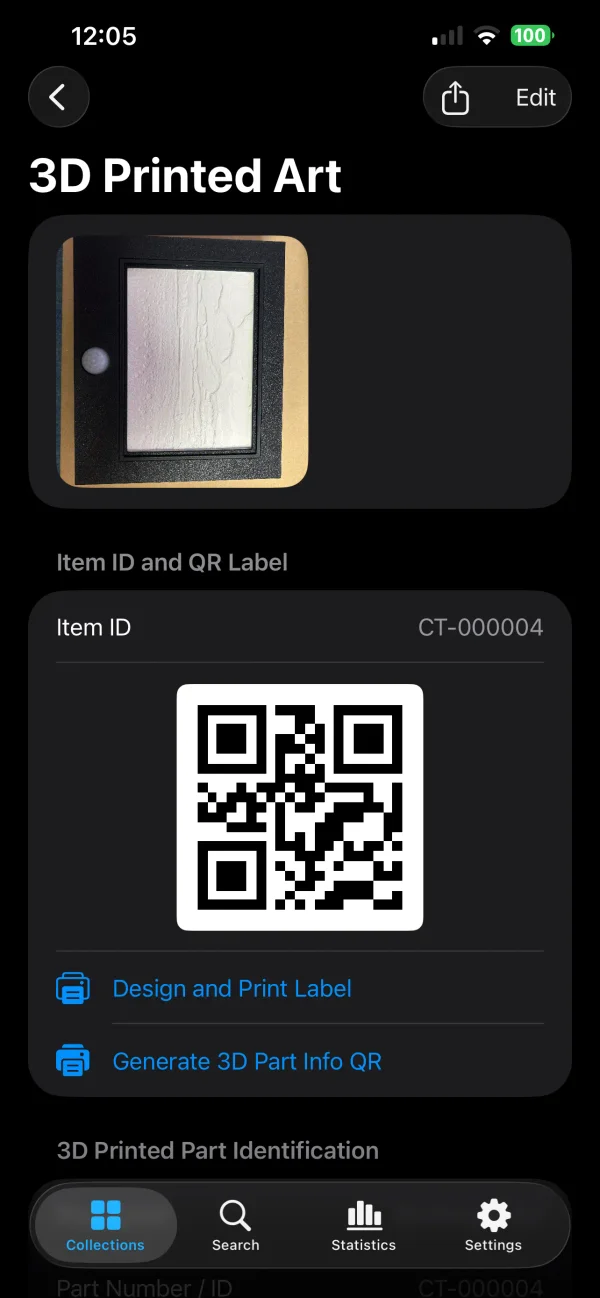
Automatically assign unique Item IDs
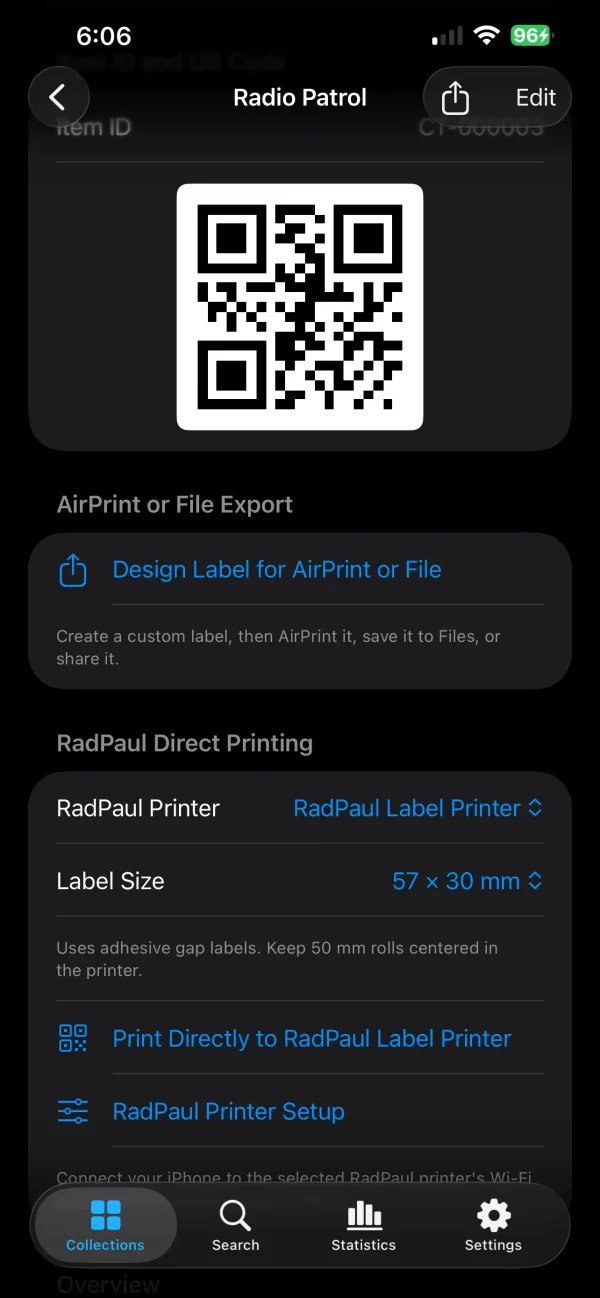
Generate printable QR code labels for inventory items
Scan QR codes to quickly open matching item records
Create 3D printed part records with part numbers, revisions, material, print file locations, and install notes
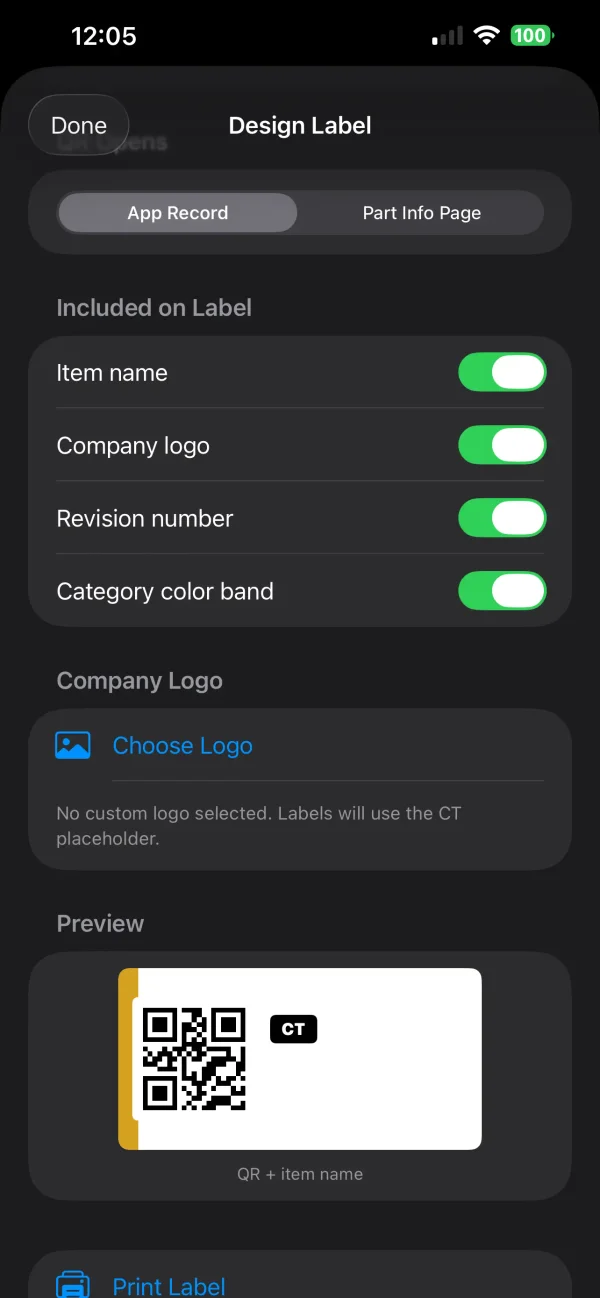
Design labels with QR codes, item names, company logos, revision numbers, and category color bands
Scan barcodes for faster entry
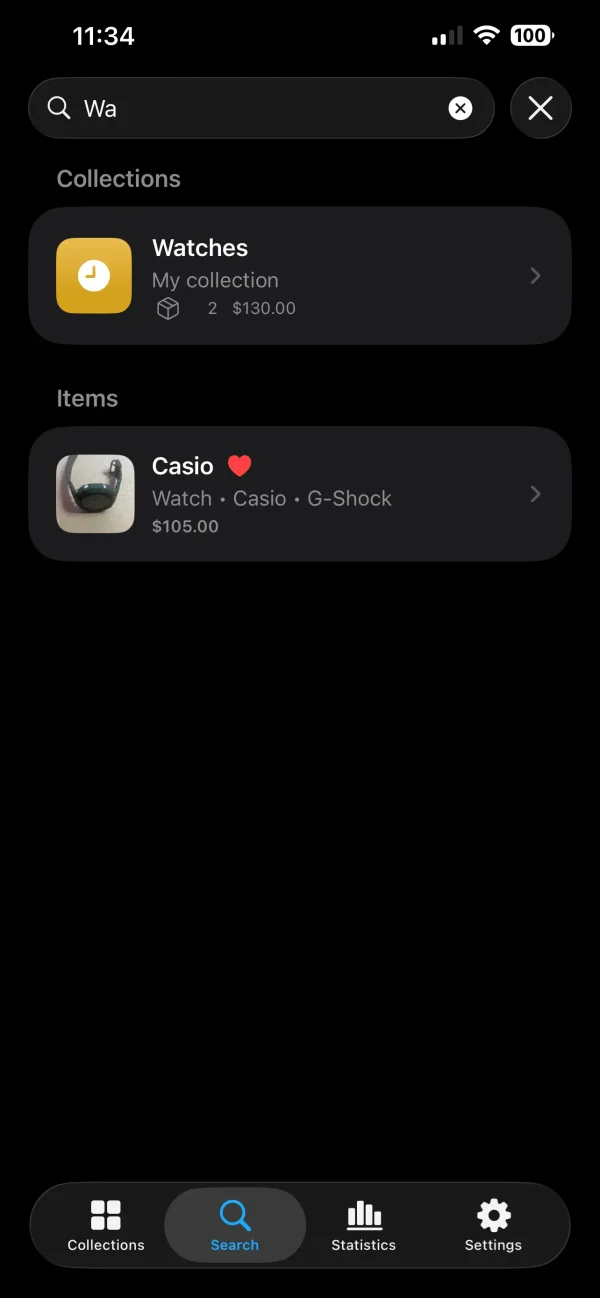
Search across collections and items
View collection statistics
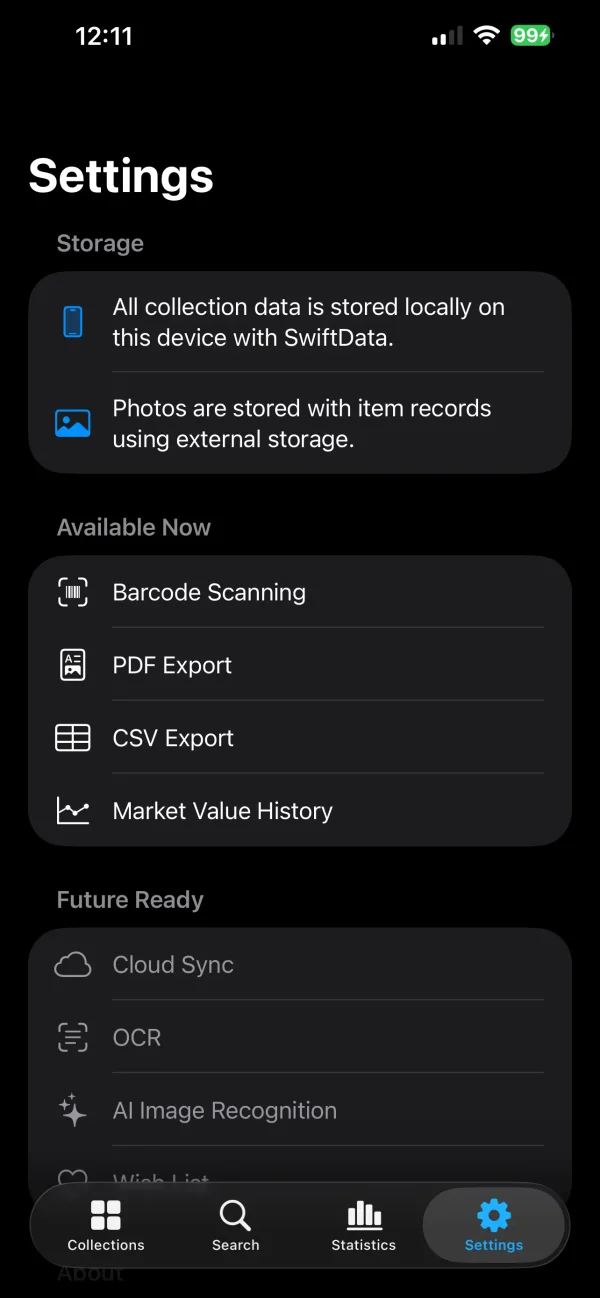
Export or print PDF reports
Export CSV files for spreadsheets
Store your data locally on your device
Collect This Inventory is built for collectors, makers, and small teams who want a practical, private, and easy way to keep track of their stuff.
What’s new
Version 4.1 · Jul 21, 2026
What’s New
• Collect This Inventory is now free to get started
• Unlock Collector Pro for unlimited items and advanced features
• Choose which information is stored in printed QR codes
• Clearer RadPaul printer selection and paper-type descriptions
• Improved item editing with permanent field labels
• General reliability and usability improvements
App privacy
What Paul Matthew declares on the App Store about how this app handles data.
-
Data not collected
The developer does not collect any data from this app.
Privacy practices may vary, for example with the features you use or your age.
Information
- Seller
- Paul Matthew
- Category
- Utilities
- Version
- 4.1
- Updated
- Jul 21, 2026
- Released
- Jul 9, 2026
- Size
- 12.7 MB
- Requires
- iOS 17.6 or later
- Age rating
- 4+
- Price
- Free
- In-app purchases
- Yes
- Languages
- English
- Copyright
- © 2026 RadPaul
You might also like
-
 CoCryptMulti Bio Proximity Encryption
-
 PhotoBench : AI Photo ToolsAI Enhance, Restore & Compress
-
 Vaultory Authenticator 2FA AppTwo-Factor OTP & MFA Generator
-
 Hido: Hide FaceHide your Face
-
 EasyBeauty-Beauty is so easyBeauty is so easy
-
 Nucleo LLM by Marte AIYour Private AI
-
 Screnly: Screenshot CleanerClean & Delete Screenshots
-
 GPS Speed Altimeter ProSpeed Altitude Acceleration
-
 Mission Fuel: Fuel CheckArmy Fuel Burn IFR/VFR Reserve
-
 Quick Check Splittershah.ankit2013.BillSplit