
CollectorShelf
Keep Your Collection Close
Designed for iPhone
Free · In-app purchases
- Age rating4+
- CategoryPhoto & Video
- DeveloperEmiko Ishigaki
- LanguagesEnglish+ 3 more
- Size6.9 MB
Links to the official App Store page
Download.org hosts no file of CollectorShelf. The button opens its official App Store page, published by Emiko Ishigaki. Listing last checked on Nov 20, 2026.
Screenshots




About
Bring the joy of collecting wherever you go.
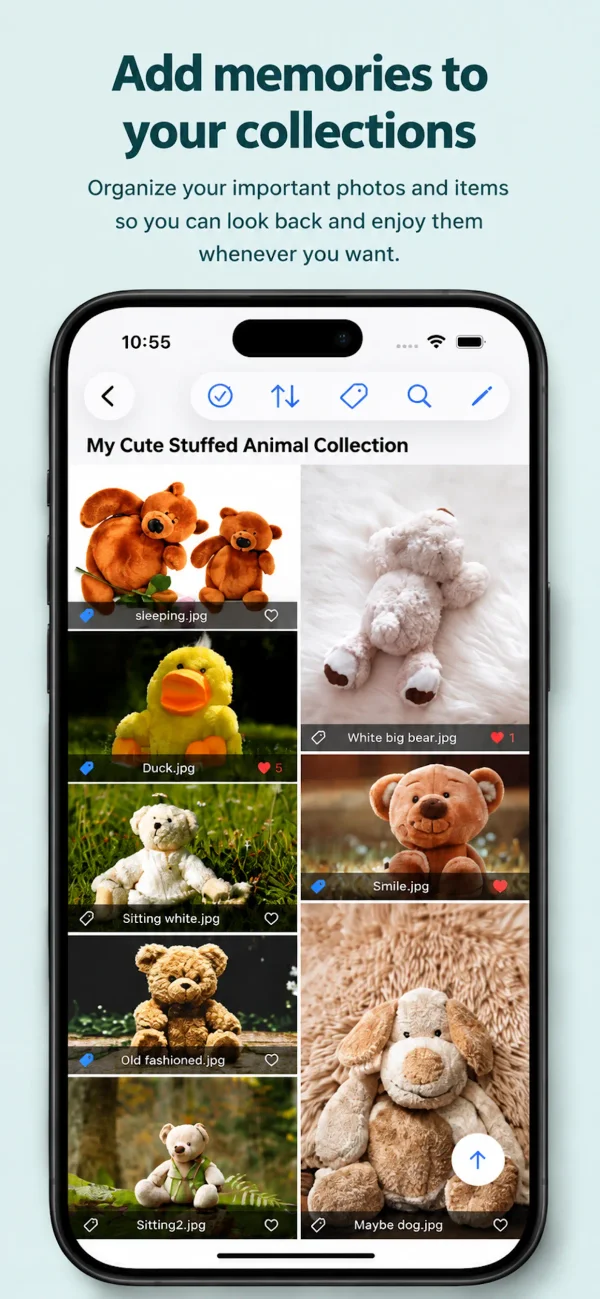
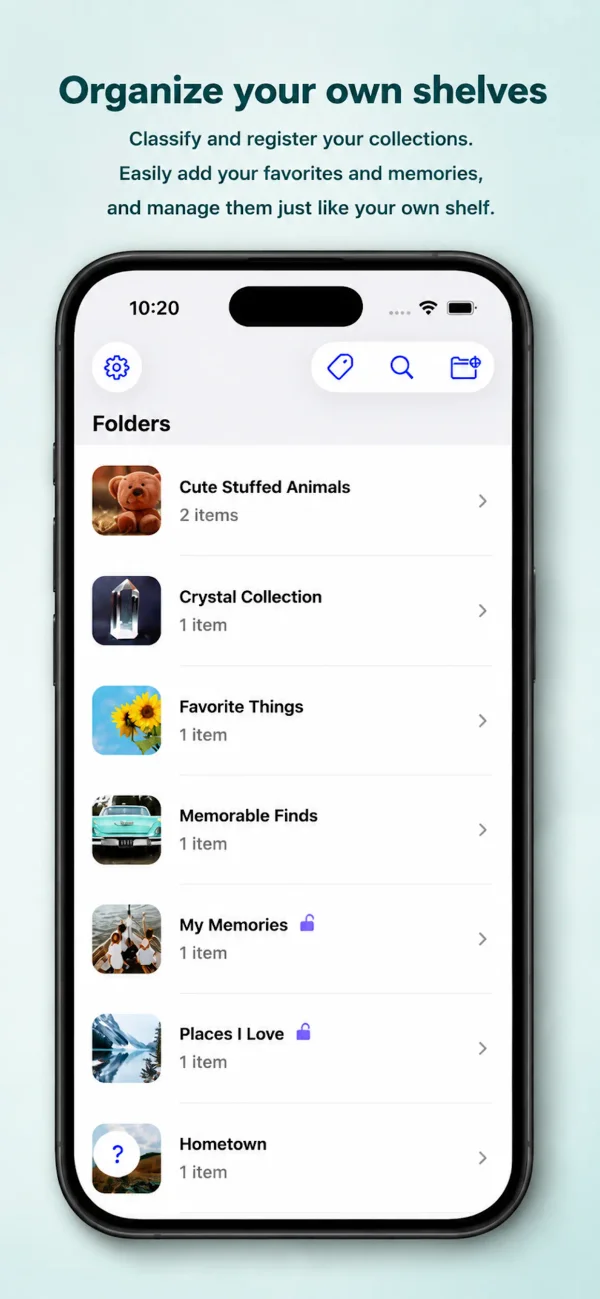
CollectorShelf is a collection management app that lets you organize photos, videos, and information about your treasured items, all displayed like your own personal collection shelf.
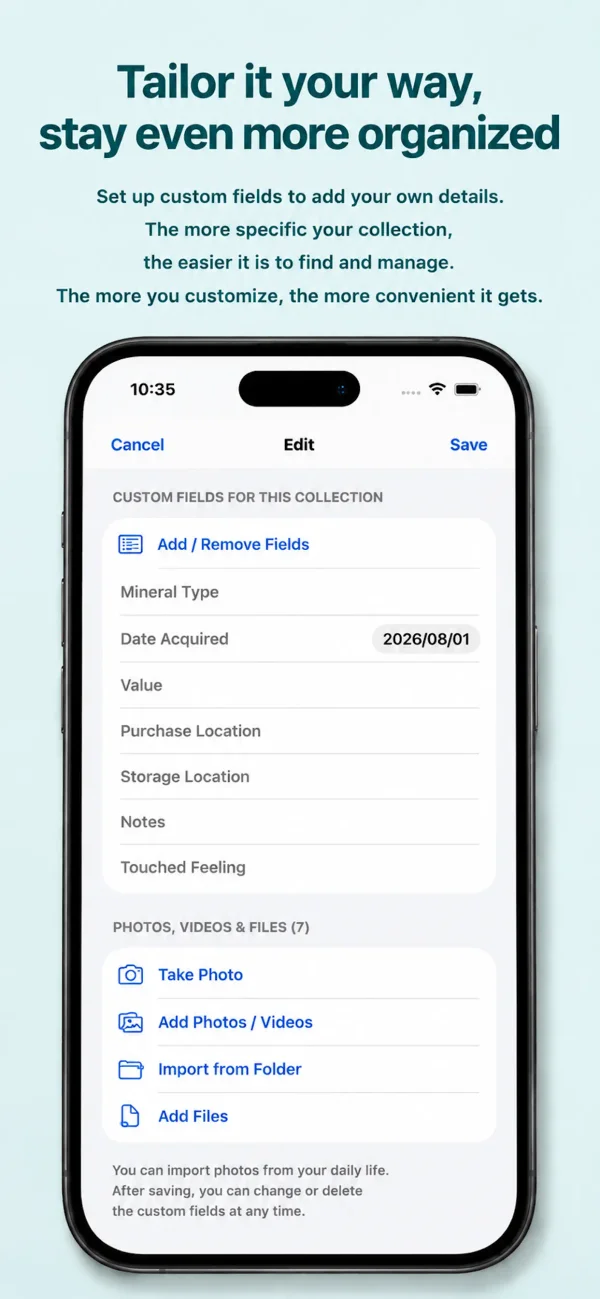
Whether you collect figures, trading cards, vinyl records, antiques, minerals, books, or travel souvenirs, CollectorShelf adapts to your style. Organize everything with folders, collections, tags, and customizable fields to create a system that works for you.
## Store Photos, Videos, and Files
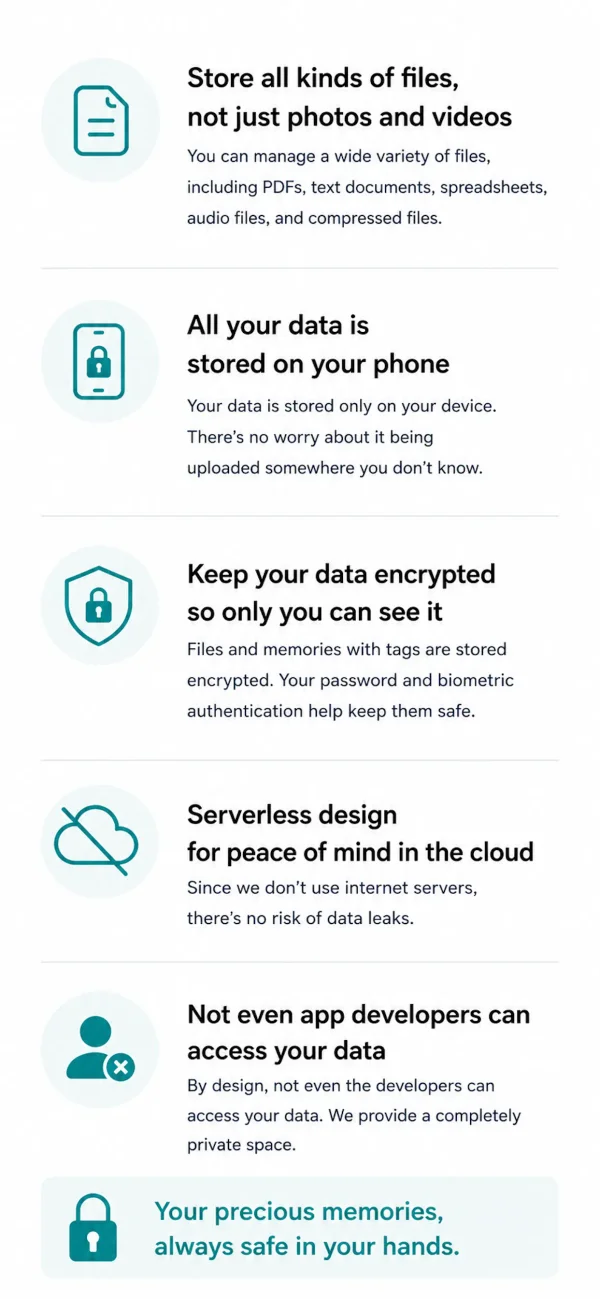
Import photos and videos from your camera or photo library, as well as files from the Files app. Play music and videos, and view PDFs, text documents, and supported document types directly within the app.
## Record Every Detail
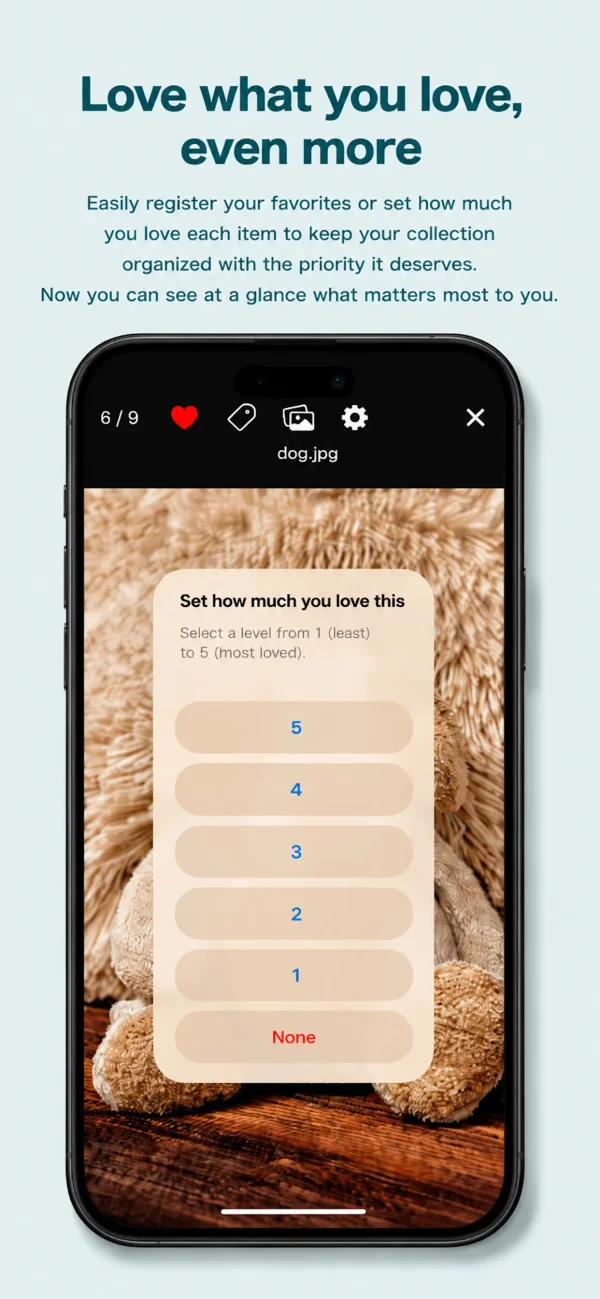
Save names, descriptions, and memories. You can configure custom fields for new collections in each folder. Use tags, favorites, and personal ratings to quickly find the items you're looking for, even as your collection grows.
## Enjoy Browsing Your Collection
View your collection with thumbnail grids, horizontal scrolling, zoom, and slideshow mode. CollectorShelf is designed not only for organizing your collection, but also for enjoying it.
## Search Across Folders
Search across folders using tags and advanced filters. Narrow results with AND/OR tag conditions, names, descriptions, custom fields, favorites, and more.
## Keep Your Data Private
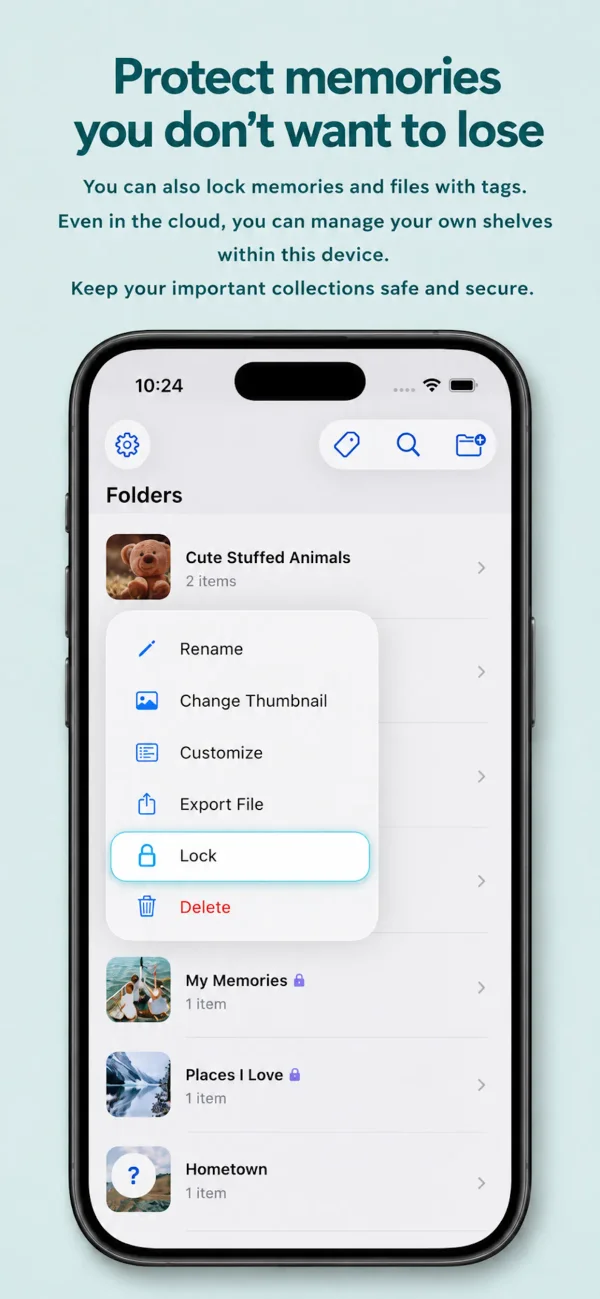
No account registration or dedicated server is required. Your data is stored locally on your device by default. Folders in the app can be encrypted, including their photos, videos, files, and text data. Face ID and Touch ID are also supported.
## Backup and Export
Create backups and restore them whenever needed. Backups can optionally be protected with a password. You can also export only the files you choose to a folder. If you choose a location through Apple's Files app, you can back up or export to external storage such as iCloud Drive.
## Free and Pro Versions
The free version supports up to 2 folders, 5 collections per folder, and 50 files per collection. Pro removes these limits and adds encryption, backup and restore, tags and advanced search, slideshow mode, and export with photo and video metadata removal.
Available for iPhone and iPad.
Organize your collection your way—not someone else's.
*Your data is stored locally on your device by default. To protect against device loss or failure, we recommend creating regular backups.*
What’s new
Version 1.05 · Aug 22, 2026
Improved localization support.
Minor updates related to Pro feature availability.
App privacy
What Emiko Ishigaki declares on the App Store about how this app handles data.
-
Data not collected
The developer does not collect any data from this app.
Privacy practices may vary, for example with the features you use or your age.
Information
- Seller
- Emiko Ishigaki
- Category
- Photo & Video
- Version
- 1.05
- Updated
- Aug 22, 2026
- Released
- Aug 16, 2026
- Size
- 6.9 MB
- Requires
- iOS 18.0 or later
- Age rating
- 4+
- Price
- Free
- In-app purchases
- Yes
- Languages
- English, German, Japanese, Traditional Chinese
- Copyright
- © 2026 Emiko Ishigaki