Color Notepad
Make your notes app unique
Designed for iPhone, iPad, iPod touch
Free · In-app purchases
- Age rating4+
- CategoryProductivity
- DeveloperDmytro Vynokurov
- LanguagesEnglish
- Size3.8 MB
Links to the official App Store page
Download.org hosts no file of Color Notepad. The button opens its official App Store page, published by Dmytro Vynokurov. Listing last checked on Nov 15, 2026.
Screenshots
About
Color Notepad is a clean and simple note-taking app designed to match your personal style. Whether you’re jotting down quick thoughts, daily tasks, or important ideas, Color Notepad keeps things fast, easy, and customizable.
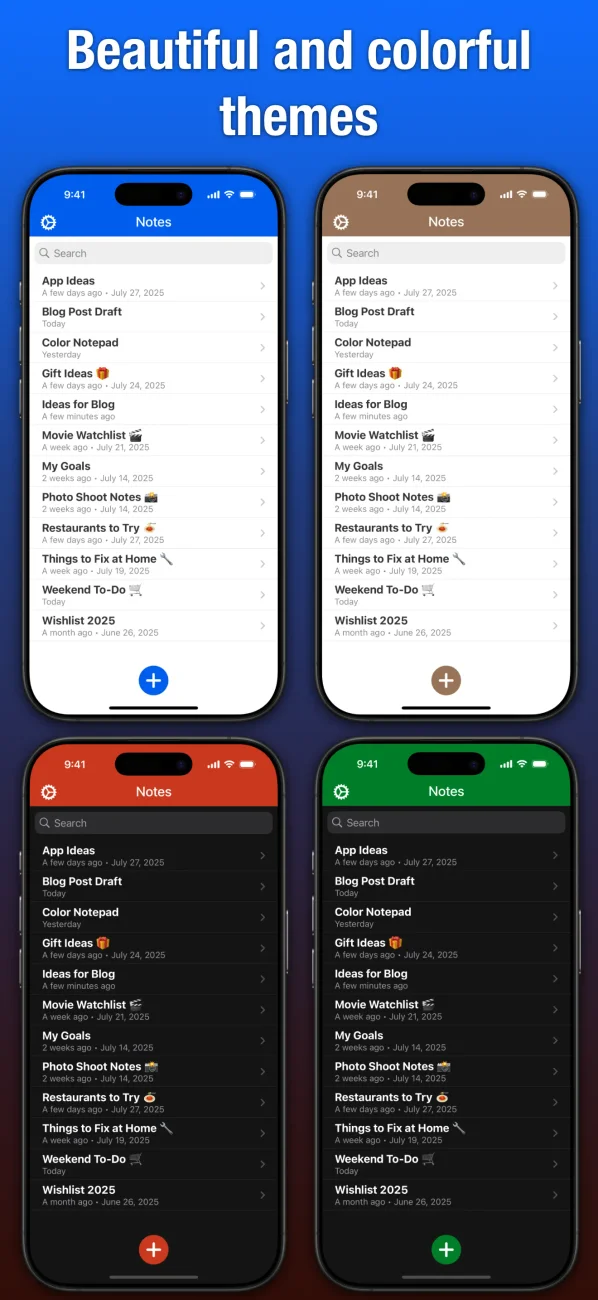
Choose from 20+ colorful themes to match your mood — or let the app surprise you with a random one each time you open it.
Key Feature:
• Minimalist design for quick and distraction-free note-taking.
• 20+ colorful themes to suit your mood.
• Light & Dark Mode support for every theme.
• iCloud sync to keep your notes up to date across devices.
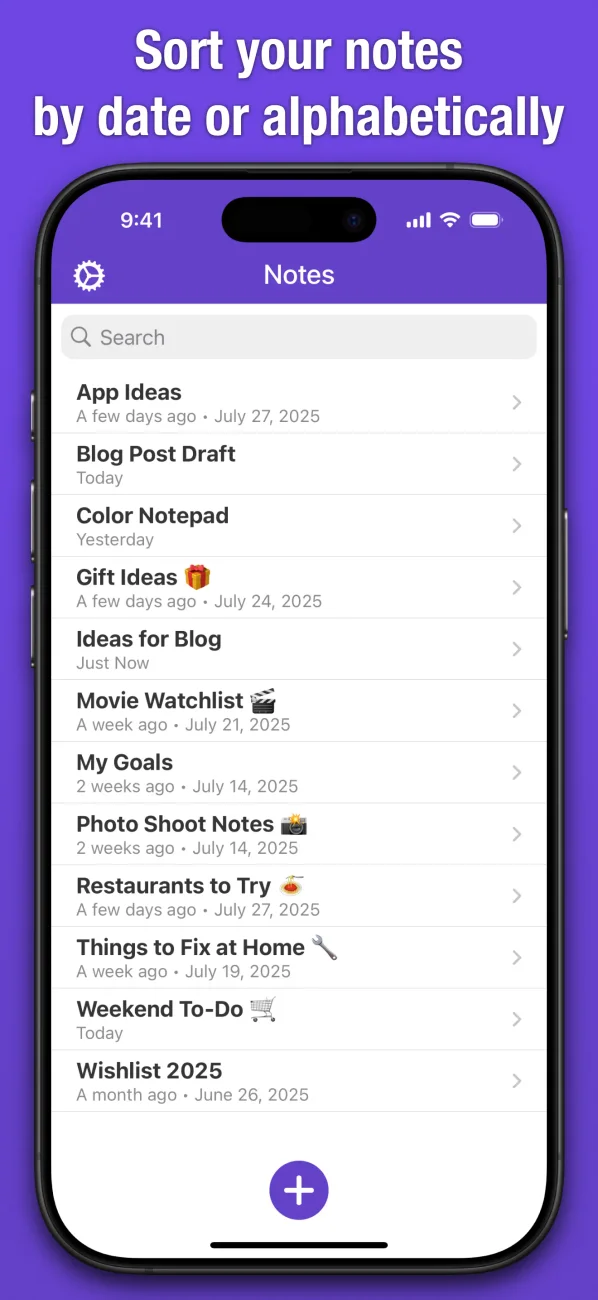
• Sort your notes by date or alphabetically.
• Export individual notes or your entire archive for backup or sharing.
• Automatic local backups with the ability to restore notes.
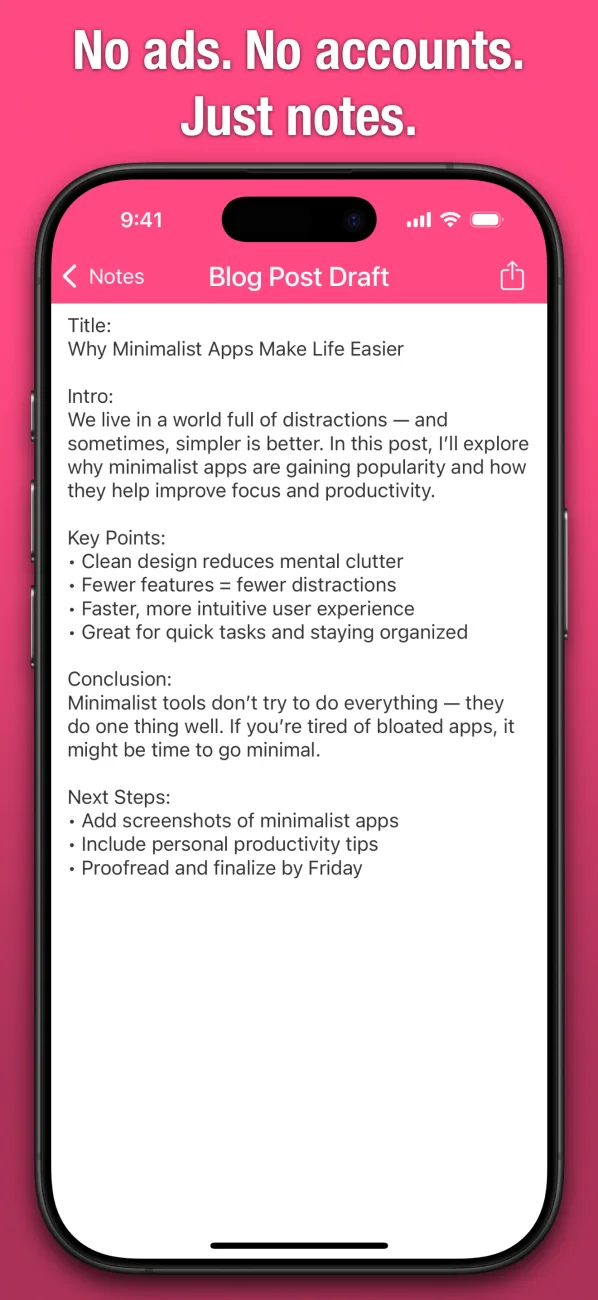
Color Notepad is perfect for anyone looking for a lightweight, private, and beautifully customizable notes app — with no ads, no accounts, and no clutter.
What’s new
Version 2.0 · Jul 31, 2025
Welcome to Color Notepad 2.0 — a completely redesigned app with a fresh new look, improved themes, and a bunch of exciting features to make note-taking even more enjoyable and convenient.
Here’s what’s new:
• Brand new design and user interface — more modern and easier to use.
• Full compatibility with the latest iOS versions and devices.
• Enhanced existing themes and added new ones — choose from 20+ colorful themes to match your mood.
• Each theme now includes a dark version for a more comfortable experience in Dark Mode.
• Choose from multiple colorful app icons to personalize your Home Screen.
• Improved app icons for perfect display in Dark Mode and tint overlay mode.
• Improved and redesigned the Settings tab.
• New storage status page to check your notes count and storage usage.
• Improved iCloud sync for smoother experience across your devices.
• Added quick editing toolbar with Undo, Redo, and one-tap Copy options.
• Enhanced quick export feature for notes.
• Export all your notes to a file, email, or messaging apps.
• Automatic local backup of all your notes with restore option.
• Option to recover recently deleted notes.
• Improved search functionality.
• On iPad, you can now collapse the note list to focus on a single note in full-screen mode.
And more small improvements and polish we didn’t have room to list!
Thanks for using Color Notepad!
App privacy
What Dmytro Vynokurov declares on the App Store about how this app handles data.
-
Data not collected
The developer does not collect any data from this app.
Privacy practices may vary, for example with the features you use or your age.
Information
- Seller
- Dmytro Vynokurov
- Category
- Productivity
- Version
- 2.0
- Updated
- Jul 31, 2025
- Released
- May 15, 2016
- Size
- 3.8 MB
- Requires
- iOS 14.0 or later
- Age rating
- 4+
- Price
- Free
- In-app purchases
- Yes
- Languages
- English
- Copyright
- © Dmytro Vynokurov
You might also like
-
 Color Notes - Beautiful NoteColor Note - Notebook- To Do
-
 Simple Notes, Notepad & ListsPrivate checklists & folders
-
 EasyNote - Simple NotepadMemo, Checklist, To-Do
-
 EZ Notepad plus - Symple noteReorder,color,read notes aloud
-
 Note!The ultimate simple notes app!
-
 NOTE'dTake note of everything.
-
 MyNotebook - simple note app -Ideal for creating lists
-
 Color Notes - Journals, To DosPastel Color Coded Notepad
-
 Notepad with Colors - NotesProductivity
-
 Notes Notepad NotebookSticky Notes Writing App