Color Picker App
Capture, create, export colors
Designed for iPhone, iPod touch
Free · In-app purchases
- Age rating4+
- CategoryGraphics & Design
- DeveloperMulticore Technologies
- LanguagesEnglish
- Size29.8 MB
Links to the official App Store page
Download.org hosts no file of Color Picker App. The button opens its official App Store page, published by Multicore Technologies. Listing last checked on Nov 12, 2026.
Screenshots


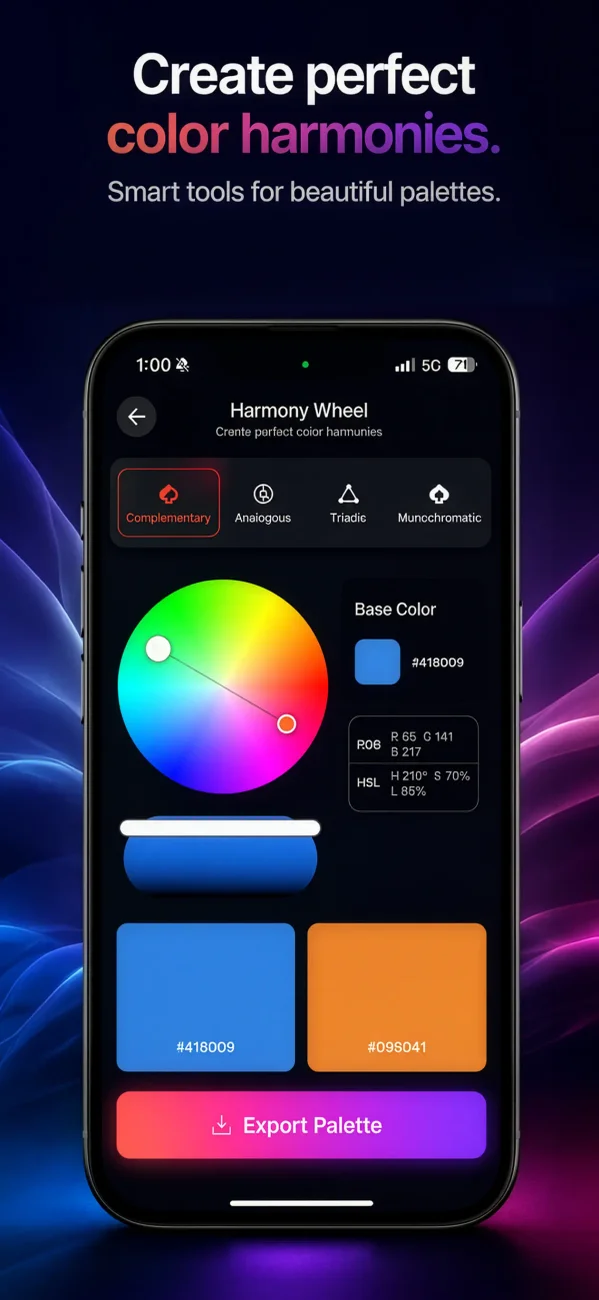
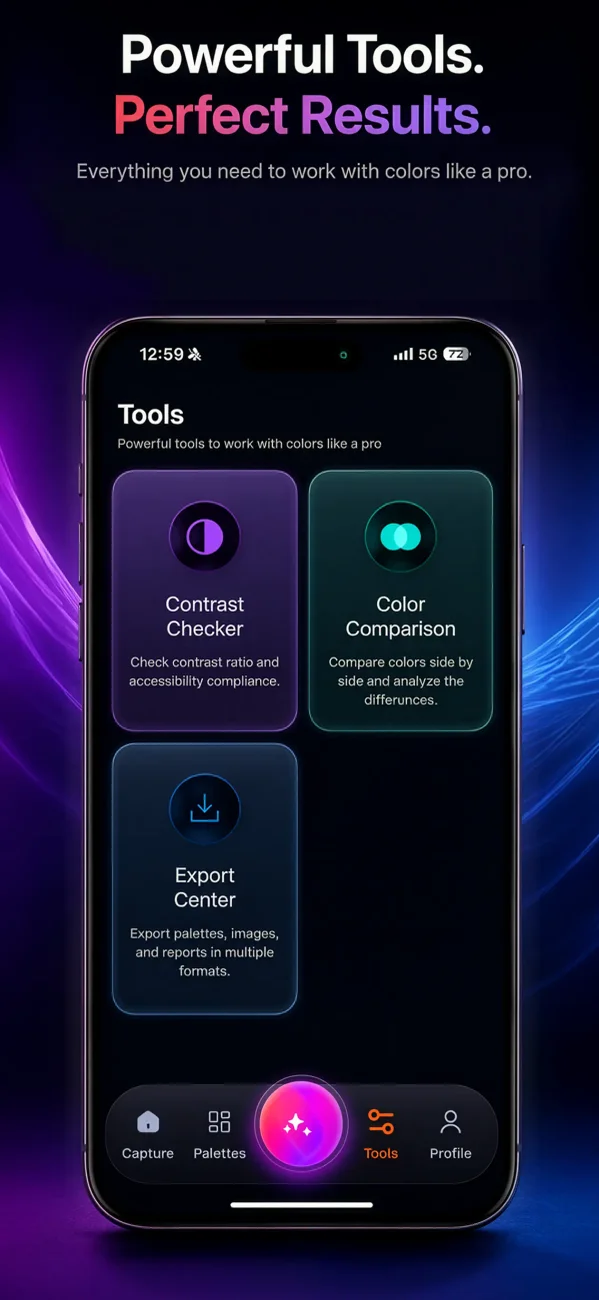
About
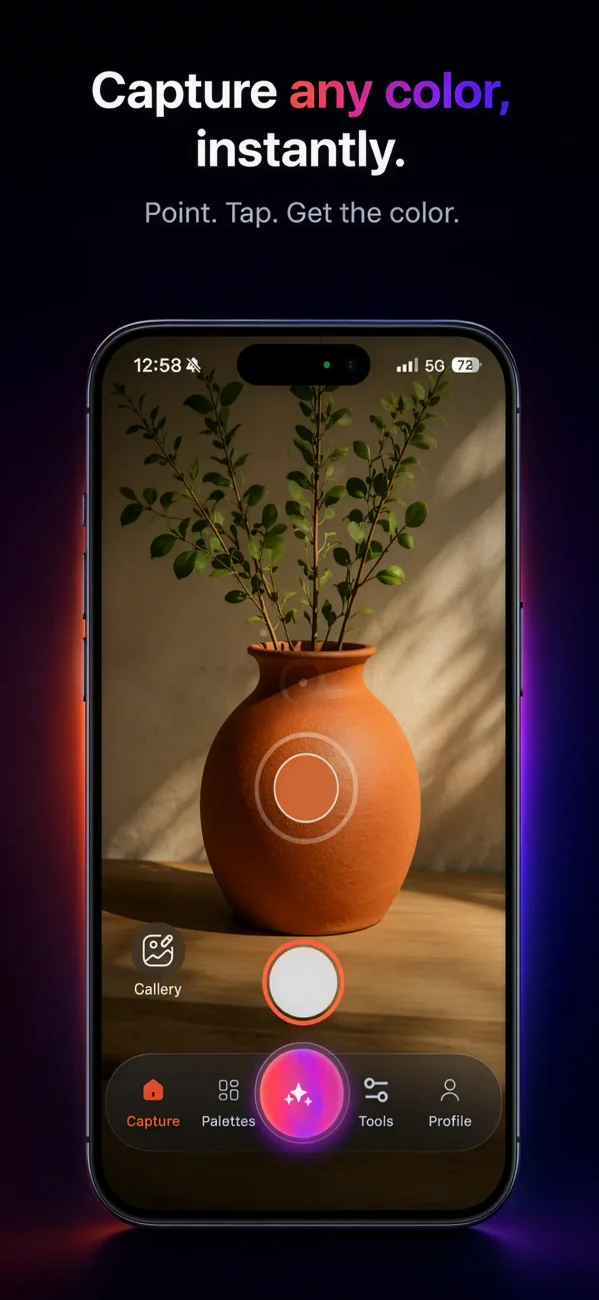
Point your camera at any color and know it instantly. Then generate palettes with AI, check them for accessibility, preview them on your walls in AR, and export them straight into your design tools.
Color Picker App began as the fastest way to identify a color code. It is now a complete color toolkit for designers, developers, decorators and anyone who has ever stood in a paint aisle unsure.
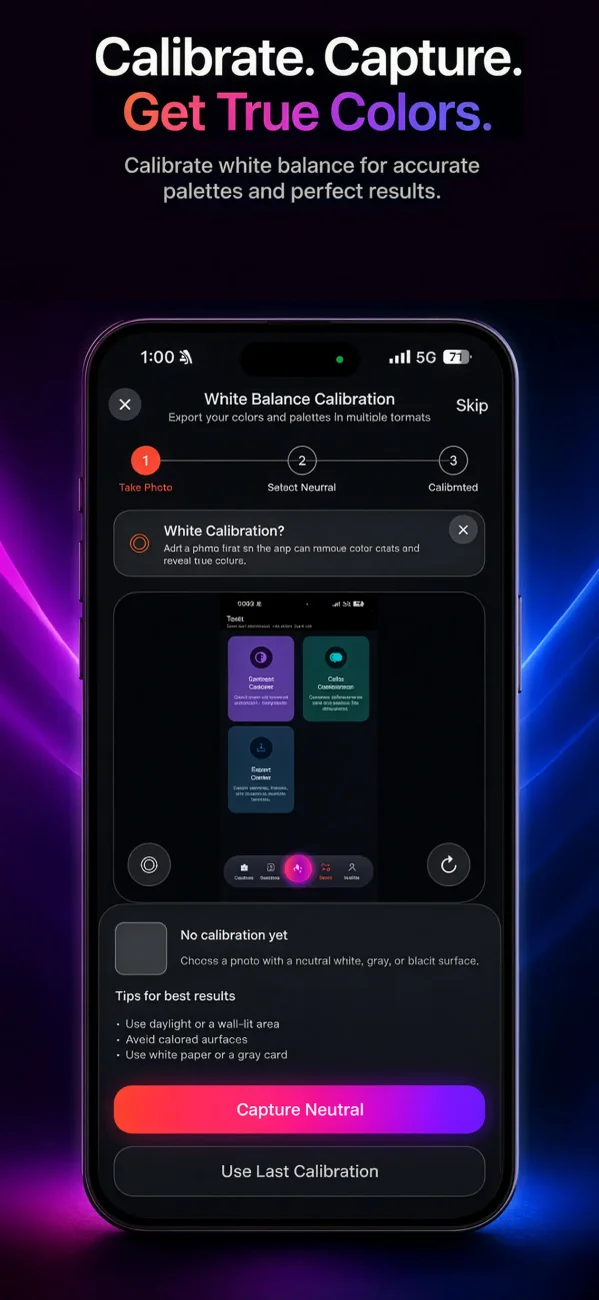
CAPTURE ANY COLOR • Live camera capture — point, tap, done • Instant HEX, RGB, CMYK and alpha codes • Extract full palettes from any photo in your gallery
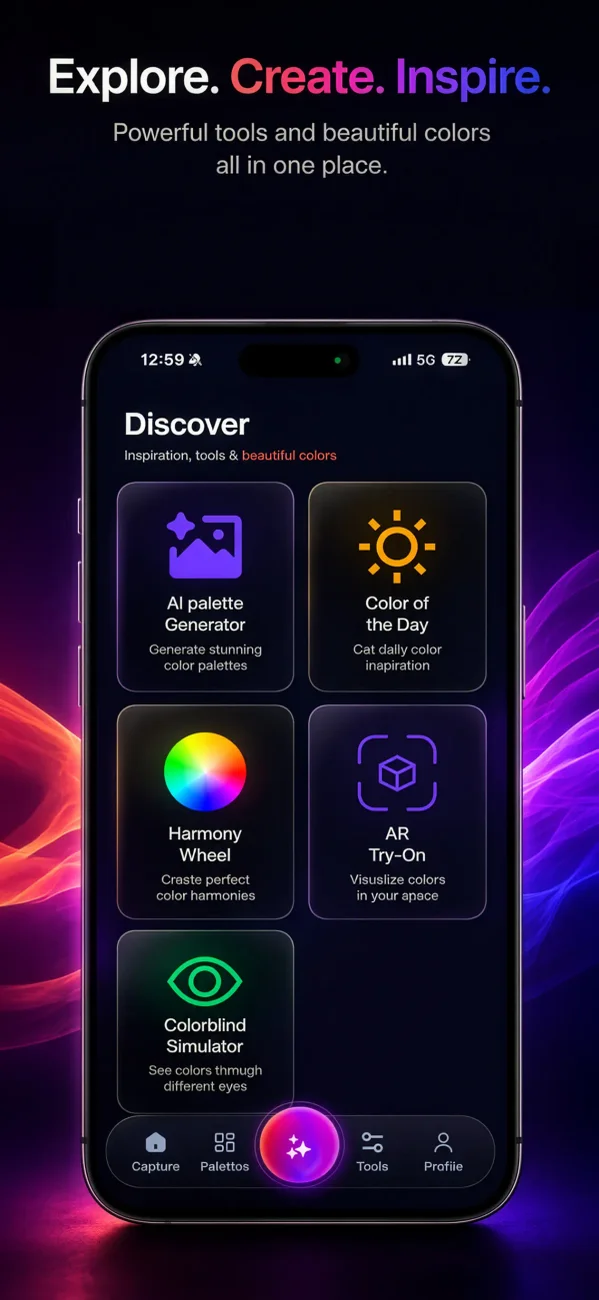
CREATE WITH AI • Describe what you want in plain words — “warm earth tones for a cozy cafe interior” — and get a ready palette in seconds • Build precise schemes with the Harmony Wheel: complementary, analogous, triadic and more • Color of the Day — fresh palette inspiration every morning
Contrast Checker — verify accessibility compliance ratios before anything ships • Colorblind Simulator — see your palette the way people with color vision deficiencies will • Compare colors side by side and analyze the differences
SEE IT ON YOUR WALLS • AR Try-On paints your chosen color onto real walls through your camera, before you buy a single can
EXPORT ANYWHERE • Web: CSS variables, Tailwind config • Design: Adobe swatch, Figma styles • Data: JSON, CSV, TXT • Or simply copy a code with one tap
FREE AND PRO The core toolkit is free: live capture, color codes, Harmony Wheel, Color of the Day, and a monthly allowance of AI generations and photo extractions.
Color Picker Pro unlocks unlimited AI palette generation, AR Try-On, the Contrast Checker, Colorblind Simulator, advanced comparison, unlimited saved palettes and the full Export Center.
Pro is available as an auto-renewable subscription: ₹99 per month, or ₹599 per year (about ₹50 a month) with a 7-day free trial. Payment is charged to your Apple ID account. Subscriptions renew automatically unless cancelled at least 24 hours before the end of the current period, and can be managed or cancelled anytime in your Apple ID settings. Prices may vary by region.
Your colors stay yours. Camera, photo and AR processing happen on your device — images are never uploaded.
EULA : https://www.apple.com/legal/internet-services/itunes/dev/stdeula/
What’s new
Version 1.3 · Aug 20, 2026
This is the biggest update in Color Picker App’s history. The color identifier you know is still here, still free, and now it has company.
New in this version: • AI Palette Generator describe a mood, get a palette • AR Try-On — preview colors on your real walls • Contrast Checker and Colorblind Simulator — design for everyone • Harmony Wheel, Color of the Day, gallery palette extraction • Color comparison and a full Export Center: CSS, Tailwind, Adobe, Figma, JSON, CSV, TXT
App privacy
What Multicore Technologies declares on the App Store about how this app handles data.
-
Data not collected
The developer does not collect any data from this app.
Privacy practices may vary, for example with the features you use or your age.
Information
- Seller
- Multicore Technologies
- Category
- Graphics & Design
- Version
- 1.3
- Updated
- Aug 20, 2026
- Released
- Oct 5, 2020
- Size
- 29.8 MB
- Requires
- iOS 15.0 or later
- Age rating
- 4+
- Price
- Free
- In-app purchases
- Yes
- Languages
- English
- Copyright
- © Multicore Technologies
You might also like
-
 ThinknodeMind Maps & Concept Maps
-
 Virtual 3D WorldExplore 3D Gaussian Worlds
-
 Color Picker: Design & DetectProfessional Color Detect Tool
-
 ColorsProg - Colors ManagerColors Database Manager
-
 Sketch & Paint-Creative CanvasDigital Drawing & Sketching
-
 PicopusGreeting cards and stickers
-
 xPalette - Just ColorsHex & RGB Color Codes
-
 Tapered LabelsBuild conical templates fast
-
 Spirograph DrawingSpirograph Art
-
 MahoujinEx MobileMagic Circle Generator