- Age rating4+
- CategoryUtilities
- DeveloperMarcos Samsoniuk
- LanguagesSpanish+ 2 more
- Size24.1 MB
Links to the official App Store page
Download.org hosts no file of Colorgetter. The button opens its official App Store page, published by Marcos Samsoniuk. Listing last checked on Nov 13, 2026.
Screenshots

About
Unlock professional-grade color precision with the most intuitive and powerful color matching app for your Bluetooth (BLE) colorimeter. Designed specifically for the printing industry, our application simplifies complex color analysis and management, putting total control right in your hands.
Key Features:
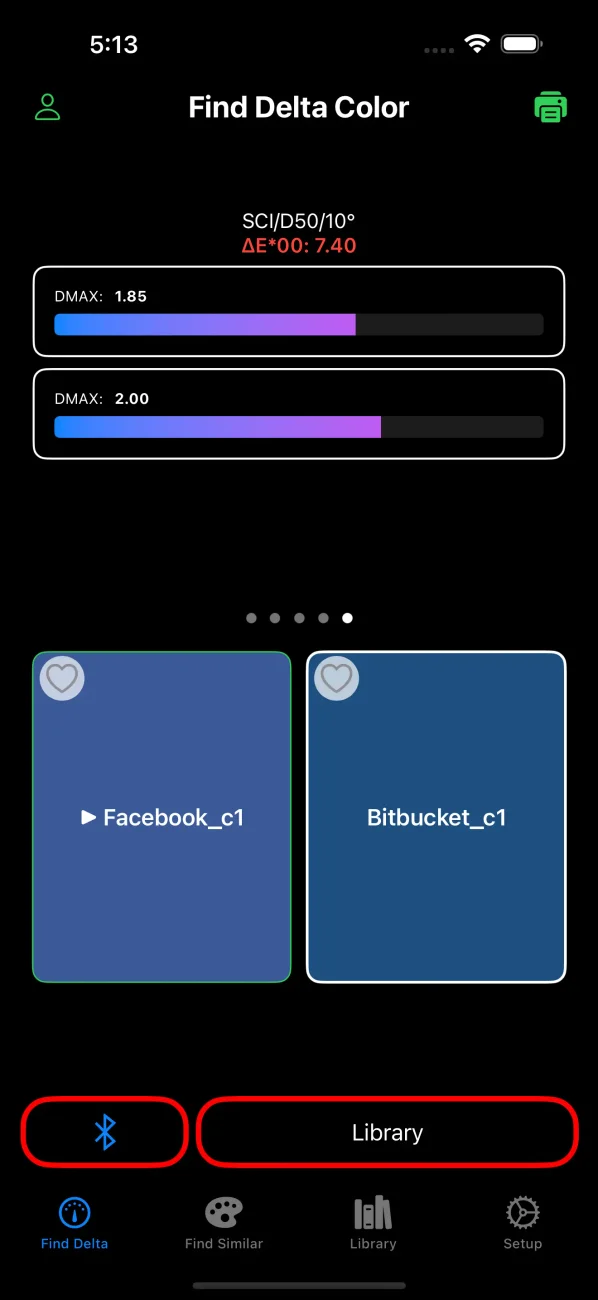
1. Precise Color Comparison (Target vs. Sample) • Effortlessly measure and compare colors to achieve the perfect match.
• Dual Capture: Capture a target color (the original) and a sample you are working on.
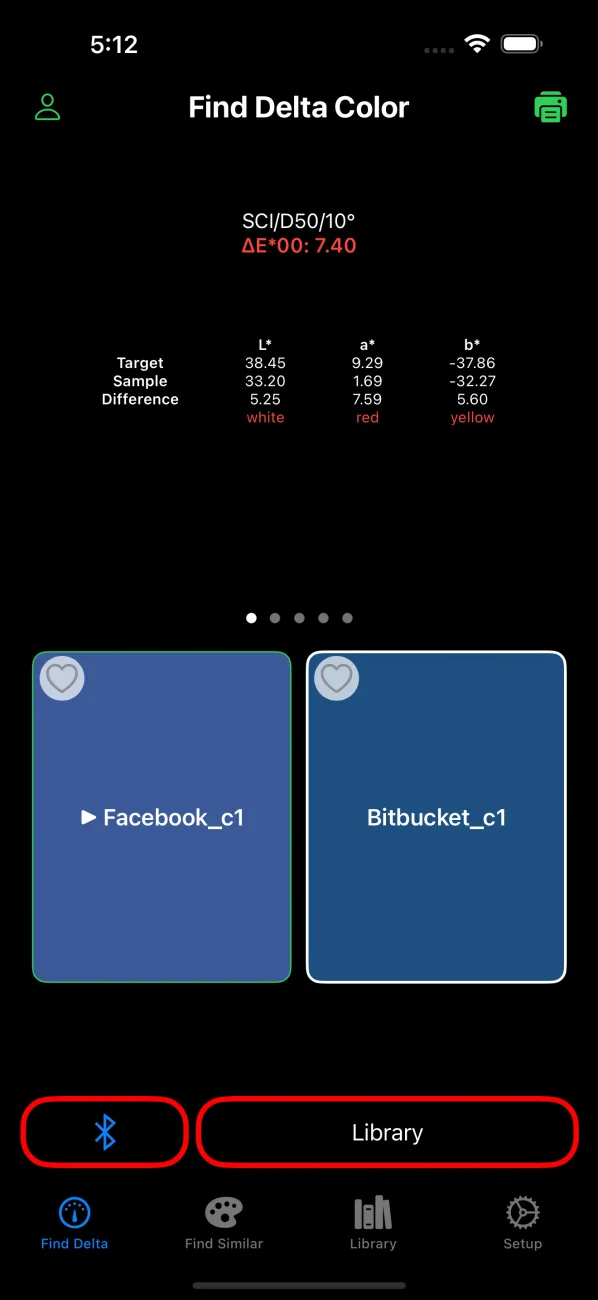
• Advanced Delta E Analysis: Our system instantly calculates the color difference (ΔE) using a comprehensive set of industry-standard formulas (such as ΔE ab , ΔE 00 , and ΔE cmc ).
• Print-Ready Data: Get color difference results in both L∗a∗b∗ and CMYK color spaces, essential for print and packaging professionals.
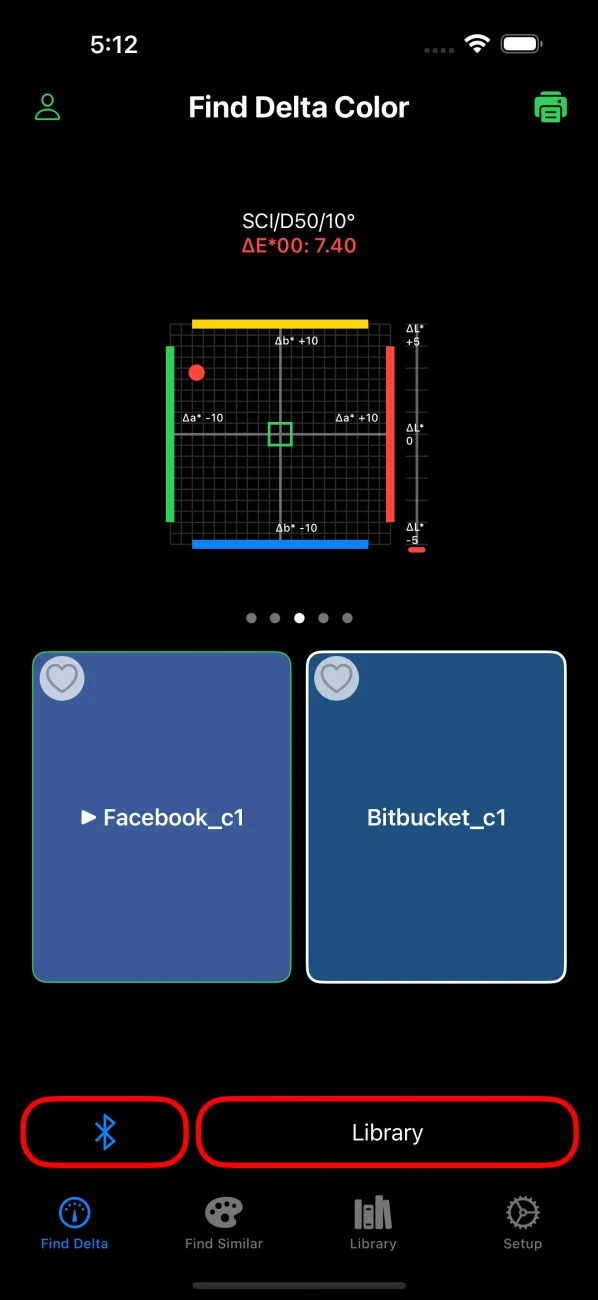
• Rich Visualizations: Go beyond numbers. Analyze the 2D color distance plot, view the full spectral graph, and check relative density values (DMAX) to understand every aspect of your color.
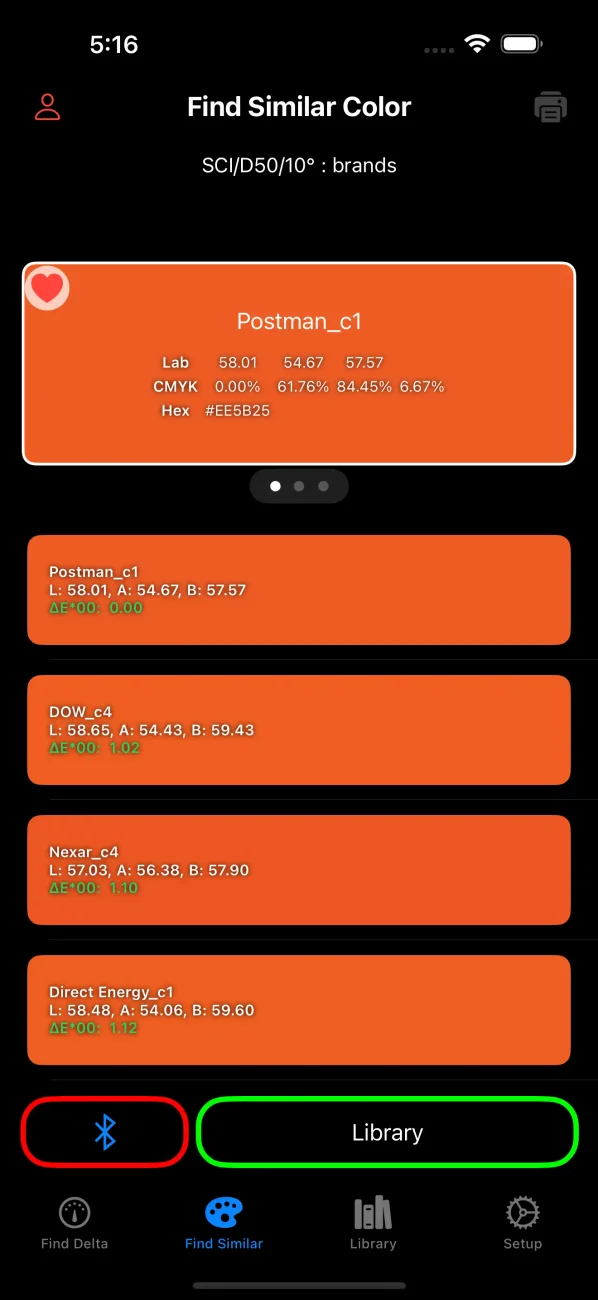
2. Instant Color Library Matching • Find the closest color in seconds.
• Measure & Search: Capture a single color with your device and instantly search for it across your entire collection of color libraries.
• Smart Results: The app lists all potential matches sorted by the lowest Delta E (ΔE), showing you the closest available colors first.
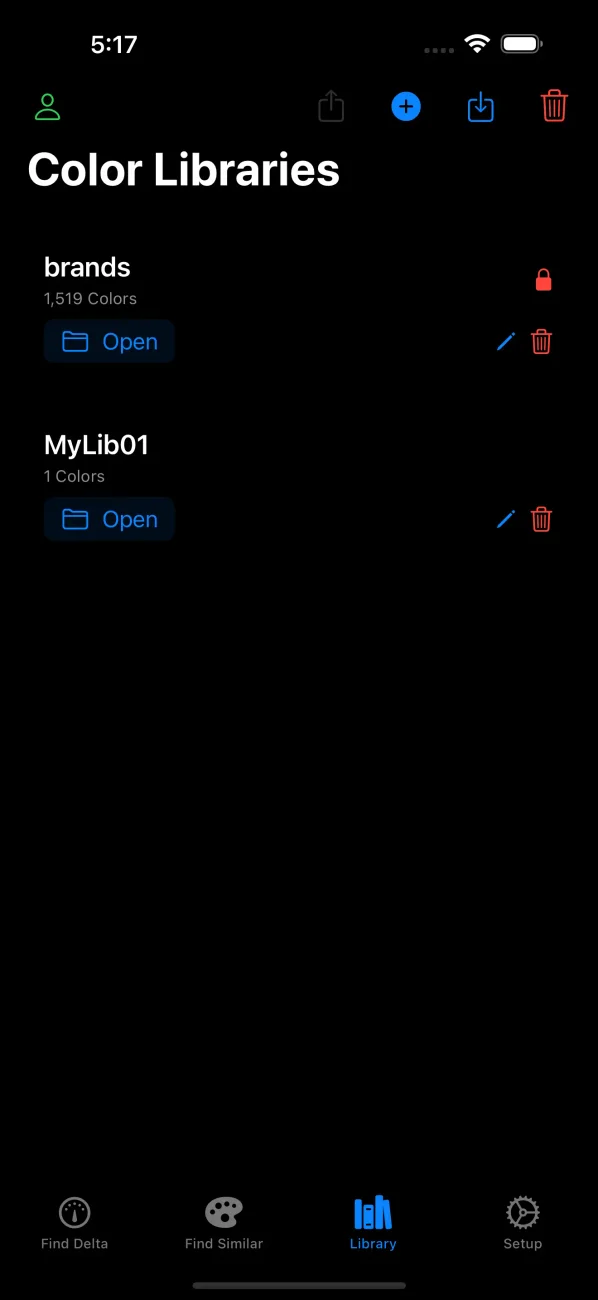
• Build Your Libraries: Import existing libraries in JSON format or create new ones on the fly by saving a measured color as a "favorite."
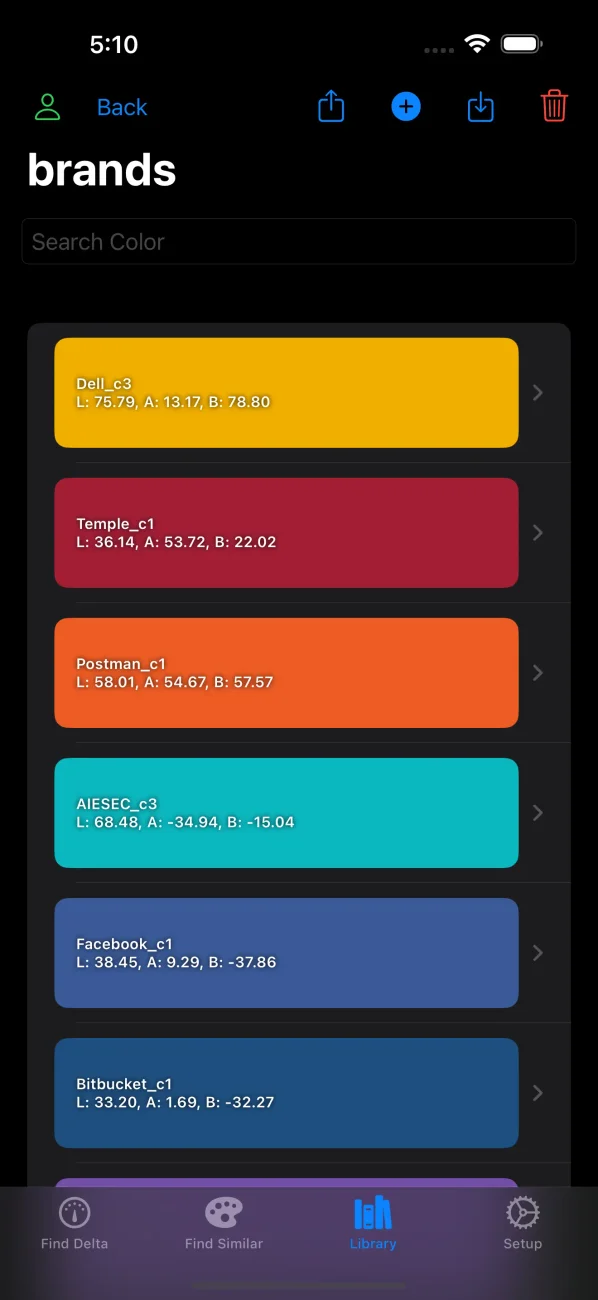
3. Powerful Library Management • Your color universe, fully under your control.
• Full CRUD Functionality: Easily create, import, export, rename, and delete your color libraries.
• Seamless Workflow: Select colors from a library and send them directly to the comparison tool to set as a new target, or search for that specific color in other libraries.
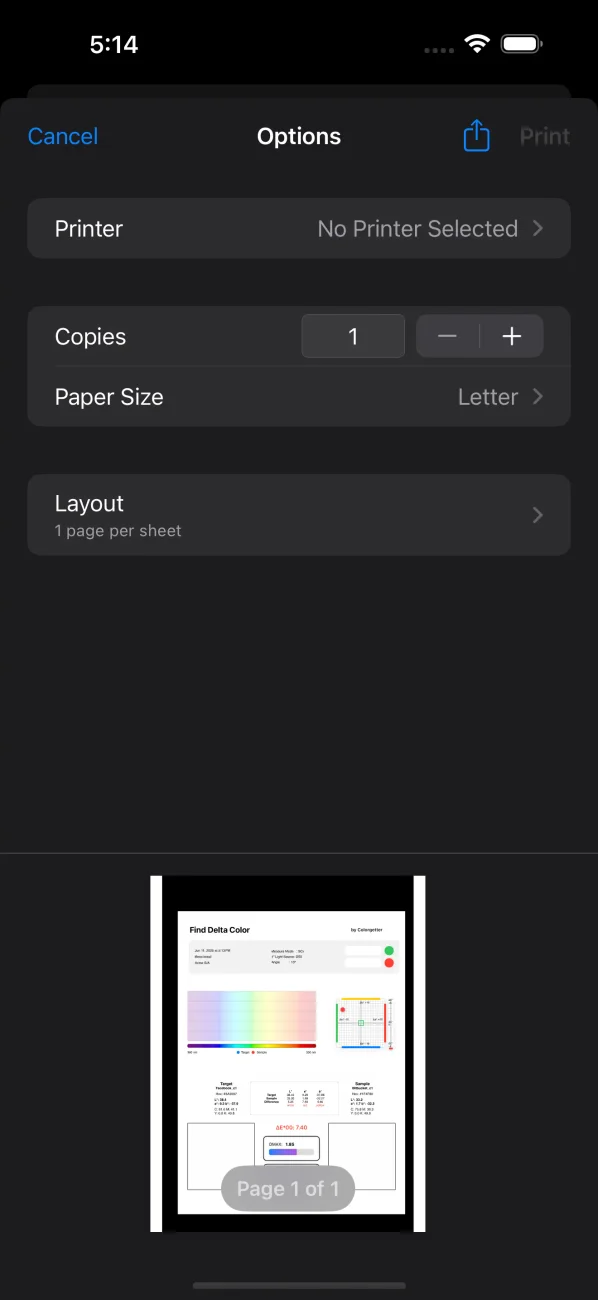
4. Comprehensive PDF Reporting • Document and share your results professionally.
• Instant Reports: Generate detailed PDF reports for both color comparison analyses and library search results.
• Easy Sharing: Share your reports via email, messaging apps, or print them directly for physical documentation and quality control checks.
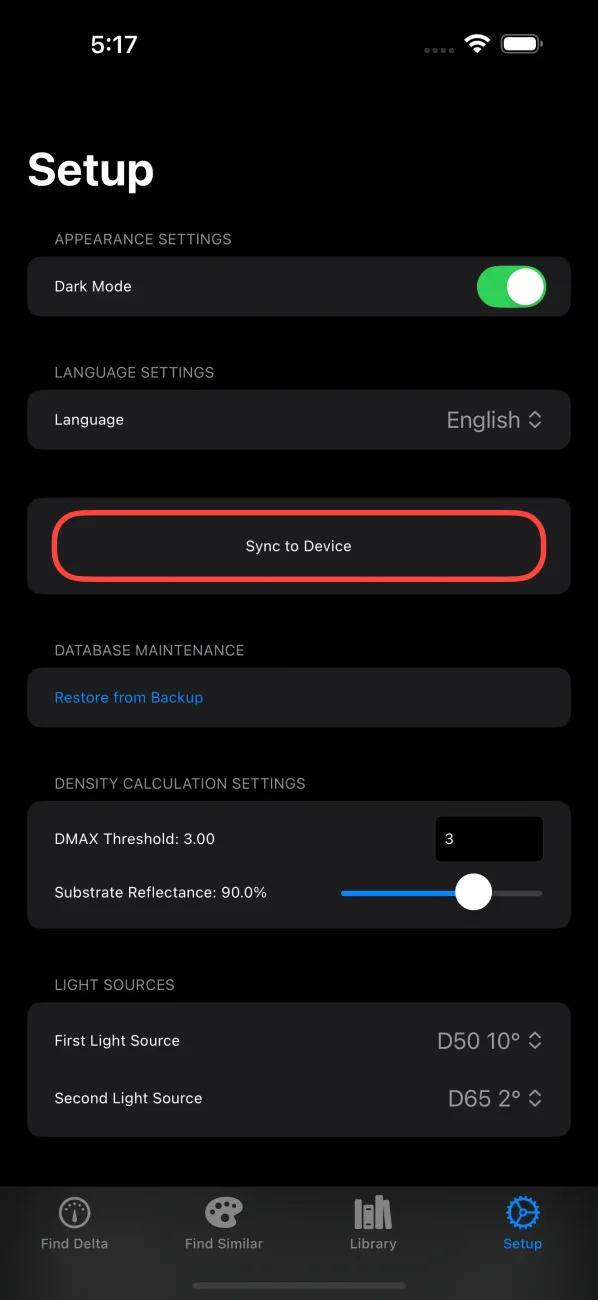
5. Advanced Setup & Control • Customize the app to fit your workflow and hardware.
• Personalization: Switch between languages and select your preferred appearance (Light/Dark Mode).
• System Tools: Access database maintenance tools to keep your app running smoothly.
I• nstrument Settings: Adjust the specific settings of your colorimeter directly from the app (for compatible devices).
Connect your colorimeter and transform your color quality control process from a challenge into a simple, precise, and efficient task.
App privacy
What Marcos Samsoniuk declares on the App Store about how this app handles data.
-
Data not linked to you
May be collected but is not linked to your identity.
- Contact info
Privacy practices may vary, for example with the features you use or your age.
Information
- Seller
- Marcos Samsoniuk
- Category
- Utilities
- Version
- 1.0
- Updated
- Jul 30, 2025
- Released
- Jul 30, 2025
- Size
- 24.1 MB
- Requires
- iOS 16.6 or later
- Age rating
- 4+
- Languages
- Spanish, English, Portuguese
- Copyright
- © iflexo Soluções Tecnológicas Ltda
You might also like
-
 GLance ProColor Picker & Palette Maker
-
 Colorimeter: Live Color PickerCamera HEX, RGB & Lab reader
-
 InstaPick: Color PickerExplore the colors
-
 AWPserviceAIAI service in Zoomlion
-
 Handy Color ConverterColor Picker & Converter
-
 LIGHTmetric ONE AppUtilities
-
 Loopist: Slow Down MusicA/B Looper & Practice Sections
-
 Timeflow: Work Hours TrackerTimesheet, Timer & Invoices
-
 Color 15339Utilities
-
 Tele FiUtilities