
Coloring Watch
Coloring Book on your wrist
Designed for iPhone
Free · In-app purchases
- Age rating4+
- CategoryEntertainment
- DeveloperSydvesti Oy
- LanguagesEnglish+ 3 more
- Size219.8 MB
Links to the official App Store page
Download.org hosts no file of Coloring Watch. The button opens its official App Store page, published by Sydvesti Oy. Listing last checked on Nov 26, 2026.
Screenshots


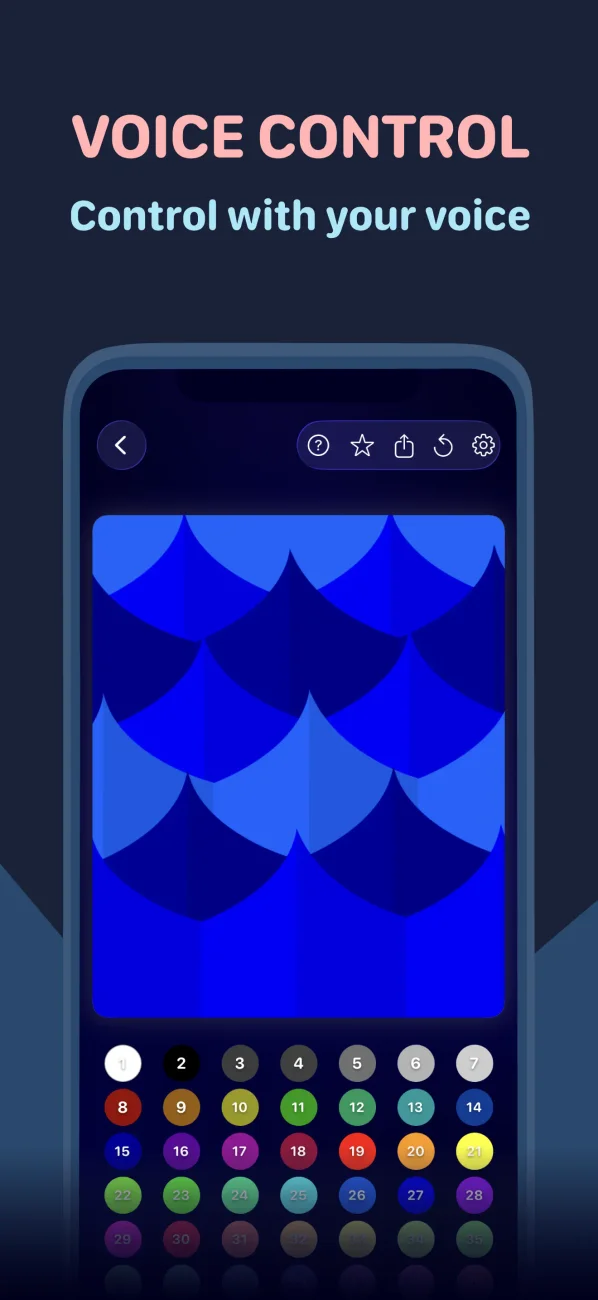
About
COLORING WATCH
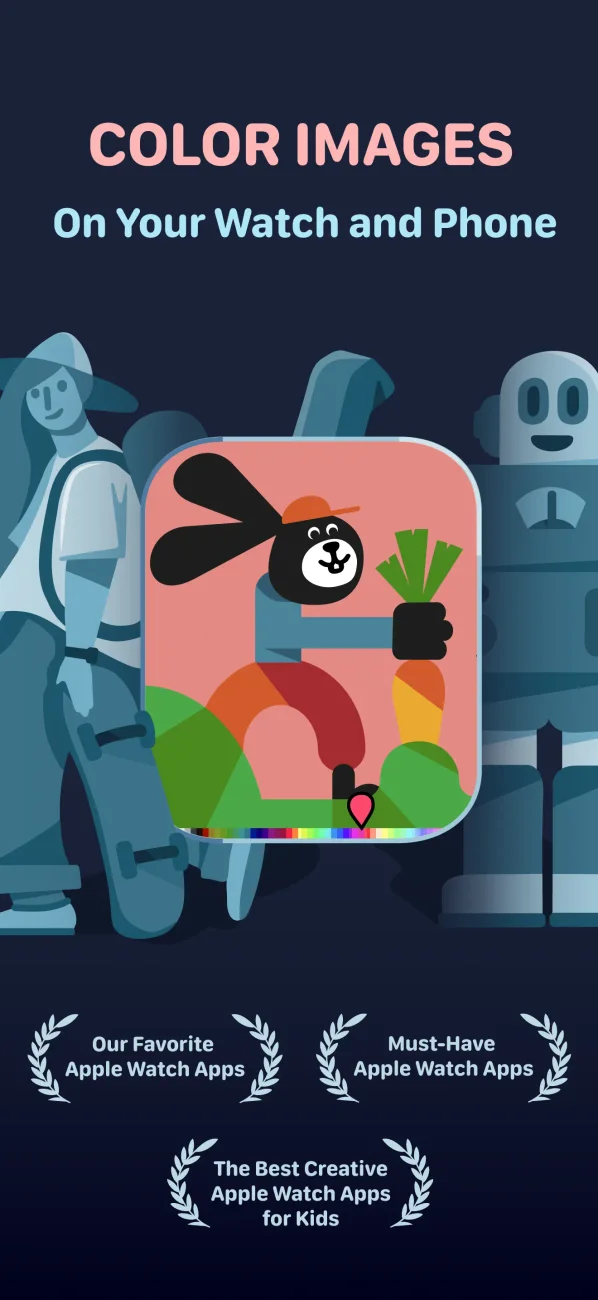
Featured by Apple in the "Must-Have Apple Watch Apps" and "Our Favorite Apple Watch Apps" collections!
Coloring is a great way to calm down and relieve stress. Experience the relaxing effects of coloring directly on your Apple Watch, your iPhone, or both!
MAIN FEATURES
TRY IT FOR FREE WITH A LIMITED SET OF IMAGES
• Unlimited free trial time
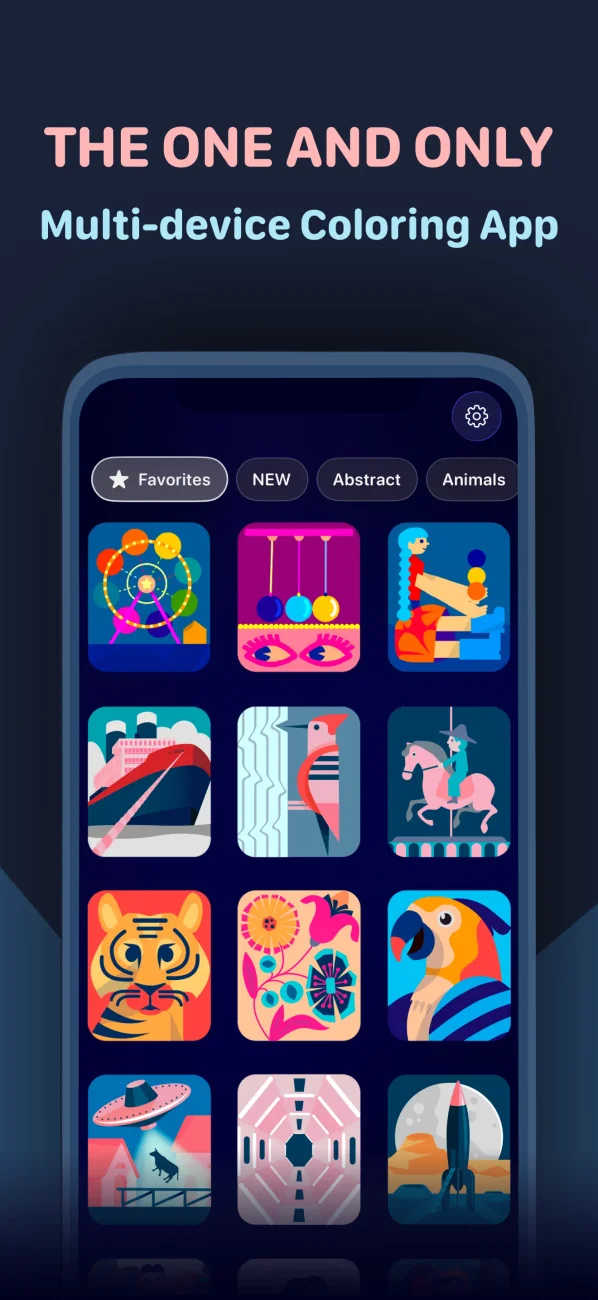
COLOR NEARLY 200 FULL-SCREEN IMAGES ON YOUR APPLE WATCH AND IPHONE (Subscription required to unlock all images)
• A wide variety of illustrations, most of them animated!
• Free new image updates
AUTOMATIC PROGRESS SYNCING
• Your progress is saved automatically so you can pick up coloring anytime across your Apple Watch and iPhone.
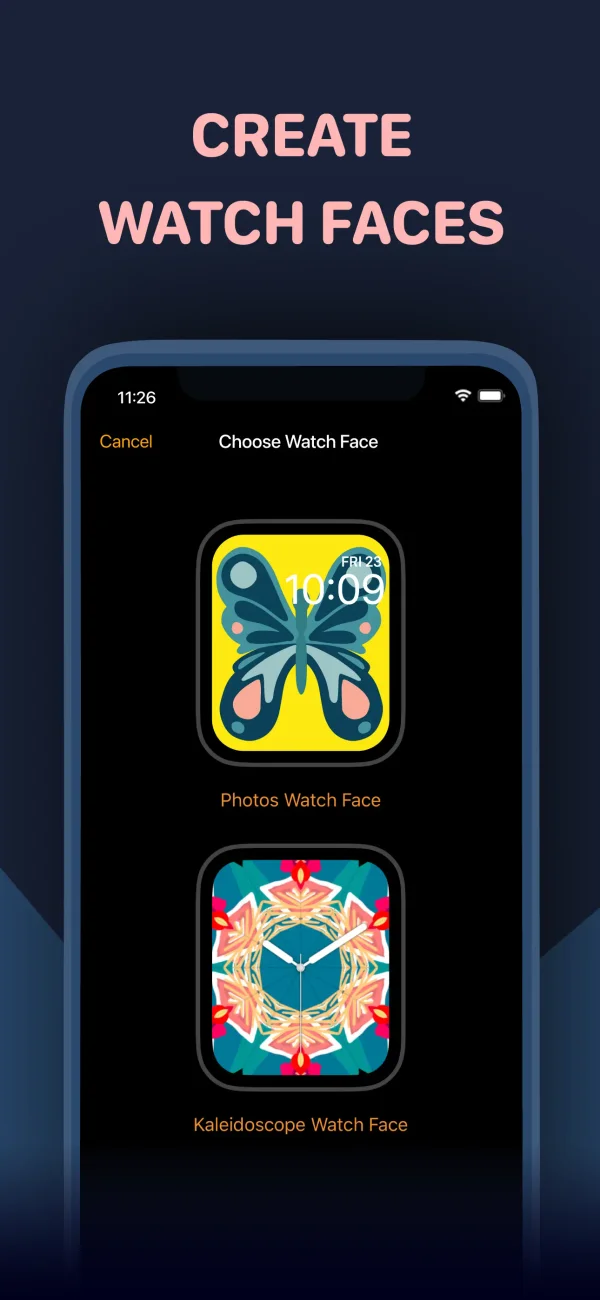
[↑] SHARE YOUR ART & CREATE CUSTOM WATCH FACES
• Share your finished images.
• Use the “Create Watch Face” button in the iPhone share menu to turn your art into unique Apple Watch faces.
• Set your favorite coloring image as a complication on your Watch.
MINDFUL MINUTES (OPTIONAL FEATURE REQUIRING HEALTHKIT ACCESS)
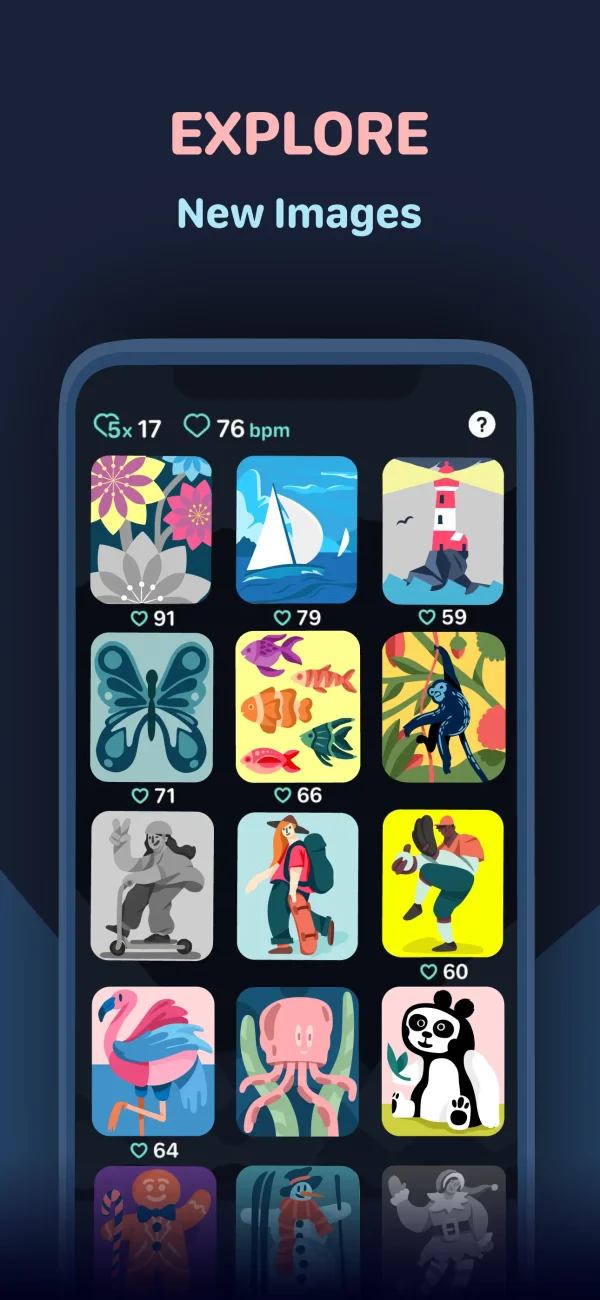
• Track your heart rate while coloring by starting a 5-minute Coloring Session on your Apple Watch.
• Review your heart rate changes after completing a session.
• Coloring Sessions are automatically saved as Mindful Minutes in Apple Health (HealthKit).
ACCESSIBILITY FOR ALL — VOICE CONTROL SUPPORT
• Turn on Voice Control mode in the Coloring Watch settings to color images using voice commands.
• Note: Voice Control must also be enabled on your iPhone under Settings > Accessibility > Voice Control.
CHOOSE YOUR IPHONE COLORING MODE
• Direct Tap Mode (Default on iPhone): Tap directly on the part of the image you want to color.
• Watch-Style Mode (Default on Watch): Image sections are selected sequentially. Tap the right side of the screen to select the next part, or the left side to go back to the previous part.
SUBSCRIBE TO UNLOCK ALL IMAGES
• Choose a Monthly, Yearly, or Lifetime plan to unlock the full library.
• Includes free ongoing image updates.
• Terms of Use: https://www.apple.com/legal/internet-services/itunes/dev/stdeula/
PRIVACY
• To run optional Coloring Sessions that track your heart rate, Coloring Watch requires access to your Heart Rate and Mindful Minutes data in HealthKit.
• Your personal data is stored and processed locally on your devices only and is never shared.
• Privacy Policy: https://sydvesti.com/privacy-policy
Have questions? We’re happy to help! Reach us at:
contact@coloringwatch.com
HAPPY COLORING!
What’s new
Version 7.3.0 · Nov 25, 2026
-Full screen images on iPhone
-iPhone DUO support
-Improved performance on phone and watch
-Updated subscription models. Existing users get automatically Life-time subscription for FREE
App privacy
What Sydvesti Oy declares on the App Store about how this app handles data.
-
Data not collected
The developer does not collect any data from this app.
Privacy practices may vary, for example with the features you use or your age.
Information
- Seller
- Sydvesti Oy
- Category
- Entertainment
- Version
- 7.3.0
- Updated
- Nov 25, 2026
- Released
- Jul 20, 2019
- Size
- 219.8 MB
- Requires
- iOS 17.6 or later
- Age rating
- 4+
- Price
- Free
- In-app purchases
- Yes
- Languages
- English, German, Japanese, Simplified Chinese
- Copyright
- © 2019 Sydvesti Oy
You might also like
-
 Number Puzzle Games 4 WatchImprove Your Intelligence Fast
-
 Merge Watermelon for watchThe most popular fruit game
-
 Peggy Cat - A Virtual PetSmall pet lives inside a watch
-
 FidgetsFidget Cube for your watch
-
 Jellyfish Heaven - Relax TimeRealistic jellyfish simulator
-
 PetPock - Pet for WatchCute Pet Care Games & Widgets
-
 Streaming Now: Movie TrackerTV Watchlist & Daily Puzzles
-
 Ghost Science M3Spirit Box & Ghost Detector
-
 DoodleFidgetEntertainment
-
 WatchTube for YouTubeStream Videos on Your Wrist