
Colour Gradient Generator CSS
SwiftUI Export, Live Preview
Designed for iPhone
In-app purchases
- Age rating4+
- CategoryGraphics & Design
- DeveloperPhuc Pham
- LanguagesEnglish
- Size5.4 MB
Links to the official App Store page
Download.org hosts no file of Colour Gradient Generator CSS. The button opens its official App Store page, published by Phuc Pham. Listing last checked on Nov 9, 2026.
Screenshots

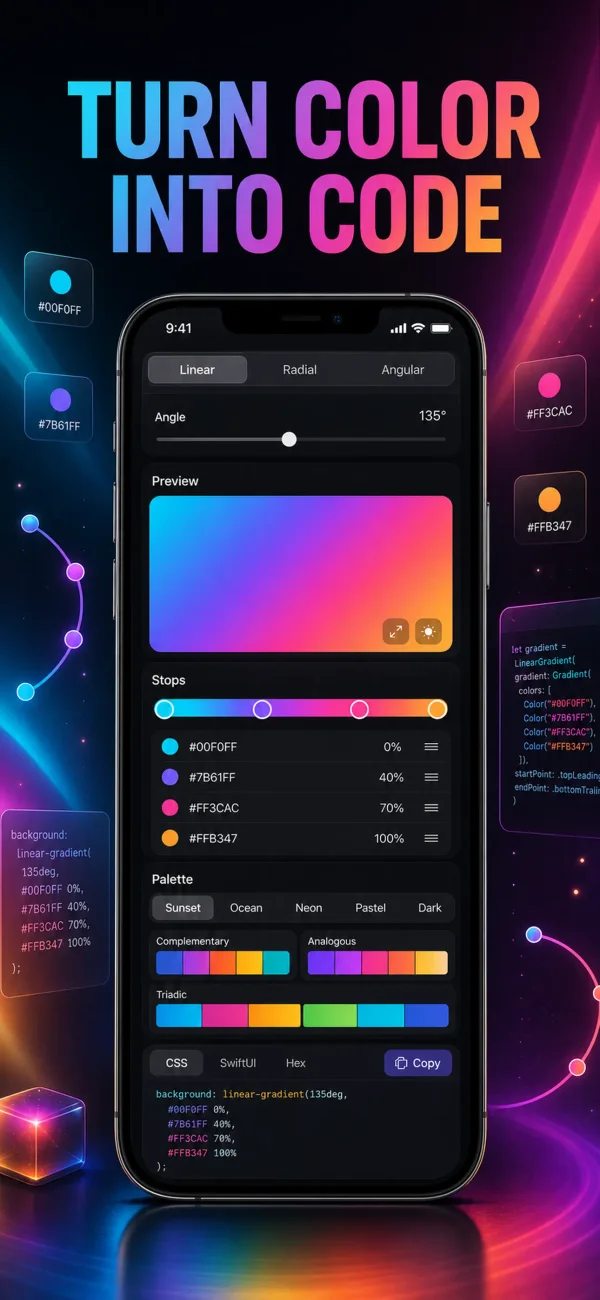
About
Make the exact gradient you can already picture — then walk away with the code to ship it. GradientMaker is a focused gradient studio for designers and developers who want a beautiful blend and clean, production-ready output, not a bloated graphics suite.
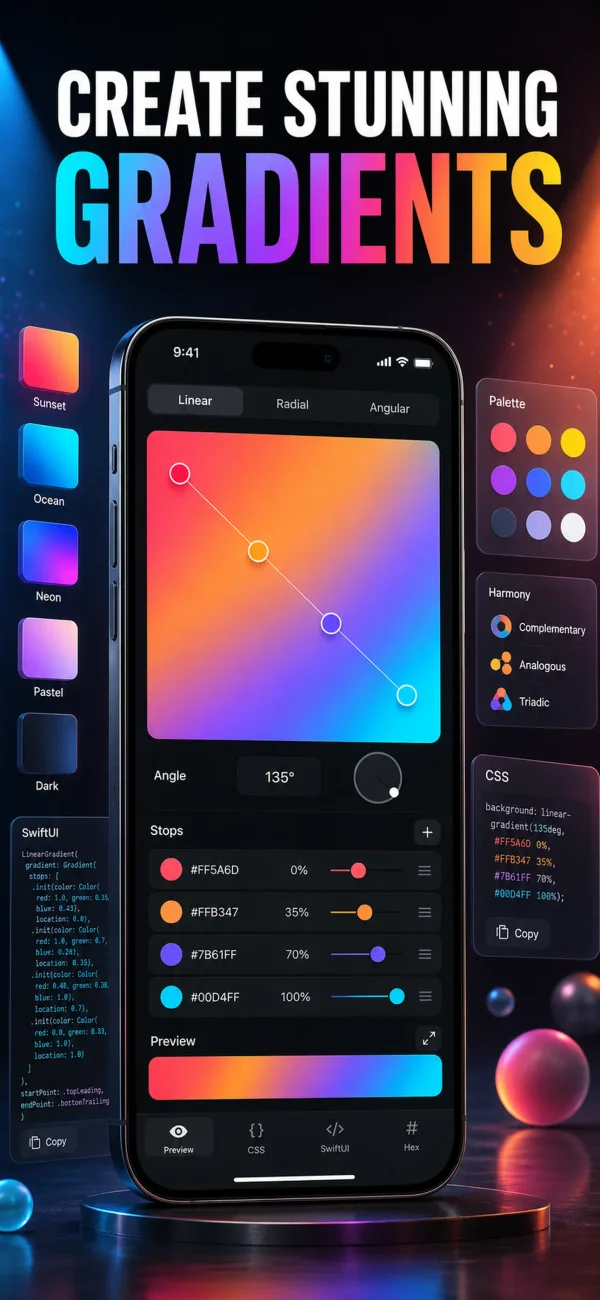
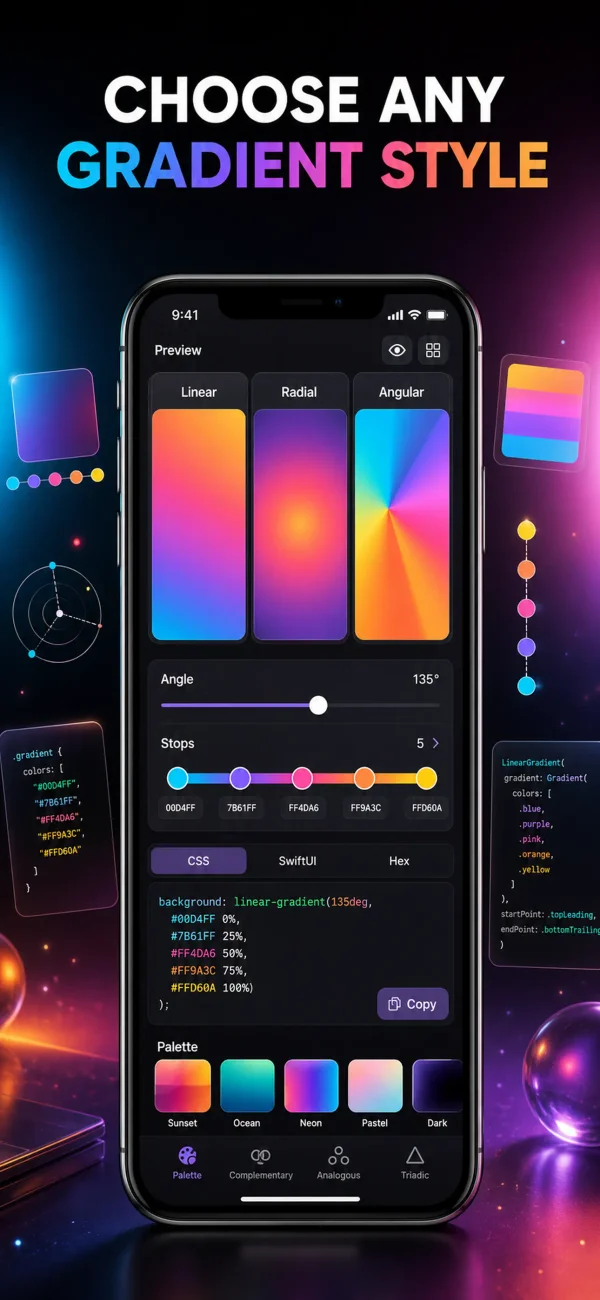
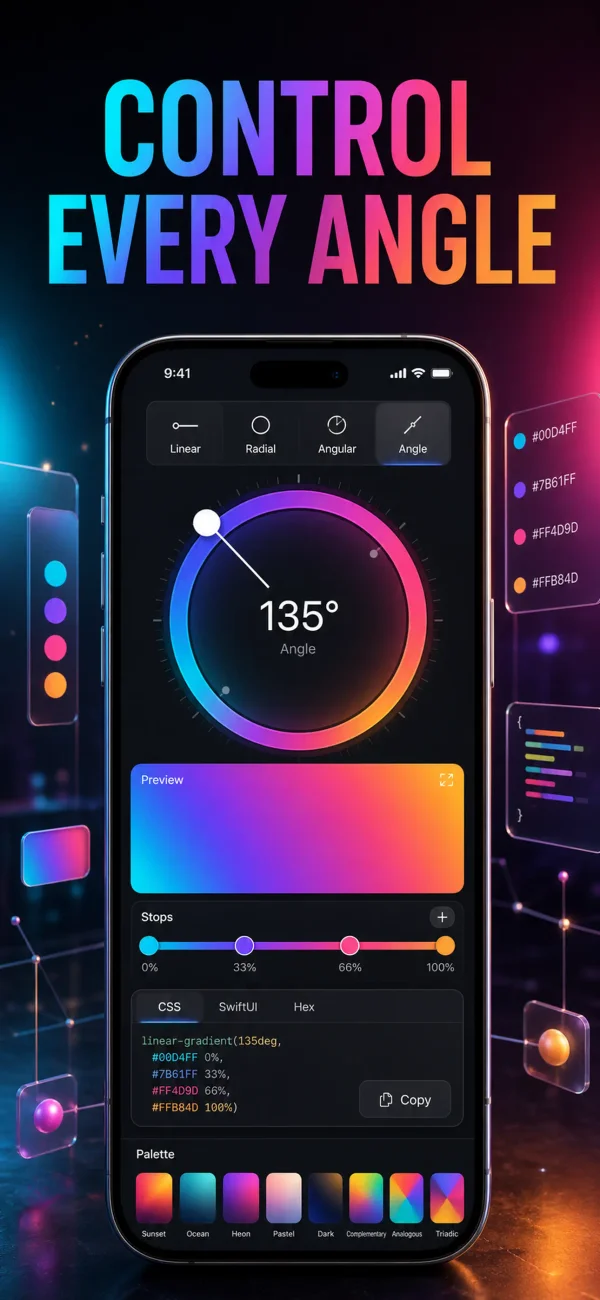
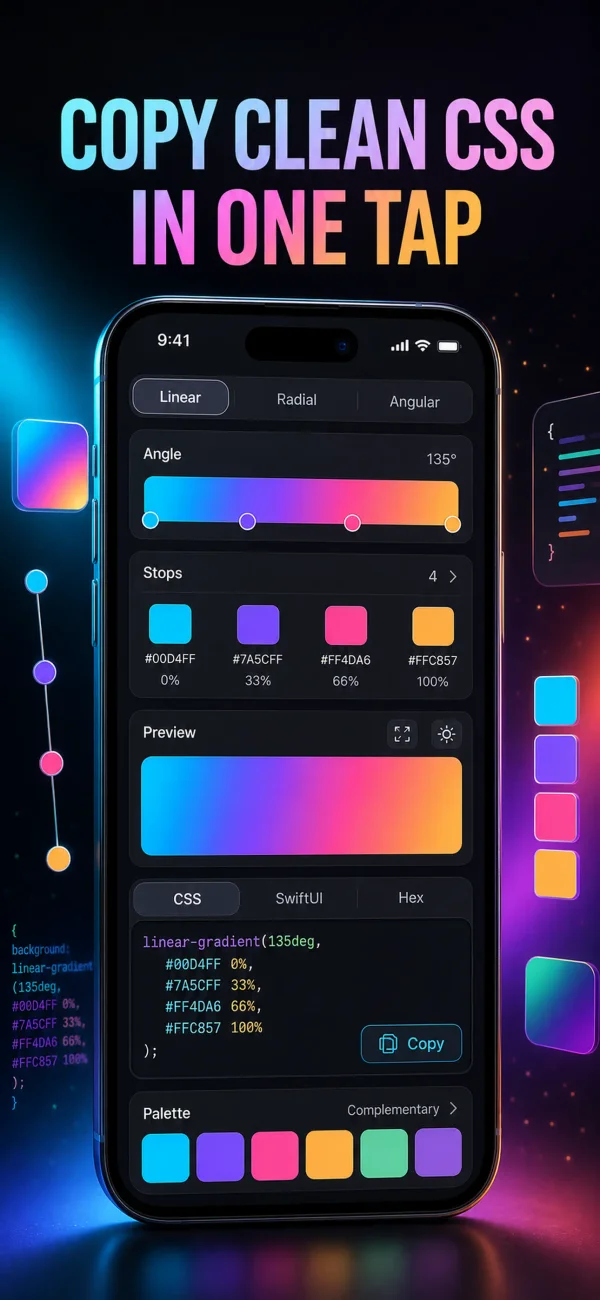
Most gradient tools stop at a pretty preview. GradientMaker gives you a real editor: drag colour stops on a live track, dial the precise angle, switch between linear, radial and angular (conic) types, and copy the result as CSS, SwiftUI or a raw hex list the instant it looks right. What you design is exactly what you paste.
WHAT YOU GET
- A big live preview that updates the moment you move a stop, change the angle, or swap gradient type
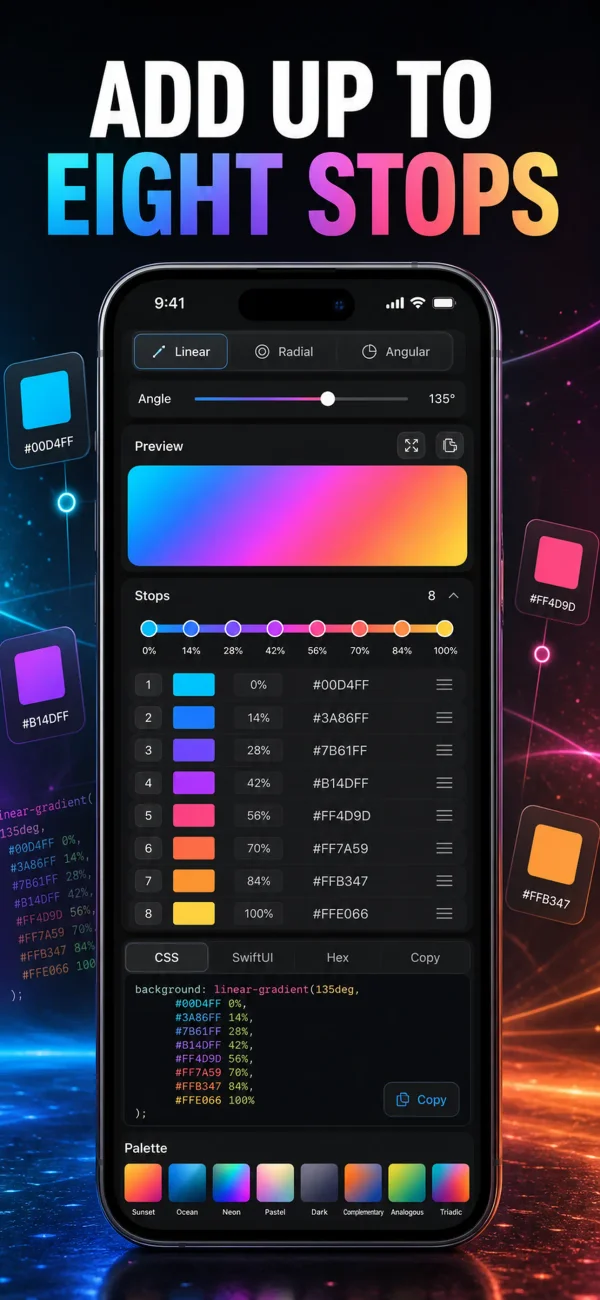
- Linear, radial and angular (conic) gradients with up to eight colour stops on a draggable stop track
- A precise angle dial with 0, 90 and 135 degree presets for linear and angular blends
- A hex colour picker and manual hex input for every stop
- Clean, copy-ready CSS (linear-gradient, radial-gradient, conic-gradient) for the web
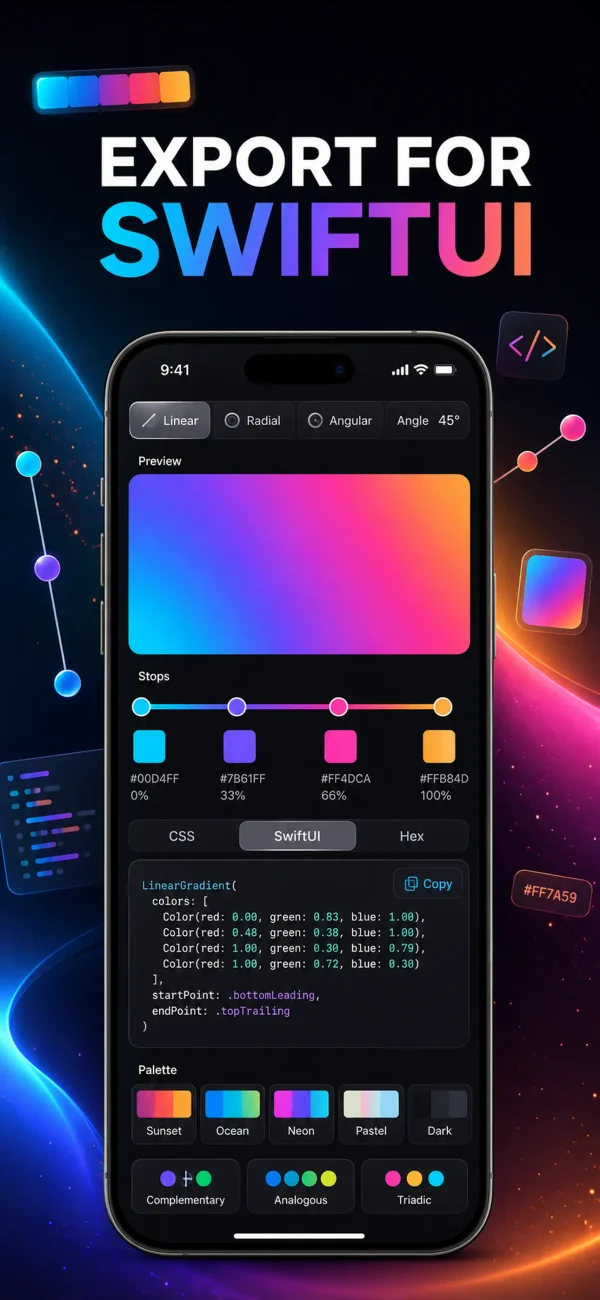
- Ready-to-paste SwiftUI code — LinearGradient, RadialGradient or AngularGradient with your exact stops
- A raw hex list of every stop for handing off to teammates or design tools
- Copy-to-clipboard for every export format
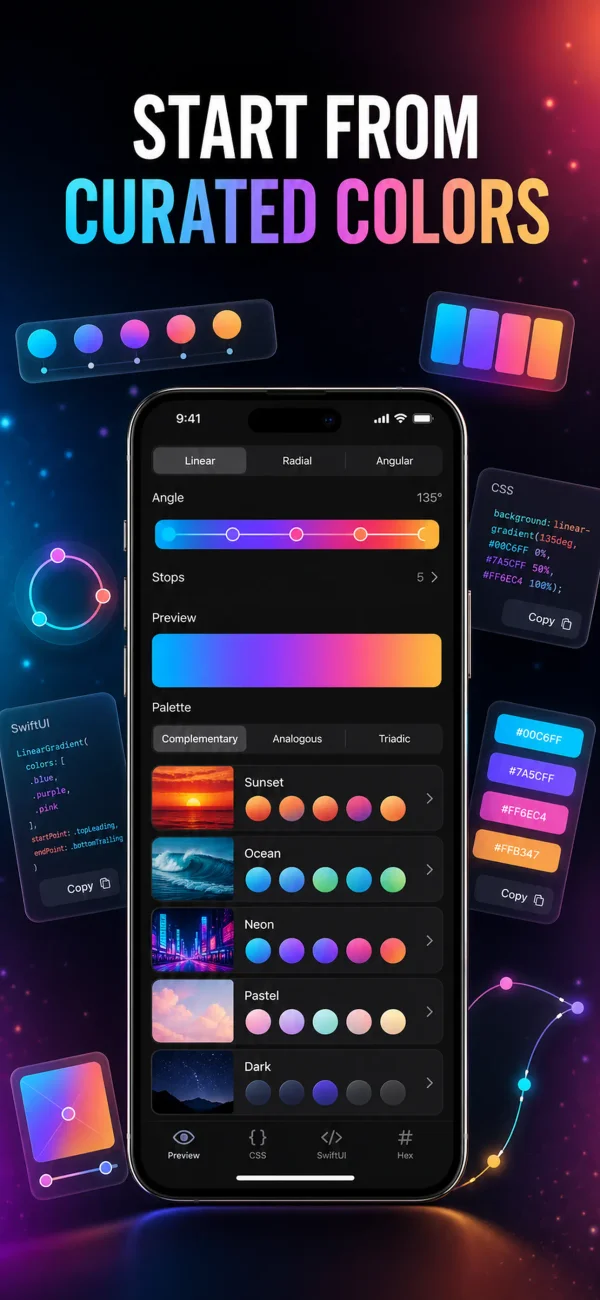
- Curated collections — Sunset, Ocean, Neon, Pastel and Dark — plus a one-tap Random starter
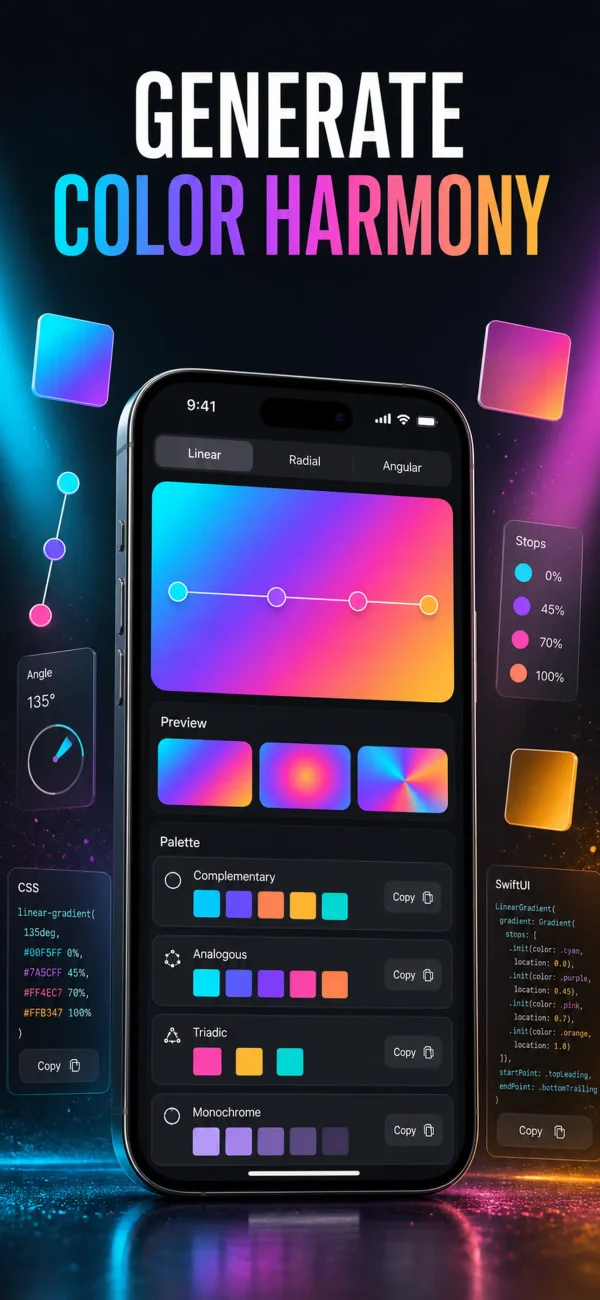
- A harmony generator that builds complementary, analogous, triadic and monochrome blends from any base colour
- A local Library to save gradients, with delete from a context menu
- A Learn tab that explains each gradient type with a CSS syntax cheatsheet
- A daily local reminder to come back and keep designing
PERFECT FOR
- Web developers who need a linear or conic gradient and the CSS to match
- iOS engineers who want SwiftUI LinearGradient, RadialGradient or AngularGradient code
- Designers building brand palettes, backgrounds and UI themes
- Anyone who just loves colour and wants a fast, tactile way to explore blends
WHY NOT JUST GRAB A GRADIENT ONLINE
Random online gradients rarely fit your angle, your exact brand colours, or your stack. Here you tune every stop and degree yourself, preview it full-size, and export code that drops straight into your project — no screenshots, no guesswork.
PRIVACY
Your gradients stay on your device. No account, no sign-up, no tracking. There is nothing to leak because nothing leaves your phone.
FULL ACCESS
GradientMaker Premium unlocks radial and angular gradient types, multi-stop editing beyond two colours, SwiftUI code export, every curated collection and harmony, and unlimited saved gradients. Choose the plan that fits: Weekly, Yearly, or a one-time Lifetime purchase. Payment is charged to your Apple ID; subscriptions renew automatically unless cancelled at least 24 hours before the period ends, and you can manage or cancel anytime in your App Store account settings.
Open GradientMaker, drag a stop, and copy your first gradient in under a minute.
Terms of Use (EULA): https://web-levi.web.app/terms
Privacy Policy: https://web-levi.web.app/privacy-policy
Questions? https://web-levi.web.app/#contact
What’s new
Version 1.2.0 · Aug 19, 2026
Bug fixes and performance improvements.
App privacy
What Phuc Pham declares on the App Store about how this app handles data.
-
Data not collected
The developer does not collect any data from this app.
Privacy practices may vary, for example with the features you use or your age.
Information
- Seller
- Phuc Pham
- Category
- Graphics & Design
- Version
- 1.2.0
- Updated
- Aug 19, 2026
- Released
- Jun 4, 2026
- Size
- 5.4 MB
- Requires
- iOS 17.0 or later
- Age rating
- 4+
- In-app purchases
- Yes
- Languages
- English
- Copyright
- © 2026 Phuc Pham
You might also like
-
 ColorMimic: Color PalettePhoto Picker & HEX Generator
-
 Kromapick Color Palette PickerCamera, HEX Code, Color Studio
-
 Dropal: Color Picker & PaletteColor Name & HEX from Photo
-
 Pickly: Color Picker HexGet hex codes from a photo
-
 gradeful - Gradient WallpaperAesthetic colors & widgets.
-
 Gradiator - AI Mesh GradientStunning gradients in seconds
-
 Graindient: Wallpaper MakerTextured gradient wallpapers
-
 Palette Maker: Color MixerBlend Hex Swatches, Save Sets
-
 Meshwork: Gradient WallpapersMade on device, never repeats
-
 Color Picker: Color CodeColor palette generator