- Age rating4+
- CategoryProductivity
- Developerplasq LLC
- LanguagesEnglish
- Size239.9 MB
Links to the official App Store page
Download.org hosts no file of Comic Draw by plasq. The button opens its official App Store page, published by plasq LLC. Listing last checked on Nov 17, 2026.
Screenshots
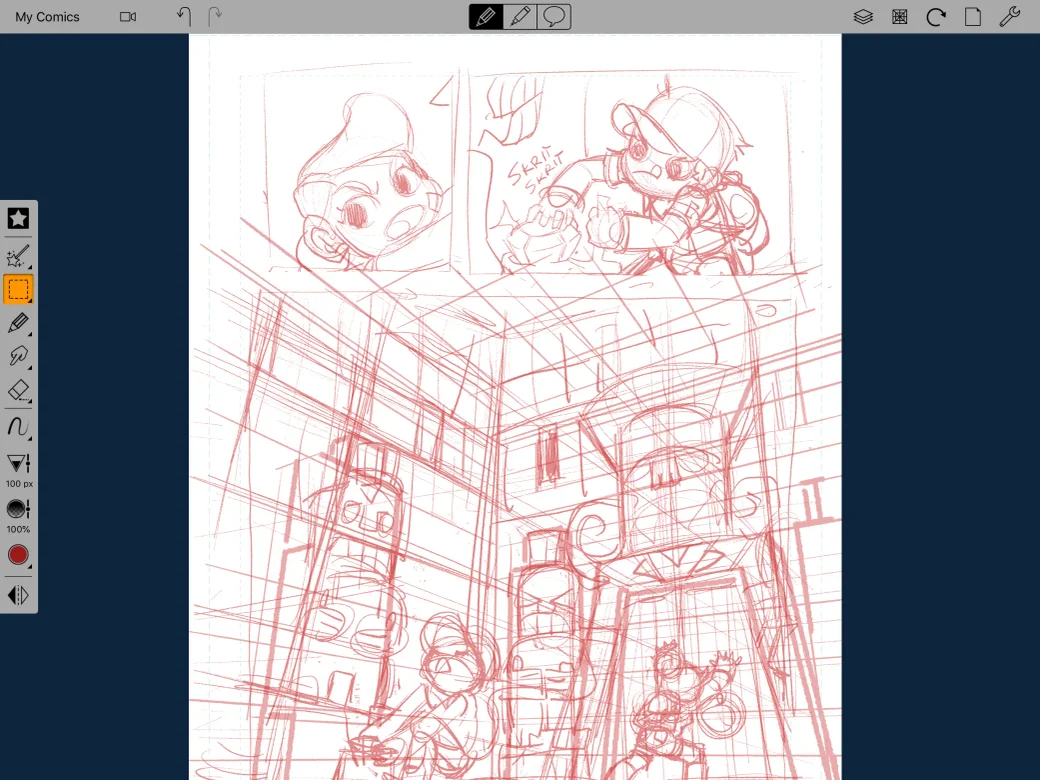
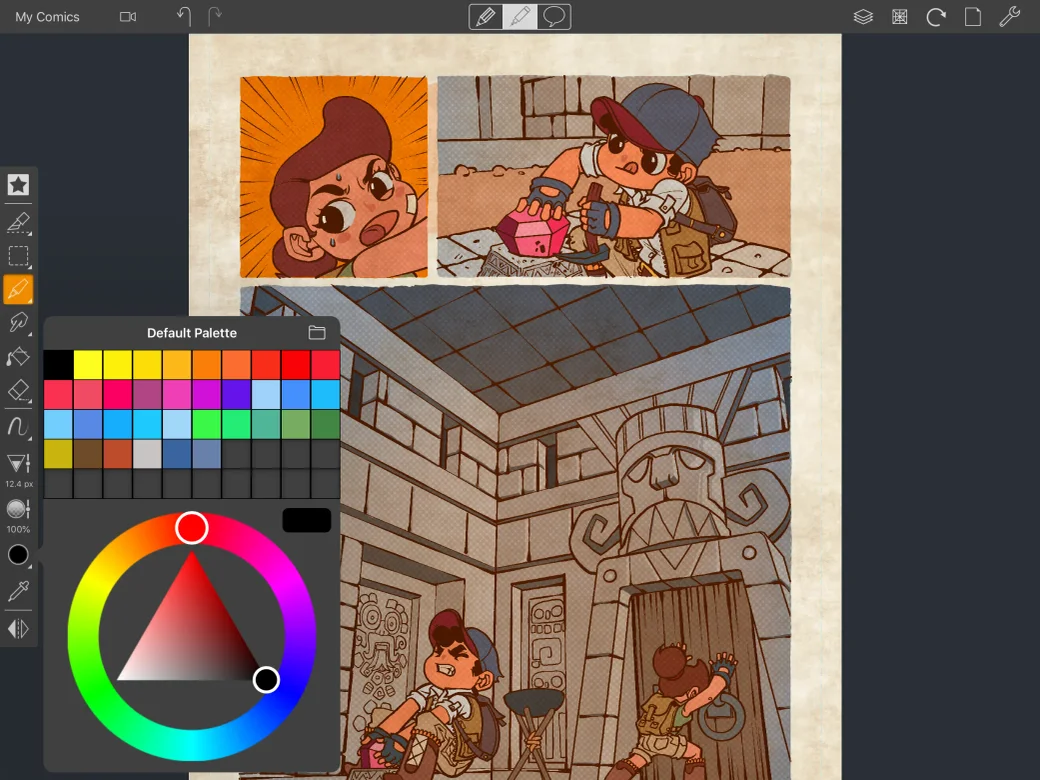
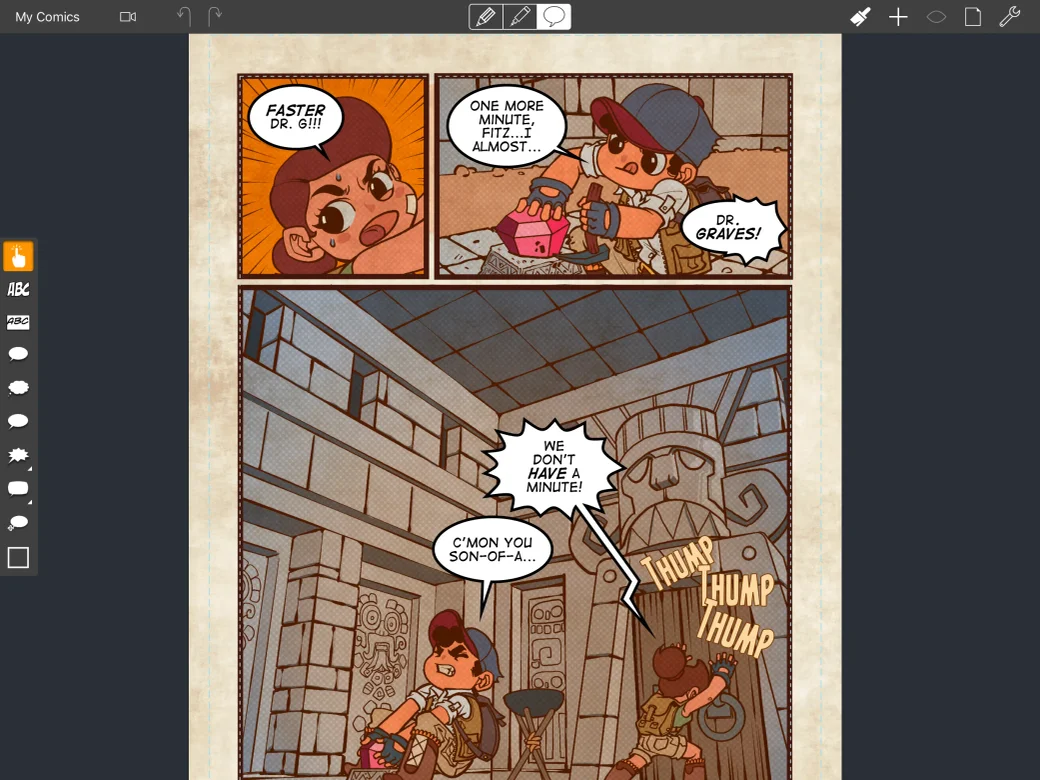
About
"I've only had it for a day but it is by far my favorite app on my iPad Pro. It is the app I have been waiting for. Thank you!" - Alex Ogle, Comic Book Artist.
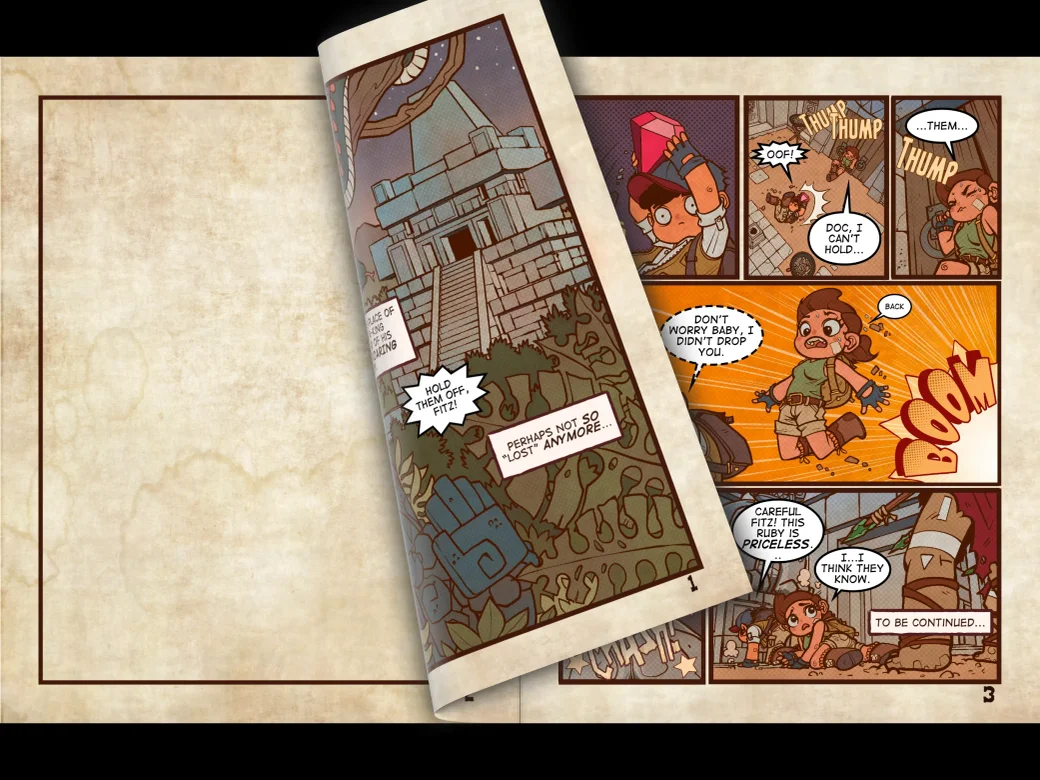
View and create awesome comics right on your iPad! Comic Draw comes with everything you need: brushes, fonts and tools to make reading & creating cartoons and comics easy and fun!
While the basic app allows viewing and sharing of Comic Draw comics, an In-App Purchase unlocks the full editing capabilities. Start with a comic or cartoon template and get creating today!
• Comic Viewer Feature Highlights
- Optimized for iPad Pro
- Integrated fullscreen comic reader
- Import and Export Comic Draw files
• Comic Editor Feature Highlights
- Optimized for iPad Pro and Apple Pencil
- Supports Adonit & Wacom pressure sensitive styluses
- Standard comic and cartoon templates
- 34 bundled brushes
- 130+ bundled comic fonts
- Layers and layer groups
- 1, 2 & 3 point and isometric perspective guides
- Fast and easy comic lettering
- Auto-save enabled - never lose your artwork
- Integrated publishing system
• Brushes
- 34 bundled brushes
- Textures and screentones
- Lots of customization options
- Easy favoriting system
- Import and export brushes for fast sharing
• Layers
- Build up your artwork with layers
- Layer groups help separate your stages of work
- Lock, hide and merge layers as you go
- Layer blend modes for advanced effects
- Clipping and masking modes
• Color
- Create custom color palettes
- Multiple bundled palettes including a classic comic color palette
- Fast color blocking with automatic edge detection from higher layers
- Quick shade adjustment slider
- Canvas color sampling
• Perspective Guides
- 1, 2 and 3 point guides available
- Multiple guides per page
- Automatic perspective snap of strokes, lines, rectangles and ovals
- Simple guide calibration from reference photo or sketch
• Selection and Masking
- Copy, flip, distort and filter selected areas
- Filters include hue, saturation, brightness, recolor, background exclusion and foreground selection.
- Mask regions for safe painting
• Lettering
- 130+ bundled fonts
- Advanced balloon support including extension balloons
- Sophisticated lettering controls including warping and 3D effects
- Advanced style system for consistent fonts and graphic design across multiple pages
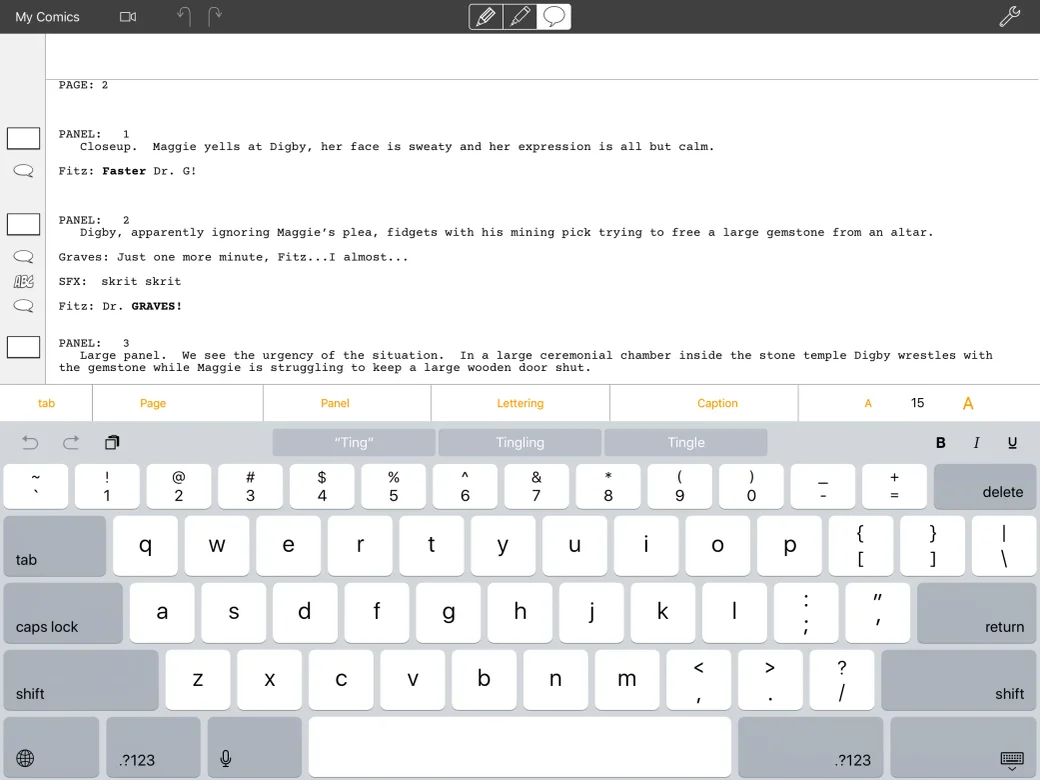
• Script Editor
- Full comic script editor included
- Automatic keyword recognition
- Drag and drop lettering elements from the script to comic page
• Sketchpad
- Separate sketch area with simplified tools
- Fast switching between sketch and final artwork
- Lettering layer available for panel layout planning
• Publishing & Sharing
- Record video of your creative process
- Upload to Comic Connect for fast and easy publishing
- Import Comic Draw native format
- Export as Comic Draw native format, PDF, ePub, JPG or PNG
- Export to AirDrop, iCloud Drive, Photos, iTunes, email and many more
What’s new
Version 1.3.2 · Jan 25, 2024
Fixed a Google Chrome compatibility issue with PDF export
Other fixes and improvements
App privacy
What plasq LLC declares on the App Store about how this app handles data.
-
Data linked to you
May be collected and linked to your identity.
- Contact info
- Identifiers
-
Data not linked to you
May be collected but is not linked to your identity.
- User content
- Diagnostics
Privacy practices may vary, for example with the features you use or your age.
Information
- Seller
- plasq LLC
- Category
- Productivity
- Version
- 1.3.2
- Updated
- Jan 25, 2024
- Released
- Jan 24, 2017
- Size
- 239.9 MB
- Requires
- iOS 11.0 or later
- Age rating
- 4+
- Price
- Free
- In-app purchases
- Yes
- Languages
- English
- Copyright
- © 2017-2024 plasq LLC.
You might also like
-
 Animation Sketch2D Animation Creator
-
 Animation Maker KidsDraw and Create 2D Animations
-
 AnimatoonEasy Voxel Animation
-
 Astropad Studio Drawing TabletDrawing tablet for pros
-
 Endless PaperInfinite canvas to grow ideas
-
 MyStory.today: Write a BookNovel Writing & Story Planner
-
 Morpholio Journal – SketchbookDesign, Note, Sketch, Collect.
-
 Storyist 4A powerful writing environment
-
 Linea SketchDraw and take notes with ease
-
 CharcoalVisualize Your Ideas