
ComicDeck: Comic Book Reader
3D Newsstand, NAS & Smart Zoom
Designed for iPhone, iPad, Mac, iPod touch
Free · In-app purchases
- Age rating4+
- CategoryBooks
- DeveloperAttila Juhas
- LanguagesEnglish+ 7 more
- Size68.8 MB
Links to the official App Store page
Download.org hosts no file of ComicDeck: Comic Book Reader. The button opens its official App Store page, published by Attila Juhas. Listing last checked on Nov 13, 2026.
Screenshots


About
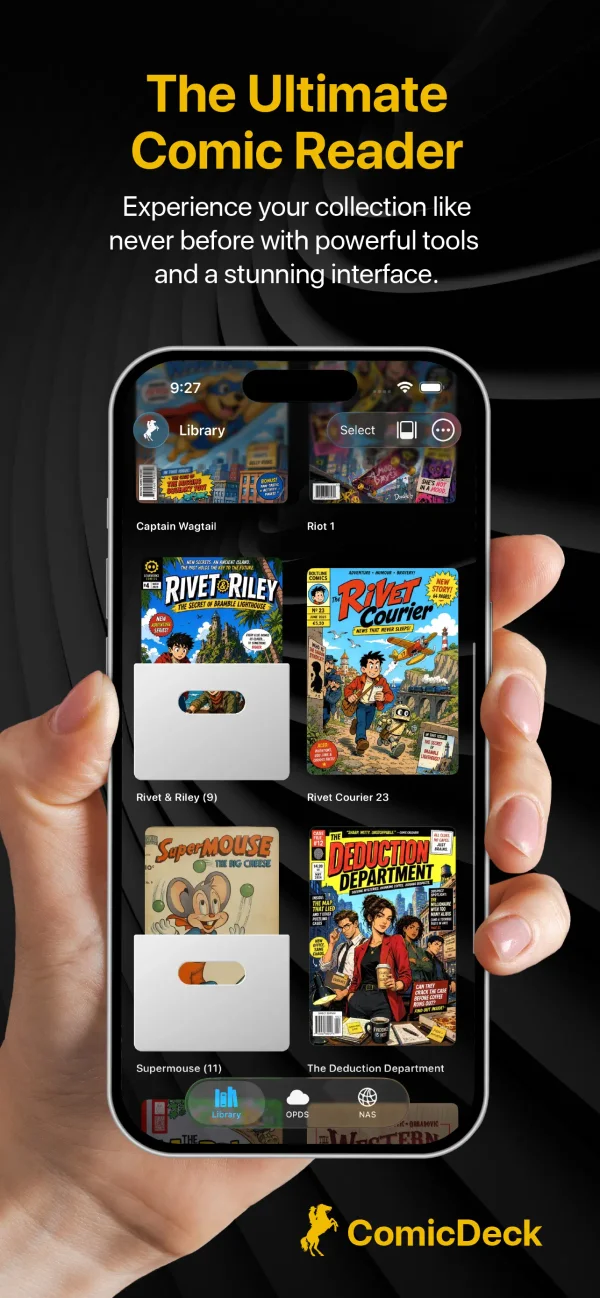
Welcome to ComicDeck, the ultimate premium comic, manga, and webtoon reader. Designed for comic lovers who want both cutting-edge technology and nostalgic aesthetics, ComicDeck transforms your digital library into a stunning, interactive experience.
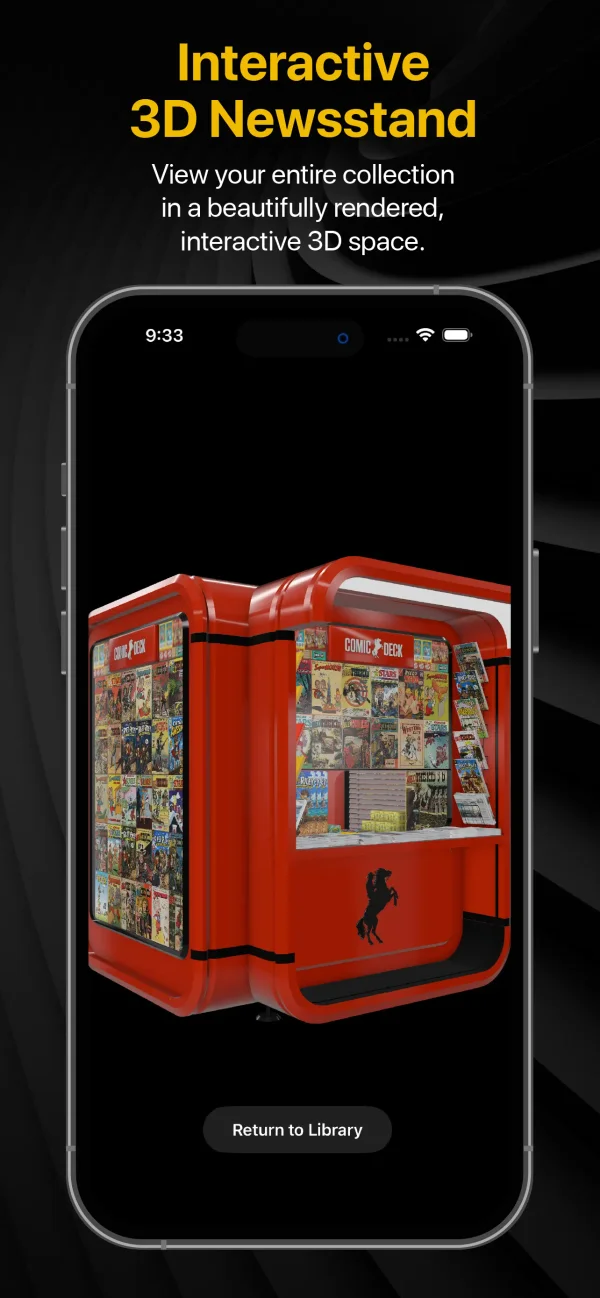
THE 3D NEWSSTAND
Step into a beautifully rendered, interactive 3D virtual kiosk. Swipe to spin your collection, tap to pull a book from the shelf, and dive right into the action. Customize your space with built-in environments (Eclipse, Vortex, Walnut) or your own photos.
SMART PANEL ZOOM
Reading on an iPhone? Double-tap any page and let our CoreML-powered AI automatically detect the comic panels. Tap the edges of your screen to effortlessly glide through the action, frame by frame.
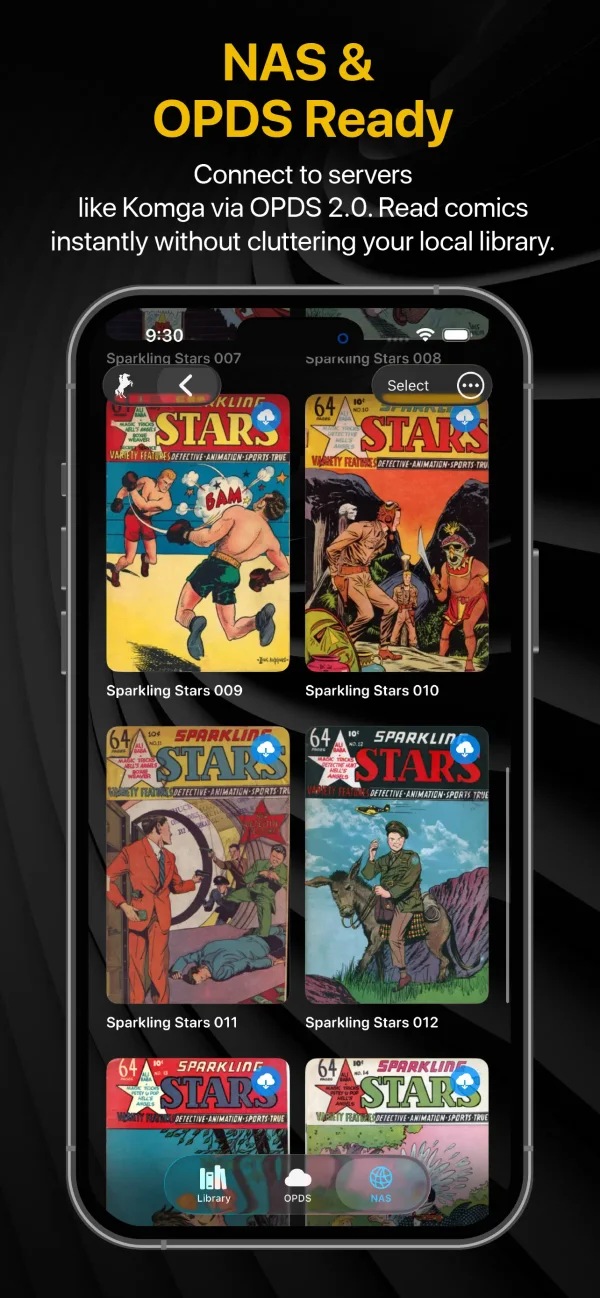
NAS & OPDS STREAMING
Don't waste storage space. Connect directly to your home server via WebDAV (Local IP or DDNS) or OPDS catalogs like Komga and Kavita. Stream your comics instantly without downloading the full file, or download them for offline reading.
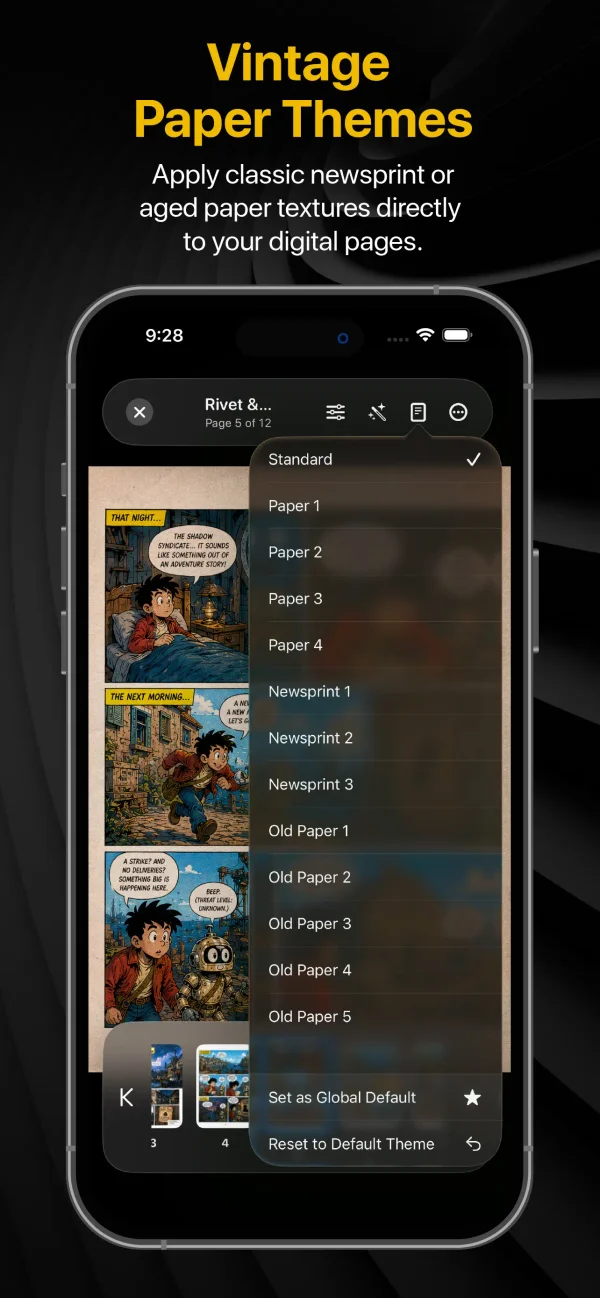
VINTAGE PAPER & VISUAL ENHANCEMENTS
Make digital feel physical. Apply authentic vintage textures like Newsprint or Old Paper directly to your pages. Got low-res scans? Instantly crisp them up using our built-in CoreImage contrast, noise-reduction, and sharpness filters.
READ YOUR WAY
• Seamlessly read CBZ, CBR, ZIP, RAR, and PDF files.
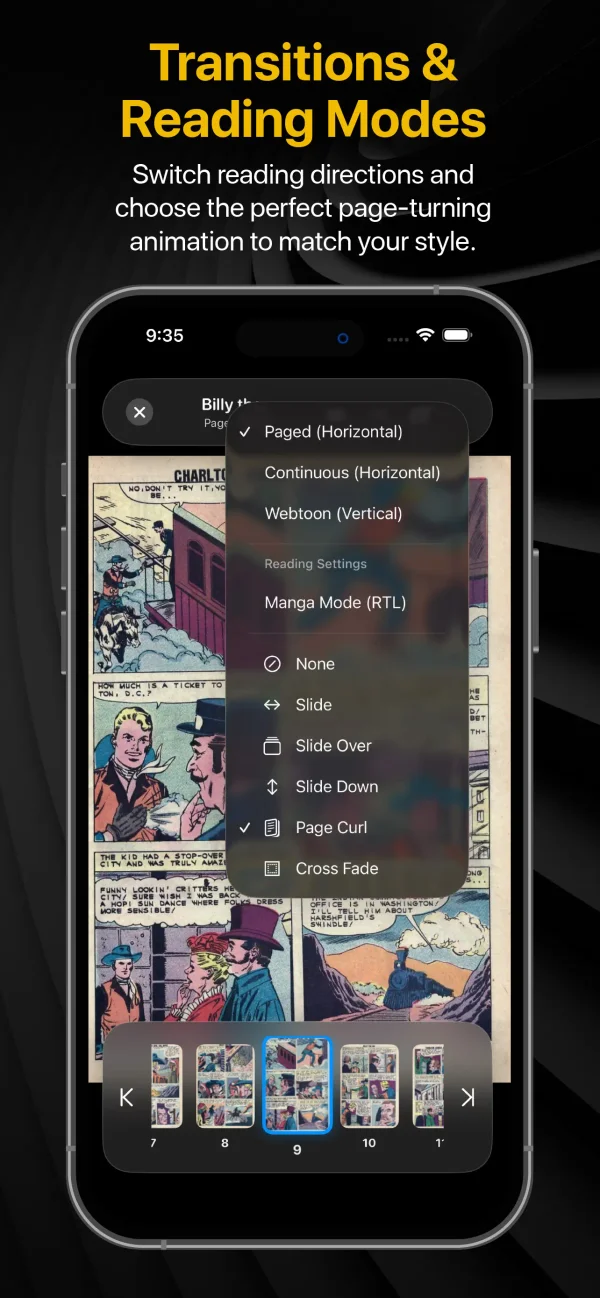
• Read Left-to-Right, Right-to-Left (Manga Mode), or vertically (Webtoons).
• Turn pages with gorgeous 3D Page Curls, Cross Fades, or Slides.
• Organize your collection into Box or Stacked folders with custom cover art.
EFFORTLESS TRANSFERS
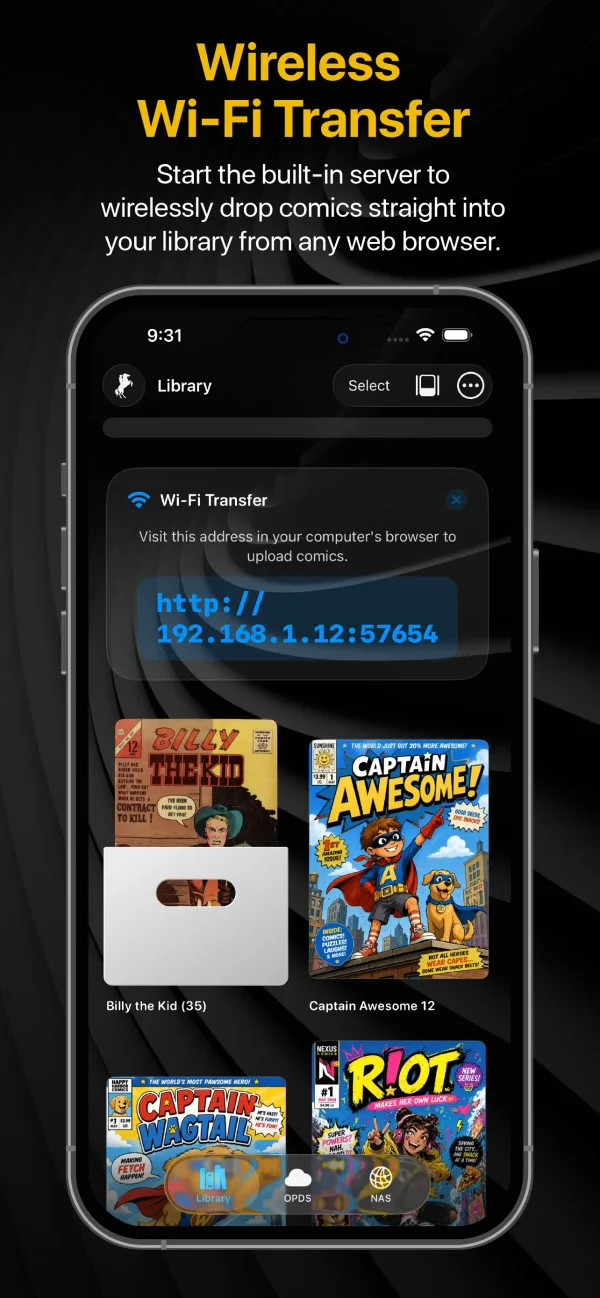
Start the built-in Wi-Fi server to drag and drop comics directly from your computer's web browser straight to your device.
Upgrade to ComicDeck Pro to unlock the full 3D Newsstand, premium page transitions, advanced background customizations, and unlimited OPDS/NAS cloud streaming!
What’s new
Version 1.0.7 · Nov 8, 2026
Version 1.0.7 improves reliability when opening comics. We fixed several causes of crashes and blank windows when opening CBZ, CBR and PDF files from Finder, Files, or the library, including files in linked folders and unusual or damaged PDFs. Quick Look thumbnails and previews for comics are now more stable on the latest macOS releases, and opening large archives is faster. If a comic can’t be opened, ComicDeck now tells you instead of closing silently.
App privacy
What Attila Juhas declares on the App Store about how this app handles data.
-
Data not collected
The developer does not collect any data from this app.
Privacy practices may vary, for example with the features you use or your age.
Information
- Seller
- Attila Juhas
- Category
- Books
- Version
- 1.0.7
- Updated
- Nov 8, 2026
- Released
- May 6, 2026
- Size
- 68.8 MB
- Requires
- iOS 15.6 or later
- Age rating
- 4+
- Price
- Free
- In-app purchases
- Yes
- Languages
- English, Croatian, French, German, Hungarian, Italian, Serbian, Spanish
- Copyright
- © 2026 AJ Design
You might also like
-
 Lenticule: Comic Book ReaderCBR, CBZ, PDF Manga & Webtoons
-
 Chek: Books & ComicsYour books & comics, anywhere
-
 Halftone: Comic & Manga ReaderRead from Komga, Kavita & NAS
-
 ComicShelf ReaderBooks
-
 Comixor: Manga & Comic ReaderComic, Manga & Webtoon Reader
-
 ComicVerse: CBR & CBZ ReaderComic reader for Komga & OPDS
-
 bloopworm - comic book readersmart panels in manga & manhwa
-
 KMReaderFull-featured Komga Client
-
 Sutra - eBook & Comic ReaderEPUB, CBZ, Manga & OPDS Sync
-
 Yomu: Manga & Webtoon ReaderComic Reader, CBZ & Translator