Comics AI
Create Design Generate Comics
Designed for iPhone, iPad, iPod touch
Free · In-app purchases
- Age rating12+
- CategoryGraphics & Design
- DeveloperStanislav Cekunov
- LanguagesEnglish
- Size116.6 MB
Links to the official App Store page
Download.org hosts no file of Comics AI. The button opens its official App Store page, published by Stanislav Cekunov. Listing last checked on Nov 17, 2026.
Screenshots

About
FEATURES:
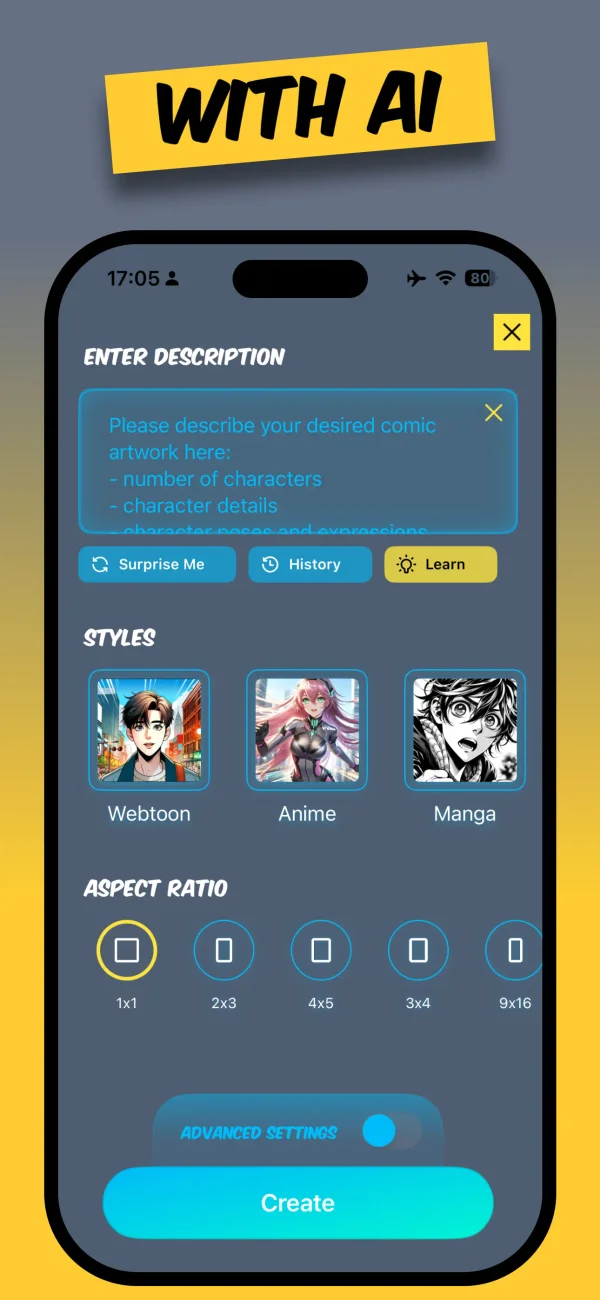
- Describe a scene and AI draws the comic panel in seconds - or go full DIY with the built-in tools.
- 200+ ready-made characters: heroes, sci-fi rebels, fantasy legends, everyday people, kids, animals and more.
- Consistent characters: pick up to 4 heroes for a scene and they keep the same face, hair and outfit in every panel.
- Create your own hero: describe them in words, or start from a photo - they stay recognizable in every story you make.
- 16 art styles: Anime, Manga, Webtoon, Pop Art, Noir, Gekiga, 90s Anime, Vintage, Classic, Futuristic, Shojo Manga, Graphic Novel, Kids Book, Kids Illustration, Newspaper and Realistic.
- Draw to comic: sketch with your finger or Apple Pencil right on the canvas and let AI finish the art.
- Sketch to image: snap a photo of any drawing and turn it into polished comic art.
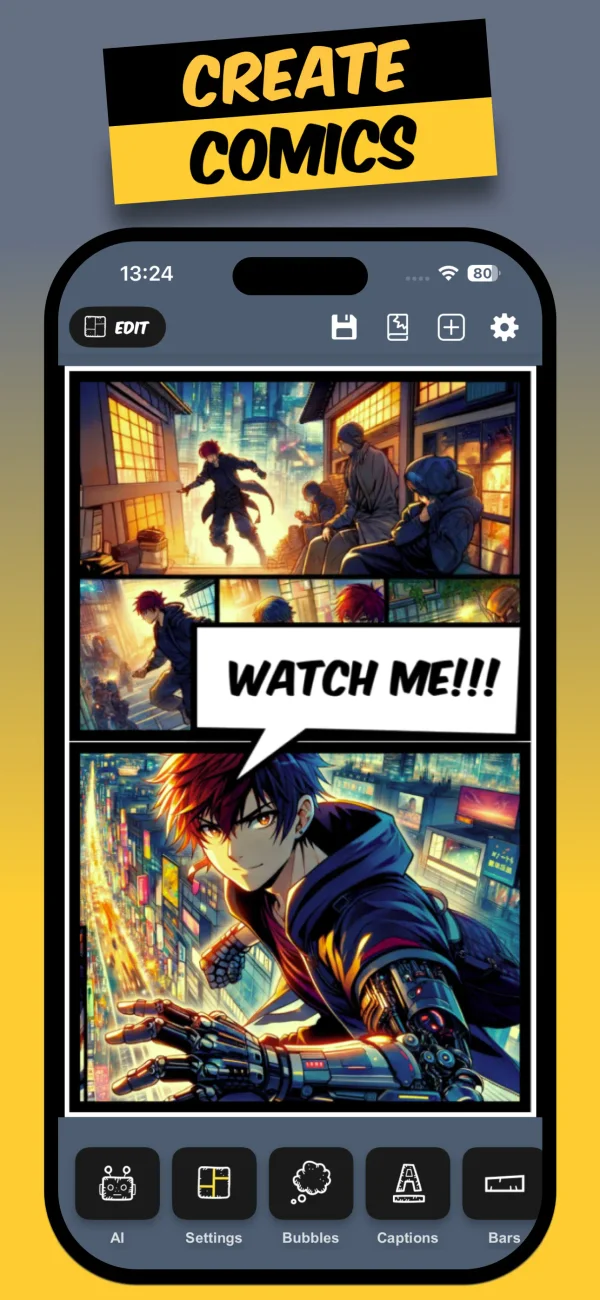
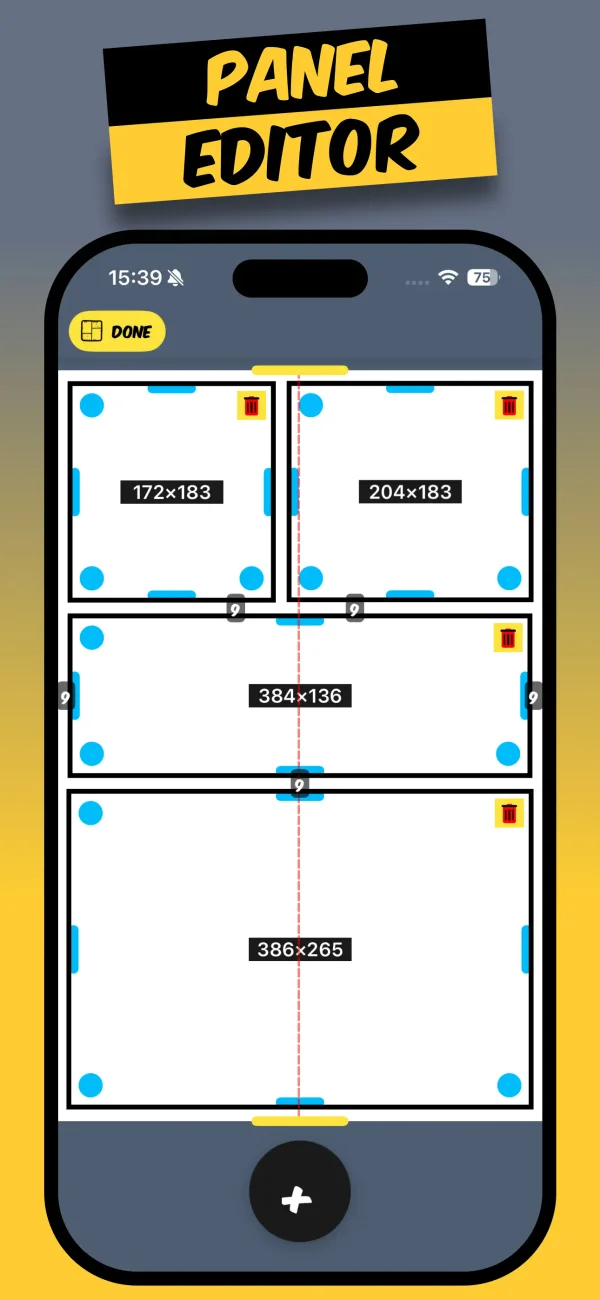
- Free-form panel canvas: split pages into grids or custom layouts, resize panels, zoom and pan artwork inside frames.
- Drop in your own photos and mix them with AI art.
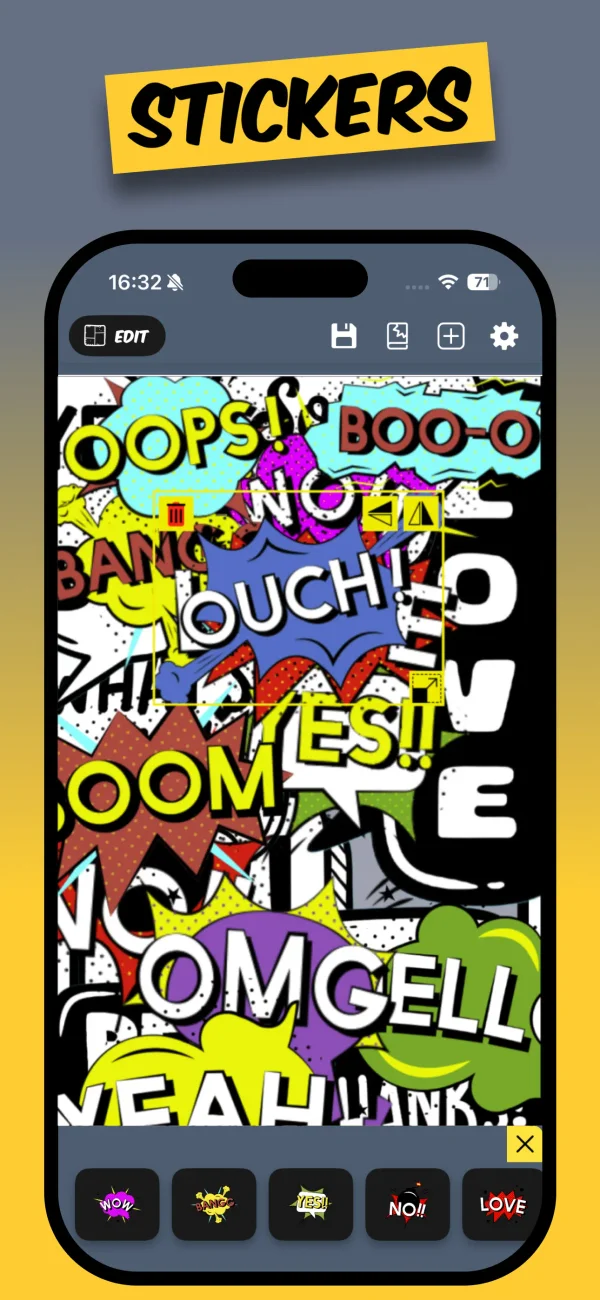
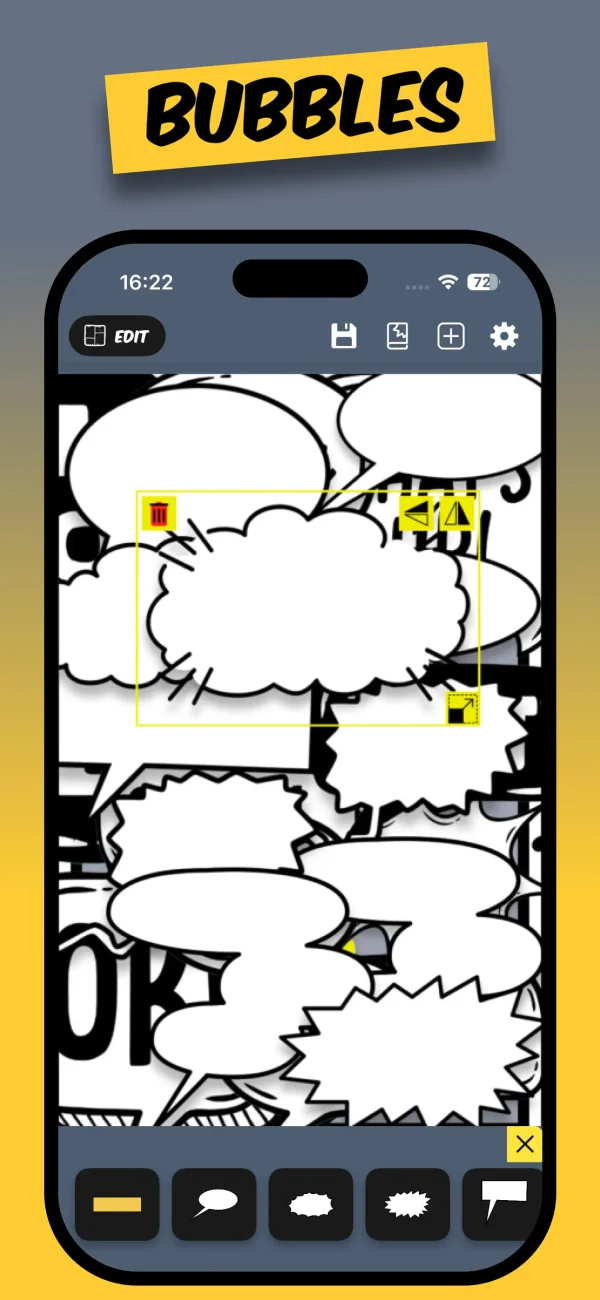
- Speech bubbles, thought clouds, caption bars, comic fonts and POW-style stickers - drag, resize, rotate and layer them all.
- Pro layer system: reorder, hide, lock and organize every bubble, text and bar from one panel.
- Finishing filters for every artwork: Halftone, Crosshatch, Webtoonify, Posterization, Dot Matrix and more.
- Auto-save: close the app mid-page and everything is right where you left it.
- Comic book PDF export: assemble multi-page books, save them to your library, combine them, and export in Original, A4 or Comic Book size.
- Customize everything: gutters, window and border colors, panel spacing.
- Meme maker for quick laughs.
- Credits never expire - what you buy stays yours.
- No account needed - just download and create.
- iCloud sync.
- Made for iPhone and iPad, with new styles and features landing all the time.
We made Comics AI for people who have stories in their head but not the time (or the pen skills) to draw every frame by hand. Give it five minutes and you'll have your first page - we'd love to see where you take it.
CONTACT:
contact@comicsAI.com
Links for more info:
- Terms of Use: https://www.comicsAI.com/terms
- Privacy policy: https://www.comicsai.com/privacy
- Link for more info: https://support.apple.com/en-gb/HT202039
What’s new
Version 3.2.5 · Nov 2, 2026
Exciting update:
- iCloud sync for books and custom characters
- Smoother, more responsive page switching
- Export directly from My Books
- Stability improvements and bug fixes
App privacy
What Stanislav Cekunov declares on the App Store about how this app handles data.
-
Data linked to you
May be collected and linked to your identity.
- Purchases
- Identifiers
- Usage data
-
Data not linked to you
May be collected but is not linked to your identity.
- User content
Privacy practices may vary, for example with the features you use or your age.
Information
- Seller
- Stanislav Cekunov
- Category
- Graphics & Design
- Version
- 3.2.5
- Updated
- Nov 2, 2026
- Released
- Dec 27, 2023
- Size
- 116.6 MB
- Requires
- iOS 15.0 or later
- Age rating
- 12+
- Price
- Free
- In-app purchases
- Yes
- Languages
- English
- Copyright
- © Stanislav Cekunov
You might also like
-
 Comic & Story Maker - ArcstoryManga Cartoon Character Art
-
 AI Comic Book Maker - iCartoonManga & Comic Strip Generator
-
 Comics AI: Comic & Manga MakerCreate Custom Webcomic, Manhwa
-
 Book Cover Maker - NovelArtCanvas AI Art, eBook & Wattpad
-
 Comic maker - ArcstudioManga maker & Comic Book maker
-
 Naomi Animation3D Animation Studio
-
 AI Comic Generator - ComicFyCustom Manga, Book,Strip Maker
-
 Storyboard Creator AIAI Storyboard Generator
-
 Cascadeur: 3D animationAnimate with AI and Physics
-
 Comic Book StudioMake Manga, Manhwa & Webtoons