- Age rating17+
- CategoryPhoto & Video
- DeveloperGSM Outdoors
- LanguagesEnglish
- Size287.0 MB
Links to the official App Store page
Download.org hosts no file of Command App. The button opens its official App Store page, published by GSM Outdoors. Listing last checked on Nov 25, 2026.
Screenshots


About
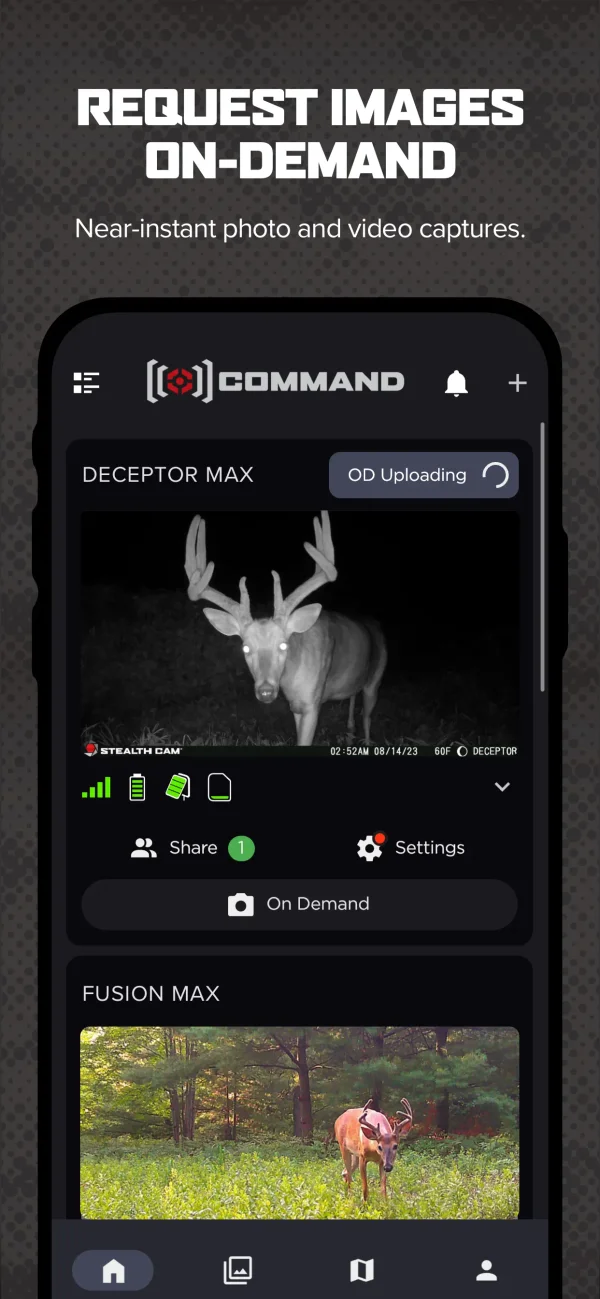
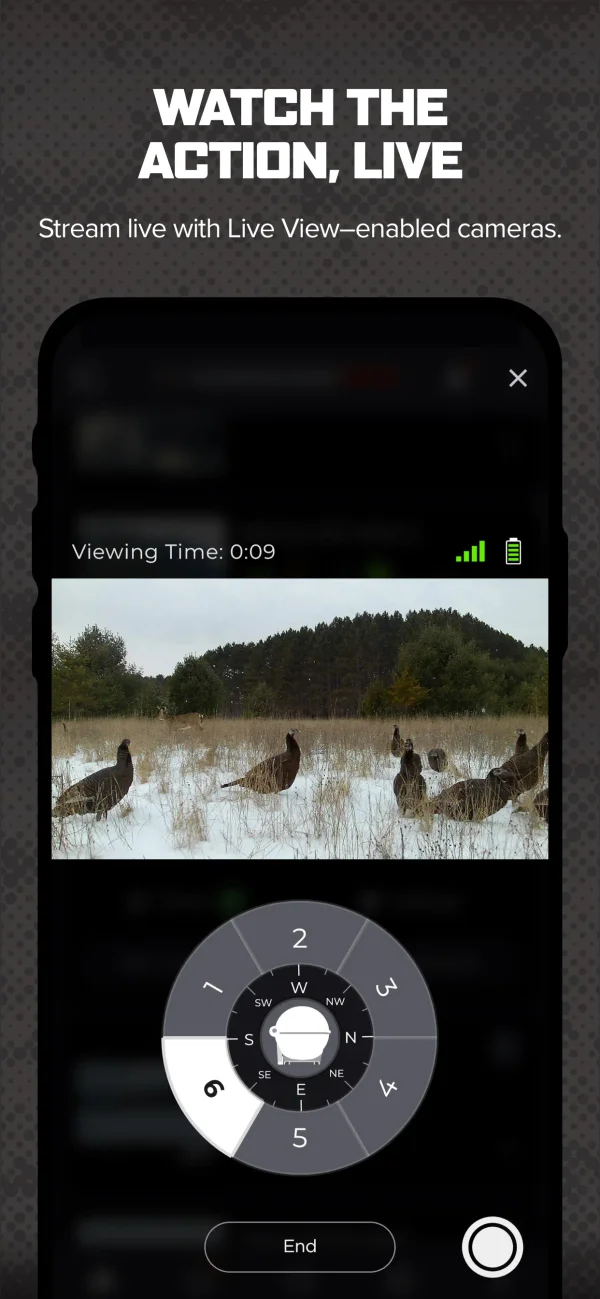
Manage your Stealth Cam and Muddy cellular trail cameras with Command. View, share, analyze, and configure your trail cameras with ease. Combine AI subject recognition with weather and solunar data to spot patterns and game movement like never before. Request near-instant high-definition photos and videos from your camera with On-Demand, or activate Live View for a real-time streaming experience with high-definition video and audio on compatible cameras.
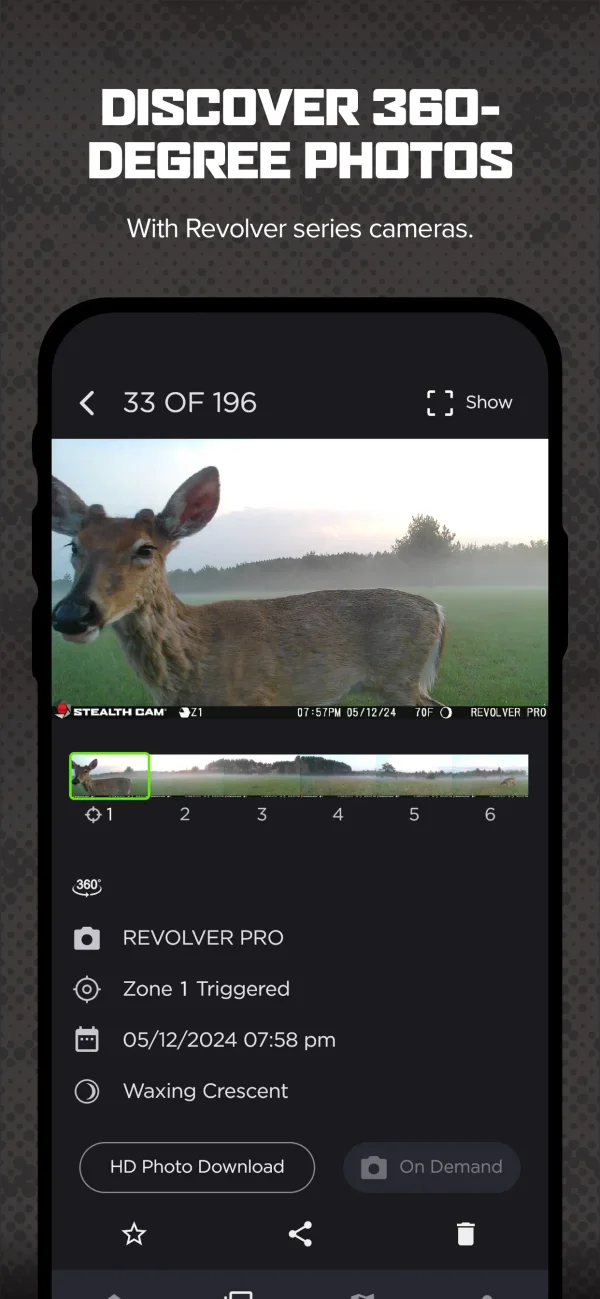
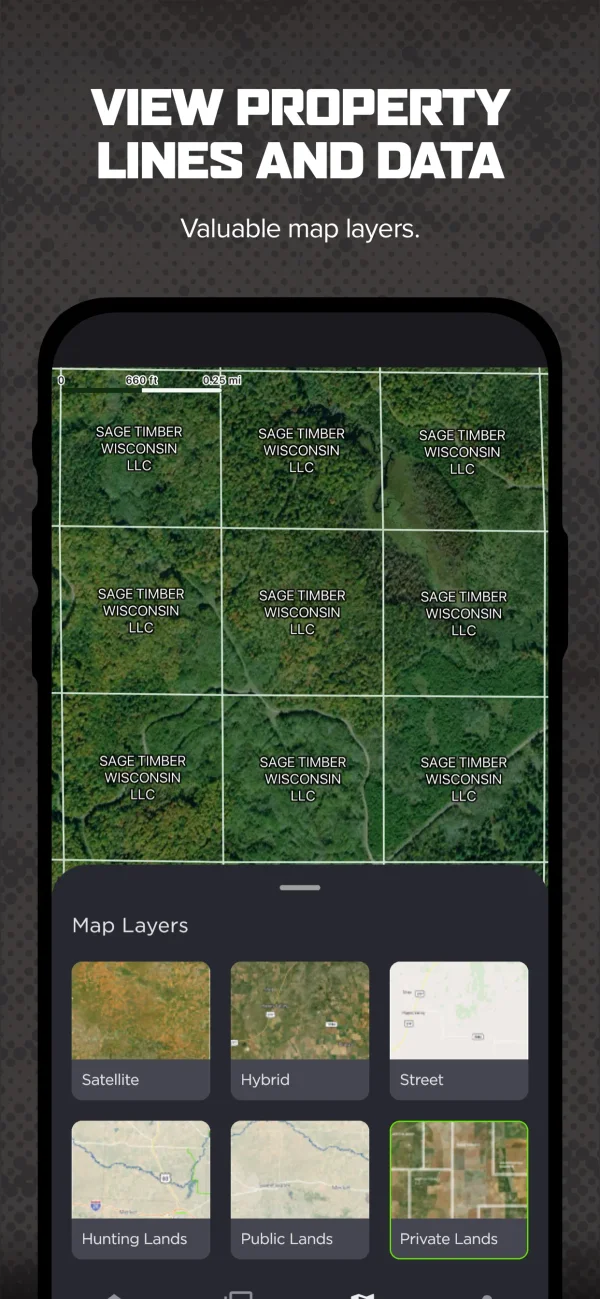
Experience the new features of Command with support for the Revolver and Revolver Pro 360-degree cellular trail cameras, including panoramic 360 and 180 photo review directly within the app. Enjoy advanced mapping capabilities with new maps such as property lines and hunting land maps, enhancing your scouting and planning efforts like never before. Command is your go-to tool for the ultimate scouting and hunting experience.
► COMMAND Features ►
◆ Quick camera setup and activation through Command
◆ Access and monitor all your Stealth Cam and Muddy cellular trail cameras
◆ Manage your cellular data plans and billing in the app
◆ View panoramic 360 and 180-degree images from new Revolver series cameras
◆ Request On-Demand HD photos and videos with the press of a button
◆ Activate Live View with real-time HD video and audio streaming on compatible cameras
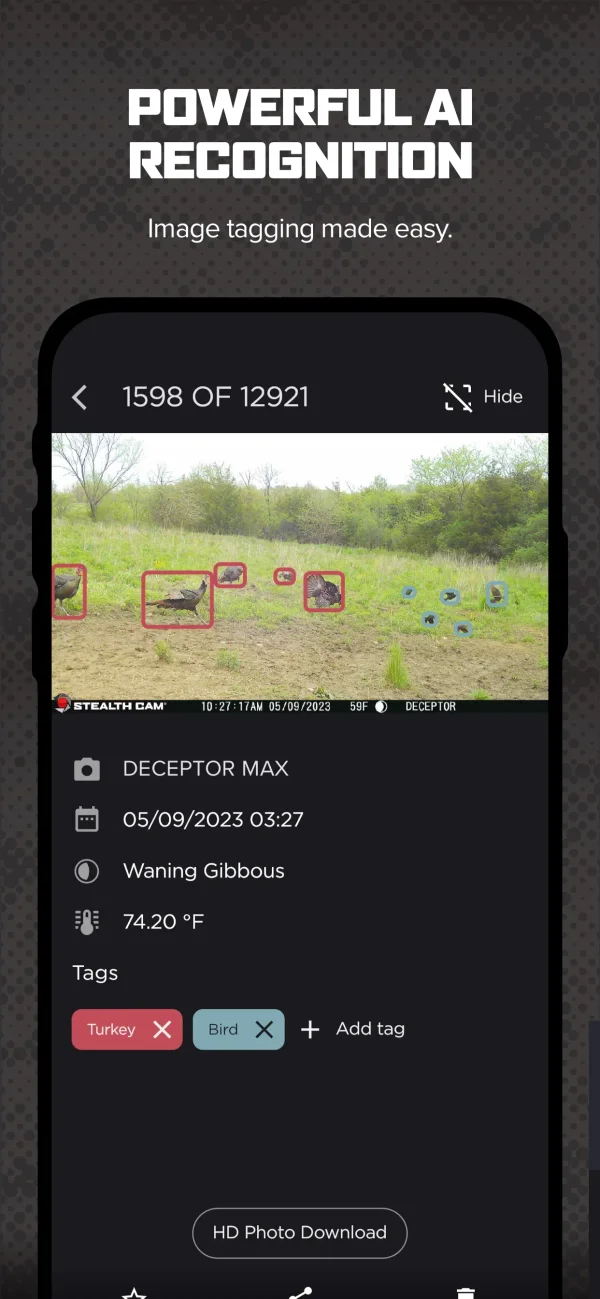
◆ AI-driven or manual tagging of images
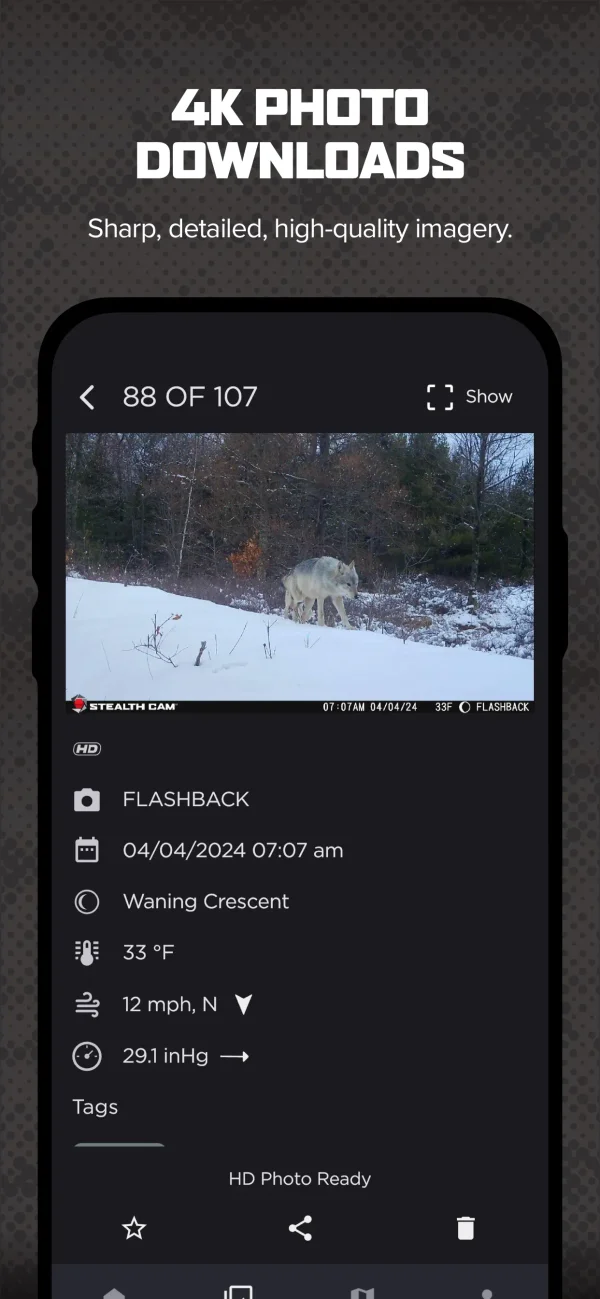
◆ Download, review, save, and share high-definition photos and videos
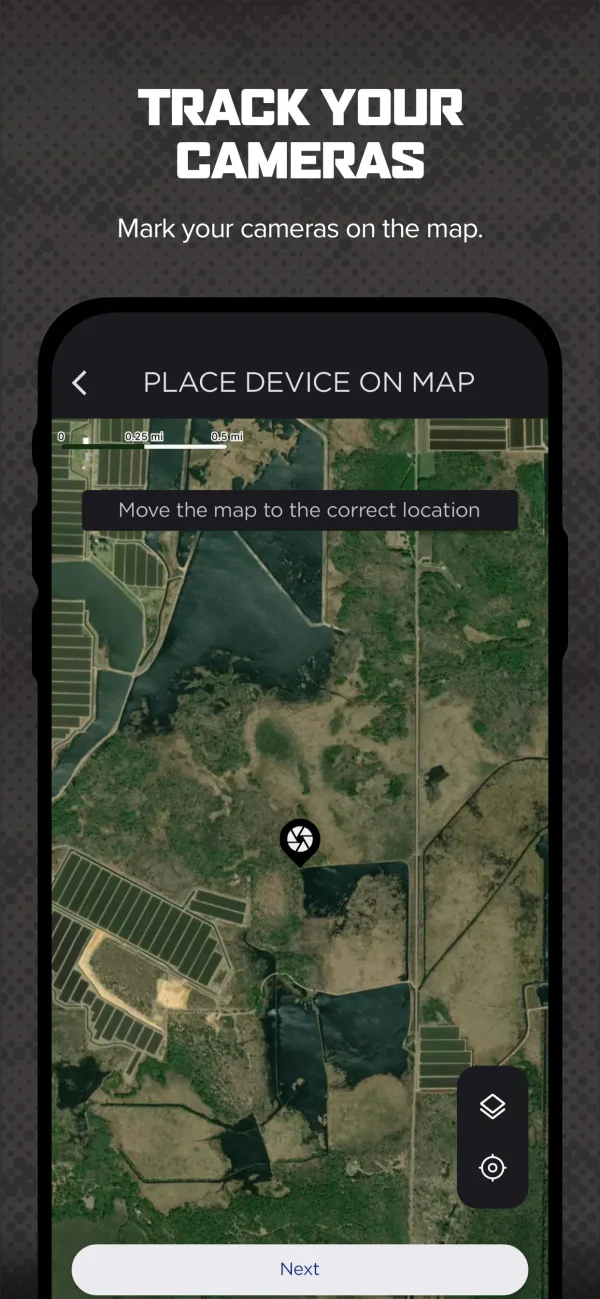
◆ Advanced mapping layers with the ability to manage cameras and settings from the mapping screen
◆ Set transmission times: instant, instant group, hourly, twice or once a day
◆ Create camera groups for enhanced organization and filtering
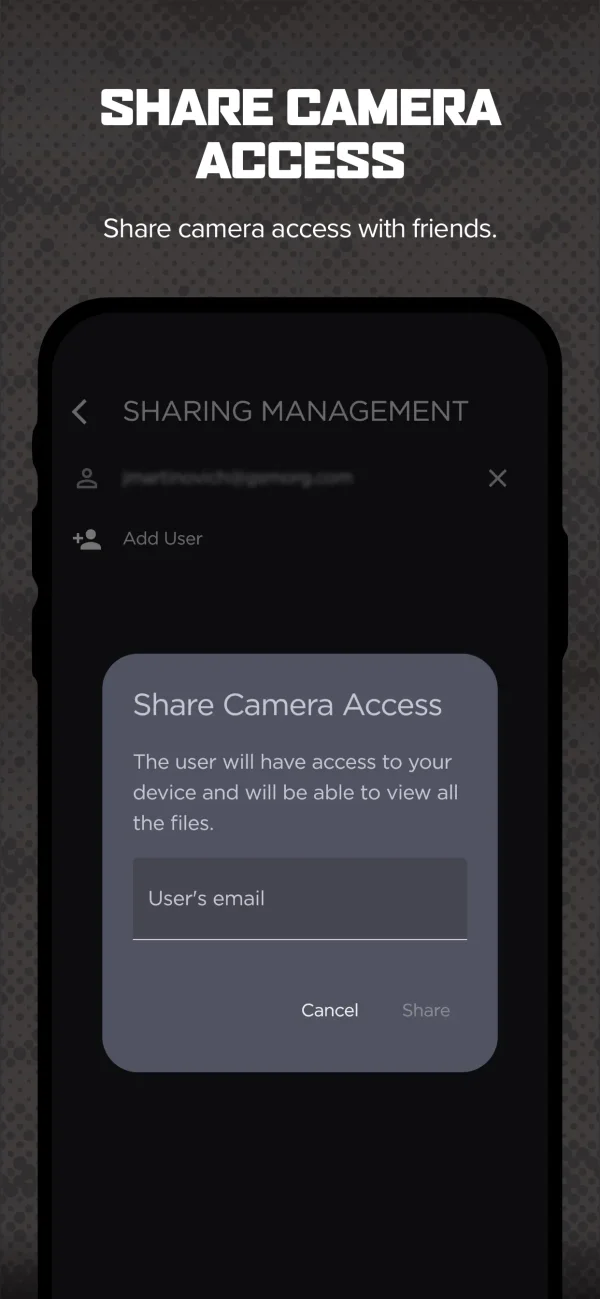
◆ Share view-only access to your cameras with other Command users
◆ Advanced filtering of images by AI tags, weather, solunar, and time of day
◆ Night-time colorization for IR flash photos
◆ Receive push notifications for new photos
◆ Integrate with HuntStand and DeerCast hunting apps
► Getting Started with COMMAND ►
1. Download Command to your device
2. Create an account, or login if you have an account
3. Add a camera by pressing the “+” button in the top right corner
4. Scan the QR code inside your camera and follow the instructions
5. Upon successful connection, your camera is ready to deploy
What’s new
Version 6.6.7 · Nov 12, 2026
A few performance improvements to keep Command running smoothly through peak rut.
App privacy
What GSM Outdoors declares on the App Store about how this app handles data.
-
Data used to track you
May be used to track you across apps and websites owned by other companies.
- Identifiers
-
Data linked to you
May be collected and linked to your identity.
- Financial info
- Contact info
- Identifiers
-
Data not linked to you
May be collected but is not linked to your identity.
- Location
- Usage data
- Diagnostics
Privacy practices may vary, for example with the features you use or your age.
Information
- Seller
- Good Sportsman Marketing, LLC
- Category
- Photo & Video
- Version
- 6.6.7
- Updated
- Nov 12, 2026
- Released
- Mar 25, 2020
- Size
- 287.0 MB
- Requires
- iOS 15.0 or later
- Age rating
- 17+
- Price
- Free
- Languages
- English
- Copyright
- © 2026 Command Pro
You might also like
-
 NOCPIXPhoto & Video
-
 UhaleEmbrace every moment
-
 FrameoSend photos to Frameo frames
-
 CloudEye 365Photo & Video
-
 NixplayPhoto & Video
-
 InfiRayOutdoor2Photo & Video
-
 Thermal & Night Vision CameraHeat sensor effects
-
 Canon PRINTApp name change.
-
 Photo Prints+1hr Prints at CVS & Walgreens
-
 Snapfish: Photos Cards & BooksCanvas, Pic Printing Made Easy