Compass Waypoint: Track Back
Save Places, Trace Paths
Designed for iPhone, iPad
Free · In-app purchases
- Age rating4+
- CategoryNavigation
- Developer博文 徐
- LanguagesEnglish+ 5 more
- Size15.0 MB
Links to the official App Store page
Download.org hosts no file of Compass Waypoint: Track Back. The button opens its official App Store page, published by 博文 徐. Listing last checked on Nov 28, 2026.
Screenshots
About
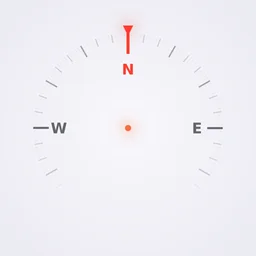
A clean, free iPhone compass with no ads.
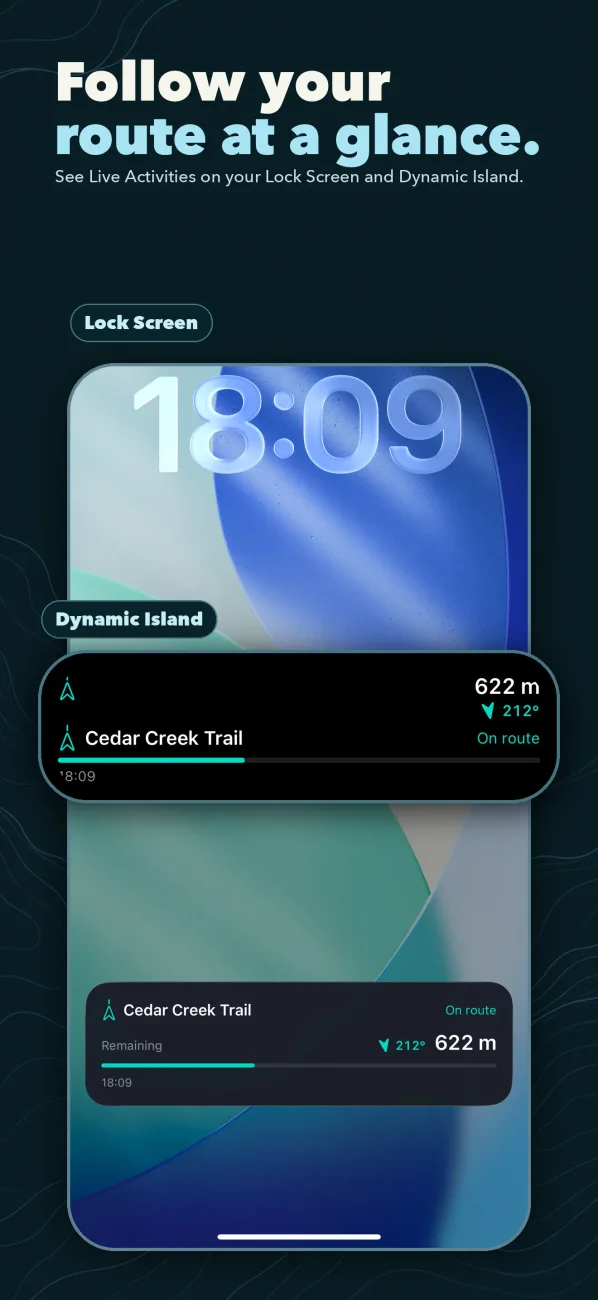
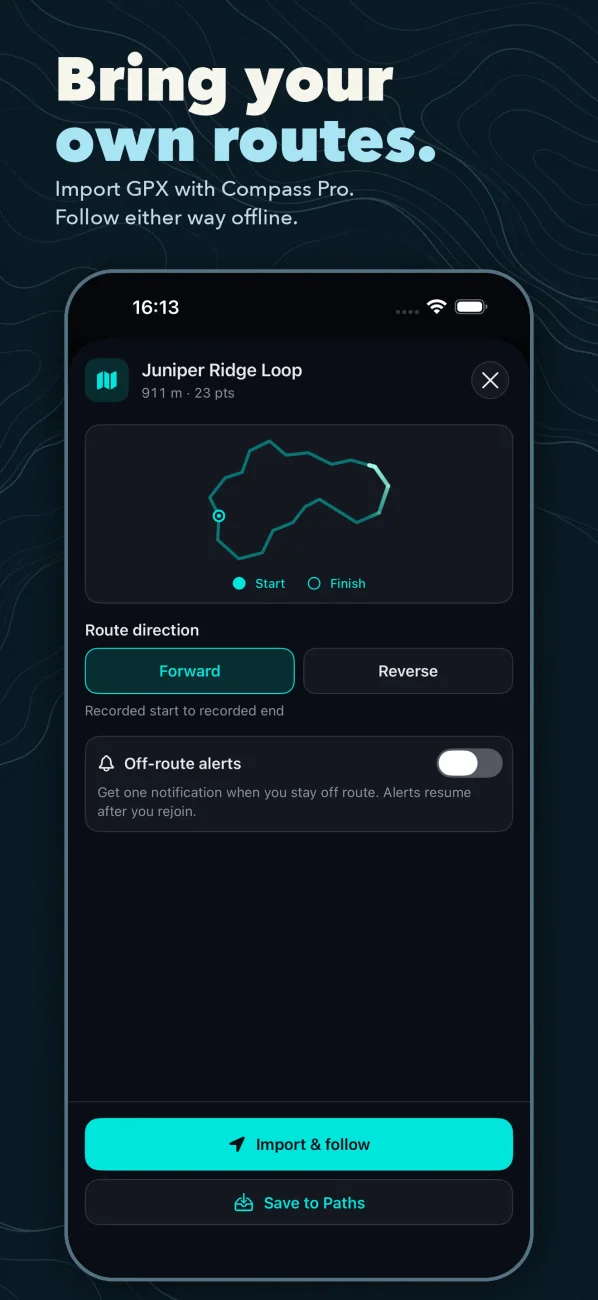
Follow a saved waypoint or route from your Lock Screen and the Dynamic Island on supported iPhones. With Compass Pro, import GPX routes, preview them on your device, and follow them offline in either direction with optional off-route alerts.
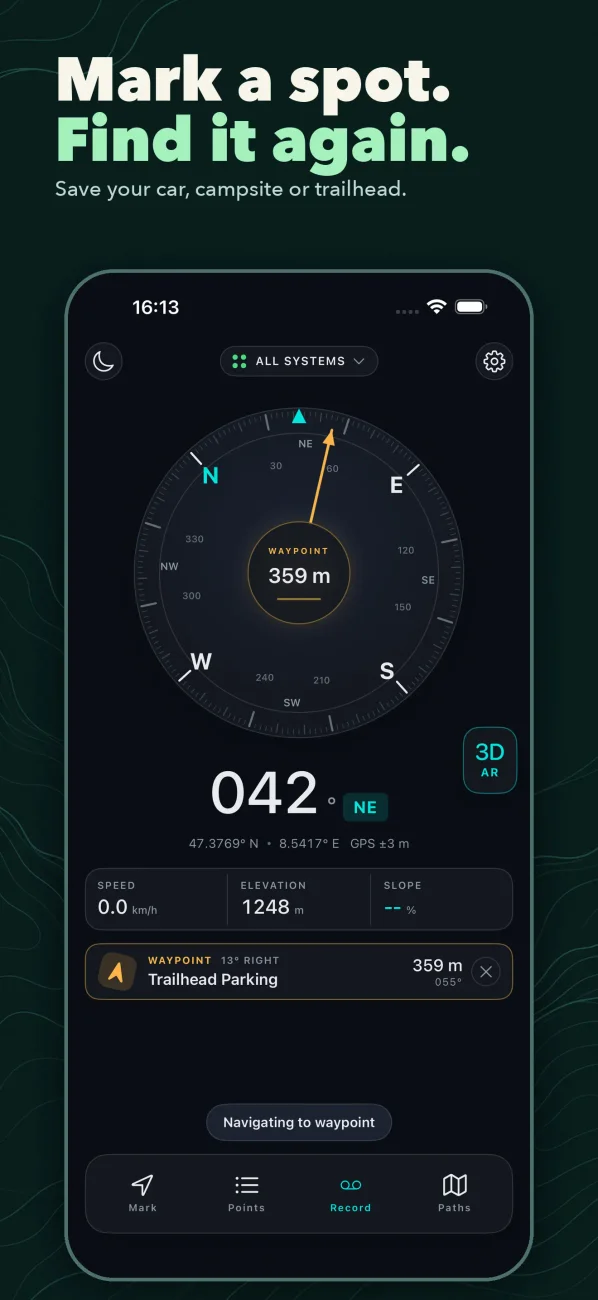
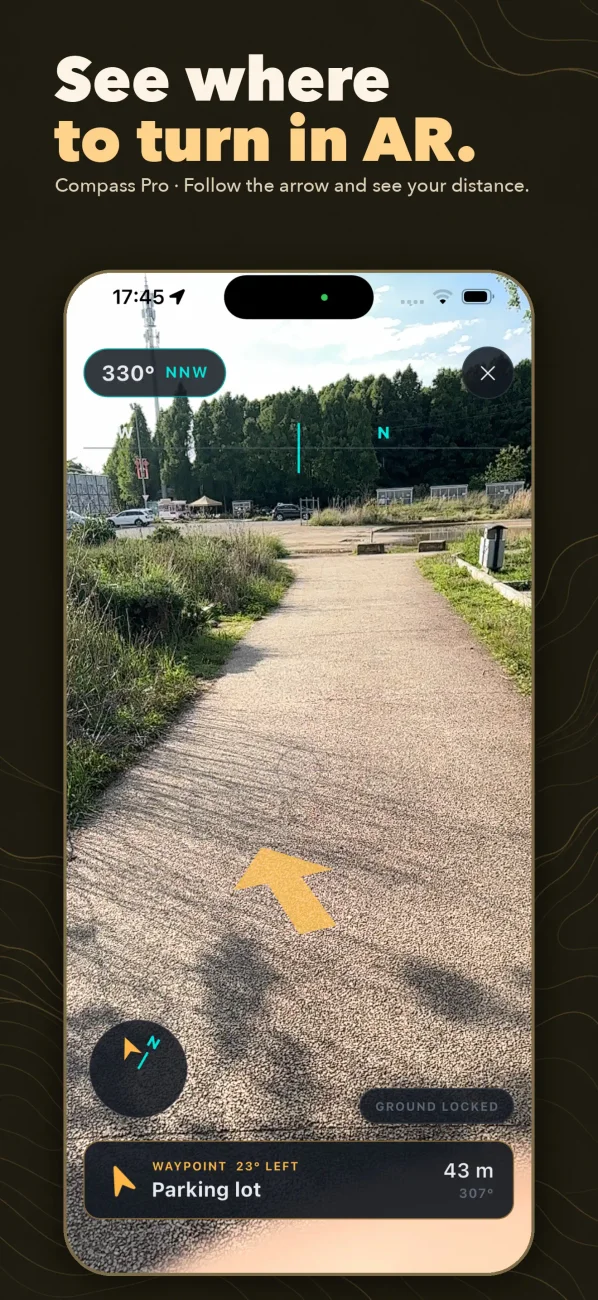
Save a parking spot, campsite, hotel, trailhead, or meeting point, then follow a clear bearing back when you need it. Compass Waypoint is built for parking, hiking, camping, travel, and everyday moments when you want simple direction guidance instead of a complex map.
Use it as a modern compass for quick heading checks, or save waypoints and paths when you want help returning later.
Key features:
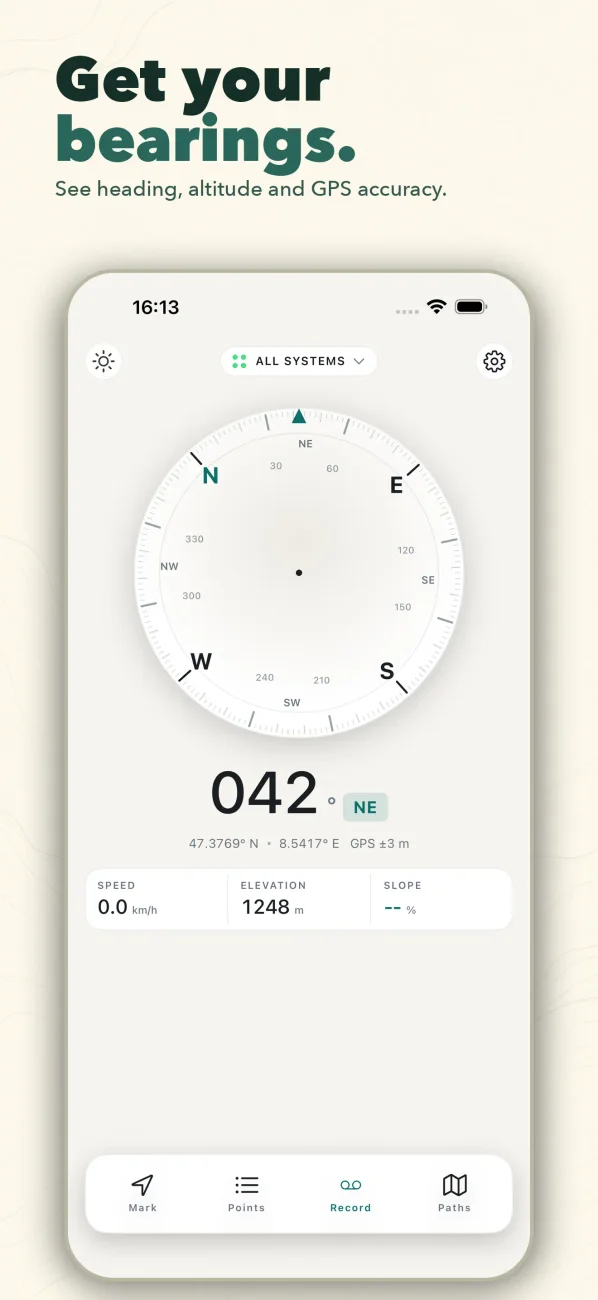
- Free modern compass with heading, coordinates, altitude, speed, slope, and GPS accuracy.
- Save places like parking spots, campsites, hotels, trailheads, and meeting points.
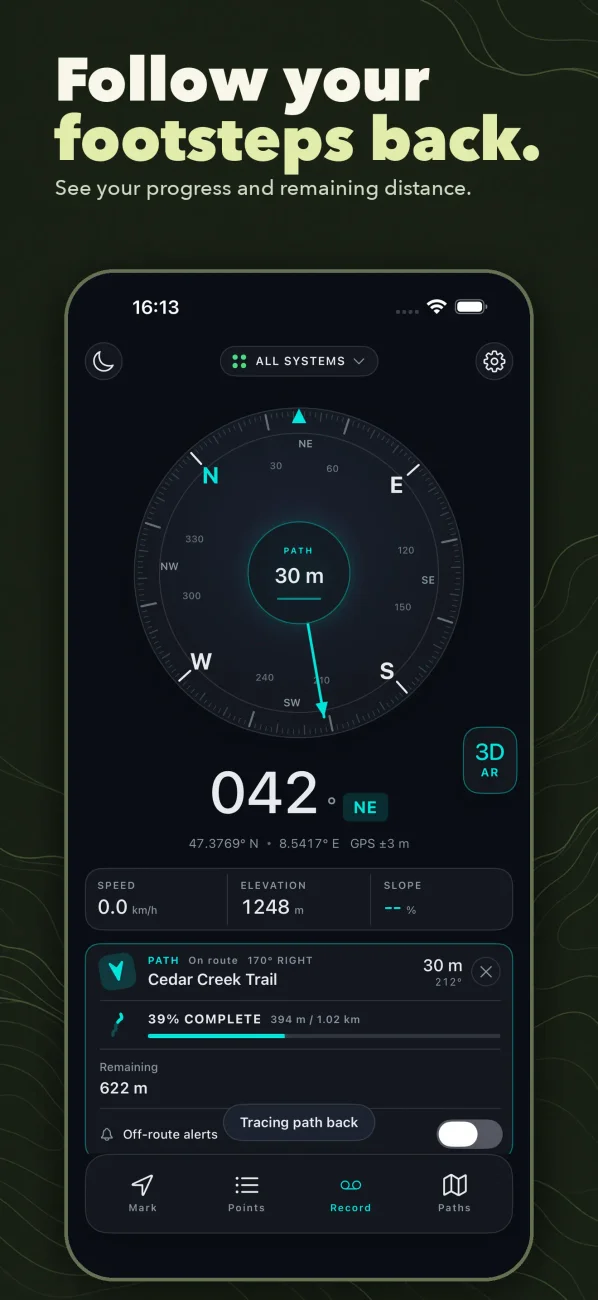
- Record a path, then trace it back with distance and direction guidance.
- Use AR Mode to see direction cues over your surroundings when navigating to a saved target.
- Local-first by design: your waypoints and paths stay on your device by default.
- No account, no ads, no social feed, and no map-first interface.
Compass is built for outdoor walks, hiking, parking lots, campsites, travel
days, and any moment when you want a direct bearing instead of a full map.
Start with the free compass. Compass Pro is available for AR Mode and expanded save limits when you need more.
Notes:
- Compass guidance depends on your iPhone sensors, GPS signal, and location
permission.
- Path Trace Back provides bearing-and-distance guidance. It is not
turn-by-turn road navigation.
- Continued use of GPS in the background while recording a path can decrease
battery life.
Links:
- Support: https://glamdring.work/app/compass
- Privacy Policy: https://glamdring.work/app/compass/privacy
- Terms of Use / EULA: https://glamdring.work/app/compass/terms
What’s new
Version 1.1.1 · Nov 27, 2026
Improved how waypoints, paths, and settings carry over after an update.
App privacy
What 博文 徐 declares on the App Store about how this app handles data.
-
Data not linked to you
May be collected but is not linked to your identity.
- Usage data
Privacy practices may vary, for example with the features you use or your age.
Information
- Seller
- 博文 徐
- Category
- Navigation
- Version
- 1.1.1
- Updated
- Nov 27, 2026
- Released
- May 18, 2026
- Size
- 15.0 MB
- Requires
- iOS 16.2 or later
- Age rating
- 4+
- Price
- Free
- In-app purchases
- Yes
- Languages
- English, French, German, Japanese, Simplified Chinese, Spanish
- Copyright
- © 2026 Glamdring Works
You might also like
-
 Trailhome: GPS ReturnFind your way back, offline
-
 GPS Compass - Outdoor ToolDirection, Level & GPS Speed
-
 Bearing: Night CompassOrienteering, Wind, Waypoints
-
 Waypoint: Location SnapshotSave your favourite places
-
 Beacons-LightLuminous AR waypoints
-
 Return PointGPS track recorder & compass
-
 ArrowNavi 方角コンパスNavigation
-
 Nami NavigatorGPS Fishing & Diving Compass
-
 TrailseekMaps, tracks, and waypoints
-
 Compass: Bearing NavigationTrue North, Waypoint & Level