Compress PDF: Reduce Size
#1 PDF Compress & Convert App
Designed for iPhone, iPod touch
Free · In-app purchases
- Age rating4+
- CategoryUtilities
- DeveloperJaydip Patoliya
- LanguagesEnglish+ 16 more
- Size29.0 MB
Links to the official App Store page
Download.org hosts no file of Compress PDF: Reduce Size. The button opens its official App Store page, published by Jaydip Patoliya. Listing last checked on Nov 14, 2026.
Screenshots

About
PDF Editor: Compress PDF, Convert, Sign & Scan Documents
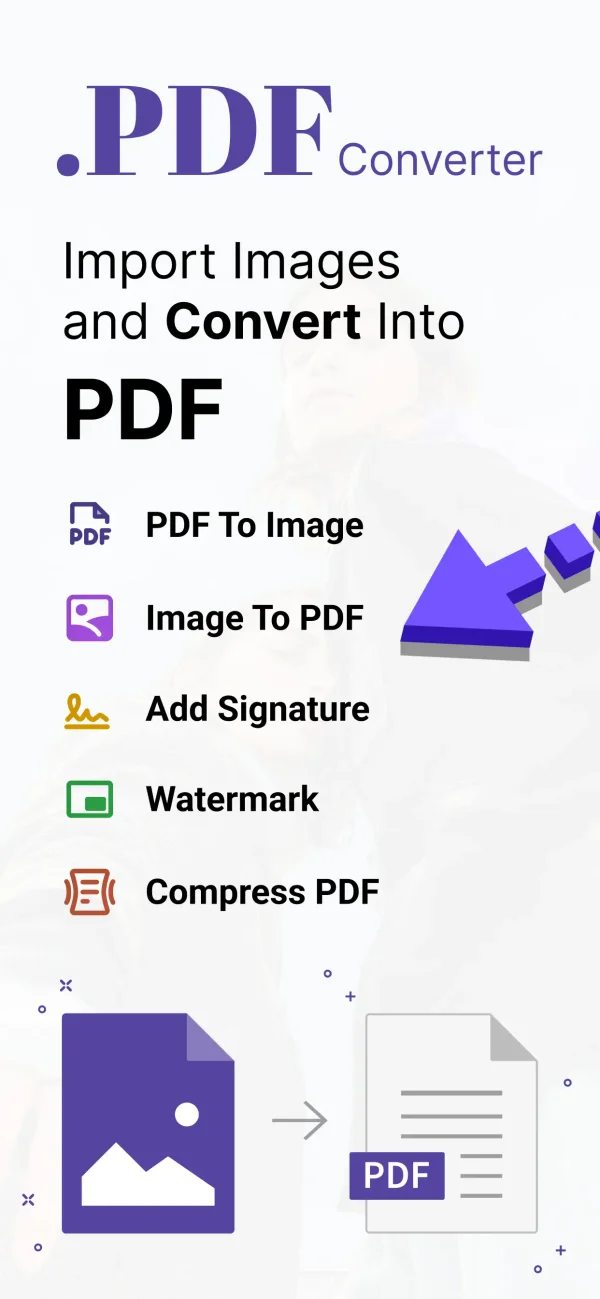
Compress PDF files, edit documents, convert images to PDF, sign contracts, merge files, split pages, and scan documents—all in one powerful PDF editor.
Whether you're a student, business professional, freelancer, or office worker, PDF Editor helps you manage PDFs quickly and securely from your iPhone.
-- Powerful PDF Tools --
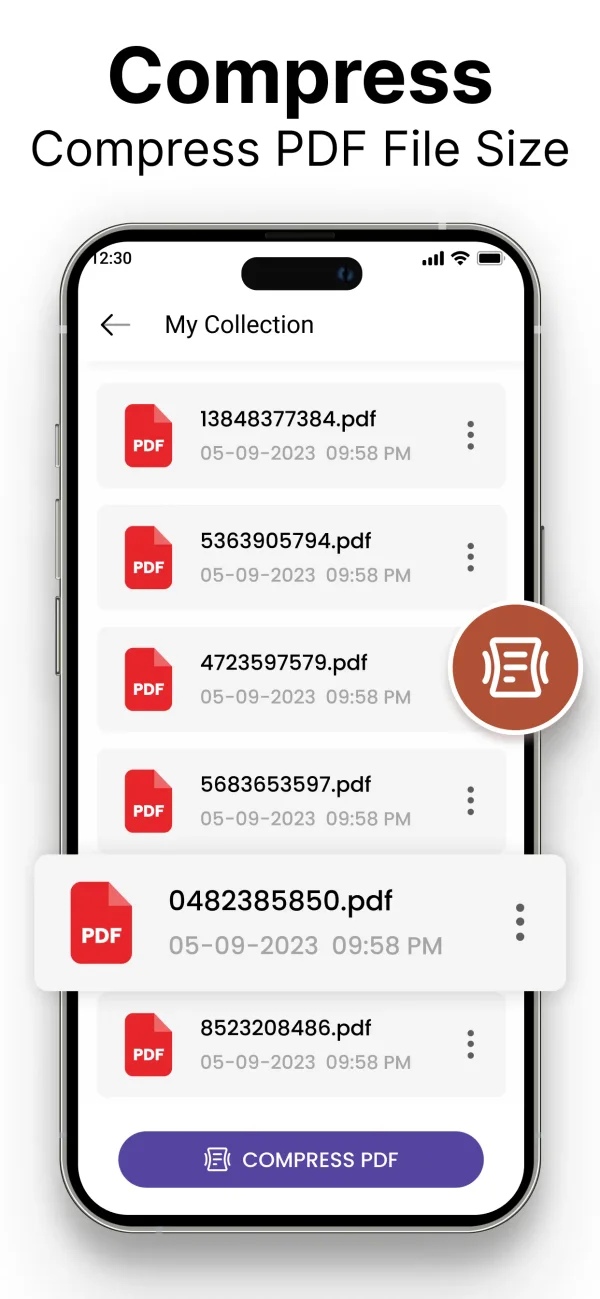
- Compress PDF
Reduce PDF file size while maintaining high quality. Share large documents faster via email, cloud storage, or messaging apps.
- PDF Converter
Image to PDF
PDF to Image (JPG & PNG)
PDF to Text
Convert scanned documents into editable text with OCR
- Edit PDF
Remove pages
Reorder pages
Delete pages
Organize documents in seconds
- Merge & Split PDF
Combine multiple PDF files into one document or split large PDFs into separate files.
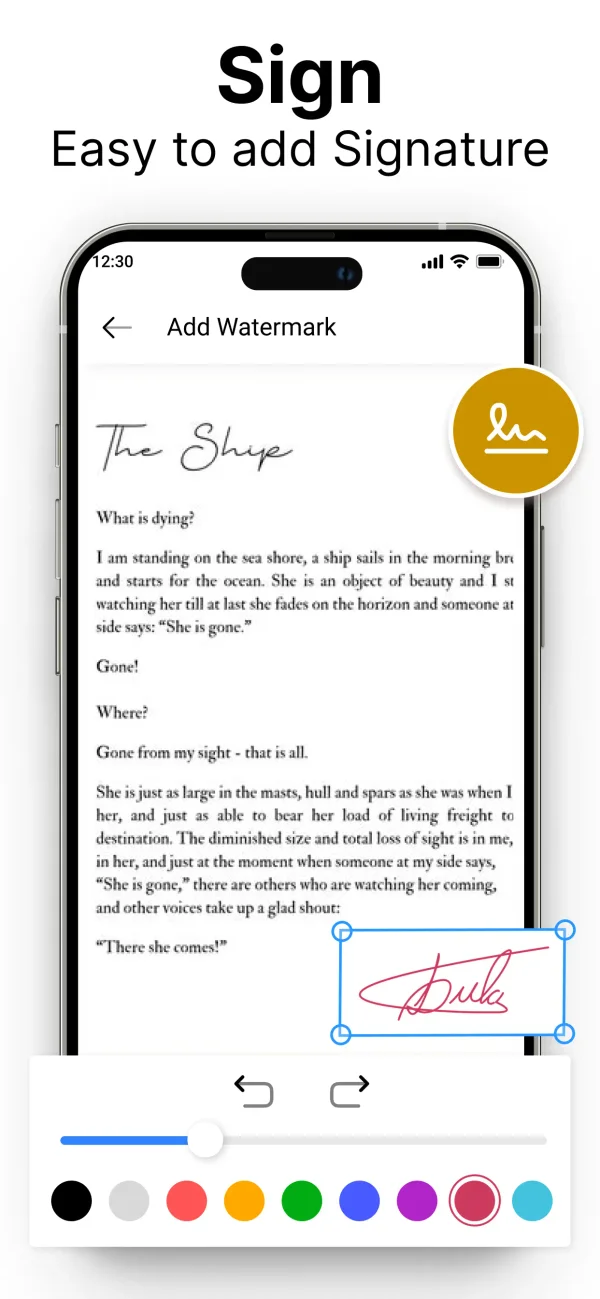
- Fill & Sign PDF
Create electronic signatures and sign contracts, invoices, forms, and agreements anytime.
- OCR Scanner
Scan paper documents, receipts, notes, IDs, and business cards. Extract text accurately using OCR technology.
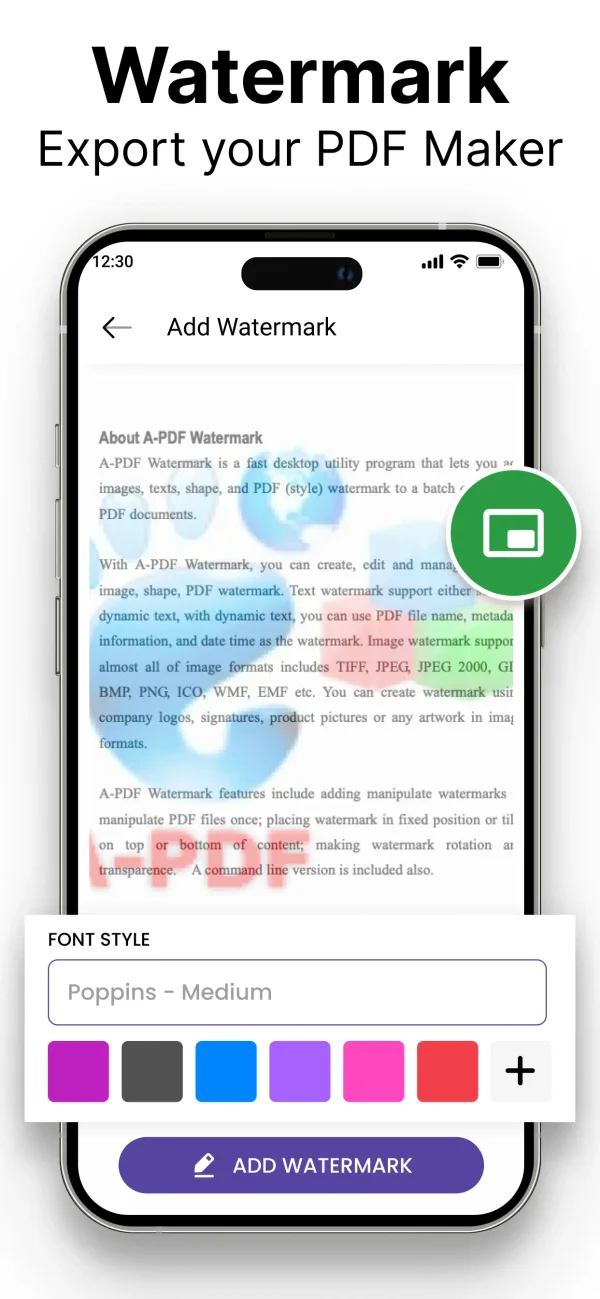
- Watermark PDF
Protect your documents by adding custom text or logo watermarks.
- Password Protect PDF
Encrypt important documents with a password for extra privacy.
- Unlock PDF
Remove PDF passwords from files when you have permission.
- Add Page Numbers
Automatically number PDF pages for reports, presentations, and professional documents.
- Perfect For
• Students – Homework, notes, assignments, study materials
• Business – Contracts, invoices, proposals, reports
• Office Work – Forms, presentations, documentation
• Freelancers – Client files, agreements, portfolios
• Personal Use – Bills, receipts, certificates, documents
- Why Choose PDF Editor?
• Fast PDF compression
• High-quality PDF converter
• Easy PDF editing
• Secure document protection
• Offline support
• Simple and intuitive interface
• Lightweight and fast
• No technical skills required
--- Supports Multiple Languages ---
• English
• Hindi
• Spanish
• French
• Brazil
• Russian
• German
• Japanese
• Italian
• Korean
• Polish
• Turkish
• Thai
• Romanian
• Arabic
• Danish
• Swedish
- Features You'll Love
* Compress PDF
* PDF Compressor
* PDF Editor
* PDF Converter
* Scan Documents
* OCR Scanner
* Image to PDF
* JPG to PDF
* Merge PDF
* Split PDF
* Sign PDF
* Fill PDF Forms
* PDF Reader
* Password Protect PDF
* Watermark PDF
* PDF to Text
* Document Scanner
* File Manager
Designed for speed, privacy, and productivity, PDF Editor makes it easy to create, edit, compress, convert, and manage PDF documents wherever you are.
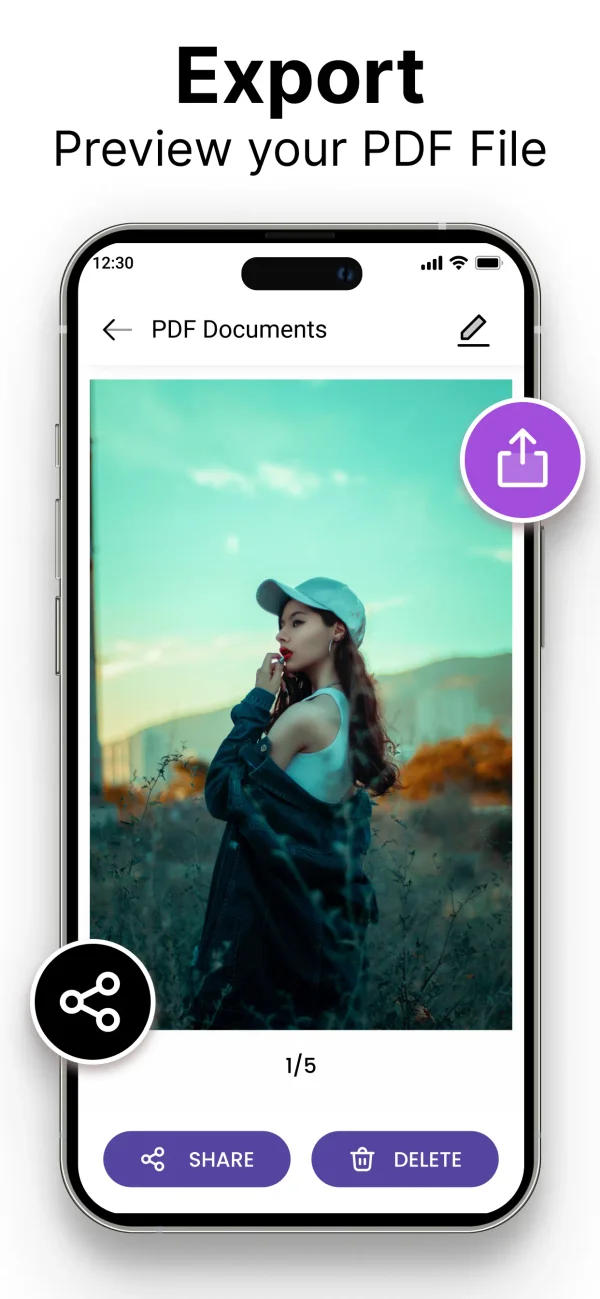
Users can share and download all converted PDF Pages using the Converter PDF app.
Users can add watermarks using text and logo in pdf files using the Watermark PDF app.
Users can add signatures using PDF Signature app.
Download Compress PDF: Reduce Size today and simplify your document workflow.
- Subscription Information
• Payment will be charged to your Apple ID account at confirmation of purchase.
• Subscription renews automatically unless auto-renew is turned off at least 24 hours before the end of the current billing period.
• Your account will be charged for renewal within 24 hours before the end of the current period.
• You can manage or cancel subscriptions anytime in your App Store account settings.
• Any unused portion of a free trial, if offered, will be forfeited when purchasing a subscription.
Privacy Policy:
https://sites.google.com/view/developer-planet/privacy-policy
Terms of Use:
https://sites.google.com/view/developer-planet/terms-of-use
What’s new
Version 1.2.9 · Jul 9, 2026
- App Name Updated.
- App Description Updated.
- Crashes Fixed.
- Performance Improved.
App privacy
What Jaydip Patoliya declares on the App Store about how this app handles data.
-
Data used to track you
May be used to track you across apps and websites owned by other companies.
- Usage data
- Diagnostics
-
Data not linked to you
May be collected but is not linked to your identity.
- Usage data
- Diagnostics
Privacy practices may vary, for example with the features you use or your age.
Information
- Seller
- Jaydip Patoliya
- Category
- Utilities
- Version
- 1.2.9
- Updated
- Jul 9, 2026
- Released
- Sep 25, 2023
- Size
- 29.0 MB
- Requires
- iOS 15.6 or later
- Age rating
- 4+
- Price
- Free
- In-app purchases
- Yes
- Languages
- English, Arabic, Danish, French, German, Hindi, Italian, Japanese, Korean, Polish, Portuguese, Romanian + 5 more
- Copyright
- © Jaydip Patoliya
You might also like
-
 Compressor: Video, Image & PDFVideo, Image & PDF Compressor
-
 Compress PDF: Reduce File SizeScan, Compress, Merge & Edit
-
 Pocket PDF : PDF UtilityConvert Images to PDF,Scan Pdf
-
 PDF Files CompressorCompress & Decompress Files
-
 Compressor - Photo Video PDFCrop, Resize, Compress
-
 AnyCompress - File CompressorCompress Video,Audio,PDF,Image
-
 PDF Compressor: Compress PhotoPDF Compress & Photo Compress
-
 PDF Editor - Merge & SplitPDF Tools: Compress & Convert
-
 PDF Compressor : JVCompress PDF - PDF Compressor
-
 Compress PDF : PDF Size ReducePDF Compressor - Shrink PDF