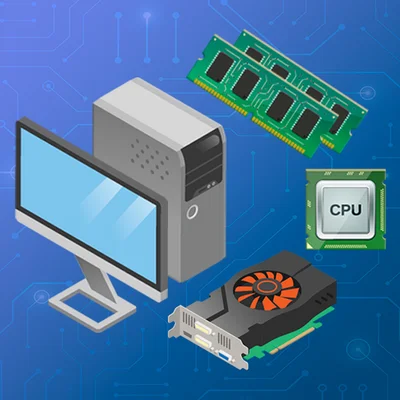
Computer Basics: PC Guide
PC hardware, software & build
Designed for iPhone, iPad
Free
- Age rating4+
- CategoryEducation
- DeveloperSergey Vavaev
- LanguagesEnglish+ 25 more
- Size38.9 MB
Links to the official App Store page
Download.org hosts no file of Computer Basics: PC Guide. The button opens its official App Store page, published by Sergey Vavaev. Listing last checked on Nov 22, 2026.
Screenshots
About
The application contains a variety of articles and tips for anyone who works with computer technology or is simply interested in it.
It is divided into three sections:
1. Hardware
2. PC assembly
3. Software
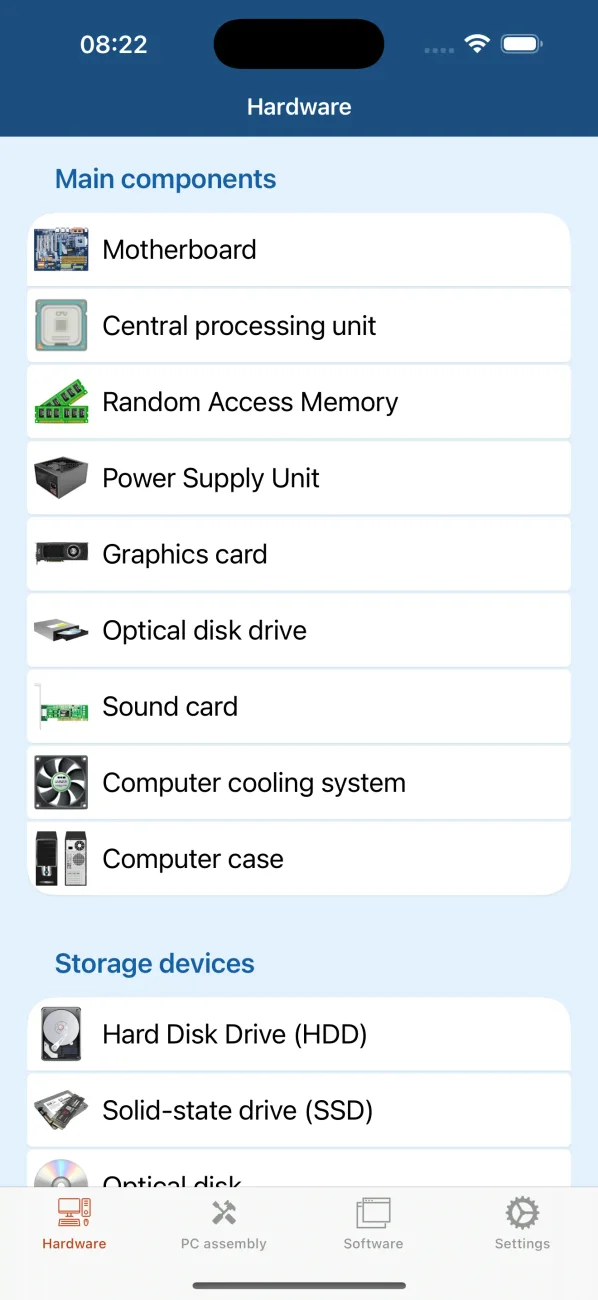
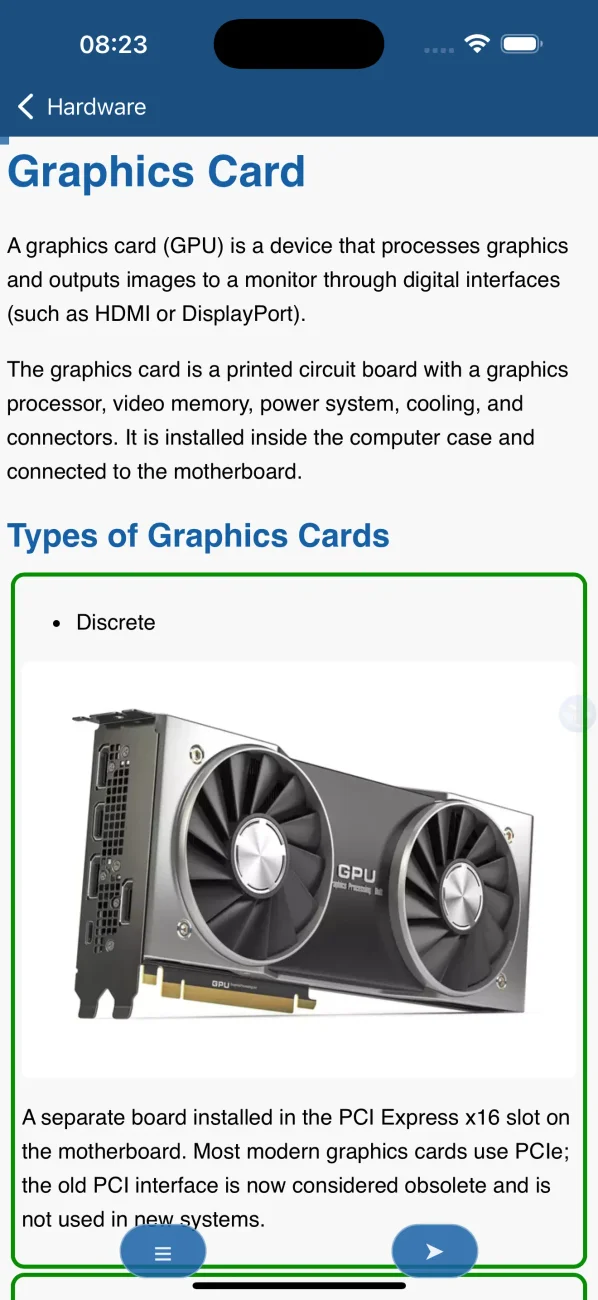
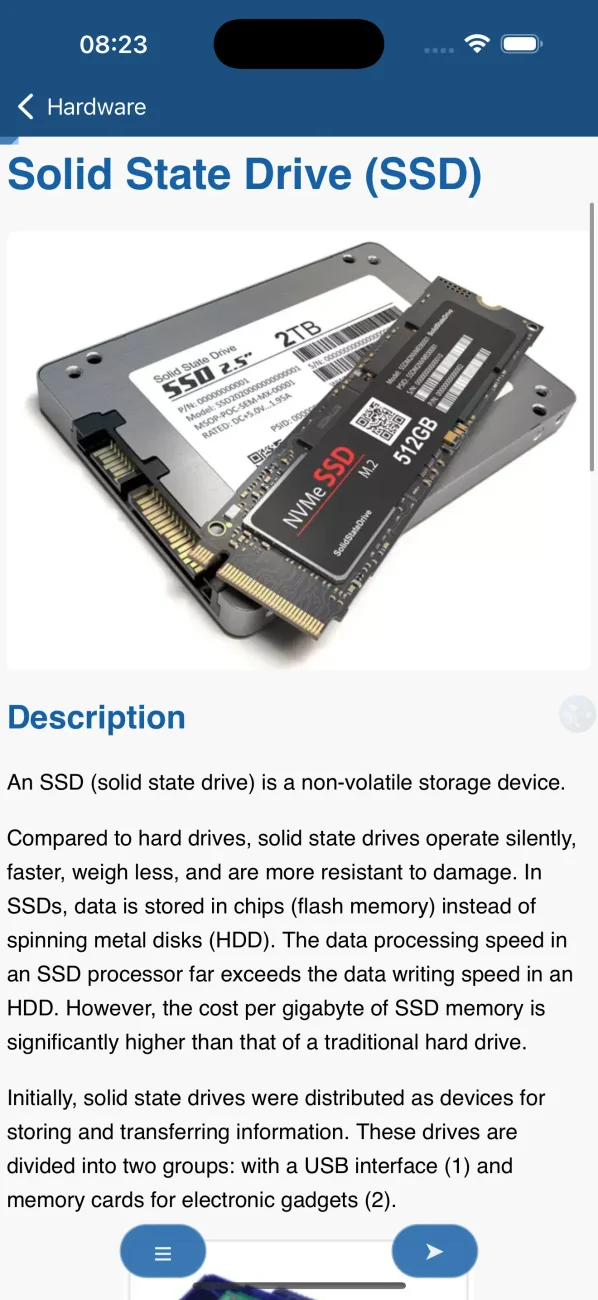
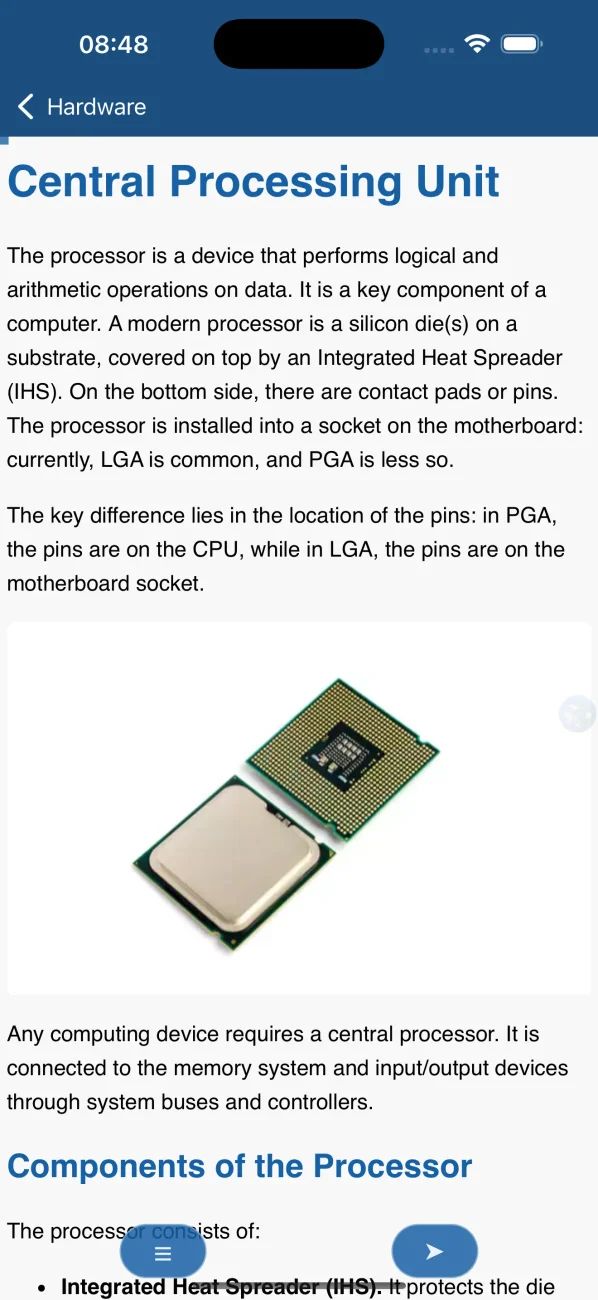
The Hardware section contains information about all computer components, peripherals, and other equipment. The basic theory of computer parts is explained in simple language. Here you will find articles about% the motherboard, central processor, RAM, graphics card, and other hardware.
Hardware topics include:
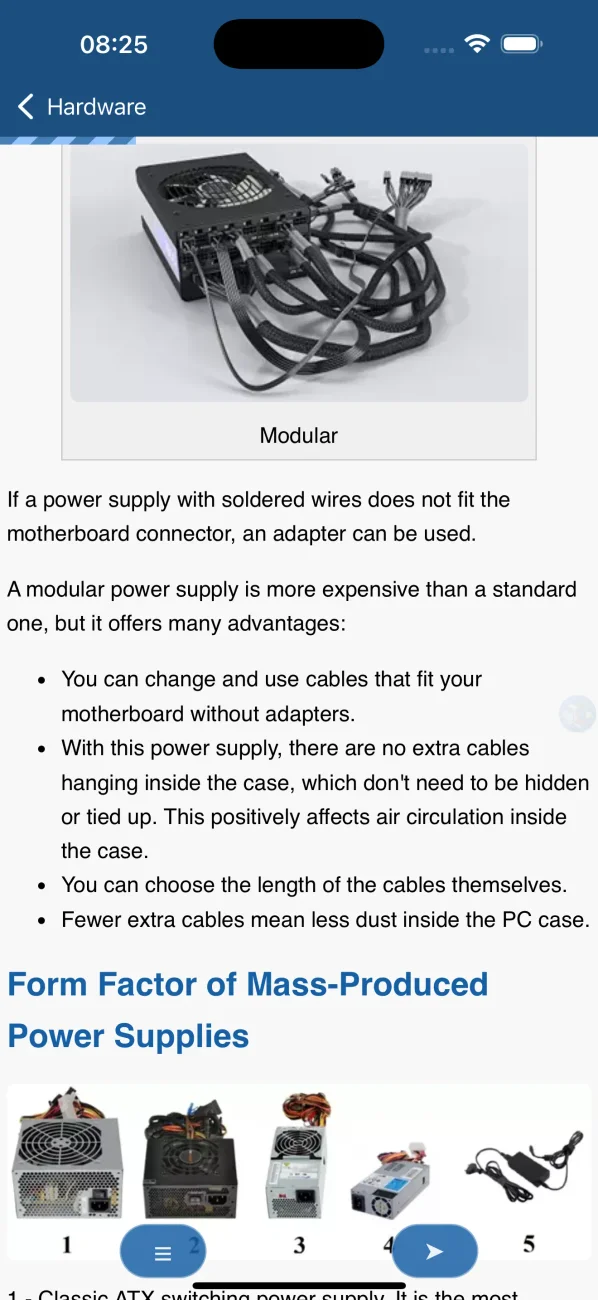
• Motherboard, central processing unit, random access memory, power supply unit, graphics card, optical disk drive, sound card, cooling systems, computer cases
• Hard disk drives (HDD), solid-state drives (SSD), optical disks, USB flash drives
• Keyboards, mice, webcams, microphones, image scanners
• Monitors, speakers, headphones, printers, projectors
• Network interface controllers, routers, mobile broadband modems
• Gaming devices, uninterruptible power supplies, peripheral connectors
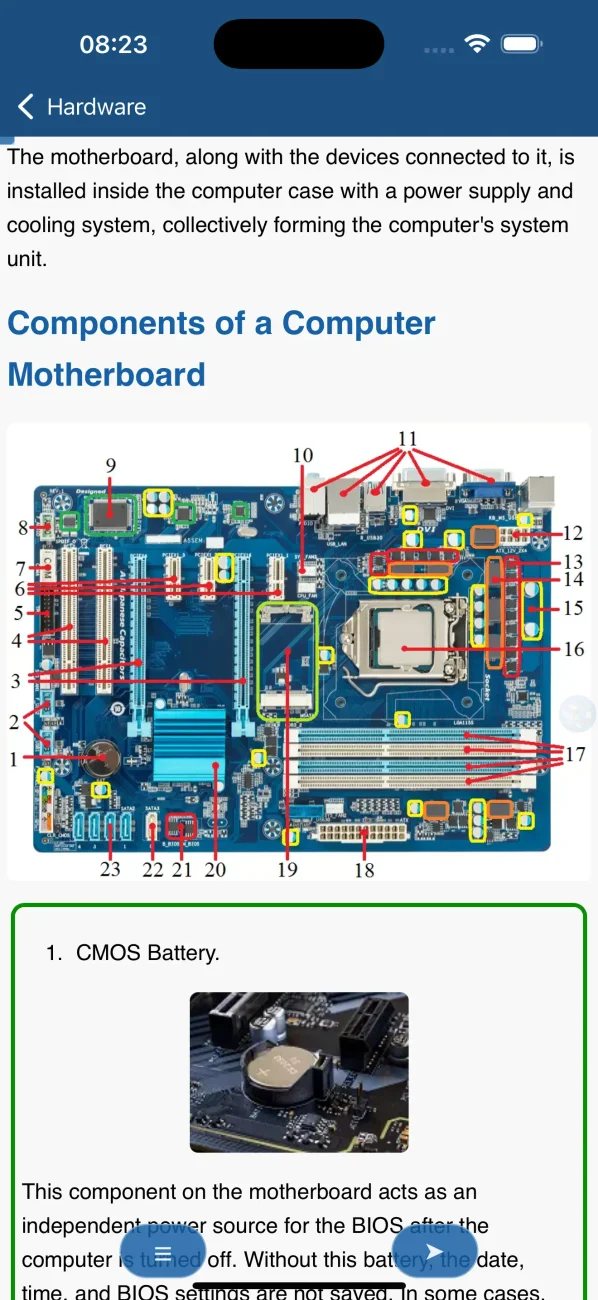
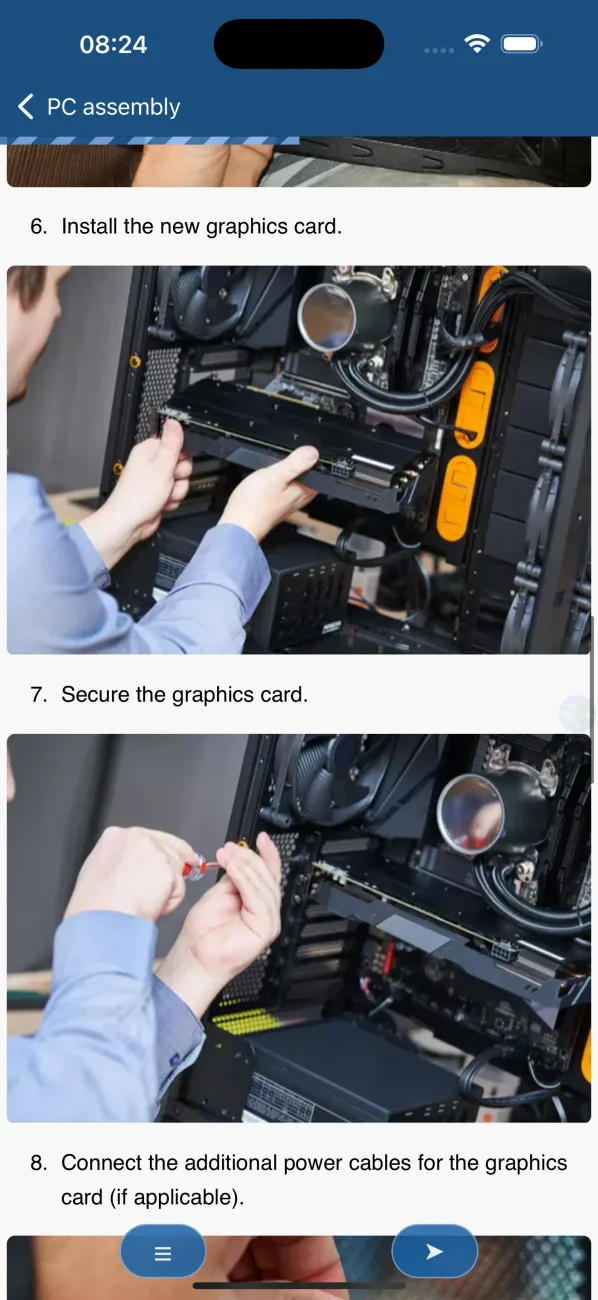
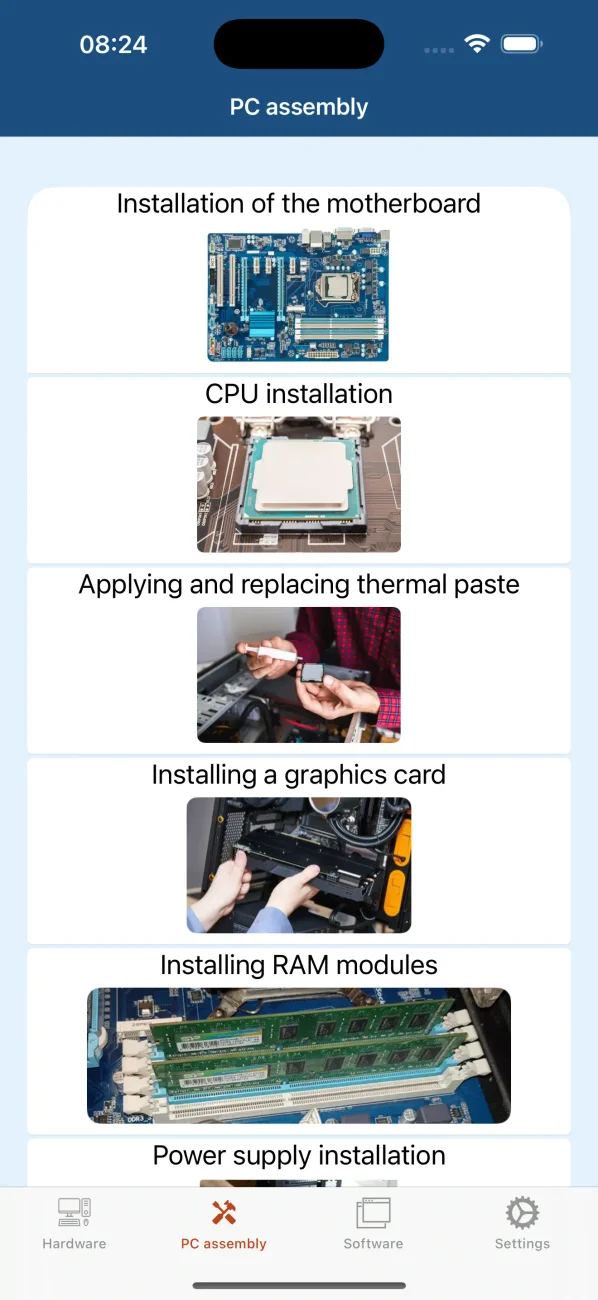
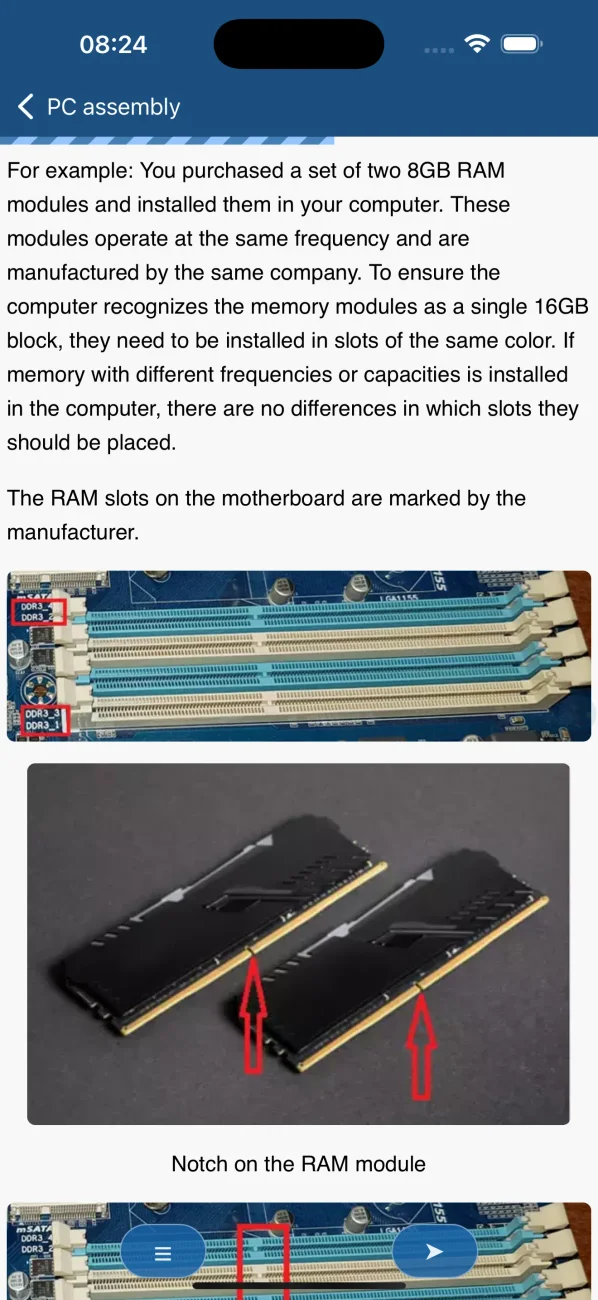
The PC assembly section offers step-by-step guides and illustrated instructions on how to build your own computer or replace its components. Detailed diagrams and pictures will help you understand how to assemble a PC, install or upgrade equipment, and fit components.
PC assembly topics include:
• Motherboard installation
• CPU installation
• Applying and replacing thermal paste
• Installing a graphics card, RAM modules, power supply, air cooling system, sound card, SSD, or HDD
The Software section provides information about computer operating systems and the basic programs that most PC users work with.
Software topics include:
• Operating systems
• Essential programs
This application is ideal for anyone who wants to improve or refresh their knowledge of computer technology.
After completing the course, you will be able to assemble your own computer or upgrade it confidently.
The app contains more than 50 articles and includes a search function for terms and definitions. We regularly update the course on computer fundamentals. You can also report errors or suggest improvements.
What’s new
Version 1.2 · Apr 14, 2026
- Minor fixes and optimization
App privacy
What Sergey Vavaev declares on the App Store about how this app handles data.
-
Data not collected
The developer does not collect any data from this app.
Privacy practices may vary, for example with the features you use or your age.
Information
- Seller
- Sergey Vavaev
- Category
- Education
- Version
- 1.2
- Updated
- Apr 14, 2026
- Released
- Aug 12, 2025
- Size
- 38.9 MB
- Requires
- iOS 16.0 or later
- Age rating
- 4+
- Price
- Free
- Languages
- English, Arabic, Croatian, Czech, Danish, Dutch, French, German, Greek, Hindi, Hungarian, Indonesian + 14 more
- Copyright
- © 2025 Sergey Vavaev
You might also like
-
 Letter CardsLetter PK Strategy Card App
-
 Let's Go Lex! interactive talewith narration, music and play
-
 German Translator DictionaryTranslate & Learn German
-
 Palabros: DictionarySpanish & English Vocabulary
-
 I Learn: Phonics for KidsLearn to Read with Phonics
-
 Hanzi Easy: Grow Chinese VocabBuild Hanzi Fast Through Play
-
 LessonTally-Auto Deduct & PlanFlexible Scheduling for Tutors
-
 Learn computer fundamentalsLearn computer fundamentals
-
 Computer Repair+Master PC Repair & IT Prep
-
 Speech AI CoachPublic Speaking & Filler Words