
Console For Browsers
Browser Inspector Panel
Designed for iPhone, iPad, Mac, iPod touch
$12.99
- Age rating4+
- CategoryDeveloper Tools
- DeveloperShanghai Dazhuo Information Technology Co., Ltd.
- LanguagesEnglish+ 1 more
- Size1.9 MB
Links to the official App Store page
Download.org hosts no file of Console For Browsers. The button opens its official App Store page, published by Shanghai Dazhuo Information Technology Co., Ltd. Listing last checked on Nov 7, 2026.
Screenshots



About
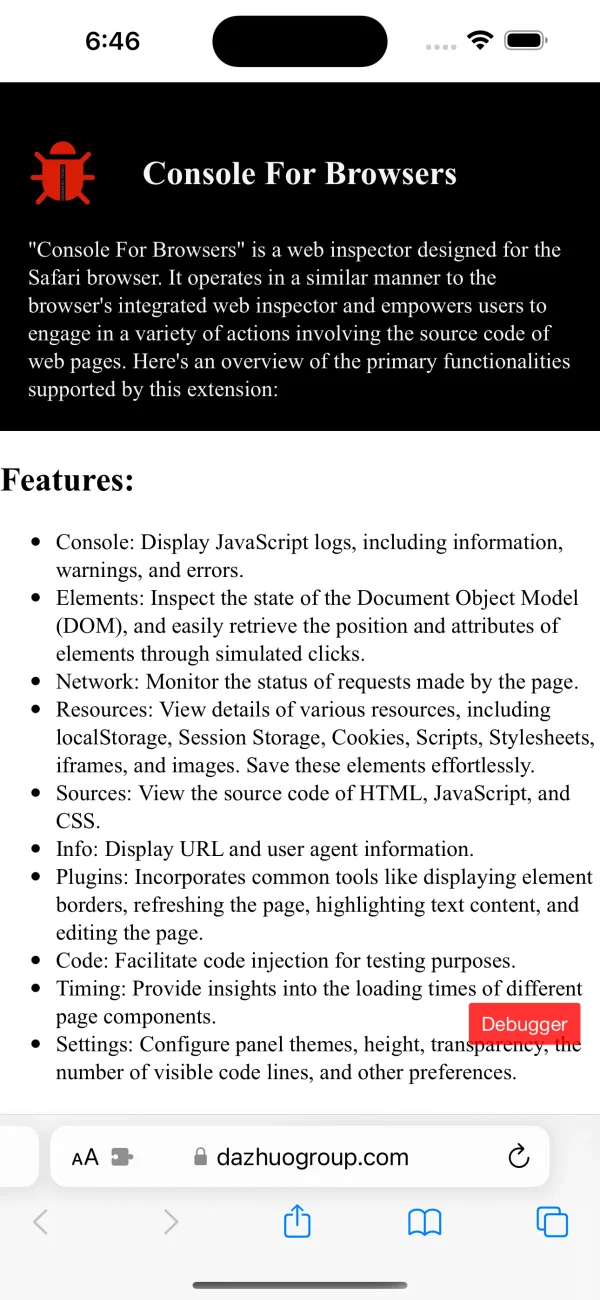
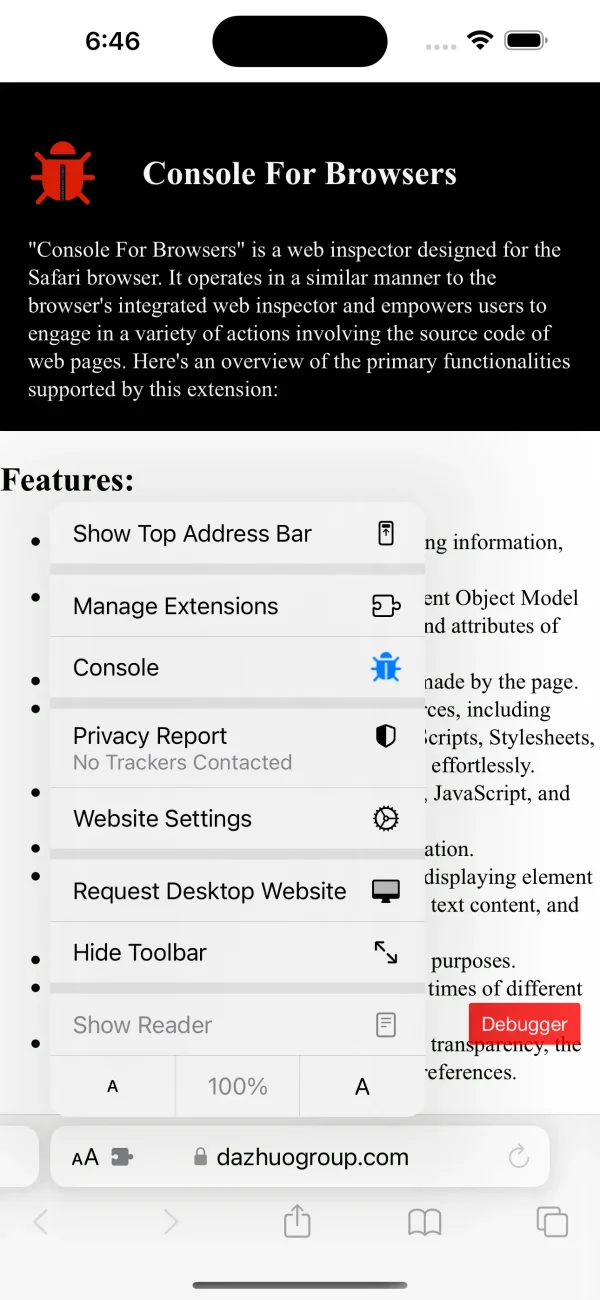
"Console For Browsers" is a web inspector designed for the Safari browser. It operates in a similar manner to the browser's integrated web inspector and empowers users to engage in a variety of actions involving the source code of web pages. Here's an overview of the primary functionalities supported by this extension:
Features:
1. Console: Display JavaScript logs, including information, warnings, and errors.
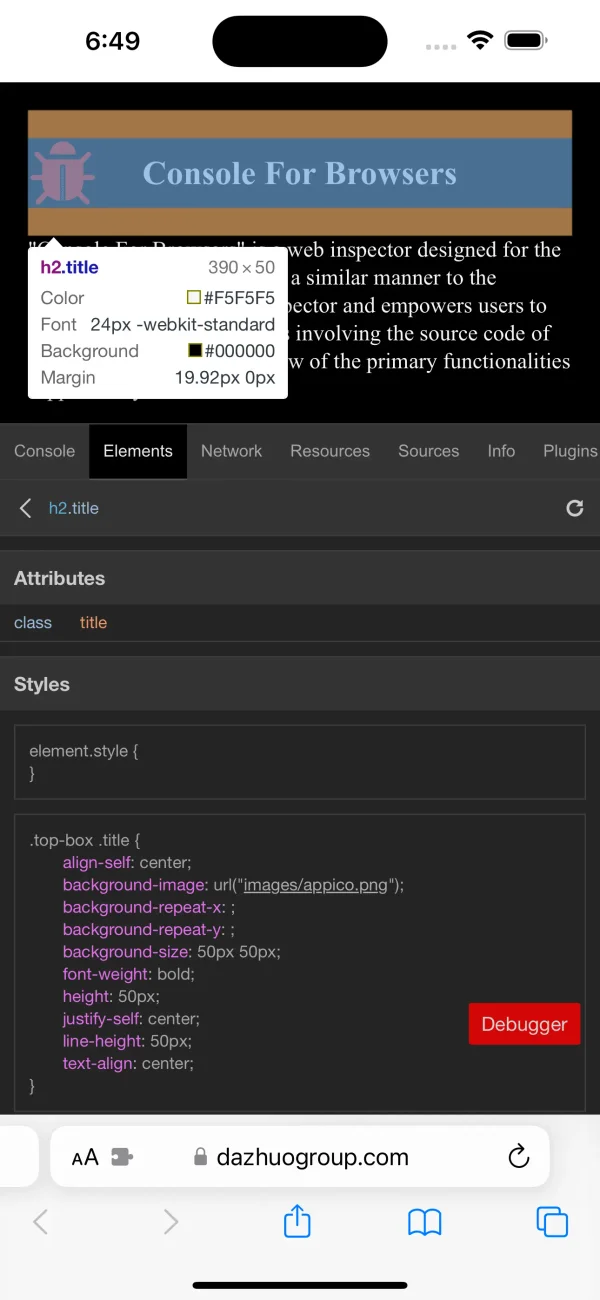
2. Elements: Inspect the state of the Document Object Model (DOM), and easily retrieve the position and attributes of elements through simulated clicks.
3. Network: Monitor the status of requests made by the page.
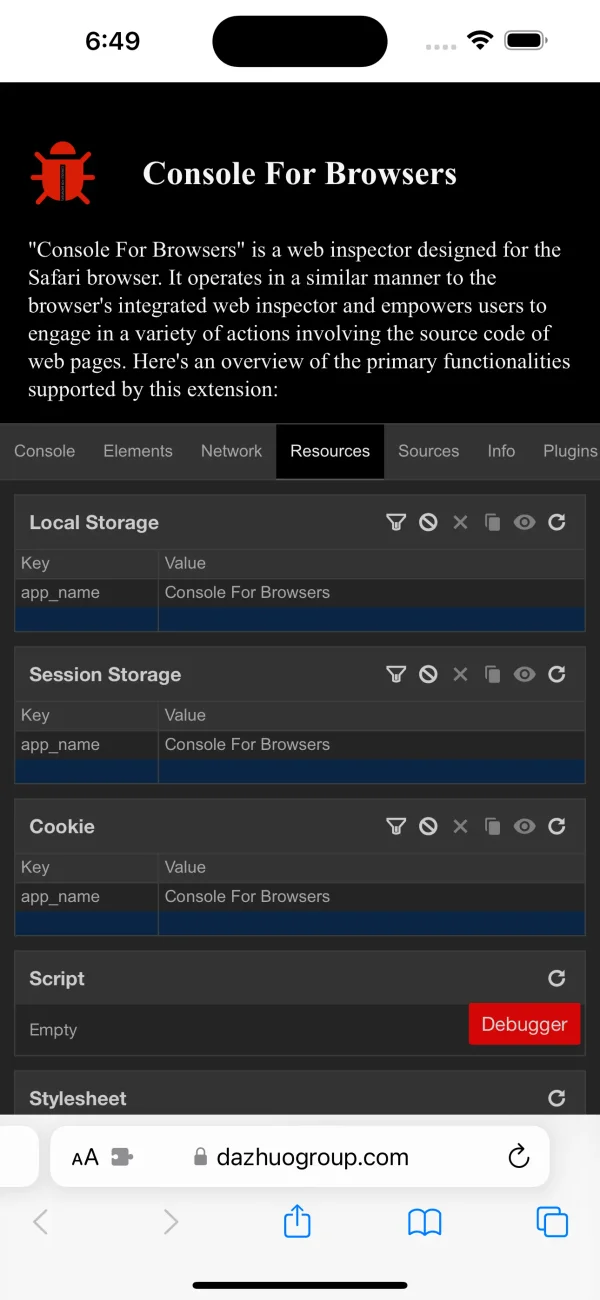
4. Resources: View details of various resources, including localStorage, Session Storage, Cookies, Scripts, Stylesheets, iframes, and images. Save these elements effortlessly.
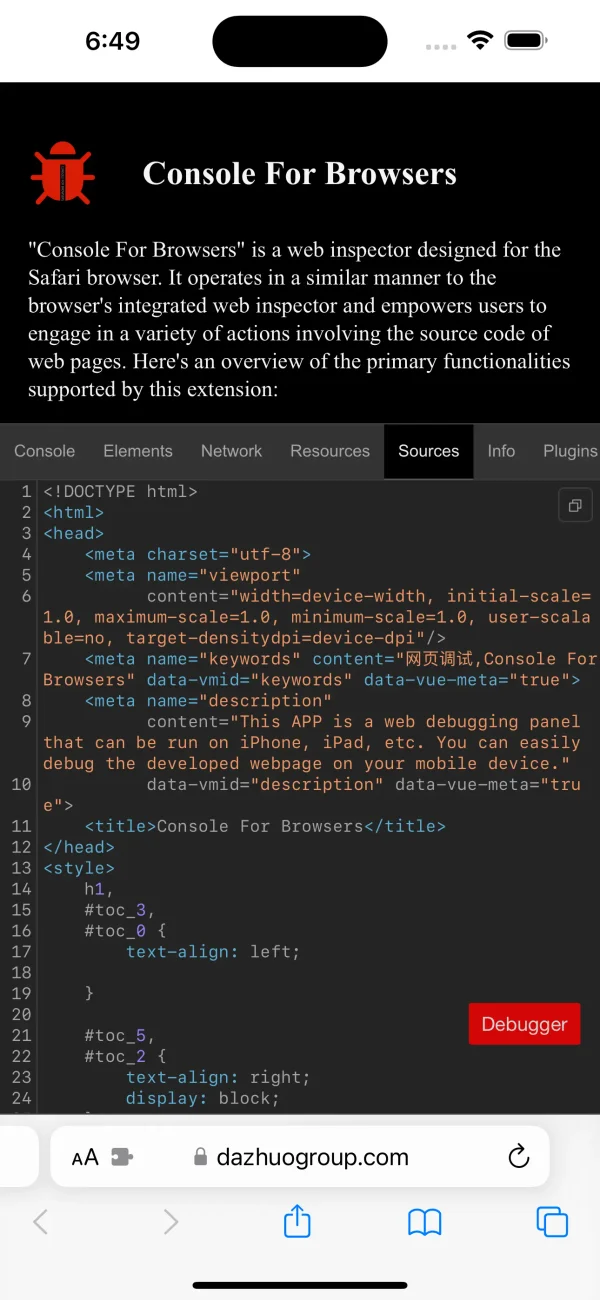
5. Sources: View the source code of HTML, JavaScript, and CSS.
6. Info: Display URL and user agent information.
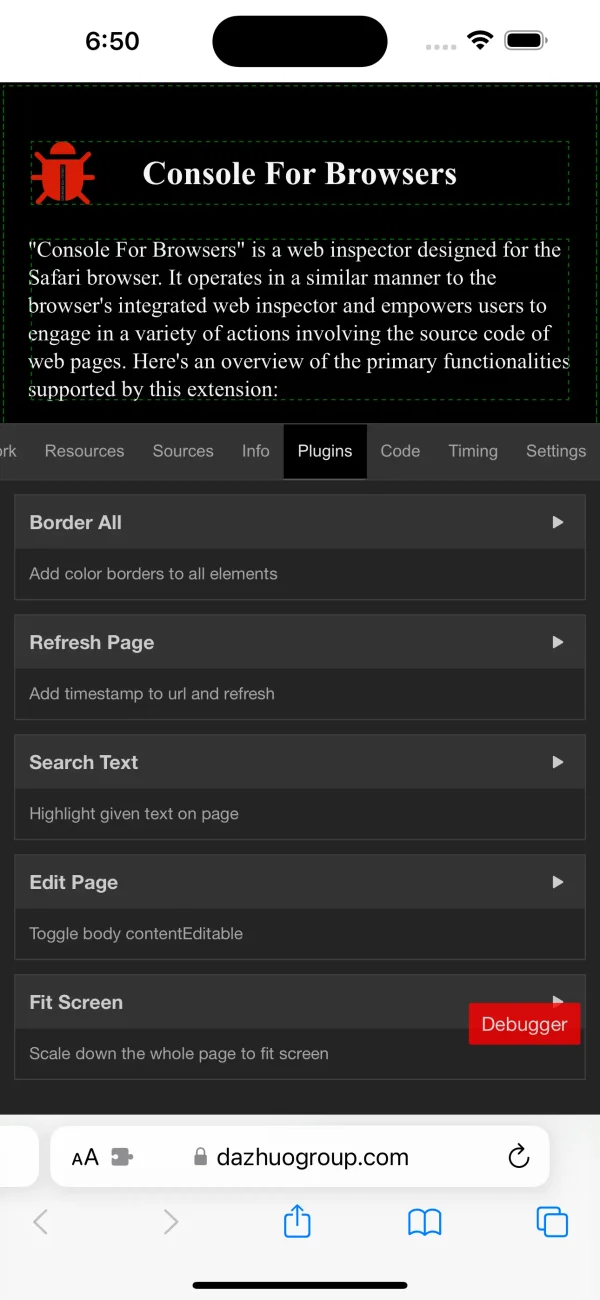
7. Plugins: Incorporates common tools like displaying element borders, refreshing the page, highlighting text content, and editing the page.
8. Code: Facilitate code injection for testing purposes.
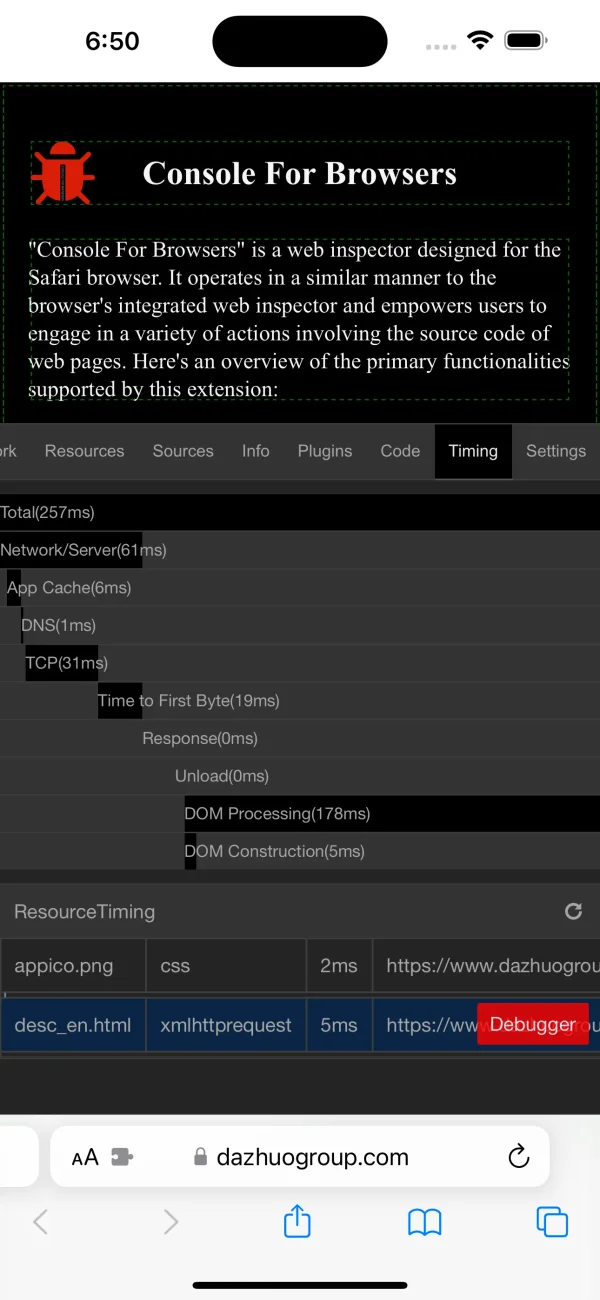
9. Timing: Provide insights into the loading times of different page components.
10. Settings: Configure panel themes, height, transparency, the number of visible code lines, and other preferences.
What’s new
Version 1.1 · Dec 7, 2023
The debugging capability has been enhanced, allowing for the capture of resource requests on the current page, including resources such as stylesheets, scripts, images, videos, and audio. This improvement facilitates a more convenient examination of the network request status. Now, you can view additional request details in the "Network" panel.
App privacy
What Shanghai Dazhuo Information Technology Co., Ltd. declares on the App Store about how this app handles data.
-
Data not collected
The developer does not collect any data from this app.
Privacy practices may vary, for example with the features you use or your age.
Information
- Seller
- Shanghai Dazhuo Information Technology Co., Ltd.
- Category
- Developer Tools
- Version
- 1.1
- Updated
- Dec 7, 2023
- Released
- Aug 28, 2023
- Size
- 1.9 MB
- Requires
- iOS 15.0 or later
- Age rating
- 4+
- Price
- $12.99
- Languages
- English, Simplified Chinese
- Copyright
- © 2023 dazhuogroup Inc
You might also like
-
 Web Inspector & Dev ToolsHTML, CSS Viewer: JS debug log
-
 Web Inspector for SafariHTML Source Javascript Console
-
 iWebTools 2Must have for webdevelopers!
-
 goDeployDeploy from Git. Anywhere.
-
 PanelicaIsolation Is the Architecture
-
 GreppyGrep your files
-
 Networking Activity MonitorDNS TCP UDP
-
 View Source PremierWeb Inspector & API Tool
-
 Codeusse: Mobile Agentic IDEKeep your laptop at your desk.
-
 Advanced JSON ViewerSuperior JSON view & format