
- Age rating4+
- CategoryEntertainment
- DeveloperAdaptivePlay Apps
- LanguagesEnglish
- Size23.5 MB
Links to the official App Store page
Download.org hosts no file of ConsoleMacros PX. The button opens its official App Store page, published by AdaptivePlay Apps. Listing last checked on Nov 12, 2026.
Screenshots


About
A macro recorder for PS5 & PS4. Requires a PSN account and console on the same local network. Use any Bluetooth or USB controller: DualSense, DualShock 4, Xbox Wireless...
Designed for personal, non-competitive use and accessibility assistance.
HOW IT WORKS
1. Connect a controller to your iPhone, iPad or Mac
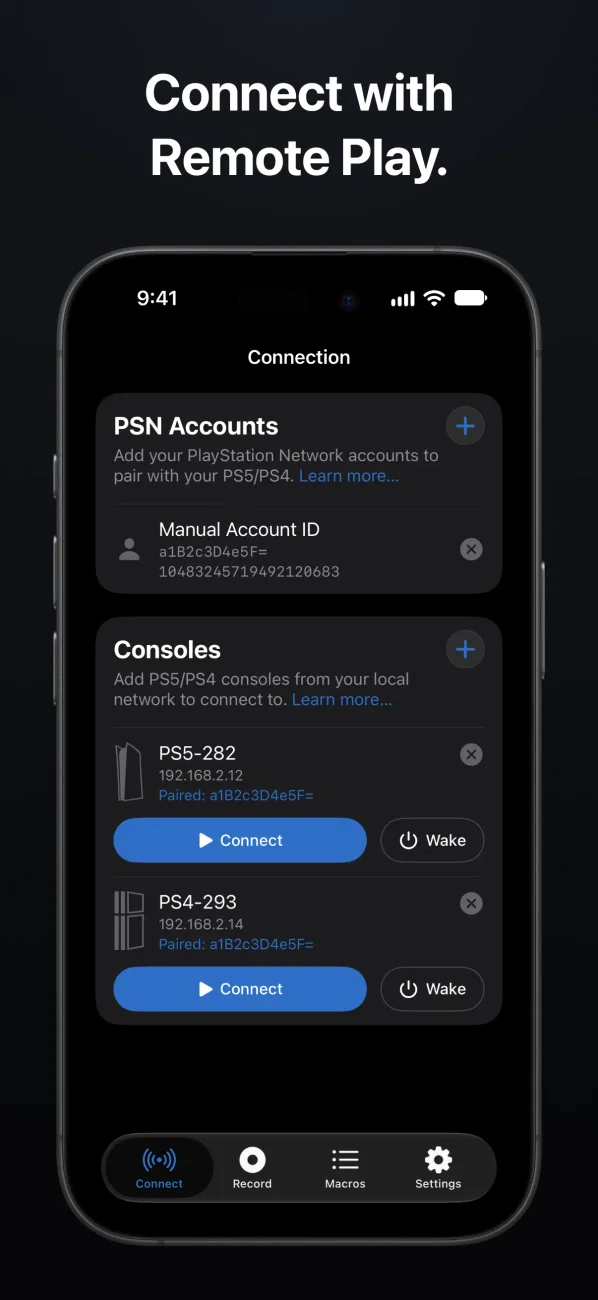
2. Connect the app to your PS5 or PS4 via Remote Play on the same local network
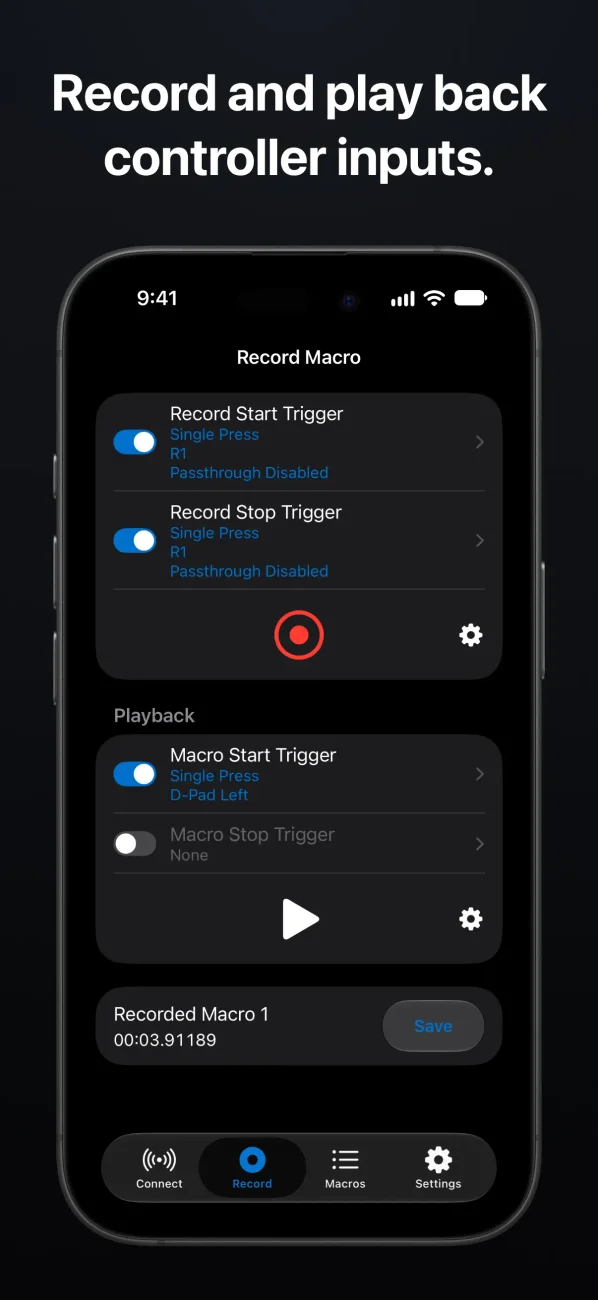
3. Record controller inputs or create new macros
4. Play them back with configurable triggers
IMPORTANT
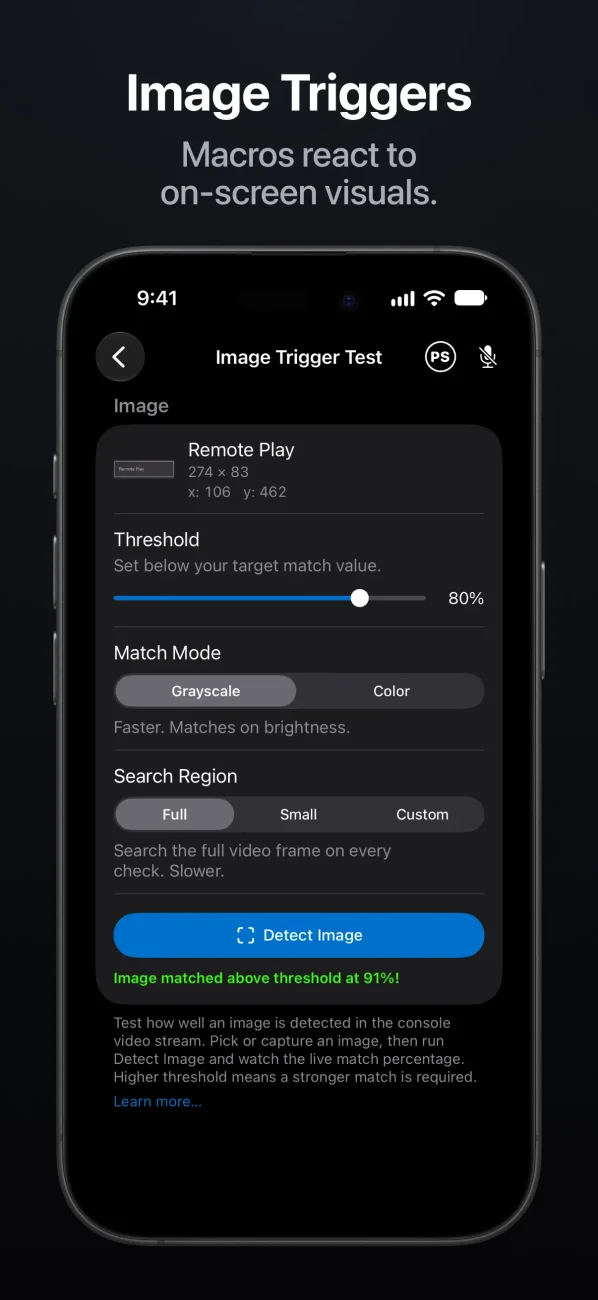
This app is not intended for use as a video gameplay streaming app. It sends controller inputs, plays game audio and enables voice chat. Console video appears only on the Image Trigger capture screen.
WARNING
Using macros or other input features of the App during online multiplayer gameplay may violate the terms of service of the game or platform and may result in account suspensions or bans. You are responsible for ensuring that your use of the App complies with the PlayStation Network terms of service and any applicable terms or policies governing the games you play. See the Terms of Use for full details.
RECORDING
• Record macros from any combination of buttons, analog triggers, stick movements and touchpad inputs with sub-ms timestamp precision.
• Filter recording inputs and set start/stop notifications.
MACRO PLAYBACK
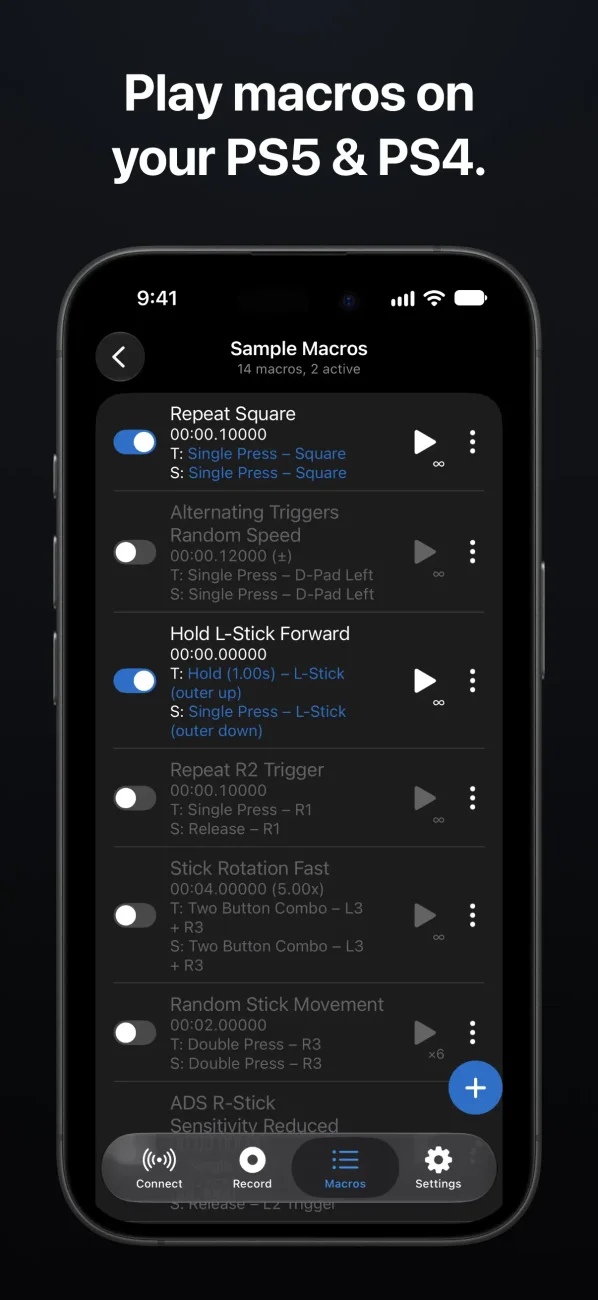
• Play macros at adjustable speed
• Infinite looping
• Randomize speed and stick values
• Adjust controller stick sensitivity
• Run up to 10 active macros per folder
• Custom start/stop triggers
MACRO EDITING
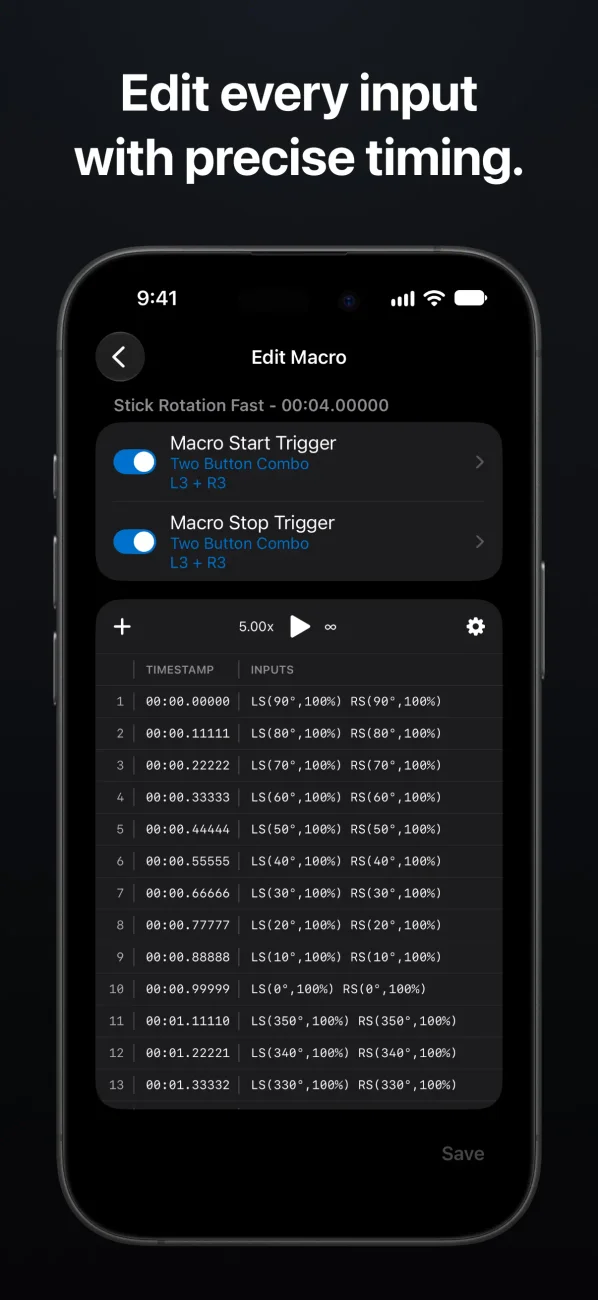
• Build new macros or edit recorded ones
• Multi-select cut/copy/paste/delete input entries within or across macros
• Export and import macros as JSON files
INPUT TRIGGERS
• Configurable triggers: single press, double press, hold, release, two button combo, custom combo
• Buttons, analog triggers or 8-direction stick zones
• Passthrough lets you choose whether the trigger input reaches the console
SOUND & IMAGE TRIGGERS
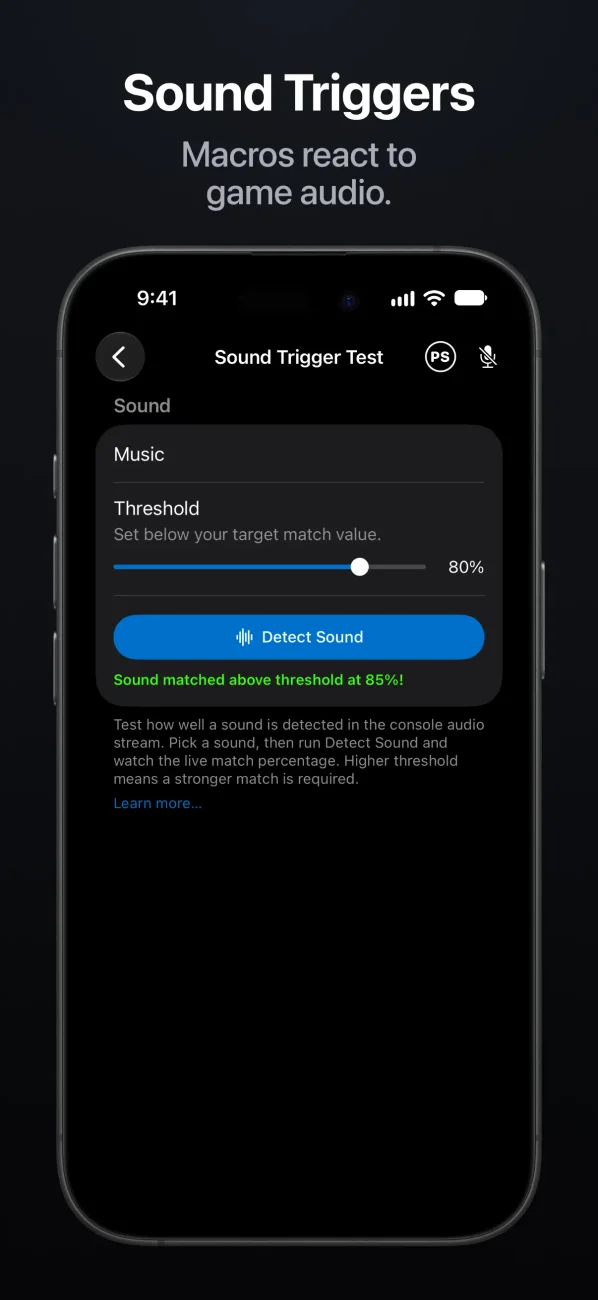
Sound Triggers use on-device recognition to identify 500+ predefined sounds (chimes, alarms, music cues, etc.). Image Triggers detect on-screen visual elements you capture from console video. Set either to trigger a macro.
INPUT SETTINGS
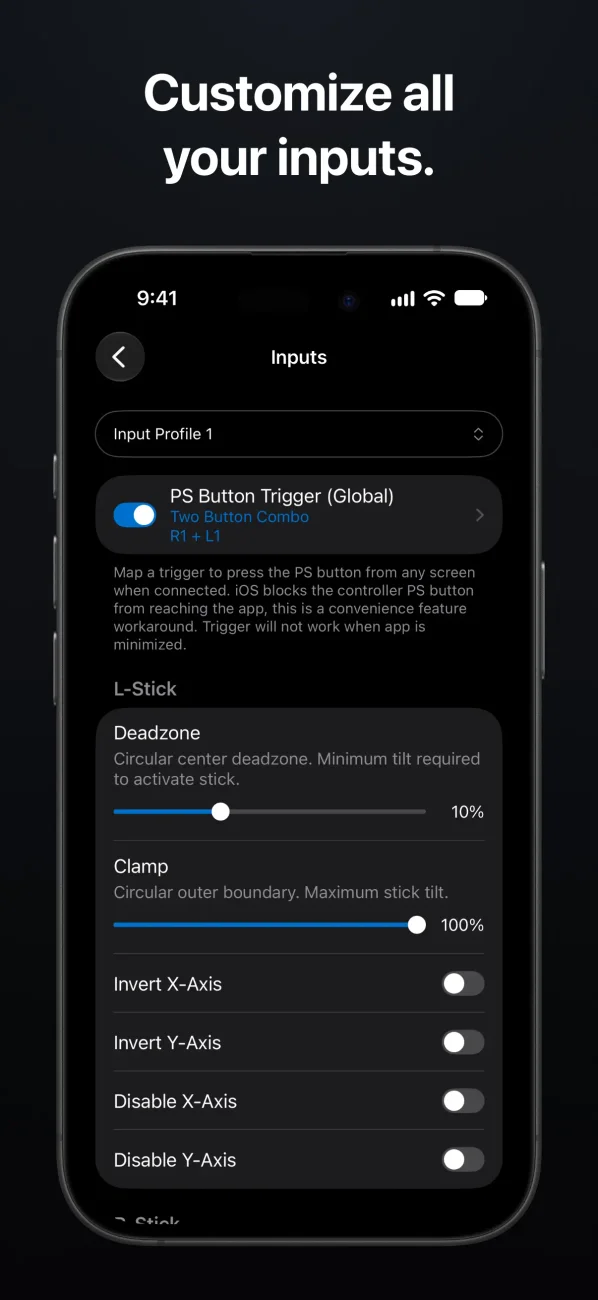
• Configure L2/R2 and stick deadzones, clamp values, invert or swap axes.
• PS Button custom trigger
• Up to 20 button mappings, applied to both live input and triggers.
ADDITIONAL FEATURES
• Microphone support for voice chat during Remote Play
• Macro playback and your console connection continue when the app is minimized
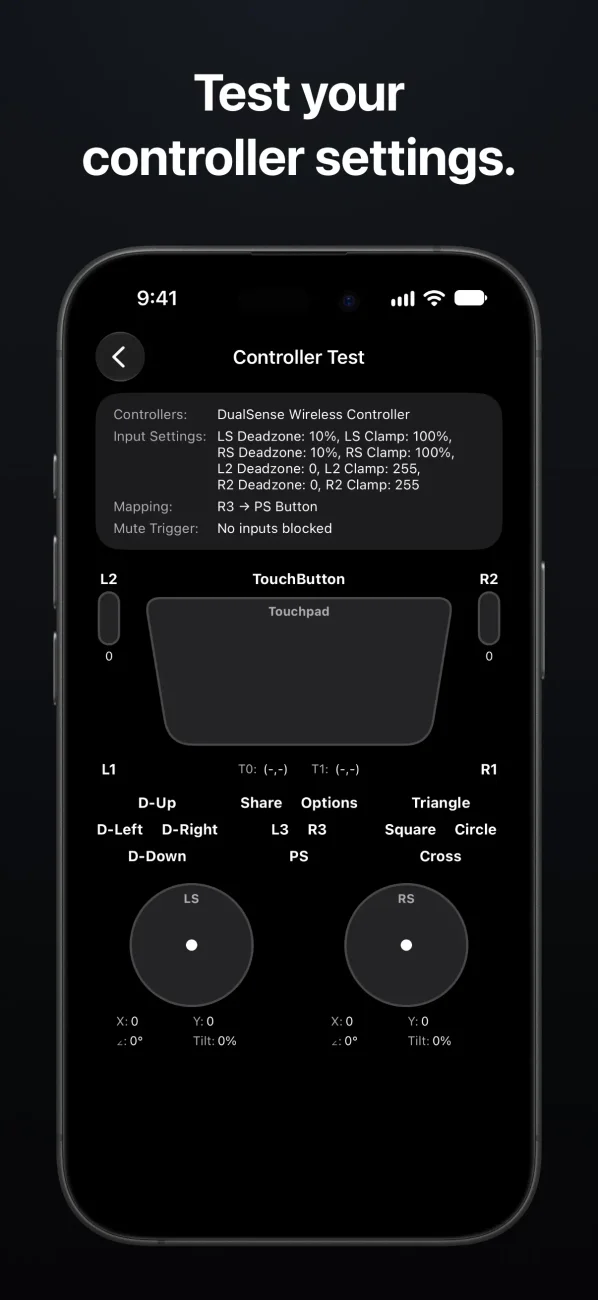
• Controller test & diagnosis screen
REQUIREMENTS
• A PS5 or PS4 console with Remote Play enabled
• A PlayStation Network account
• Device and console on the same local Wi-Fi network
• A Bluetooth or USB controller
LEARN MORE
Community: reddit.com/r/ConsoleMacros
Documentation & guides: www.consolemacros.com
Terms of Use: www.consolemacros.com/terms.html
Contact for bugs, feature requests or general feedback: support@adaptiveplay.app
DISCLAIMER
PS5, PS4, PS, PlayStation, PlayStation 5, PlayStation 4, DualShock, DualSense, PS Remote Play, and PSN are trademarks or registered trademarks of Sony Interactive Entertainment Inc. Xbox, Xbox Wireless Controller, Xbox One, and Xbox Series X|S are trademarks or registered trademarks of Microsoft Corporation. ConsoleMacros PX is in no way endorsed by, sponsored by, or affiliated with Sony Interactive Entertainment Inc., Microsoft Corporation, or any of their respective subsidiaries, logos, or trademarks.
App privacy
What AdaptivePlay Apps declares on the App Store about how this app handles data.
-
Data not linked to you
May be collected but is not linked to your identity.
- Identifiers
- Usage data
- Diagnostics
Privacy practices may vary, for example with the features you use or your age.
Information
- Seller
- Sigma Research Inc
- Category
- Entertainment
- Version
- 1.0.0
- Updated
- Nov 6, 2026
- Released
- Nov 6, 2026
- Size
- 23.5 MB
- Requires
- iOS 18.0 or later
- Age rating
- 4+
- Price
- $9.99
- Languages
- English
- Copyright
- © 2026 AdaptivePlay
You might also like
-
 PS RemoterYour console, within reach
-
 360 VR Headset Games & Videos3D Virtual Reality Player
-
 NEXT by HOTEntertainment
-
 WonderiaWonderia YOKOHAMA official app
-
 FTV - Movie & TV Show ManagerTrack Movies and TV Shows
-
 iMic: Bluetooth Speaker MicMicrophone App for BT Speakers
-
 VRPlayer : 2D 3D 360° Video2D 3D 360° Video Player for VR
-
 TodoMoviesManage your movies
-
 Animal Sounds.!More than 160 animal sounds.
-
 NC Lottery Official Mobile AppEntertainment