Construction Drawings Pro
Drawings, Codes & Calculators
Designed for iPhone, iPad
Free · In-app purchases
- Age rating4+
- CategoryEducation
- DeveloperYuhsiu Lai
- LanguagesEnglish
- Size839.4 MB
Links to the official App Store page
Download.org hosts no file of Construction Drawings Pro. The button opens its official App Store page, published by Yuhsiu Lai. Listing last checked on Nov 23, 2026.
Screenshots


About
Read drawings. Explore construction details. Build practical understanding.
Construction Drawings Pro brings visual references, learning tools, calculations, and project coordination into one organized workspace for iPhone and iPad.
ILLUSTRATIONS & GALLERIES
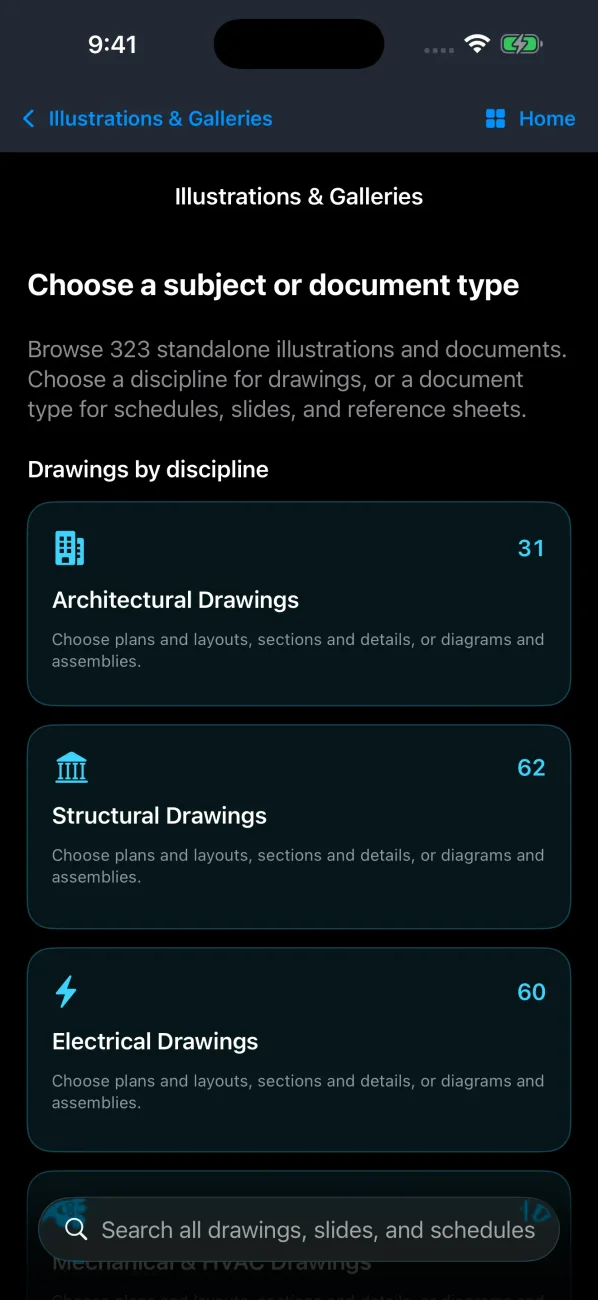
• Explore 323 distinct illustrations across architectural, structural, electrical, civil/site, HVAC, plumbing, and other building disciplines.
• Browse clear subject and drawing-type groups, including plans, sections, details, diagrams, and schedules.
• Find presentation slides and reference tables in their own collection.
• Search, zoom, compare two drawings, save favorites, and add personal notes.
LEARNING & REFERENCE
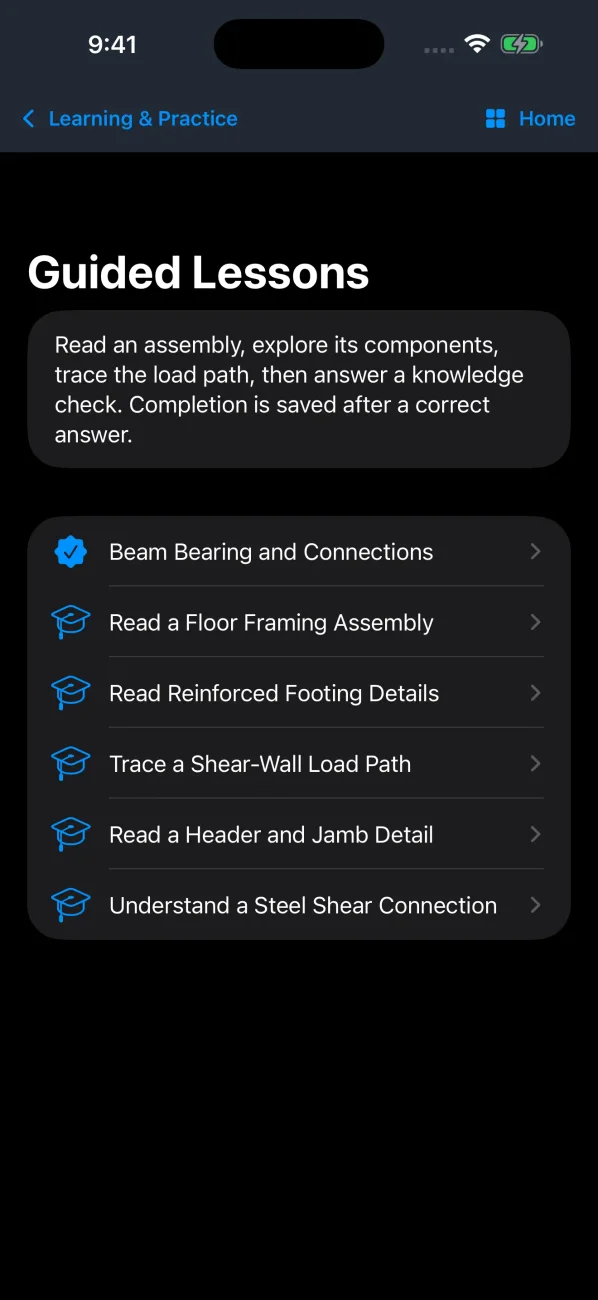
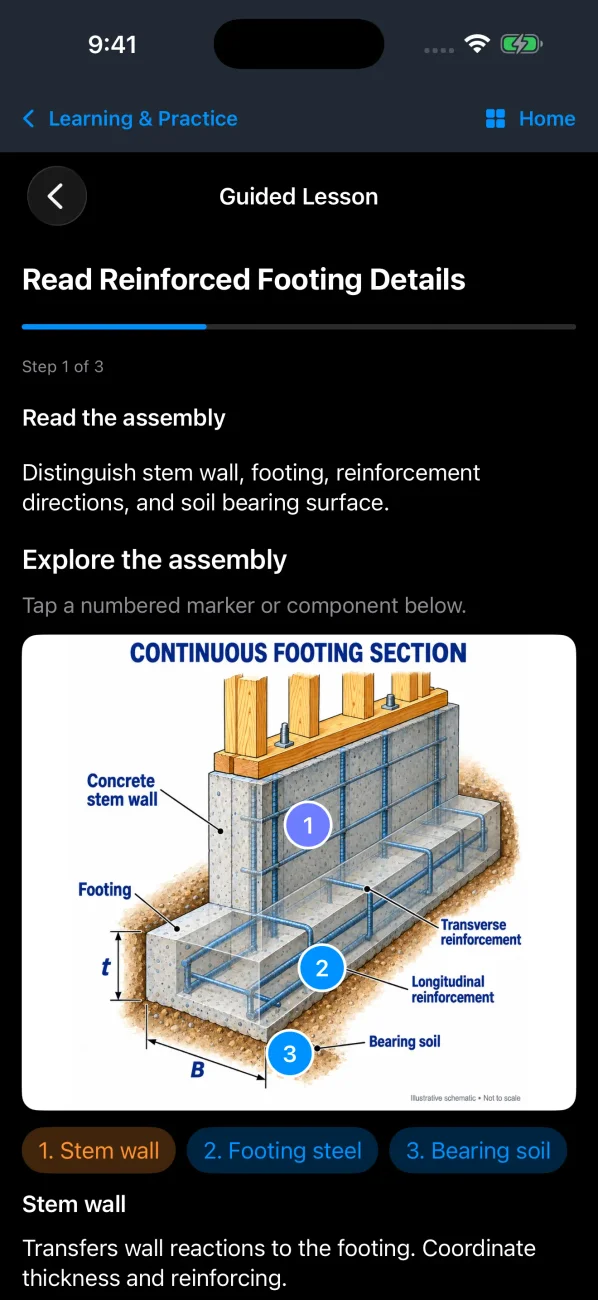
• Follow six guided drawing lessons with explanations and knowledge checks.
• Explore 54 interactive component callouts across 18 structural illustrations.
• Practice with visual flashcards and quizzes, and track study progress.
• Consult drawing guides, construction terminology, and educational IRC and NEC references.
CALCULATORS & WORKSHEETS
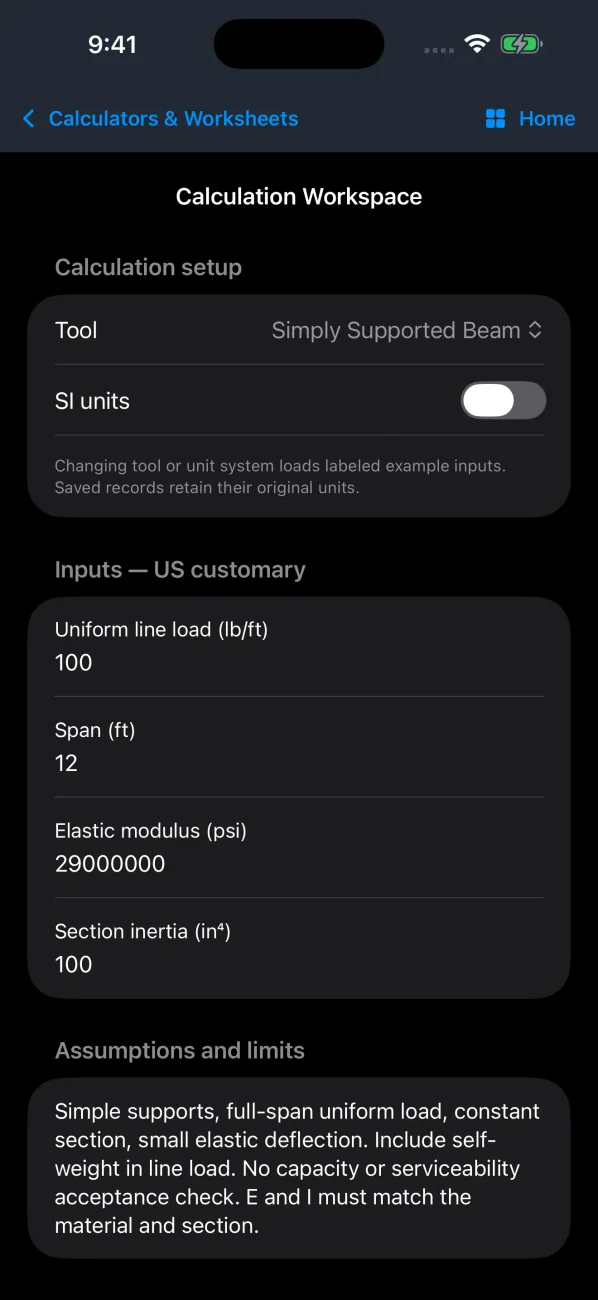
• Use a shared workspace for beam, concrete, footing bearing area, voltage drop, conduit fill, kVA/amps, pipe velocity, and runoff calculations.
• Switch between US and SI units, review assumptions and calculation steps, and save or export calculation records.
• Access additional discipline tools and reference-based worksheets.
WORKFLOW & PROJECT REVIEWS
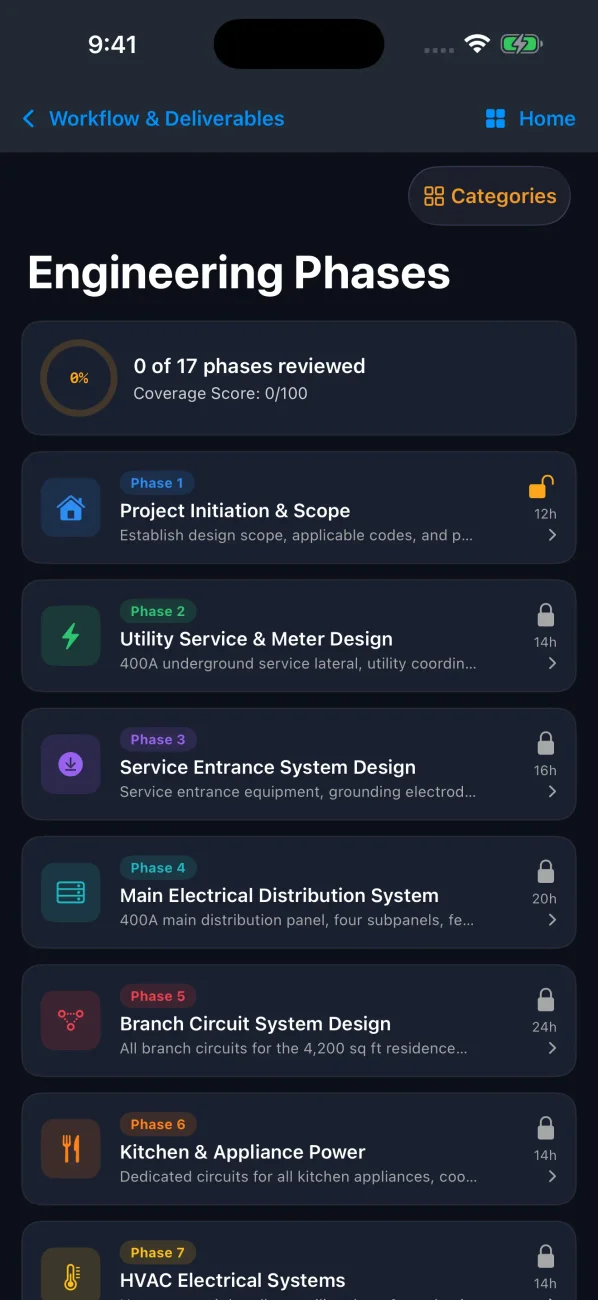
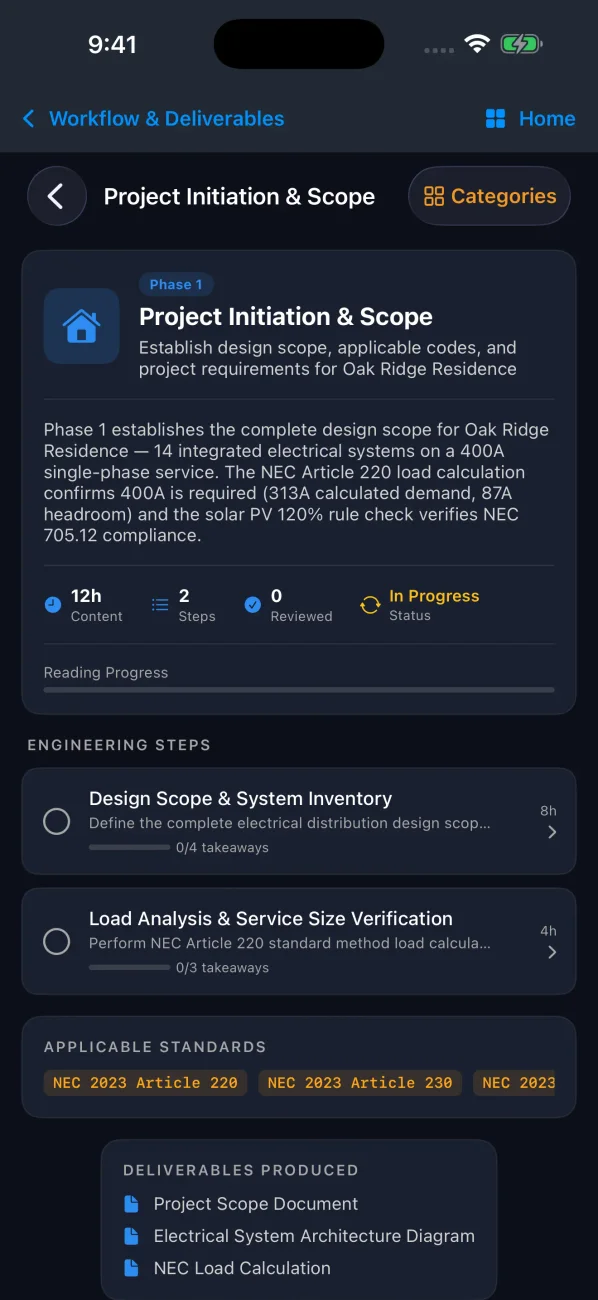
• Follow a 17-phase residential electrical design workflow covering service, distribution, solar, battery storage, and EV charging topics.
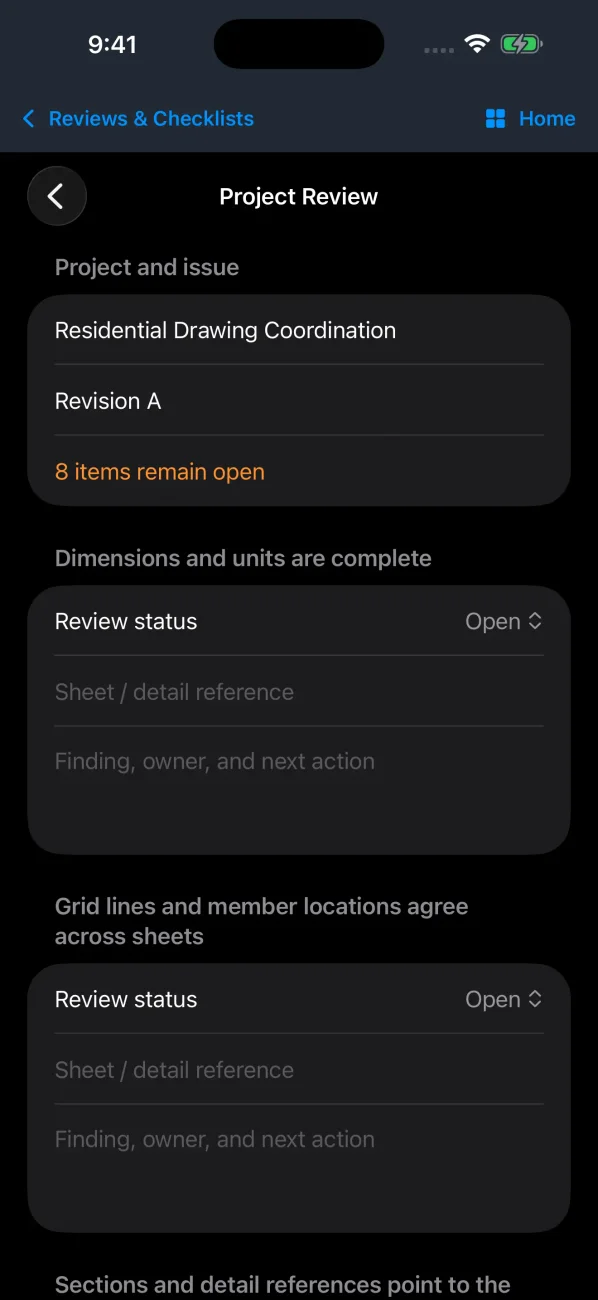
• Track deliverables and drawing coordination checks.
• Create named reviews with drawing references, findings, owners, actions, and resolution status.
• Export review and calculation reports as PDFs.
ONE CONNECTED WORKSPACE
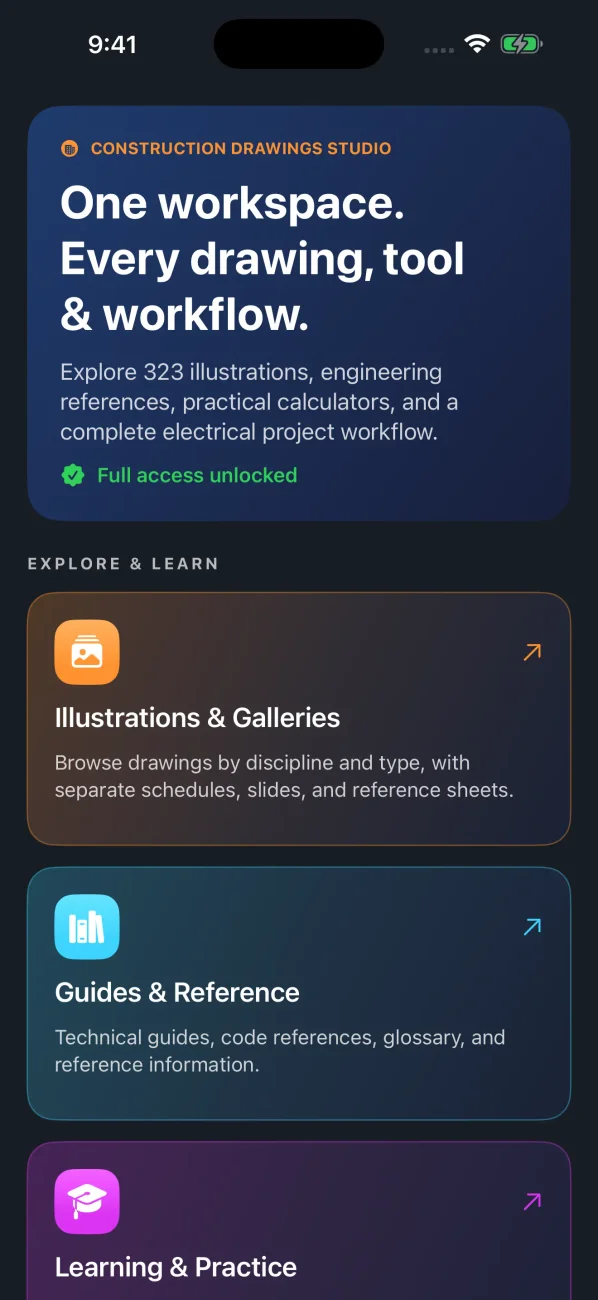
Seven home cards organize illustrations, reference, learning, workflow, calculations, reviews, and saved work. Keep notes, favorites, recent drawings, and learning progress on your device. Reference content and tools work offline; App Store purchases and restoration require a connection.
Free download with a home preview. A single non-consumable in-app purchase unlocks all content and tools, with no subscription. Recognized purchases from earlier versions also unlock full access. Restore Purchases is available in the app.
Educational and reference use only. Illustrations, calculations, worksheets, and code summaries do not replace project-specific engineering design, professional judgment, current adopted codes, or review by qualified professionals. Verify assumptions, units, local requirements, and all results before use. Code and product names belong to their respective owners; no affiliation or endorsement is implied.
What’s new
Version 3.0 · Nov 20, 2026
A redesigned, unified workspace
• Find everything through seven focused home cards.
• Browse 323 distinct illustrations in organized discipline and drawing-type galleries.
• View presentation slides and reference tables separately.
• Explore new illustrations, six guided lessons, and interactive component callouts.
• Compare drawings, save calculation records, and export coordination reviews as PDFs.
• Use improved calculators with clearer units, assumptions, and input validation.
• Continue using existing notes, favorites, and study progress.
• Unlock the entire app with one purchase. Recognized purchases from previous versions retain full access.
Also includes navigation, image-viewing, purchase restoration, and reliability improvements.
App privacy
What Yuhsiu Lai declares on the App Store about how this app handles data.
-
Data not collected
The developer does not collect any data from this app.
Privacy practices may vary, for example with the features you use or your age.
Information
- Seller
- Yuhsiu Lai
- Category
- Education
- Version
- 3.0
- Updated
- Nov 20, 2026
- Released
- Jun 19, 2026
- Size
- 839.4 MB
- Requires
- iOS 17.0 or later
- Age rating
- 4+
- Price
- Free
- In-app purchases
- Yes
- Languages
- English
- Copyright
- © 2026 iTech Tools
You might also like
-
 Transportation EngineeringQuizzes, Mock Tests & Stats
-
 STRUCT-AREducation
-
 SkillBite: Micro LearningCareer Skills & Daily Lessons
-
 KEN InstituteExecutive Learning
-
 PassStamp: PE & FE Exam PrepNCEES Mock Exams & Practice
-
 Kids Learning - EnglishKids Learning
-
 The StoreHouse ChurchEducation
-
 School of AI - Learn AIAI Tools & Study Tips
-
 Construction PM MasteryMaster Construction PM Skills