
Construction Trades Ordering
Construction Ordering by Trade
Designed for iPhone, iPad
Free · In-app purchases
- Age rating4+
- CategoryBusiness
- DeveloperKenneth Riendeau
- LanguagesEnglish
- Size4.8 MB
Links to the official App Store page
Download.org hosts no file of Construction Trades Ordering. The button opens its official App Store page, published by Kenneth Riendeau. Listing last checked on Nov 20, 2026.
Screenshots

About
The fastest way to create material requisitions.
Trades Ordering lets contractors, estimators, and crews build supply lists in minutes, stay organized by project, and export professional PDFs — all on iPhone or iPad.
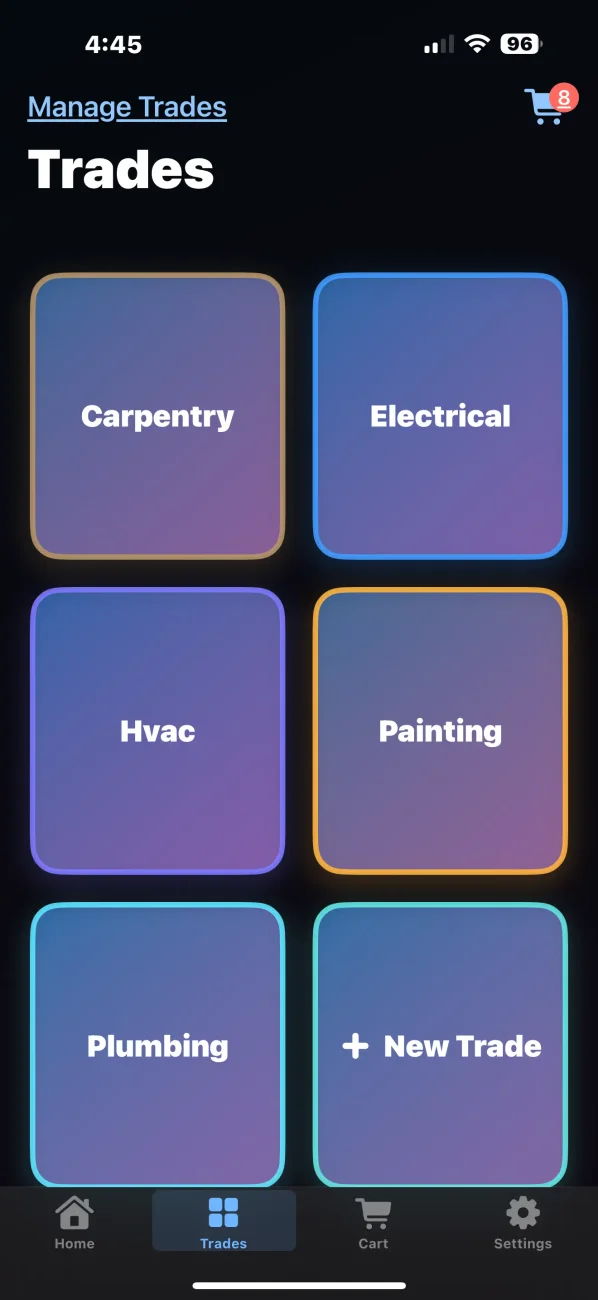
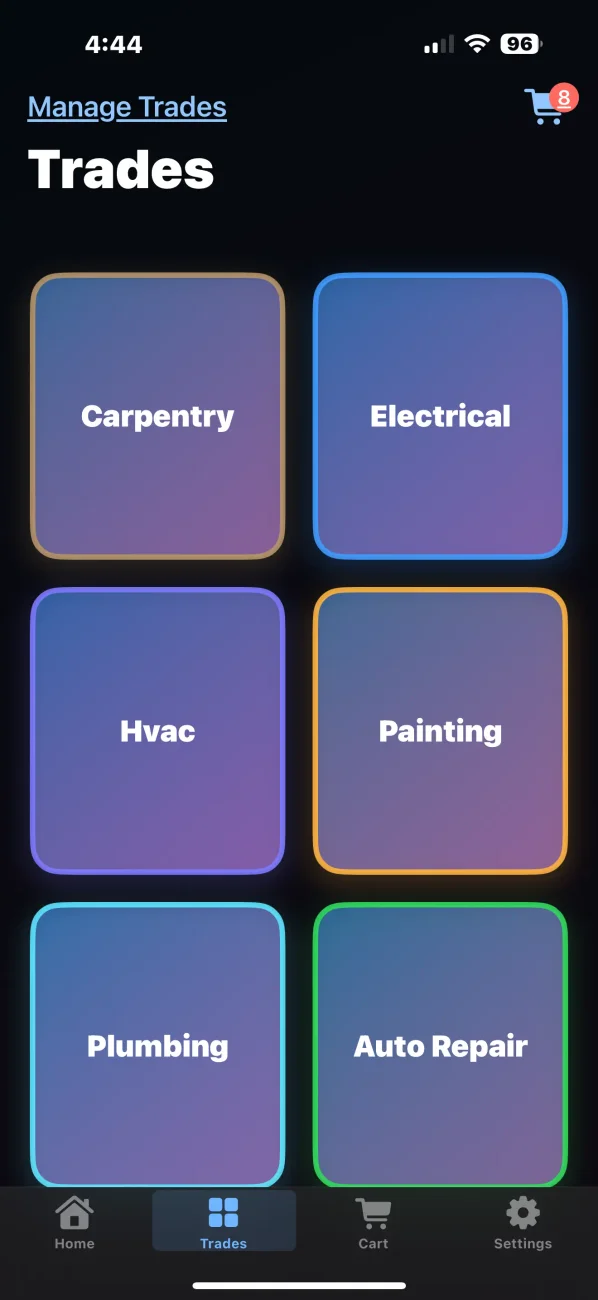
Built-in Trades
Get started instantly with five preloaded trades:
• Electrical
• Plumbing
• HVAC
• Carpentry
• Painting
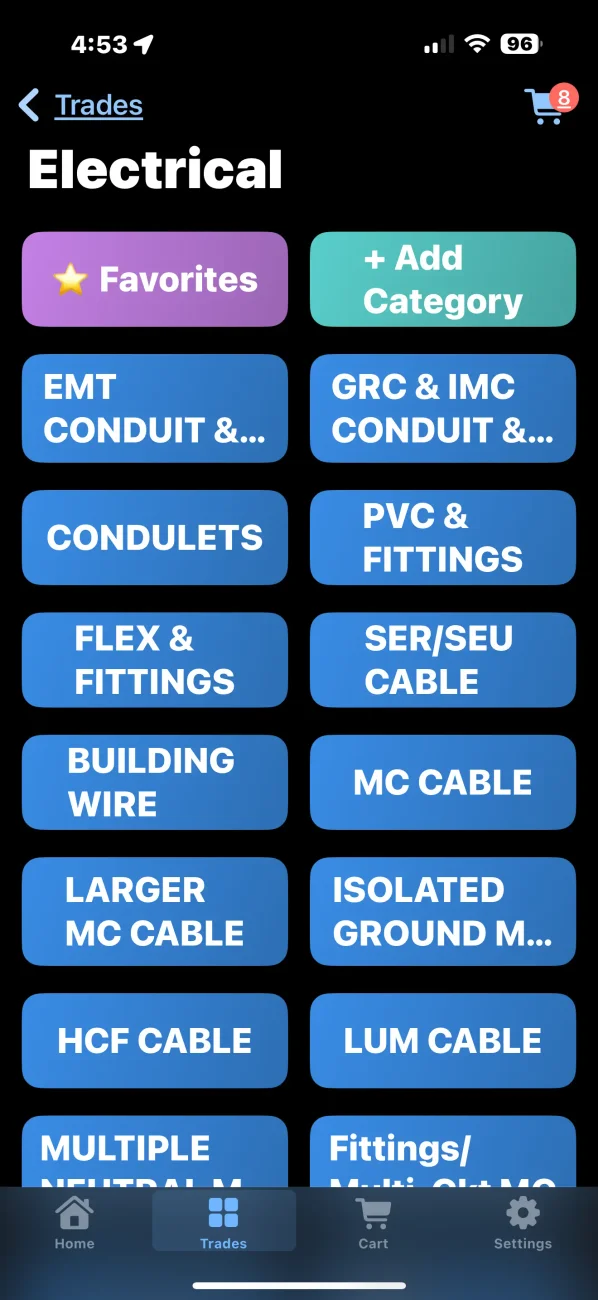
Browse categories, search items, and add them to your requisition cart with ease.
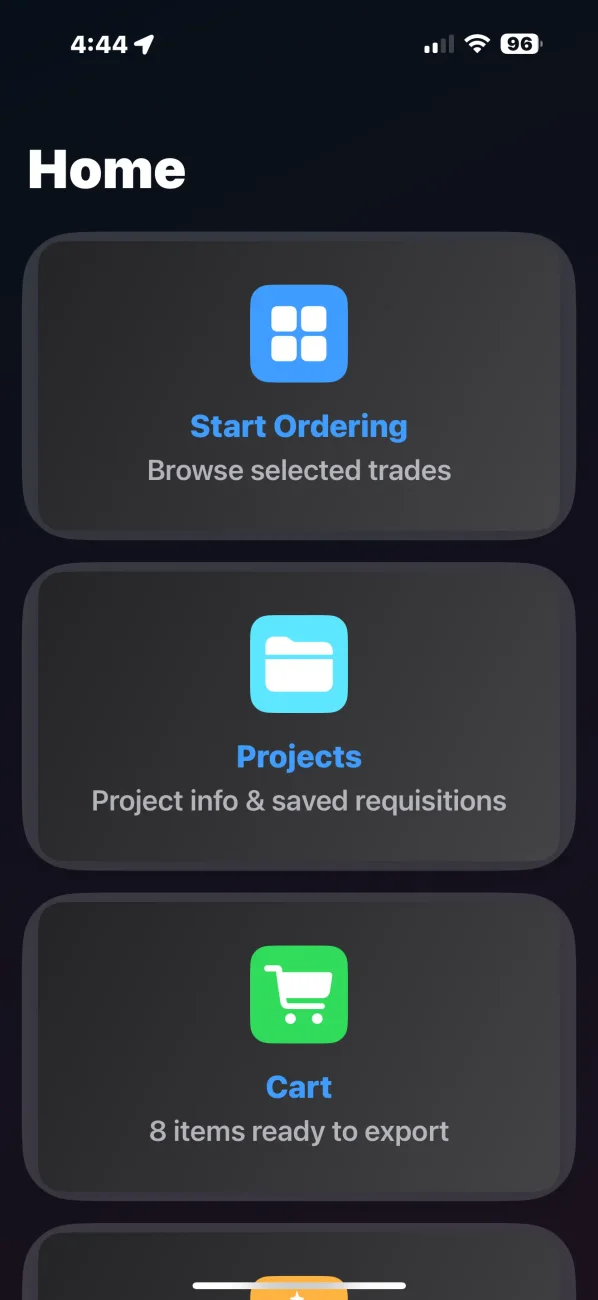
Organize Projects & Files
• Save requisitions as PDF files into Projects
• Organize files into folders with custom names
• Move, rename, or delete files and folders
• Open saved files anytime to view, share, or print
Cart & PDF Export
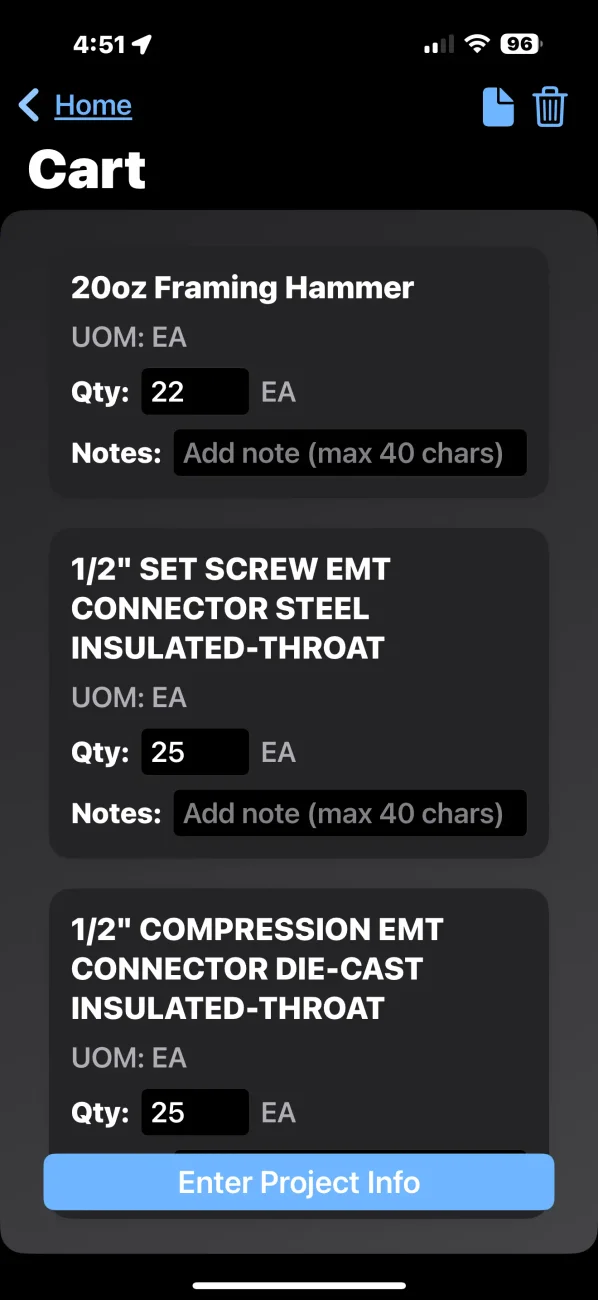
• Cart groups all items by category for easy review
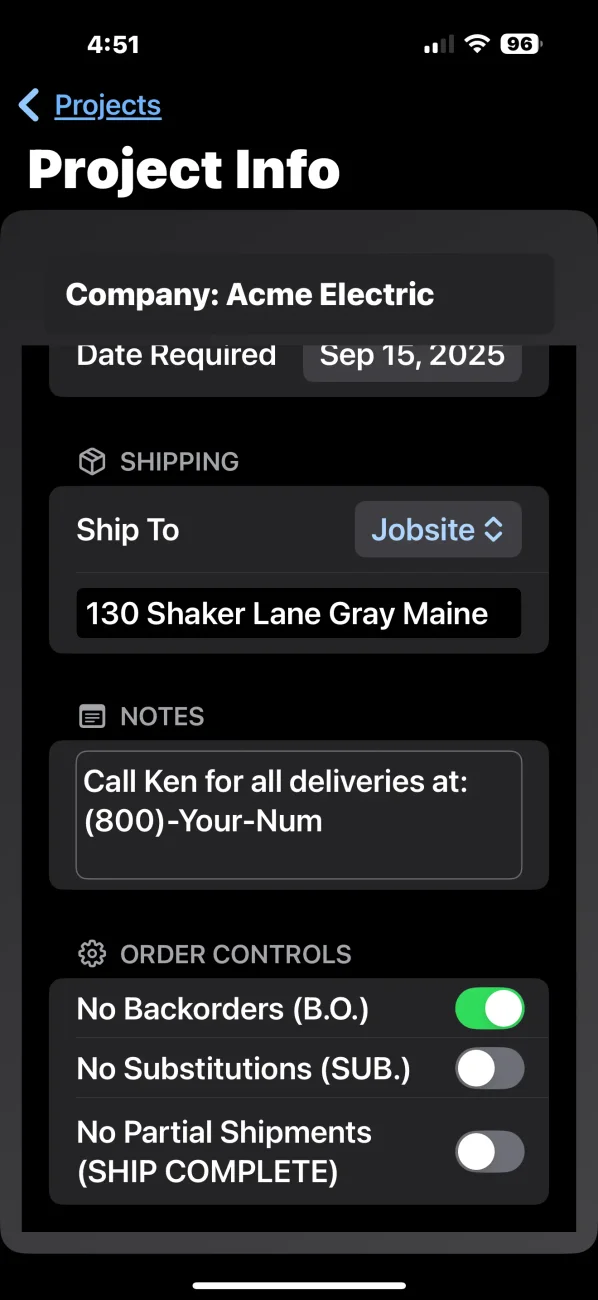
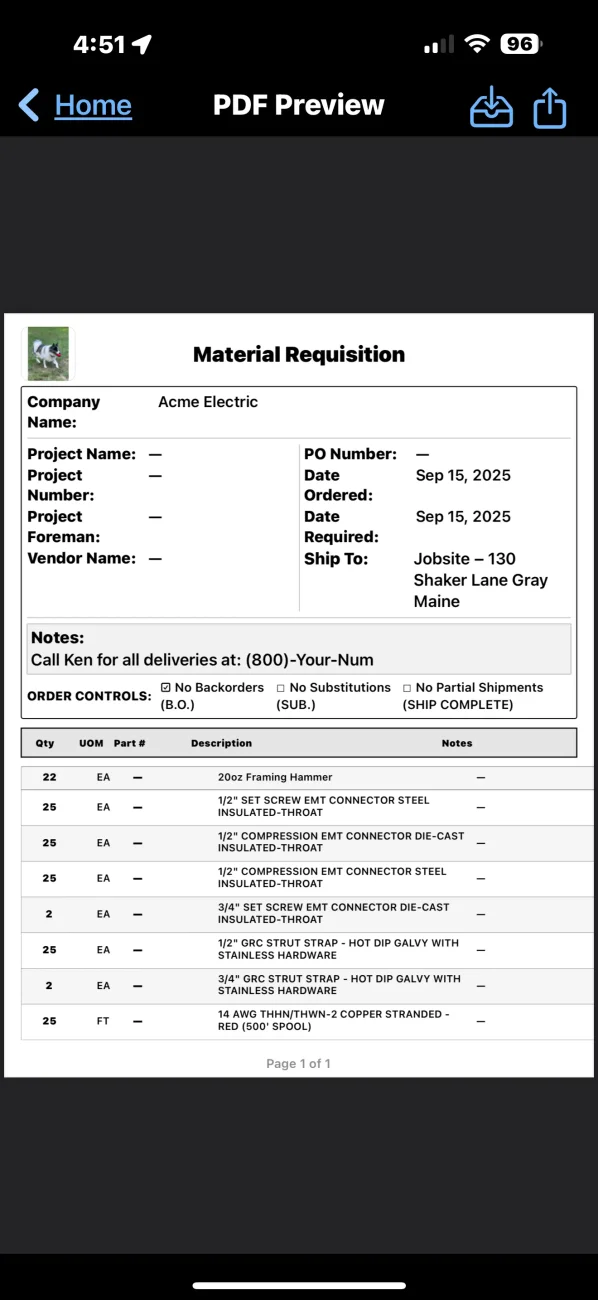
• Export a clean, professional PDF requisition with project details
• Add your company logo or use the default Trades logo
• Share PDFs instantly by email, text, or print
Branding & Customization
• Upload your company logo for branded exports
• Add subcategories and custom items to catalogs
• All catalogs are stored locally as JSON files — your data stays private and safe
Typical Workflow
1. Select a trade (Electrical, Plumbing, HVAC, Carpentry, or Painting)
2. Browse categories and add items to your cart
3. Use Favorites for frequently used parts or materials
4. Review your cart and finalize your requisition
5. Export as PDF — ready to send or archive
Subscription Tiers
Demo Mode
• Full access to all 5 trades for 7 days
• Exported PDFs include a DEMO watermark
• Upgrade required after 7 days
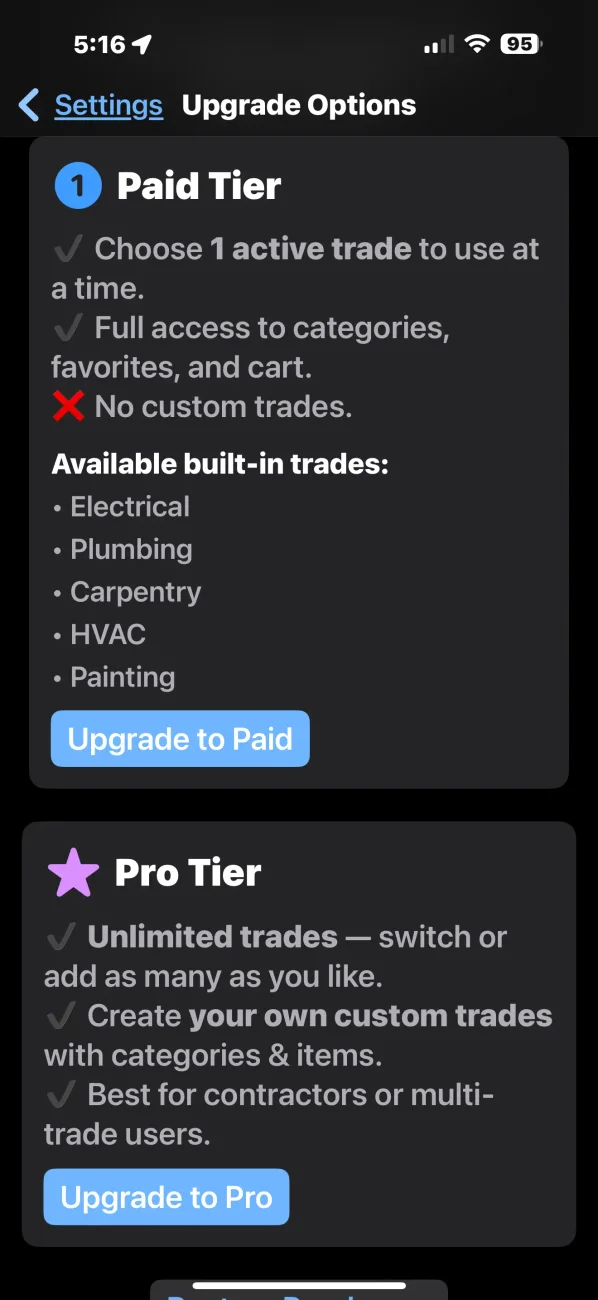
Paid Tier
• Unlock one trade of your choice
• Add subcategories and custom items within that trade
• Includes Favorites, categories, and cart features
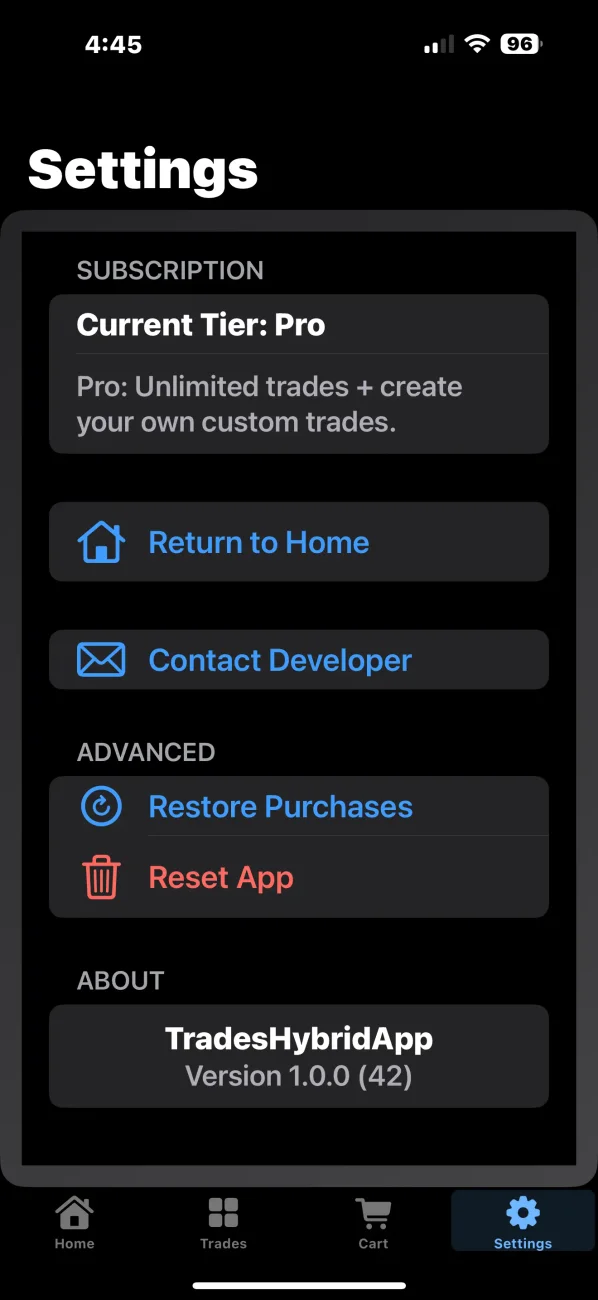
Pro Tier
• Unlock unlimited trades — add or switch anytime
• Create completely custom trades with categories and items
• Best for contractors, estimators, and multi-trade users
Terms of Use (EULA): https://www.apple.com/legal/internet-services/itunes/dev/stdeula
Privacy Policy: https://longing-cobbler-23e.notion.site/Construction-Trades-Ordering-Support-Privacy-26f4bcf85bb680878cfcc1bd835984d8?source=copy_link
What’s new
Version 3.0 · Jan 1, 2026
Updated Support links to new website
App privacy
What Kenneth Riendeau declares on the App Store about how this app handles data.
-
Data not collected
The developer does not collect any data from this app.
Privacy practices may vary, for example with the features you use or your age.
Information
- Seller
- Kenneth Riendeau
- Category
- Business
- Version
- 3.0
- Updated
- Jan 1, 2026
- Released
- Sep 20, 2025
- Size
- 4.8 MB
- Requires
- iOS 18.5 or later
- Age rating
- 4+
- Price
- Free
- In-app purchases
- Yes
- Languages
- English
- Copyright
- © Construction Trades Ordering KR2025
You might also like
-
 Deler – Parts RequestsConstruction material requests
-
 Perform 24.0 Material RequestBusiness
-
 MyliisRequest Material in less time
-
 Control Alquiler ArticulosItems, Goods, Rental
-
 Infor LN RequisitionBusiness
-
 VirtuApp Online Business storeBusiness listing & marketplace
-
 Construction Change Order AppBusiness
-
 Synergix TMS RegistrationBusiness
-
 COINS mProcurementBusiness
-
 Construction Manager AppConstruction tools in one app