
Contact Exporter - Excel CSV
Backup vCard, VCF, Phonebook
Designed for iPhone, iPad, Mac
$1.99
- Age rating4+
- CategoryUtilities
- DeveloperBigBalli Consulting llc
- LanguagesEnglish
- Size2.8 MB
Links to the official App Store page
Download.org hosts no file of Contact Exporter - Excel CSV. The button opens its official App Store page, published by BigBalli Consulting llc. Listing last checked on Nov 15, 2026.
Screenshots
About
Lose your contacts and you lose years of relationships. Contact Exporter backs up every name, number, and photo on your iPhone — and exports them anywhere you
need.
On the App Store since 2011. Rebuilt for iOS 17.
Export Without Limits
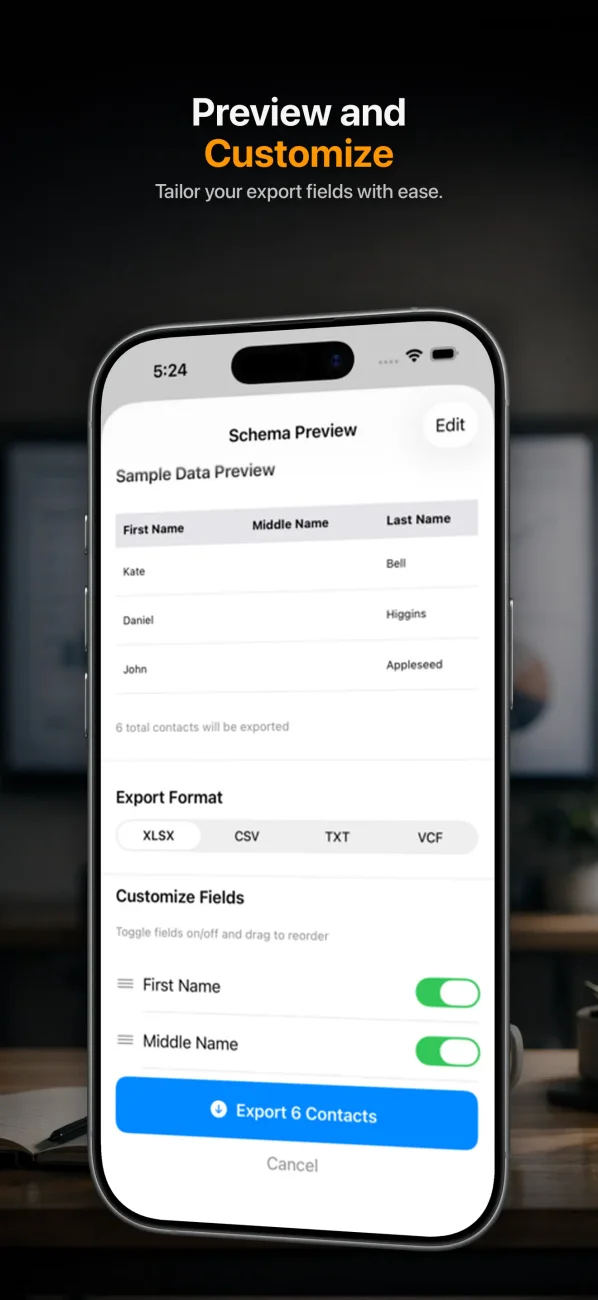
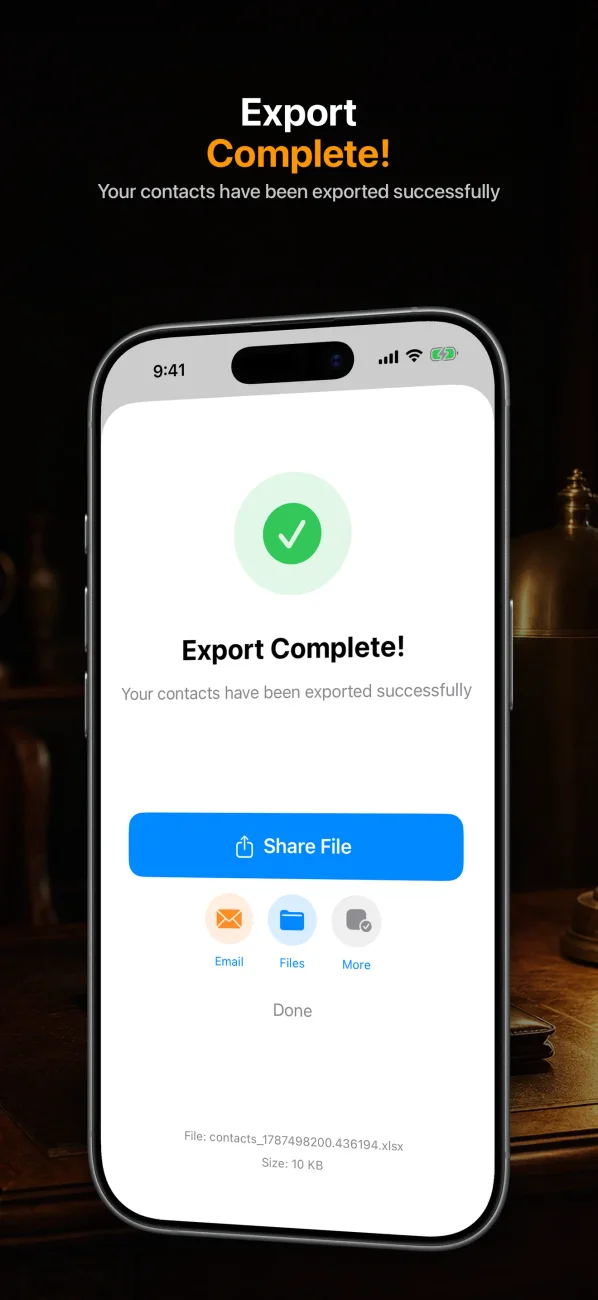
• Excel, CSV, VCF, and TXT — pick the fields, the format, and the order
• Photos exported with Excel and VCF, not just text
• Export everyone, a handpicked few, or a whole group — your selections save for next time
Clean Up the Mess
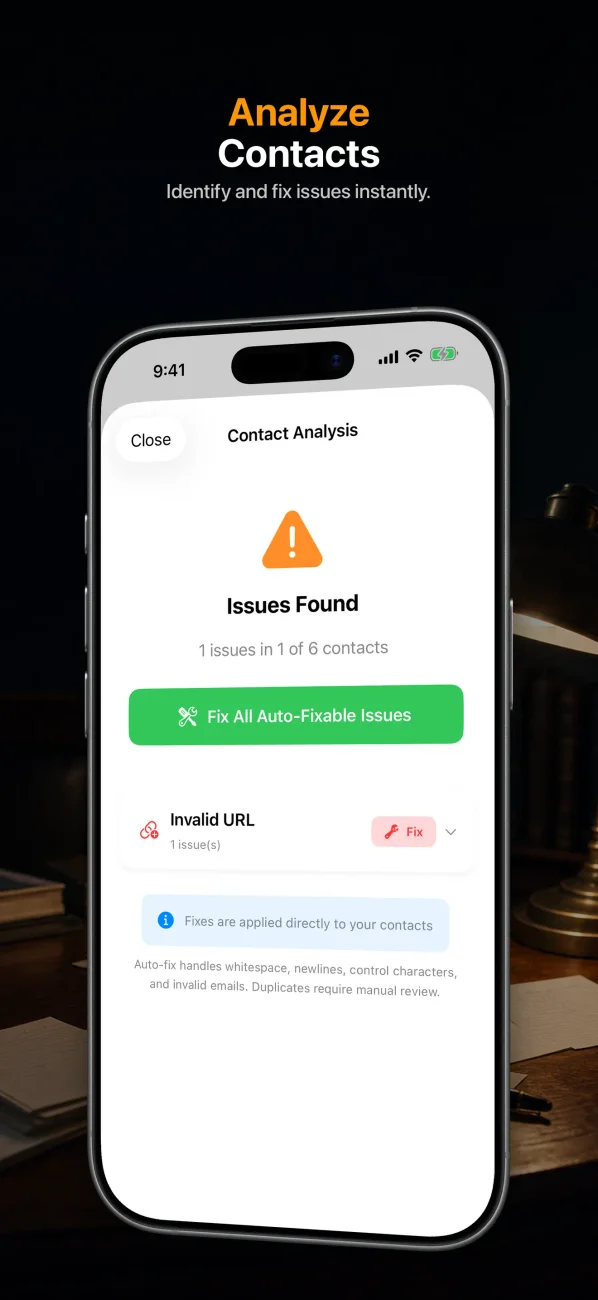
• Catch duplicates, invalid emails, malformed numbers, and stray whitespace
• Fix in one tap or review every change first
• Phone numbers normalized to E.164 across 50+ countries
Smart Import & Recovery
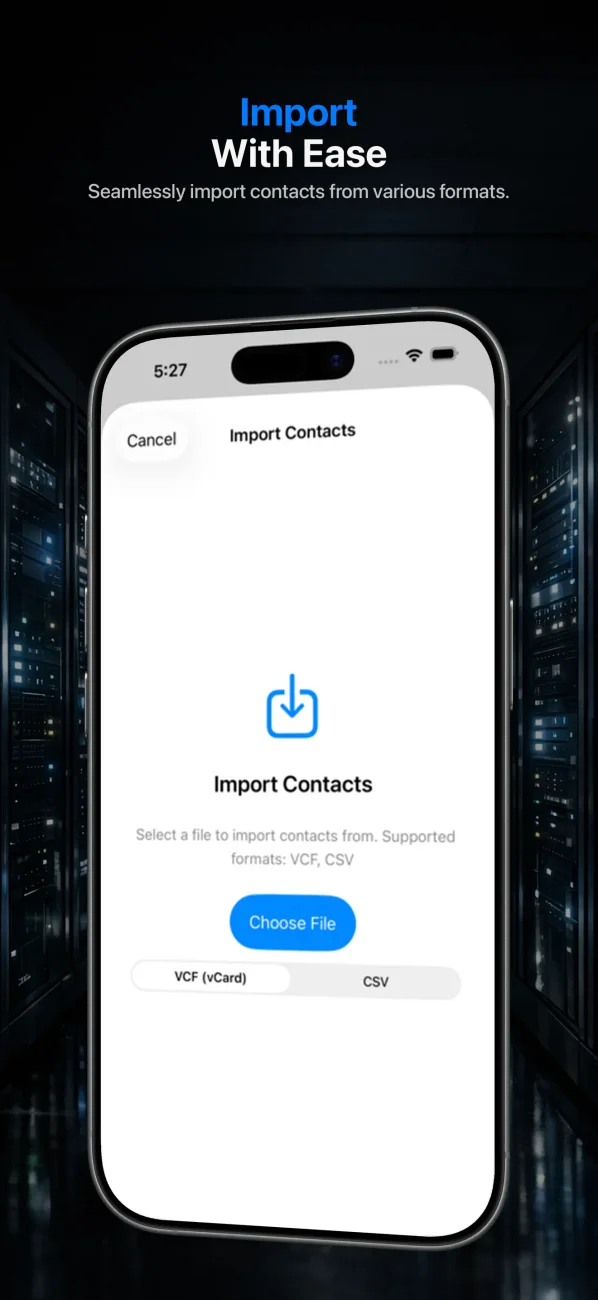
• Drop in a VCF, CSV, XLSX, or ABBU and see what's new, what changed, and what's already there before anything is written
• Restore from any backup — yours or someone else's, no questions asked
Tools Beyond Export
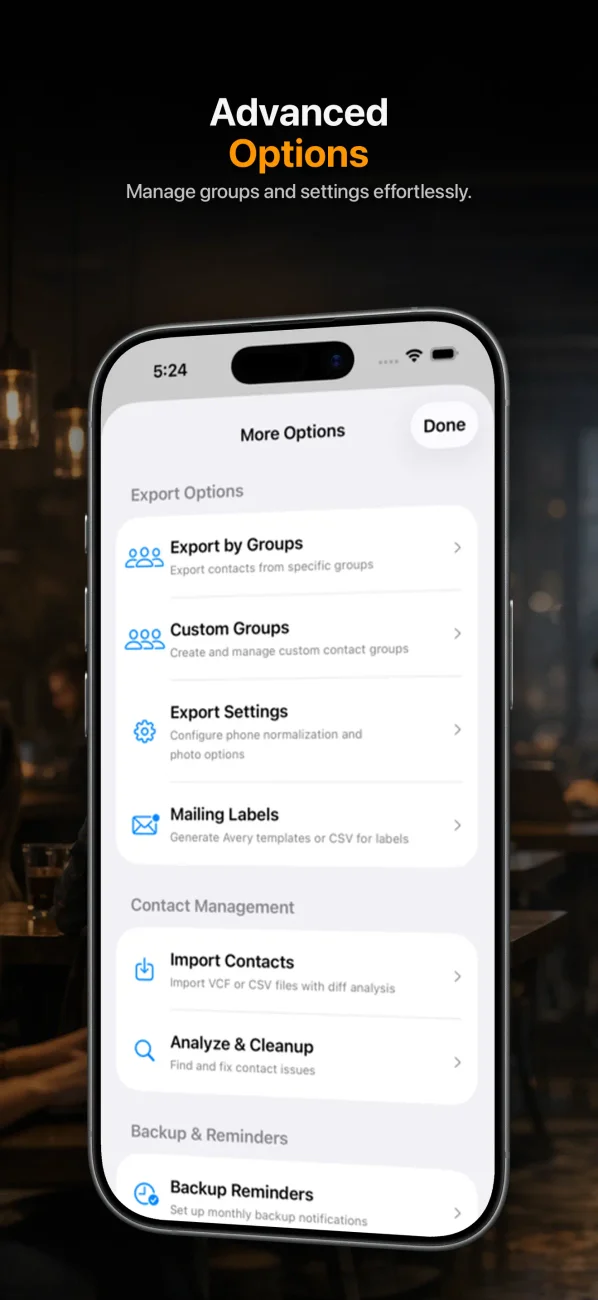
• Custom groups — family, clients, holiday list, project crew
• Avery mailing labels, print-ready for invitations and business mail
• Gravatar enrichment — adds real profile photos to anyone with an email
• Monthly reminders and one-tap backup so you never forget
Built private. Everything happens on your device. No accounts, no servers, no tracking.
How It Works
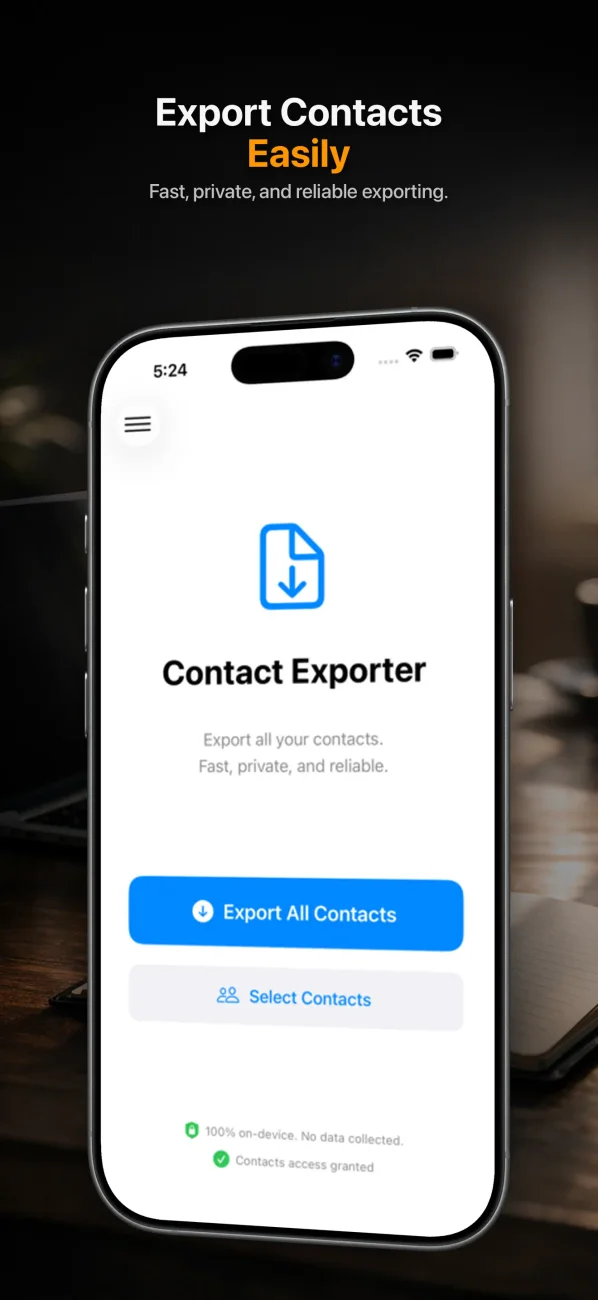
1. Pick your contacts — all of them, a group, or specific ones
2. Choose your format and the fields you want
3. Tap export. Done.
Back up your contacts today and stop hoping nothing breaks.
Payment will be charged to your Apple ID at confirmation of purchase. Subscription automatically renews unless auto-renew is turned off at least 24 hours
before the end of the current period. Your account will be charged for renewal within 24 hours prior to the end of the current period. You can manage and
cancel your subscriptions in your Account Settings on the App Store after purchase. Any unused portion of a free trial is forfeited when purchasing a
subscription.
Terms of Use: https://www.apple.com/legal/internet-services/itunes/dev/stdeula/
Privacy Policy: https://BigBalli.com/privacy
What’s new
Version 2.2 · Aug 24, 2026
Contact Exporter is now on the Mac.
One purchase covers iPhone, iPad and Mac, so you can export to Excel, CSV, vCard or TXT, clean up duplicates and bad numbers, and print Avery mailing labels from whichever device is in front of you.
Also in this update: a roomier layout on iPad.
App privacy
What BigBalli Consulting llc declares on the App Store about how this app handles data.
-
Data not collected
The developer does not collect any data from this app.
Privacy practices may vary, for example with the features you use or your age.
Information
- Seller
- BigBalli Consulting llc
- Category
- Utilities
- Version
- 2.2
- Updated
- Aug 24, 2026
- Released
- Oct 4, 2011
- Size
- 2.8 MB
- Requires
- iOS 17.0 or later
- Age rating
- 4+
- Price
- $1.99
- Languages
- English
- Copyright
- © 2011-2026, BigBalli Consulting
You might also like
-
 Cardio Log HeartSleep & Vitals Recorder
-
 Pile: Clean my photosPhoto duplicate cleaner
-
 Magma ProUtilities
-
 CSV to Excel: Spreadsheet ProOffline XLSX File Converter
-
 Contacts to Excel & CSV ExportAddress Book Backup & Import
-
 ID&V ProofingUtilities
-
 BPM Counter - Beat DetectorMusic Tempo Rhythm Auto Detect
-
 Export Contacts Fast BackupEasy Contacts Exporter & Share
-
 Contacts to Excel , PDF , CSVConvert to XLSX, PDF, CSV, VCF
-
 Excel ContactsExport Your Contacts Safely