
Content Editor: Video Captions
Edit reels with animated text
Designed for iPhone
Free · In-app purchases
- Age rating4+
- CategoryPhoto & Video
- DeveloperFine Strategies
- LanguagesEnglish+ 2 more
- Size68.6 MB
Links to the official App Store page
Download.org hosts no file of Content Editor: Video Captions. The button opens its official App Store page, published by Fine Strategies. Listing last checked on Nov 26, 2026.
Screenshots


About
Create videos and edit photos for social media on your iPhone. Bring layered editing, editable title presets, captions and recording tools together in one app.
TIMELINE EDITING
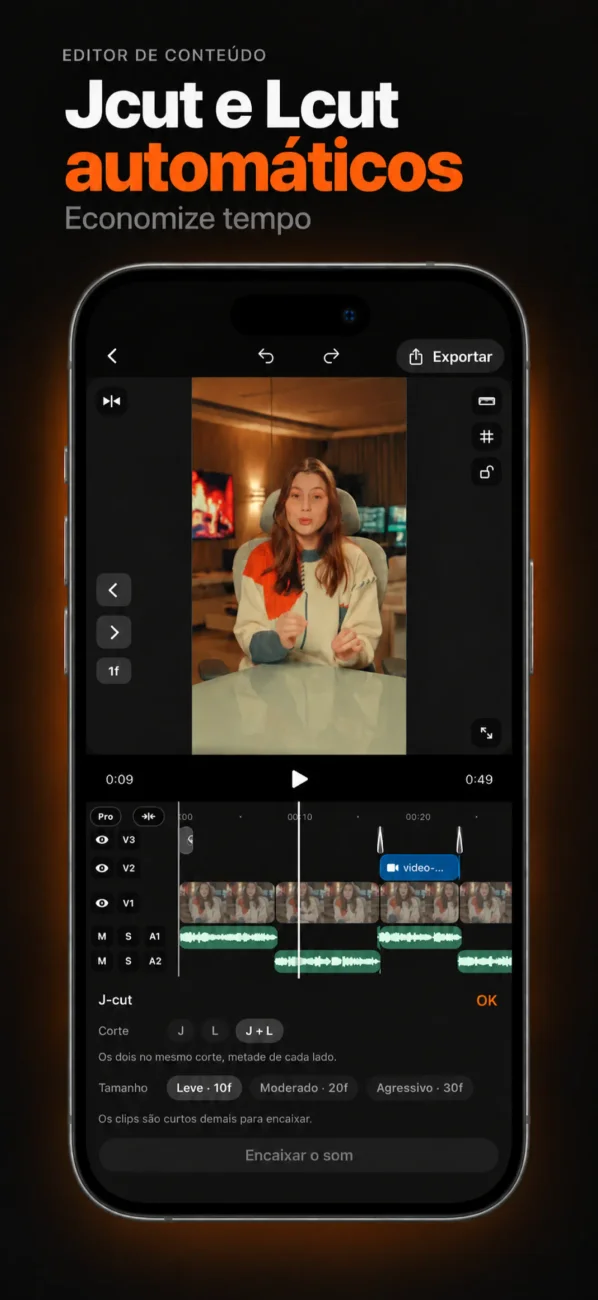
Trim, split, copy, paste and arrange video, images and audio. Choose the mobile timeline or the multi-track Pro timeline. Replace photos or videos while preserving the composition box with crop rather than distortion. Video source timing is preserved when the replacement duration allows it.
TEXT AND CAPTIONS
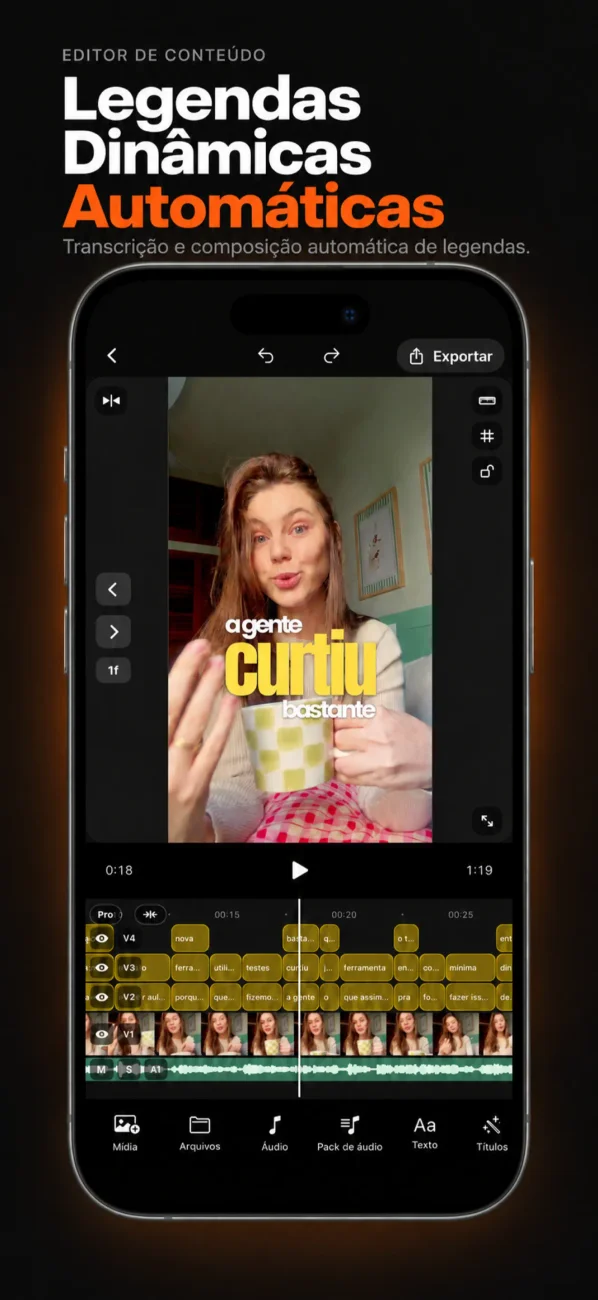
Add text, import your own fonts and customize fill, outlines and animations. Generate automatic captions, including one word at a time, and build layered compositions with dynamic captions and editable title presets.
IMAGE AND MOTION
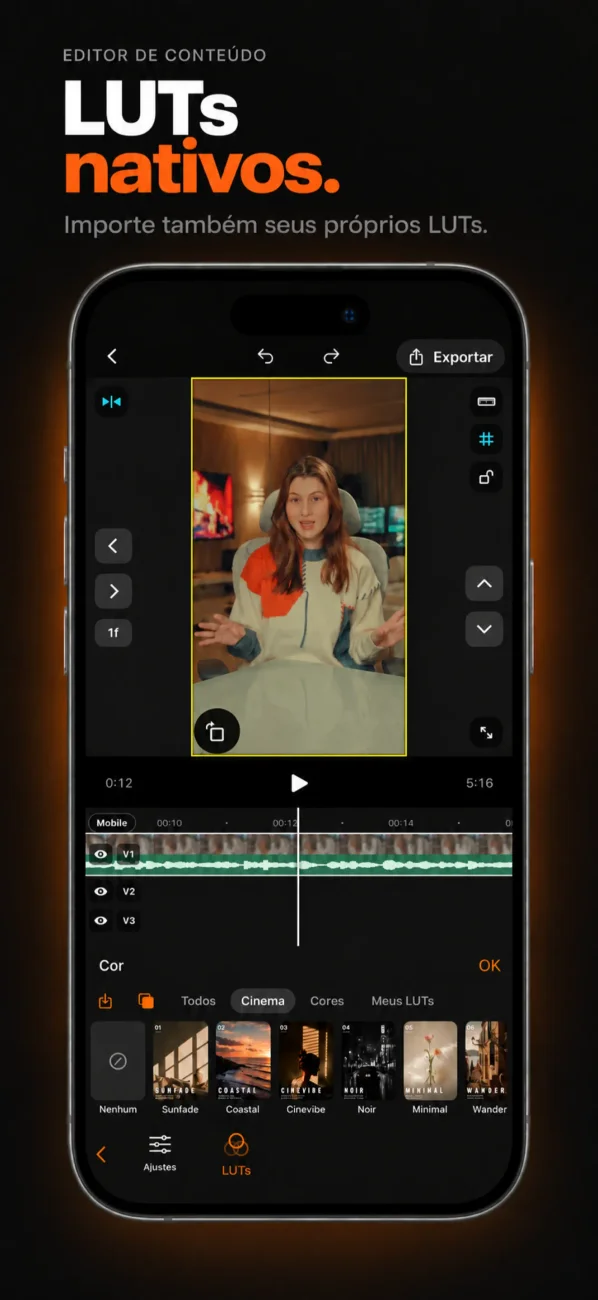
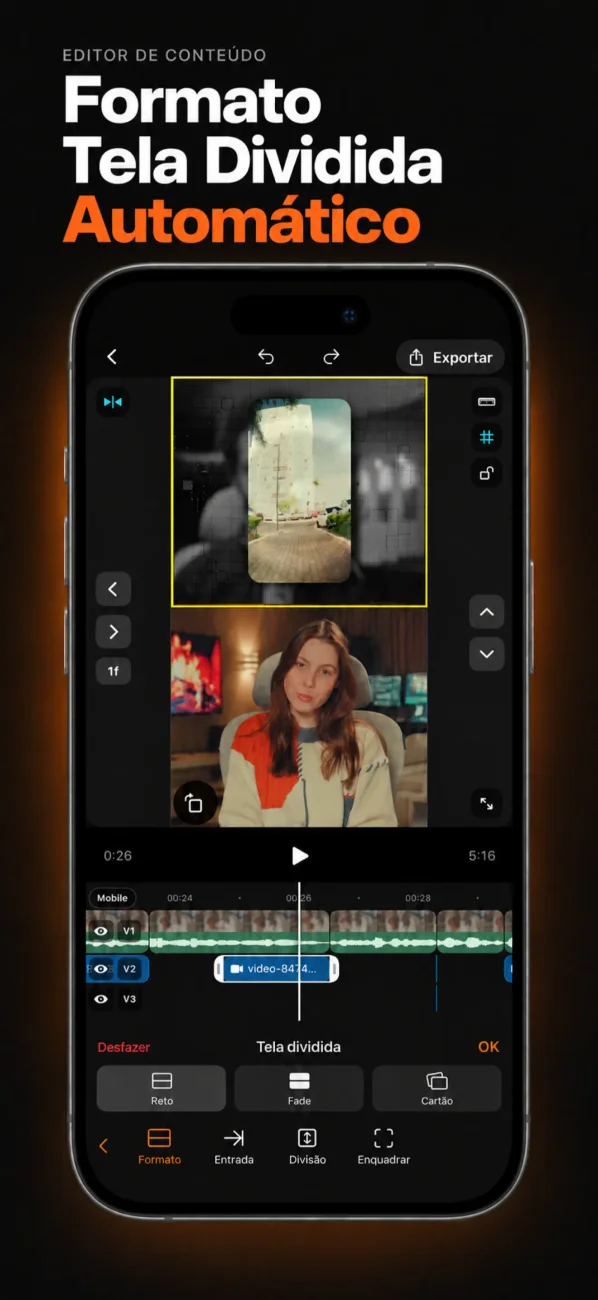
Adjust position, scale and rotation. Use split screen, masks, background removal, tracking, color adjustments and LUTs to compose your scenes.
PHOTO EDITOR
Edit a single photo or work through a sequence of photos. Add Viral Titles presets to your photos and customize the composition. Apply LUTs to photos and videos to create the look you want.
RECORD YOUR CONTENT
Record with a teleprompter to follow your script. Use React mode to record your reaction alongside your chosen video.
AUDIO
Adjust volume, speed and effects. Record voice directly on the timeline, listen before adding the take and arrange audio on separate tracks. Export your video when it is ready.
The music and sound effects Pack is included during free access and with either subscription, with no separate purchase.
30 DAYS FREE
Use the app free for 30 days. Then choose whether to continue.
Start with the button in the app without entering a payment card or starting a subscription. Home and My Subscription show remaining days and the end date. This free-access period creates no automatic charge or subscription. Saved projects remain on your device when it ends.
MOBILE SUBSCRIPTION
After 30 days, choose whether to continue with a monthly or annual Apple subscription. Prices and conditions are shown before confirmation. Existing subscriptions remain valid.
Only if you confirm an Apple subscription will it renew automatically, unless canceled at least 24 hours before the current period ends. Manage or cancel through your Apple Account settings. The mobile purchase does not include the desktop version.
The editing interface is currently available in Brazilian Portuguese.
Terms: https://editordeconteudo.app/mobile/termos
Privacy: https://editordeconteudo.app/mobile/privacidade
Support: https://editordeconteudo.app/mobile/suporte
What’s new
Version 1.2.25 · Nov 24, 2026
New transitions organized into categories, including adjustment-layer support and complete previews across clip boundaries. Export videos at 60 fps. In the photo editor, remove backgrounds from individual layers, place text and other elements behind people or objects, and change text and Viral Title colors. We also improved title positioning and control layouts on iPhone.
App privacy
What Fine Strategies declares on the App Store about how this app handles data.
-
Data linked to you
May be collected and linked to your identity.
- Location
- Diagnostics
Privacy practices may vary, for example with the features you use or your age.
Information
- Seller
- FINE STRATEGIES LTDA
- Category
- Photo & Video
- Version
- 1.2.25
- Updated
- Nov 24, 2026
- Released
- Oct 8, 2026
- Size
- 68.6 MB
- Requires
- iOS 17.0 or later
- Age rating
- 4+
- Price
- Free
- In-app purchases
- Yes
- Languages
- English, Portuguese, Spanish
- Copyright
- © 2026 FINE STRATEGIES LTDA
You might also like
-
 Rabbit Cam: Manual CameraManual video & photo camera
-
 ByeCut: AI Video EditorJust talk. It edits itself.
-
 FilmLab ProColor Grade, LUTs & ProRes 4K
-
 EnquadradoOne take, two formats
-
 Viral Day: AI Video & PhotoAI influencer, effects & clips
-
 Focal: Editor de Foto e VídeoPhoto & Video
-
 Ody: AI Video Editing AgentEdit your talking videos
-
 Submagic aiSubmagic ai video generator
-
 Dual Recorder: DuoShot CameraRecord Portrait & Landscape
-
 2Shoot: Photo & Video EditorPresets, Cameras & Film Looks