
- Age rating17+
- CategoryFinance
- DeveloperGabriel Grosan
- LanguagesEnglish
- Size39.7 MB
Links to the official App Store page
Download.org hosts no file of Contiv Financial. The button opens its official App Store page, published by Gabriel Grosan. Listing last checked on Nov 17, 2026.
Screenshots

About
Contiv Financial is an expense and income tracker for people who keep personal and business money in the same app — and want the accounting to be right, not just tidy.
Everything you record belongs to an account: cash, a current account, savings, an investment, a credit card or a loan. Each account holds its own currency. Your transactions, transfers and balance corrections all appear in one list, the way a statement reads.
HOME
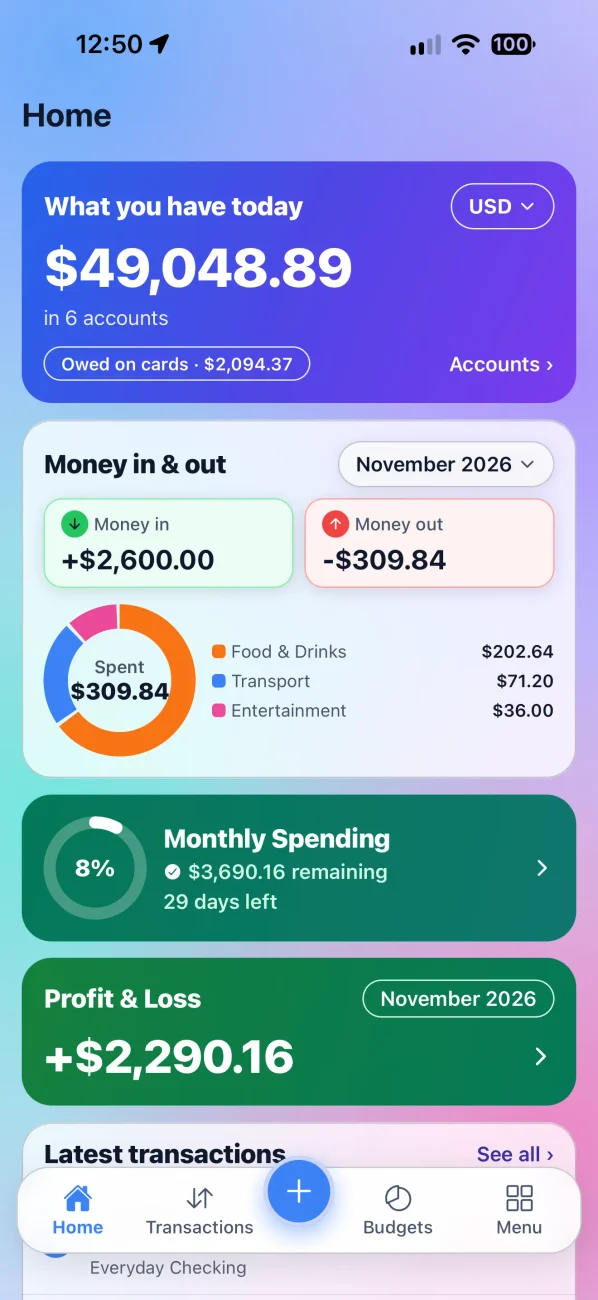
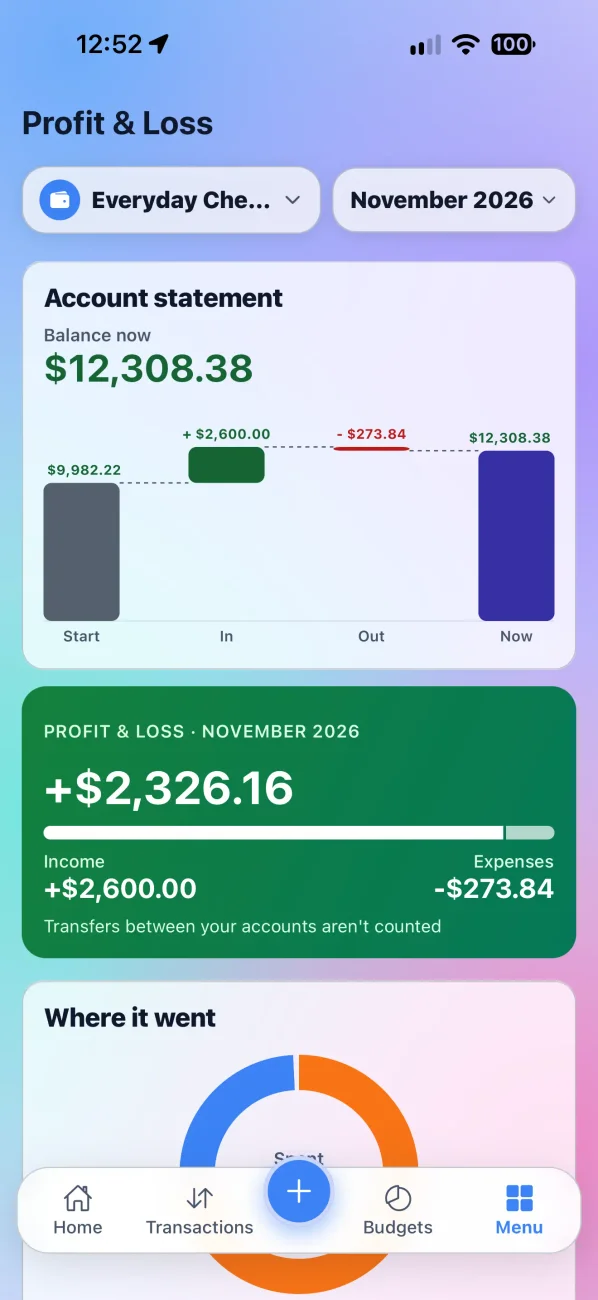
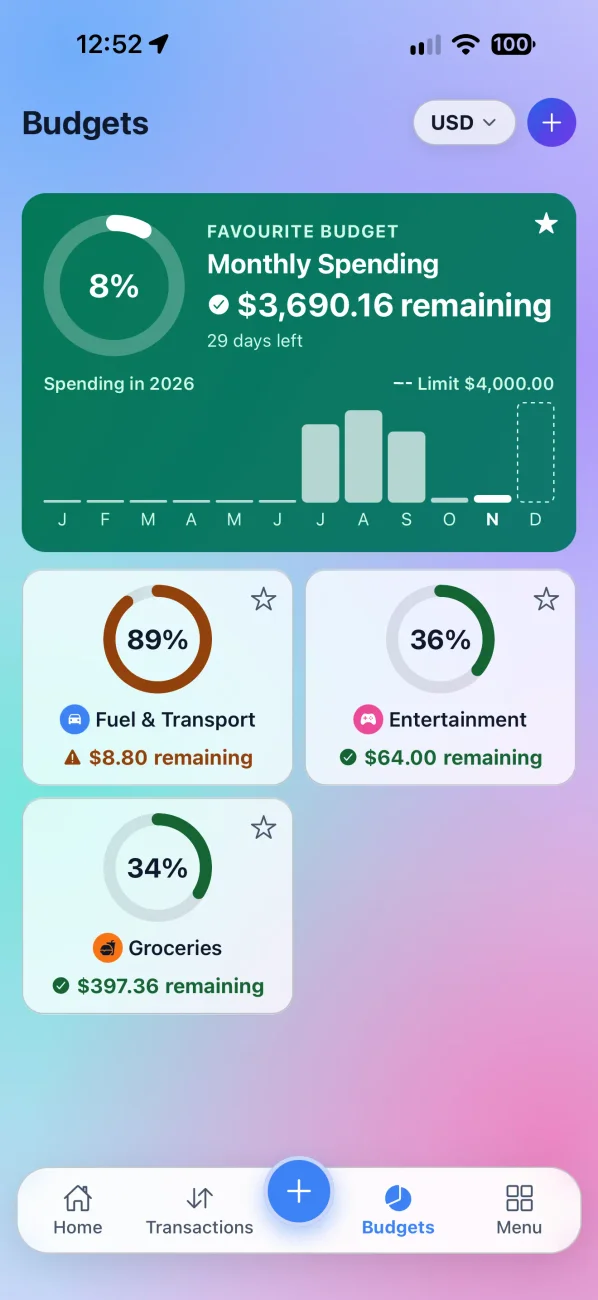
• A first screen that sums up your money: what you have today, money in and out with a ring of where it went, your favourite budget and your profit or loss
• A bottom bar keeps Home, Transactions, Budgets and Menu one tap away, with + in the middle
ACCOUNTS
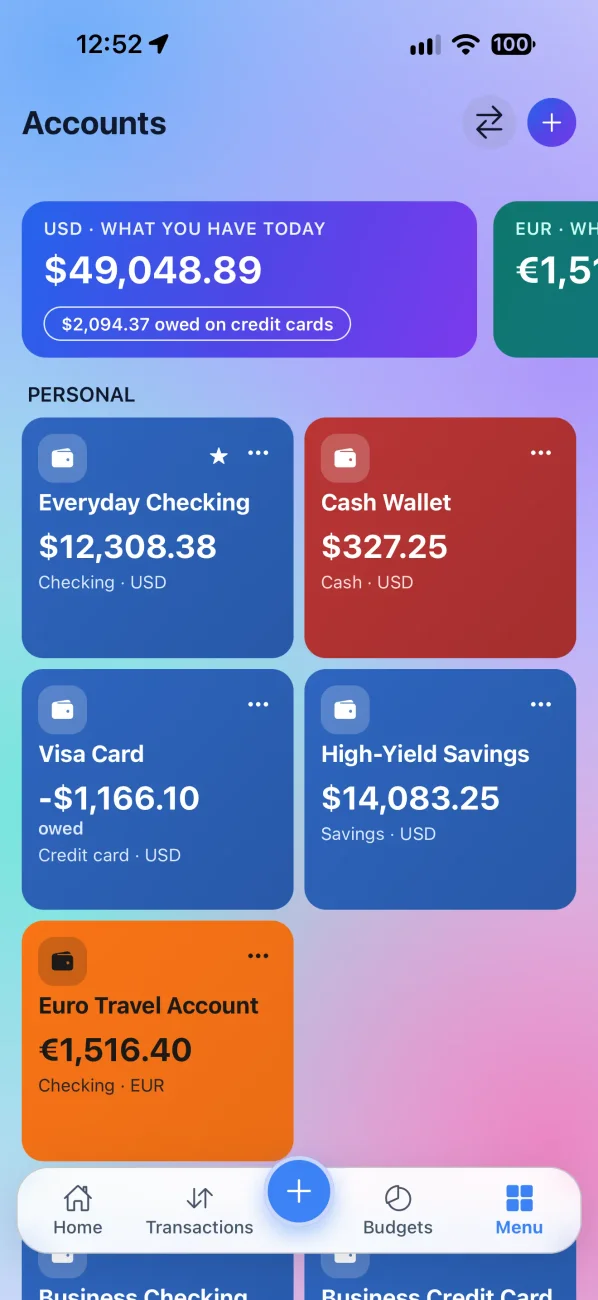
• As many accounts as you need, each in its own currency
• Mark an account personal or business — categories stay shared, reports stay separate
• Credit cards and loans are treated as what they are: money you owe. Never quietly subtracted from your cash
• Hide accounts you rarely use, archive ones you've closed, restore them if you change your mind
• An account with nothing recorded in it can be deleted outright
ONE LIST FOR EVERYTHING
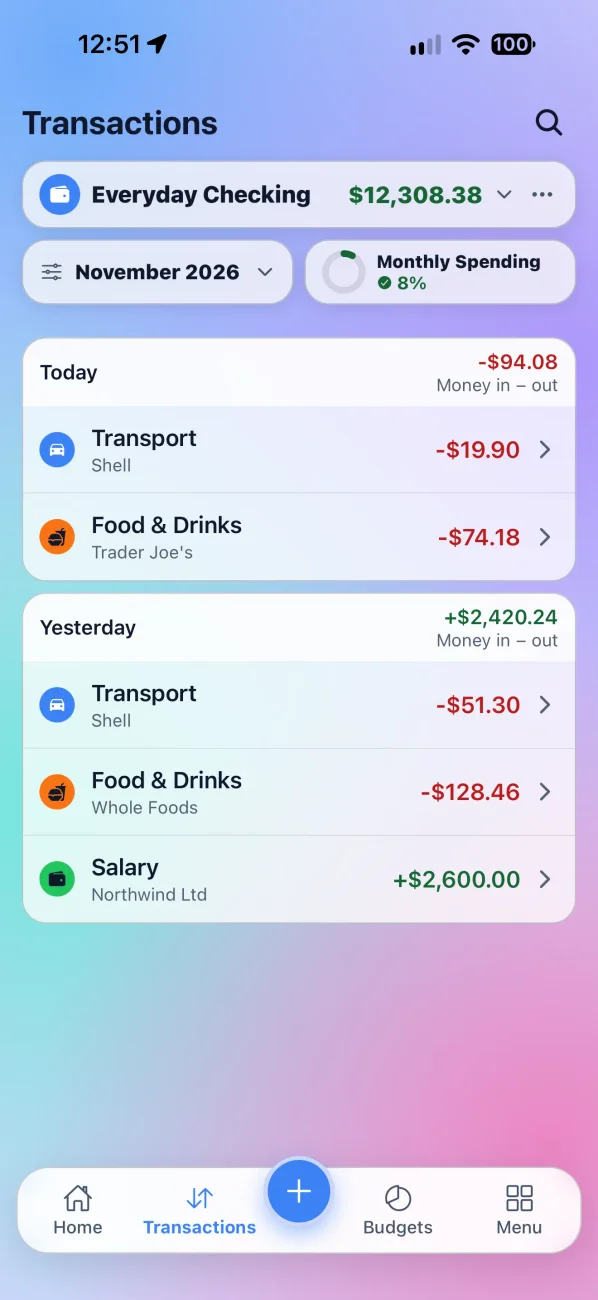
• Income, expenses, transfers and balance corrections in a single Transactions view
• Group by date or by category, filter by type, search notes, tags and category names
• See how much moved in and out on any given day
• Choose a period: this month, the last three or six, a full year, or your own dates
RECORDING MONEY
• A calculator keypad — type 12.40+8 and let the app do the arithmetic
• Expense, Income and Refund as three clear choices. A refund reduces what you spent rather than pretending to be income, so your category totals stay honest
• Split one purchase across several categories
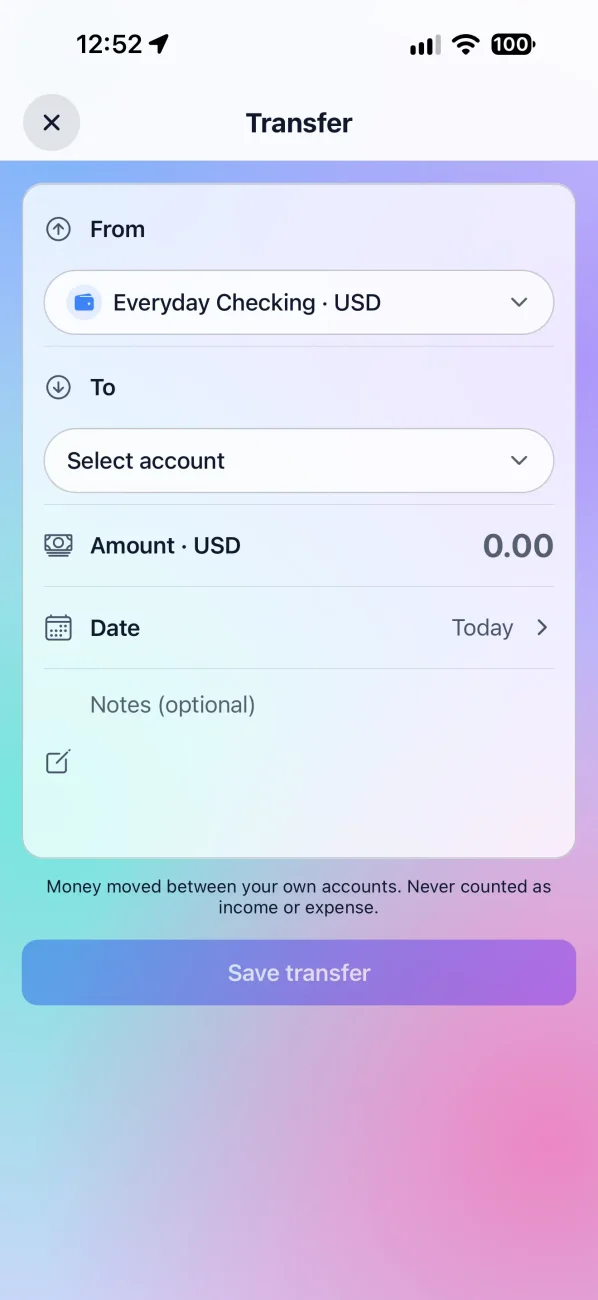
• Move money between your own accounts, including between currencies, with both amounts stated so no exchange rate is guessed on your behalf
REPORTS
• Profit and loss for any period, broken down by category or by account
• A statement for a single account: what it opened with, what came in and went out, what it holds now — and it ties
• Budgets by category or overall, weekly, monthly, yearly, or across dates you pick
YOUR DATA, YOURS
• Export everything to CSV — one block per account with a running balance, ready for a spreadsheet
• Face ID or fingerprint lock
• A glass design, in light and dark
• English and Romanian
Contiv Financial needs an internet connection. You can export your data, clear it, or delete your account and everything in it from inside the app at any time.
What’s new
Version 2.4.1 · Nov 16, 2026
FIXES AND SECURITY
• Security improvements to password reset and the app lock.
• Deleting your account, clearing your data and changing your email now always ask you to confirm it's you first.
• Accounts that sign in with Google or Apple can confirm with Face ID, Touch ID or the phone's passcode.
• Deleting and reinstalling the app now starts signed out.
• Editing a transaction: removing all its tags or clearing its note now saves.
• An amount with more than two decimals is refused instead of being rounded.
• A save or a delete that fails now tells you.
• A balance you set is dated on your own calendar day, also late at night.
• A budget's transaction list shows only that budget's currency, matching what it counts as spent.
• The CSV export includes every transaction, its converted amount carries the right sign, and the file is no longer kept on your phone after you share it.
• A day that nets to zero reads 0.00, not −0.00.
• Signing out clears the Transactions filters.
• If your sign-in expires, this phone stops receiving that account's notifications.
App privacy
What Gabriel Grosan declares on the App Store about how this app handles data.
-
Data linked to you
May be collected and linked to your identity.
- Contact info
- Identifiers
Privacy practices may vary, for example with the features you use or your age.
Information
- Seller
- Gabriel Grosan
- Category
- Finance
- Version
- 2.4.1
- Updated
- Nov 16, 2026
- Released
- Aug 13, 2026
- Size
- 39.7 MB
- Requires
- iOS 15.1 or later
- Age rating
- 17+
- Languages
- English
- Copyright
- © 2026 Gabriel Grosan
You might also like
-
 Clink - Budget & FinanceSmart Expense Tracker
-
 Ledge Personal FinancePrivate Personal Finance
-
 AccountralTrack & Analyze Your Expenses
-
 Turtlance: Budget & ExpensesTrack expenses. Build habits.
-
 FlexFlow Pro - Smart BudgetIncome, Expenses & Money
-
 Freak Finances: BudgetingMulti-Currency Expense Tracker
-
 Fivault - Budget ManagerBudget & Subscription Tracker
-
 NCREIF Property Indexproperty performance history
-
 Aile Bütçesi PlanlamaBudget & Expense Tracker
-
 1099BuddyFinance