
Contraction Timer Kick Counter
Pregnancy Tracker - Labor App
Designed for iPhone, iPad, iPod touch
Free · In-app purchases
- Age rating4+
- CategoryMedical
- DeveloperAndrei Nemtsou
- LanguagesEnglish
- Size30.7 MB
Links to the official App Store page
Download.org hosts no file of Contraction Timer Kick Counter. The button opens its official App Store page, published by Andrei Nemtsou. Listing last checked on Nov 15, 2026.
Screenshots

About
"Soon" - Contraction Timer & Baby Kick Counter
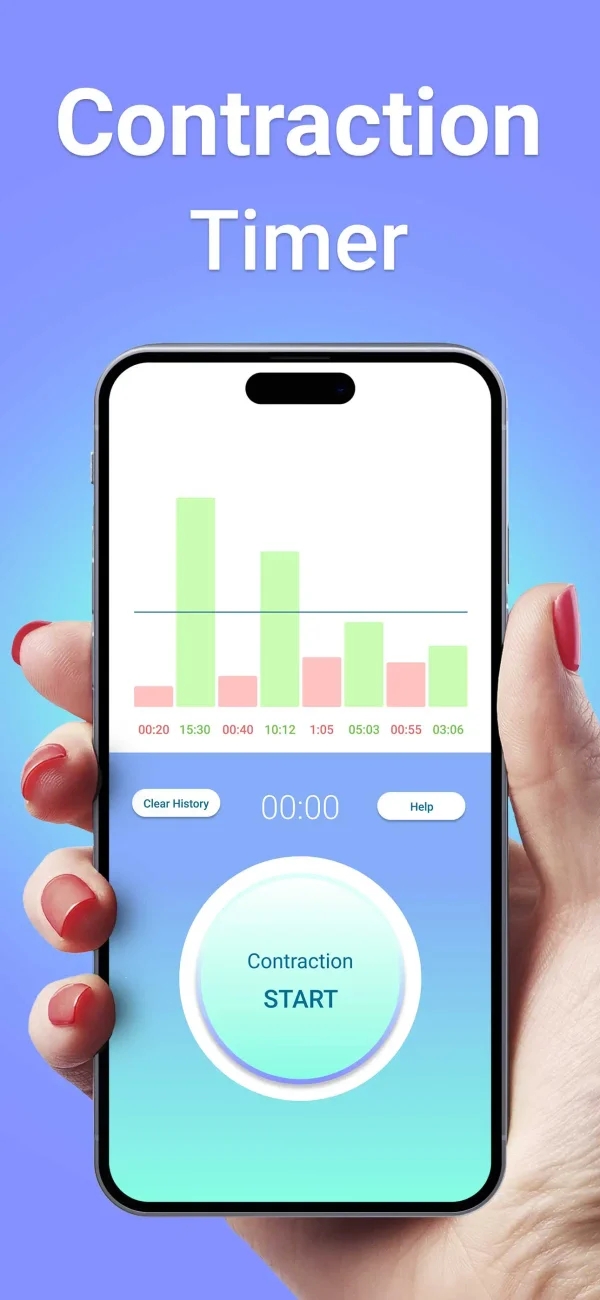
How to use the Contraction Timer?
When a contraction begins, press the button "Сontraction Start"
When a contraction ends, press the button "Сontraction Stop"
The App counts the difference between the beginning and the end of the contraction indicates how long the contraction lasted.
As soon as the next contraction begins, repeat.
Early labor:
The cervix has dilated from completely closed to 3 centimeters (cm) in diameter. Contractions are mild, similar to menstrual cramps and irregular. Each contraction lasts 30 to 45 seconds and occurs five to 20 minutes apart.
Active labor:
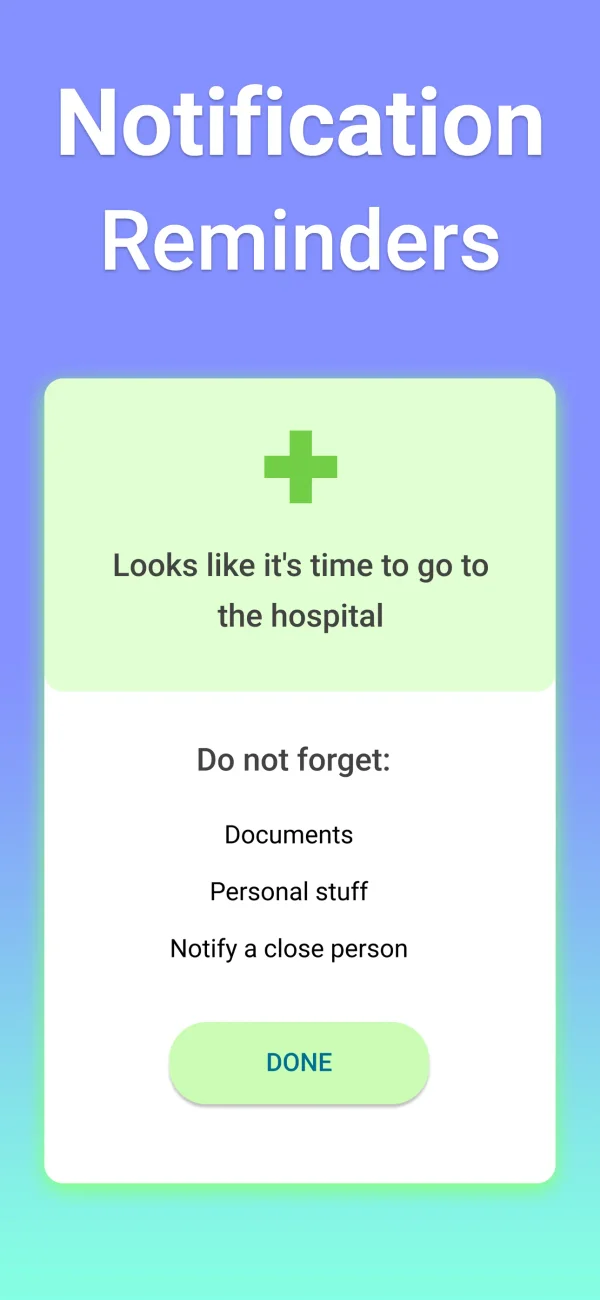
The cervix will dilate from 4 cm to 7 cm and contractions will be stronger and last longer. Usually, they will last 45 to 60 seconds, with 3 minutes to 5 minutes between each one. This is the point where you should go to the hospital.
Transition:
During this final phase of labor before the birth of your baby, the cervix opens completely from 8 cm to 10 cm. Contractions can be so long and intense that they may seem to overlap. Each one will last about 60 to 90 seconds with just 30 seconds to 2 minutes rest between each.
Important:
If your water broke, you must go to the hospital right away, regardless of the frequency of contractions!
During pregnancy and before childbirth, always stay in touch with your doctor.
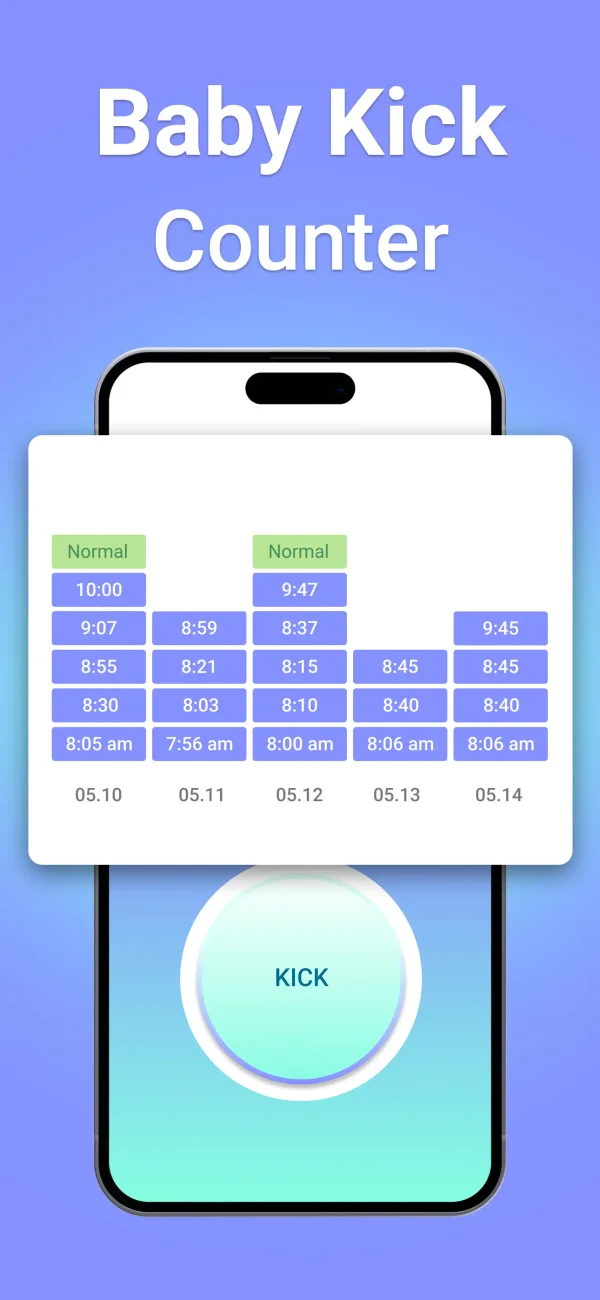
How to use the Kick Counter?
Lie down on your side or relax in a comfortable chair
Pay attention only to your baby's movements
Press "KICK" button on any movement that you can feel (except hiccups)
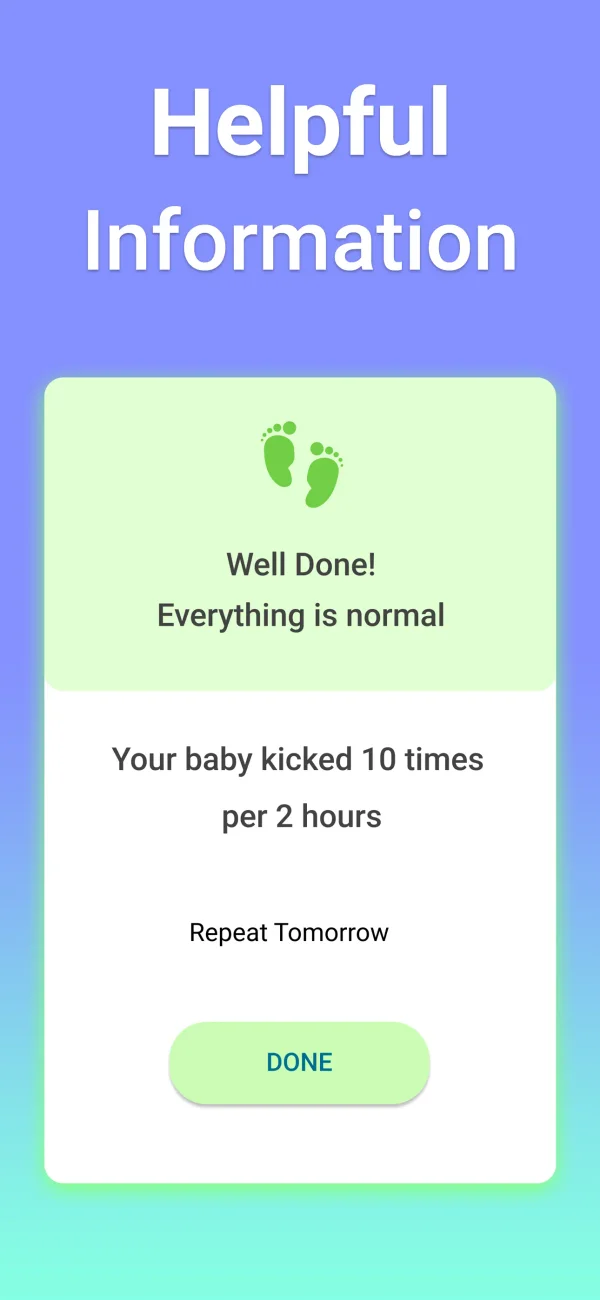
The baby does not need to move 10 times EVERY two hours, but they should have a couple of active hours each day.
Important:
If your baby kicks less than 10 times per 2 hours you should call a doctor
Easy delivery for you and your child!
Terms of use: https://www.apple.com/legal/internet-services/itunes/dev/stdeula
What’s new
Version 1.2 · Oct 3, 2024
Minor interface changes
App privacy
What Andrei Nemtsou declares on the App Store about how this app handles data.
-
Data linked to you
May be collected and linked to your identity.
- Purchases
- Location
- Identifiers
- Usage data
- Diagnostics
-
Data not linked to you
May be collected but is not linked to your identity.
- Diagnostics
Privacy practices may vary, for example with the features you use or your age.
Information
- Seller
- Andrei Nemtsou
- Category
- Medical
- Version
- 1.2
- Updated
- Oct 3, 2024
- Released
- Jul 21, 2022
- Size
- 30.7 MB
- Requires
- iOS 13.4 or later
- Age rating
- 4+
- Price
- Free
- In-app purchases
- Yes
- Languages
- English
- Copyright
- © Andrei Nemtsou
You might also like
-
 Pregnancy Tracker by WeekApp for expectant mothers
-
 Kick Counter!Track your baby's movements
-
 Count Baby KicksFetal Kick Timer and Counter
-
 Time for baby - Kick counterBaby kick monitor
-
 Contraction Timer: PregnancyBest Baby Tracking app
-
 Contraction Tracker - TimerCount Track Labor Contractions
-
 Pregnancy Contractions Timer +Easy Labor Contraction Counter
-
 Contraction Timer & Tracker IOLabor Counter, No Ads & Family
-
 Contraction Counter CMContractions timer & tracker
-
 Pregnancy TimesPregnancy & Due Date Tracker