Contrast Cards & Patterns
Visual Stimulation Patterns
Designed for iPhone, iPad, iPod touch
Free · In-app purchases
- Age rating4+
- CategoryEducation
- DeveloperNancy Bullmann
- LanguagesEnglish
- Size57.5 MB
Links to the official App Store page
Download.org hosts no file of Contrast Cards & Patterns. The button opens its official App Store page, published by Nancy Bullmann. Listing last checked on Nov 16, 2026.
Screenshots
About
Watch your baby's sight develop, from the first contrasts to a world of color.
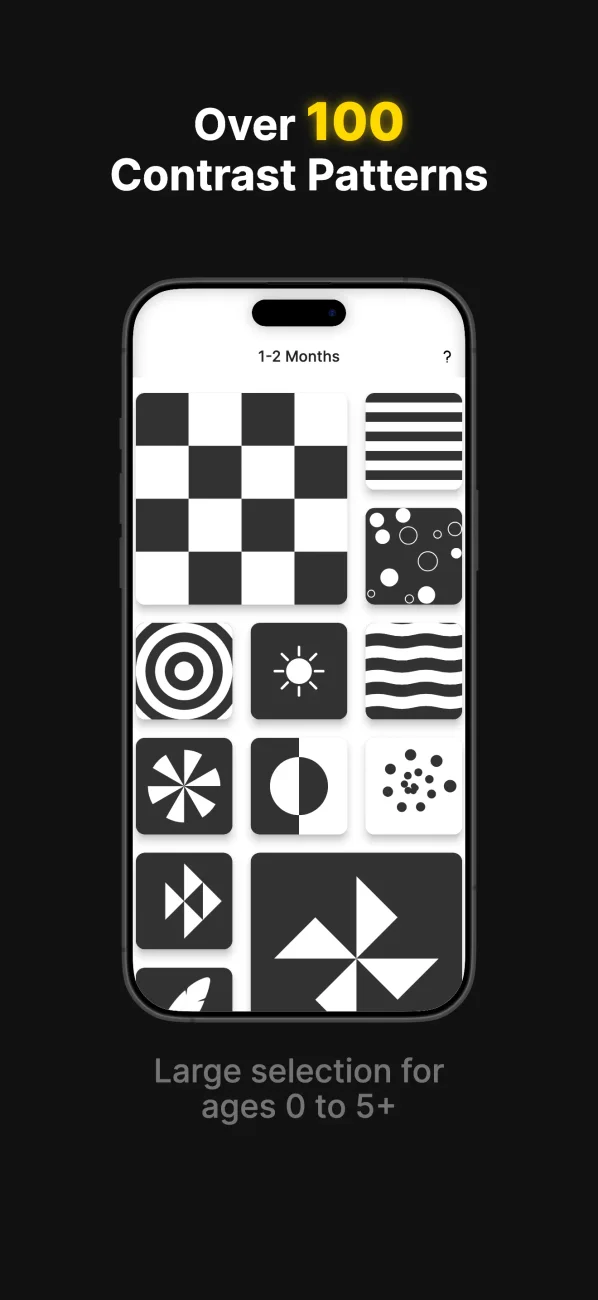
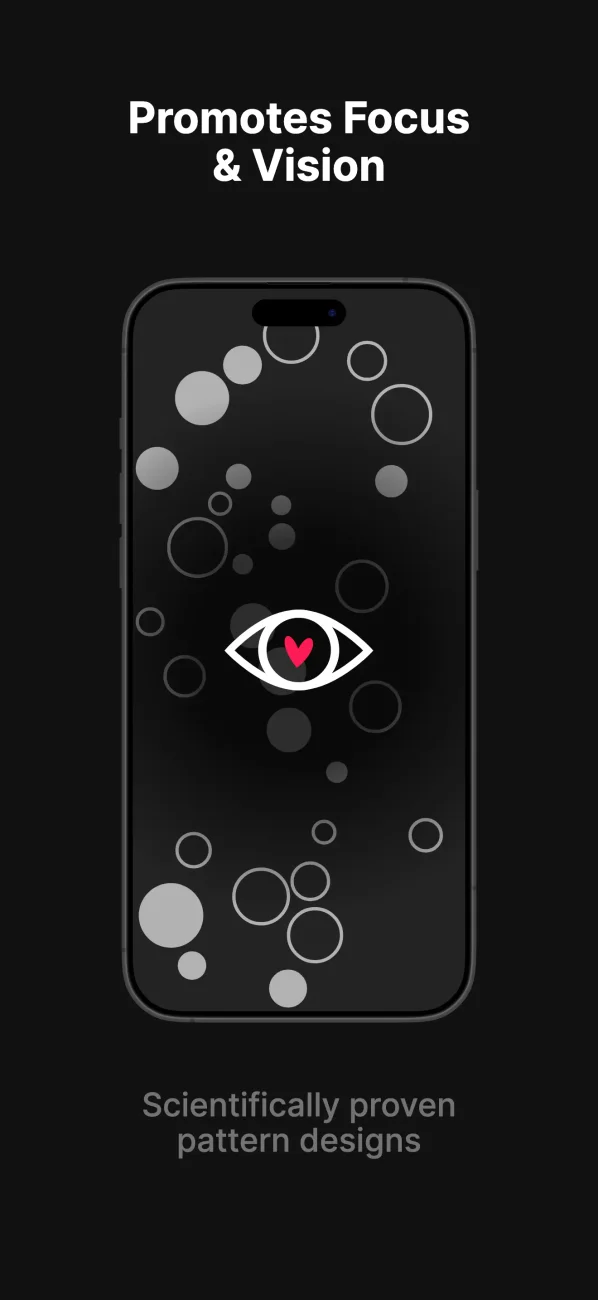
Did you know that newborns see the world as a blurry place with high-contrast shapes? Contrast Cards & Patterns is the only visual development app that grows alongside your child's biological vision. Over 100 scientifically inspired patterns support focus and visual attention, month by month.
THE DEVELOPMENTAL ROADMAP
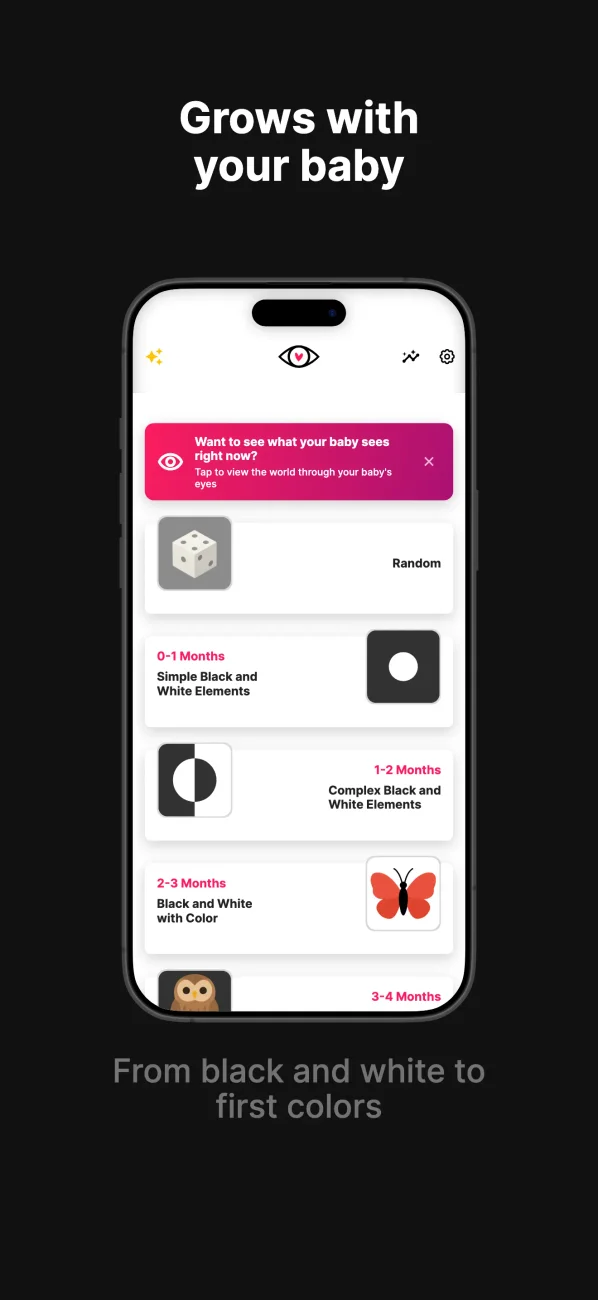
Six stages that match your infant's growing vision and brain development:
- Month 0-1: Simple Black & White shapes for initial focus and tracking.
- Month 1-2: Complex B&W patterns to increase attention span.
- Month 2-3: The first perceivable colors: Red & Yellow.
- Month 3-4: High-contrast color patterns as Green joins the palette.
- Month 4-5: Dynamic, full-color patterns once Blue becomes visible.
- Month 5-6: Detailed everyday scenes for depth perception and recognition.
WHY PARENTS LOVE IT
- Baby Vision Simulator: Point the camera at the room and see it through your baby's eyes. Move the slider through the months and watch vision develop.
- Guided Eye Gym: Coached sessions of two to three minutes: the app sets the distance and the pace, and pauses the moment your baby locks onto the pattern.
- 100+ High-Contrast Flashcards & Growing: New contrast cards and designs are added regularly.
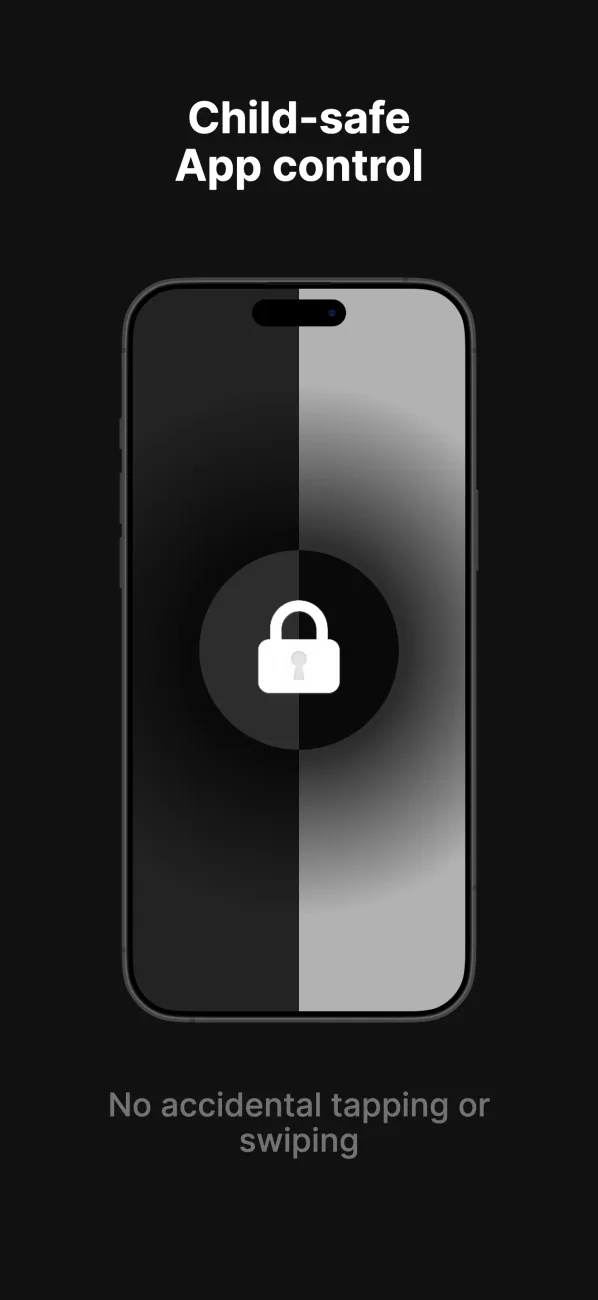
- Child-Safe Screen Lock: Activate the lock so your little one cannot swipe or close the app by accident.
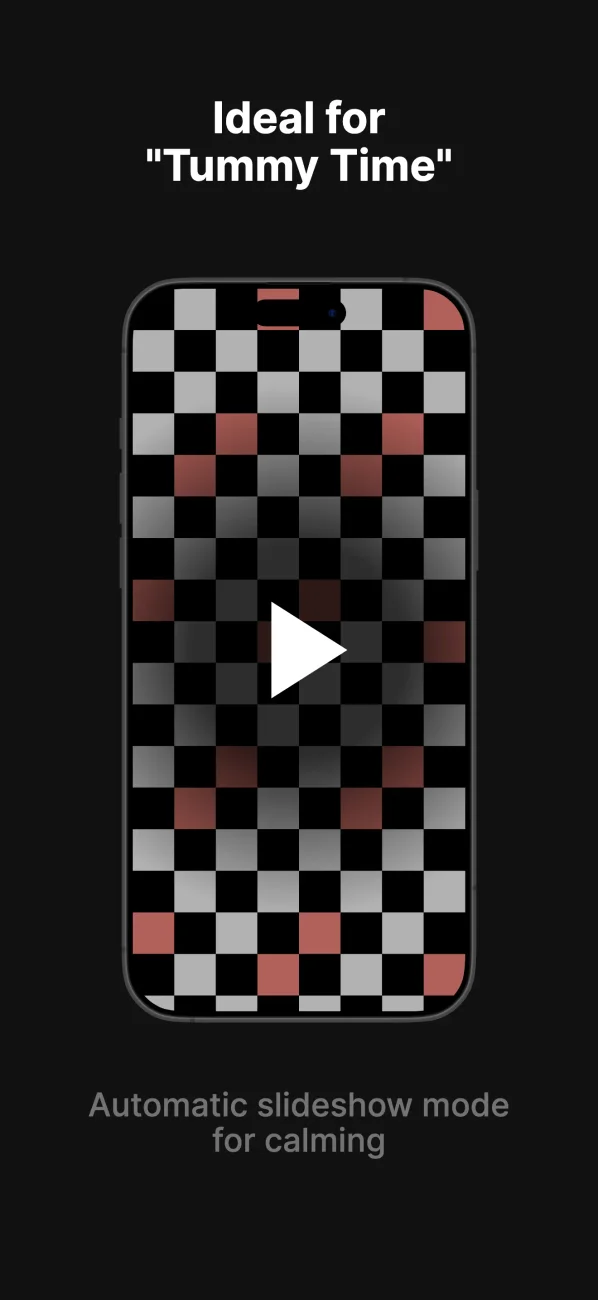
- Automatic Slideshow Mode: Sit back and let the app turn the cards during daily Tummy Time and sensory play.
- Dark Mode: Gentle on the eyes for evening use or low-light environments.
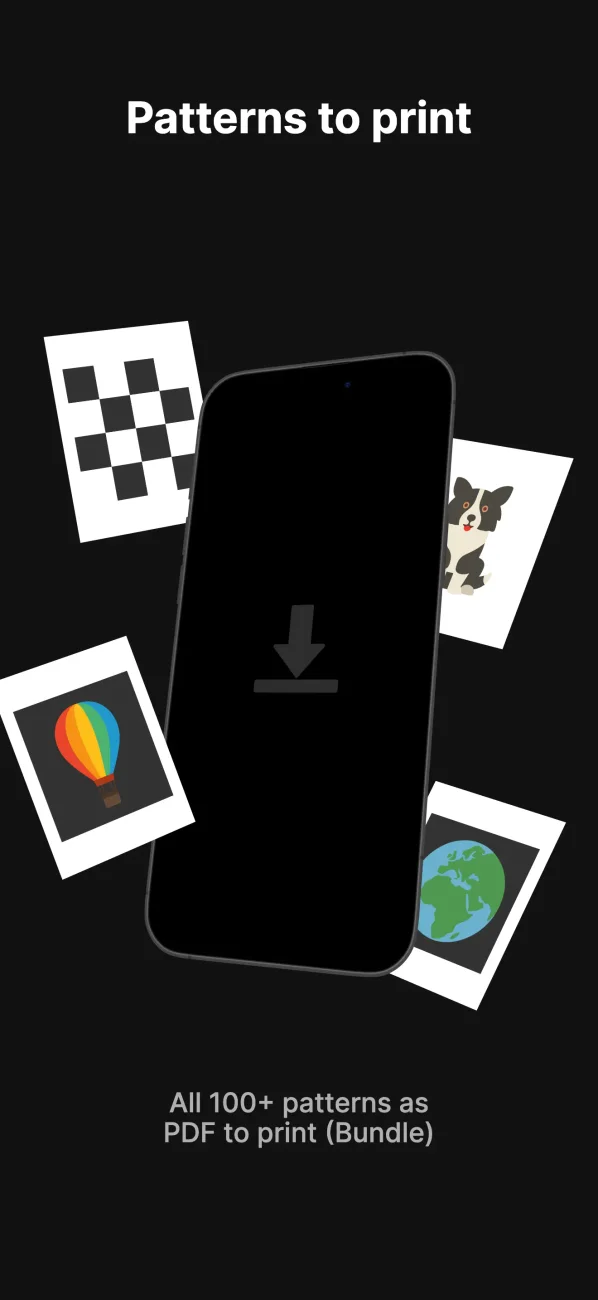
- Print at Home (PDF Export): Part of the one-time bundle purchase. Download all 100+ designs as a PDF and print them for the nursery or the changing table.
- No Subscription, Ever: A one-time purchase, never a recurring plan. No banner ads, no account needed, and the cards themselves work without an internet connection.
GUIDED EYE GYM SESSIONS
Contrast cards work best when you use them deliberately instead of just holding them up. A guided session walks you through two to three minutes: it tells you how far to hold the phone, sets the pace with a moving dot, and pauses at the moment that counts, when your baby's gaze settles on the pattern. Spoken prompts can read every step aloud, and you can start a session in every age group right away - locked stages run with that stage's free cards.
DESIGNED FOR YOUR NEWBORN'S FIRST YEAR
Inspired by Montessori principles, every pattern supports cognitive development during your baby's most critical visual growth phase (0-6 months). Whether you use it during tummy time, feeding breaks, or quiet play, every session is brief and supervised, turning a few minutes into meaningful high-contrast visual stimulation.
TWO WAYS TO UNLOCK EVERYTHING
a one-time In-App Purchase - never a subscription - unlocks the full library and the PDF export, or you unlock every stage for free by watching a few short rewarded ads. Each age group starts with three free cards, so you can try every stage before you decide.
Give your baby a clearer view of the world. Download today for free!
What’s new
Version 1.12.2 · Nov 6, 2026
Version 1.12.2:
- The screen now stays awake while a pattern is on screen, so a slideshow is no longer cut short by the display locking
- Switch it off under Settings > Pattern Viewer if you would rather save battery
- Updated technical dependencies
- Minor UI improvements
App privacy
What Nancy Bullmann declares on the App Store about how this app handles data.
-
Data used to track you
May be used to track you across apps and websites owned by other companies.
- Identifiers
-
Data linked to you
May be collected and linked to your identity.
- Location
- Identifiers
- Usage data
-
Data not linked to you
May be collected but is not linked to your identity.
- Identifiers
- Usage data
- Diagnostics
Privacy practices may vary, for example with the features you use or your age.
Information
- Seller
- Nancy Bullmann
- Category
- Education
- Version
- 1.12.2
- Updated
- Nov 6, 2026
- Released
- Apr 8, 2026
- Size
- 57.5 MB
- Requires
- iOS 15.6 or later
- Age rating
- 4+
- Price
- Free
- In-app purchases
- Yes
- Languages
- English
- Copyright
- © 2026 Eve and Else
You might also like
-
 TinyLook: Baby Contrast CardsHigh Contrast for Newborns
-
 Baby Sensory Cards: TinyGazeNewborn Vision & High Contrast
-
 Montessori Visual CardsEducation
-
 Contrast Cubs: Infant VisionBaby Sensory Sight Stimulation
-
 Baby Sensory Game for InfantEducation
-
 Onni & Ilona: Happy AnimalsVisual stimulation for babies
-
 Infant+ Games Apps for NewbornBaby Touch Sensory Development
-
 Onni & Ilona: Happy ShapesSensory puzzles for toddlers
-
 Baby Stimulator AppEarly infant stimulation
-
 Infant Zoo: Baby Sensory GameBubble Pop Soothe and Rattle