
Control Panel for YouTube
The missing options for YT
Designed for iPhone, iPad, Mac, iPod touch
$3.99
- Age rating4+
- CategoryProductivity
- DeveloperJ BUCHANAN & L.J BUCHANAN
- LanguagesEnglish
- Size1.1 MB
Links to the official App Store page
Download.org hosts no file of Control Panel for YouTube. The button opens its official App Store page, published by J BUCHANAN & L.J BUCHANAN. Listing last checked on Nov 12, 2026.
Screenshots
About
Ads:
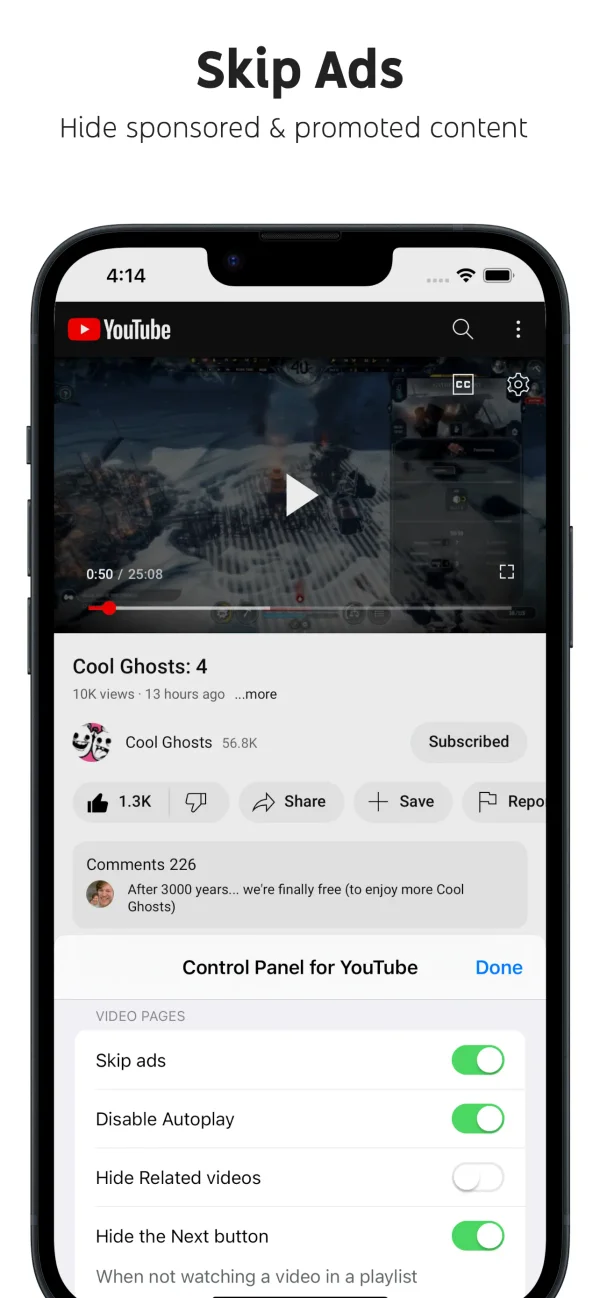
• Block ads
• Hide Sponsored videos & promos
• Hide Merch, Offers etc. (desktop version)
YouTube experiments:
• Restore Subscriptions link in sidebar (desktop version)
• Restore order of sidebar items (desktop version)
• Restore small thumbnails in Related (desktop version)
• Restore "Upload date" search filter (desktop version)
New video player UI:
• Disable new progress bar and controls (desktop version) - Note: this will stop working when YouTube removes the old player UI
• Hide new full screen controls
• Hide "More videos" in full screen
• Always use compact Play button (desktop version)
• Remove background from controls (desktop version)
• Restore Miniplayer button (desktop version)
• Restore corner click to toggle full screen (desktop version)
• Hide full screen title (desktop version)
• Hide full screen like/dislike buttons (desktop version)
Annoyances:
• Hide AI summaries
• Remove pink gradient from progress bars
• Hide information panels
• Hide Premium upsells
• Disable video previews (desktop version)
• Disable themed hover effects (desktop version)
• Automatically pause channel trailers (desktop version)
• Allow background playback (mobile version)
• Hide Open App links (mobile version)
Video lists:
• Hide suggested sections
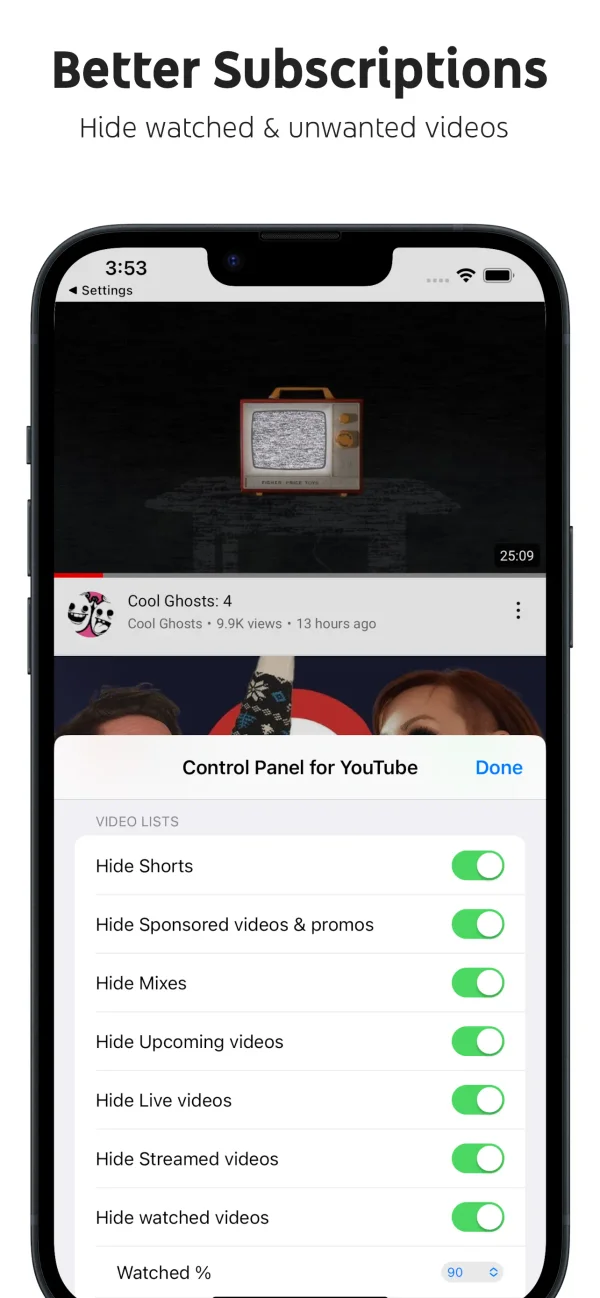
• Hide Live videos
• Hide Streamed videos
• Hide Mixes
• Hide Playlists
• Hide Movies and TV
• Hide Upcoming videos
• Hide Members only videos
• Hide Collaborations in Subscriptions
• Hide Auto-dubbed videos in Related
• Hide watched videos
• Hide hidden videos - Hides the "Undo" button after 5 seconds
• Hide channels - Adds "Hide channel" to video menus
• Disable Home feed
• Search thumbnail size (desktop version)
• Minimum grid items per row (desktop version)
• Hide Posts in Home (mobile version)
Video pages:
• Disable Autoplay
• Disable Ambient mode
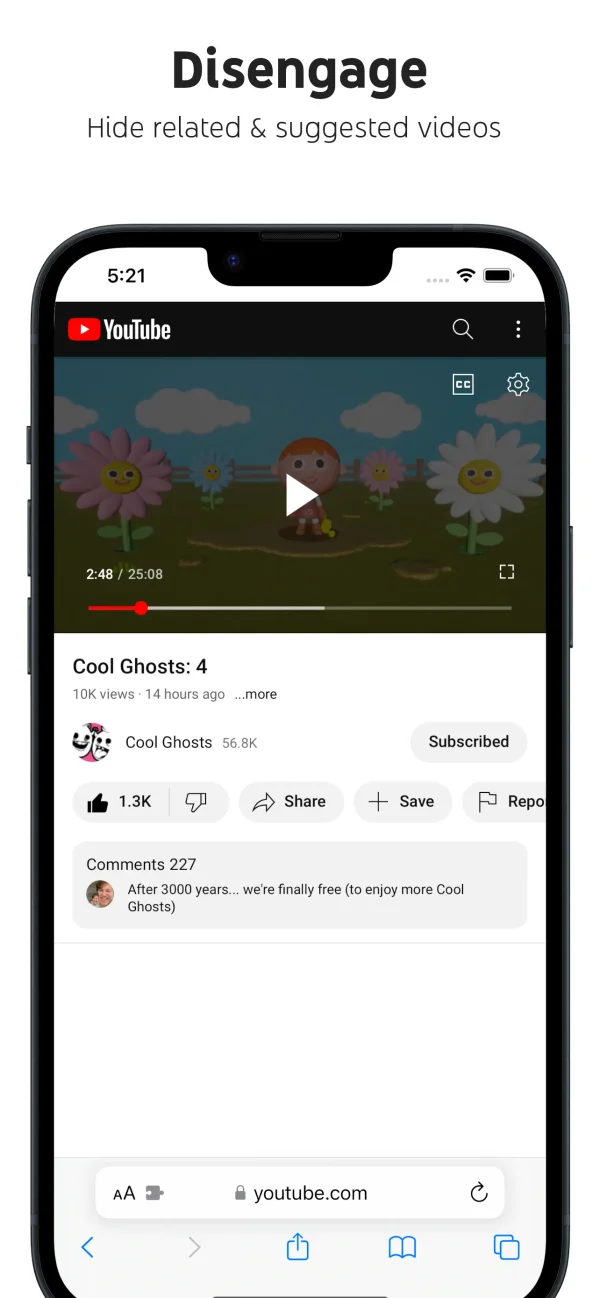
• Hide Related videos
• Hide the Next button
• Hide channel watermark
• Hide Share/Thanks/Clip etc.
• Hide Ask button
• Hide video metadata
• Hide Comments
• Always use theater mode (desktop version)
• Full size theater mode (desktop version)
• Disable enlarged UI in theater mode (desktop version)
• Always use original audio (desktop version)
• Hide video end cards (desktop version)
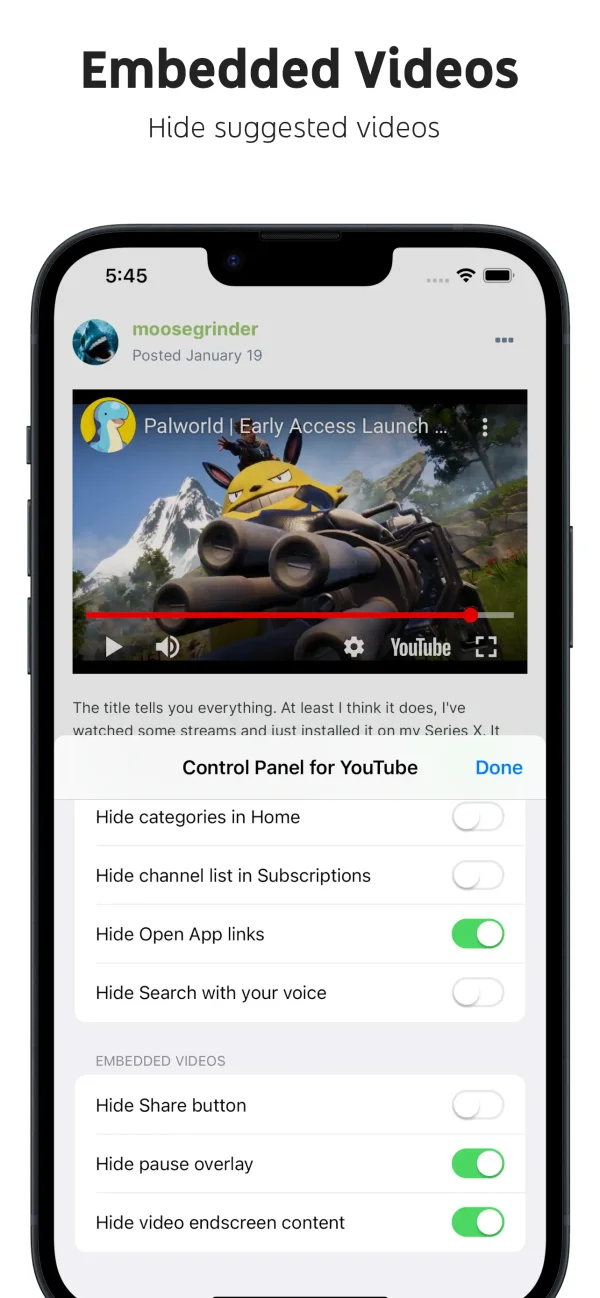
• Hide video endscreen content (desktop version)
• Hide Premium Jump ahead button (desktop version)
• Hide Chat (desktop version)
• Add Take snapshot to video menu (JPEG / PNG) (desktop version)
• Make Transcript downloadable (desktop version)
Shorts:
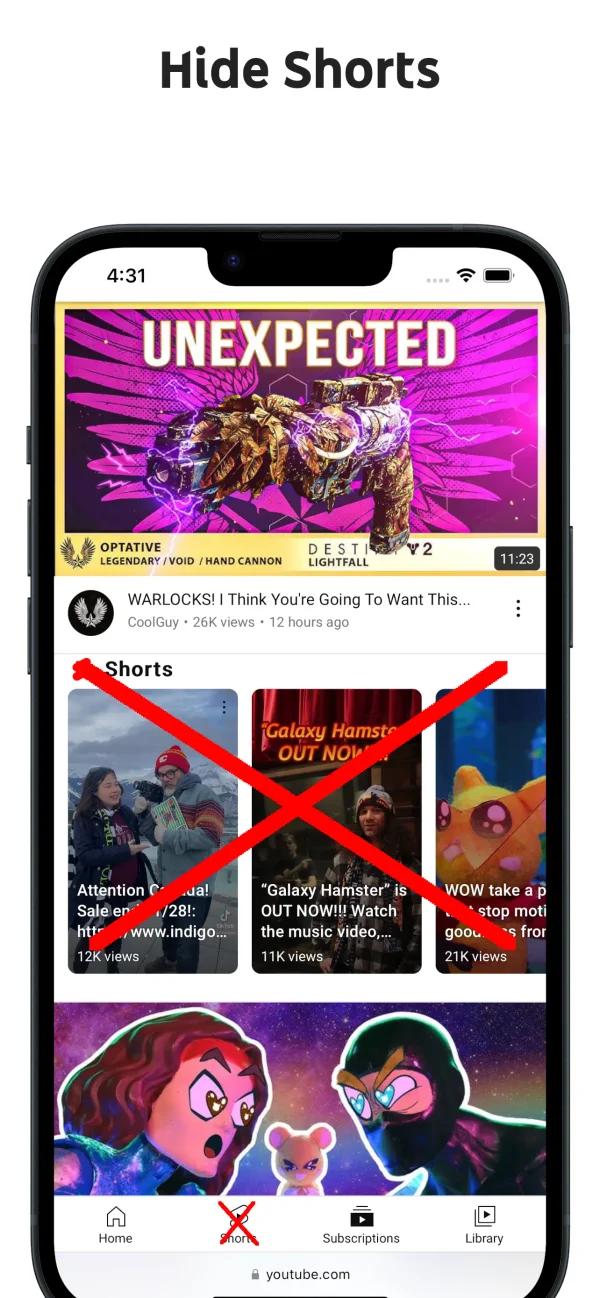
• Hide Shorts
• Redirect Shorts to the normal player
• Hide suggested actions
• Hide link to related Short by the same channel
• Always show progress bar
• Stop Shorts looping
• Hide Remix button (desktop version)
• Hide Shorts metadata until hover (desktop version)
• Minimum Shorts per row (desktop version)
UI tweaks:
• Show full video titles
• Use square corners for thumbnails and videos
• Hide categories in Home
• Hide channel banner images
• Hide Search with your voice
• Enforce theme (desktop version)
• Link YouTube logo to Subscriptions (desktop version)
• Tidy Guide sidebar (desktop version)
• Hide "Latest" bar in Subscriptions (desktop version)
• Use grid view for Subscriptions & Search (portrait only) (mobile version)
• Hide Explore button in Home (mobile version)
• Hide channel list in Subscriptions (mobile version)
Embedded videos:
• Hide Share button
• Hide pause overlay
What’s new
Version 1.38.1 · Nov 5, 2026
• Hide suggested sections now also hides Watch & Play in Related on desktop
• Fixed hiding the new Experiencing interruptions? popup on desktop
• Fixed more Experiencing interruptions? artificial player delays on desktop
App privacy
What J BUCHANAN & L.J BUCHANAN declares on the App Store about how this app handles data.
-
Data not collected
The developer does not collect any data from this app.
Privacy practices may vary, for example with the features you use or your age.
Information
- Seller
- J BUCHANAN & L.J BUCHANAN
- Category
- Productivity
- Version
- 1.38.1
- Updated
- Nov 5, 2026
- Released
- Feb 25, 2024
- Size
- 1.1 MB
- Requires
- iOS 15.0 or later
- Age rating
- 4+
- Price
- $3.99
- Languages
- English
- Copyright
- © 2024 So It Is Solutions
You might also like
-
 SponsorBlock for SafariSkip sponsorships on YouTube
-
 UnTrap for YouTubeRemove Shorts & Distractions
-
 Proton Authenticator & 2FASecure verification, MFA & OTP
-
 Things 3Organize your life
-
 Proton Drive: Cloud StorageDocs, photos & file manager
-
 Dumb Phone (dp)Minimalist Launcher
-
 Habit Tracker - HabitKitStreaks & Accountability
-
 Proton Pass - Password ManagerPasskeys, 2FA & secure vault
-
 HelloHabit - Habit TrackerTasks, Routines, & Streaks
-
 Adblock Plus for Safari & AppsAd Blocker for Web & Privacy