- Age rating4+
- CategoryUtilities
- Developer亮辉 赵
- LanguagesEnglish+ 13 more
- Size80.3 MB
Links to the official App Store page
Download.org hosts no file of Convert: File Converter. The button opens its official App Store page, published by 亮辉 赵. Listing last checked on Nov 23, 2026.
Screenshots

About
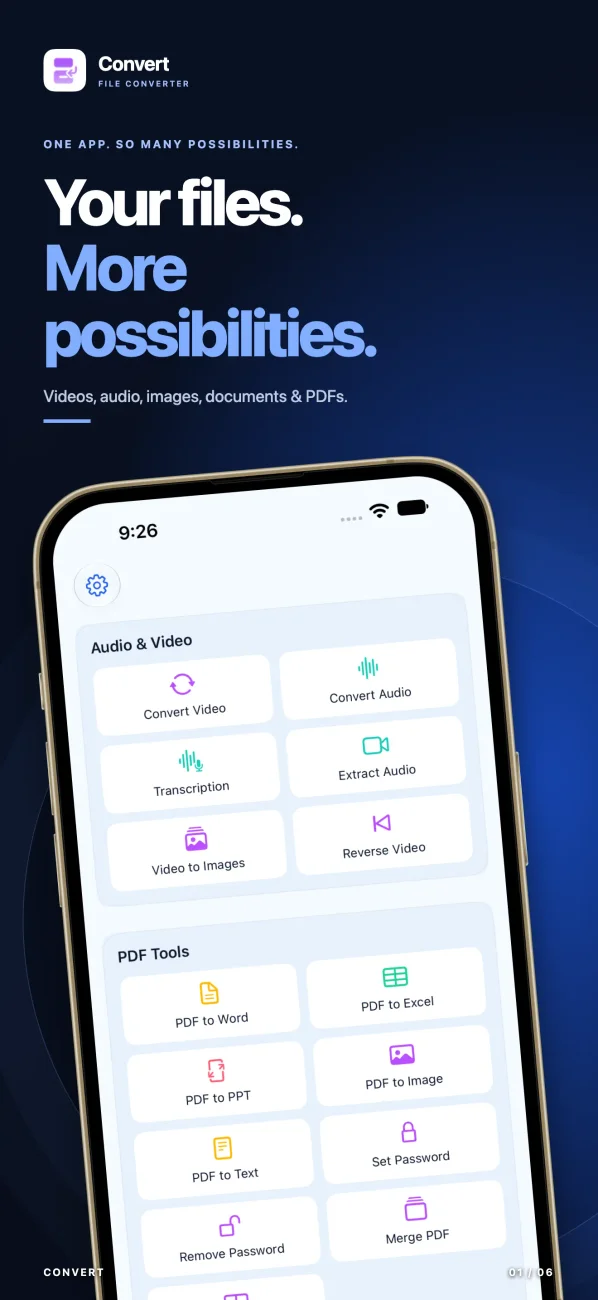
Convert brings audio, video, PDF and compression tools together on your iPhone and iPad. Convert media, create PDFs, extract video frames, reverse clips and organize your files from one app. Save results in Convert while keeping your source files unchanged.
AUDIO & VIDEO
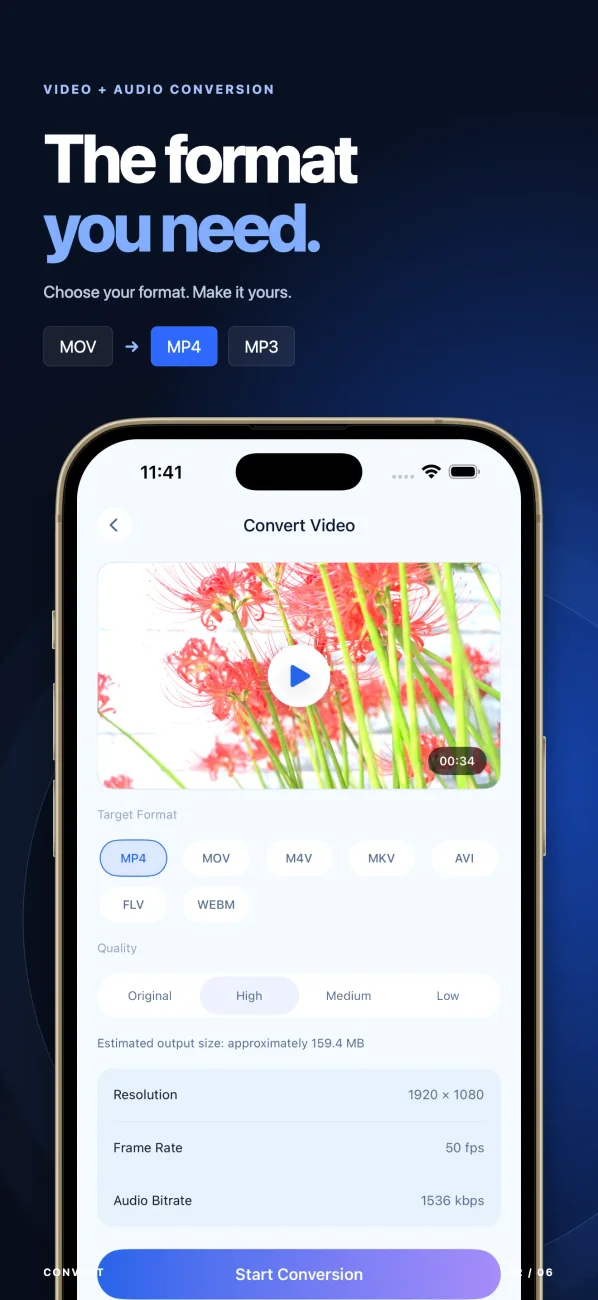
• Convert MP4, MOV, M4V, MKV, AVI, FLV and WEBM videos
• Convert MP3, WAV, FLAC, M4A and other supported audio formats
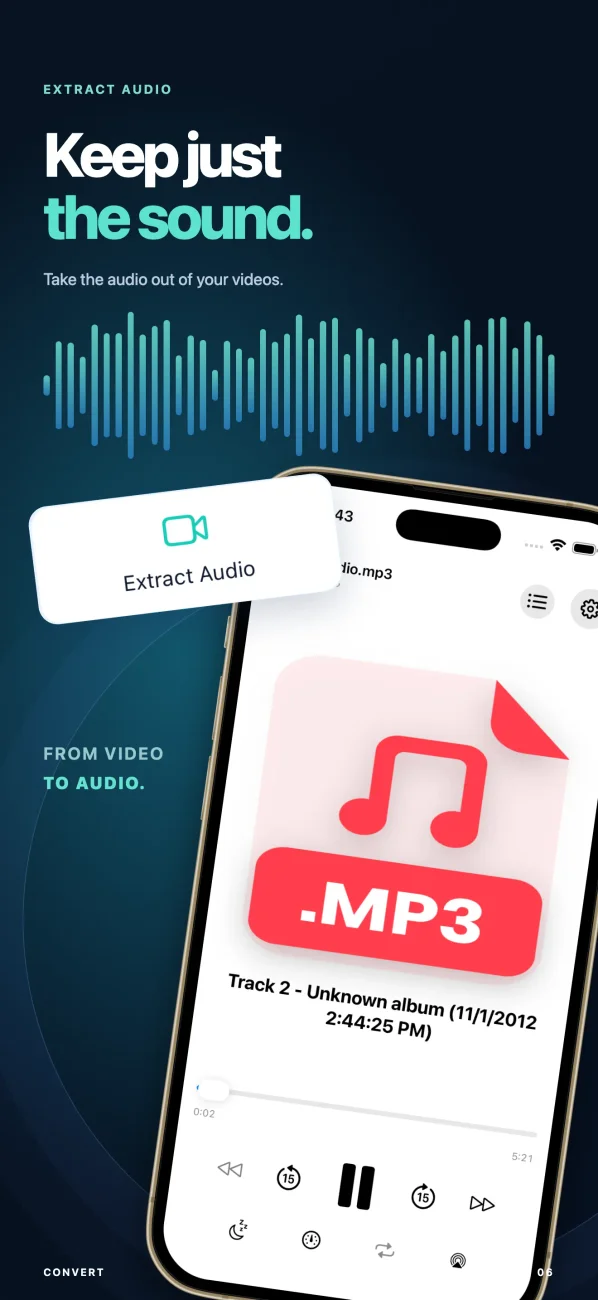
• Extract audio from videos and save it in your chosen audio format
• Turn supported audio and video into text, choose a recognition language, edit the transcript and save it
• Save video frames as JPEG images every 1, 2 or 5 seconds, or enter a custom interval; each export goes into a new folder
• Reverse a video's picture and audio and save a new MP4; silent videos are supported too
COMPRESS TOOLS
• Compress videos into MP4 with Low, Medium or High quality settings
• Compress audio into M4A with adjustable quality
• Compress images in their original format or export JPG, PNG or HEIC, with quality controls for supported formats
• Optimize PDF images or use page flattening for stronger compression
• Compare original and compressed sizes for video, audio and PDF exports
Video, audio and PDF compression saves a new copy only when the result is smaller. PDF flattening is enabled by default and turns pages into JPEG images: text is no longer selectable, and forms and annotations are no longer editable. Turn flattening off to retain those features. Results depend on the source file and selected settings.
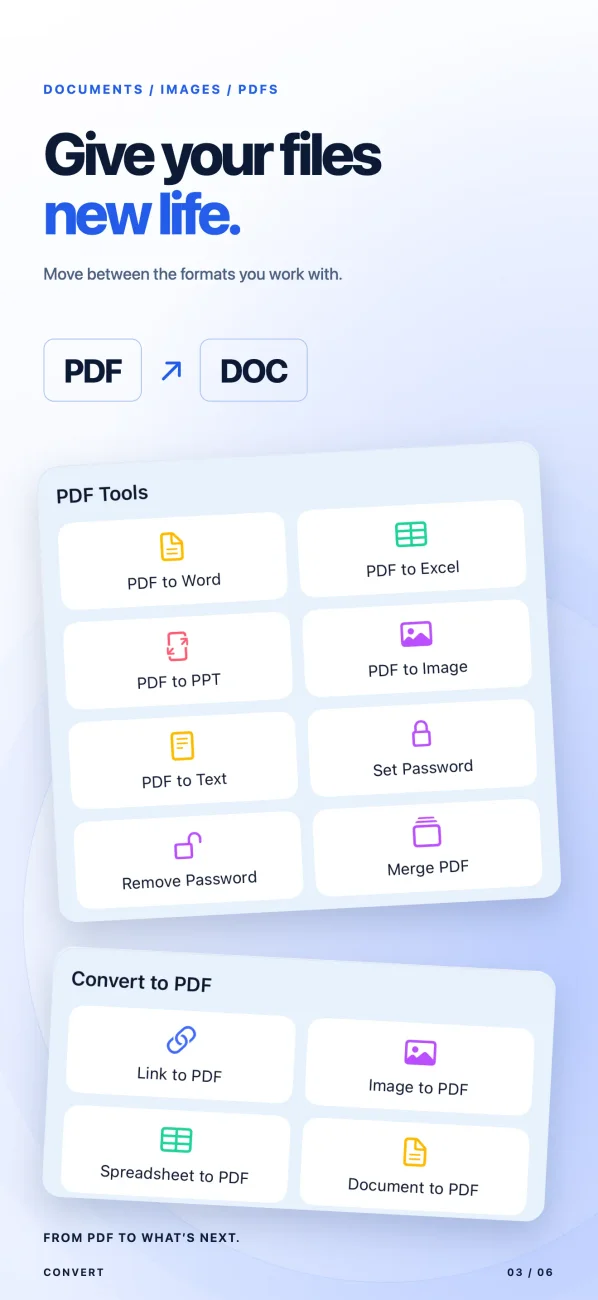
PDF TOOLS
• Export PDF text as an RTF document that opens in Word
• Export PDF page text as a CSV file that opens in Excel
• Export PDF page images for use in presentations
• Save PDF pages as PNG images or extract selectable text
• Merge PDFs in your selected order or split them into separate pages
• Set or change a PDF opening password and save a protected copy
• Remove a PDF password by entering the current password and saving an unprotected copy
CREATE PDFs
Convert web links, images, spreadsheets, documents and presentations into PDFs for sharing and storage.
MANAGE YOUR FILES
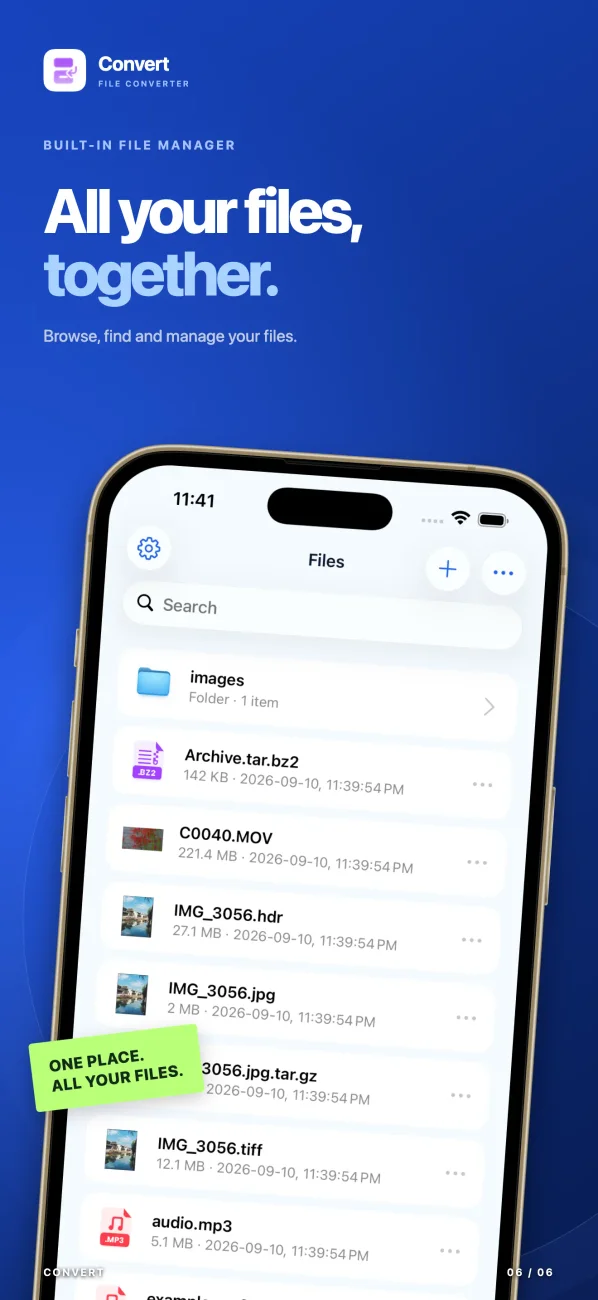
Create folders and text files, rename, move, duplicate, search, share and delete files. Compress and decompress archives, view file information, and sort by name, kind, size or modification date. Keep folders on top when browsing.
IMPORT & TRANSFER
Choose files from Convert, your photo library or the system Files picker. Browse iCloud Drive, import photos and videos, and transfer files over Wi-Fi.
APP ACCESS PROTECTION
Lock Convert with Face ID, Touch ID or your device passcode when the app enters the background.
From a quick audio conversion to a smaller PDF or a folder of video frames, Convert keeps everyday file tasks together with tools organized by purpose and support for light and dark appearances.
What’s new
Version 1.1.0 · Nov 15, 2026
More ways to work with your media and PDFs:
• Compress Video, Compress Audio and Compress PDF join the Compress Tools section.
• Save video frames as images at 1, 2 or 5 second intervals, or choose a custom interval.
• Reverse video and audio together and save a new MP4.
• Add, change or remove PDF passwords while keeping the original file.
• Choose PDF page flattening for stronger compression and compare file sizes after export.
• Improved file sorting and unsupported-format alerts.
App privacy
What 亮辉 赵 declares on the App Store about how this app handles data.
-
Data not collected
The developer does not collect any data from this app.
Privacy practices may vary, for example with the features you use or your age.
Information
- Seller
- 亮辉 赵
- Category
- Utilities
- Version
- 1.1.0
- Updated
- Nov 15, 2026
- Released
- Sep 17, 2026
- Size
- 80.3 MB
- Requires
- iOS 18.0 or later
- Age rating
- 4+
- Price
- Free
- Languages
- English, French, German, Indonesian, Japanese, Korean, Portuguese, Russian, Simplified Chinese, Spanish, Thai, Traditional Chinese + 2 more
- Copyright
- © Asktao Me