Converter.App
Convert, translate, transcribe
Designed for iPhone, iPad, iPod touch
Free
- Age rating4+
- CategoryUtilities
- DeveloperConverter App
- LanguagesEnglish
- Size42.6 MB
Links to the official App Store page
Download.org hosts no file of Converter.App. The button opens its official App Store page, published by Converter App. Listing last checked on Nov 12, 2026.
Screenshots



About
Turn the file you have into the file you need — in two taps.
Converter App brings the converter trusted by millions on converter.app to iPhone and iPad. Pick a file and the app instantly shows what it can do with it. No format jargon, no account, no fiddling.
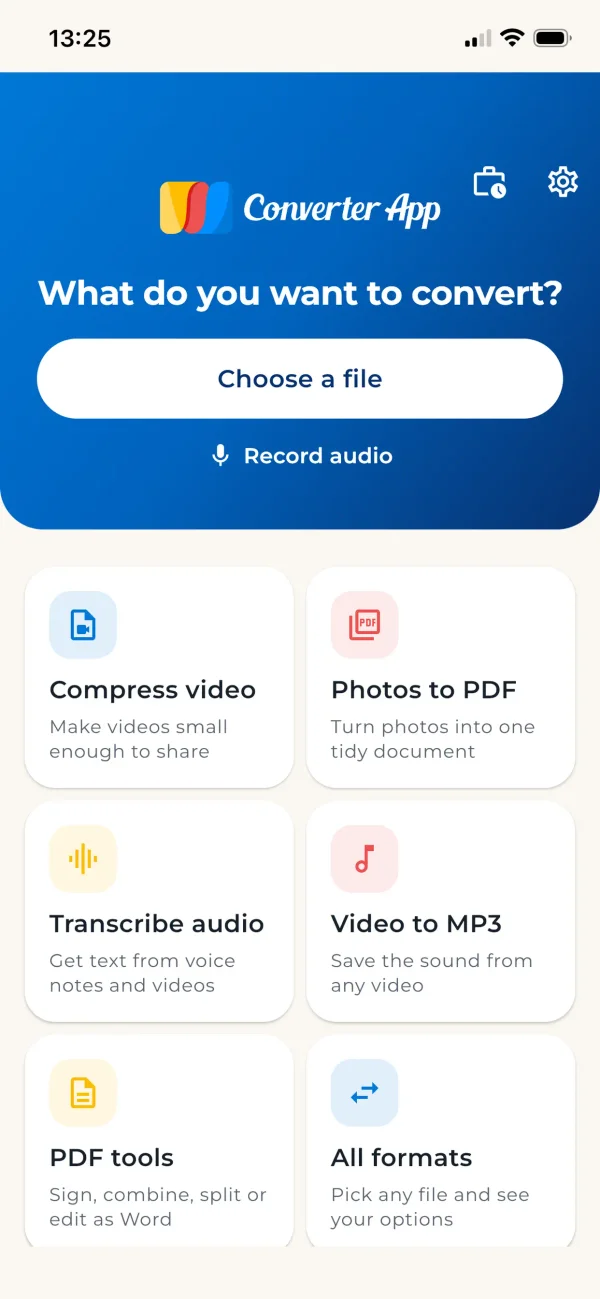
CONVERT BETWEEN 2000+ FORMATS
• Videos: MP4, MOV, AVI, MKV, WebM and more
• Audio: MP3, WAV, M4A, OGG, FLAC and more
• Images: JPG, PNG, WebP, HEIC and more
• Documents & ebooks: PDF, Word, EPUB and more
Not sure what format you need? Tap "All formats", pick your file, and choose from what's possible — the app only ever offers conversions that actually work.
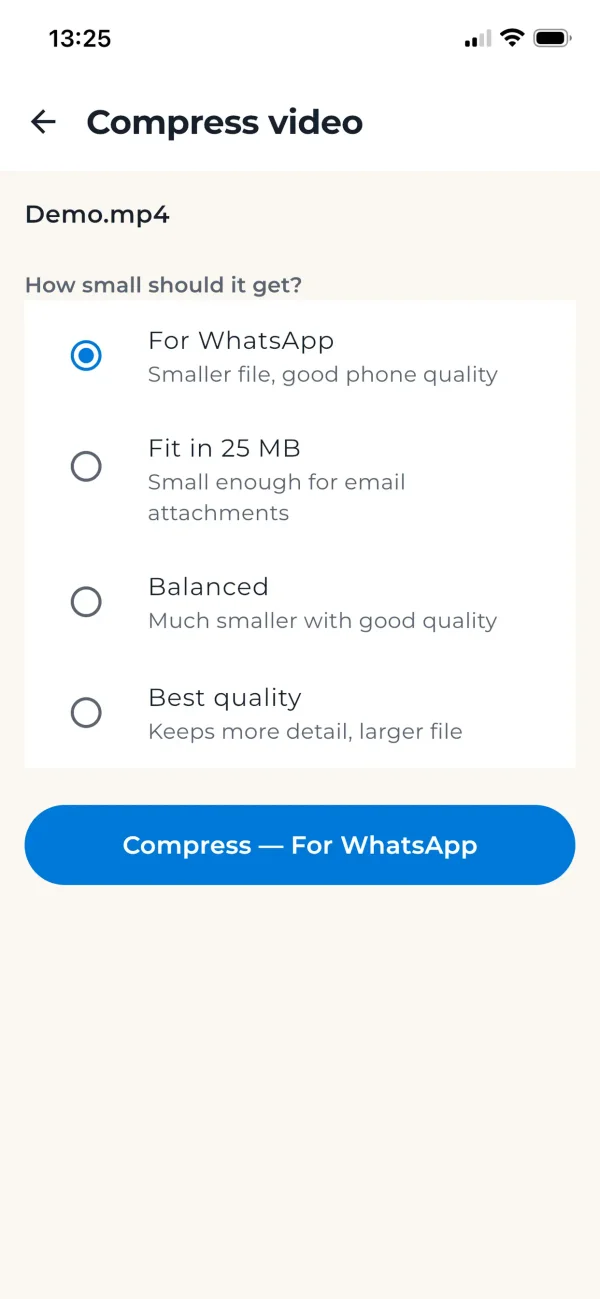
MAKE BIG VIDEOS SMALL
Compress videos until they actually send. Pick "Fits in an email", "Good for chat" or fine-tune quality yourself — then share straight from the app.
TURN SPEECH INTO TEXT
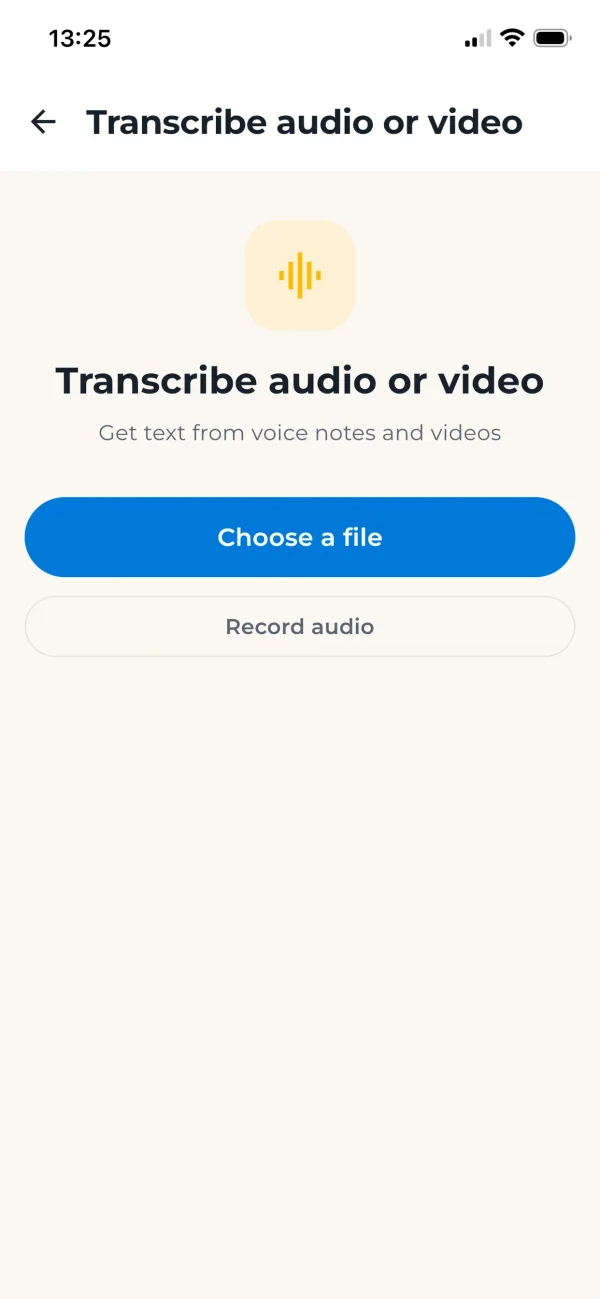
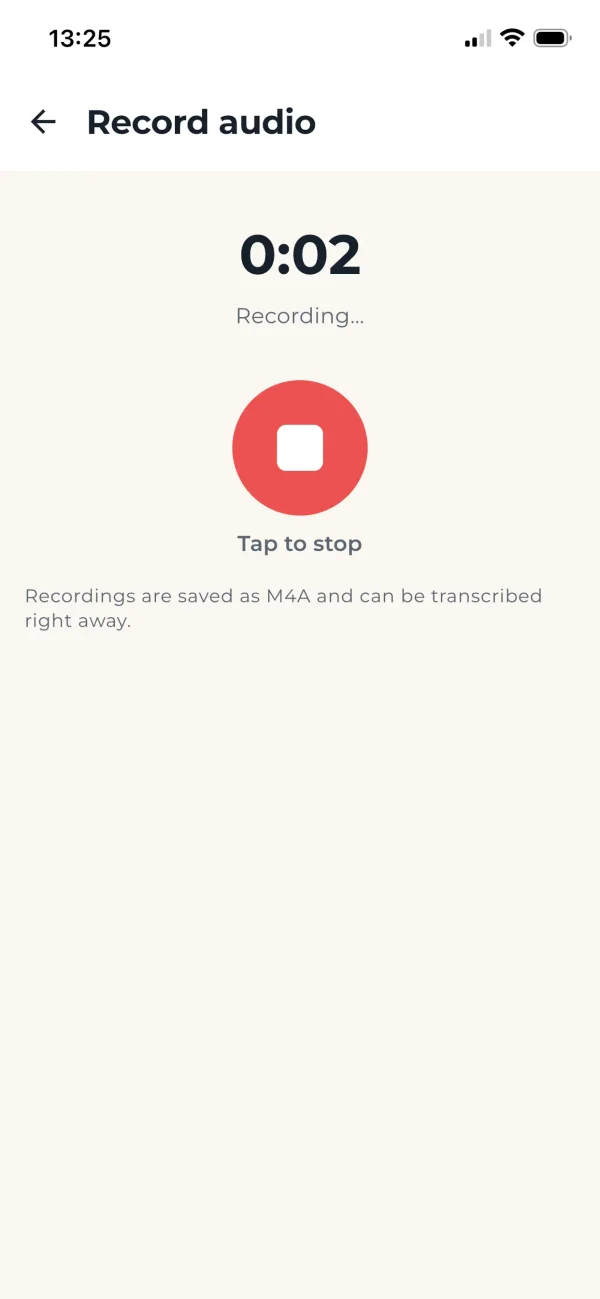
Transcribe voice notes, interviews, lectures and videos into text or subtitles (SRT). Record directly in the app, or drop in any audio or video file.
A COMPLETE PDF TOOLBOX
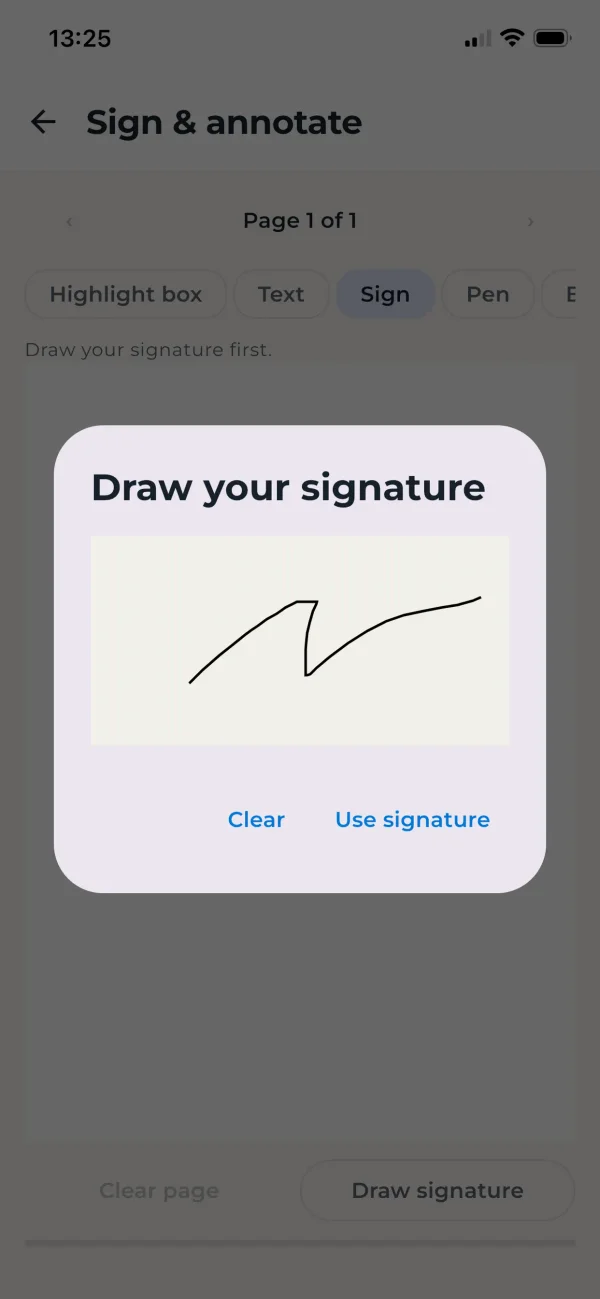
• Sign documents with your finger — no printer, no scanner
• Highlight and mark up pages
• Combine several PDFs into one
• Split a PDF and keep only the pages you need
• Convert PDFs to editable Word documents, with OCR for scans
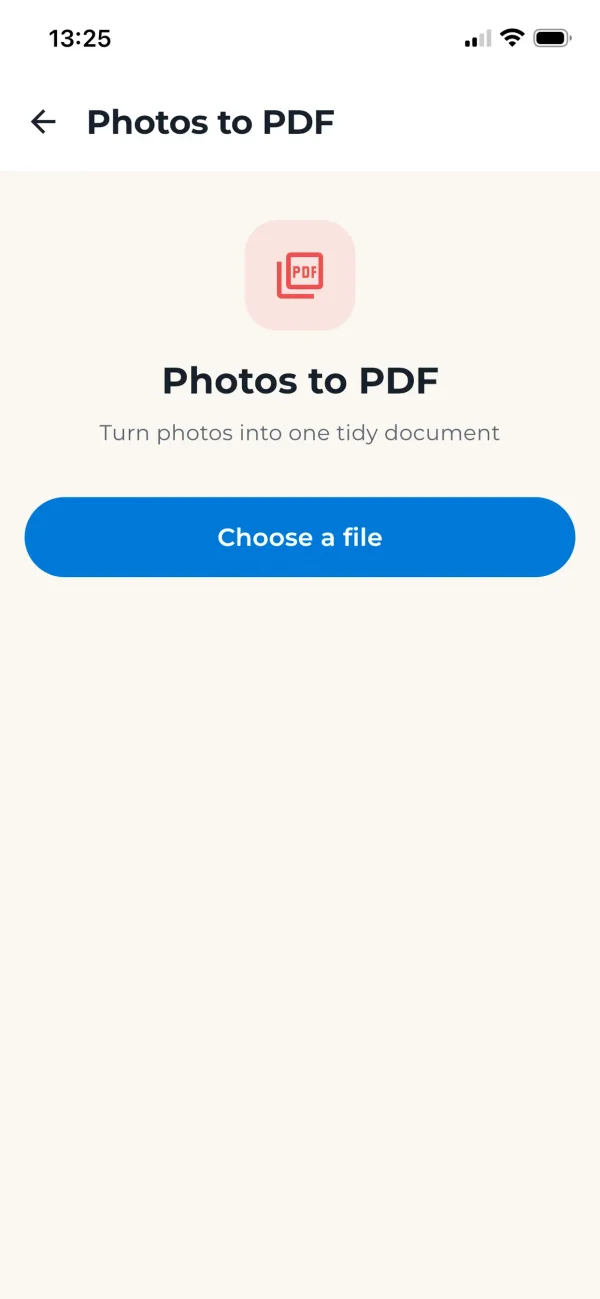
• Photos to PDF: turn receipts, whiteboards and IDs into tidy documents
BUILT FOR REAL LIFE
• Share any file from any app straight into Converter App
• Conversions keep running when you switch apps — you get a notification when they're done
• Big files? Uploads stream efficiently, and you can require Wi-Fi for uploads
• Signing, splitting, combining, trimming and PDF viewing happen entirely on your device
• Works with the Files app, iCloud Drive and your cloud storage
PRIVATE BY DESIGN
No account. No signup. Files you convert in the cloud are encrypted in transit and automatically deleted from our servers within two hours. Files you sign, split or combine never leave your phone at all.
Converter App is the official app of converter.app — the conversion service millions rely on in the browser. If a file can be converted, this app converts it.
Download Converter App now and stop worrying about file formats forever.
What’s new
Version 2.1.3 · Sep 20, 2026
Pinch to zoom while signing and annotating PDFs, so you can place a signature or mark exactly where you want it. The save button is now always visible.
App privacy
What Converter App declares on the App Store about how this app handles data.
-
Data used to track you
May be used to track you across apps and websites owned by other companies.
- Identifiers
- Usage data
-
Data linked to you
May be collected and linked to your identity.
- Usage data
-
Data not linked to you
May be collected but is not linked to your identity.
- User content
- Identifiers
- Diagnostics
Privacy practices may vary, for example with the features you use or your age.
Information
- Seller
- Converter App OU
- Category
- Utilities
- Version
- 2.1.3
- Updated
- Sep 20, 2026
- Released
- Jan 13, 2025
- Size
- 42.6 MB
- Requires
- iOS 15.0 or later
- Age rating
- 4+
- Price
- Free
- Languages
- English
- Copyright
- © 2026 Converter App
You might also like
-
 Zip & RAR & 7z Extractor ZipoFile extractor, opener, viewer
-
 File ConverterConvert, sit back and share!
-
 The Video ConverterConvert to MP4, MOV, and MP3
-
 Media Converter - video to mp3convert mp4,m4a, extract audio
-
 Total filesEnhanced cloud file manager
-
 The Audio ConverterConvert to MP3, WAV, M4A, AAC
-
 Zip & RAR & 7z File ExtractorUnzip, Unrar, Scan & Sign PDFs
-
 Vivaldi Powerful Web BrowserWeb Browser that adapts to you
-
 Speak4Me Text to Speech ReaderRead aloud voice for PDF audio
-
 Transcribe - Speech to TextAI Note Taker, Audio & Video