Cooking Timer & Recipe Clock
Multi-Step Backing Tool
Designed for iPhone, iPad
Free · In-app purchases
- Age rating4+
- CategoryUtilities
- DeveloperMarcelo Nardone
- LanguagesEnglish+ 17 more
- Size54.4 MB
Links to the official App Store page
Download.org hosts no file of Cooking Timer & Recipe Clock. The button opens its official App Store page, published by Marcelo Nardone. Listing last checked on Nov 15, 2026.
Screenshots
About
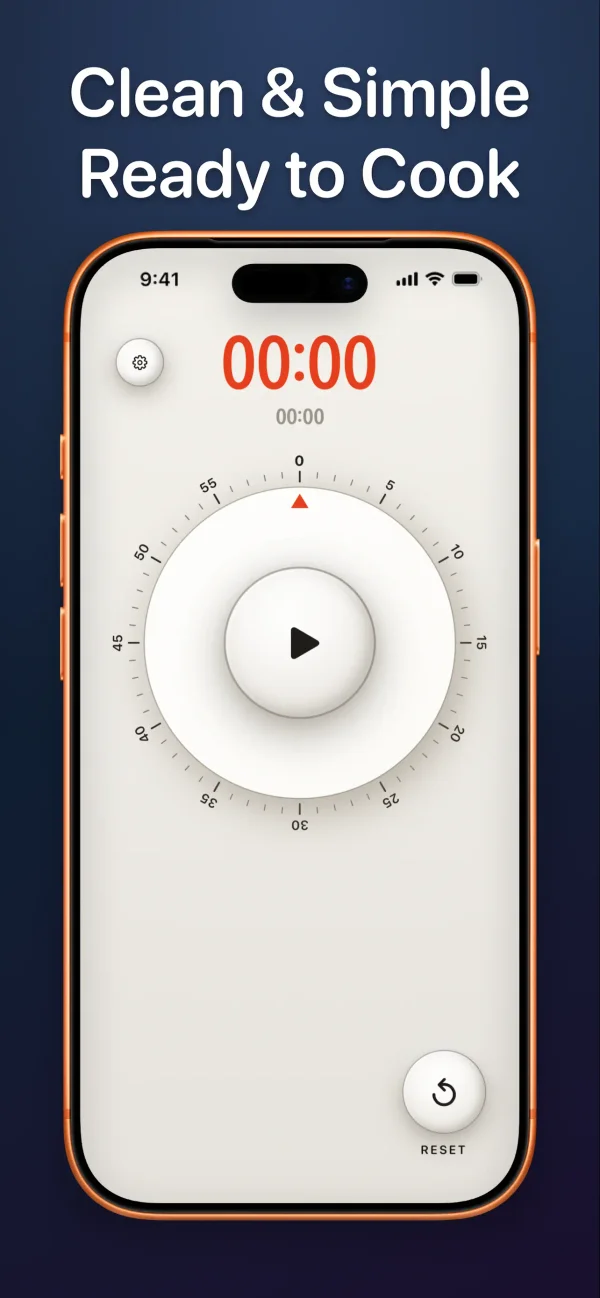
The CookingTimer is an accurate and elegant kitchen timer, made for multi-step recipes. Boiling dough or slowly roasting a whole chicken, CookingTimer keeps every moment of your preparation under control.
- HOW IT WORKS
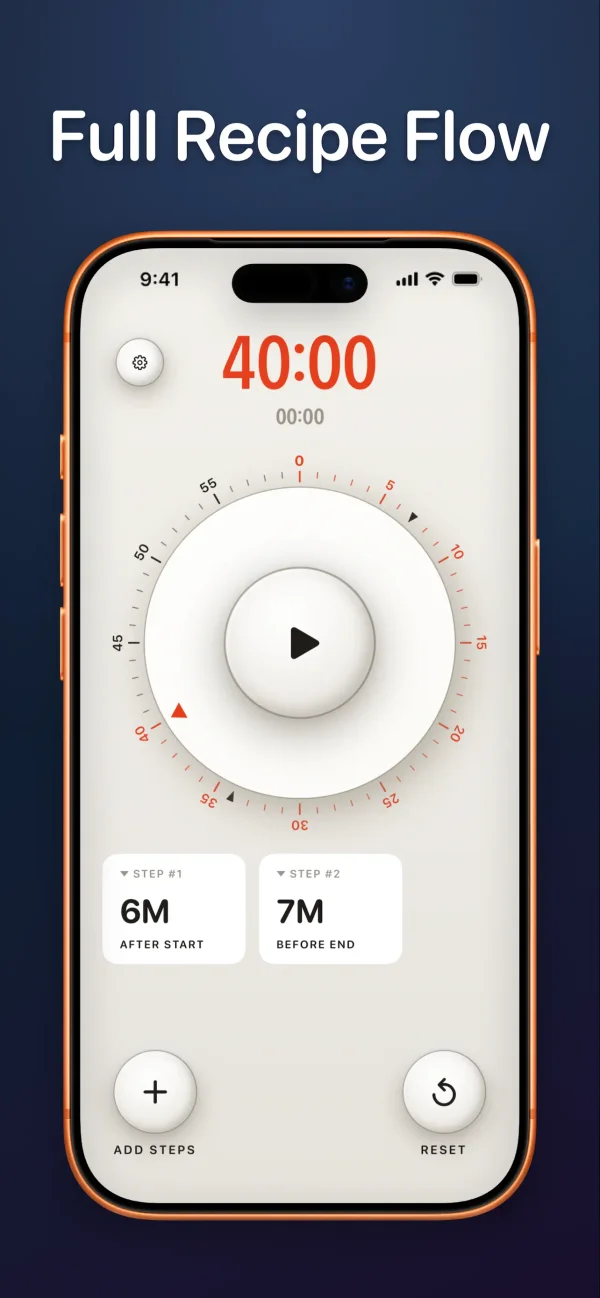
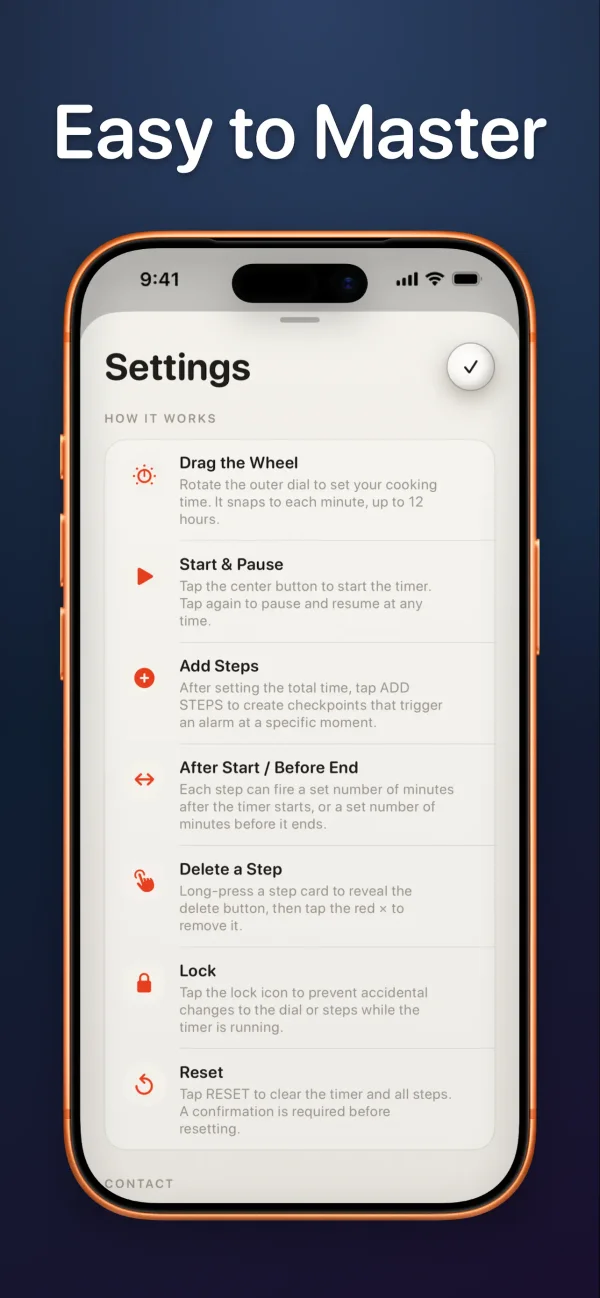
Setting the time is easy. Turn the outer knob to adjust the cooking time. The dial fits every minute and supports up to 12 hours of total duration.
Tap the central button to start the timer. Tap again to pause and resume at any time during cooking.
- STEPS - COOK BY STEPS
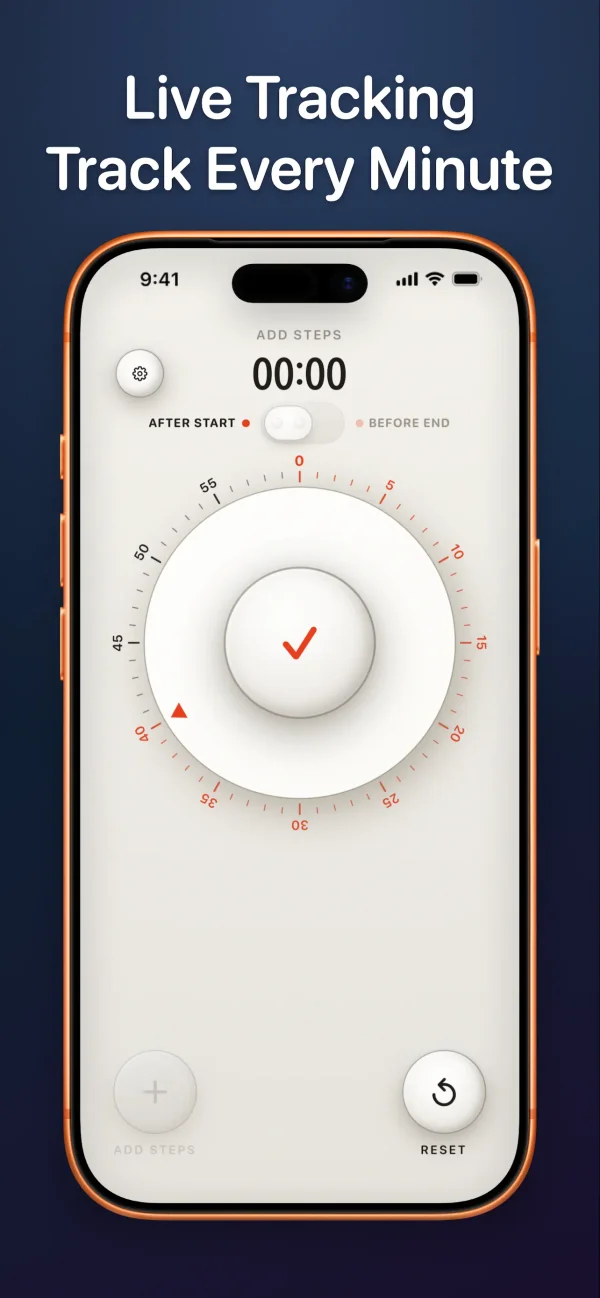
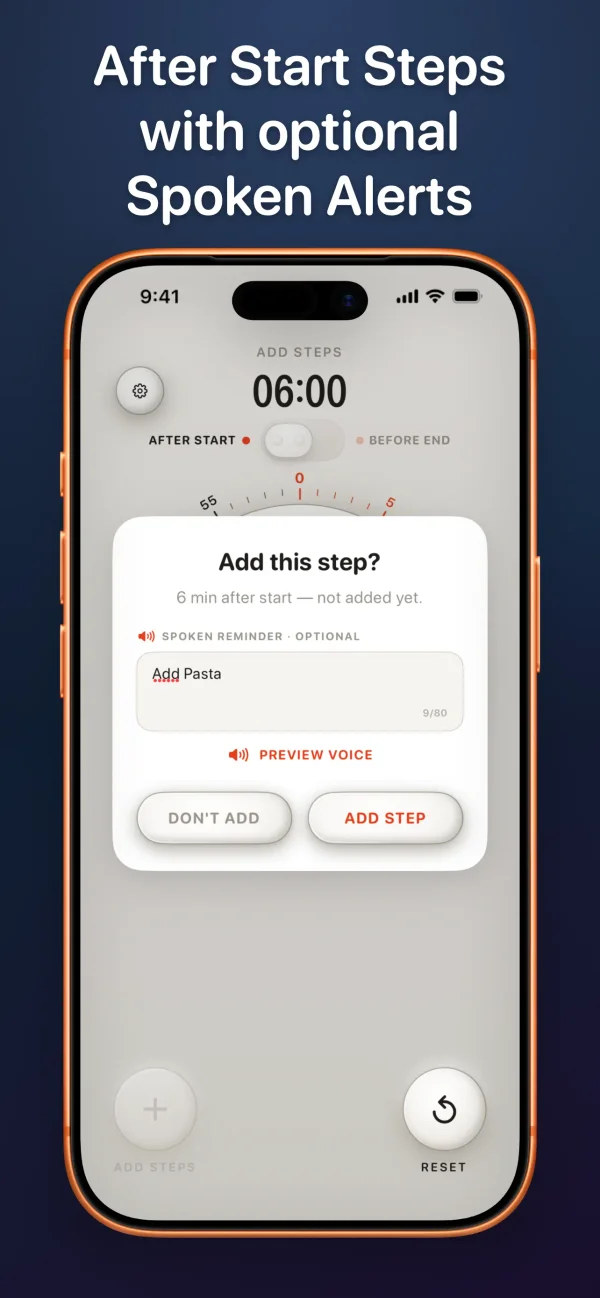
Steps allow you to create checkpoints that trigger an alarm at a specific cooking time. Ideal for recipes with several stages, in which the time of each phase is crucial.
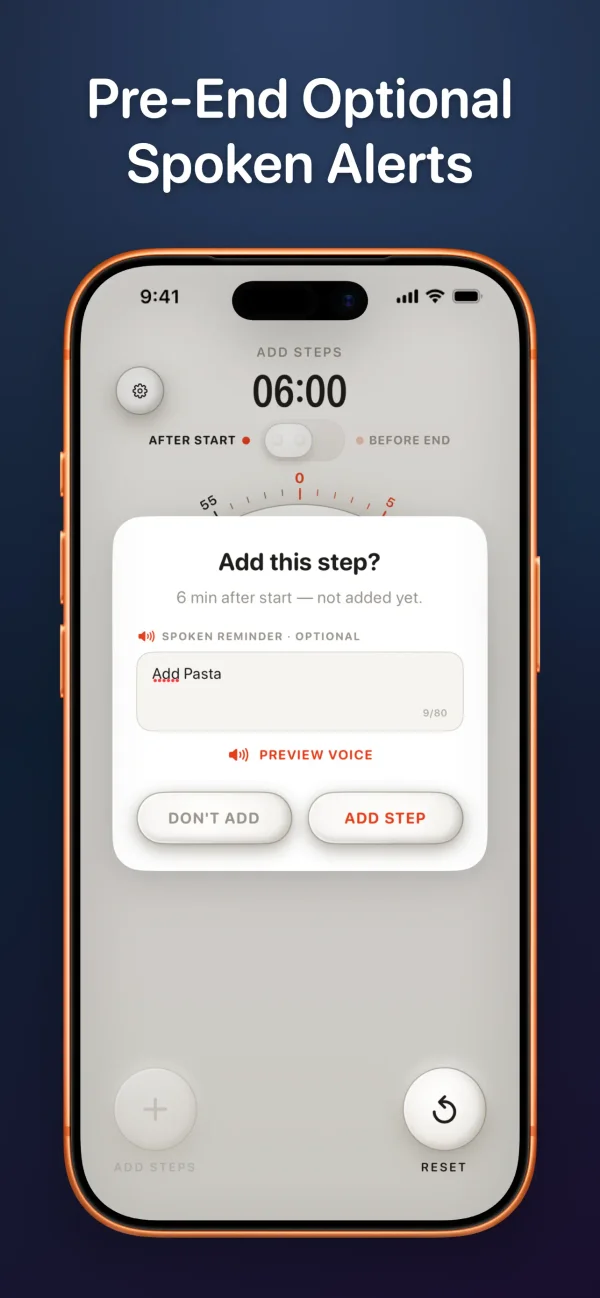
After setting the total cooking time, tap ADD STEPS to create a step. In each step, you can choose between two reference modes:
After starting: the alarm rings a set number of minutes from the start of the timer.
Before finishing: the alarm rings a set number of minutes before the end of the timer.
Thus, you can schedule a reminder to add herbs 10 minutes after the oven starts and another to serve 5 minutes before finishing, all from a single timer.
Press and hold any step card to show the delete button, and then tap the red X to remove it.
Live Activity appears on the lock screen.
- MORE CONTROLS
Restart: tap RESTART to clear the timer and all steps. A confirmation is required before restarting.
LEGAL:
Terms of Use: https://www.apple.com/legal/internet-services/itunes/dev/stdeula/
Privacy Policy: https://marcn.notion.site/Privacy-Policy-Pol-tica-de-Privacidad-1ed3ce2dc40e805d9b5bdeb1a6daca65
What’s new
Version 1.2.9 · Nov 2, 2026
Stay on track with your cooking steps:
• See your next reminder directly in the timer, with the remaining time and custom reminder text.
• Improved countdown accuracy and consistency with alarms and Live Activities.
• Better localization and overall stability improvements.
• 22 languages
App privacy
What Marcelo Nardone declares on the App Store about how this app handles data.
-
Data not collected
The developer does not collect any data from this app.
Privacy practices may vary, for example with the features you use or your age.
Information
- Seller
- Marcelo Nardone
- Category
- Utilities
- Version
- 1.2.9
- Updated
- Nov 2, 2026
- Released
- May 27, 2026
- Size
- 54.4 MB
- Requires
- iOS 26.1 or later
- Age rating
- 4+
- Price
- Free
- In-app purchases
- Yes
- Languages
- English, Arabic, Danish, Dutch, Finnish, French, German, Italian, Japanese, Korean, Norwegian Bokmål, Polish + 6 more
- Copyright
- © 2026 MarcN Apps
You might also like
-
 Health@365a better body,a better life
-
 Kübaj+: m³ Calc & PDF QuoteTimber, Concrete, Truck Load
-
 Camera Light MeterReflected Shutter Aperture
-
 Secure DayLedgerYour secret media notes
-
 PDF Encrypt AssisantEncrypt your PDF easily.
-
 AudioTemp: Recording MeterRoom Noise & Mic Analyzer
-
 Site Calc ProConstruction Calculator Tape
-
 Resinly: Epoxy Resin LogRemember every mix batch
-
 Jarvis Network ToolsUtilities
-
 Régua BLAUtilities