
Copyboard – Copy-Paste Tool
Copy Frequently Used Text Fast
Designed for iPhone, iPad, Mac
Free · In-app purchases
- Age rating4+
- CategoryProductivity
- DeveloperDavid Steppenbeck
- LanguagesEnglish+ 3 more
- Size9.5 MB
Links to the official App Store page
Download.org hosts no file of Copyboard – Copy-Paste Tool. The button opens its official App Store page, published by David Steppenbeck. Listing last checked on Nov 24, 2026.
Screenshots
About
Copyboard is a simple productivity tool to copy frequently-used text snippets to your device pasteboard with just a single tap.
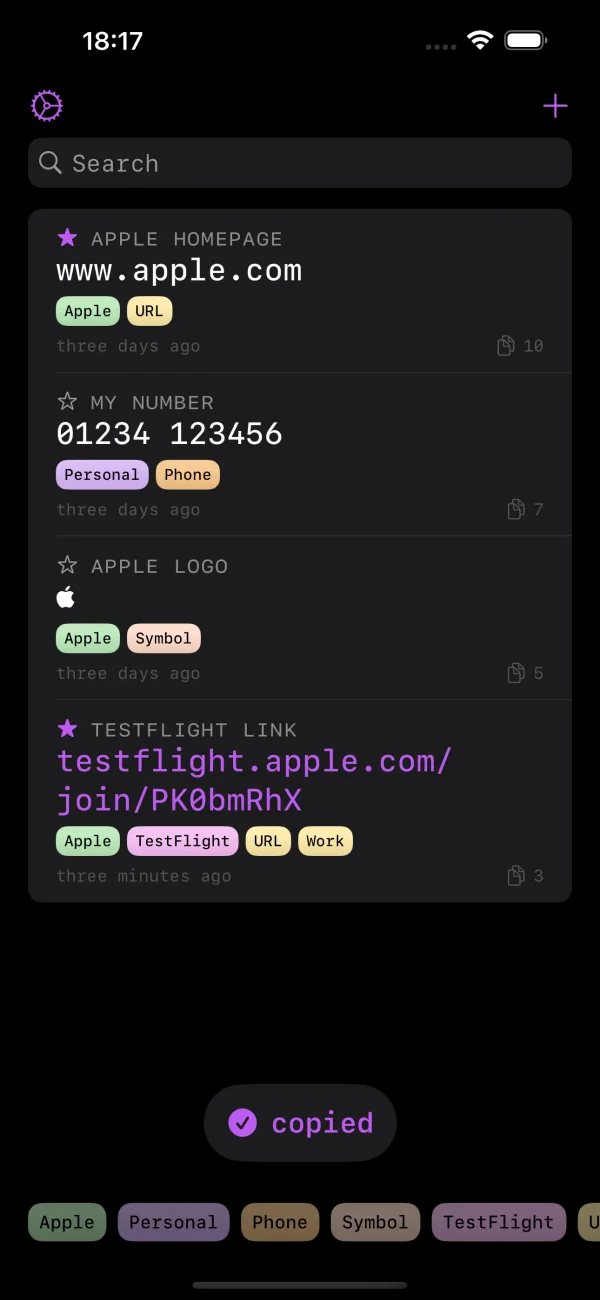
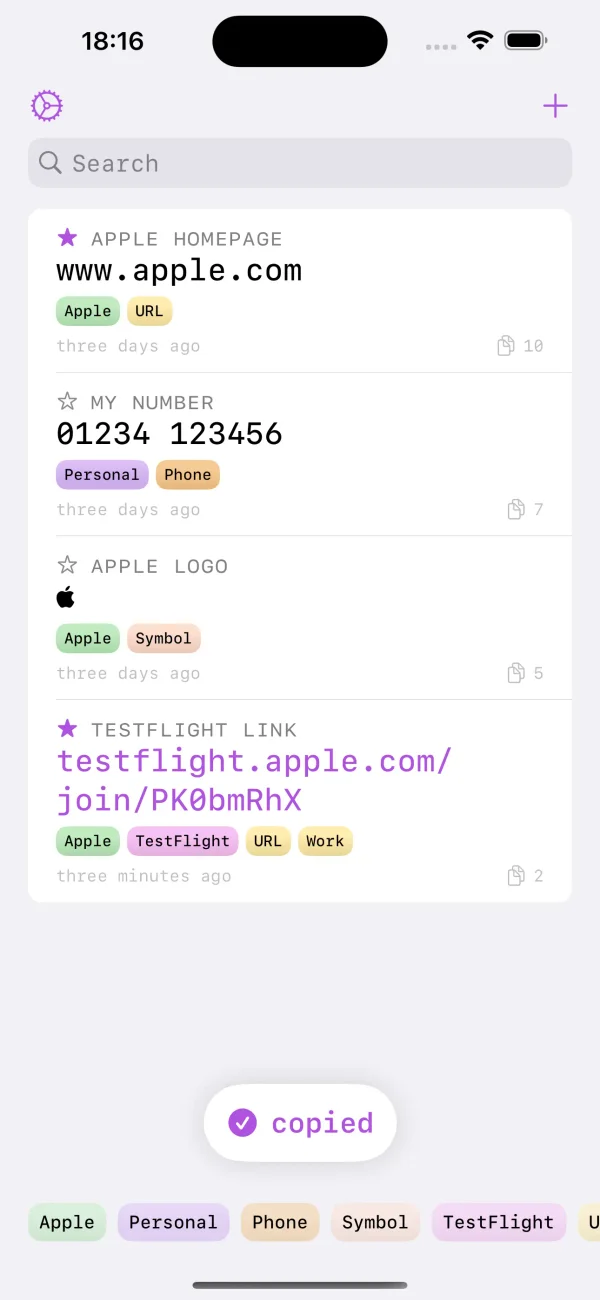
Create items that are displayed in an intuitive list:
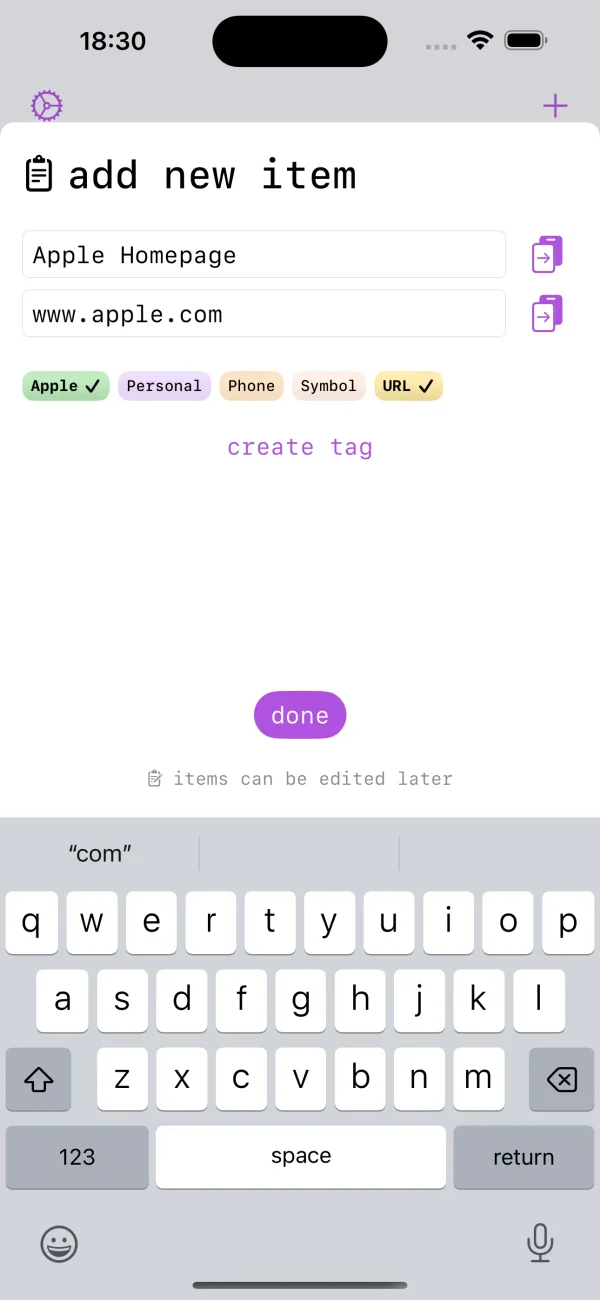
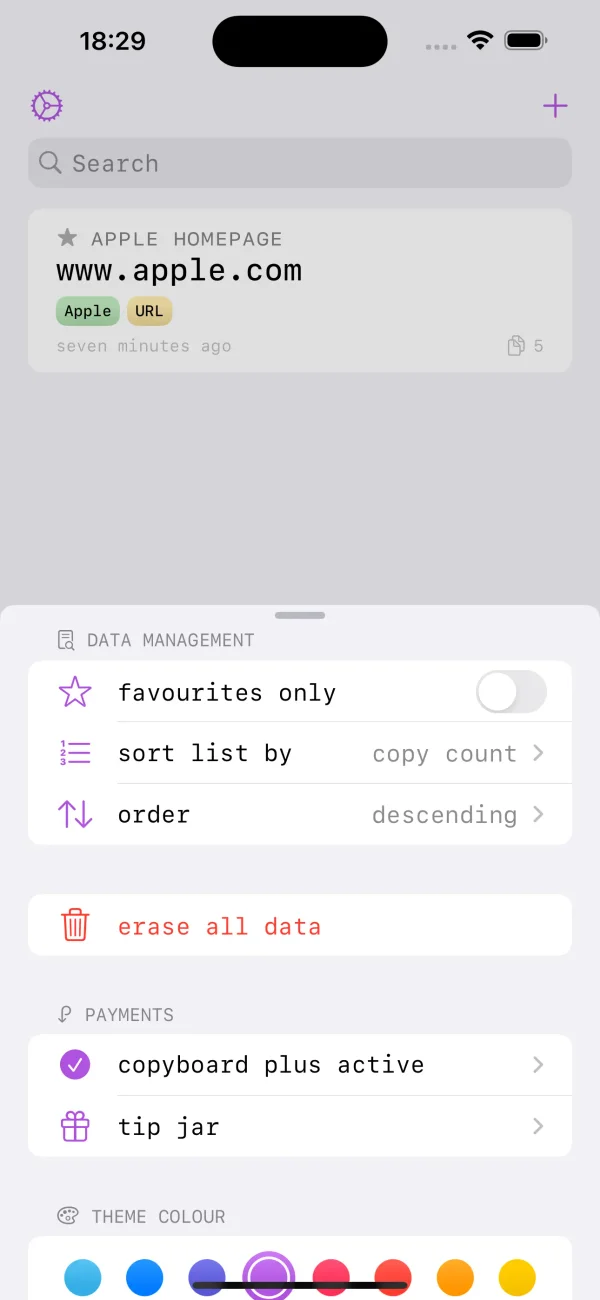
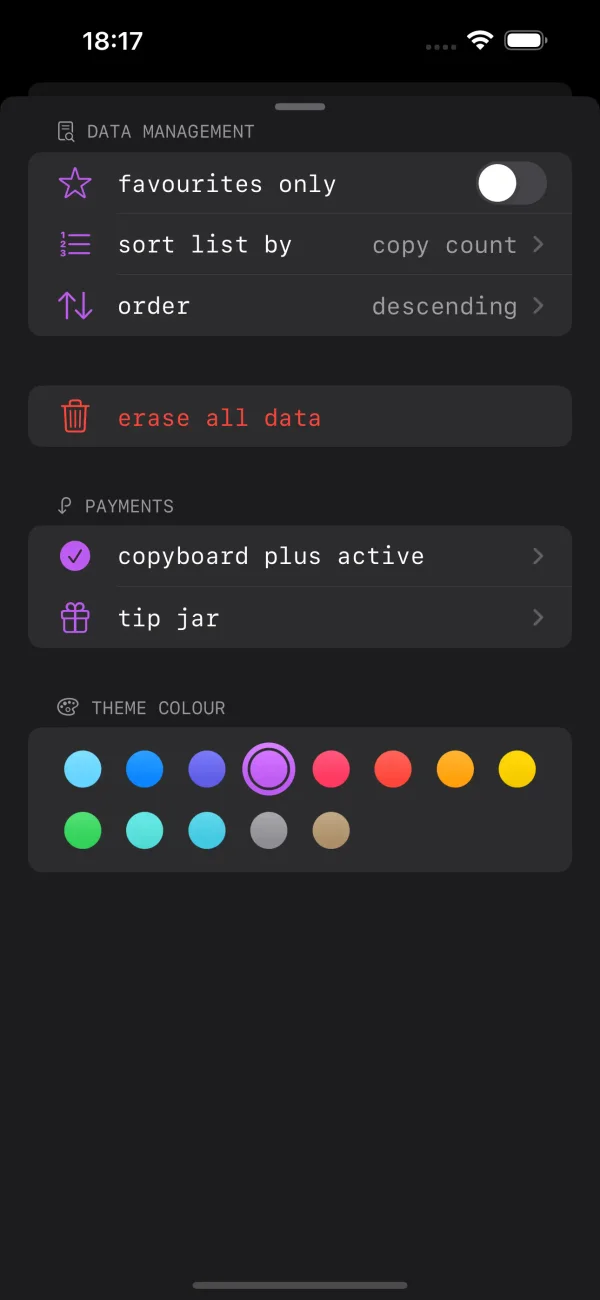
Each item displays a descriptive title alongside its copyable content. Tapping an item copies the text to the pasteboard for you to quickly share or use in other apps. Items can be organized using tags and favorites, and can be sorted alphabetically, by date, or by the number of times they’ve been copied. A search bar allows you to find a specific item using its description. Simple & fast, that’s Copyboard.
Copyboard uses iCloud so your list is automatically synchronized across iPhone, iPad, and Mac. All your data stays private to you.
Copyboard should not be used to store sensitive data, for example, passwords.
---
Some of the content discussed above requires an in-app purchase: The free version of Copyboard allows you to view up to 2 (two) items in your list. Copyboard Plus is required to add more than two items, for tags, for favoriting items, and for sort and search functionality.
Copyboard contains no ads. Copyboard Plus is required for the additional features and capabilities mentioned above, which can be accessed by either an auto-renewing subscription or a one-time in-app purchase.
---
Payment will be charged to your Apple ID account at the confirmation of purchase. The subscription automatically renews unless it is canceled at least 24 hours before the end of the current period. Your account will be charged for renewal within 24 hours before the end of the current period. You can manage and cancel your subscriptions by going to your App Store account settings after purchase. Cancellation of the current active subscription period is not allowed.
---
Privacy Policy:
https://sites.google.com/view/lazycatapps/home/copyboard/privacy-policy
Terms of Use:
https://www.apple.com/legal/internet-services/itunes/dev/stdeula
What’s new
Version 1.8.2 · Sep 18, 2025
Fixes and improvements
App privacy
What David Steppenbeck declares on the App Store about how this app handles data.
-
Data not linked to you
May be collected but is not linked to your identity.
- Purchases
Privacy practices may vary, for example with the features you use or your age.
Information
- Seller
- David Steppenbeck
- Category
- Productivity
- Version
- 1.8.2
- Updated
- Sep 18, 2025
- Released
- Jun 19, 2024
- Size
- 9.5 MB
- Requires
- iOS 18.0 or later
- Age rating
- 4+
- Price
- Free
- In-app purchases
- Yes
- Languages
- English, Dutch, French, German
- Copyright
- Copyright © 2024–2025 David Steppenbeck
You might also like
-
 CopyCat ClipboardLimitless Productivity
-
 Snippeta - copy, manage, pasteText manager & paste keyboard
-
 Juno: Task & Project ManagerOrganize Notes, Links & More
-
 Paste Manager - Clipboard syncOrganize data, copy and paste
-
 PasteDock: Clipboard ManagerCopy & Paste Text and Images
-
 Copy 'Em + Paste KeyboardCopy. Paste. Organize. Sync.
-
 CopyNote: Keyboard ShortcutsSnippets, templates, keyboard
-
 Copy BetterAn extended clipboard
-
 Today App: To-Do Lists & NotesTasks, Reminders
-
 iCliper - Clipboard ManagerAuto Copy and Paste Keyboard