Cast Screen - TV Mirror
Screen Mirror, Strea & Cast
Designed for iPhone, iPad
In-app purchases
- Age rating4+
- CategoryUtilities
- DeveloperLiam Spencer
- LanguagesGerman+ 13 more
- Size45.1 MB
Links to the official App Store page
Download.org hosts no file of Cast Screen - TV Mirror. The button opens its official App Store page, published by Liam Spencer. Listing last checked on Nov 23, 2026.
Screenshots
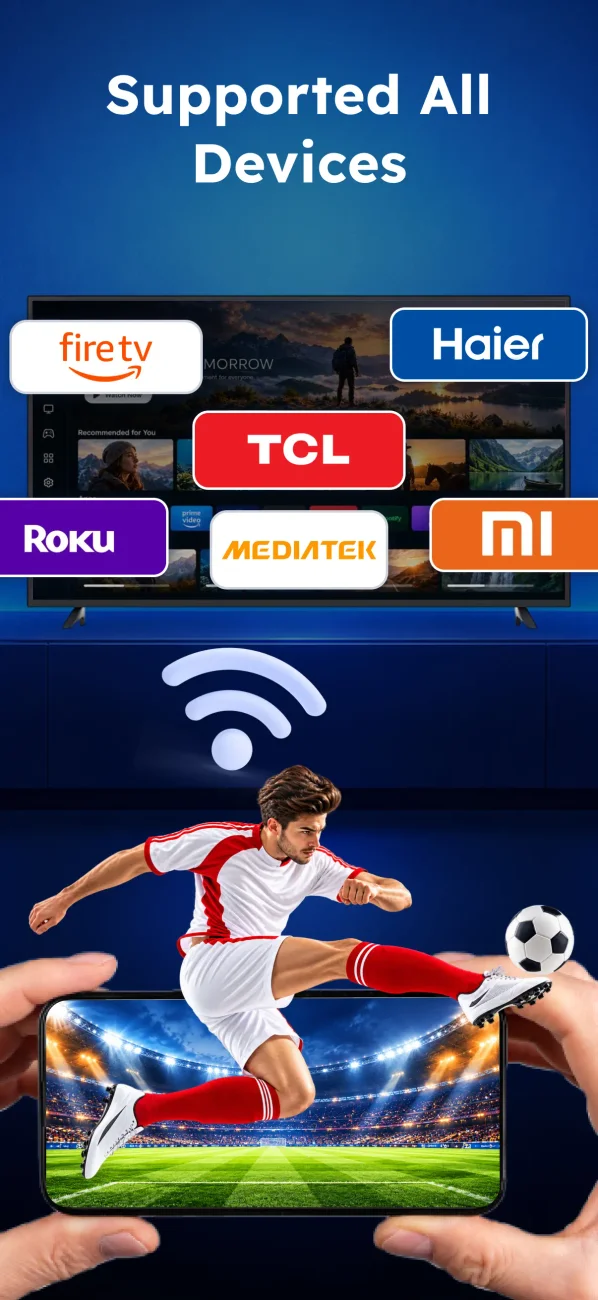

About
Screen Mirroring - Smart TV Cast
Transform your viewing experience with a convenient screen mirroring and casting app. Connect your iPhone to a compatible Smart TV and enjoy your photos, videos, music, and other content on a bigger screen.
Whether you want to share memorable moments, play your favorite media, display documents, or enjoy entertainment on your TV, this app brings multiple useful features together in one place.
KEY FEATURES
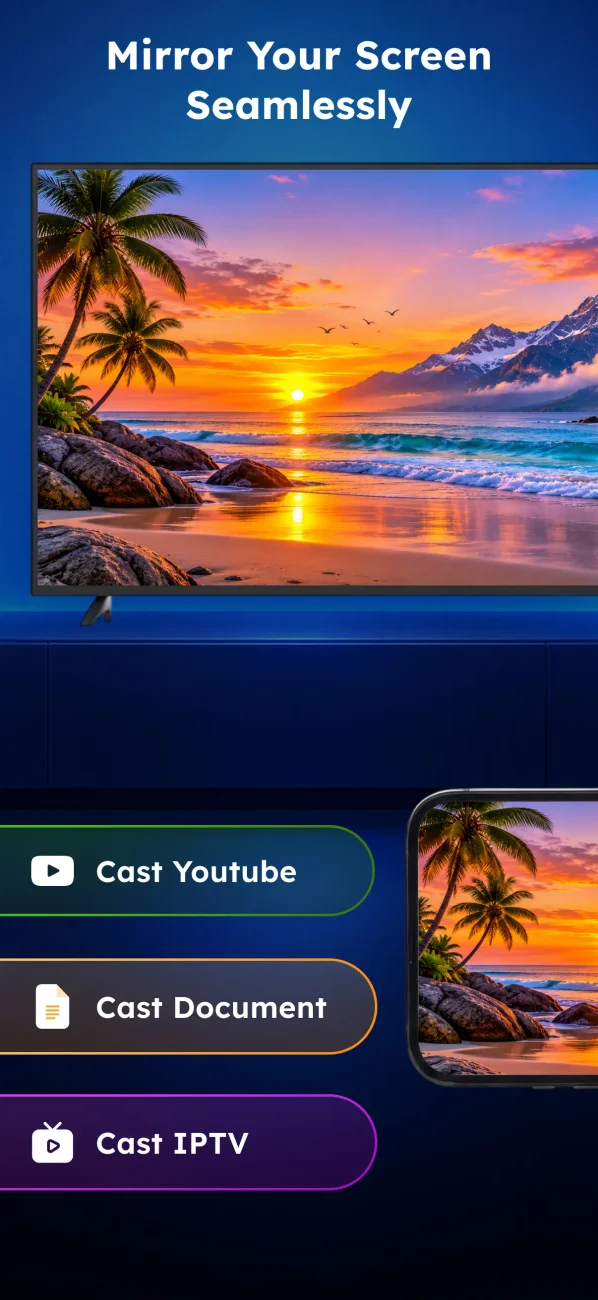
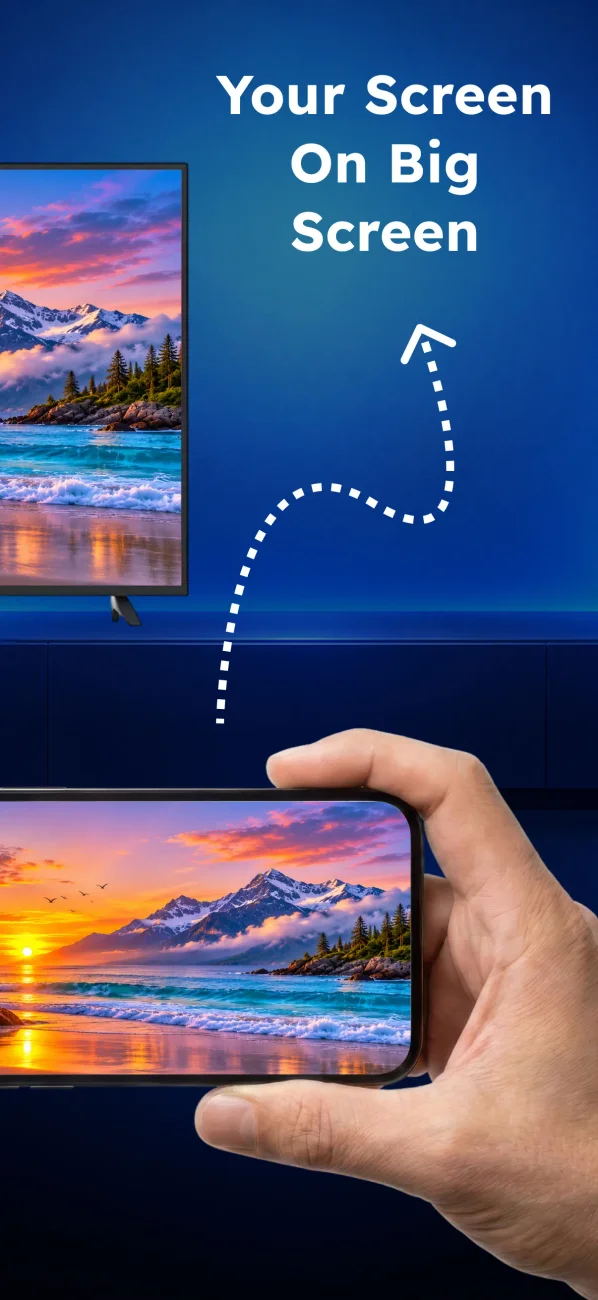
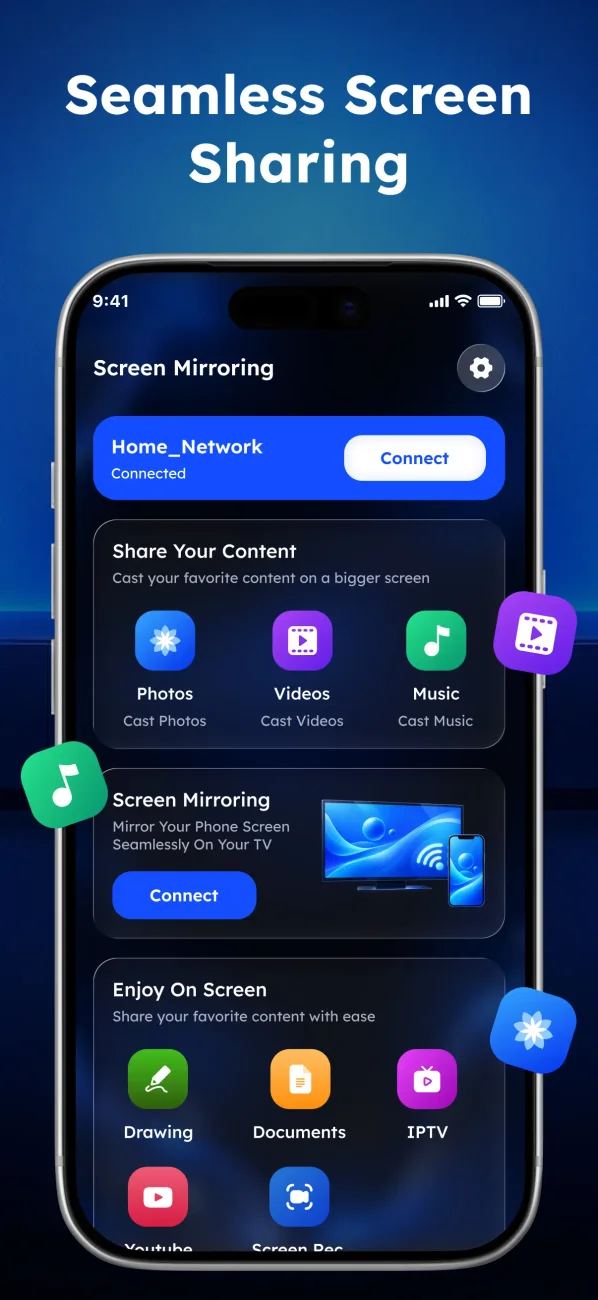
Screen Mirroring
Mirror your iPhone screen to a compatible Smart TV and view your mobile screen on a larger display. Enjoy presentations, browsing, and supported content with convenient screen sharing.
Photo Casting
Display your favorite photos and memorable moments on your TV screen. Share pictures with family and friends on a bigger display.
Video Casting
Cast supported videos from your iPhone to your compatible TV and enjoy your video content on a larger screen.
Music Casting
Play your favorite music through your compatible TV and enjoy your audio experience with family and friends.
YouTube Casting
Connect and cast supported YouTube videos to your compatible TV for a more enjoyable viewing experience.
File Casting
Access and share supported files from your iPhone on a compatible TV. Make viewing and sharing your files more convenient.
Drawing Pad
Use the built-in drawing pad to create sketches, write notes, and express your creativity.
Live Camera
Use the live camera feature to view and share supported camera content on a larger screen, where compatible.
Screen Recorder
Record your screen activity using the screen recording feature. Capture supported on-screen activities for later reference.
IPTV
Access and play supported IPTV content using compatible IPTV sources and playlists. Content availability depends on your configured source.
Enjoy multiple entertainment, screen sharing, and creative tools in one application. Easily explore the available features and make your compatible TV experience more convenient.
COMPATIBILITY
This app works with supported Smart TVs and compatible devices. Screen mirroring and casting availability may depend on your TV model, device compatibility, network connection, and supported protocols.
IMPORTANT INFORMATION
A compatible Smart TV or receiving device is required for supported casting and mirroring features.
IPTV content requires a compatible playlist or source provided by the user. The app does not provide, host, or distribute IPTV channels or copyrighted media.
YouTube is a third-party service. YouTube content availability and playback are subject to YouTube's terms and policies.
This application is not affiliated with or endorsed by any TV manufacturer, YouTube, or IPTV service provider.
Enjoy a smarter way to mirror, cast, share, and create with Screen Mirroring - Smart TV Cast.
Premium Features and In-App Purchase
Unlock the full experience with optional Premium access.
The following features require an additional purchase through the app:
Screen Mirroring – Mirror your iPhone screen to a compatible television.
Photo, Video and Music Casting – Cast your personal media to supported TV devices.
Screen Recording – Access the premium screen recording functionality.
Ad-Free Experience – Enjoy the application without advertisements.
Premium Purchase Options
Choose the plan that suits your needs:
Lifetime Access – One-time payment for lifetime access to Premium features.
Yearly Premium – Auto-renewable yearly subscription.
Monthly Premium – Auto-renewable monthly subscription.
Important Purchase Information
Subscriptions automatically renew unless canceled at least 24 hours before the end of the current subscription period. Users can manage or cancel their subscriptions through their Apple Account settings.
Privacy Policy : https://liamspencer391.blogspot.com/2026/11/privacy-policy.html
Terms & Conditions : https://liamspencer391.blogspot.com/2026/11/terms-and-conditions.html
Eula : https://liamspencer391.blogspot.com/2026/06/eula.html
What’s new
Version 2.0 · Nov 7, 2026
Introducing an enhanced screen mirroring and casting experience!
* Screen Mirroring for compatible Smart TVs.
* Photo, Video and Music Casting.
* YouTube Casting for supported content.
* IPTV support for compatible playlists.
* File Casting to share supported files.
* Live Camera feature.
* Built-in Drawing Pad for creative activities.
* Screen Recorder to capture your screen activity.
* Improved app performance and stability.
* Fixed minor bugs and optimized the user experience.
Update now and enjoy more ways to connect, cast, share and create!
App privacy
What Liam Spencer declares on the App Store about how this app handles data.
-
Data used to track you
May be used to track you across apps and websites owned by other companies.
- Usage data
-
Data not linked to you
May be collected but is not linked to your identity.
- Usage data
Privacy practices may vary, for example with the features you use or your age.
Information
- Seller
- Liam Spencer
- Category
- Utilities
- Version
- 2.0
- Updated
- Nov 7, 2026
- Released
- Nov 3, 2026
- Size
- 45.1 MB
- Requires
- iOS 17.6 or later
- Age rating
- 4+
- In-app purchases
- Yes
- Languages
- German, Danish, English, French, Hindi, Italian, Japanese, Korean, Dutch, Portuguese, Russian, Spanish + 2 more
- Copyright
- © Liam spencer
You might also like
-
 Smart Remote: Uni TV RemoteSmart TV Remote & Casting
-
 UtilityBox+Every Day Tools
-
 UltraNestEverything You Need in One App
-
 MotionCraft - PhotosEntertainment Hub
-
 Sharelix : Air File ShareFile Sharing & Data Transfer
-
 SpeakozaText to speech
-
 CLK WrldAll in one Clock solution
-
 VisionCut - UtilityEnjoy All Tool In One Place
-
 Just Nice ClockUtilities
-
 Haptic HitTest your haptic feedback