
- Age rating4+
- CategoryFinance
- DeveloperCoronation Merchant Bank Nigeria Ltd
- LanguagesEnglish
- Size30.9 MB
Links to the official App Store page
Download.org hosts no file of Coronation Mobile. The button opens its official App Store page, published by Coronation Merchant Bank Nigeria Ltd. Listing last checked on Nov 20, 2026.
Screenshots



About
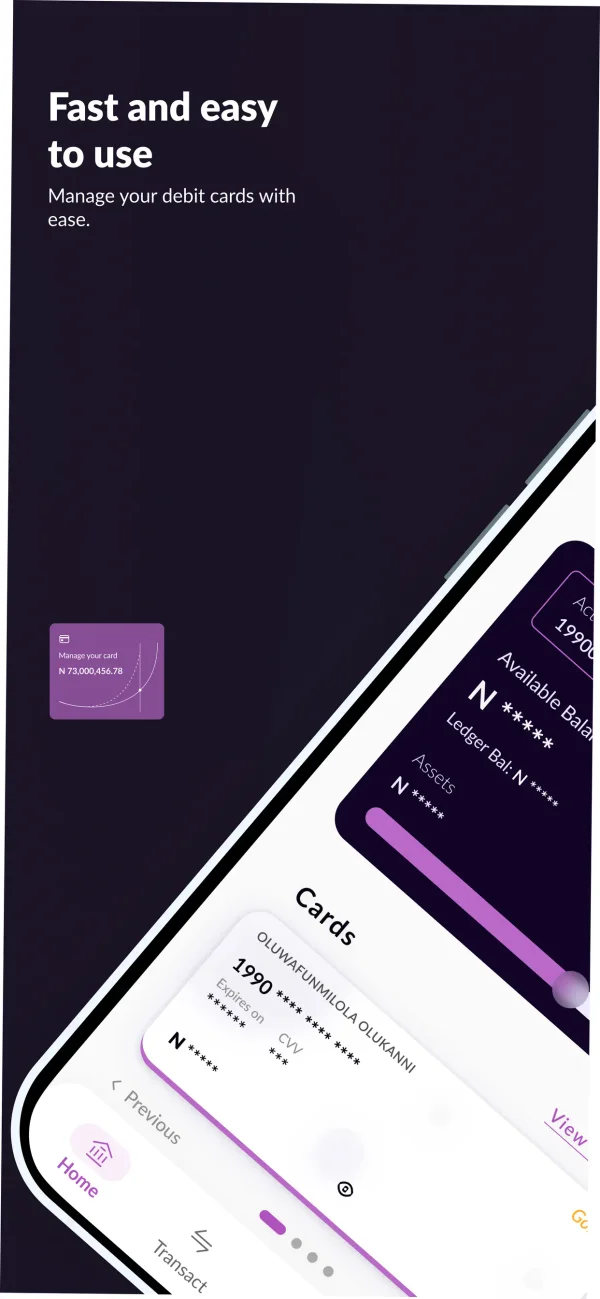
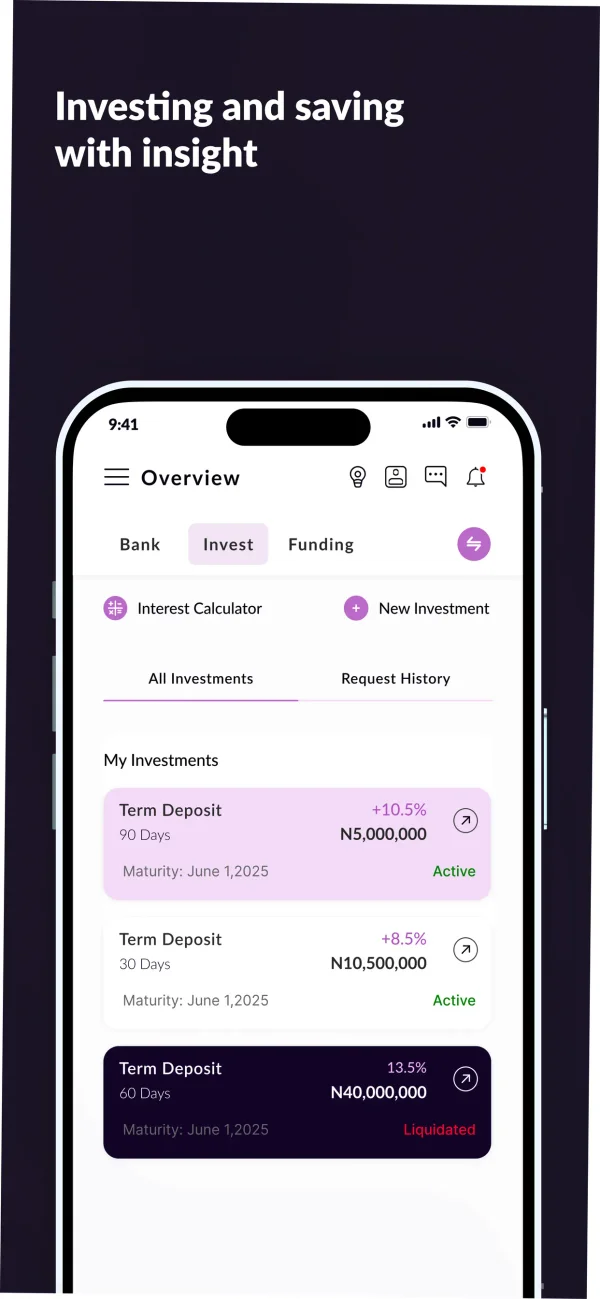
The Coronation Merchant Bank App is an innovative app that delivers our prestigious banking experience to your fingertips.
Our new app is designed to offer our customers a seamless and efficient means of performing their transactions and much more.
Key Features include:
• A seamless dashboard that enables you view your account balance with ease.
• View 10 most recent transactions
• Account Management
• Easy First time Setup
o Create Single Sign On login ID and password
o Sign up with Internet Banking Username and Password
• Beneficiary Management
o Register new beneficiaries
o View existing beneficiaries (Omni Channel)
o Delete Beneficiaries (Omni Channel)
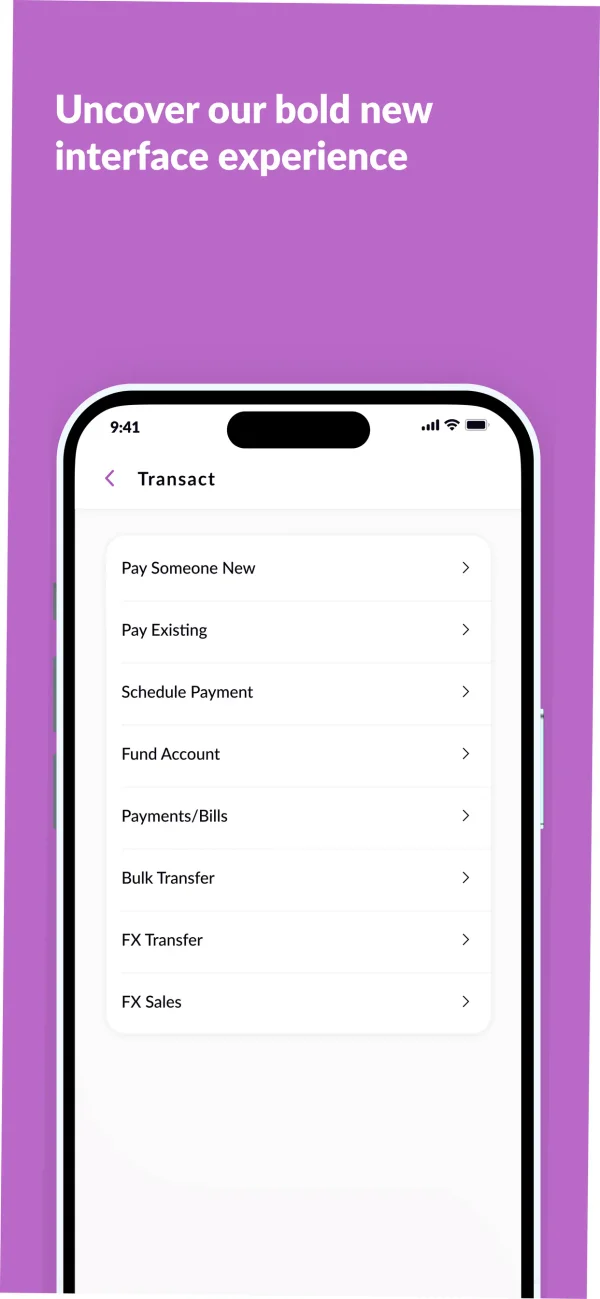
• Funds Transfer Capability
o In-house transfer
o Other Banks transfer
• Transaction Receipt Generation
• Self-service PIN reset.
• Airtime and Bill Payments support
How to Register in 5 easy steps:
1. From the sign in page please select the sign-up icon; this will take you to the sign-up page where you will be asked to pick indicate Banking as your option.
2. Select “Banking” in the next page, input the username and password of your coronation Internet banking account and the select sign up icon. This leads you to the next page where a one-time password (OTP) is sent to your registered number and email address.
3. Pick the OTP from your Email/Messages and input it into the required textbox.
4. Create a new Login ID (This will be the Single sign on profile you will be using in your mobile app) with your new username and password (password should be at least 8 characters long with an upper character letter, a symbol and a number).
5. Input your six-digit pin, agree to the Terms and Conditions and sign up.
This completes the sign up and leads you back to the Sign-in page.
Please note that going forward your Transaction PIN will act as your token for Transactions in the mobile app.
Do have a wonderful experience with us.
What’s new
Version 2.5.4 · Nov 9, 2026
Bug fixes on Biometrics.
App privacy
What Coronation Merchant Bank Nigeria Ltd declares on the App Store about how this app handles data.
-
Data not collected
The developer does not collect any data from this app.
Privacy practices may vary, for example with the features you use or your age.
Information
- Seller
- CORONATION MERCHANT BANK NIGERIA LIMITED
- Category
- Finance
- Version
- 2.5.4
- Updated
- Nov 9, 2026
- Released
- Oct 11, 2017
- Size
- 30.9 MB
- Requires
- iOS 15.0 or later
- Age rating
- 4+
- Price
- Free
- Languages
- English
- Copyright
- © CORONATION MERCHANT BANK NIGERIA LIMITED