
Couchside — Remote
Remote console for your HTPC
Designed for iPhone, iPad
Free · In-app purchases
- Age rating4+
- CategoryUtilities
- DeveloperTaylor Emery
- LanguagesEnglish
- Size86.8 MB
Links to the official App Store page
Download.org hosts no file of Couchside — Remote. The button opens its official App Store page, published by Taylor Emery. Listing last checked on Nov 13, 2026.
Screenshots


About
Couchside turns your iPhone into a dashboard, remote, game launcher and controller for your living-room Linux gaming PC: SteamOS, Bazzite, a docked Steam Deck, or another supported systemd Linux box.
WHAT TO PLAY NEXT
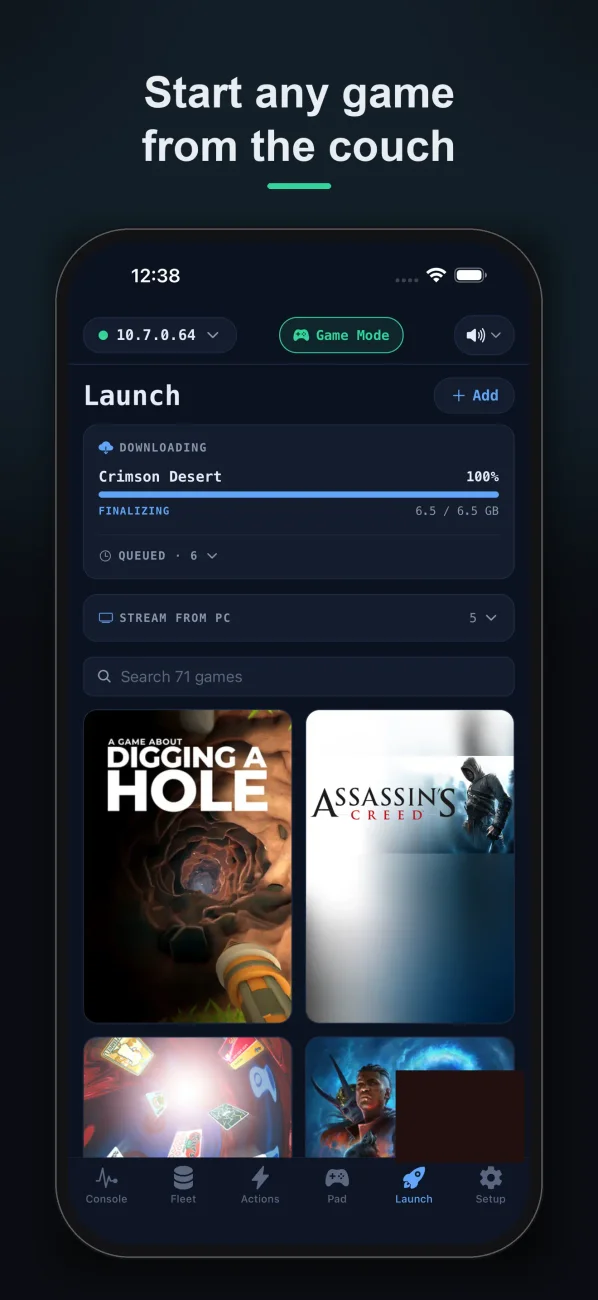
Find your next game with suggestions from your box’s game history. See what is running, choose another suggestion, and launch after confirming. The Play tab keeps recent content ready as you move between tabs. Optional demo mode lets you explore sample games away from your box.
YOUR STEAM COMPANION
Connect Steam on your box for profile and library stats, playtime trends, achievement progress, wishlist discounts and price-drop alerts. Add an optional IsThereAnyDeal integration for historical-low price comparisons. These opt-in features contact Steam and IsThereAnyDeal. Background wishlist notifications are best-effort and need your phone to reach the box.
LIVE CONSOLE
Check CPU temperature, load, memory, storage, uptime and service health. Supported handhelds also show battery and power information. See what is playing and manage multiple boxes from unified cards with live vitals and connection controls. When the TV is black, inspect the box from your phone.
FIX IT FROM THE COUCH
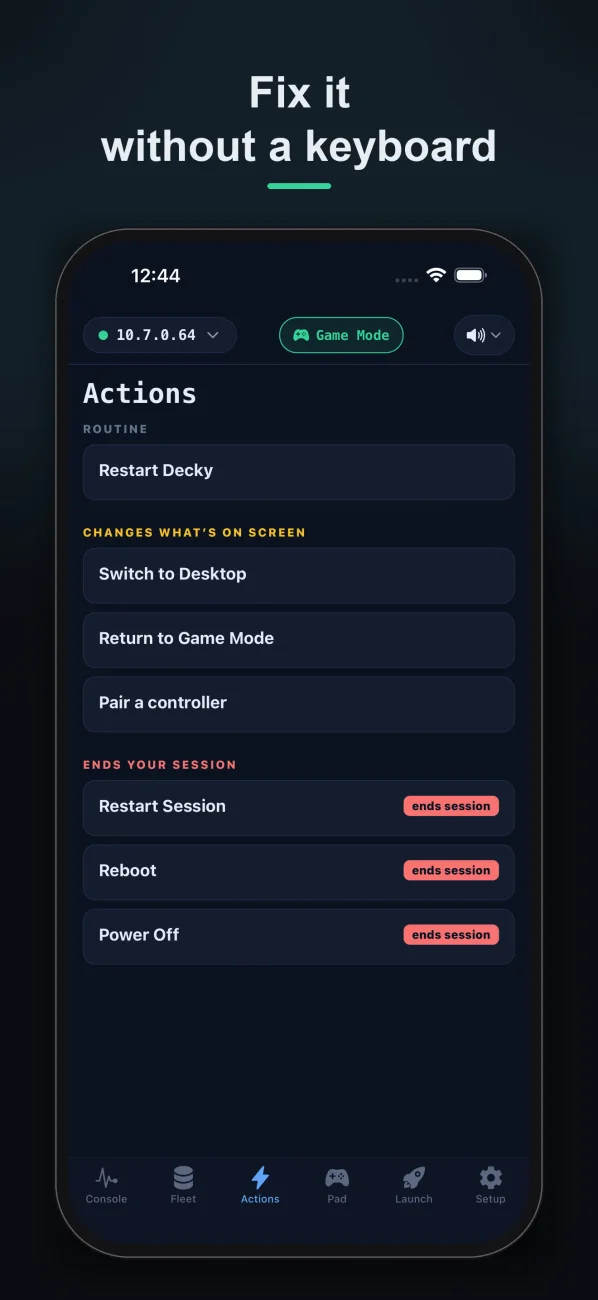
Read recent service logs, restart the display session, switch between Desktop and Game Mode, or reboot and shut down with confirmation. Available actions depend on your box’s capabilities and permissions.
GAMES, STREAMING AND CONTROLS
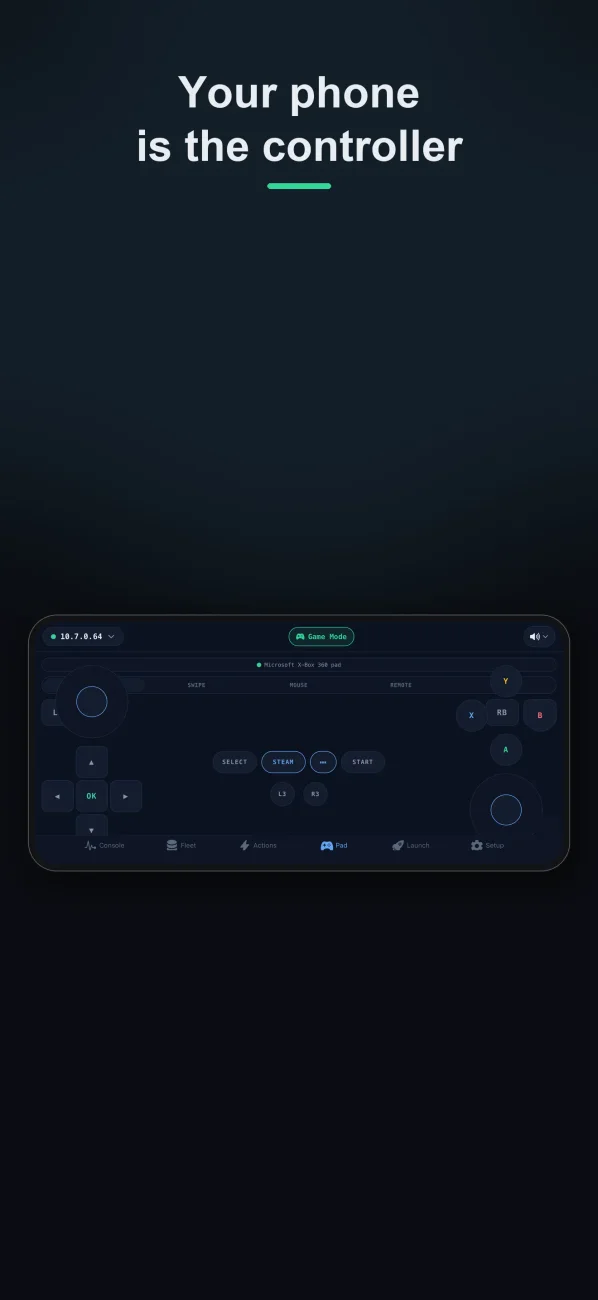
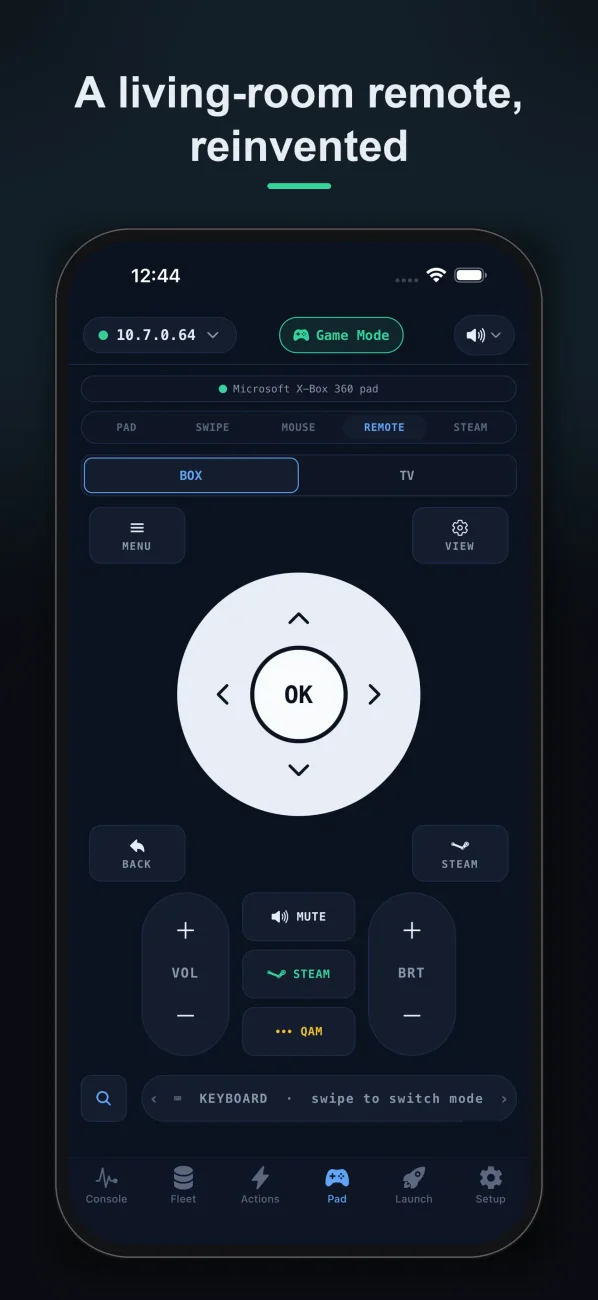
Browse installed games with cover art, search and filters. Launch a game on the TV or start Steam Remote Play from another PC. Use a virtual gamepad, swipe navigation, trackpad with two-finger gestures, or keyboard input. Landscape controls give you more room when you need it.
TV AND LIGHTING
Control power, volume and input on supported TVs, including compatible LG and Google TV models. Compatible HDMI-CEC hardware lets the box control the TV. On supported lighting hardware, adjust strip effects, reactive meters and artwork-inspired Game Aura presets. Create custom sequences with frame-by-frame timing and true on/off strobe effects.
EASY PAIRING
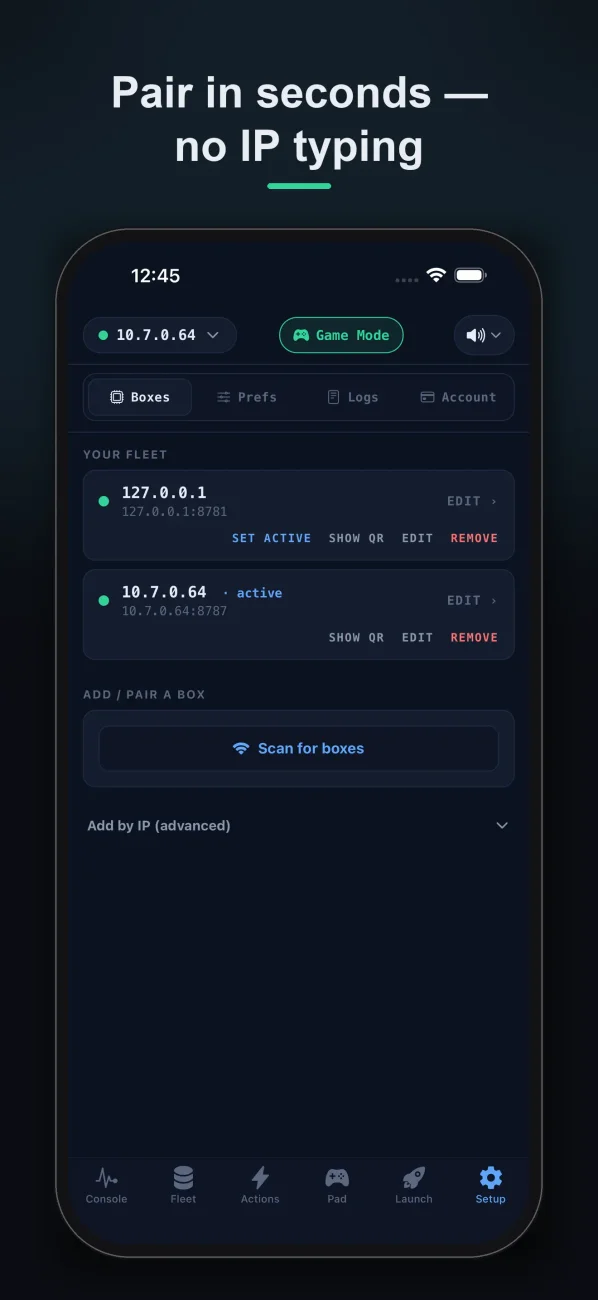
A welcome guide introduces Couchside and optional integrations. Install the free Couchside service on your box, then scan its QR code or enter its pairing PIN. Refined animations can be turned off in Preferences and respect Reduce Motion. Your phone and box must be on the same local network.
WAKE FROM THE COUCH
Wake supported Ethernet-connected boxes with progress and reconnection confirmation. On iPhone, waking may require another awake Couchside box on the same network to relay the request. Hardware, firmware and network settings must support Wake-on-LAN.
PRIVATE LOCAL CONTROL
Remote-control traffic stays on your local network, with no cloud relay or Couchside account. Pairing supports an encrypted, pinned connection. Optional online features, store purchases and update checks contact their respective services. No analytics. The Linux service is open source and the app is source-available.
TRY FREE FOR 7 DAYS, PAY ONCE
Download free and try the full app for 7 days. A one-time purchase unlocks continued use; there is no subscription. Existing unlocks carry forward.
REQUIREMENTS
• A supported Linux gaming box on your home network
• The free Couchside service installed on that box
• Your iPhone and box on the same LAN
• Optional integrations and hardware for Steam account features, TV control and lighting
What’s new
Version 2.9.82 · Nov 10, 2026
Air Mouse is here: point your phone to move the cursor, then use the touchpad for precise adjustments.
• Smooth pointing for your gaming PC and paired LG TV, with quick calibration and a compact AIR toolbar.
• Baldur’s Gate 3 MOVE controls stay in keyboard/mouse mode, with a touchpad, left/right click and clear keyboard labels.
• Optional touchpad cursor fling: choose your travel distance and touch again to stop. Off by default.
• Better Back navigation, control-handoff spacing and keyboard placement.
• A small, dismissible introduction helps you discover Air Mouse after updating.
App privacy
What Taylor Emery declares on the App Store about how this app handles data.
-
Data not collected
The developer does not collect any data from this app.
Privacy practices may vary, for example with the features you use or your age.
Information
- Seller
- Taylor Emery
- Category
- Utilities
- Version
- 2.9.82
- Updated
- Nov 10, 2026
- Released
- Jul 15, 2026
- Size
- 86.8 MB
- Requires
- iOS 16.4 or later
- Age rating
- 4+
- Price
- Free
- In-app purchases
- Yes
- Languages
- English
- Copyright
- © 2026 ETS3D LLC
You might also like
-
 HelmarrOne app to rule them all
-
 ProxMobo – Proxmox VE & PBSNative Proxmox VE / PBS Client
-
 Geekbench 7CPU and GPU performance test
-
 Wake Me Up - Wake-on-LANWake your computer up
-
 SpaceWalker by VITURENatively Support Spatial Video
-
 RustDesk Remote DesktopRemote access and control
-
 ntfyPush notifications via REST
-
 8BitDo Ultimate SoftwareUtilities
-
 uBlock Origin LiteAn efficient content blocker
-
 nRF Connect for MobileThe #1 Bluetooth LE utility