
Count Easy - Day Countdown
Days until and days since
Designed for iPhone, iPad
Free · In-app purchases
- Age rating4+
- CategoryUtilities
- DeveloperMatthew Strickland
- LanguagesEnglish
- Size4.2 MB
Links to the official App Store page
Download.org hosts no file of Count Easy - Day Countdown. The button opens its official App Store page, published by Matthew Strickland. Listing last checked on Nov 23, 2026.
Screenshots

About
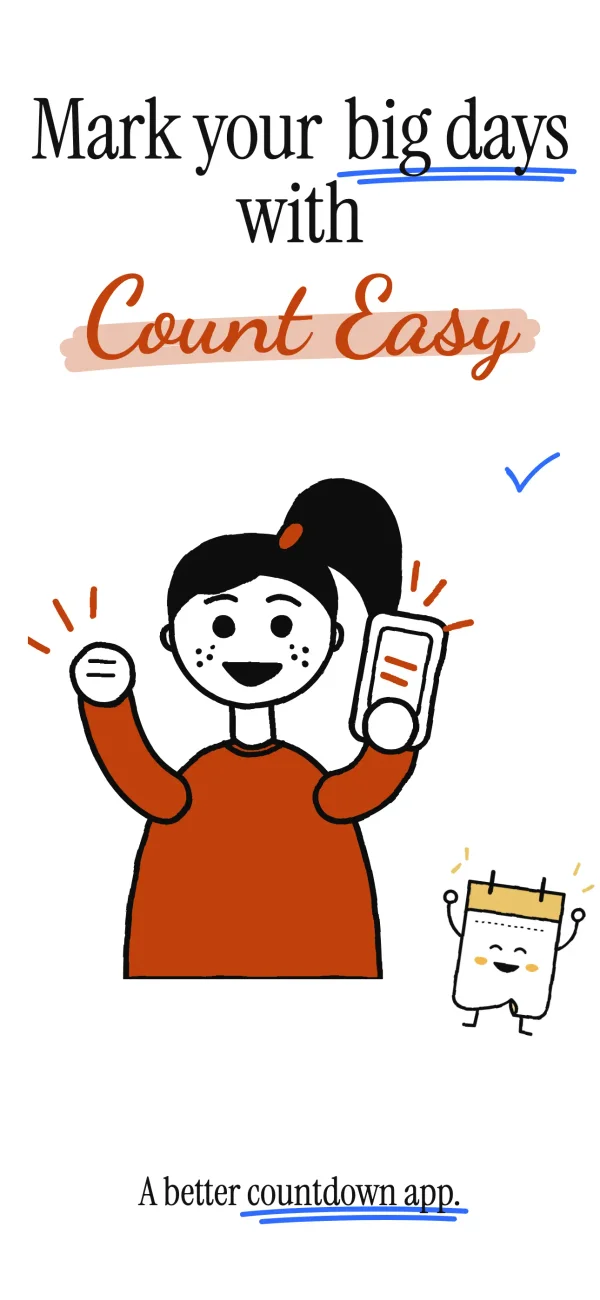
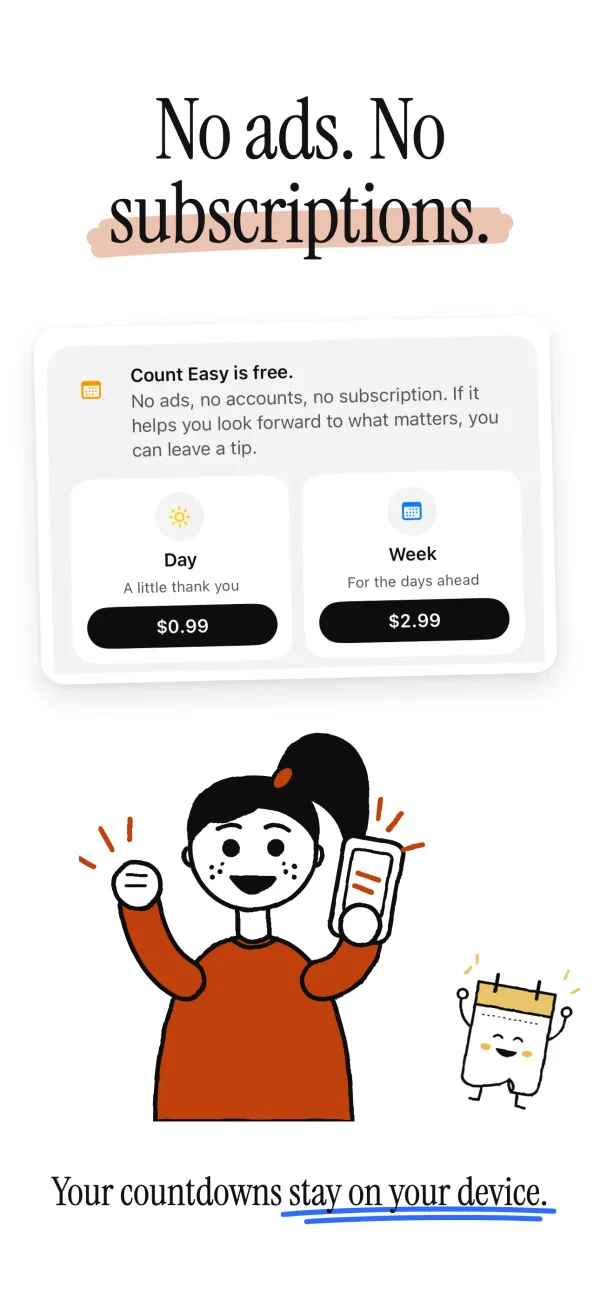
Count Easy counts the days until the moments you're waiting for, and the days since the ones that changed things. No accounts. No subscriptions. No ads.
WHAT'S NEXT, FIRST
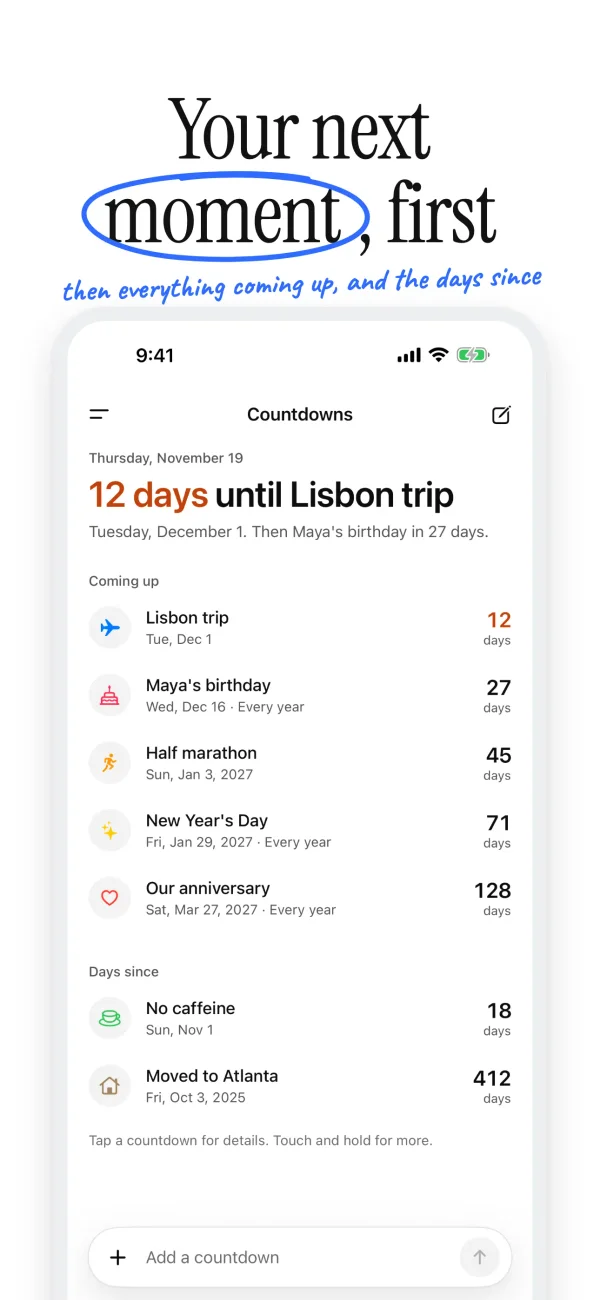
Home leads with your next moment, like "12 days until Lisbon trip". For birthdays and other repeats, a thin bar shows how much of the wait since the last one is behind you. Below it: today's moments, everything coming up, and the counters counting up.
ADD ONE IN A SENTENCE
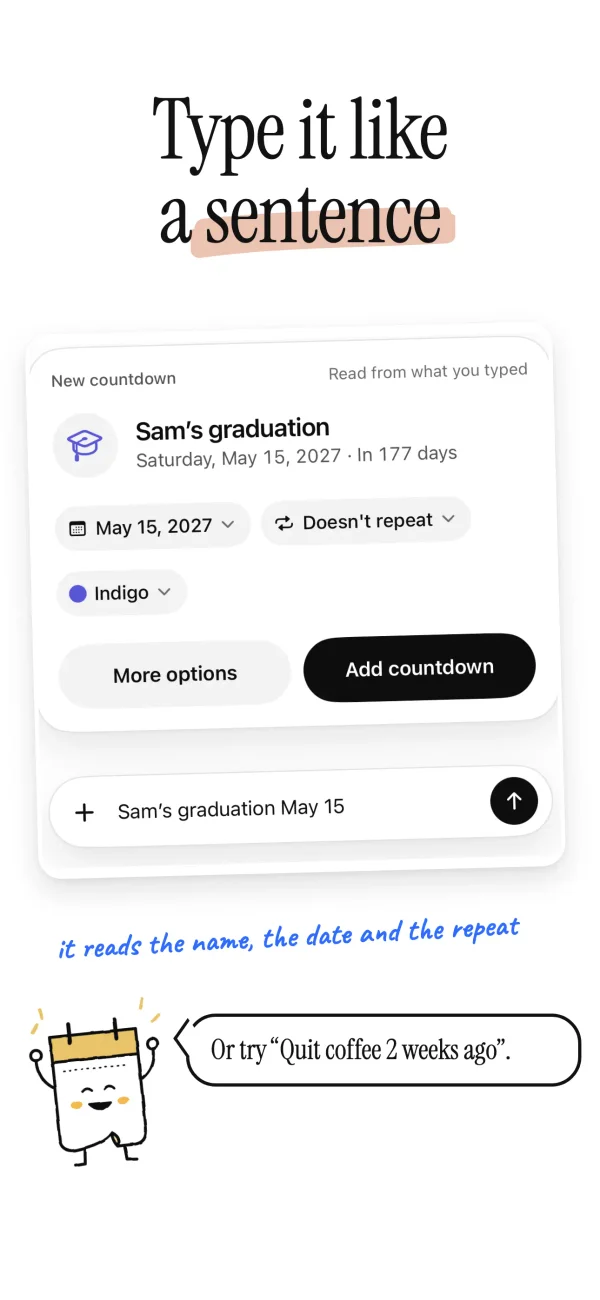
Type "Lisbon trip June 3", "Mom's birthday May 4" or "Quit coffee 2 weeks ago" and Count Easy reads the name, the date and whether it repeats. Or open the full form to pick the date, an icon or emoji, a color and a note.
DAYS UNTIL AND DAYS SINCE
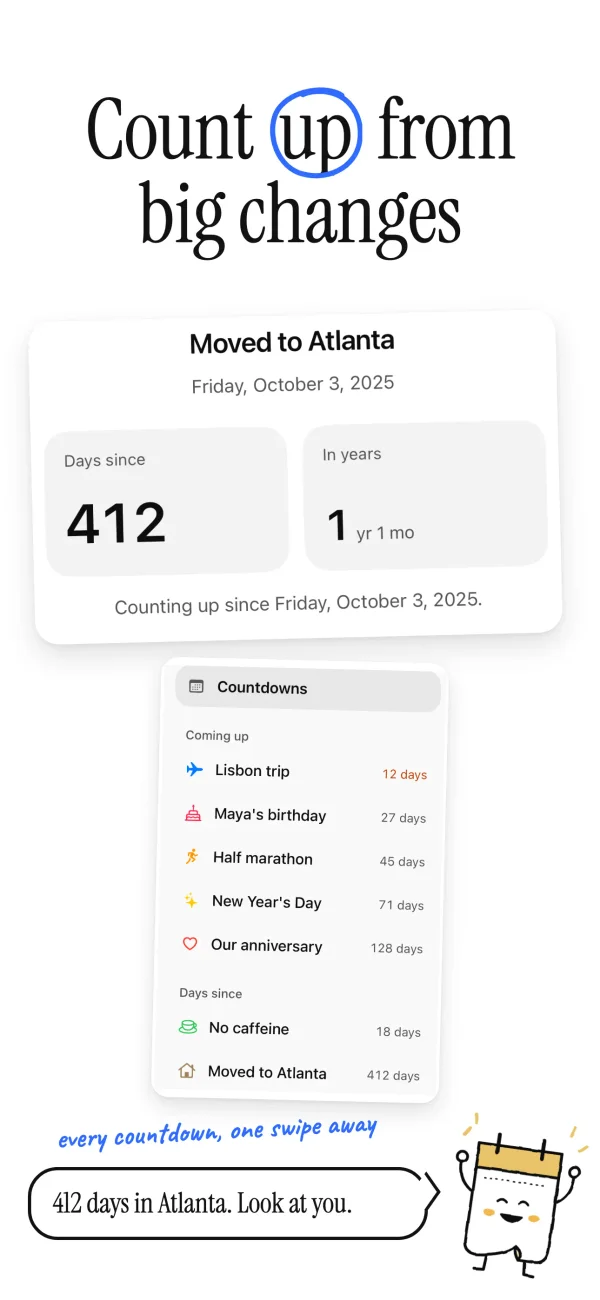
Count down to trips, birthdays, weddings, launches and deadlines. Count up from the day you moved, started a job or quit something. On the day itself a countdown simply reads Today; the next day it starts counting the days since.
REPEATS THAT KEEP THEIR DAY
Repeat every day, week, two weeks, month or year. Birthdays come back every year, February 29 included in leap years, and monthly dates on the 31st land on each month's last day.
RIGHT, WHEREVER YOU ARE
Count Easy counts calendar days, so a countdown never shifts by a day when you travel across time zones or the clocks change.
ON IPHONE AND IPAD
On iPad, your countdowns sit in a column beside the one you pick, with its days in large type, the weekends to go, the wait so far and its share card ready. Turn it, use it in Split View or a Stage Manager window: a narrow window works just like iPhone. On iPhone Duo, your countdowns sit on one side of the fold and the one you pick on the other.
WIDGETS
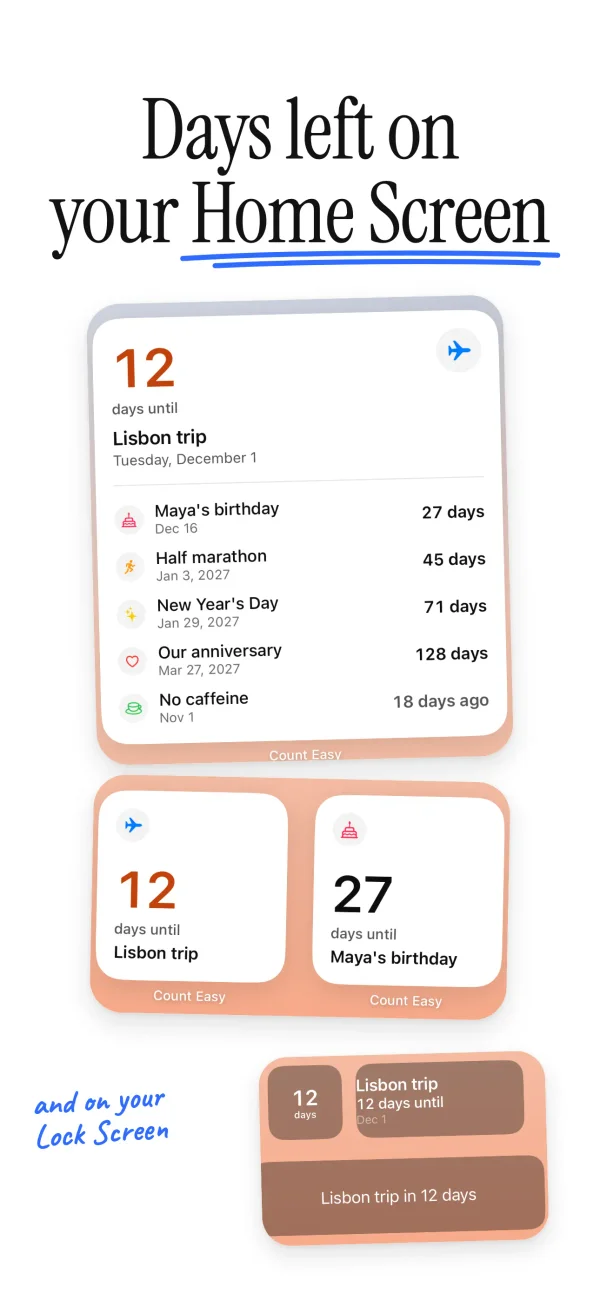
Small, medium and large Home Screen widgets and Lock Screen widgets show your next moment, or any countdown you pick. The medium and large sizes list what's up next.
SHARE THE COUNTDOWN
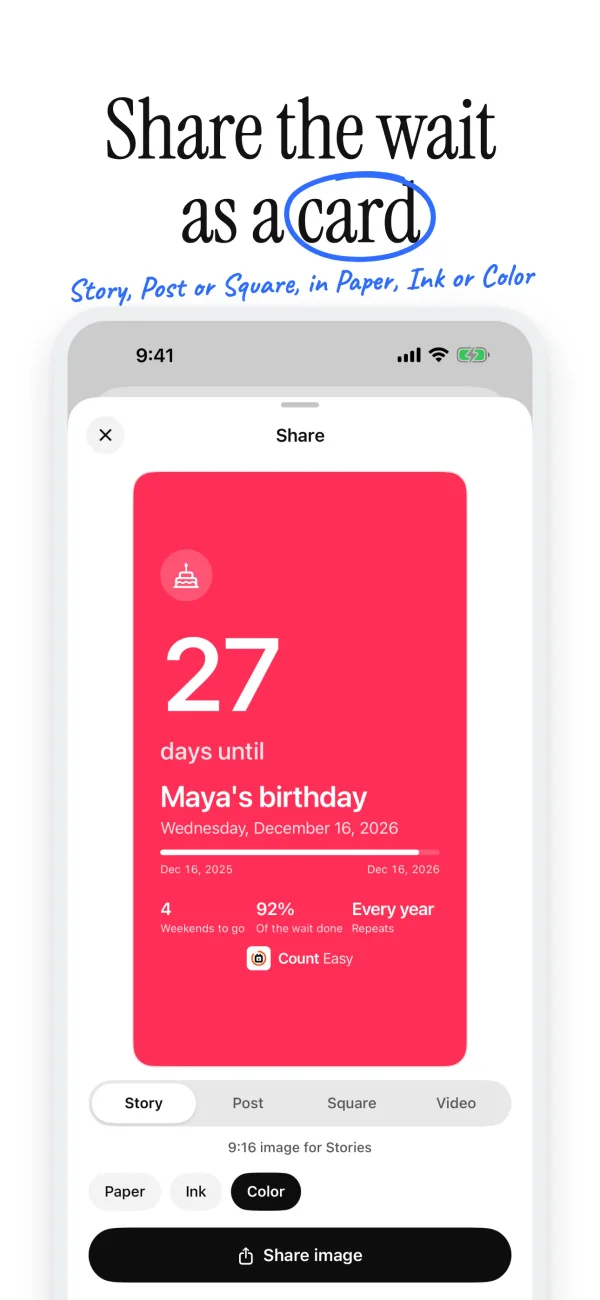
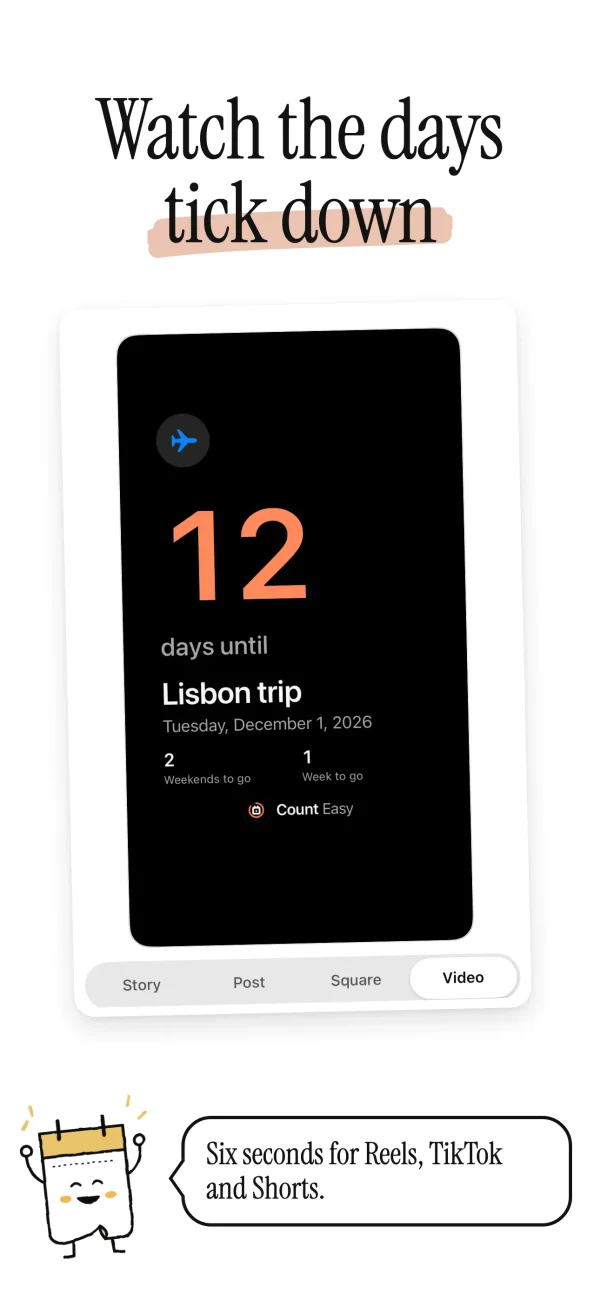
Send any countdown as a card for Stories, a feed post or a square post, or as a short video for Reels, TikTok and Shorts, where the days count down as the wait fills. In Paper, Ink or your countdown's own color.
MAKE IT YOURS
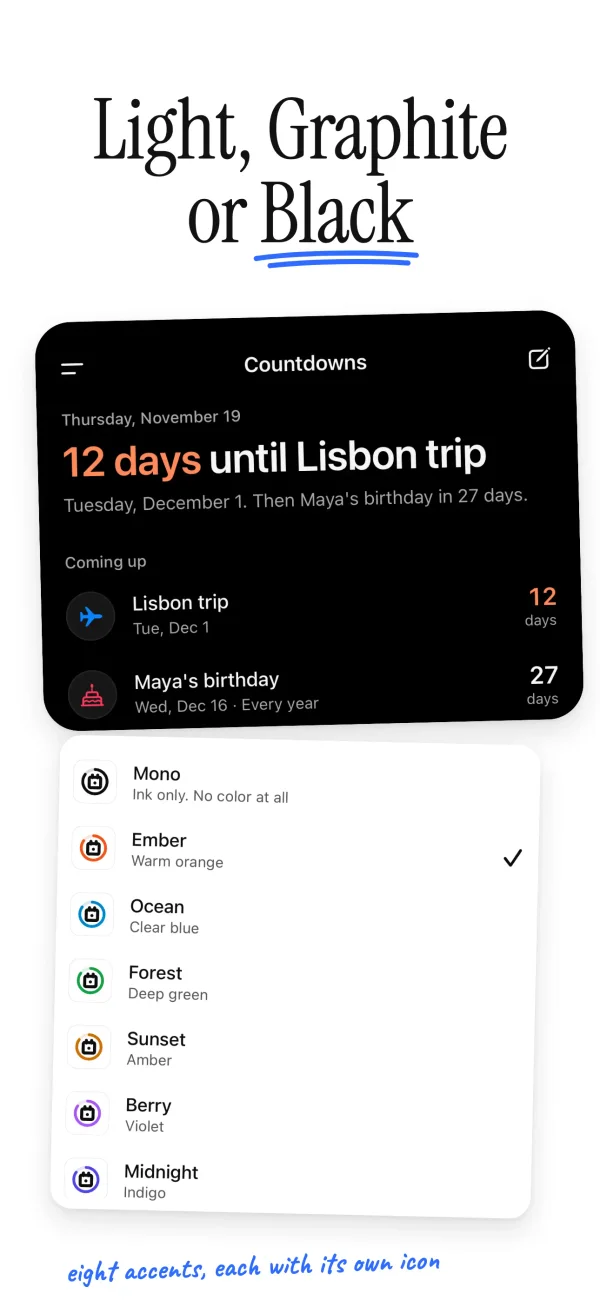
Light, Graphite or Black, and eight accents, each with its own app icon.
PRIVACY FIRST
Zero tracking. Zero third-party code. Your countdowns stay on your device and are never sent anywhere. iCloud backup handles device transfers automatically. To help fix problems, Count Easy sends anonymous diagnostics, such as crash reports and which screens you open. They never include your countdowns, and nothing identifies you. Diagnostics start out on, and one switch in Settings › Privacy turns them off.
A TIP, IF YOU LIKE
Count Easy is free and has nothing to unlock. If it helps you look forward to what matters, you can leave a one-time tip in Settings: a Day, a Week, a Month or a Year. The App Store handles each tip, and Count Easy stays exactly the same afterward.
What’s new
Version 1.6 · Nov 20, 2026
Now on iPad, with your countdowns beside the one you pick: its days in large type, the weekends to go, the wait so far and its share card, all on one screen. Share opens with the card large beside its formats and looks.
• Works in portrait and landscape, in Split View and in Stage Manager windows; a narrow window works just like iPhone.
• With a keyboard: Command-N for a new countdown, Command-S to save it, Command-comma for Settings.
• On iPhone the share sheet now opens the system's own way, half height, with Save Image and Save Video.
App privacy
What Matthew Strickland declares on the App Store about how this app handles data.
-
Data not linked to you
May be collected but is not linked to your identity.
- Usage data
- Diagnostics
Privacy practices may vary, for example with the features you use or your age.
Information
- Seller
- Matthew Strickland
- Category
- Utilities
- Version
- 1.6
- Updated
- Nov 20, 2026
- Released
- Feb 20, 2026
- Size
- 4.2 MB
- Requires
- iOS 17.0 or later
- Age rating
- 4+
- Price
- Free
- In-app purchases
- Yes
- Languages
- English
- Copyright
- © 2026 IdleFusion
You might also like
-
 Bigday - Countdown WidgetDays Until Events & Big Days
-
 Big Day: Countdown WidgetsWeddings, trips & day counter
-
 Days Ahead: Photo CountdownWidget for a holiday or party
-
 Quiet CountdownsA quiet place to wait
-
 Countdown Widget: Days & TimerDay Counter & Count Up
-
 Countdown Days · WidgetsDays until what matters
-
 CountDounCountdown widgets & reminders
-
 Countdown StreamUtilities
-
 Countdown: Days Until EventBirthday & Date Widget Tracker
-
 EventKeeper Countdown TimerCount Down to Special Days