
Countdown
Countdown Widget for Events
Designed for iPhone, iPad
Free · In-app purchases
- Age rating4+
- CategoryLifestyle
- DeveloperSevenlogics, Inc.
- LanguagesEnglish+ 22 more
- Size76.5 MB
Links to the official App Store page
Download.org hosts no file of Countdown . The button opens its official App Store page, published by Sevenlogics, Inc. Listing last checked on Nov 24, 2026.
Screenshots


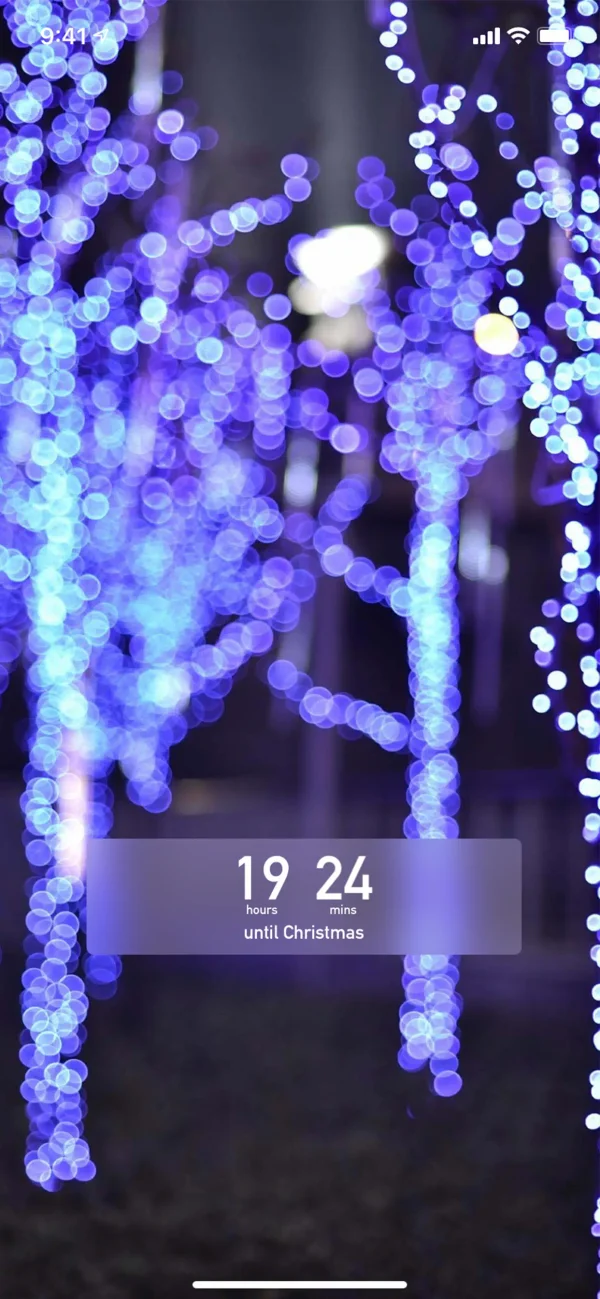
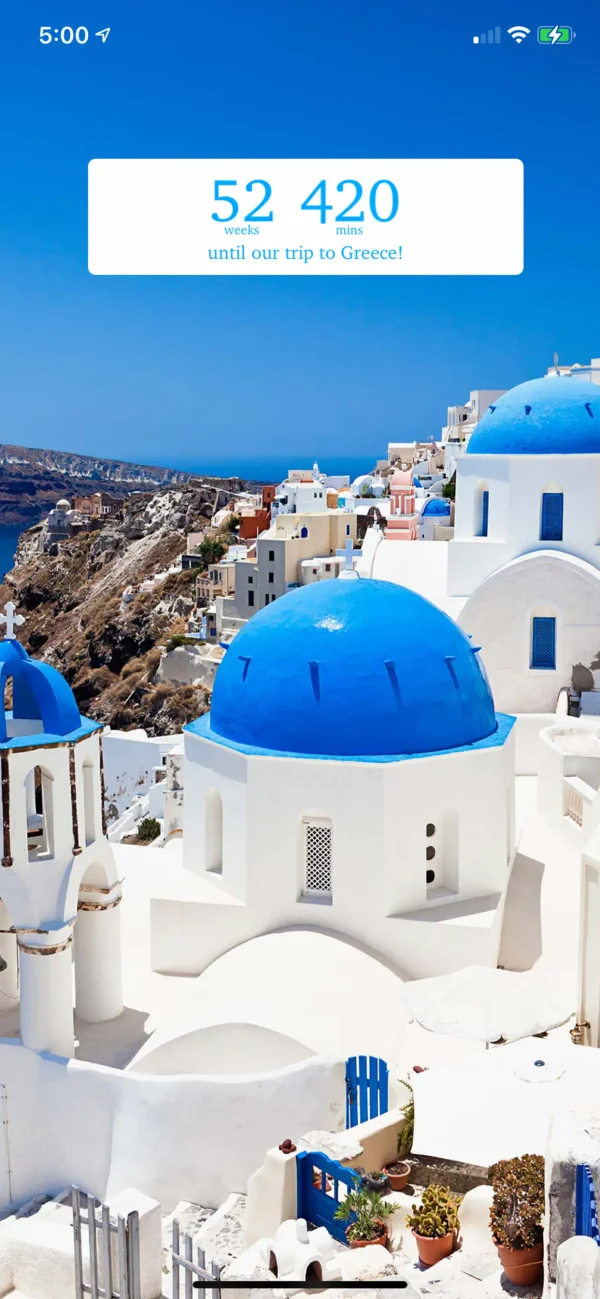
About
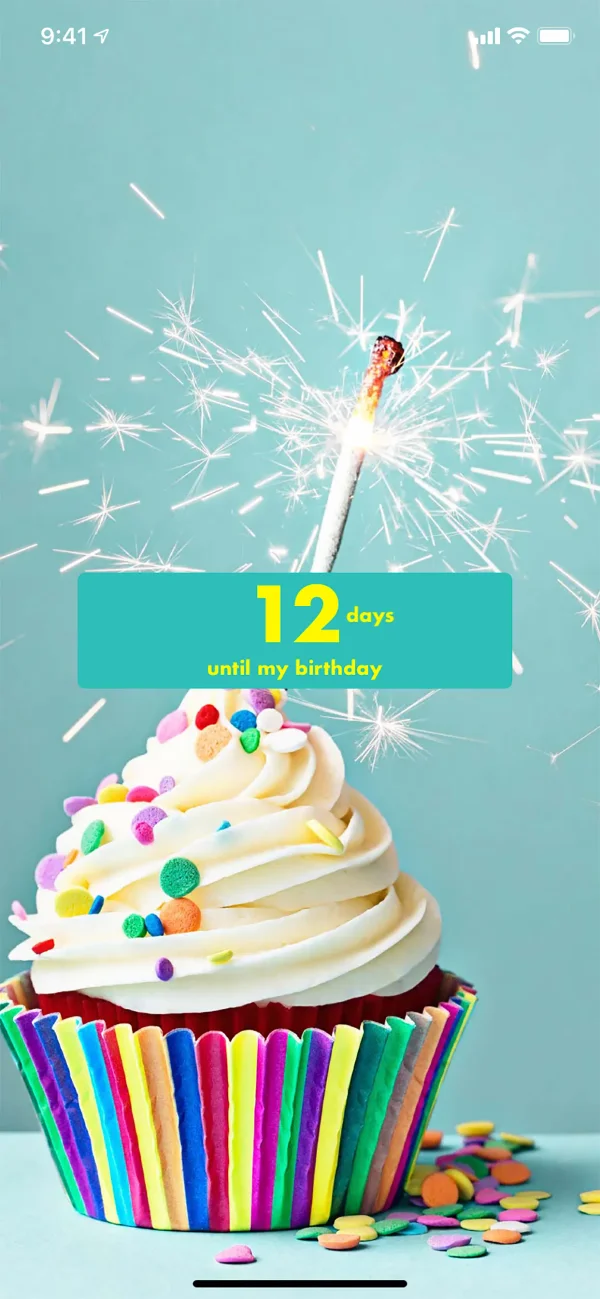
Count down to your next event — a vacation, your favorite band's concert, a movie premiere, a graduation, an anniversary, and more — in style!
Features:
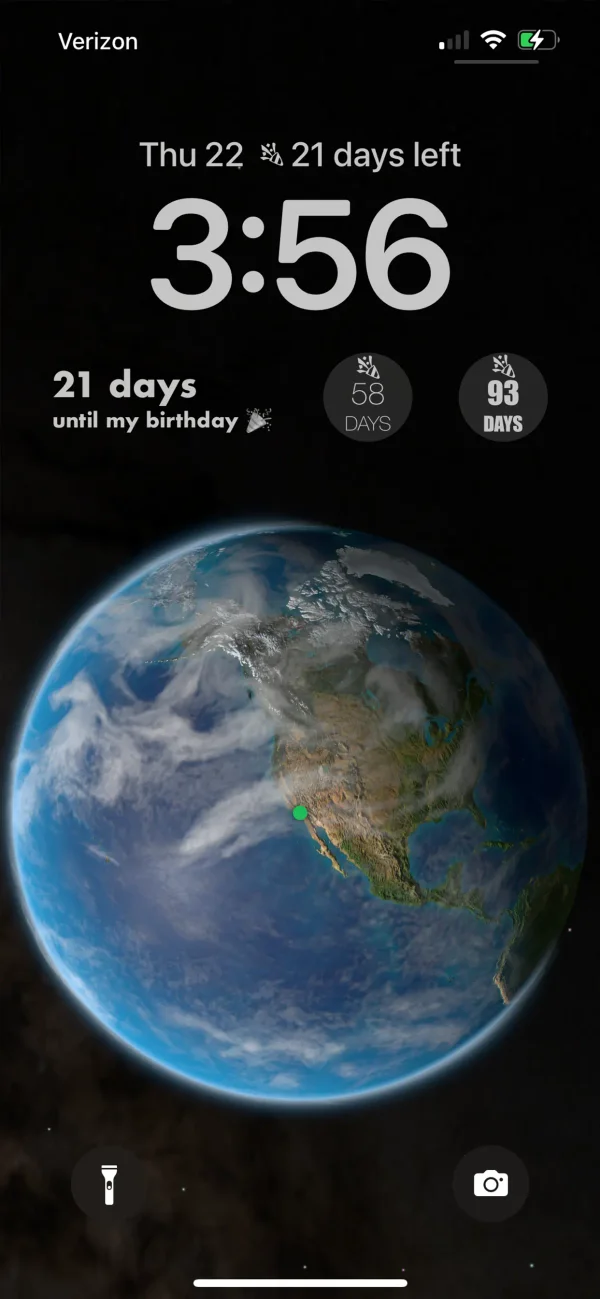
LOCK SCREEN WIDGETS: Add countdown widgets to your lock screen! First, set up your countdown in the Countdown app. Then, pull down your lock screen, long-hold an empty area and tap "Customize."
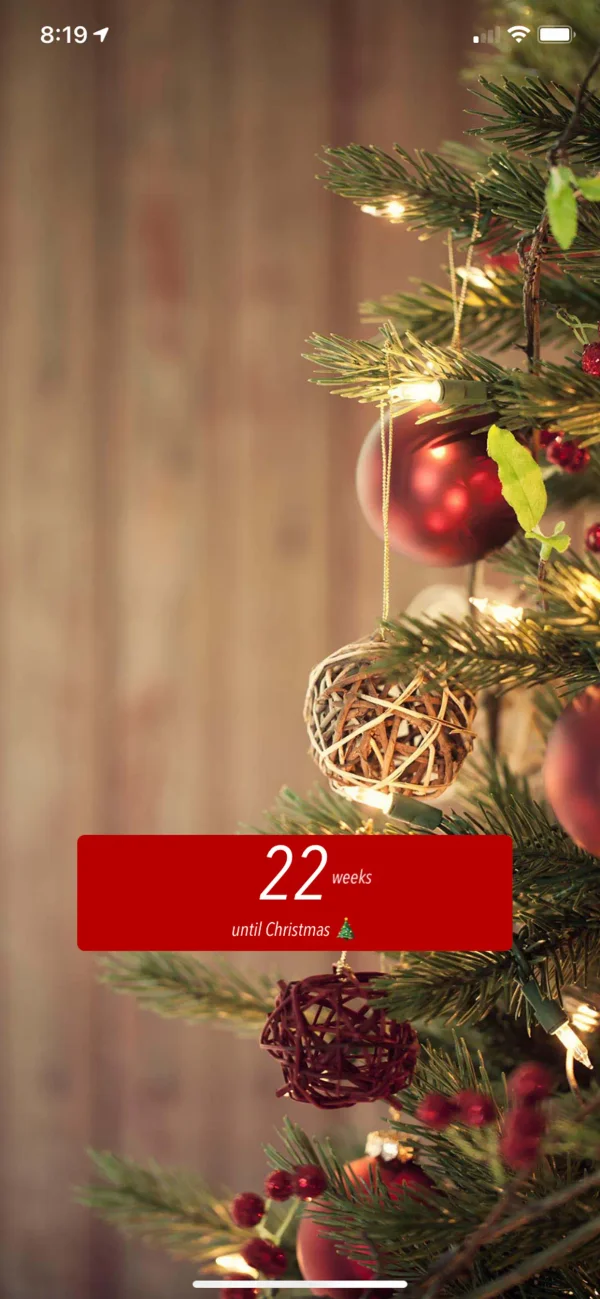
FLEXIBLE UNITS: Years, months, weeks, days, hours, minutes, seconds, and even heartbeats! (e.g. "3 months 14 mins" or "56,713 heartbeats")
DRAG the Countdown and DISPLAY it wherever you want.
Use YOUR OWN PHOTOS as the background, including INSTAGRAM and FACEBOOK PHOTOS! Or browse a large selection of FREE BACKGROUND PHOTOS.
Flip through your background photos while counting down.
Set your own MUSIC for each Countdown.
Customizable FONTS, font colors, and background colors.
Add YOUR OWN PHRASE — "the concert of the year," "little pumpkin's dance performance," "we board the plane."
Create Countdowns straight from your CALENDAR EVENTS.
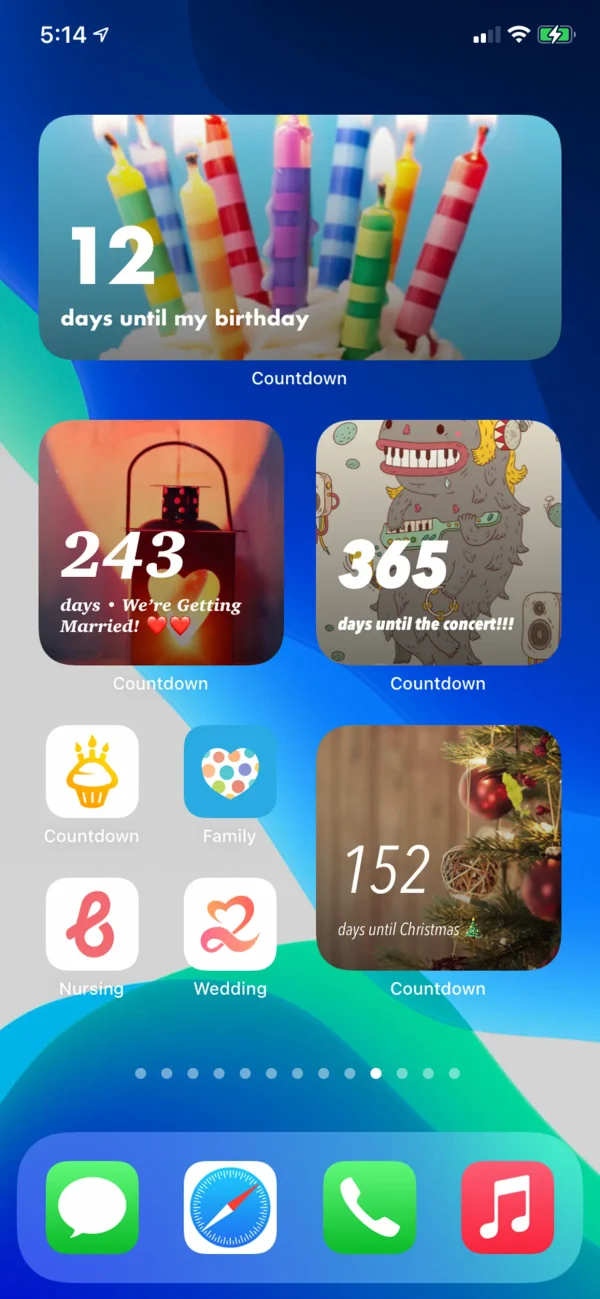
MULTIPLE Countdowns — rearrange them however you like.
REMINDERS for your events.
SHARE a live Countdown or a screenshot via Facebook, Instagram, Twitter, or email.
Count down to ANNIVERSARIES that repeat every year. (e.g. "25 days until my 10th anniversary!")
COUNT UP from past events. (e.g. "21 days since…")
SMART TOOLBAR stays hidden until you tap the screen — more room for your Countdowns.
Works in PORTRAIT and LANDSCAPE mode.
=== Countdown Premium ===
HOME SCREEN WIDGETS: Count the days to your event without ever opening the app.
SLIDESHOW MODE: Automatically cycle your background photos with a choice of animation styles and speeds.
NO ADS: No distractions or clutter — just you and your countdown.
Make each second count!
In addition to the free features above, Countdown Premium is available as a subscription. Premium subscribers get an ad-free experience, home screen widgets, and slideshow mode.
Price may vary by location. Subscriptions are charged to your payment method through your Apple ID account and renew automatically unless canceled at least 24 hours before the end of the current period. Manage your subscription anytime in Account Settings.
Terms: https://www.sunflowr.com/terms-of-service/
Privacy Policy: https://www.sunflowr.com/privacy/
What’s new
Version 4.8.1 · Oct 14, 2026
• Optimized for iOS 27
• Minor fixes and improvements
Thanks for using Countdown! Happy counting!
App privacy
What Sevenlogics, Inc. declares on the App Store about how this app handles data.
-
Data used to track you
May be used to track you across apps and websites owned by other companies.
- Identifiers
-
Data not linked to you
May be collected but is not linked to your identity.
- Identifiers
- Diagnostics
Privacy practices may vary, for example with the features you use or your age.
Information
- Seller
- Sevenlogics, Inc.
- Category
- Lifestyle
- Version
- 4.8.1
- Updated
- Oct 14, 2026
- Released
- Apr 19, 2011
- Size
- 76.5 MB
- Requires
- iOS 17.6 or later
- Age rating
- 4+
- Price
- Free
- In-app purchases
- Yes
- Languages
- English, Danish, Dutch, Finnish, French, German, Greek, Hebrew, Indonesian, Italian, Japanese, Korean + 11 more
- Copyright
- © Sunflowr
You might also like
-
 Outside: Countdown for CouplesDays Until Wedding, Trip, LDR
-
 Countdown with widgetCount down days to/since date
-
 Birthday CountdownBirthday Reminder & Widget
-
 The Knot: Wedding Planner AppCountdown, Registry, Guestlist
-
 Sun Tan CityLifestyle
-
 Sober Time - Sobriety CounterQuit Drinking: Alcohol Tracker
-
 Luna: Your Moon CalendarDaily insights・Self-discovery
-
 Zola - Wedding PlannerRegistry, Countdown, Budgeting
-
 AJournal - Planner & JournalDigital Calendar & Handwriting
-
 TheDayBefore (days countdown)Anniversary·Widget·Day Counter