Countdown AR
Countdowns with widgets & AR
Designed for iPhone, iPad
In-app purchases
- Age rating4+
- CategoryUtilities
- DeveloperEdward Choe
- LanguagesEnglish
- Size73.3 MB
Links to the official App Store page
Download.org hosts no file of Countdown AR. The button opens its official App Store page, published by Edward Choe. Listing last checked on Nov 12, 2026.
Screenshots

About
Countdown AR: Beautiful Event Timer, Count Up & Widgets
Count down and count up to the moments that matter with a beautifully designed event tracker built for iOS.
Track birthdays, vacations, weddings, retirement, due dates, holidays, fitness goals, anniversaries, and more. Your events appear as elegant cards in the app and matching Home Screen widgets, so your most important moments stay visually consistent and always in view.
Create Stunning Countdowns & Count Ups in Seconds
• Fast, intuitive event creation
• Large, clear display focused on days remaining or days passed
• Smart contrast text for perfect readability
• Events automatically sort by approaching date
• Swipe to delete any event with a single gesture
• Share countdowns and count ups with friends and family
Free Features
Countdown AR is usable for free:
• Create and track up to 2 countdowns or count ups
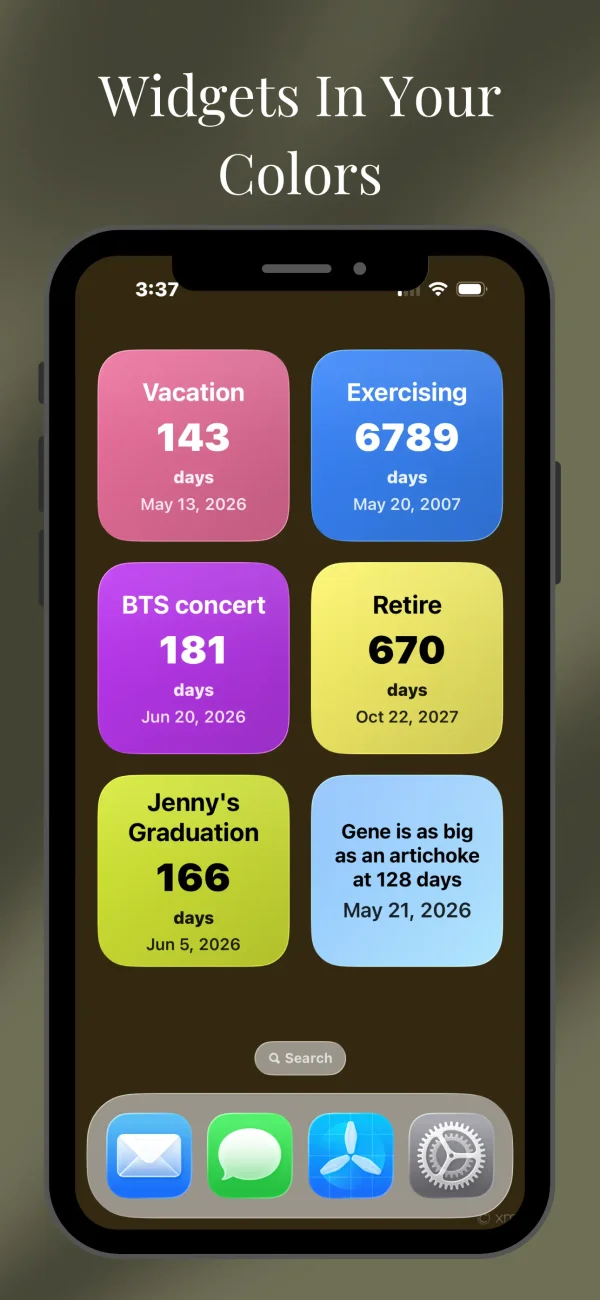
• Customize countdown card colors
• Matching Home Screen widgets
• Count up tracking for goals, anniversaries, and milestones
• Automatic saving using SwiftData
• Share countdown and count up details
• Earn coins by using the app
* Use Siri to create new countdowns.
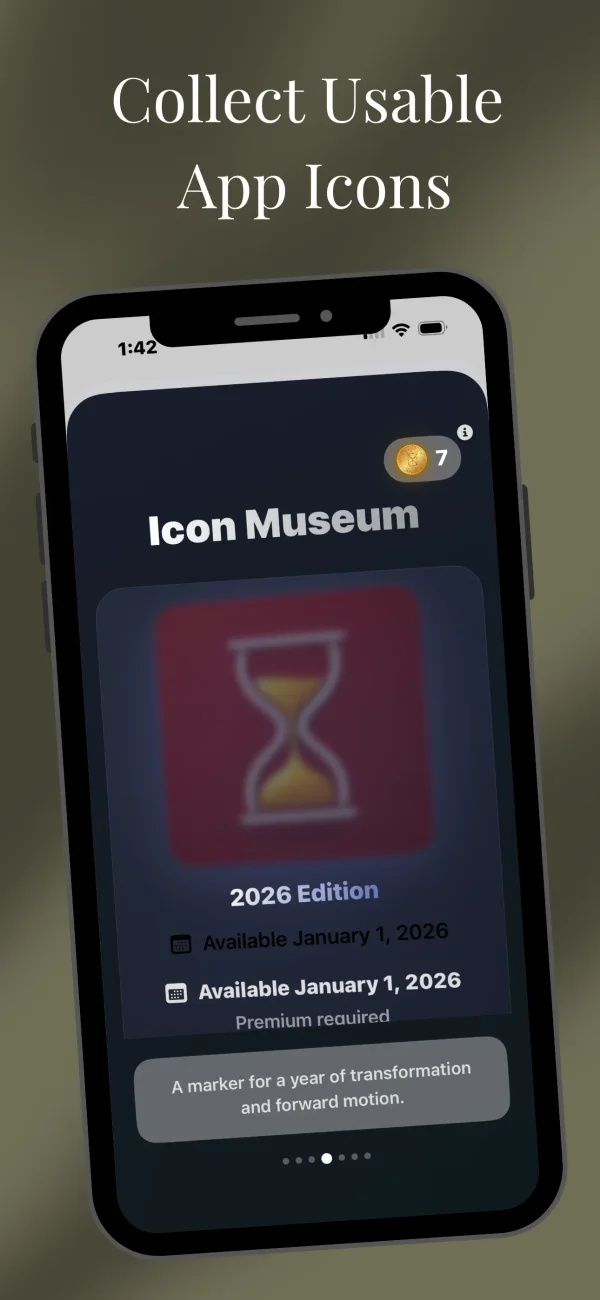
Coin System & Icon Museum
Earn coins by:
• Completing countdowns
• Running AR countdowns
• Opening the app regularly
• Creating more than 4 countdowns (with occasional bonus rewards)
Use coins to:
• Unlock collectible app icons
• Permanently own unlocked icons
• Access limited-time icon designs when available
Coins can be earned for free. Premium members receive bonus coin rewards.
Premium Features
Upgrade to Premium to unlock advanced tools and accelerate progress:
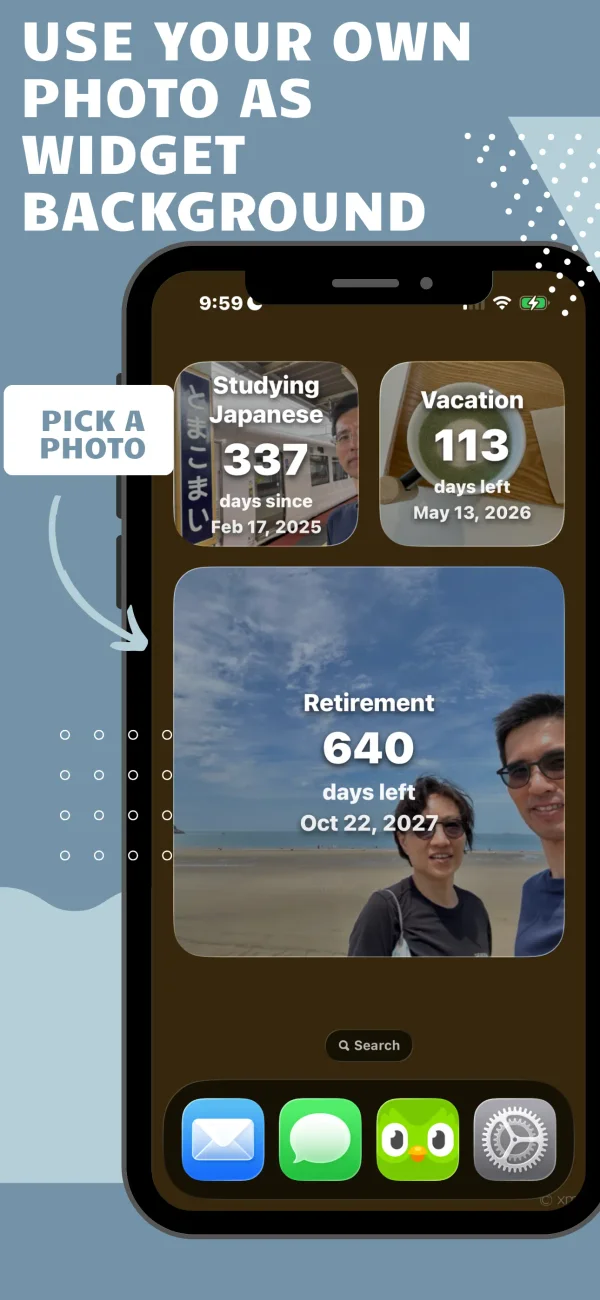
Personalize your Home Screen with photo widget backgrounds for each countdown.
Create unlimited countdowns and count ups with no limits.
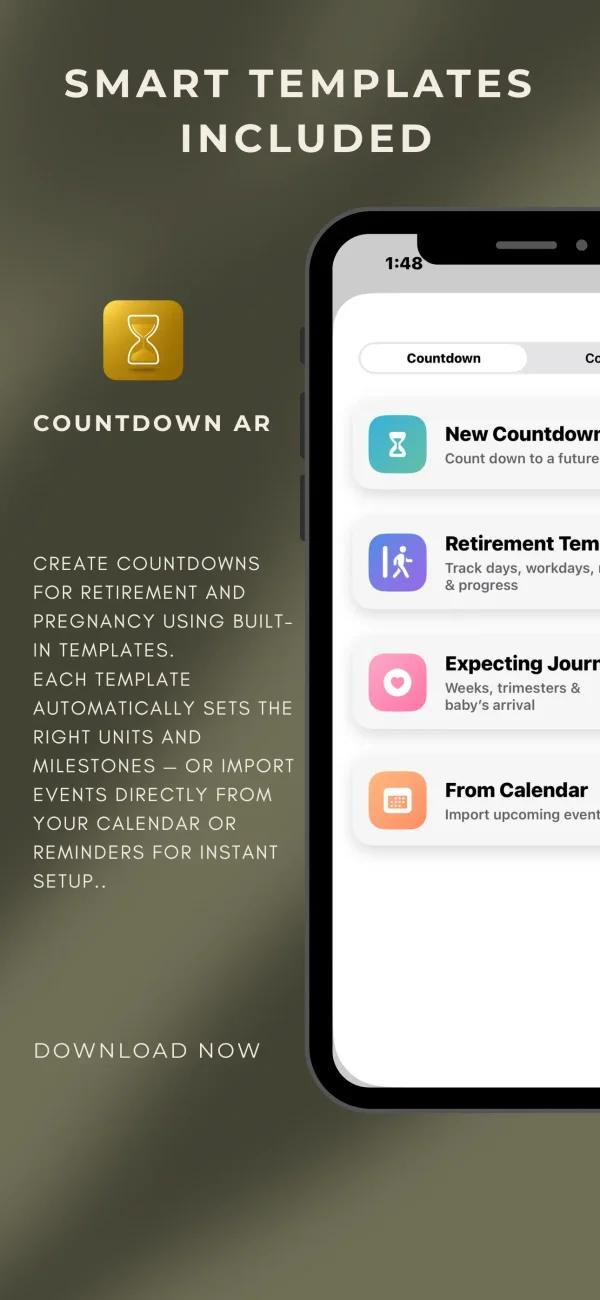
Calendar & Reminders Import
• Import events directly from your iOS Calendar
• Turn Reminders into countdowns instantly
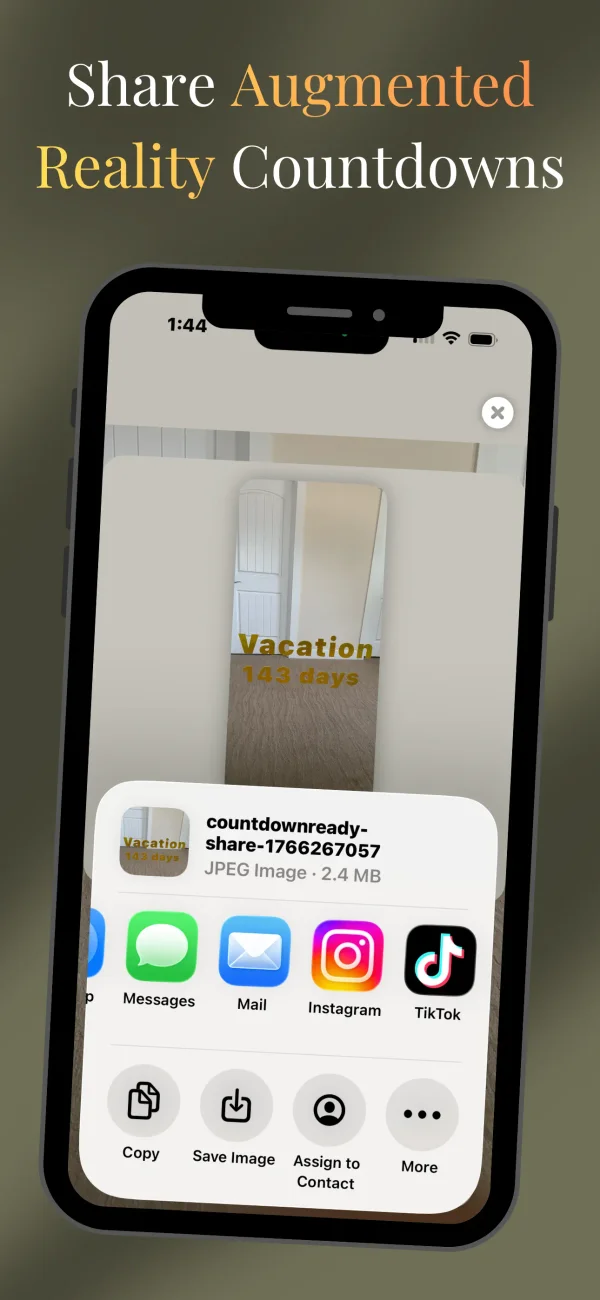
AR Countdown Mode
Place a live 3D countdown into your real-world environment using ARKit.
• Capture AR photos and videos
• Share to social media or messages
• Perfect for New Year’s, launches, parties, and celebrations
Premium Templates
Retirement Countdown Template
Automatically generates:
• Days until retirement
• Percent of career completed
• Estimated commute miles remaining
Expecting Journey (Pregnancy Tracker)
• Trimester progress
• Weekly baby development milestones
• Days until due date
Bonus Coins
Premium members earn extra coins from eligible activities.
Future Premium Features Included
All future advanced templates and tools are included at no additional cost.
Perfect For
• Birthday countdowns
• Wedding countdowns
• Vacation planning
• Retirement planning
• Pregnancy due dates
• Anniversary count ups
• Holiday & Christmas countdowns
• Fitness goals & habit tracking
• School, exams, or graduation
• Product launches & milestones
• “Days until” or “days since” any event
Make Every Moment Count
Whether you’re counting down to something exciting or measuring how far you’ve come, Countdown AR turns milestones into something beautiful, consistent, and personal.
Terms of Use:
https://edhchoe-creator.github.io/Privacy-Policy/terms.html
Privacy Policy:
https://edhchoe-creator.github.io/Privacy-Policy/privacy.html
What’s new
Version 3.3.5 · May 28, 2026
bug fix.
App privacy
What Edward Choe declares on the App Store about how this app handles data.
-
Data not collected
The developer does not collect any data from this app.
Privacy practices may vary, for example with the features you use or your age.
Information
- Seller
- Edward Choe
- Category
- Utilities
- Version
- 3.3.5
- Updated
- May 28, 2026
- Released
- Dec 2, 2025
- Size
- 73.3 MB
- Requires
- iOS 18.6 or later
- Age rating
- 4+
- In-app purchases
- Yes
- Languages
- English
- Copyright
- © Edward Choe
You might also like
-
 Always CoverageUtilities
-
 i-AttendSAttendance
-
 Tamil Calendar (With Gowri)For your daily use
-
 Photo Countdown WidgetDays Until & Since, Birthdays
-
 Event Countdown : Time UntilDays Left : Big Days Countdown
-
 SMS ShieldSMS Spam Filter
-
 SpeakUp: Public SpeakingAI Speech Coach & Practice
-
 Swipee: Photo CleanerSwipe to delete, clear storage